Key Takeaways
- Docker containers let you self-host services on your NAS without risking existing data
- Lightweight services like Pi-hole and Wireguard VPN are ideal starting points for NAS self-hosting
- NAS hardware is optimized for power efficiency over computational power, so choose services accordingly
Your NAS is probably underutilized
Most people set up a NAS, tuck it in a corner, and forget it exists. It stores files, maybe backs up a few machines, and that's the end of the story. But even a budget NAS can do significantly more with a few hours of weekend tinkering and little to no additional cost.
These five upgrades range from completely free software additions to inexpensive hardware tweaks. None require advanced technical skills or days of configuration.
Add Docker to unlock self-hosting
Self-hosting typically means buying a dedicated PC, mini PC, or building a server rack. Your NAS already has the hardware. You just need to put it to work.
Docker is the cleanest way to add services to a NAS. It runs everything in isolated containers. Each service stays in its own box. If something breaks or you don't like it, you delete the container. Your data and other services remain untouched.
Start with lightweight services you'll actually use. Wireguard VPN lets you access your home network securely from anywhere. Pi-hole blocks ads, trackers, and some malware at the network level, protecting every device in your house without installing anything on each one.
If you have a media library that doesn't need transcoding, Plex or Jellyfin can serve movies and music to any device. Jellyfin is completely free and open-source. Plex has a free tier that handles most use cases.
Logicity's Take
Know your NAS hardware limits
NAS devices are optimized for power efficiency and reliability, not raw computational power. The CPU in your $300 NAS won't match even a five-year-old desktop.
This matters when choosing what to self-host. File serving, ad blocking, VPN endpoints, and basic web applications work fine. Real-time video transcoding, game servers with physics calculations, or anything involving machine learning will likely choke.
The approach: start with one service, monitor system load for a few days, then add another. If CPU or memory usage stays under 50% during normal operation, you have room for more.
Network improvements that cost nothing
Before spending money on hardware, check your current network setup. Many NAS performance complaints trace back to configuration issues, not hardware limitations.
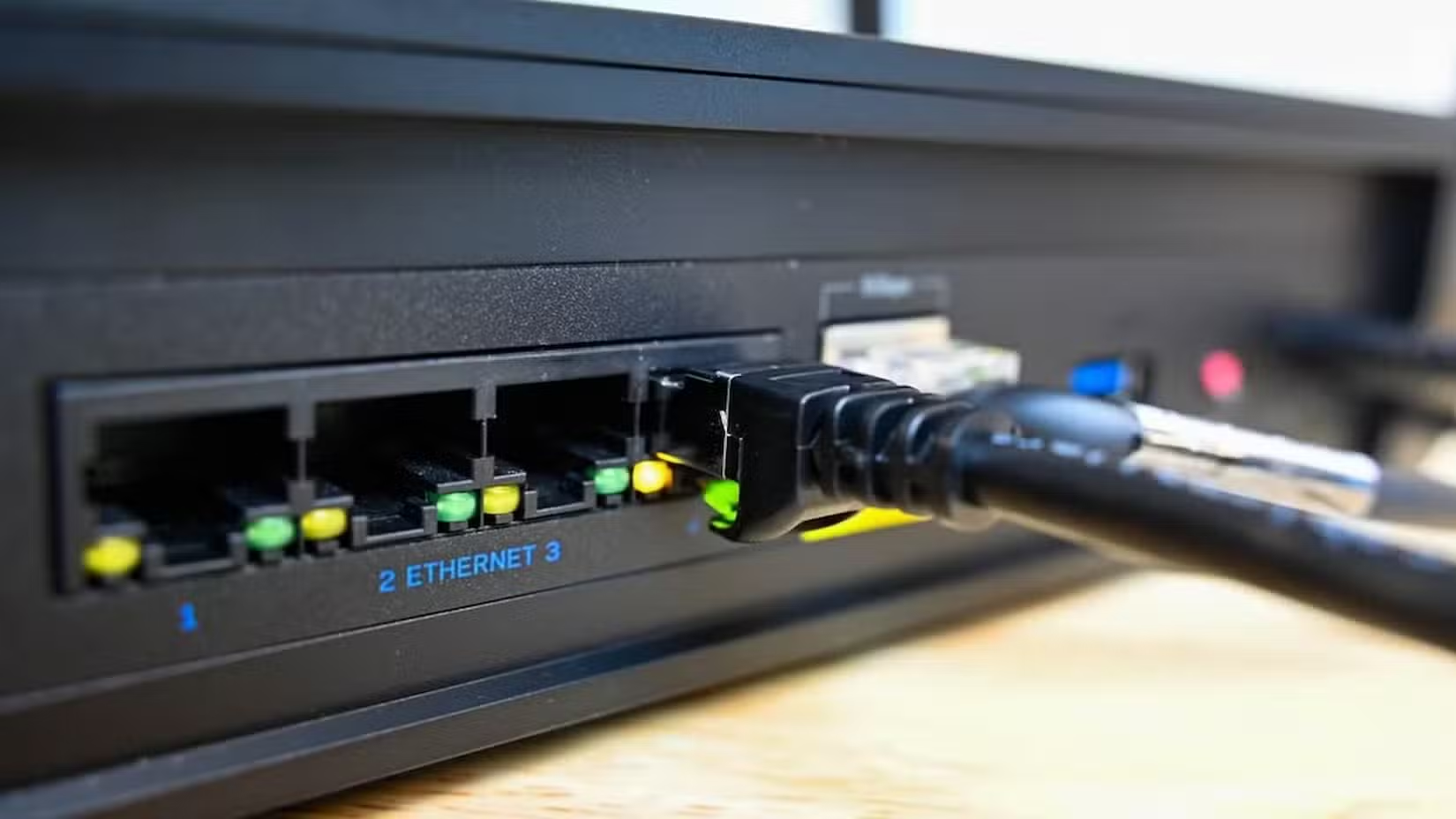
If your NAS is on WiFi, move it to a wired Ethernet connection. Even WiFi 6 introduces latency and throughput variability that affects file transfers and streaming. A $10 Ethernet cable is the single best NAS upgrade for most setups.
Check your router's Quality of Service settings. Prioritizing NAS traffic can eliminate stuttering during media playback. Most routers made after 2020 have this feature buried somewhere in the admin panel.
Upgrade to 2.5 Gigabit Ethernet for under $30
Standard Gigabit Ethernet maxes out at about 110 MB/s in real-world transfers. That's fine for streaming, but painful when moving large video files or backing up a photography library.
If your NAS and router support 2.5 Gigabit Ethernet, a USB adapter for your main computer costs about $25. Transfer speeds jump to roughly 280 MB/s. That's not dramatic for small files, but copying a 50GB project folder takes minutes instead of the better part of an hour.
Reduce hard drive noise and extend lifespan
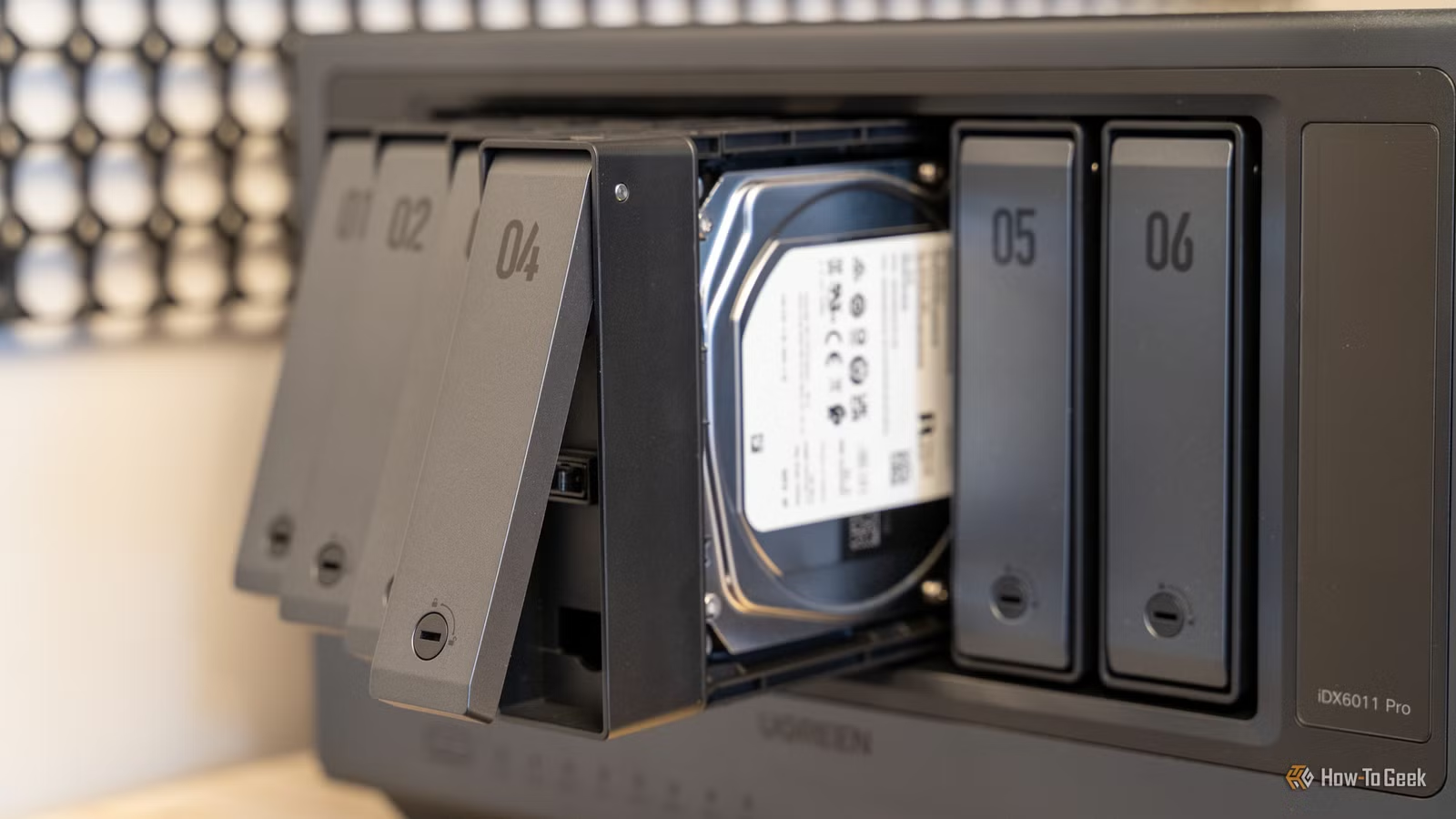
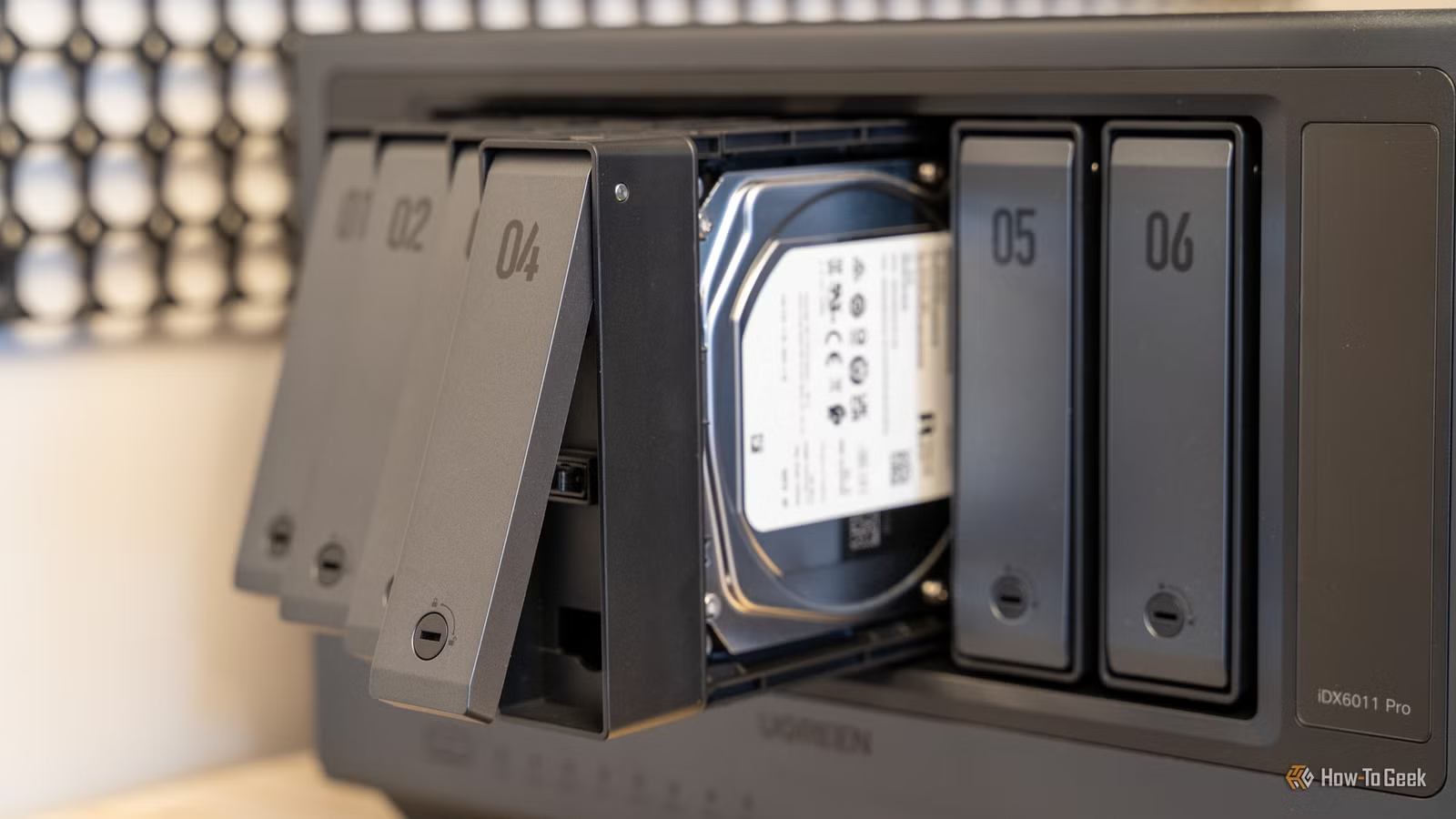
Mechanical hard drives vibrate. Multiple drives vibrating in a metal enclosure create noise and can actually reduce drive lifespan through resonance.
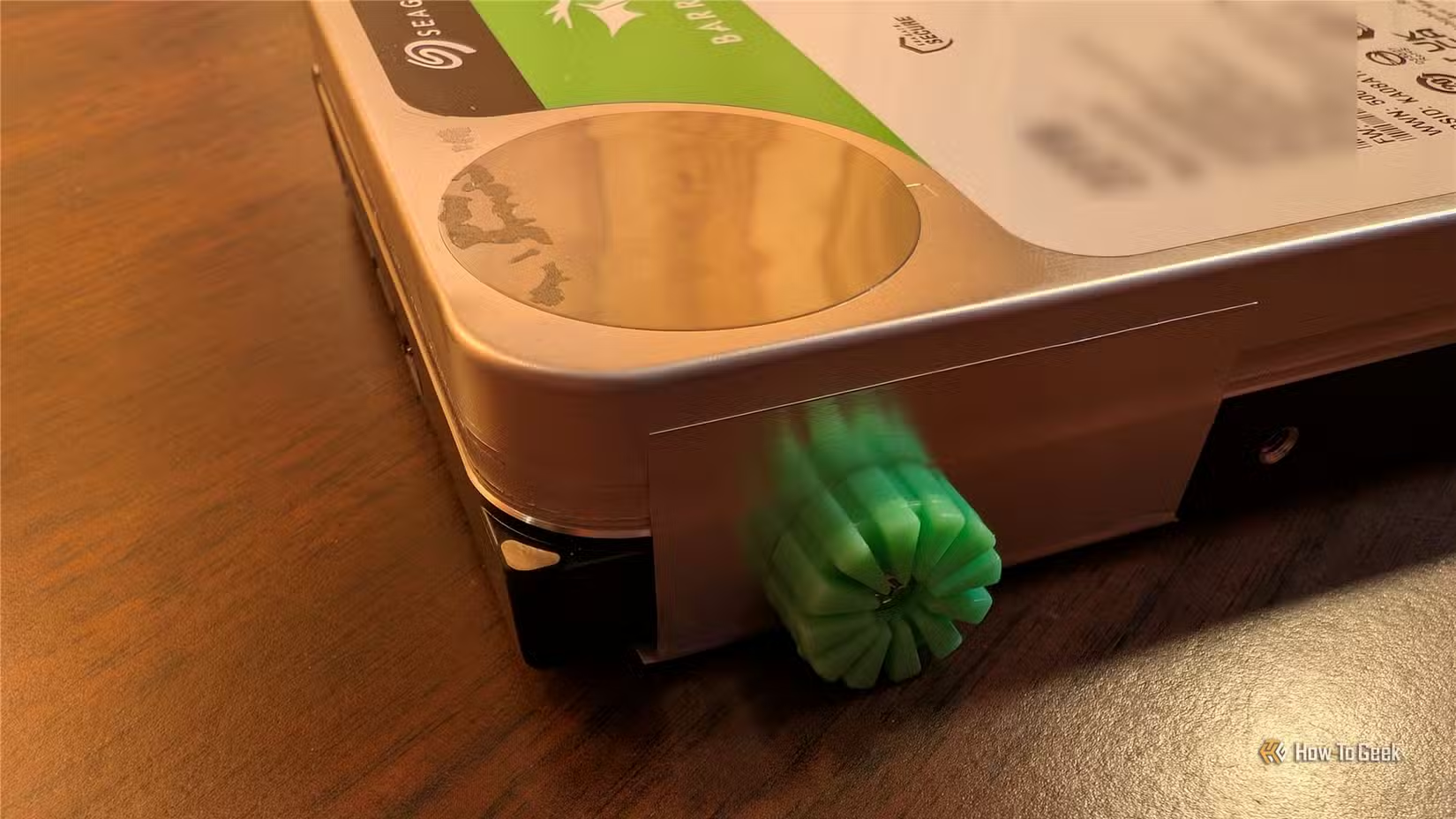
Anti-vibration mounts or rubber grommets cost a few dollars and install in minutes. They dampen the vibration between drives and the NAS chassis. The noise reduction is immediately noticeable. The longevity benefit takes years to prove, but the physics are sound.
Improve cooling with a fan upgrade
Stock NAS fans balance noise against cooling, usually leaning toward quiet operation. If your NAS lives in a closet or warm room, slightly better cooling can lower drive temperatures by several degrees.
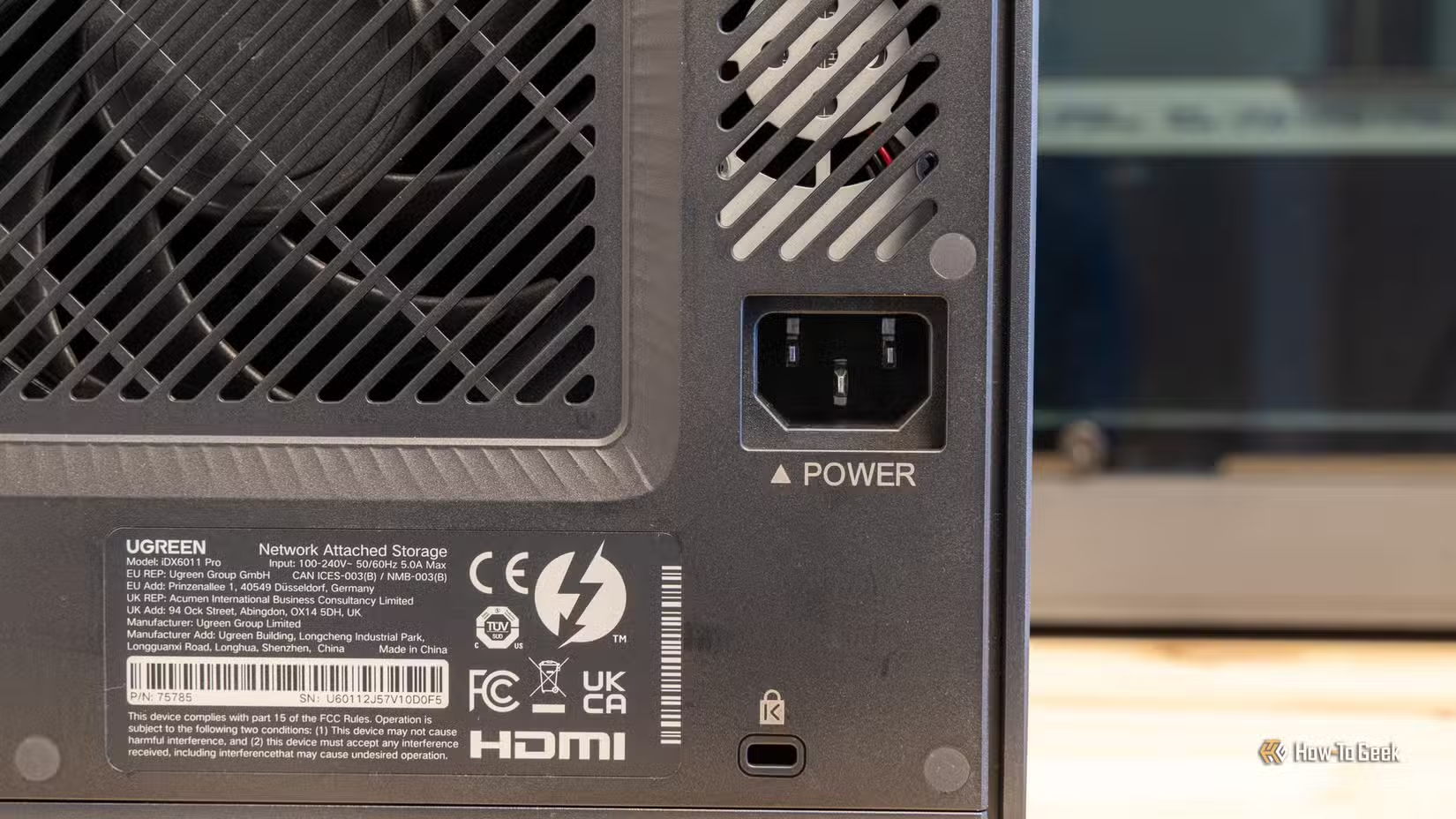
Replacement fans from Noctua or Arctic run $10-20 and are designed for silent operation. Lower drive temperatures mean longer drive life. If your drives regularly exceed 45°C, this upgrade pays for itself in avoided drive replacements.
- Check current drive temperatures in your NAS admin panel
- Target operating temperatures below 40°C for optimal longevity
- Match replacement fan dimensions to your NAS model before ordering
Where to start this weekend
If you only do one thing: install Docker and set up Pi-hole. The ad blocking alone improves daily life noticeably, and you'll learn the basics of container management without risking anything important.
If your NAS runs warm or loud, tackle the hardware tweaks. Anti-vibration mounts and fan upgrades are simple installations with immediate results.
Pi-hole blocks trackers at the network level, but your browser has its own data leaks
Frequently Asked Questions
Can I run Docker on any NAS?
Most modern NAS devices from Synology, QNAP, and Asustor support Docker natively. Older or budget models may lack the CPU architecture or memory to run containers effectively. Check your manufacturer's documentation.
Will self-hosting slow down my NAS file transfers?
Lightweight services like Pi-hole or Wireguard use minimal resources and won't noticeably affect file transfer speeds. CPU-intensive services like media transcoding can compete for resources. Monitor your system load after adding new services.
How much does a 2.5 Gigabit Ethernet upgrade cost total?
About $25 for a USB adapter for your computer. Your NAS and router need to support 2.5GbE already. If they don't, you'd need to upgrade those devices too, which changes the cost calculation significantly.
Do anti-vibration mounts really extend hard drive life?
Studies show that vibration contributes to hard drive failure, particularly in multi-drive setups where resonance can occur. Dampening vibration reduces this stress. The exact lifespan extension is hard to quantify, but the engineering principle is well-established.
Is it safe to replace NAS fans with third-party options?
Yes, as long as you match the fan dimensions and connector type. Noctua and Arctic fans are commonly used for NAS upgrades. Check that your replacement moves adequate airflow for your enclosure size.
Need Help Implementing This?
Source: How-To Geek
Huma Shazia
Senior AI & Tech Writer
Produced with AI assistance and reviewed by the Logicity editorial team. Learn more in our Editorial Policy.