Key Takeaways
- Qubes OS requires 16GB RAM and hardware virtualization, making it unsuitable for most aging machines
- Garuda Linux's visual effects and ZRAM compression actually hurt performance on older CPUs
- Fedora's atomic desktops need fast SSDs; mechanical drives make them nearly unusable
"Just install Linux" has become the default advice for reviving an old PC. The assumption: any Linux distribution will breathe new life into hardware that Windows 11 has brought to its knees. That assumption is wrong.
Many modern Linux distros are as resource-hungry as Windows. Security-focused distributions demand hardware virtualization. Flashy desktop environments consume gigabytes of RAM. Immutable filesystems punish mechanical hard drives. If you pick the wrong distro for your aging ThinkPad, you'll end up with a system that boots but barely functions.
Nick Lewis, an editor at How-To Geek who has been running home servers and repurposing old hardware for over a decade, compiled a list of distros that will disappoint anyone hoping to squeeze more years out of limited specs.
Why does Qubes OS need so much RAM?
Qubes OS isolates every activity into separate virtual machines. Your browser runs in one VM, your email client in another, your banking in a third. If malware compromises one compartment, it can't reach the others. It's a genuinely clever security model.
The catch: running multiple VMs simultaneously demands serious hardware. Qubes requires Intel VT-x or AMD-V virtualization extensions, which older processors either lack entirely or implement poorly. More critically, each qube consumes RAM. The recommended minimum is 16GB, more than many aging laptops can physically hold.
A 4GB machine running Qubes will swap constantly. An 8GB machine will struggle the moment you open a second qube. Unless your old PC has a modern CPU and expandable memory, skip Qubes entirely. A conventional distro with standard security practices will serve you far better.
Is Garuda Linux too heavy for older hardware?
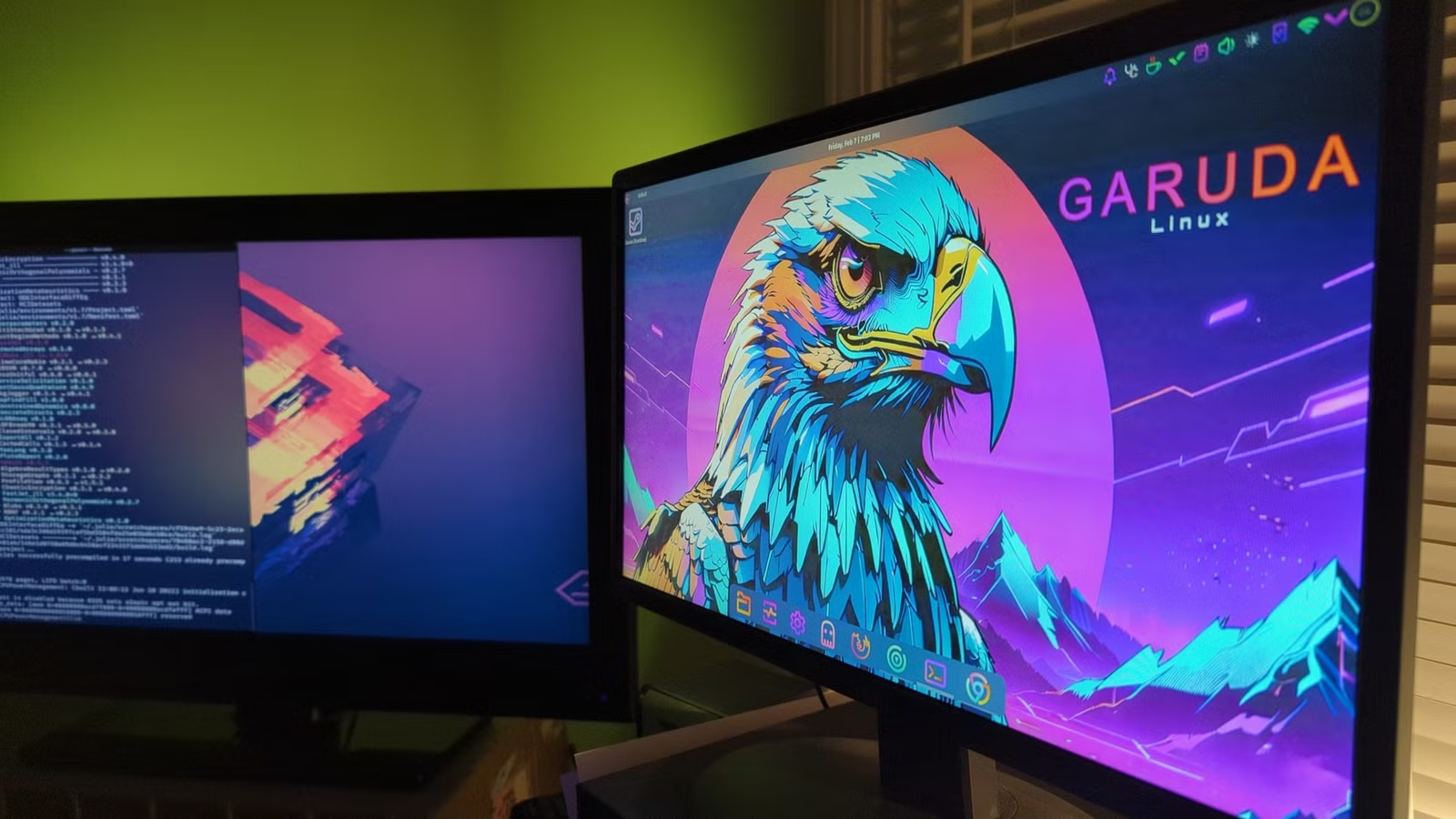
Garuda Linux looks stunning. Its "Dragonized" KDE Plasma theme features blur effects, full animations, and a gaming-optimized kernel. For users with modern hardware who want an Arch-based system without the manual setup, it's excellent.
For old PCs, Garuda is a trap. Those visual effects consume GPU and CPU cycles. The Linux Zen kernel is tuned for responsiveness on capable hardware, not efficiency on weak hardware. And Garuda's ZRAM feature, which compresses memory to improve multitasking, requires CPU power to do the compression. On an aging dual-core processor, ZRAM can actually slow things down.
Garuda does offer an Xfce edition with a lighter footprint. If you're attached to the distro's philosophy, that's the version to try. Otherwise, look elsewhere.
What makes Fedora Silverblue and Kinoite problematic?
Fedora's atomic desktops, Silverblue (GNOME) and Kinoite (KDE), use an immutable filesystem. The root partition is read-only. Updates happen by downloading entire system images rather than patching individual packages. If an update breaks something, you can roll back instantly.
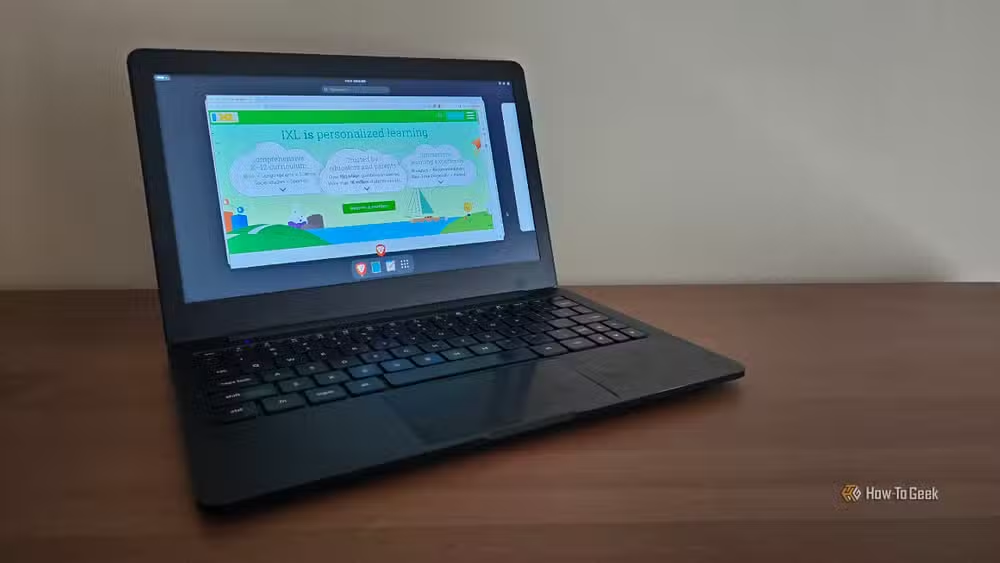
This model trades storage performance for reliability. During updates, the system maintains multiple snapshots. On an SSD, the overhead is tolerable. On a mechanical hard drive, the lag becomes unbearable. The constant read/write operations during updates can make the system unresponsive for minutes at a time.
Old laptops that shipped with spinning disks, and never got an SSD upgrade, will suffer. If you want Fedora on legacy hardware, stick to the traditional Workstation edition.
The real bottleneck: modern web browsers
Here's the uncomfortable truth that distro debates often ignore. The operating system is rarely the problem. Modern web browsers are.
Chrome and Firefox routinely consume 2-4GB of RAM with a handful of tabs open. A lightweight distro using 300MB at idle won't help if your browser demands 3GB the moment you open Gmail. Reddit's r/lowspecpc community has reached a consensus: without enough RAM for browser overhead, even the leanest OS will struggle against today's bloated web.
What should you install instead?
The hardware-constrained path forward is a minimal Debian Stable installation with a tiling window manager like i3 or Sway. No desktop environment overhead. No compositor effects. Just a terminal, a browser, and whatever applications you actually need.
Machines from the 5-7 year range, where "OS bloat" typically becomes noticeable, can often run standard desktop environments if they have at least 8GB of RAM and an SSD. The combination of those two upgrades frequently costs less than $60 and transforms usability more than any distro choice.
For machines too old to upgrade, the Xfce or LXQt editions of mainstream distros, Fedora Xfce Spin, Lubuntu, Linux Mint Xfce, offer the best balance of usability and efficiency. They won't win design awards, but they'll actually run.

Another case where older, leaner software outperforms modern alternatives
Logicity's Take
The "just install Linux" advice persists because it used to be true. A decade ago, Windows Vista demanded 1GB of RAM while Ubuntu ran comfortably in 512MB. Today, GNOME 45 and Windows 11 have converged on similar resource profiles. The gap has closed. Choosing the right distro matters more than choosing Linux over Windows. For anyone considering a lightweight distro, the real question is whether the time spent configuring a minimal system exceeds the cost of a $30 SSD upgrade.
Frequently Asked Questions
What is the lightest Linux distro for an old PC?
Debian Stable with a minimal window manager like i3 or Sway offers the lowest overhead. For users who want a traditional desktop, antiX and Puppy Linux are designed specifically for very old hardware.
How much RAM does Qubes OS actually need?
Qubes recommends 16GB minimum. It can technically run on 8GB, but performance degrades significantly when multiple qubes are active.
Can I make Garuda Linux run faster on older hardware?
Garuda's Xfce edition removes most visual effects and offers better performance. Alternatively, disable ZRAM in system settings and switch to a lighter compositor.
Why do immutable distros need an SSD?
Immutable systems like Fedora Silverblue store multiple system snapshots and perform large atomic writes during updates. Mechanical drives cannot handle these operations without severe slowdown.
Is Linux really better than Windows for old PCs?
Only if you choose a lightweight distro. Resource-heavy distributions like Qubes, Garuda, and Fedora atomic desktops demand comparable or greater resources than Windows 11.
Need Help Implementing This?
Planning a hardware refresh or Linux deployment for your organization? Our team can help you evaluate distro options, plan SSD upgrades, and build lightweight configurations that maximize existing hardware. Contact Logicity for a consultation.
Source: How-To Geek
Huma Shazia
Senior AI & Tech Writer
Produced with AI assistance and reviewed by the Logicity editorial team. Learn more in our Editorial Policy.






