Key Takeaways
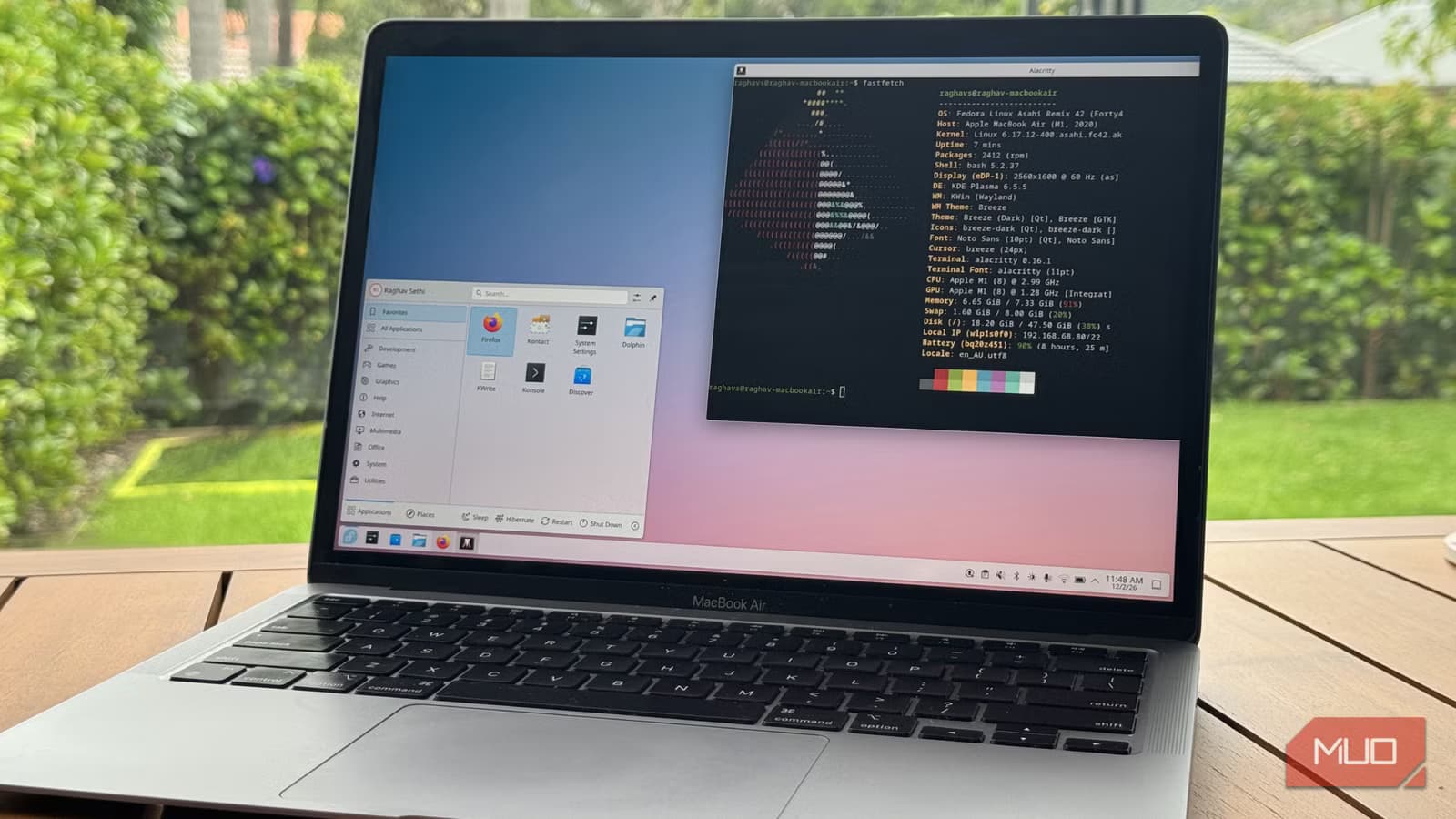
- KDE Connect replicates Windows Phone Link features across Android, iOS, and Linux
- LibreOffice handles Microsoft Office files without major formatting issues
- CopyQ offers clipboard history that Windows lacks by default
The App Gap Is the Real Migration Fear
Ask anyone hesitant about switching from Windows to Linux, and they won't cite the terminal or file system differences. They'll mention apps. When your workflow depends on specific tools, switching platforms feels like a gamble.
Pankil Shah, a tech writer who recently made the switch, found that the gamble paid off. After testing alternatives for the Windows apps he relied on daily, he discovered that Linux replacements matched or exceeded what he had before. Here's what worked.
KDE Connect Replaces Phone Link
Windows users who keep their phones connected to their PCs know Phone Link well. It handles calls, messages, and notifications without reaching for your phone. On Linux, KDE Connect does the same job.
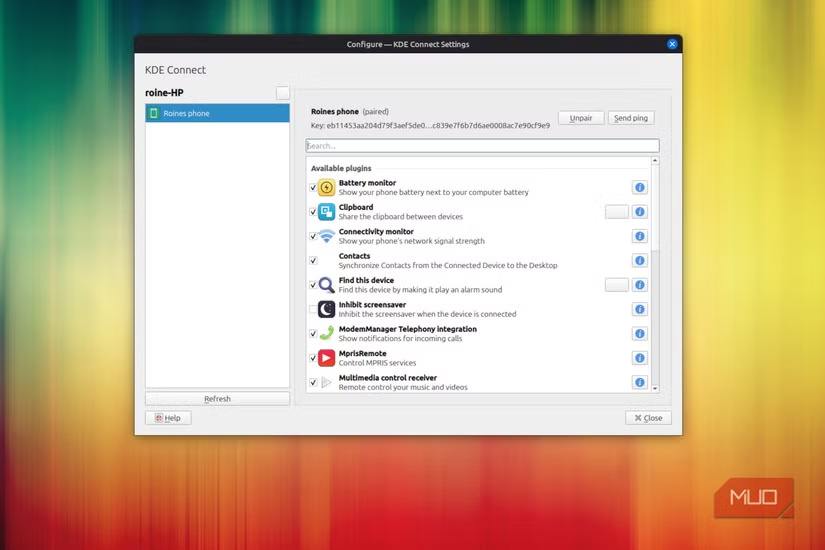
KDE Connect works over Wi-Fi to sync your phone with your computer. You can view notifications, reply to texts, and share files wirelessly. It also adds features Phone Link lacks: using your phone as a wireless trackpad and keyboard, running custom commands, and controlling media playback on your computer.
The app is free and works across Android, iOS, Windows, macOS, and Linux. That cross-platform support means you're not locked into one ecosystem.
LibreOffice Handles Microsoft Office Files
Microsoft Office was Shah's biggest hesitation. When your work involves Word documents, Excel sheets, and PowerPoint presentations, switching to an alternative feels risky.
LibreOffice proved capable. Writer handles documents, Calc manages spreadsheets, and Impress covers presentations. The interface resembles Microsoft Office enough that the learning curve stays shallow.
More importantly, LibreOffice opens and edits Office files without breaking formatting. Shah reported that Word documents, Excel sheets, and PowerPoint files transferred cleanly. For most users who don't need real-time collaboration through Microsoft 365, LibreOffice covers the basics.
CopyQ Adds Clipboard History Windows Lacks
Windows has a clipboard history feature, but it's limited. CopyQ, a free Linux clipboard manager, goes further.
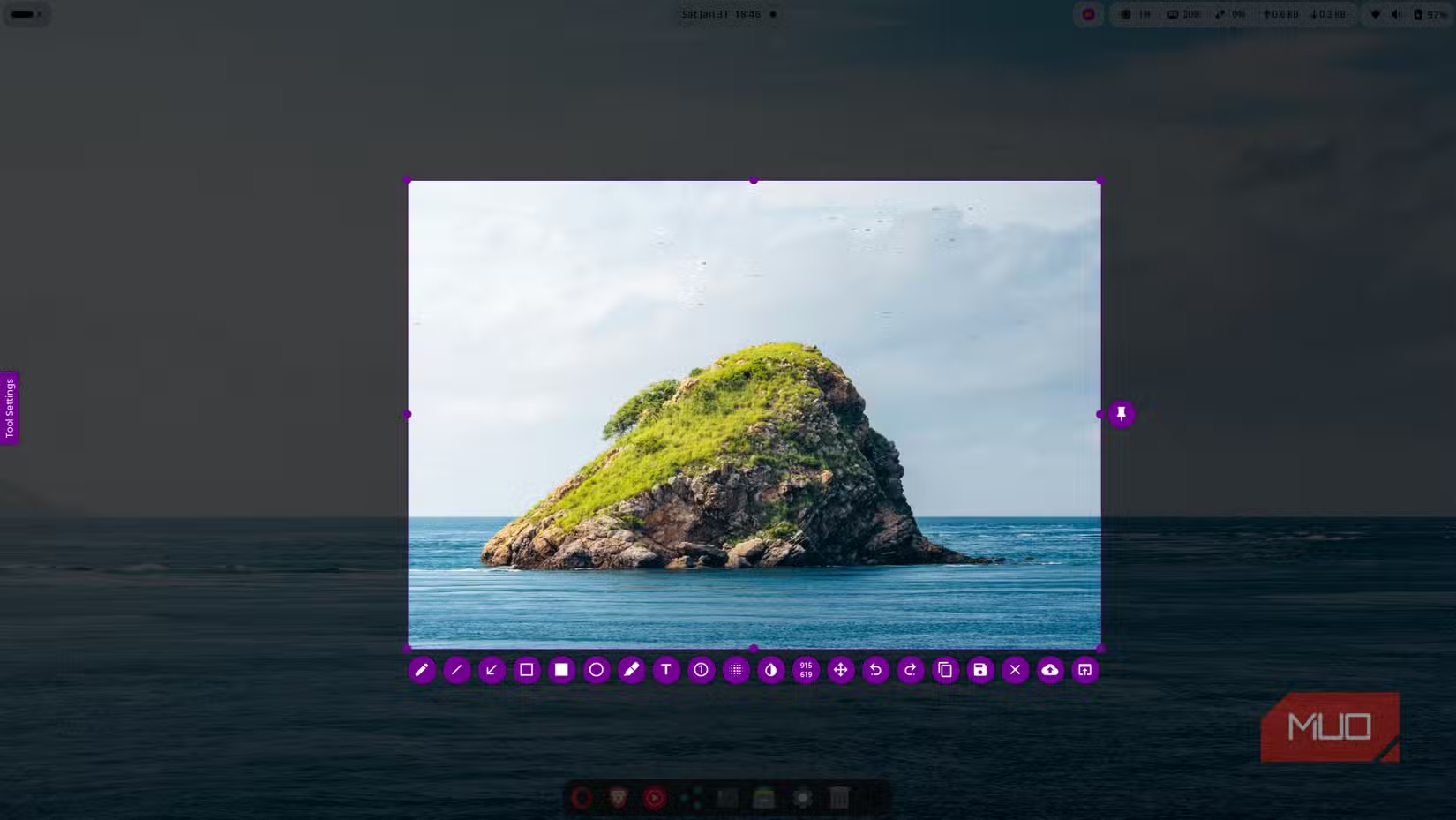
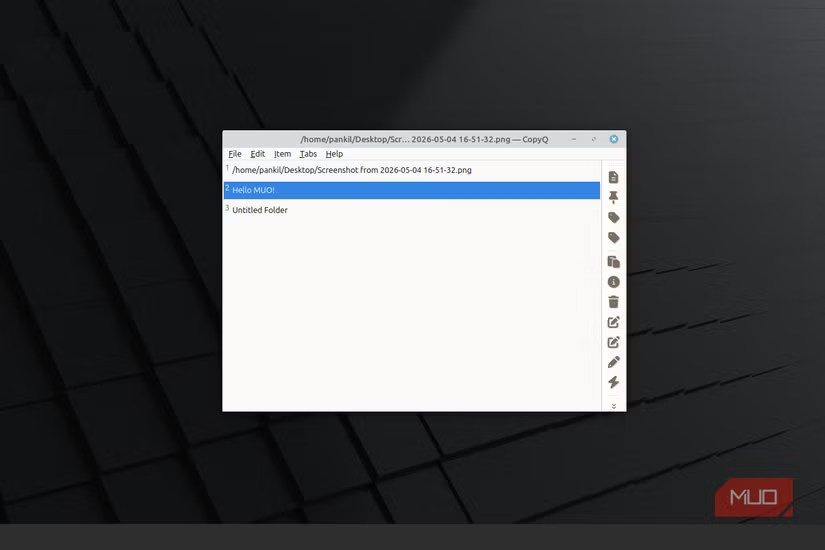
CopyQ stores everything you copy, lets you search through your history, and supports custom actions. You can edit clipboard contents before pasting, organize clips into tabs, and sync across devices. For anyone who copies and pastes frequently, this becomes a productivity boost Windows doesn't offer by default.
Wine Runs Windows Apps Directly
Some Windows apps have no Linux equivalent. Wine solves this by running Windows applications on Linux without a virtual machine.
Wine isn't perfect. Compatibility varies by application, and some software won't run at all. But for specific tools you can't replace, Wine offers a path forward. Check the Wine Application Database before relying on it for critical software.
The Adjustment Period Was Shorter Than Expected
Shah's conclusion matches what many Linux switchers discover: the app gap is smaller than it looks. Open-source alternatives have matured. KDE Connect offers features Phone Link doesn't. LibreOffice handles Office compatibility well enough for most workflows. CopyQ improves on Windows clipboard tools.
The switch still requires adjustment. You'll spend time configuring apps and learning new interfaces. But the fear that Linux can't handle real work? That's outdated.
Logicity's Take
Another perspective on when platform customization makes sense
Frequently Asked Questions
Frequently Asked Questions
Can LibreOffice fully replace Microsoft Office?
For document editing, spreadsheets, and presentations, yes. LibreOffice handles Office file formats well. It lacks real-time collaboration features and some advanced Excel macros, so check your specific needs.
Does KDE Connect work with iPhones?
Yes. KDE Connect supports iOS, Android, Windows, macOS, and Linux. iPhone users get the same core features: notifications, file sharing, and remote control.
What Windows apps won't run on Linux?
Adobe Creative Suite, some games with anti-cheat software, and specialized enterprise tools often have compatibility issues. Check the Wine Application Database for specific software before switching.
Is Linux harder to use than Windows?
Modern Linux distributions like Ubuntu, Mint, and Fedora offer interfaces comparable to Windows. Daily tasks work similarly. The learning curve appears mainly when configuring advanced settings or troubleshooting.
Can I dual-boot Windows and Linux?
Yes. Most Linux distributions offer dual-boot installation. You can keep Windows for apps that won't run on Linux and use Linux for everything else.
Need Help Implementing This?
Source: MakeUseOf
System Maintenance: The Linux Boot Drive as a Troubleshooting Tool
The new article introduces the Linux installation USB as a critical troubleshooting tool for system maintenance and emergency repairs. It covers technical recovery scenarios like fixing broken bootloaders and corrupted file systems, which were not addressed in the original article's focus on software replacements.
Huma Shazia
Senior AI & Tech Writer
Produced with AI assistance and reviewed by the Logicity editorial team. Learn more in our Editorial Policy.