Key Takeaways
- Blender handles the entire 3D pipeline for free, while Maya costs nearly $2,000 per year
- GIMP's PhotoGIMP patch replicates Photoshop's layout and shortcuts for easier transition
- The learning curve is the main cost of switching to open-source design software
Professional design software costs add up fast. Adobe Creative Cloud runs $60 per month. Autodesk Maya charges nearly $2,000 per year. For freelancers, small studios, and anyone working outside a corporate budget, these fees eat into every project.
But the free alternatives have quietly caught up. In some cases, they've pulled ahead. Jorge Aguilar, a Full Sail University alumnus trained on industry-standard tools, recently made the case that five open-source applications now match or beat their paid counterparts. The catch? You'll spend time learning new interfaces instead of money on subscriptions.
Blender: The $0 Alternative to $2,000 Maya
Maya remains the industry standard for 3D animation and visual effects. Studios expect it. Job postings list it. But an annual commercial license costs nearly $2,000, and that's before you add other tools for compositing, video editing, or motion tracking.
Blender handles all of that in a single free package. It covers 3D modeling, sculpting, rigging, animation, simulation, rendering, compositing, motion tracking, and video editing. The software is completely open-source, meaning no license fees, no subscription renewals, no feature gates.
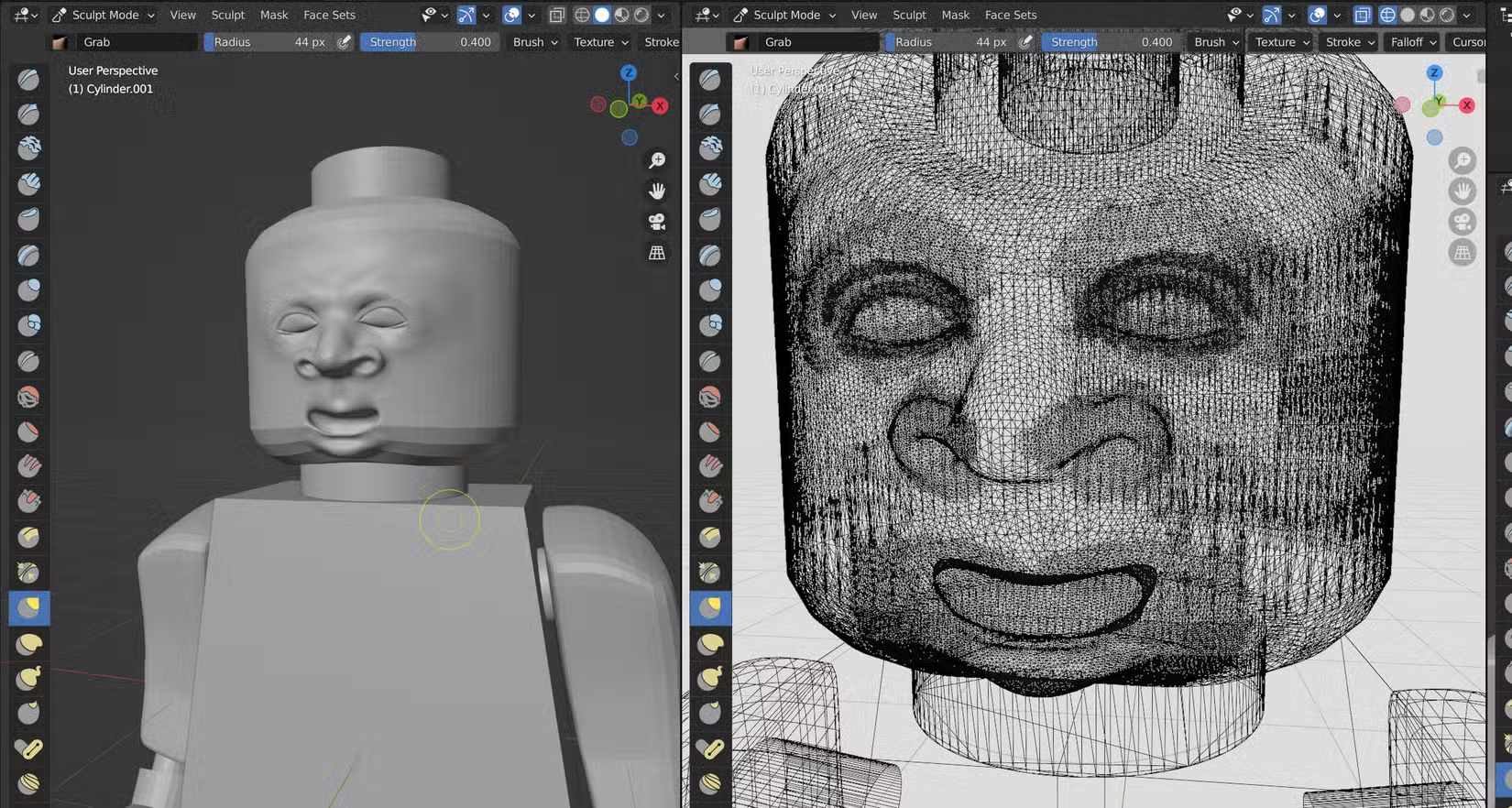
The tradeoff is interface philosophy. Maya emphasizes visual menus and discoverable UI elements. Blender relies heavily on keyboard shortcuts. Finding commands through menus is slow and awkward. Mastering the hotkeys unlocks speed that Maya can't match.
Blender also offers technical advantages. Weight values stay attached to objects even after you remove skin weighting, letting you reuse setups without losing data. That's a workflow benefit Maya doesn't provide.
GIMP: Photoshop's Capable but Stubborn Rival
GIMP has been the default Photoshop alternative for decades. It's also been the source of constant complaints about its interface. The software defaults to multiple floating windows for toolboxes and docks, scattering controls across your screen.
Switching from Photoshop feels clunky at first. The keyboard shortcuts differ. The tool locations differ. The workflow logic differs. Aguilar describes the transition as requiring "willpower to stick with it."
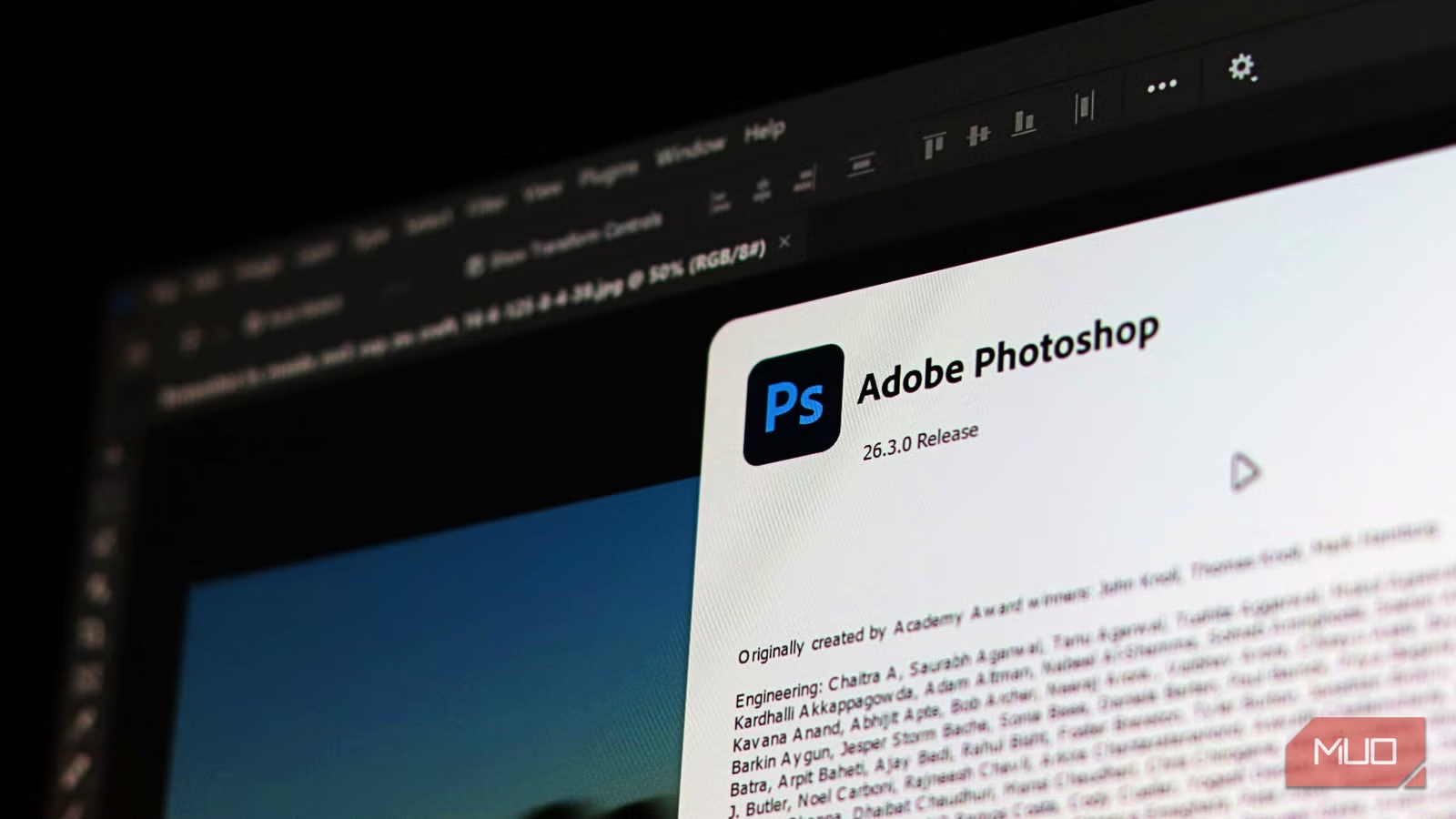
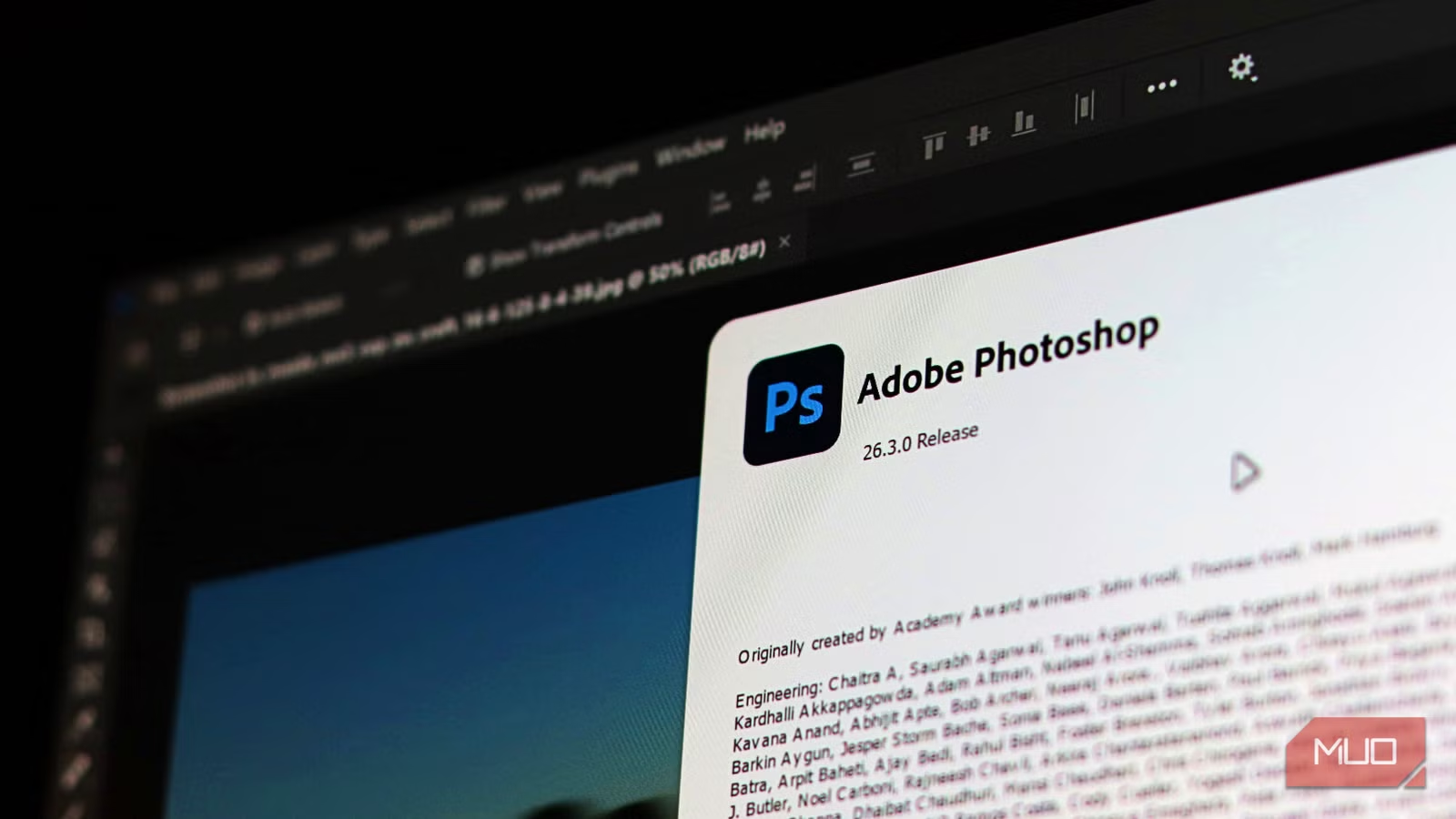
Two fixes help. First, enable single-window mode in the Windows menu. This consolidates the scattered interface into something closer to Photoshop's unified workspace. Second, install the PhotoGIMP patch. It condenses the toolbox into a single column, adds Photoshop's keyboard shortcuts, and applies a cleaner icon theme.
With those changes, GIMP becomes a credible Photoshop replacement. It handles photo editing, compositing, and digital painting. The price difference is stark: Photoshop costs $23 per month as a standalone app, or more as part of Creative Cloud. GIMP costs nothing.
Inkscape: Vector Graphics Without Illustrator
For vector graphics, Adobe Illustrator dominates professional workflows. Logo design, icon creation, scalable illustrations, print layouts. Illustrator handles them all, for $23 per month.
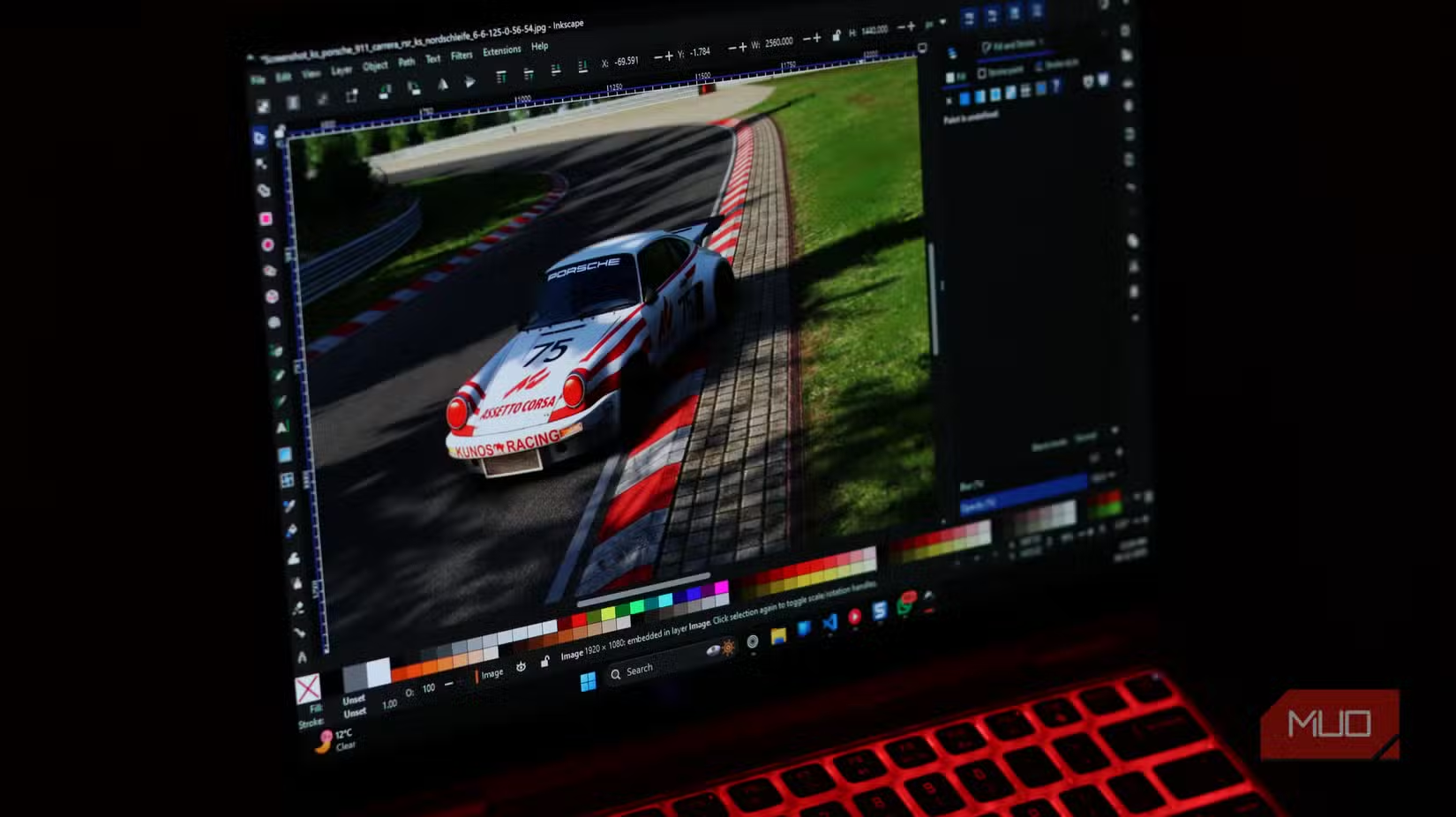
Inkscape covers the same ground for free. It supports SVG as its native format, which means perfect compatibility with web standards. The software includes tools for shape creation, path editing, text handling, and complex boolean operations. For most vector work, Inkscape does what Illustrator does.
The interface follows a different logic than Illustrator, so Photoshop-to-GIMP veterans know what to expect: a learning curve measured in hours, not days, but still a real adjustment.
Kdenlive: Video Editing Without Premiere
Adobe Premiere Pro costs $23 per month. Final Cut Pro requires a Mac and a $300 one-time purchase. DaVinci Resolve offers a capable free tier but reserves advanced features for the $295 Studio version.
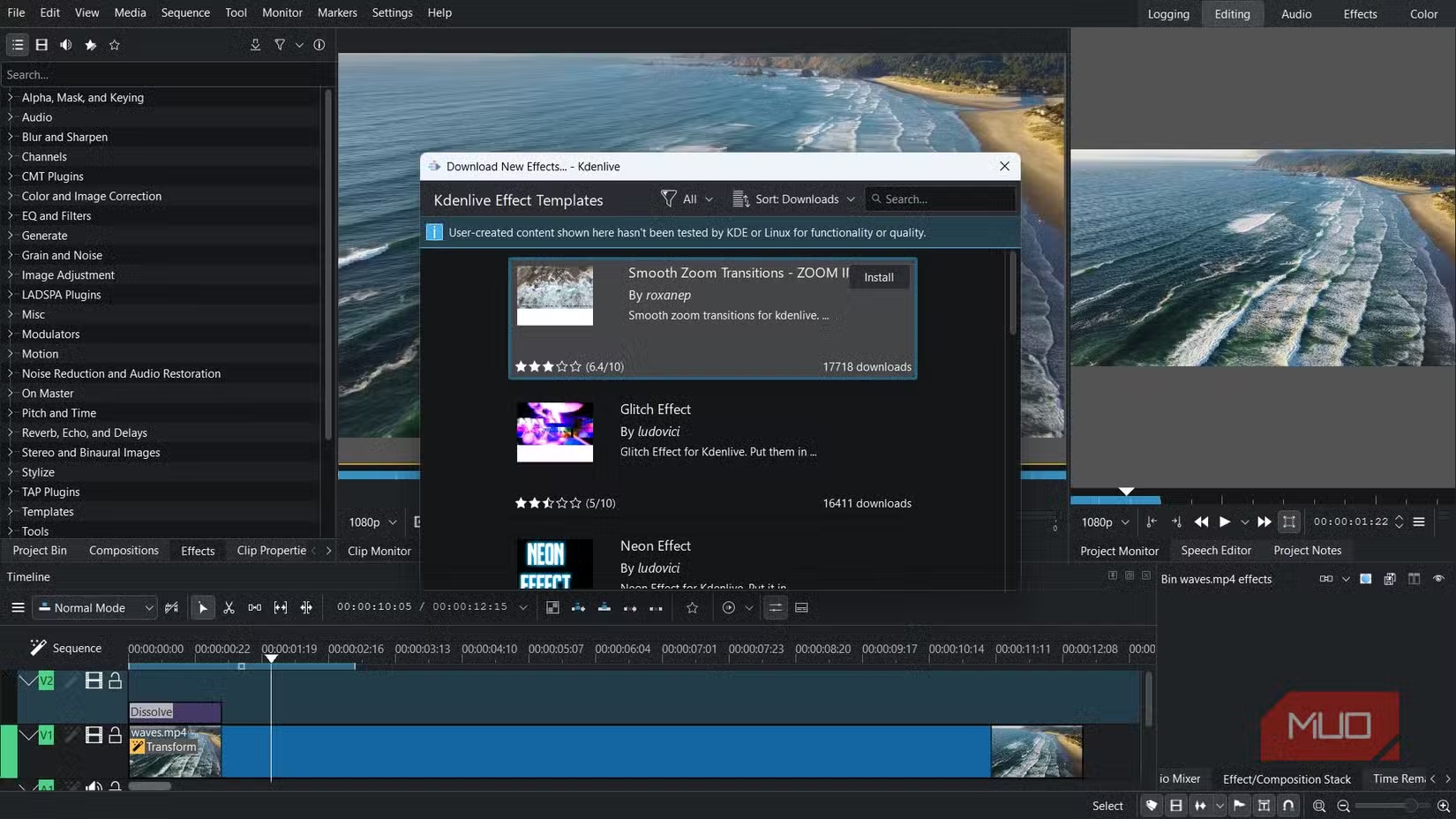
Kdenlive is completely free with no feature restrictions. It handles multi-track editing, effects, transitions, and audio mixing. The software runs on Windows, Mac, and Linux. For YouTubers, small production teams, and anyone editing video without a corporate budget, Kdenlive delivers professional results.
Darktable: Lightroom for Photographers Who Don't Want Subscriptions
Adobe Lightroom costs $10 per month for the basic plan, $20 per month bundled with Photoshop. For photographers who shoot hundreds or thousands of images per project, that subscription is a permanent tax on their work.
Darktable provides the same core functionality: non-destructive RAW editing, catalog management, batch processing, and export. The interface differs from Lightroom, but the underlying capabilities match. Professional photographers can build complete editing workflows without paying Adobe.
The Real Cost: Your Time
None of these tools require payment. All of them require learning. That's the honest tradeoff.
If you already know Photoshop, switching to GIMP means retraining muscle memory. If Maya's visual menus feel natural, Blender's hotkey-driven interface will frustrate you until you adapt. Every free alternative demands patience during the transition.
For professionals billing at high hourly rates with tight deadlines, that learning time has real cost. For students, freelancers, hobbyists, and anyone building skills without a corporate software budget, the math works out differently. Time spent learning is an investment. Subscription fees are a drain.
Logicity's Take
More free tools that match or beat paid alternatives
| Tool | Replaces | Annual Cost Savings | Main Learning Curve |
|---|---|---|---|
| Blender | Maya | ~$2,000 | Keyboard shortcuts |
| GIMP | Photoshop | ~$276 | Interface layout |
| Inkscape | Illustrator | ~$276 | Tool organization |
| Kdenlive | Premiere Pro | ~$276 | Effect workflows |
| Darktable | Lightroom | ~$120 | Module system |
Frequently Asked Questions
Can Blender really replace Maya for professional work?
Yes. Blender handles 3D modeling, animation, sculpting, compositing, and video editing. Major studios including Netflix have used Blender for production work. The main barrier is learning its keyboard-driven interface.
How do I make GIMP feel more like Photoshop?
Enable single-window mode in the Windows menu, then install the PhotoGIMP patch. This adds Photoshop's keyboard shortcuts, consolidates the toolbox, and applies a cleaner icon theme.
Are these free tools good enough for client work?
Yes. The output quality matches paid software. Clients receive final files, not software licenses. What matters is whether you can produce professional results, not which tool created them.
What's the biggest downside of switching to open-source design tools?
Learning time. Each tool uses different interface conventions than its paid counterpart. Expect several weeks to regain full productivity after switching.
Do these free tools work on Mac and Windows?
Yes. Blender, GIMP, Inkscape, Kdenlive, and Darktable all run on Windows, Mac, and Linux.
Need Help Implementing This?
Source: MakeUseOf
Manaal Khan
Tech & Innovation Writer
Produced with AI assistance and reviewed by the Logicity editorial team. Learn more in our Editorial Policy.






