Key Takeaways
- Paperless-ngx automatically OCRs and categorizes scanned documents, replacing paper filing systems
- Immich offers a Google Photos alternative with local storage and no privacy trade-offs
- All five containers can run on basic hardware and deploy with single Docker Compose commands
Subscription services are convenient. They're also expensive, and even the free ones extract payment through your data. Docker changes that equation. With 30 minutes and a basic server, you can run self-hosted alternatives to Google Photos, Netflix, and a dozen other cloud services. No monthly fees. No privacy compromises.
Here are five Docker containers worth deploying. Each takes under an hour from start to working service.
1. Paperless-ngx: Kill the Paper Stack
Paper records are bulky and prone to becoming a cluttered mess. Paperless-ngx solves this by turning your scanned documents into a searchable, tagged database on your own server.
Upload an image or scan, and Paperless-ngx runs optical character recognition automatically. It extracts text, suggests tags, and categorizes documents. Search by keyword, filter by type or sender, or browse custom tags. It beats sifting through filing cabinets.
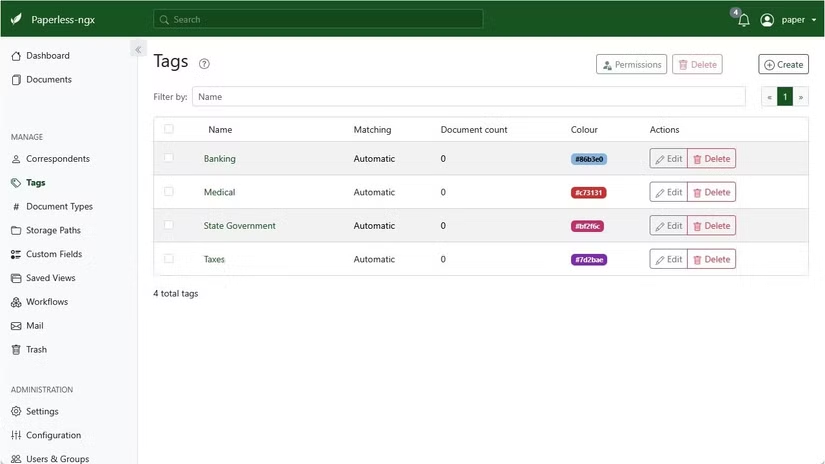
Setup is straightforward once Docker and Docker Compose are installed. Run this single command:
bash -c "$(curl --location --silent --show-error https://raw.githubusercontent.com/paperless-ngx/paperless-ngx/main/install-paperless-ngx.sh)"After installation completes, access Paperless-ngx by typing the server's IP address and port into your browser.
2. Uptime Kuma: Monitor Everything
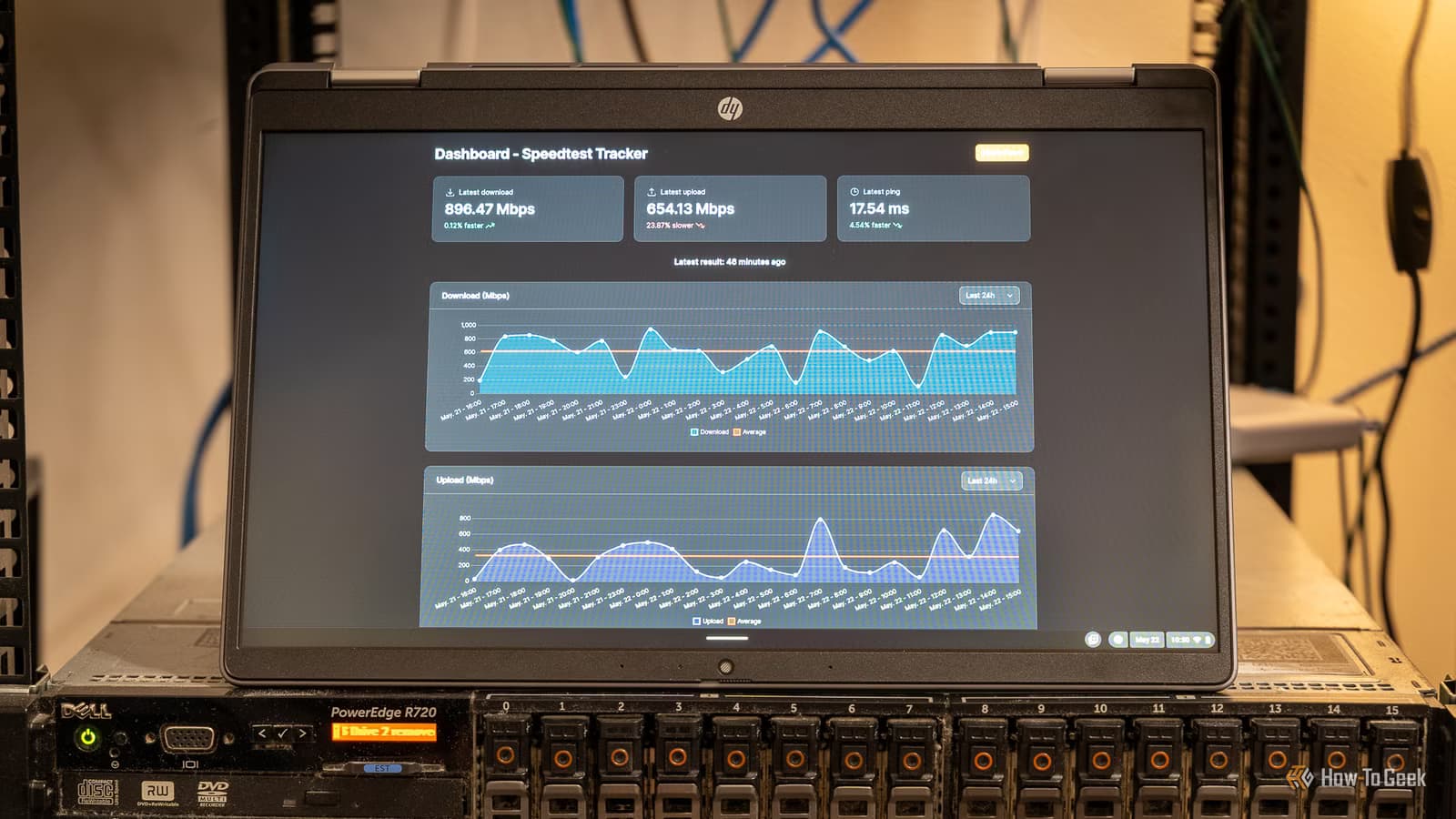
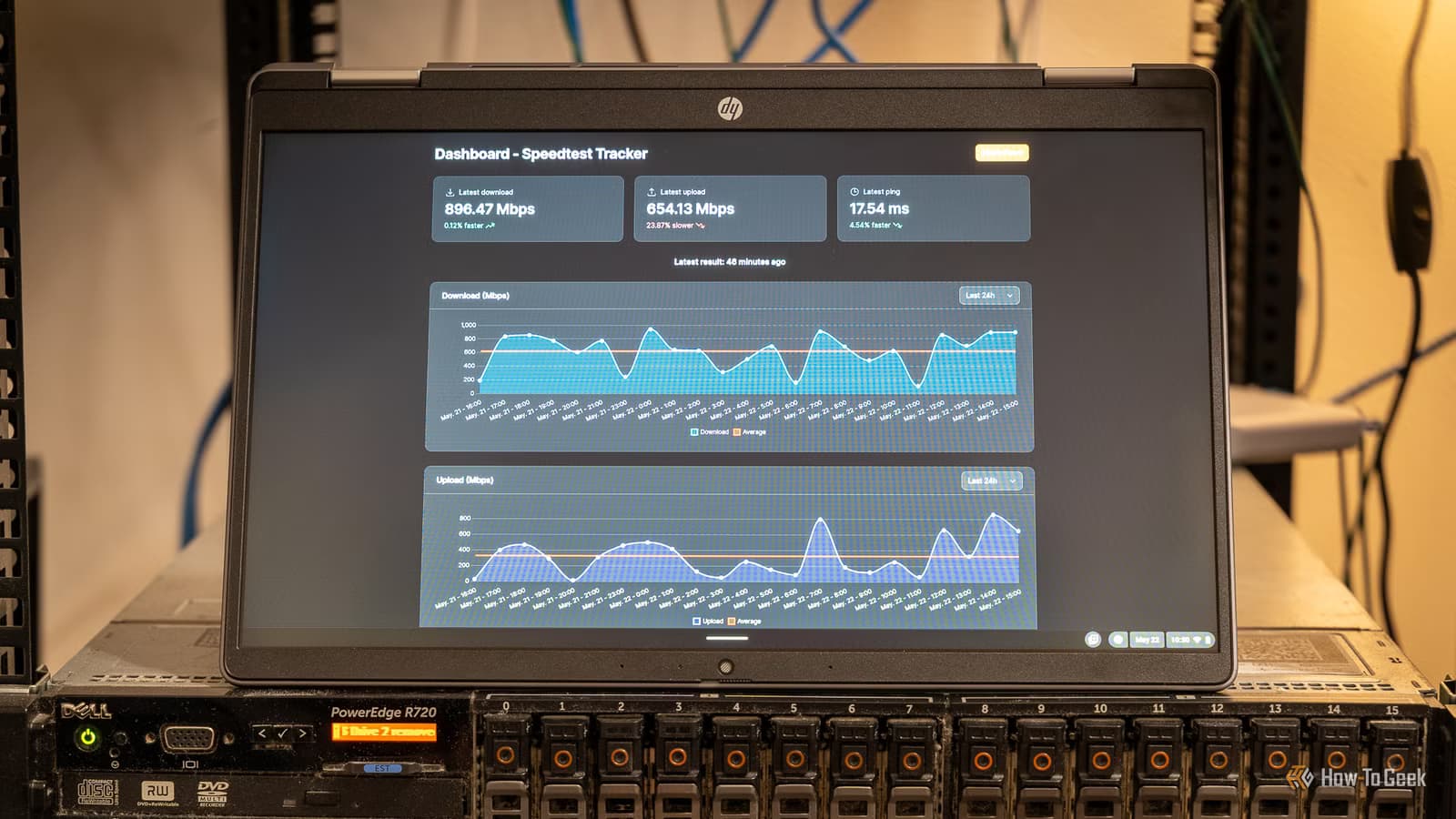
If you're running services, you need to know when they go down. Uptime Kuma is a self-hosted monitoring tool that watches your websites, APIs, and services. It sends alerts through dozens of notification channels when something breaks.
The interface is clean and modern. You get uptime graphs, response time tracking, and status pages you can share with others. It's a solid replacement for paid monitoring services like Pingdom or UptimeRobot.
3. Immich: Your Photos, Your Server
Google Photos is convenient until you realize Google is training AI models on your family photos. Immich offers the same experience with local storage. Automatic backup from your phone. Face recognition. Memories. Maps. All running on hardware you control.
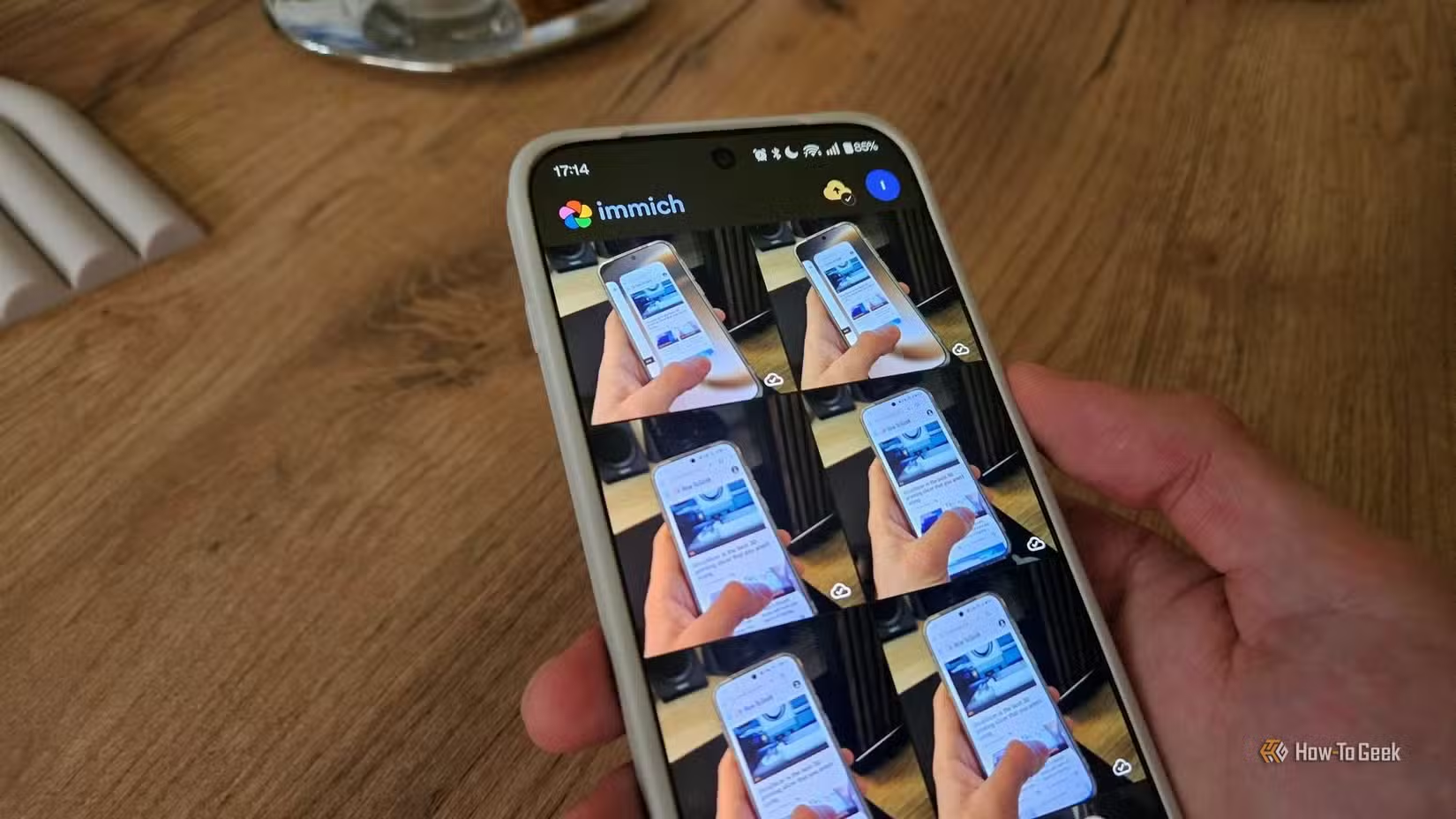
The mobile apps work on iOS and Android. Background upload runs automatically. The web interface handles album organization and sharing. For anyone uncomfortable with cloud photo storage, Immich is the most complete alternative available.
4. Jellyfin: Stream Your Media Library
Jellyfin is a free, open-source media server. Point it at your movie and music collection, and it organizes everything with metadata, posters, and descriptions. Stream to any device with apps for Roku, Fire TV, iOS, Android, and web browsers.
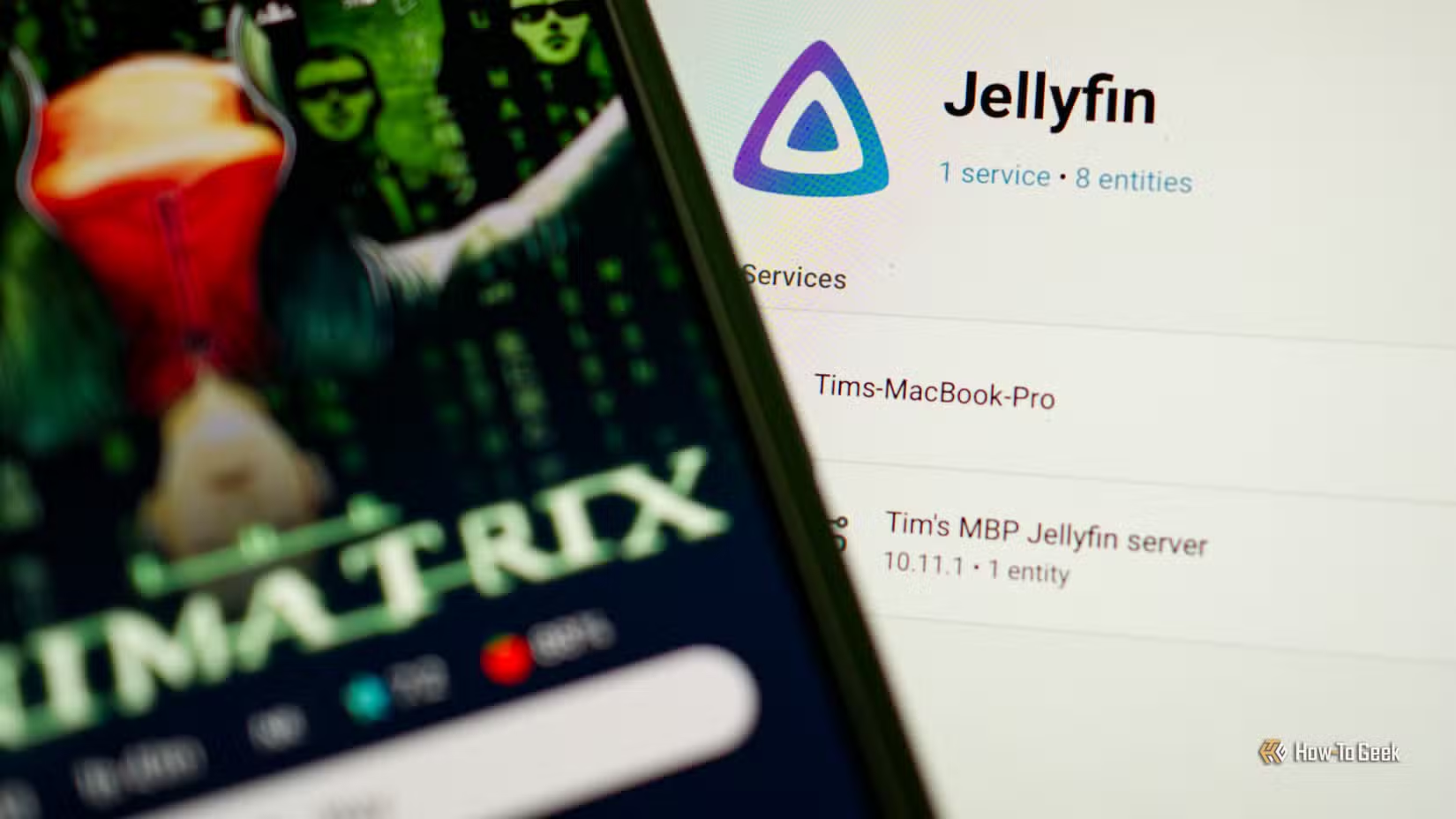
Unlike Plex, Jellyfin has no premium tier or account requirements. Everything works locally. Hardware transcoding is supported if your server has a capable GPU. For cord-cutters with existing media libraries, it's the obvious choice.
5. Syncthing: Sync Files Without the Cloud
Syncthing keeps folders synchronized across multiple devices without routing data through cloud servers. Files transfer directly between your computers, encrypted end-to-end.
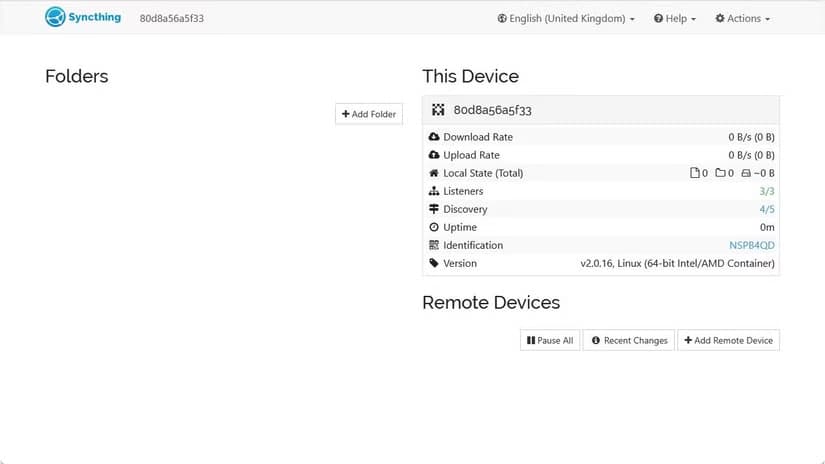
It works across Windows, macOS, Linux, and Android. Set up a folder pair once, and changes propagate automatically. Version history protects against accidental deletions. For anyone who wants Dropbox functionality without Dropbox's servers, Syncthing delivers.
What You Need to Get Started
These containers run on modest hardware. An old laptop, a Raspberry Pi 4, or a cheap used mini PC all work. You'll want Docker and Docker Compose installed on whatever Linux distribution you choose. Ubuntu Server and Debian are popular starting points.
Storage requirements vary by use case. Paperless-ngx needs minimal space. Immich and Jellyfin need as much as your photo and media libraries require. A 2TB drive handles most home setups comfortably.
New to Linux? These distros make server management more approachable.
The Privacy Trade-Off
Self-hosting requires effort. You're responsible for updates, backups, and security. But you gain something cloud services can't offer: certainty about where your data lives and who can access it.
For documents, photos, and media, that trade-off often makes sense. Your tax returns don't need to sit on Google's servers. Your family photos don't need to train someone else's AI model.
More ways to control what your devices share with the outside world.
Logicity's Take
Frequently Asked Questions
What hardware do I need to run Docker containers at home?
A Raspberry Pi 4, old laptop, or used mini PC with 4GB RAM handles most containers. More demanding services like Jellyfin with transcoding benefit from a dedicated GPU or modern Intel CPU with Quick Sync.
Is Immich a full replacement for Google Photos?
For backup and organization, yes. It includes face recognition, location maps, and automatic mobile sync. Sharing and collaboration features are less developed than Google's, but improving with each release.
How do I access self-hosted services outside my home network?
Options include VPN access, reverse proxies like Nginx Proxy Manager with domain names, or Cloudflare Tunnels. Each approach has different security and complexity trade-offs.
What's the difference between Jellyfin and Plex?
Jellyfin is fully open source with no paid tier. Plex has more polished apps and features like Watch Together, but locks some functionality behind a Plex Pass subscription.
How do I back up my Docker containers?
Back up the Docker volumes where each container stores its data. Tools like Duplicati or rsync can automate this to external drives or remote storage.
Need Help Implementing This?
Source: How-To Geek
Huma Shazia
Senior AI & Tech Writer
Produced with AI assistance and reviewed by the Logicity editorial team. Learn more in our Editorial Policy.