Key Takeaways
- Gaming laptops still win on raw power, graphics performance, and longevity for demanding workloads
- Thin and light laptops have caught up for most daily tasks and offer better portability and battery life
- Your usage pattern, not specs alone, should drive the decision
The Laptop Decision Has Gotten Harder
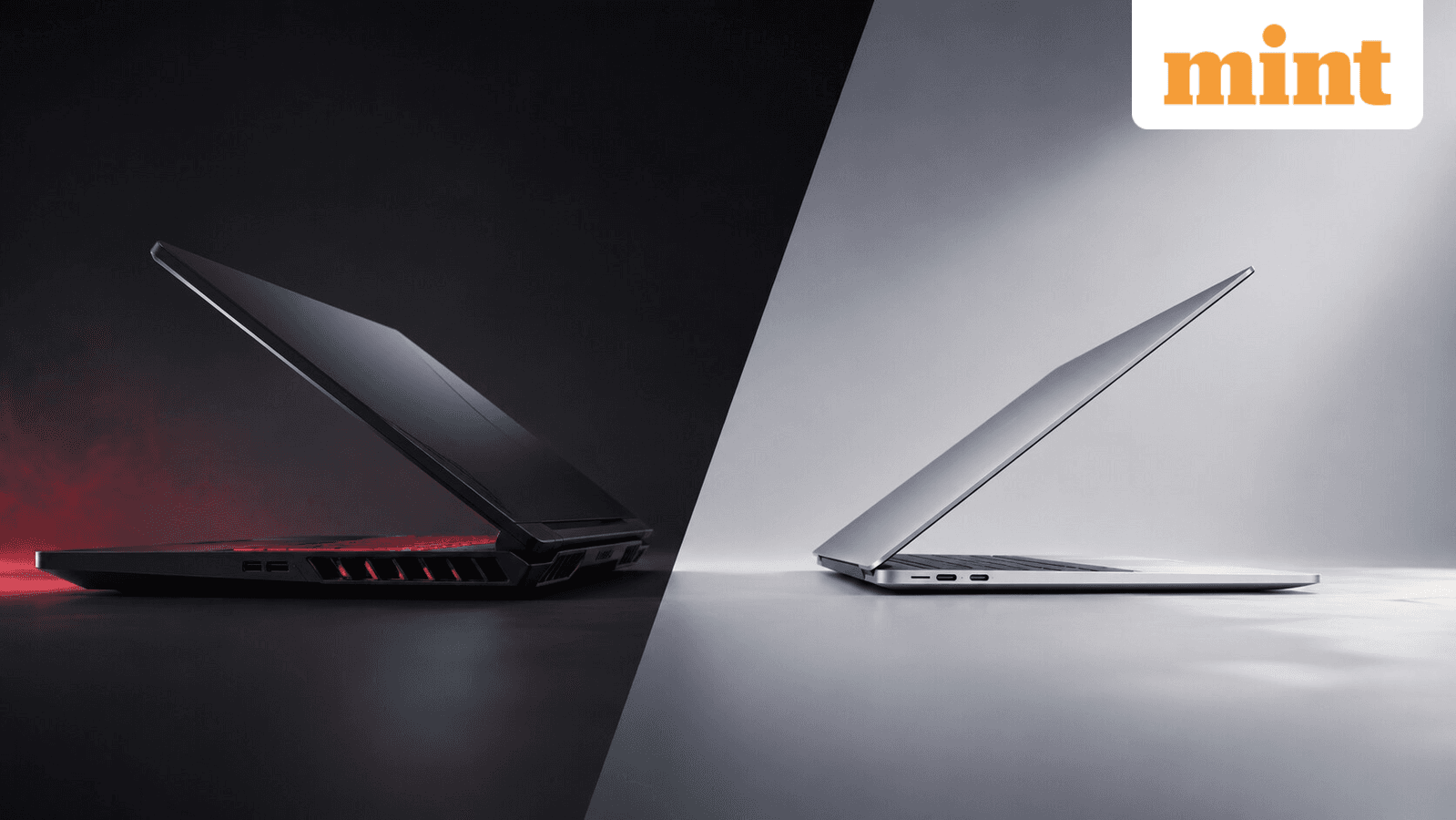
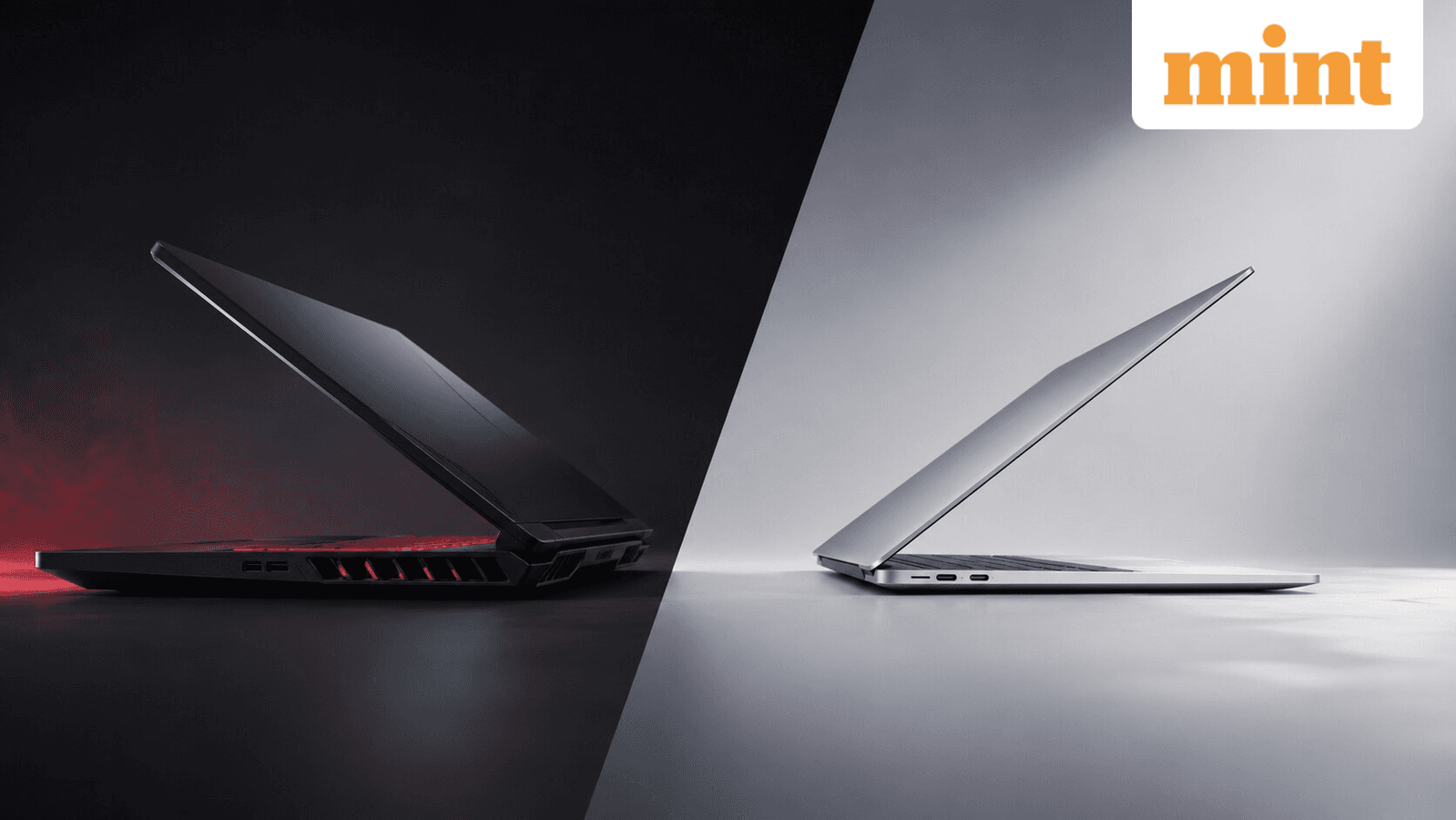
Buying a laptop in 2026 is surprisingly confusing. Gaming laptops are no longer just for gamers. Thin and light laptops are no longer weak machines. The categories have bled into each other, leaving buyers stuck between two reasonable choices.
Most people today want one laptop that handles office work, meetings, travel, entertainment, and gaming without feeling like a compromise. That's a tall order. Gaming laptops promise raw power and future-proofing. Thin and light laptops promise comfort and portability. Both claims are true. Neither tells the whole story.
The Case for Gaming Laptops
Gaming laptops feel like the smarter long-term investment. Even if you're not a hardcore gamer, a gaming laptop will perform like new for years. The logic is straightforward: start with stronger hardware, and you'll stay ahead of software demands longer.
These machines handle demanding workloads comfortably. AAA gaming, video editing, streaming, rendering, heavy multitasking. A dedicated graphics card gives them a major advantage in gaming and creative applications. If your work involves GPU-intensive tasks, a gaming laptop isn't overkill. It's the right tool.
Longevity is the other selling point. A powerful gaming laptop bought today will usually perform well several years from now. The hardware starts at a higher baseline. Many buyers feel more confident investing in a machine that can handle future software updates without struggling.
The Case for Thin and Light
Not everyone spends the entire day gaming. Most professionals carry their laptops to meetings, cafes, offices, and classrooms. When daily travel enters the picture, a gaming laptop's bulk becomes a liability.
Thin and light laptops prioritize what matters for mobile workers: weight, battery life, and comfort. You can slip them into a bag without planning around it. You can work through a long flight without hunting for outlets. The experience of using the laptop all day improves dramatically when you're not hauling around a heavy machine.
Here's what has changed: thin and light laptops in 2026 are no longer underpowered. Modern processors and integrated graphics handle most tasks without breaking a sweat. Office work, video calls, web browsing, media consumption, even light gaming. Unless your workload specifically demands a dedicated GPU, a thin and light laptop won't feel slow.
| Factor | Gaming Laptop | Thin and Light |
|---|---|---|
| Raw Performance | Higher ceiling, dedicated GPU | Sufficient for most tasks |
| Portability | Heavy, bulky | Light, easy to carry |
| Battery Life | Shorter, especially under load | Longer, better for travel |
| Longevity | Handles future software demands longer | May need replacing sooner for power users |
| Price | Higher upfront cost | Lower entry point |
| Use Case Fit | Gamers, video editors, 3D work | Mobile professionals, general use |
How to Decide
The decision comes down to your actual usage pattern, not the specs you imagine needing.
Ask yourself: How often do you game? What kind of games? Do you edit video or work with 3D rendering? How much do you travel? Do you carry your laptop daily or leave it mostly at a desk?
If you game regularly, work with GPU-heavy applications, and don't mind the extra weight, a gaming laptop makes sense. The performance advantage is real, and the machine will age better.
If you game occasionally, spend most of your time in browsers and productivity apps, and value portability, a thin and light laptop is the better choice. You'll appreciate it every time you pick up your bag.
✅ Pros
- • Gaming laptops offer superior performance for demanding workloads
- • Better longevity as hardware starts at a higher baseline
- • Dedicated GPU handles creative work efficiently
❌ Cons
- • Heavier and bulkier for daily carry
- • Shorter battery life, especially under load
- • Higher upfront cost for capabilities you may not fully use
The Middle Ground Is Getting Crowded
Laptop makers have noticed the demand for hybrid machines. Some thin and light laptops now pack discrete GPUs. Some gaming laptops have slimmed down considerably. The categories are converging.
This means the choice is less binary than it used to be. You can find machines that balance power and portability reasonably well. But compromises remain. A thin gaming laptop still runs hotter and louder than a standard thin and light. A powerful ultrabook still can't match a full gaming laptop's GPU performance.
Know your priorities. Pick the category that matches them. Then find the best machine within that category.

Logicity's Take
Optimize your new laptop's bandwidth settings
Frequently Asked Questions
Can a thin and light laptop handle gaming in 2026?
Yes, for casual and mid-tier games. Modern integrated graphics handle most titles at medium settings. AAA games at high settings still require a dedicated GPU.
How long do gaming laptops last compared to thin and light laptops?
Gaming laptops typically remain capable of demanding tasks for 4-6 years due to stronger starting hardware. Thin and light laptops may feel underpowered for intensive work after 3-4 years.
Is a gaming laptop worth it if I only game occasionally?
Probably not. You'll pay more upfront and deal with extra weight daily for a capability you rarely use. A thin and light laptop handles occasional gaming adequately.
What's the biggest drawback of gaming laptops for daily use?
Weight and battery life. Gaming laptops are heavier to carry and drain faster, especially under any GPU load. This makes all-day mobile use uncomfortable.
Are there laptops that combine gaming power with thin and light portability?
Some hybrid models exist, but they compromise on thermals, noise, or battery life. True performance still requires bulk for cooling. True portability still means less power.
Need Help Implementing This?
Source: mint / Amit Rahi
Huma Shazia
Senior AI & Tech Writer
Produced with AI assistance and reviewed by the Logicity editorial team. Learn more in our Editorial Policy.




