Key Takeaways
- Type a simple data URL to turn any Chrome tab into a quick notepad
- Chrome can browse local files and play media without any extensions
- The built-in dinosaur game works anytime, not just when offline
Chrome spends most of its life connected to the internet. That's the point. But strip away the websites, login pages, and the dozen tabs quietly judging your attention span, and the browser still has useful tricks that work entirely offline.
None of these require extensions, a Google account, or Wi-Fi. They're built into the browser you probably have open right now.
1. Turn a Tab Into a Disposable Notepad
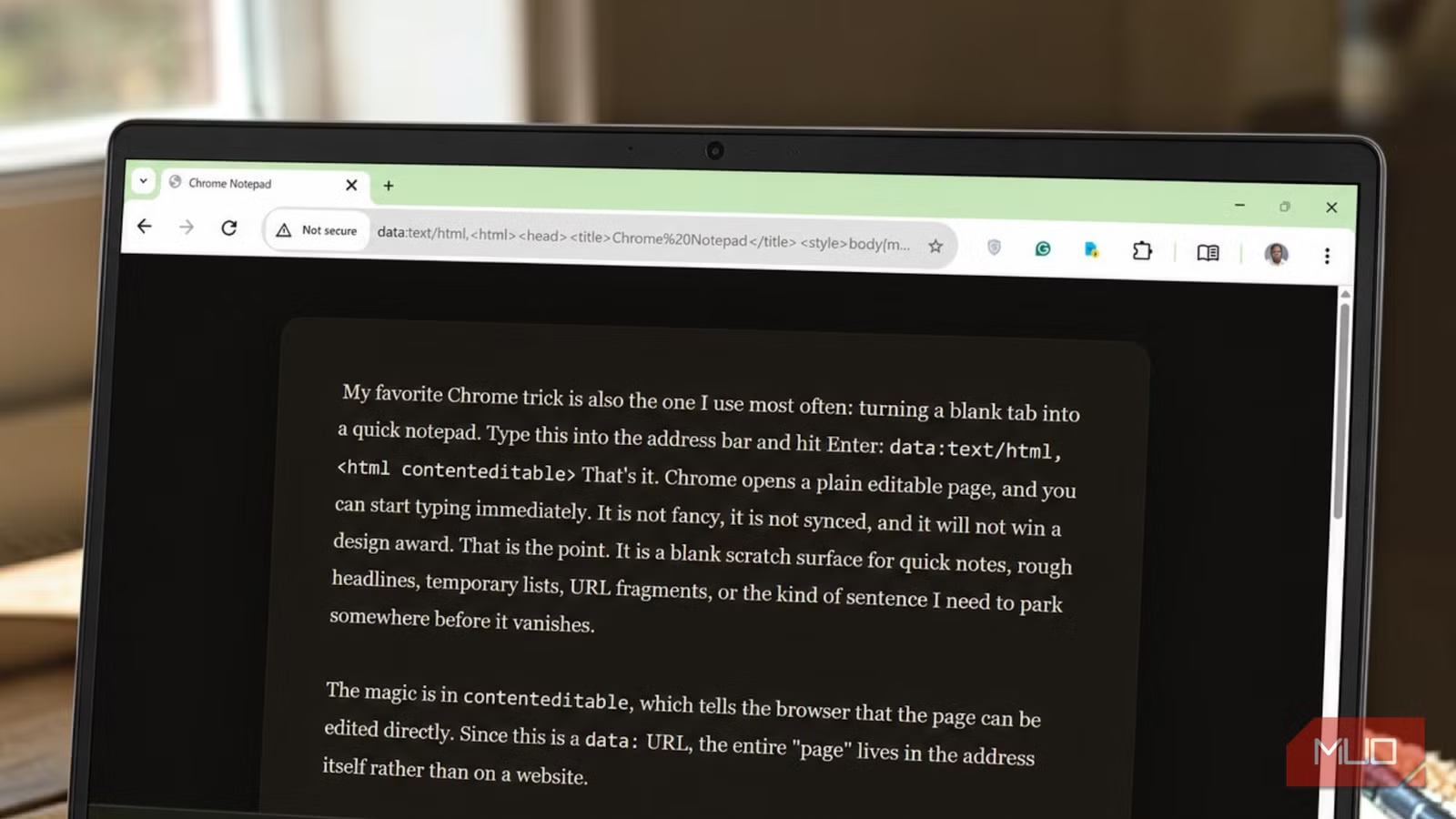
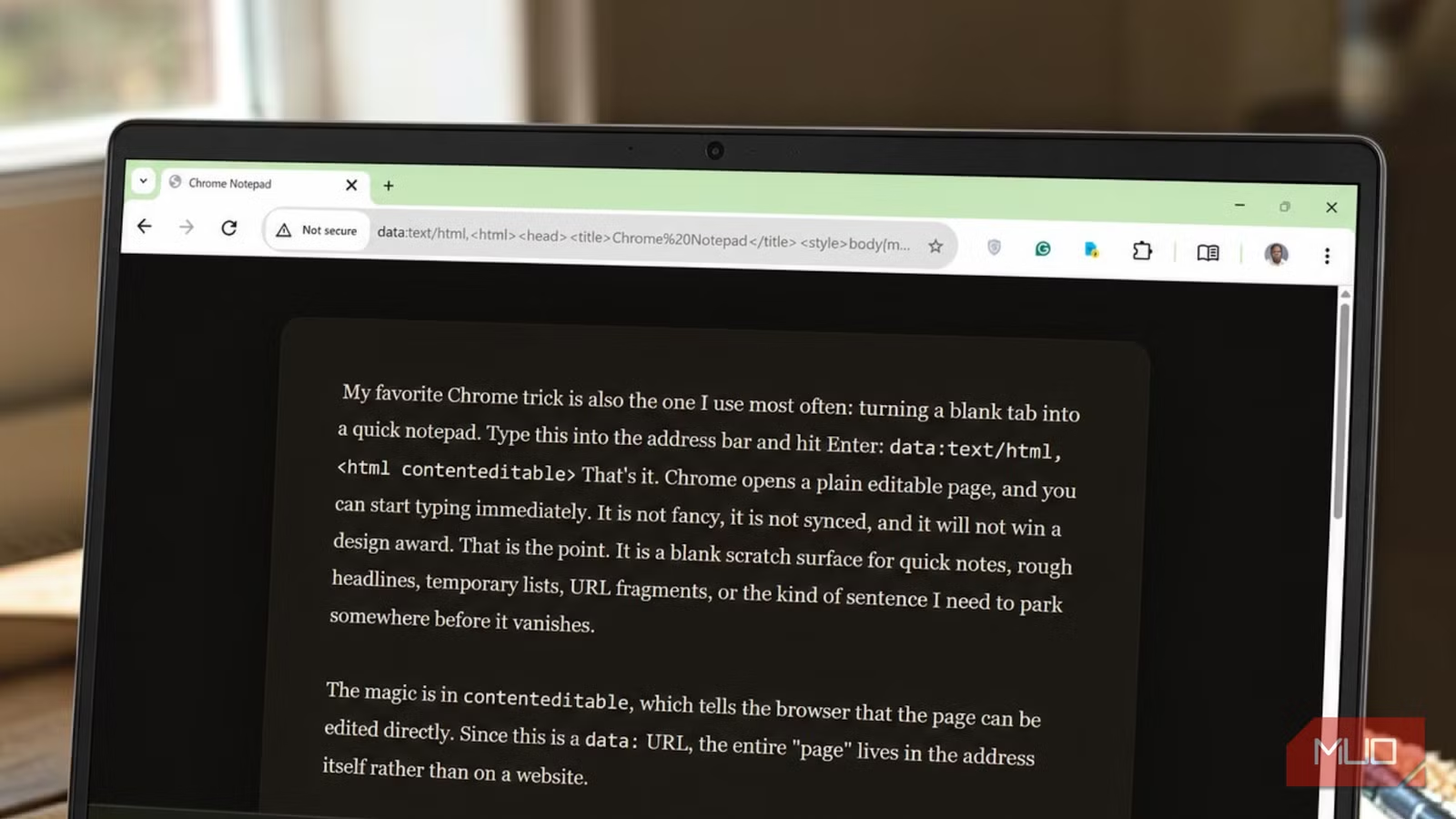
This is the simplest and most useful trick. Type this into Chrome's address bar and hit Enter:
data:text/html,<html contenteditable>Chrome opens a blank, editable page. Start typing immediately. It's not synced, not fancy, and won't win design awards. That's the point. It's a scratch surface for quick notes, rough headlines, temporary lists, or sentences you need to park before they vanish.
The magic is in 'contenteditable', which tells the browser the page can be edited directly. Since this is a data URL, the entire page lives in the address itself rather than on a server.
You can customize it too. This version adds a dark background, centered column, and serif font:
data:text/html,<html contenteditable style="background:%231a1a2e;color:%23eee;font-family:Georgia;font-size:18px;padding:40px;max-width:700px;margin:auto;">The %23 bits are encoded hash symbols for CSS colors. Swap the background, font, size, or margin to taste.
2. Open a Specific Set of Tabs on Startup
Most people let Chrome open their last session or a blank tab. But you can configure it to launch a specific set of pages every time.
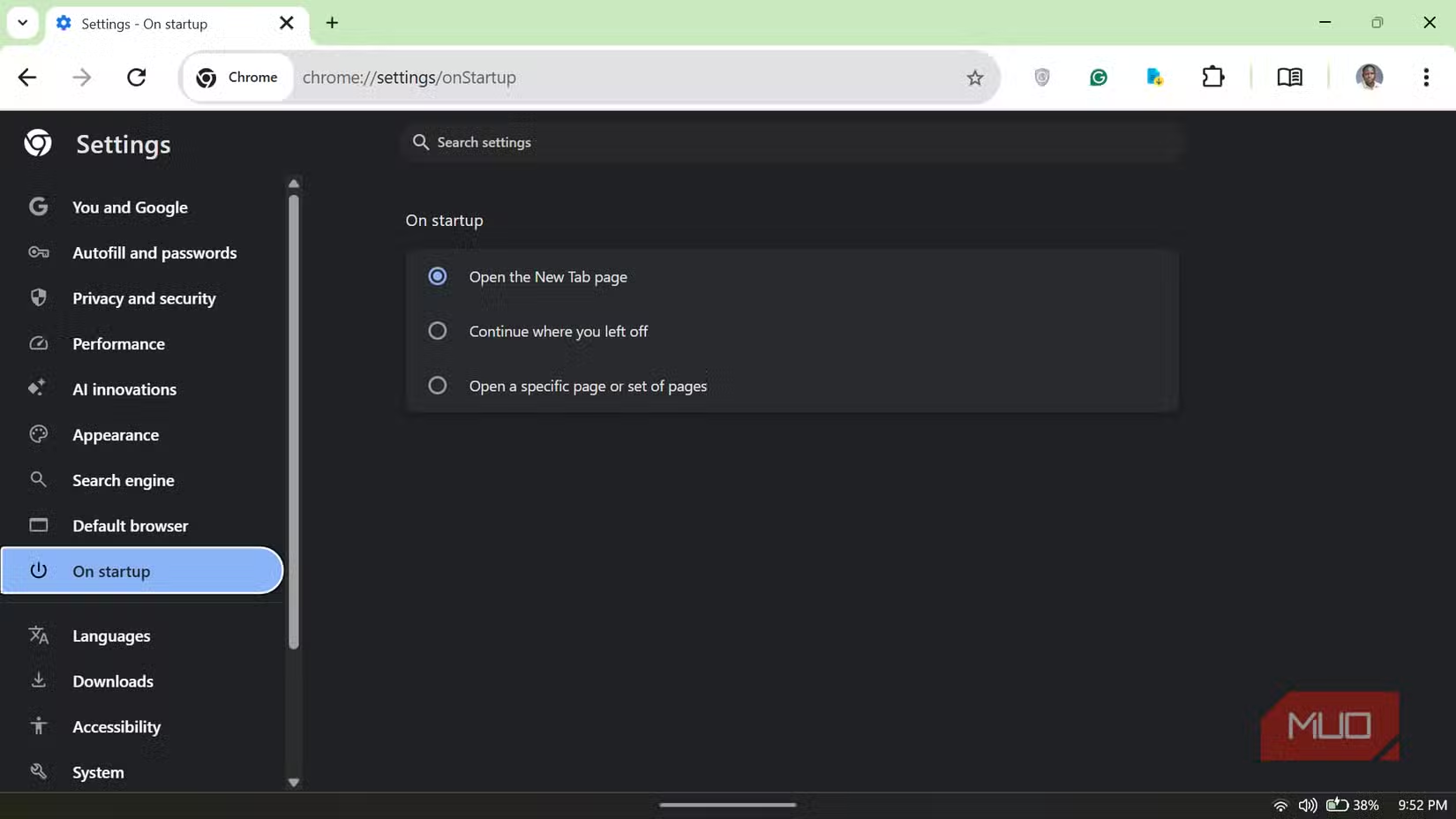
Go to Settings > On startup > Open a specific page or set of pages. Add the URLs you want. Chrome will open all of them in separate tabs when it launches.
This is useful for work routines. Set up your email, calendar, project management tool, and Slack to open automatically. No clicking through bookmarks every morning.
3. Browse Local Files Without an App
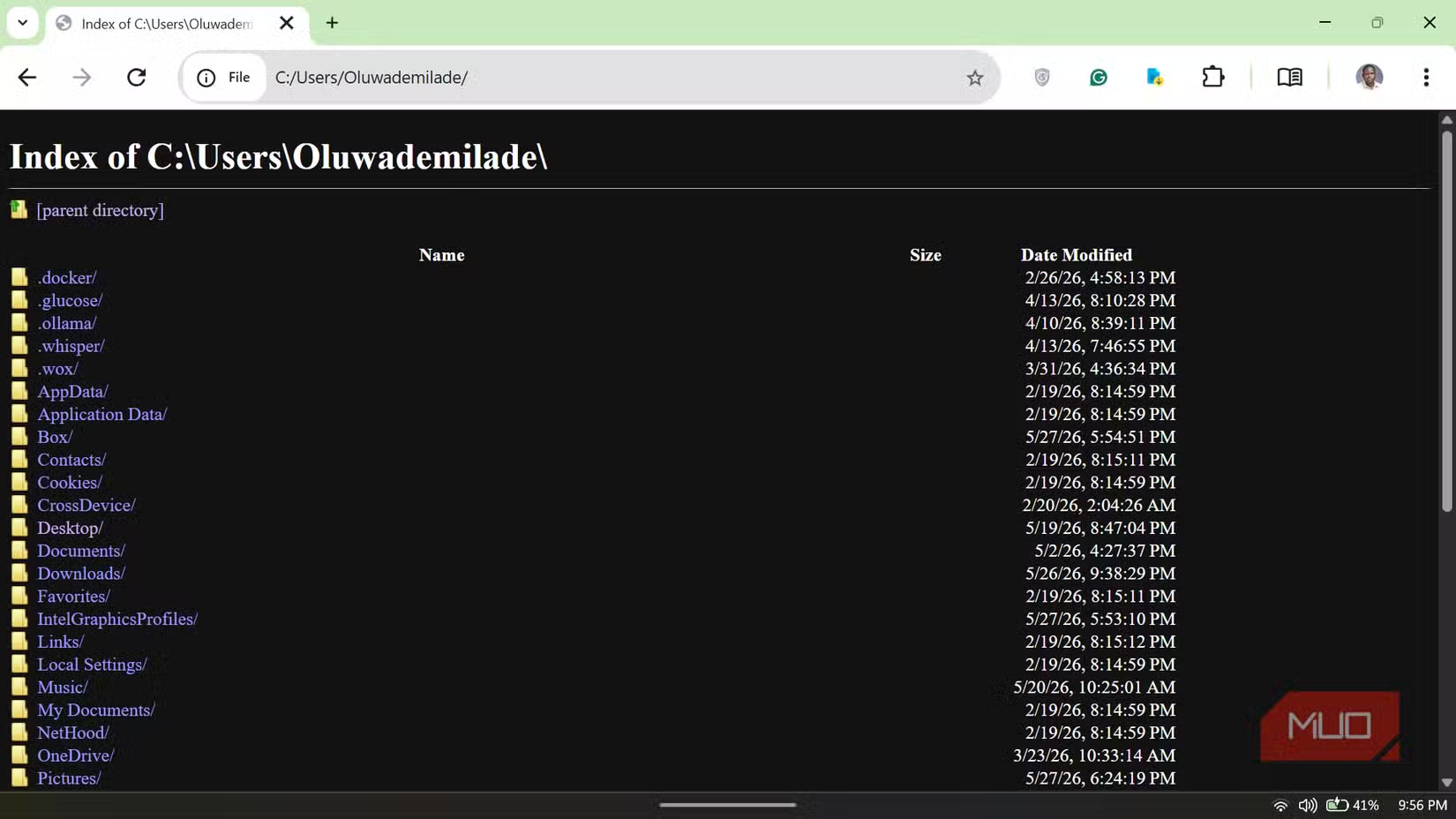
Chrome can act as a basic file browser. Drag any folder onto an open Chrome window, or type a file path directly into the address bar.
On Windows, type something like file:///C:/Users/YourName/Documents. On Mac, use file:///Users/YourName/Documents. Chrome displays the folder contents as a clickable list.
This isn't a replacement for Finder or Explorer, but it's handy when you need to quickly peek at a folder structure or open files without switching apps.
4. Play Local Media Files
Drag an MP3, MP4, or video file directly into Chrome. The browser opens a minimal media player with play, pause, volume, and fullscreen controls.
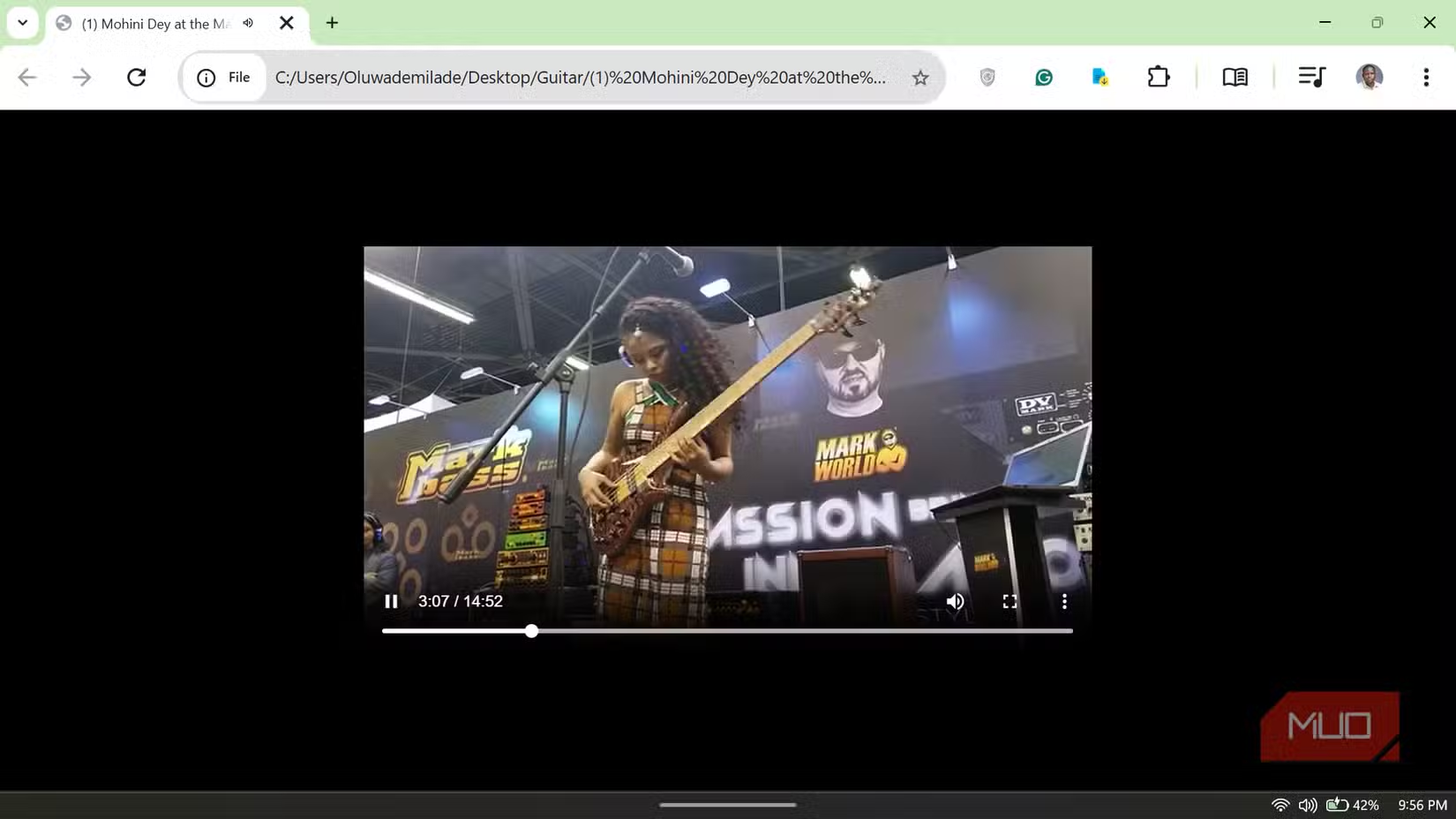
It won't replace VLC for format compatibility, but it handles common formats without installing anything. Useful when you just need to quickly preview a video or audio file.
5. Play the Dinosaur Game (Anytime)
Chrome's offline dinosaur game appears when your internet drops. But you don't have to wait for a connection failure.
Type chrome://dino into the address bar and hit Enter. The game loads instantly, connection or not. Press spacebar to jump.
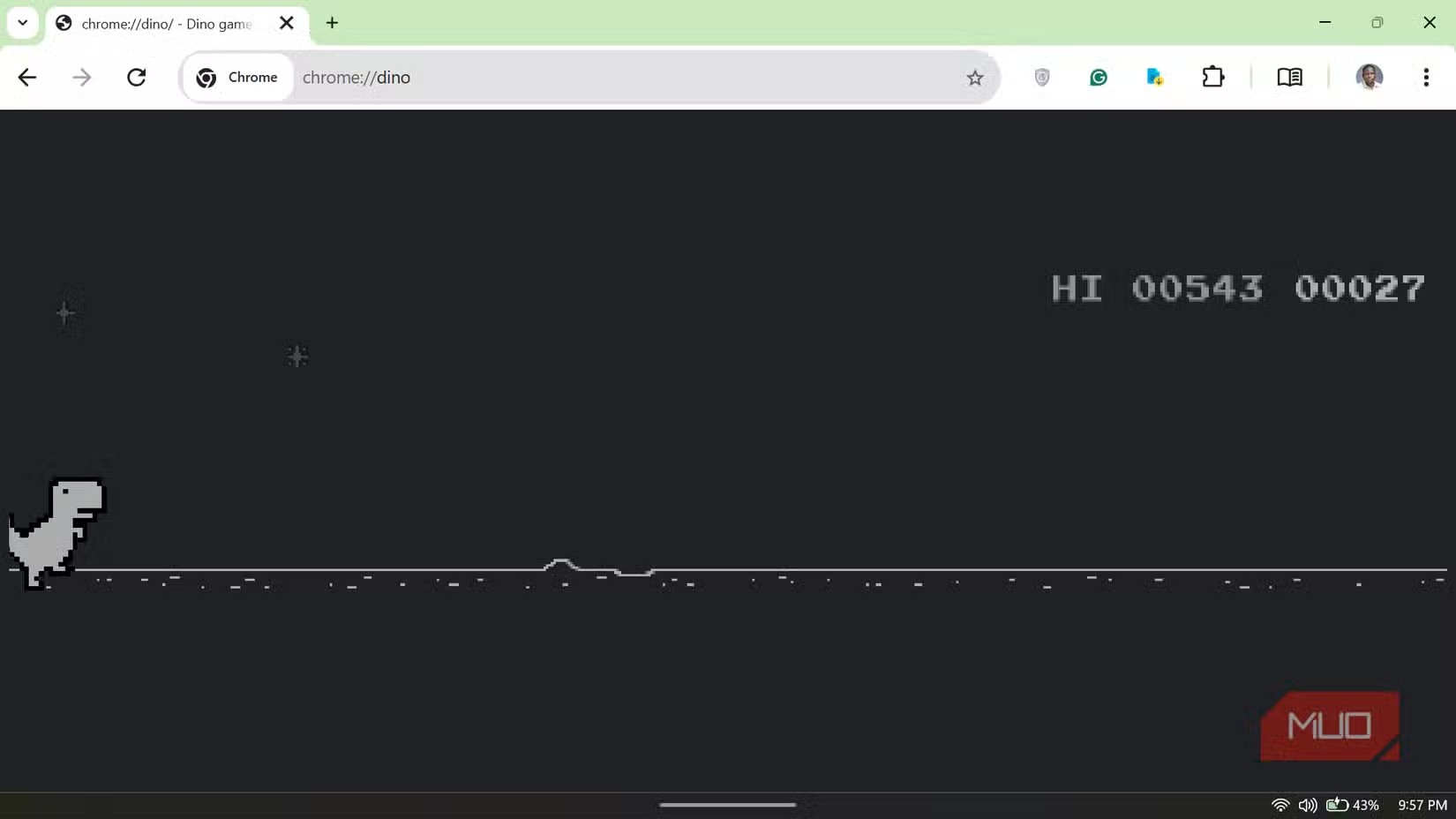
It's a simple endless runner. The dinosaur jumps over cacti and ducks under pterodactyls. The game speeds up the longer you survive.
If you're playing the dinosaur game because your connection dropped, this might explain why
Bonus: Use a Countdown Timer
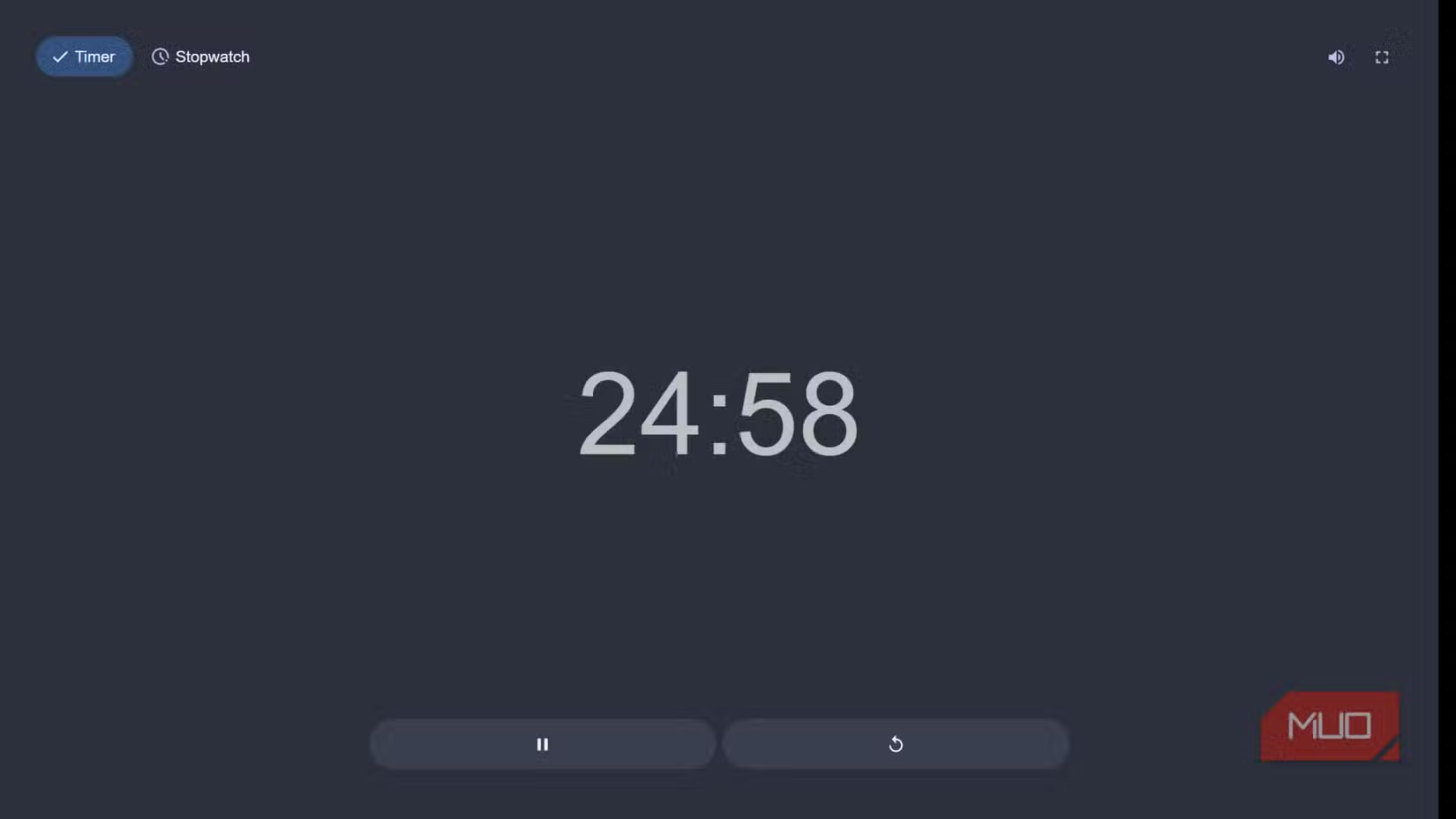
Type a time into Google (like "10 minute timer") and you get a countdown. But this requires an internet connection for the search.
For offline timers, bookmark a data URL with embedded JavaScript that runs a countdown in the browser. It's more complex than the notepad trick, but the same principle applies: Chrome can run simple apps entirely from a URL.
Logicity's Take
Frequently Asked Questions
Does the Chrome notepad trick save my notes?
No. The notepad is temporary. Close the tab and your text is gone. Use it for scratch notes you'll copy elsewhere, not for anything you need to keep.
Can Chrome play all video formats?
Chrome handles common formats like MP4, WebM, and MP3. It won't play MKV or some older codecs. For broad format support, use VLC.
Does the dinosaur game work on Chrome mobile?
Yes, but these tricks work best on desktop Chrome, where more features are exposed. The dinosaur game works on mobile by visiting chrome://dino.
Do these features work in other browsers?
The data URL notepad trick works in Firefox, Edge, and Safari. The chrome://dino URL is Chrome-specific.
More hidden tools already on your computer
Need Help Implementing This?
Source: MakeUseOf
Manaal Khan
Tech & Innovation Writer
Produced with AI assistance and reviewed by the Logicity editorial team. Learn more in our Editorial Policy.






