Key Takeaways
- Shop Samsung is an e-commerce portal most users never open
- Samsung Members is useful only for beta testers and forum users
- Microsoft apps come pre-bundled through a Samsung partnership and can be removed
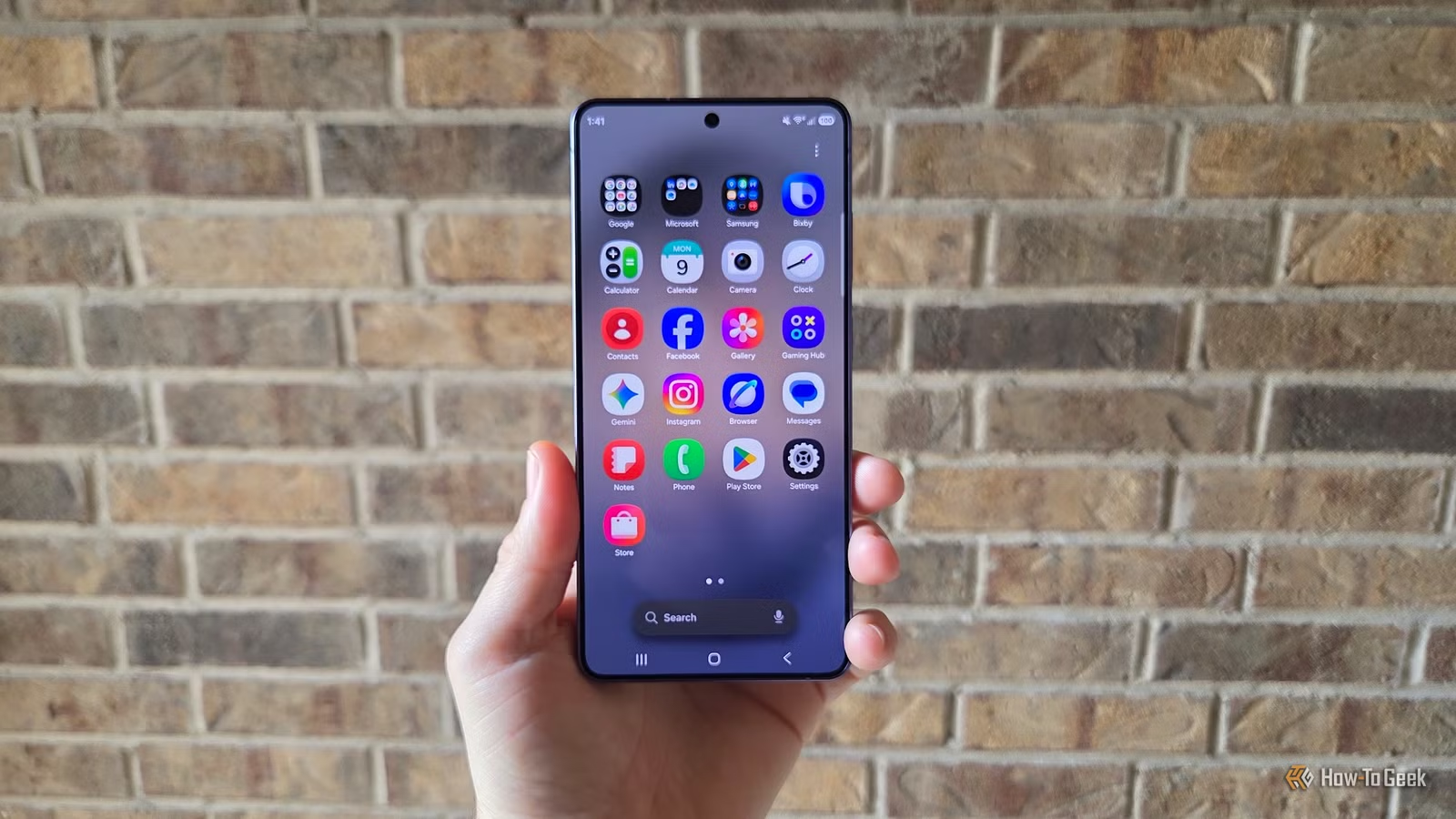
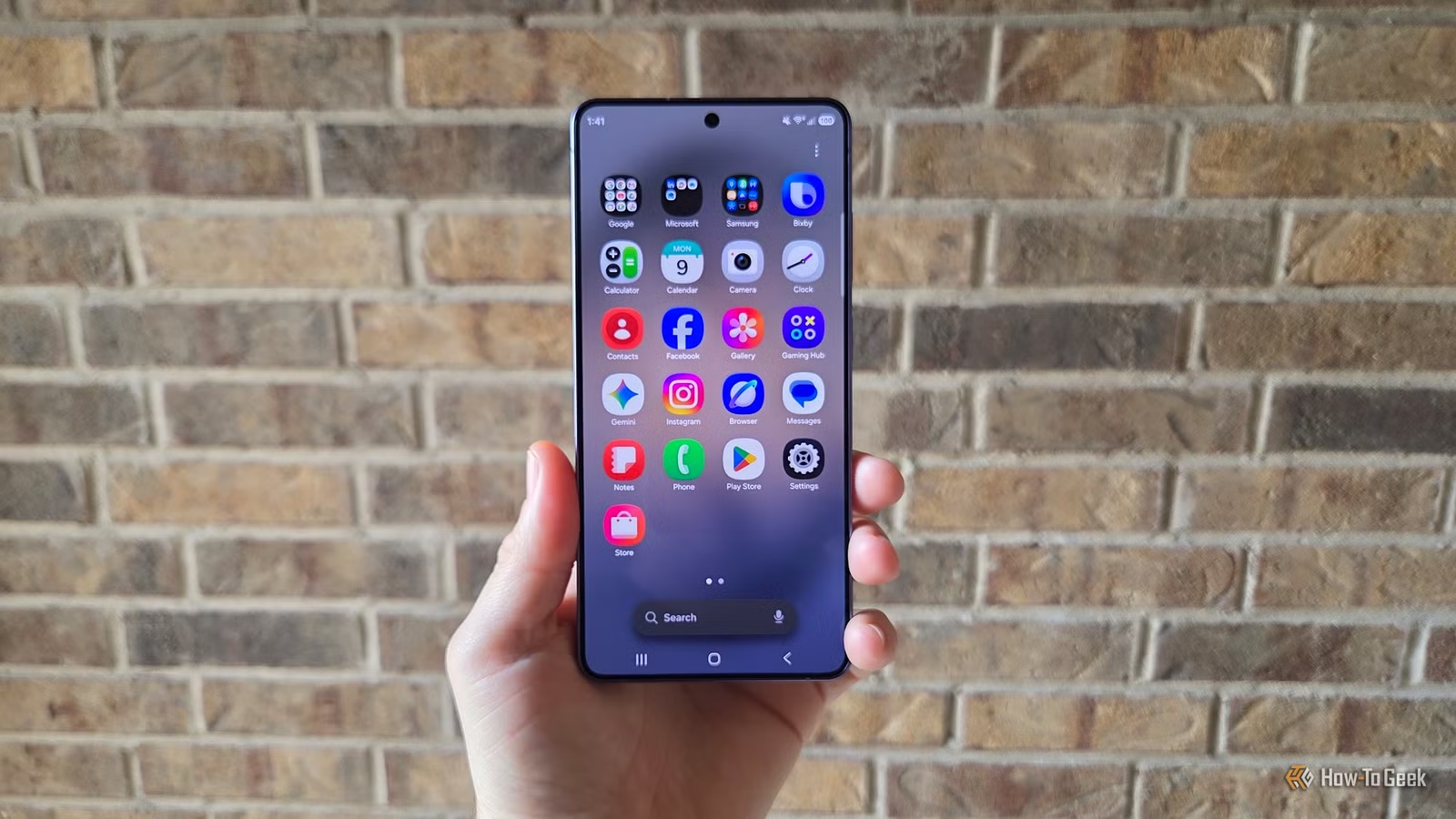
Samsung makes excellent phones. They also ship with a pile of apps you did not ask for and will never use. Duplicate browsers, redundant note apps, carrier junk, pre-installed games. The list goes on.
Cory Gunther, a senior author at How-To Geek who has reviewed Samsung phones for 14 years, has a routine. Every time he sets up a new Galaxy device, he purges the same apps. Here are five he recommends removing.
Shop Samsung
This app is a storefront for buying Samsung products. Phones, watches, TVs, fridges. Unless you're constantly shopping for Samsung gear, you've probably never opened it.
The only time this app proves useful is when a new phone or Galaxy Watch comes with a discount code for accessories like cases or watch bands. That's it. For everyone else, it's just taking up space in your app drawer.

To remove it: long-press the app icon and tap Uninstall.
Samsung Members
This one depends on how you use your phone. Samsung Members offers beta software signups, device diagnostics, a user forum, Galaxy news, and tips. If you want to try early-release software like the Galaxy S26 One UI 9 beta, this app is essential.
For everyone else? It's a news aggregator and forum you'll never visit. If you don't care about beta software or talking to other Samsung users, uninstall it.
Microsoft Bloatware Bundle
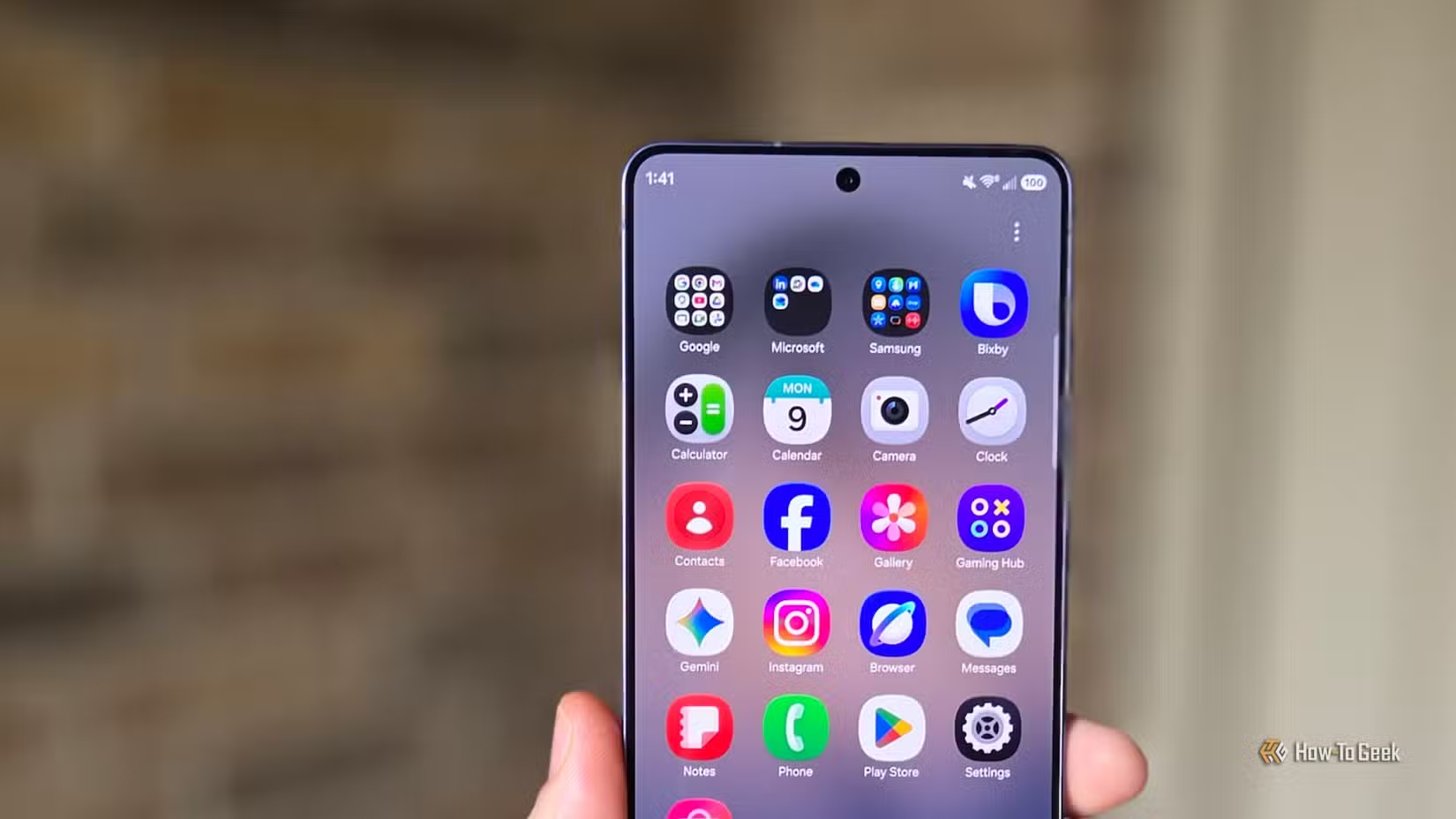
Samsung and Microsoft have a partnership. The result: your new Galaxy phone comes loaded with Microsoft apps whether you want them or not.
The bundle typically includes Microsoft 365, OneDrive, LinkedIn, and Outlook. Some users rely on these apps daily. If you're not one of them, they're just clutter. You can remove each one individually through the same long-press method.
Carrier Bloatware
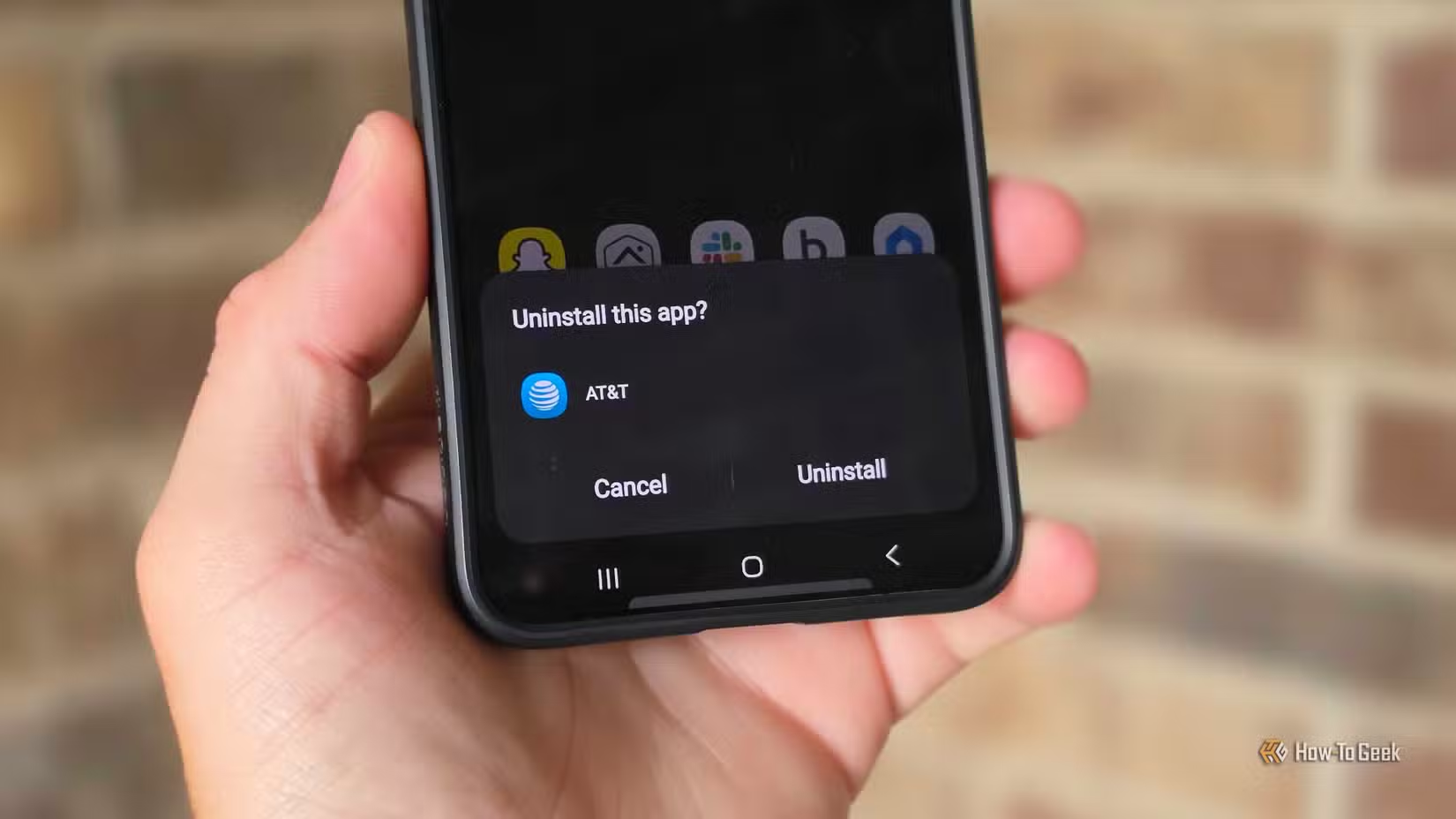
If you bought your Galaxy phone through a carrier like AT&T, Verizon, or T-Mobile, expect extra apps. Carriers love adding their own billing apps, streaming services, and promotional software to phones they sell.
These apps vary by carrier, but they share a common trait: you probably don't need them. Your carrier's website or account app usually does everything their bundled apps do. Remove what you can. Some carrier apps can only be disabled, not fully uninstalled.
Samsung Gaming Hub
Samsung Gaming Hub is a cloud gaming service that aggregates titles from Xbox Game Pass, GeForce Now, and other platforms. It's genuinely useful if you play cloud games on your phone.
But if you don't stream games to your phone, it's just another app icon you scroll past. Uninstalling it frees up storage and reduces app drawer clutter.
How to Remove These Apps
For most pre-installed apps, the process is simple: long-press the app icon, then tap Uninstall. Some apps, particularly carrier-installed ones, can only be disabled rather than fully removed. Disabling still prevents them from running and hides them from your app drawer.
To disable an app: go to Settings, then Apps, find the app, and tap Disable.

Logicity's Take
Frequently Asked Questions
Frequently Asked Questions
Will uninstalling Samsung apps cause problems with my phone?
No. Apps like Shop Samsung, Samsung Members, and Gaming Hub are not essential system apps. Removing them won't affect your phone's core functions.
Can I reinstall these apps later if I need them?
Yes. All Samsung apps are available in the Galaxy Store and Google Play Store. You can reinstall them anytime.
Why can't I uninstall some carrier apps?
Carriers sometimes mark their apps as system apps, which prevents full removal. You can still disable them to stop them from running and hide them from your app drawer.
Does removing these apps free up significant storage?
Each app is relatively small, but removing several saves a few hundred megabytes and reduces app drawer clutter. The bigger benefit is a cleaner experience.
Another guide on optimizing your tools right after setup
Need Help Implementing This?
Source: How-To Geek
Huma Shazia
Senior AI & Tech Writer
Produced with AI assistance and reviewed by the Logicity editorial team. Learn more in our Editorial Policy.






