Key Takeaways
- Wired connections are now stable enough for full trips without disconnection
- Location services and GPS navigation work reliably in most vehicles
- USB-IF certified cables rated for 10GB data transfer help prevent connectivity issues
Why Android Auto Deserves Another Chance
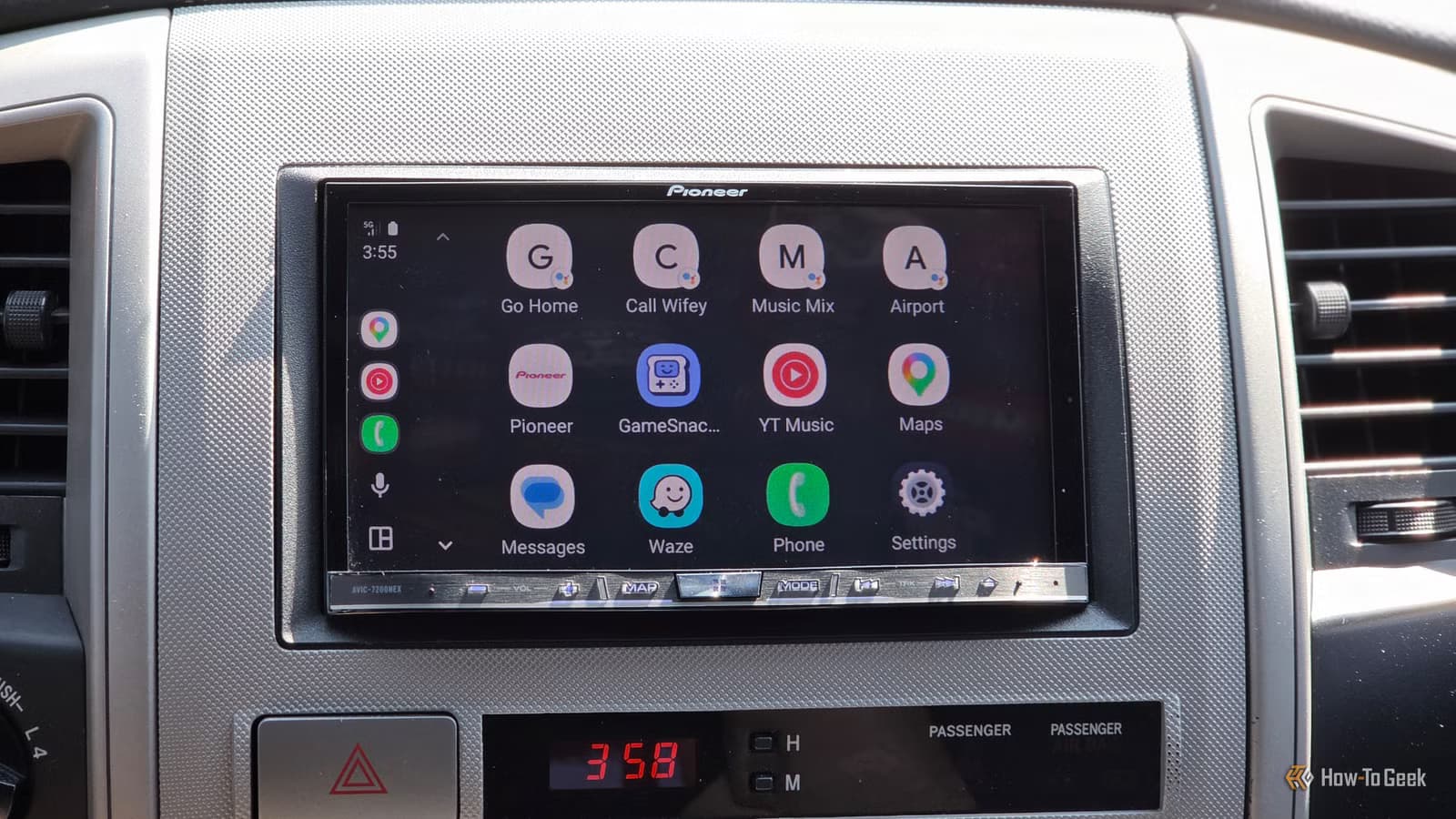
If you gave up on Android Auto years ago, you're not alone. The platform earned a reputation for disconnections, GPS failures, and general unreliability. But Google has been quietly fixing these problems. Tech writer David J. Buck recently revisited Android Auto after abandoning it and found a different experience than he remembered.
Buck's history with car audio spans from cassette-to-CD adapters to Bluetooth systems. He tried Android Auto when it launched but found it easier to just use Google Maps directly. The constant disconnections weren't worth the hassle. Now, after testing it again on a Samsung Galaxy Z Fold 5, he's changed his mind.
1. Connections Actually Stay Connected
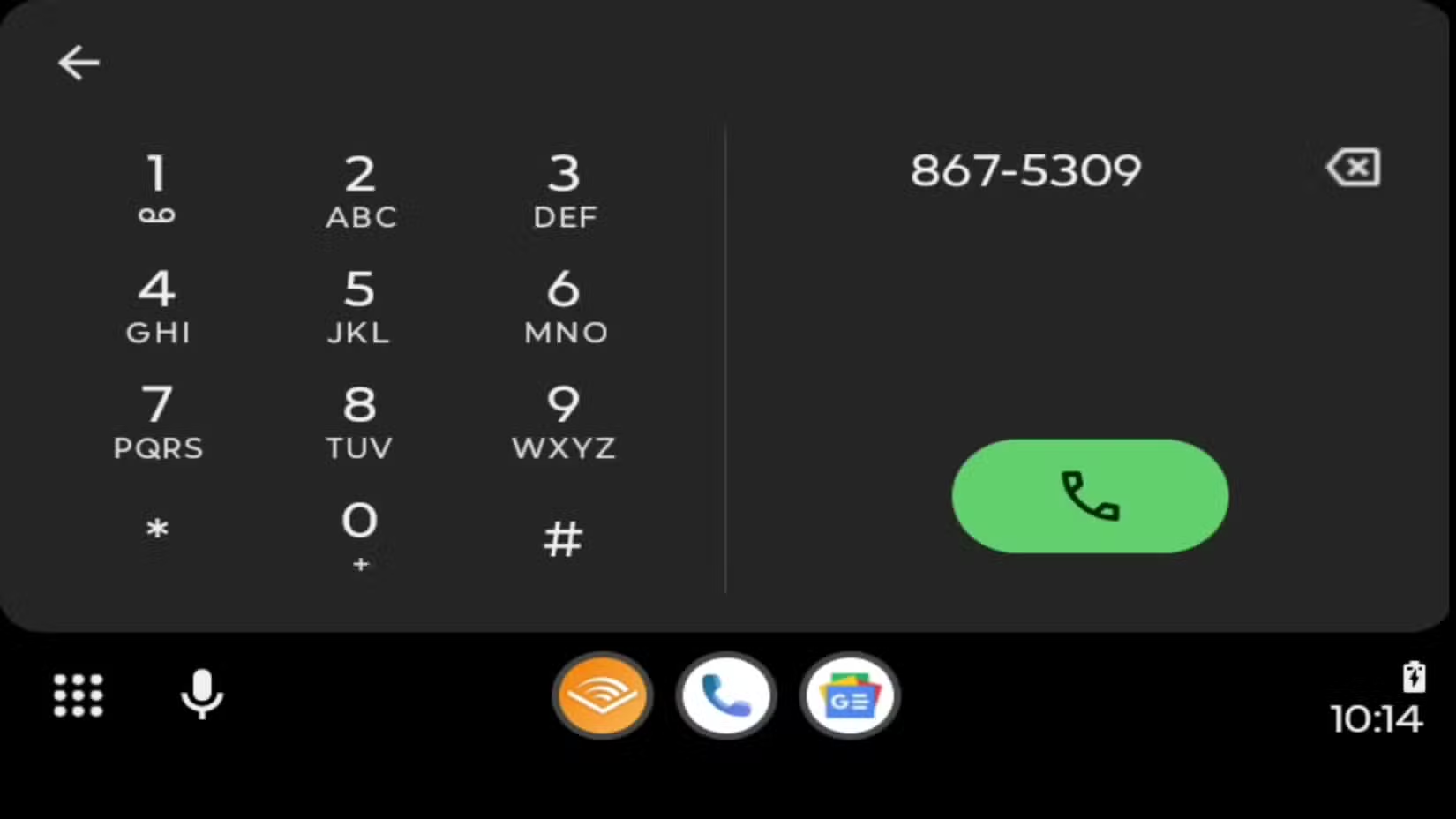
The biggest complaint about Android Auto was always disconnections. Buck reports he hasn't seen a communication error on his Galaxy Z Fold 5 since January. That's a significant improvement over the LG phones he used previously, which never stayed connected for an entire trip.
Wireless connections remain inconsistent and drain battery faster. But wired connections are now stable enough to complete trips without interruption, with the bonus of keeping your phone charged while driving.
Cable Quality Matters
2. GPS and Navigation Work Properly
Location services were another sore spot. Many users reported Android Auto couldn't determine their location accurately, which defeats the purpose of a navigation system. Buck says this has improved significantly. He's been driving unfamiliar routes recently and the GPS has performed reliably.
This fix matters because navigation was Android Auto's main selling point over just using your phone directly. If the GPS doesn't work, there's no reason to plug in.
3. Media and App Access Got Easier
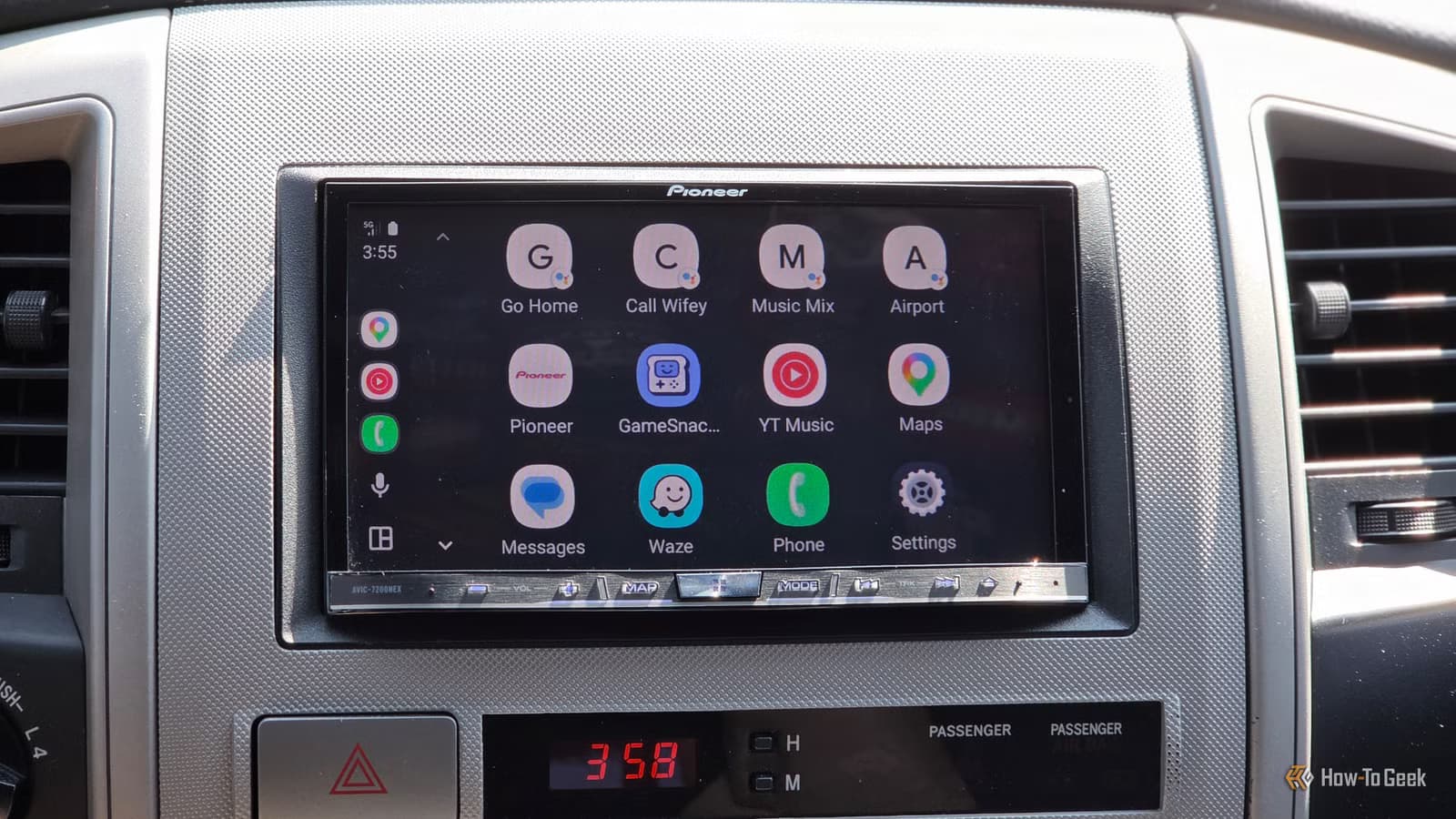
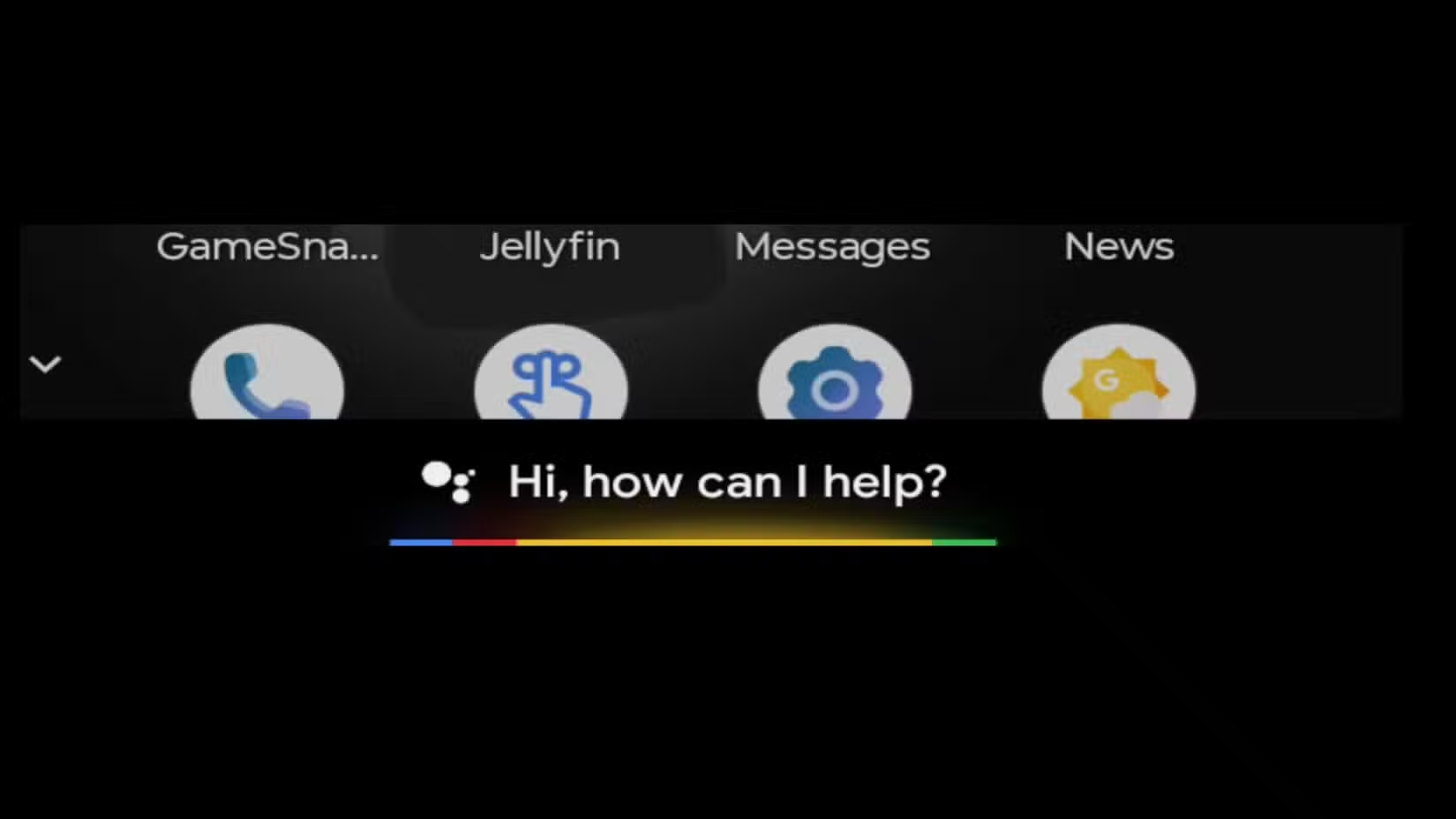
Android Auto now handles media apps more smoothly. Buck mentions being able to switch between Reuters for news, Audible for audiobooks, and music apps without the friction he experienced before. The shortcuts interface has been streamlined.
This isn't a flashy feature, but it addresses a real annoyance. Fumbling through menus while driving isn't just inconvenient. It's dangerous. Fewer taps to reach your podcast or music app means more time with eyes on the road.
4. Voice Dictation Has Improved
Google's voice recognition technology has gotten better across all its products, and Android Auto benefits from this. Dictating messages and voice commands work more reliably than they did in earlier versions.
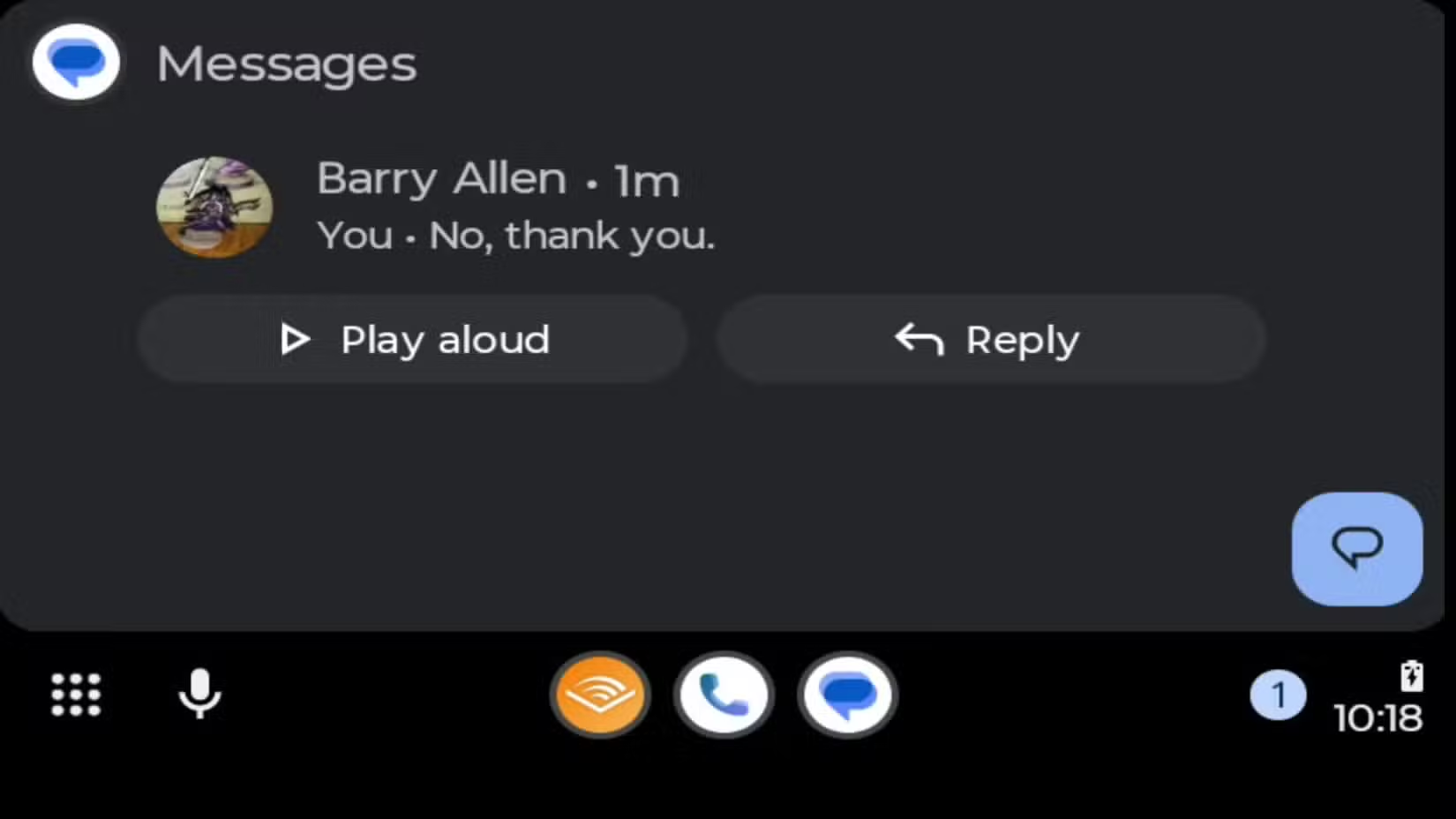
This improvement ties directly to safety. The less you need to look at or touch your screen while driving, the better. If voice commands actually work, you'll use them instead of reaching for the display.
5. Message Handling Works Better
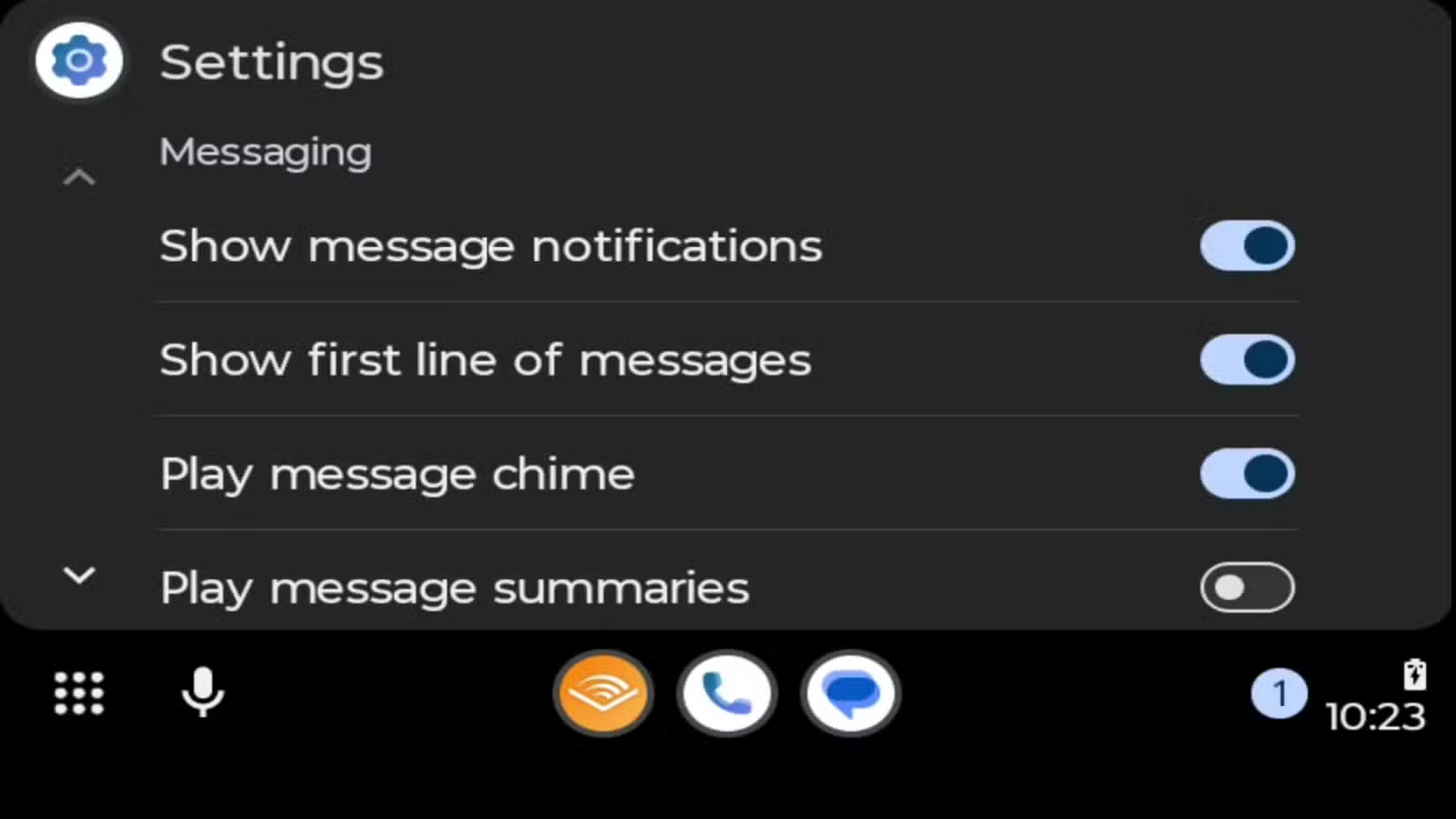
Reading and responding to messages while driving was always clunky in Android Auto. The interface has been refined to make this process smoother, with better integration for messaging apps.

Still Not Perfect
Buck notes that Android Auto still isn't CarPlay. Apple's system remains more polished and consistent. Wireless Android Auto connections are still unreliable and battery-hungry. And your experience will vary based on your specific phone and vehicle.
The key takeaway isn't that Android Auto is now flawless. It's that the issues which made it unusable for many people have been reduced to the point where it's worth trying again.
✅ Pros
- • Wired connections are now stable for full trips
- • GPS and navigation work reliably
- • Voice dictation has improved significantly
- • Phone stays charged while using wired connection
❌ Cons
- • Wireless connections still drain battery and disconnect
- • Still not as polished as Apple CarPlay
- • Experience varies by phone model and vehicle
How to Get the Best Experience
- Use a wired connection instead of wireless for stability
- Buy USB-IF certified cables rated for 10GB data transfer
- Keep your phone's Android Auto app updated
- Check your vehicle's head unit for firmware updates
- If problems persist, try a different USB port in your car
Logicity's Take
More ways to bring smart tech into your daily routines
Frequently Asked Questions
Is Android Auto better than CarPlay in 2026?
CarPlay remains more polished overall, but Android Auto has closed the gap significantly. The choice depends on whether you use an Android phone or iPhone.
Why does Android Auto keep disconnecting?
Most disconnection issues stem from cable quality. USB-IF certified cables rated for 10GB data transfer provide more reliable connections than cheap alternatives.
Should I use wireless or wired Android Auto?
Wired connections are more stable and keep your phone charged. Wireless is convenient but still drains battery and has more connectivity problems.
Does Android Auto work with all phones?
Most Android phones running Android 8.0 or later support Android Auto, but performance varies by device. Recent Samsung and Pixel phones tend to work best.
Need Help Implementing This?
Source: How-To Geek
Huma Shazia
Senior AI & Tech Writer
Produced with AI assistance and reviewed by the Logicity editorial team. Learn more in our Editorial Policy.