Key Takeaways
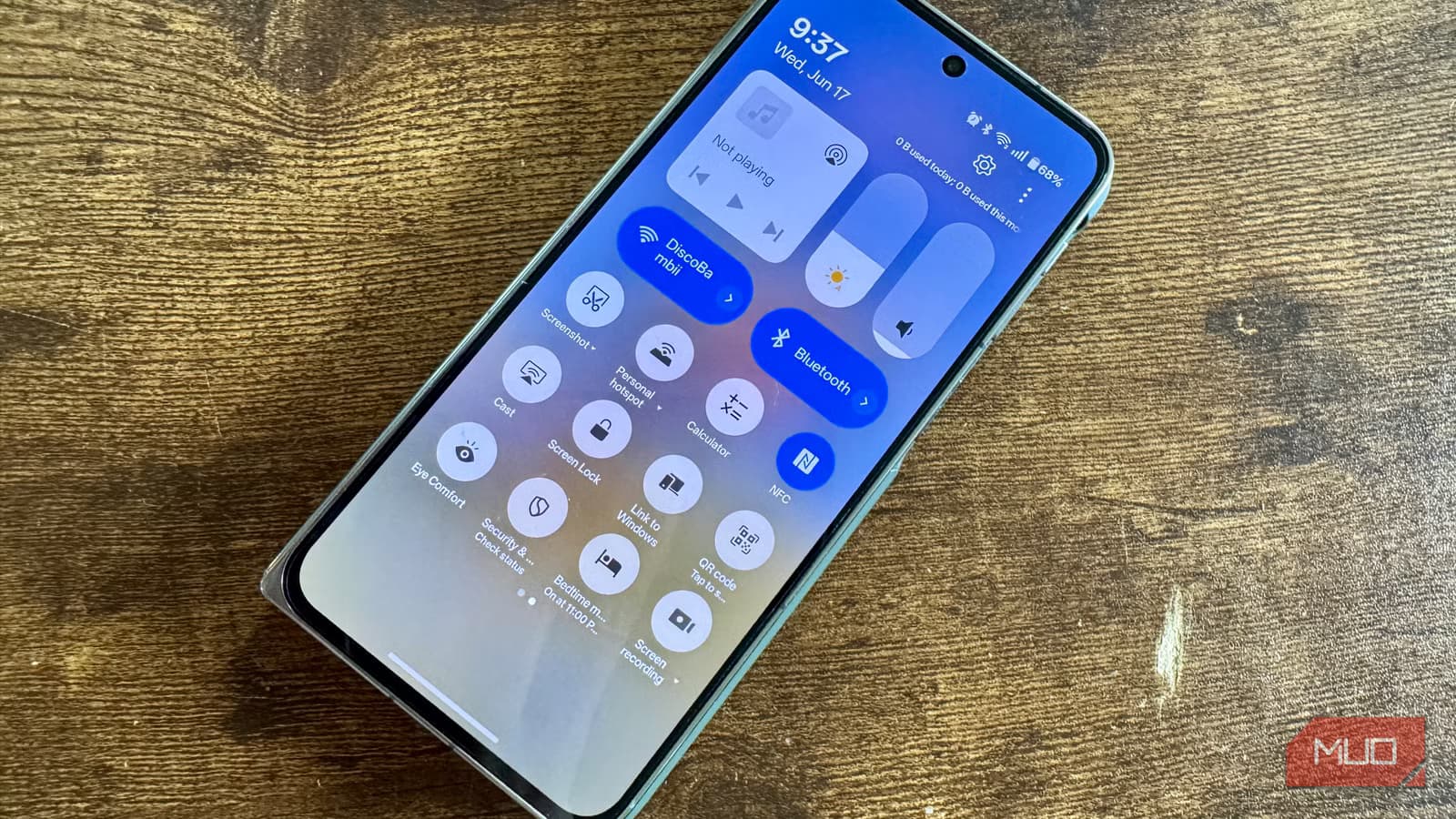
- Android has had a native QR code scanner since Android 8.0 Oreo, accessible through the camera app
- Screen recording with no watermarks or ads has been built into Android since version 11 in 2020
- Google Clock's Bedtime tab offers sleep scheduling, Do Not Disturb automation, and Spotify integration
Search for "QR scanner" on the Play Store and you'll wade through dozens of apps with identical names, mystery permissions, and paywalls. The same goes for screen recorders, alarm apps, and PDF viewers. Here's the thing: Android has offered all these features natively for years. Before you download another utility app cluttered with ads, check what's already on your phone.
This isn't about Android finally catching up. Many of these features shipped between 2018 and 2020. The Play Store simply makes it easier to download a third-party app than to discover what your operating system can do out of the box. That's a problem when roughly 73% of Android apps request potentially dangerous permissions, according to Cybernews research from 2023.
Why are alarm and bedtime apps still getting millions of downloads?
Apps like Alarmy, Sleep Cycle, and Sleepwave have millions of installs. For people who need sleep cycle tracking or snoring detection, they make sense. Most users just want a bedtime reminder and a gentle alarm. Google Clock has done that since August 2020.
The Bedtime tab lets you set a consistent sleep schedule, trigger Do Not Disturb automatically, and switch your screen to grayscale to discourage late-night scrolling. The Sunrise Alarm feature brightens your screen gradually in the 15 minutes before your alarm. It connects to Spotify, YouTube Music, and Calm for sleep sounds.
On Pixel phones, Digital Wellbeing estimates your time in bed based on motion and ambient light data. For basic sleep scheduling, Google Clock handles the job without a third-party app requesting access to your microphone.
Your camera already scans QR codes
QR scanner apps with over 100 million downloads sit on the Play Store. Most have ads, request access to your contacts or location, and do nothing your Camera app hasn't done since Android 8.0 Oreo in 2017. Open Camera, point at a code, tap the link. Done.
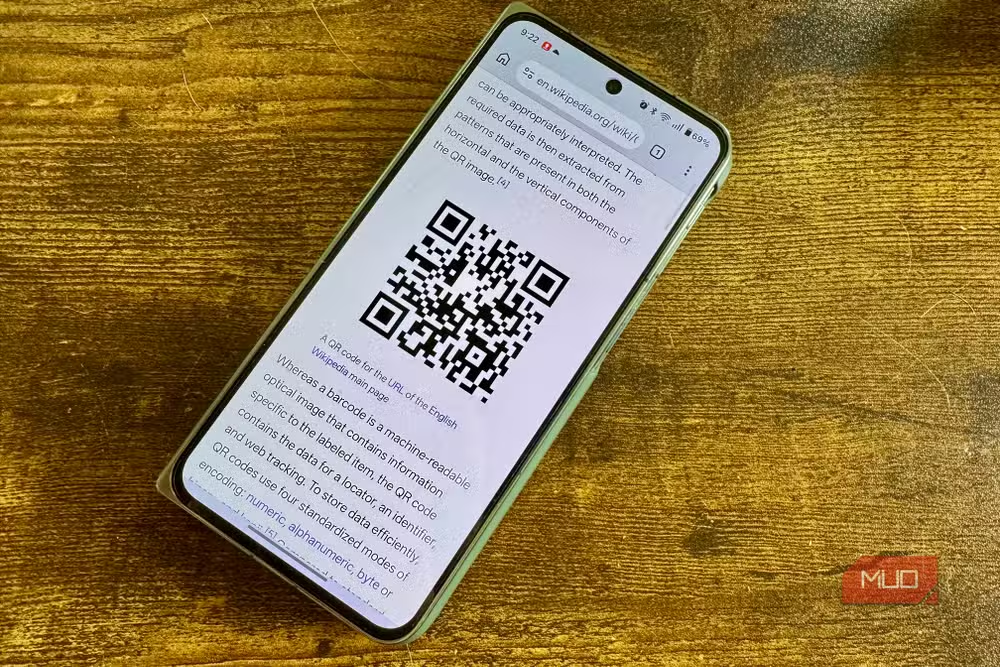
If you want faster access, Android 13 added a QR code scanner to Quick Settings. Swipe down twice, tap the pencil icon to edit your tiles, and drag the scanner into your panel. The one advantage third-party scanners offer is scan history. Android's built-in option doesn't log previous codes. If you don't need that, the camera handles everything without extra permissions.
Screen recorder apps are the worst offenders
Screen recorder apps on the Play Store are a minefield. Watermarks you pay to remove, aggressive ads, permissions that go far beyond what recording requires. Android has had a native screen recorder since Android 11 in 2020. No downloads, no watermarks, no time limits.
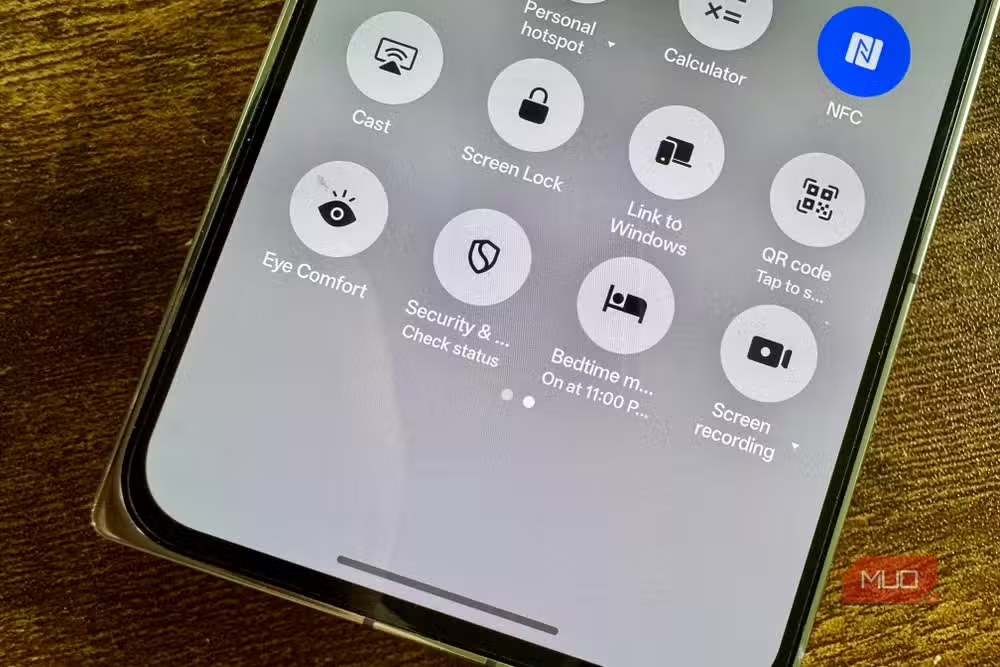
Access it by swiping down twice, tapping the pencil icon, and dragging Screen Record into your Quick Settings panel. Tap to start, choose whether to capture microphone or device audio, and toggle on-screen tap indicators. Recordings go straight to your Gallery.
Android 14 added single-app recording, which captures one app rather than your whole display. Useful for tutorials and demos where you don't want notifications or personal information flashing across the screen. Advanced users who need audio routing or built-in editing will still want third-party tools. For most purposes, the native recorder is enough.
Android 15 ships with a PDF reader
Adobe Acrobat Reader has hundreds of millions of Play Store installs. A significant chunk exist because people didn't know Android could already handle PDFs. Android 15 ships with a native PDF reader, and Google backported the underlying API to Android 12, 13, and 14 via Play System updates.
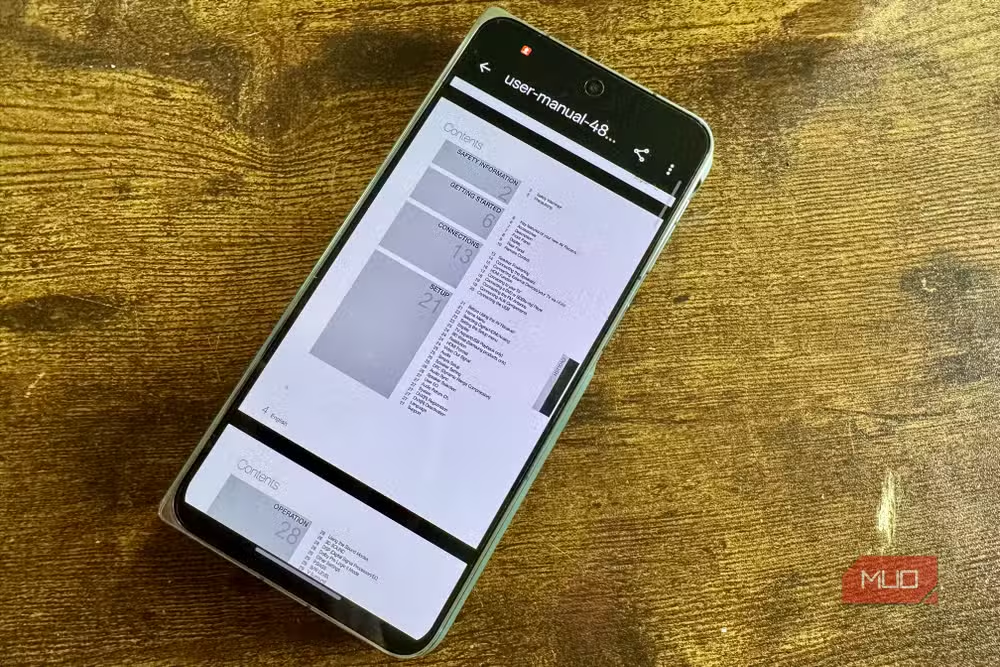
Files by Google updated its PDF handling to work without routing through Google Drive. The viewer handles zoom, text selection, search, and password-protected files. Chrome integrates with the same reader for PDFs opened in the browser. If you need annotation, form filling, or document signing regularly, Acrobat still has a place. For reading and basic interaction, the built-in option works.
The broader pattern here
Android has absorbed utility app categories systematically since Android 12. The operating system now handles tasks that once required downloading apps from developers you've never heard of, granting permissions you don't understand, and sitting through ads for basic functionality.
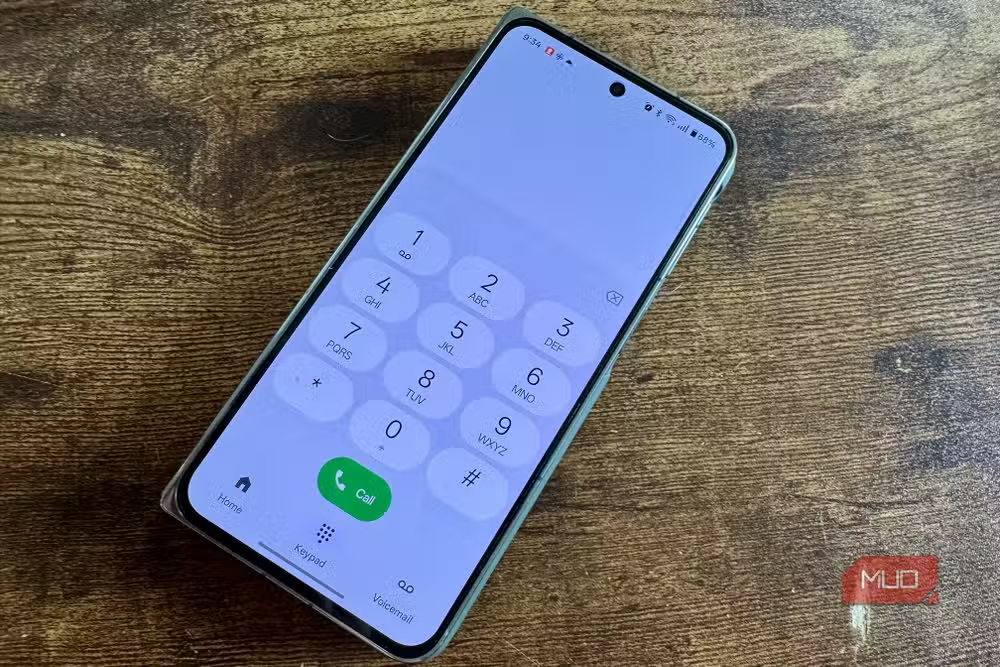
Every third-party app is a potential privacy and security risk. When the OS does something natively, there's rarely a good reason to use an alternative. The average Android phone has 23 apps that go unused for 30 days or more. Some of those are probably utilities doing jobs your phone already handles.
The Play Store's discovery problem works against users. Searching for a feature pulls up apps rather than documentation for native capabilities. Google could surface built-in alternatives when users search for categories like "QR scanner" or "screen recorder." Until that happens, the burden falls on users to check their Settings and Quick Settings panels before reaching for the download button.
Logicity's Take
Google's quiet absorption of utility app categories is good for users but raises a familiar antitrust question: when the platform owner builds in features that third-party developers built businesses around, who wins? In this case, security and privacy arguments favor native implementations. But the pattern suggests Google could eventually compress the utility app market to near-irrelevance, leaving only specialized tools with features the OS deliberately won't copy.
Similar approach to identifying redundant software across operating systems
Frequently Asked Questions
Which Android version has a built-in screen recorder?
Android 11, released in 2020, introduced native screen recording. Access it through Quick Settings by swiping down twice and adding the Screen Record tile.
How do I scan QR codes without downloading an app?
Open your Camera app and point it at the QR code. Android has recognized QR codes automatically since Android 8.0 Oreo. For faster access, add the QR scanner tile to Quick Settings on Android 13 or later.
Does Android have a native PDF viewer?
Yes. Android 15 ships with one, and Google backported the feature to Android 12, 13, and 14 via Play System updates. Files by Google and Chrome both use this native reader.
What does Google Clock's Bedtime tab do?
It sets consistent sleep schedules, triggers Do Not Disturb automatically, applies grayscale to discourage scrolling, and offers a Sunrise Alarm that gradually brightens your screen. It connects to Spotify, YouTube Music, and Calm for sleep sounds.
Should I delete all third-party utility apps?
Not necessarily. Apps offering features beyond native capabilities, like sleep cycle tracking, scan history, or PDF annotation, still have value. The point is to avoid apps that duplicate what Android already does while requesting unnecessary permissions.
Need Help Implementing This?
Want to audit your app permissions or streamline your Android setup for better security? Logicity covers practical tech optimization for professionals. Subscribe to our newsletter for weekly guides on getting more from the tools you already have.
Source: MakeUseOf
Huma Shazia
Senior AI & Tech Writer
Produced with AI assistance and reviewed by the Logicity editorial team. Learn more in our Editorial Policy.






