Key Takeaways
- Brushless motors outperform older brushed models in power and longevity, making them worth the premium
- A hammer drill/impact driver combo handles 90% of household drilling and driving tasks
- Ryobi's ONE+ battery ecosystem spans 350+ tools, so every purchase adds value to existing batteries
After nearly 20 years of buying Ryobi power tools, tech journalist Cory Gunther has narrowed his essentials to four items. His picks prioritize the ONE+ 18V battery system, which now powers over 350 different tools. The reasoning: buy batteries once, expand your toolkit forever.
Ryobi occupies a specific niche. It's not contractor-grade like Milwaukee or DeWalt. But for homeowners and weekend DIYers, it delivers reliable performance at roughly 30-40% lower prices. Home Depot's exclusive retail partnership means you can pick up batteries, tools, or replacements on the same trip you're buying lumber.
Why brushless motors matter for your Ryobi purchase
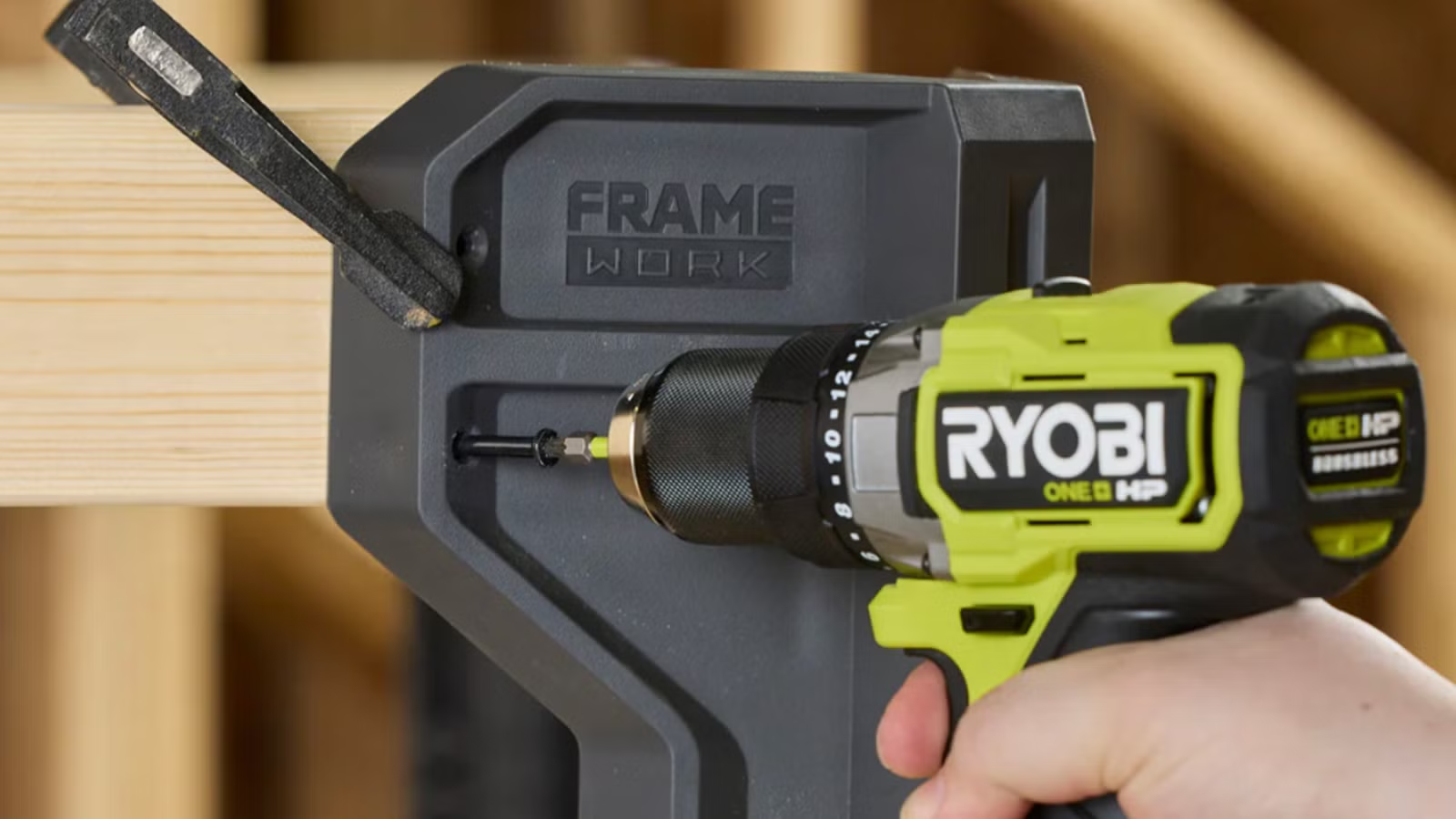
Gunther's first recommendation is specific: buy brushless, not brushed. Brushless motors eliminate the carbon brushes that wear down over time in older designs. The result is more torque, longer runtime per battery charge, and motors that outlast their brushed counterparts by years.
If the product name doesn't explicitly say "brushless," it's the older technology. The price difference runs $20-40 more for brushless versions, but the longevity math works out.
The hammer drill and impact driver combo
Every tool brand sells a drill/driver combo as an entry point. Gunther argues you should be picky about which combo you choose. A standard drill handles IKEA furniture assembly and basic hole-making. A hammer drill adds a percussive function for tougher materials: wood knots, brick, concrete.
The impact driver looks similar but serves a different purpose. It's built specifically for driving screws. The rotational impacts prevent stripped screw heads, and the tool handles longer fasteners without the wrist fatigue a standard drill causes. Having both tools, each optimized for its job, beats one tool doing both tasks poorly.
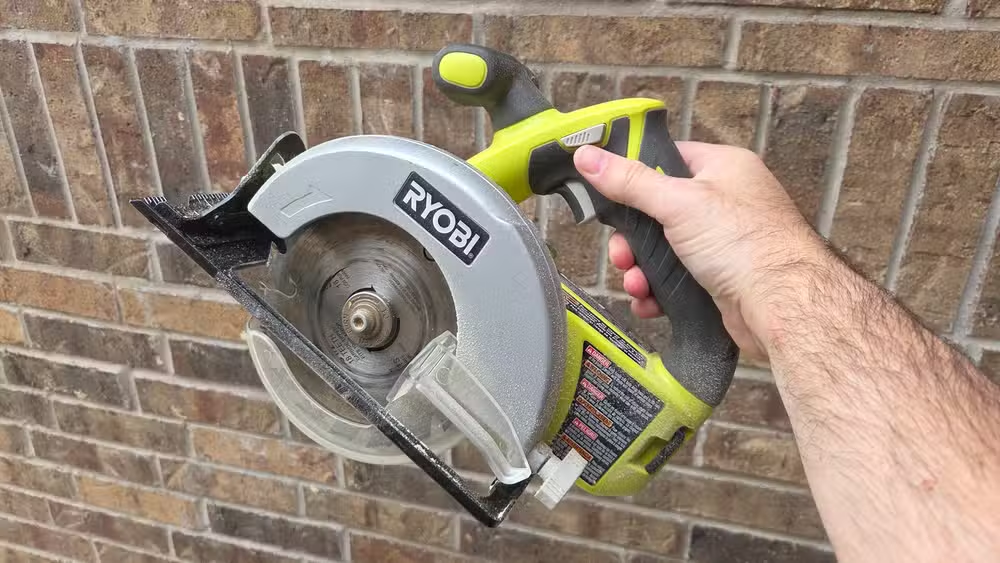
Ryobi's brushless hammer drill and impact driver combo runs $239 at Home Depot with a battery and charger included. That's your entry ticket to the ONE+ ecosystem.
The circular saw for bigger projects
A table saw would be nice. Gunther admits that. But his 6.5-inch circular saw handles garage shelves, deck building, and renovation cuts without the space requirements or price tag of a stationary saw. The portability matters: you bring the saw to the workpiece, not the other way around.
Adjustable blade heights and angles cover most cutting scenarios. Swap blade types for different materials. At $199 with a 4Ah battery and charger, it's not the cheapest circular saw on the market, but it runs on those same ONE+ batteries you already own.
The ONE+ battery ecosystem advantage
Ryobi launched the ONE+ system in 1996. Nearly three decades later, batteries from new tools still work in tools from the '90s. This backward compatibility creates a snowball effect: each new purchase increases the value of your existing battery collection.
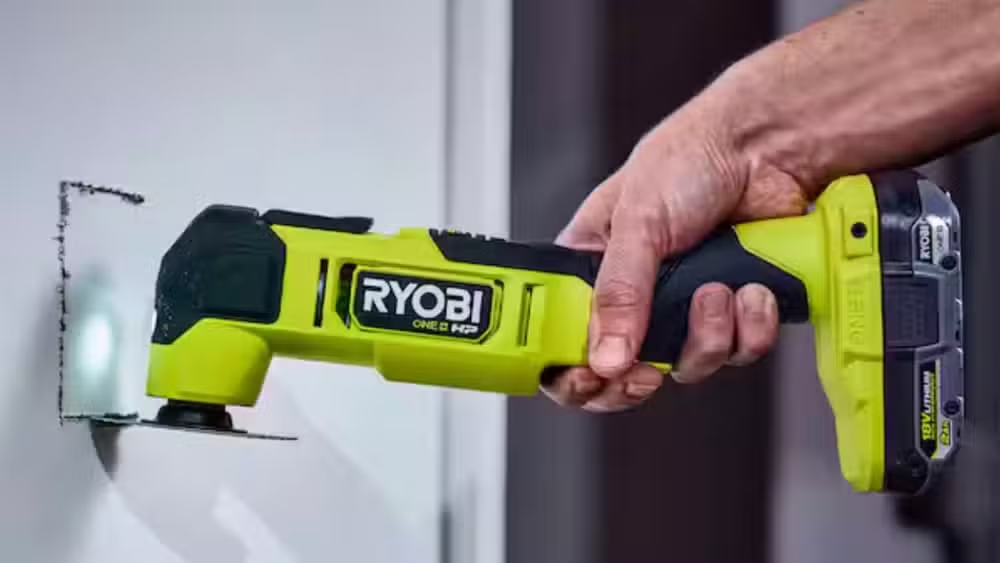
The 350+ tool count includes expected items like drills and saws. It also includes oddball tools most brands ignore: pool cleaners, hot glue guns, foggers, fans. Once you're invested in ONE+ batteries, Ryobi becomes the default answer for "I need a cordless version of X."
What Ryobi doesn't do well
Gunther acknowledges Ryobi isn't the best option on the market. For professional contractors running tools all day, Milwaukee and DeWalt offer higher durability and power. The trade-off is price: professional-grade tools cost 50-100% more for comparable functionality.
For weekend projects and home repairs, that professional durability is overkill. A Ryobi drill that sees action twice a month will outlast its owner.
Logicity's Take
The real story here isn't individual tool quality. It's ecosystem lock-in done right. Ryobi's 30-year battery compatibility commitment turns every purchase into a platform investment. TTI Industries, Ryobi's parent company, generates over $6 billion annually. They're not going anywhere, and neither is your battery collection.
Frequently Asked Questions
Are Ryobi tools good enough for professional use?
For daily contractor work, no. Milwaukee and DeWalt offer better durability under heavy use. For homeowners and occasional DIY projects, Ryobi delivers equivalent results at 30-40% lower prices.
What's the difference between brushed and brushless Ryobi tools?
Brushless motors eliminate internal carbon brushes that wear out. They deliver more power, longer battery life per charge, and significantly longer tool lifespan. Pay the $20-40 premium for brushless.
Will old Ryobi batteries work with new Ryobi tools?
Yes. The ONE+ 18V system has maintained backward compatibility since 1996. Batteries purchased today work with tools from nearly 30 years ago, and vice versa.
Why do I need both a drill and an impact driver?
Drills excel at making holes. Impact drivers excel at driving screws without stripping them. The rotational impact mechanism reduces wrist strain and handles longer fasteners better than a standard drill.
Where can I buy Ryobi tools?
Home Depot has an exclusive retail partnership with Ryobi in the United States. You won't find them at Lowe's or other major hardware chains.
More weekend project ideas that pair well with basic power tools
Need Help Implementing This?
Building out your workshop or planning a home automation project? Logicity covers the intersection of hardware and smart home tech. Subscribe to our newsletter for weekly project ideas and tool recommendations.
Source: How-To Geek
Manaal Khan
Tech & Innovation Writer
Produced with AI assistance and reviewed by the Logicity editorial team. Learn more in our Editorial Policy.






