Key Takeaways
- A $15 controller board can turn a broken iPad display into a Home Assistant dashboard
- Serial port control for LG TVs solves infrared reliability problems by polling device state every 5 seconds
- Home Assistant's built-in AI image generation can create dynamic weather-based dashboard wallpapers
Home Assistant's appeal lies in making existing hardware do new tricks. Three projects for this weekend, June 19-21, show how to squeeze more life out of old iPads, fix infrared control headaches, and generate dynamic dashboard backgrounds using AI.
The common thread: each project solves a real annoyance rather than adding complexity for its own sake. An iPad too old to run Safari properly becomes a dedicated display. A TV that ignores infrared commands gets a reliable wired connection. A static dashboard gains weather-aware visuals.
How do you turn a broken iPad into a Home Assistant display?
Old iPads hit a wall fast. Safari stops loading modern web apps. The Home Assistant iOS app requires versions the hardware can't support. VNC works but demands constant maintenance.
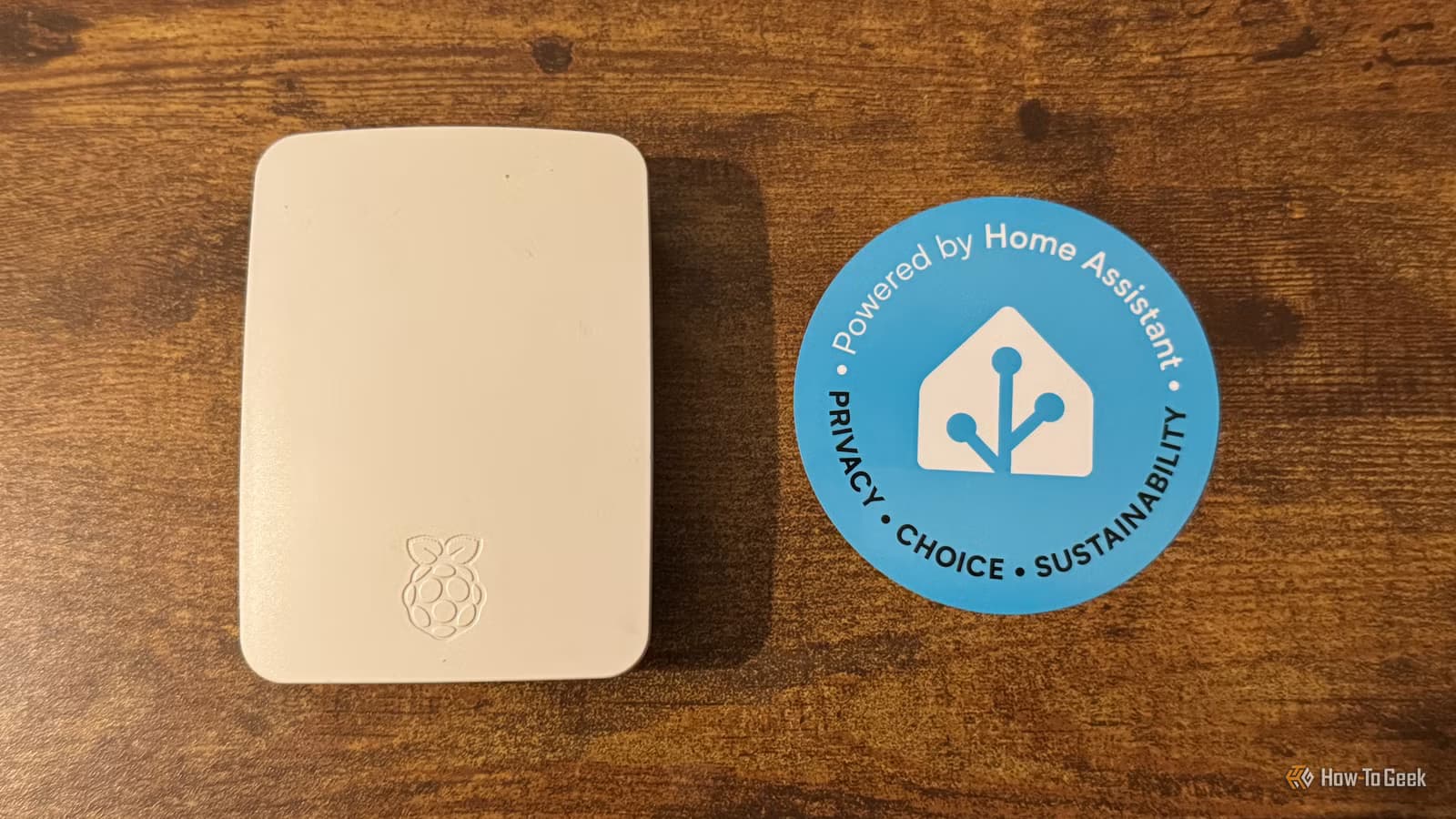
The fix bypasses iOS entirely. Rip out the LCD panel, connect it to a display controller board (around $15 on Amazon), and wire that to a Raspberry Pi. Mount the whole assembly in a photo frame.
The setup described by How-To Geek's Adam Davidson displays Jellyfin movie posters during playback, TV channel logos when watching live television, and family photos when the TV is off. A motion trigger at the front door switches the display to a video doorbell snapshot.
Broken iPads with intact displays are cheap on eBay. The controller board handles the display signal conversion. The Raspberry Pi runs a lightweight browser or displays images pushed from Home Assistant automations. Total cost for the electronics: under $50 if you already have a Pi.
Other uses: a dedicated Home Assistant dashboard in the kitchen, a calendar that syncs with Google or Outlook, real-time solar panel output, or a security camera feed that cycles through multiple cameras.
Why does serial port control fix infrared problems?
Infrared is fundamentally one-way. Your Home Assistant hub sends a power-on command to the TV. If someone walks between the blaster and the TV, the signal never arrives. Home Assistant still thinks the TV is on. Automations break.
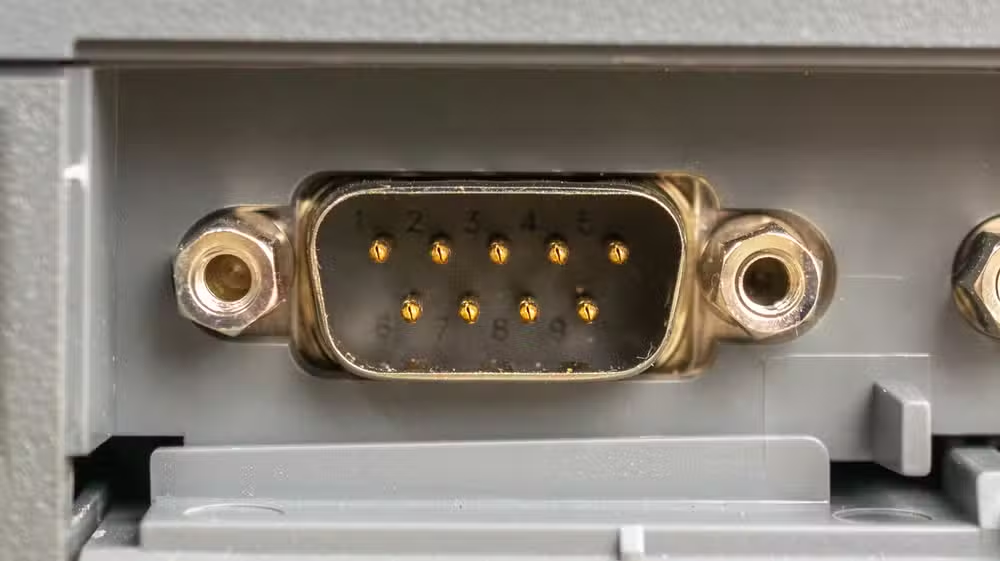
A new Home Assistant integration called LG TV via Serial connects to LG televisions and commercial displays through the RS-232 serial port. You can use a direct cable, a USB-to-serial adapter, or an ESP32-based serial proxy.
The key difference: the integration polls the TV every five seconds. It returns the actual power state, input source, volume level, and mute status. If someone changes the volume with the physical remote, Home Assistant knows within five seconds.
This bidirectional feedback eliminates state mismatches. Power toggles work reliably. Volume automations stay synchronized. Input switching automations stop fighting the user.
The integration supports power on/off, volume adjustment, mute control, and input source switching. Not every LG TV has an accessible RS-232 port, but commercial displays almost always do. Check your TV's specifications before buying adapters.
Can Home Assistant generate AI wallpaper based on weather?
Home Assistant now includes a built-in image generation feature. It works with cloud-based AI services or local models. Automations can trigger image generation based on any Home Assistant data.
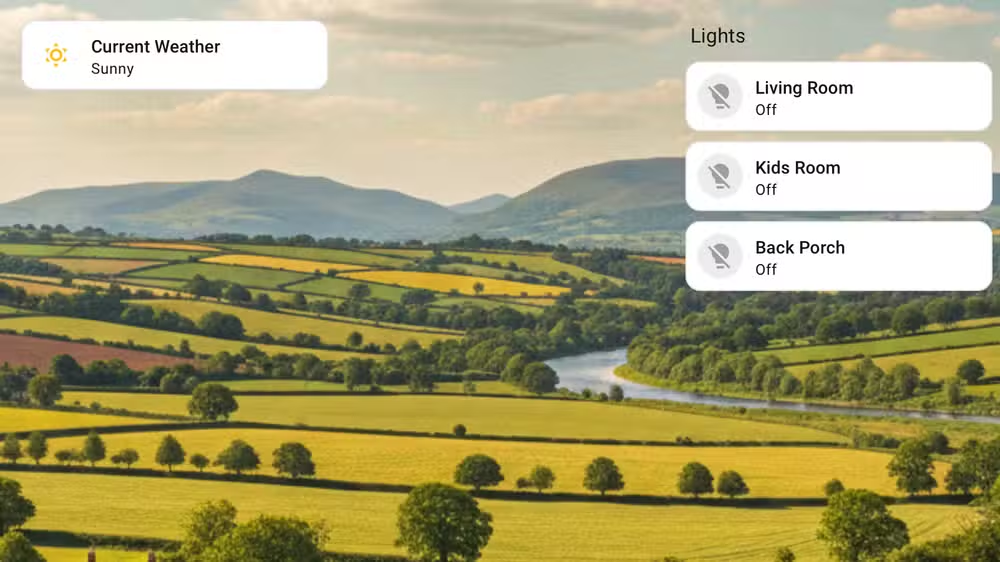
The weather wallpaper project prompts the AI with current conditions. Rainy morning? Generate a moody rain scene. Clear evening? A sunset. The dashboard background changes to reflect what's happening outside without opening a curtain.
You can extend this to other triggers. Time of day. Seasonal themes. Holidays. The presence of specific people at home. The system's imagination is limited mainly by your prompt engineering.
Local AI models keep image generation private and free after initial setup. Cloud services are faster but cost per-image. Either way, the automation structure is the same: trigger, generate image, set as dashboard background.
What hardware do you need to start?
All three projects assume you already run Home Assistant. If you don't, the Home Assistant Green ($219) provides a plug-and-play starting point. A Raspberry Pi 4 or 5 works too, with more setup effort.
- iPad display project: broken iPad with working LCD, $15 controller board, Raspberry Pi, photo frame
- Serial TV control: LG TV with RS-232 port, USB-to-serial adapter or ESP32 proxy, cable
- AI wallpaper: cloud AI API key or local LLM setup, Home Assistant 2024.x or later
The iPad project has the highest complexity. The serial TV project requires modest soldering or cable crimping skills. The AI wallpaper project is entirely software, assuming you have dashboard access.
Logicity's Take
These projects highlight why Home Assistant keeps gaining ground against commercial platforms. The value isn't in proprietary integrations, it's in the flexibility to solve problems manufacturers never anticipated. A broken iPad has zero value to Apple's ecosystem. Add a $15 board and a Pi, and it becomes a useful display indefinitely. That kind of repurposing is impossible in walled gardens.
Frequently Asked Questions
Does the iPad display project work with Android tablets?
Yes. Any tablet with a standard LCD or OLED panel can work if you find a compatible controller board. Search for your specific panel's model number plus 'controller board' on AliExpress or Amazon.
Which LG TVs have RS-232 serial ports?
Most LG commercial displays include RS-232. Consumer models vary. Check your TV's input panel or specifications. Some require a service menu to enable the port.
Is local AI image generation fast enough for real-time use?
Depends on your hardware. A dedicated GPU can generate images in seconds. A Raspberry Pi would struggle. Cloud services are faster but require internet and incur API costs.
Can I use these projects without coding experience?
The AI wallpaper project uses Home Assistant's visual automation editor. The serial TV integration installs through the UI. The iPad display project requires some hardware assembly but minimal code.
More weekend projects for power users looking to optimize their setup
Need Help Implementing This?
Whether you're setting up Home Assistant for the first time or troubleshooting an advanced automation, Logicity's community and expert partners can help. Drop your questions in our comments or reach out for implementation support.
Source: How-To Geek
Manaal Khan
Tech & Innovation Writer
Produced with AI assistance and reviewed by the Logicity editorial team. Learn more in our Editorial Policy.






