Key Takeaways
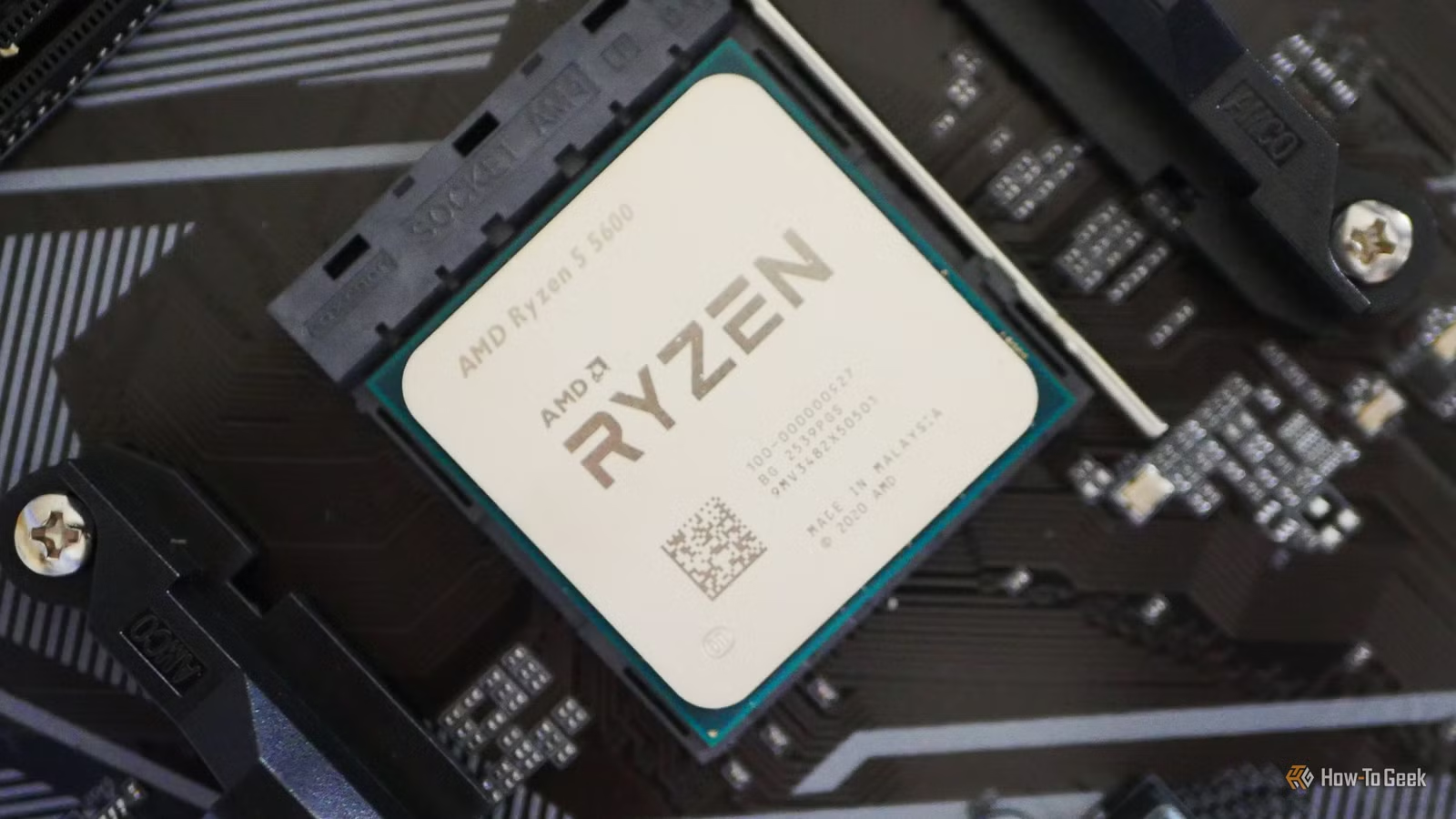
- Intel Core 2 Quad Q6600 lacks POPCNT instruction required by Windows 11 24H2 kernel
- AMD Phenom II X6 1090T's six cores can't compensate for its 45nm architecture limitations
- Modern $115 CPUs like the i3-14100F outperform these decade-old processors in every metric
The Intel Core 2 Quad Q6600 and AMD Phenom II X6 1090T are officially too old to run modern Windows. Microsoft's Windows 11 24H2 update requires the POPCNT instruction, which Intel only added to its SSE4.2 instruction set in 2008. That means the Q6600, released in 2007, is permanently locked out of the current operating system.
This isn't about Microsoft being arbitrary. These processors are approaching two decades old. The Q6600's 65nm process node and ancient microarchitecture make it slow and power-hungry by any modern standard. But the POPCNT requirement is the hard technical cutoff, not just a performance recommendation.
Why the Core 2 Quad Q6600 finally hit a wall
The Q6600 had an exceptional run. When it launched in 2007, it brought affordable four-core computing to consumers who were still running single-core Pentium 4 systems. It arrived alongside DDR3 RAM, giving buyers flexibility between DDR2 and DDR3 depending on their motherboard choice.
The chip remained capable enough that some users ran it for seven years or longer. It was the sweet spot of price and performance for its era. But even legendary hardware can't outrun software requirements forever. The kernel-level dependency on POPCNT isn't something that can be patched around. Windows 11 24H2 won't boot on hardware that lacks this instruction.
Linux remains an option, technically. But the raw performance gap makes even that a hard sell. Modern workloads expose how far processor design has advanced since 2007.
AMD's Phenom II X6 1090T: six cores weren't enough
When AMD released the Phenom II X6 1090T in 2010, it was one of the company's best desktop chips. Six physical cores on the 45nm Thuban architecture made it a compelling alternative to Intel's Core i7-870, which offered four cores with hyperthreading for eight threads.
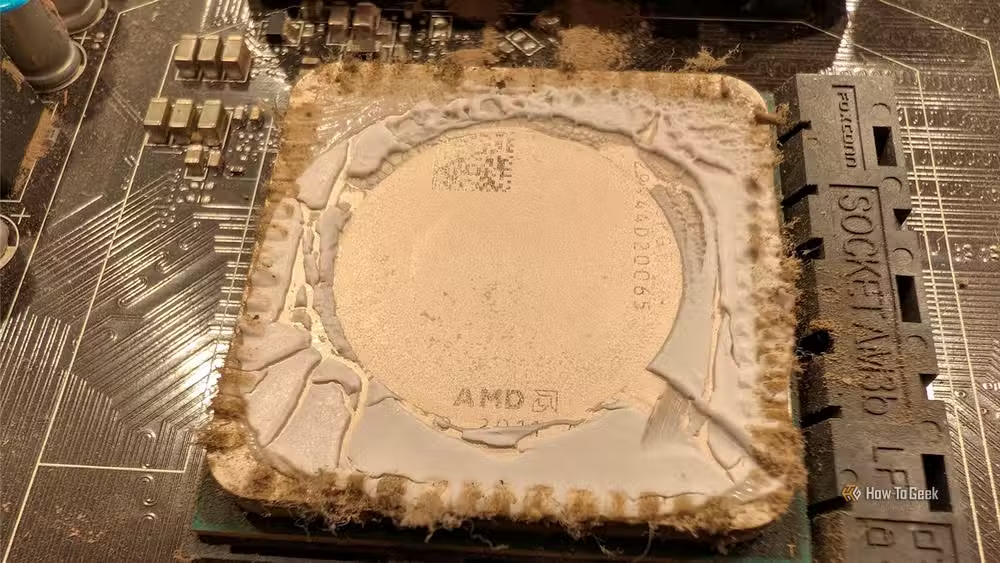
The 1090T cost roughly half what Intel charged, making it the value pick for workstation tasks. Its unlocked multiplier let enthusiasts push clock speeds higher, though the 125W TDP already ran hot at stock settings.
None of that matters in 2026. The same instruction set limitations that killed the Q6600's compatibility apply here. The 1090T's extra cores can't compensate for missing the fundamental CPU instructions that modern operating systems now require.
What a $115 modern CPU offers instead
The Intel Core i3-14100F costs $115 and delivers four cores with eight threads. It handles everyday computing and gaming without breaking a sweat. Its 4.7GHz boost clock and modern microarchitecture make it faster in single-threaded tasks than any of these older chips were in their prime.
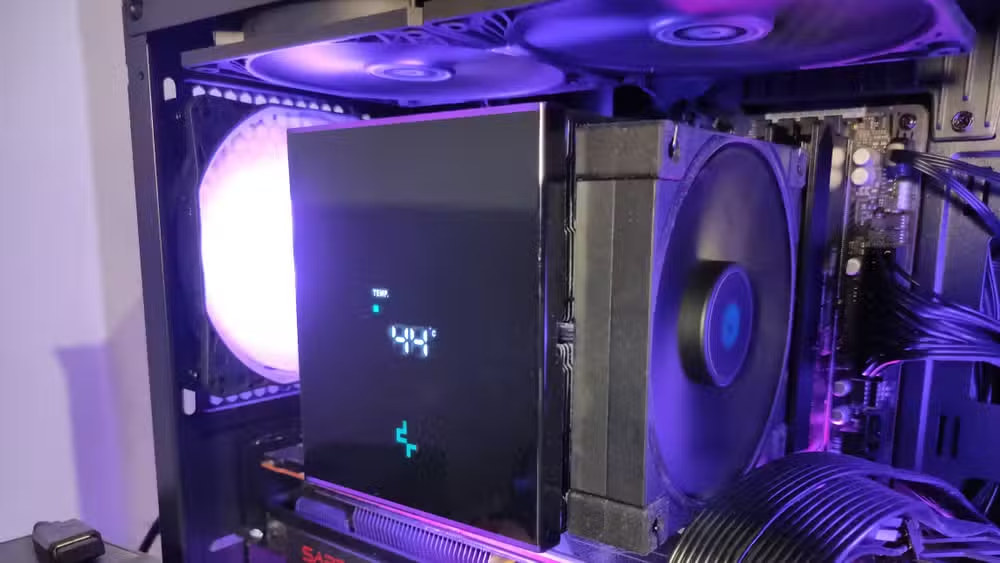
The efficiency gap is even more dramatic. Where the 1090T drew 125W under load, modern chips deliver far more performance per watt. Power consumption matters for electricity bills, but it also affects cooling requirements and system noise.
The upgrade calculus for old systems
Swapping a Q6600 or 1090T for a modern processor means replacing the motherboard and RAM too. These chips used DDR2 or DDR3, while current platforms require DDR4 or DDR5. The socket types are completely incompatible.
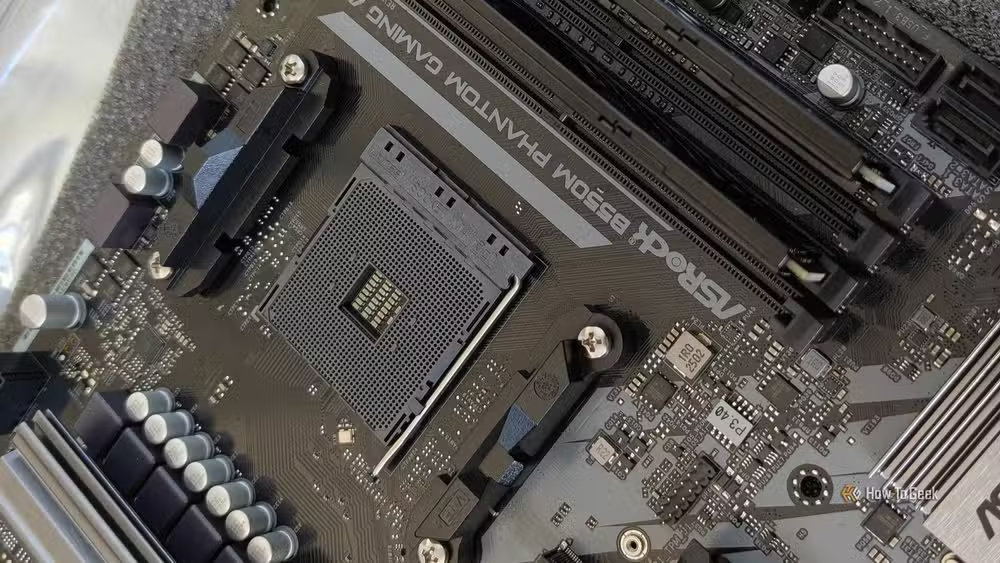
That makes the upgrade more expensive than just buying a CPU. Budget around $300-400 for a processor, motherboard, and RAM combination that will run current software for years. The alternative is continuing to use hardware that can't receive security updates.
Linux distributions like Zorin OS can extend the useful life of older hardware somewhat. They don't have the same instruction set requirements as Windows 11. But even Linux can't make a 65nm processor competitive with modern silicon. These chips are bottlenecks for anything beyond basic browsing and document editing.
Logicity's Take
Microsoft's hard instruction-set requirements are a more honest approach than vague "minimum specs" that technically work but perform terribly. The POPCNT cutoff draws a clear line. For businesses still running decade-old workstations, the real cost isn't the upgrade hardware. It's the security exposure of systems that can't receive patches after Windows 10 support ends.
Frequently Asked Questions
Can I bypass Windows 11's CPU requirements?
Tools like Rufus can create installation media that skips TPM and CPU checks. But the POPCNT instruction requirement in the 24H2 kernel is different. The system won't function without hardware support for these instructions.
Is Linux a viable alternative for these old CPUs?
Linux distributions will install and run on these processors. However, performance in modern applications will be poor. The hardware is the limitation, not the operating system.
How long should a CPU last before needing replacement?
Most CPUs from the past decade continue working fine for basic tasks. The forcing function is usually software requirements, not hardware failure. Expect 7-10 years of mainstream support before obsolescence.
What's the cheapest path to a Windows 11 compatible system?
Intel 8th-gen (Coffee Lake) or AMD Zen 2 processors meet Windows 11 requirements. Used systems with these chips start around $150-200 and include compatible motherboards and RAM.
Another approach to getting more life out of existing hardware through software optimization
Need Help Implementing This?
Planning hardware upgrades across your organization? Logicity covers the technical decisions that matter for IT leaders. Subscribe for analysis that cuts through vendor marketing.
Source: How-To Geek
Manaal Khan
Tech & Innovation Writer
Produced with AI assistance and reviewed by the Logicity editorial team. Learn more in our Editorial Policy.






