Key Takeaways
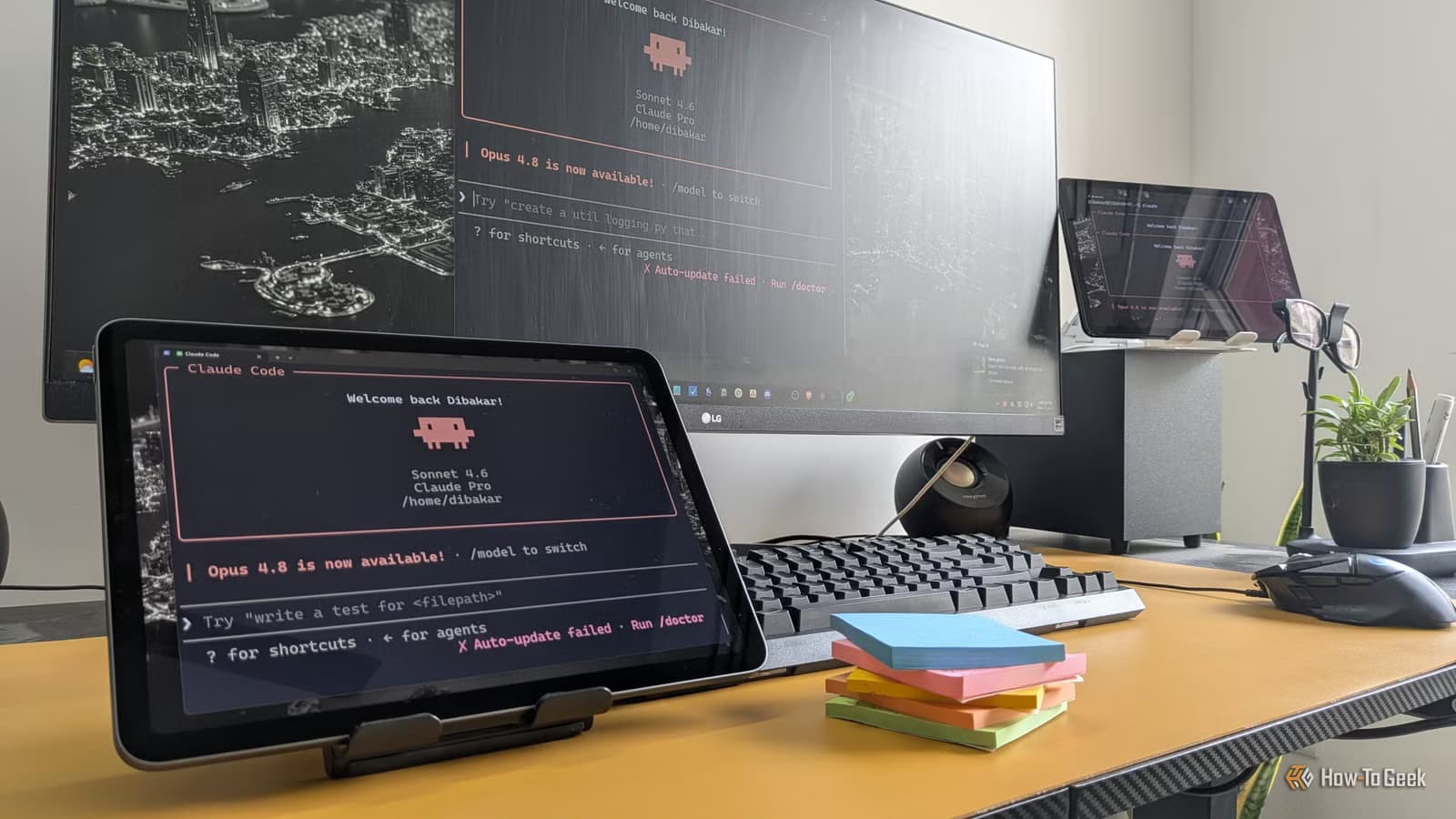
- Claude's Cowork mode grants file system access, enabling desktop automations without code
- A daily wallpaper generator can display pending tasks directly on your desktop
- The Productivity plugin syncs tasks across Notion, Asana, Slack, and Gmail into one view
Anthropic's Claude can now automate parts of your desktop workflow without requiring you to write scripts or configure complex tools. A How-To Geek writer documented four automations he runs through Claude's Cowork mode, all built by describing what he wanted in plain English.
The key is Cowork mode in the Claude desktop app, which grants the AI access to your local files and folders. That access opens the door to automations that previously required PowerShell scripts, Automator workflows, or dedicated scheduling software.
How the wallpaper task reminder works
The first automation turns the desktop wallpaper into a live to-do list. Each morning, Claude reviews the day's tasks and generates a new wallpaper image with those items written directly onto it. The result: pending work stays visible every time you minimize a window.
This solves a specific problem the author describes: the false sense of progress that comes from finishing one task early in the day. With remaining items visible on the desktop, he reports that procrastination dropped noticeably. It's environmental accountability, not another app demanding your attention.
Syncing tasks across Notion, Asana, Slack, and Gmail
The second automation centralizes task management. Claude connects to productivity tools through its integrations, then uses a Productivity plugin to scan all connected apps and compile a unified task list. Instead of checking five different tools each morning, you start in Claude and see everything in one view.
But pulling tasks together is only half the system. The author built a custom workflow called "Task Transpose" that pushes tasks back into all connected apps. If something exists in Notion but not Asana, Claude syncs it. This eliminates the tedious work of recreating the same task across multiple tools while preserving each app's specialized features like Kanban boards and timeline views.
Automating file organization and cleanup
The third automation tackles a familiar problem: a desktop cluttered with installers, PDFs, screenshots, and draft files accumulated during a project. Once the work is done, the cleanup gets postponed indefinitely.
With Cowork mode's file system access, Claude can sort files into appropriate folders based on their type and content. The author describes his desktop as a "staging ground for everything" during active work. Claude handles the sorting afterward, moving each file to its proper location without manual intervention.
What makes this different from traditional automation
Traditional automation tools require you to define exact triggers and actions. If you want a file moved, you specify the file type, source folder, destination folder, and conditions. Claude inverts this: you describe the outcome you want, and it figures out the implementation.
The trade-off is control. Scripted automations do exactly what you specify, every time. Claude-based automations interpret your intent, which means they can handle edge cases but might occasionally surprise you. For personal productivity tasks, that flexibility often matters more than precision.
Requirements and limitations
These automations require the Claude desktop app with Cowork mode enabled. That means Claude has access to your local file system, so users should understand the permission scope before enabling it. The Productivity plugin requires additional setup for each connected service.
Claude's 200K token context window lets it process substantial amounts of information in a single session, making it practical for scanning multiple apps or large file collections. But these are personal productivity tools, not enterprise solutions. They run on your machine, with your data, under your control.
Logicity's Take
The shift from code-defined to language-defined automation is significant, but the real test is reliability. These workflows work when Claude interprets your intent correctly. For high-stakes tasks, you'll still want traditional scripts. For personal productivity experiments, the barrier to entry just dropped to zero.
More techniques for getting better results from AI research tools
Frequently Asked Questions
Does Claude automation require coding knowledge?
No. Claude's Cowork mode lets you describe what you want in plain English, and the AI handles the implementation. No scripts, no pseudocode required.
What apps can Claude connect to for task automation?
Claude integrates with Notion, Asana, Slack, Gmail, and other productivity tools through its Productivity plugin. Each service requires separate authorization.
Is Claude desktop automation available on all platforms?
The Claude desktop app is required. Check Anthropic's current platform availability, as features like Cowork mode may vary by operating system.
How is Claude automation different from Zapier or IFTTT?
Traditional tools require you to define exact triggers and actions. Claude interprets natural language descriptions and determines the implementation itself, offering more flexibility but less precision.
Need Help Implementing This?
Setting up Claude automations involves granting file system permissions and configuring app integrations. If you're exploring AI-powered workflows for your team, contact our team for guidance on security considerations and practical implementation strategies.
Source: How-To Geek
Manaal Khan
Tech & Innovation Writer
Produced with AI assistance and reviewed by the Logicity editorial team. Learn more in our Editorial Policy.






