Key Takeaways
- Assigning a specific professional persona changes how NotebookLM prioritizes and validates information from your documents
- Telling the AI to cite specific locations in source material forces it to show its work and reduces hallucinations
- Vague prompts cause the model to drift from your actual documents into generic, training-data patterns
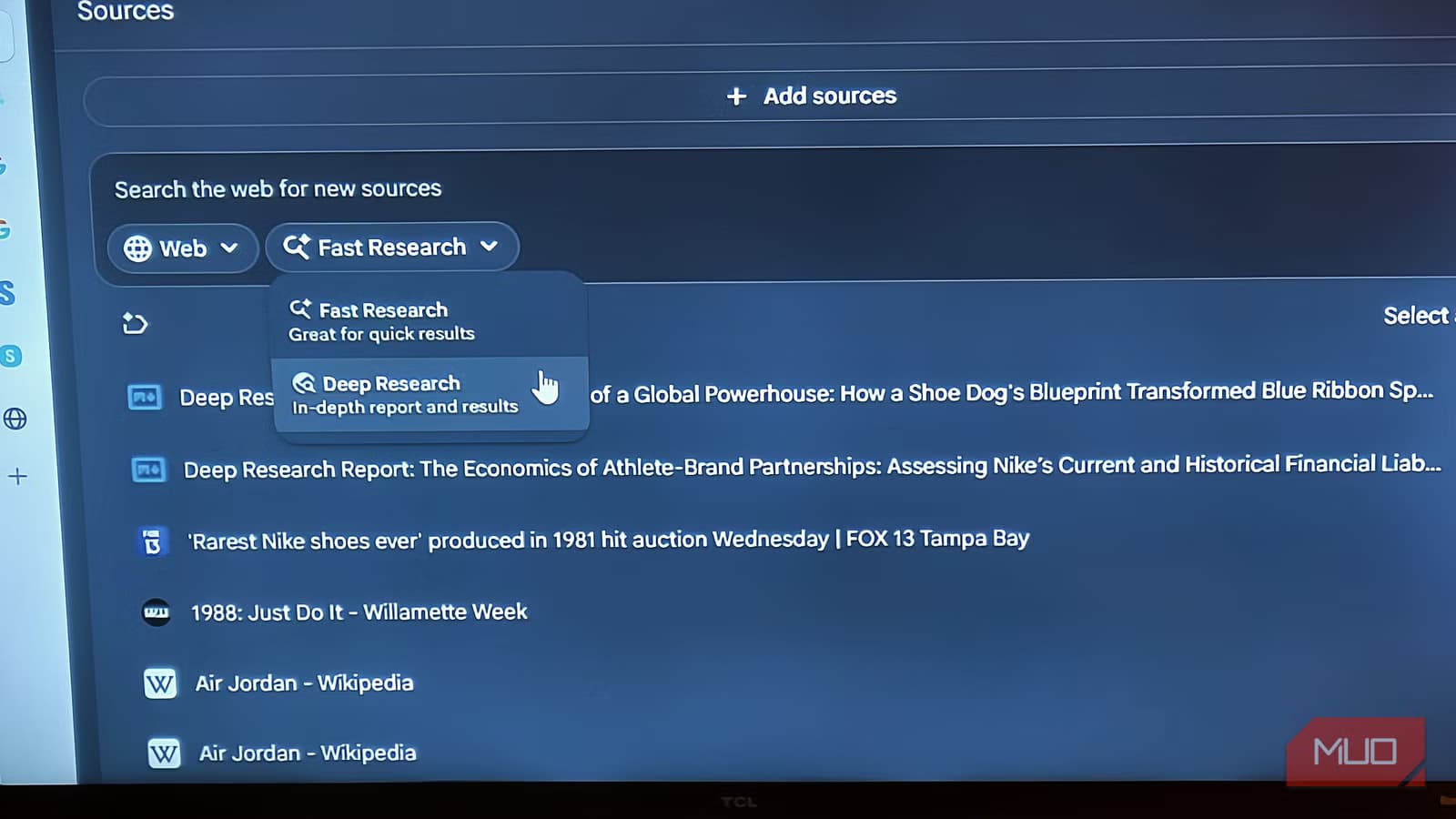
NotebookLM's Deep Research feature delivers wildly inconsistent results. One query produces a sharp, well-sourced synthesis across your documents. The next returns something so generic it clearly ignored your actual sources. The difference isn't random. It comes down to how you structure your prompts.
Jorge Aguilar at MakeUseOf spent time diagnosing why Deep Research felt like a coin flip. His conclusion: the tool works, but only when you set up research sessions correctly. Three specific techniques consistently improve output quality.
Why assigning a persona changes Deep Research results
NotebookLM can process up to two million tokens in its context window. That's entire document sets ingested at once, not chopped into fragments. But raw capacity doesn't help if the AI doesn't know what to prioritize.
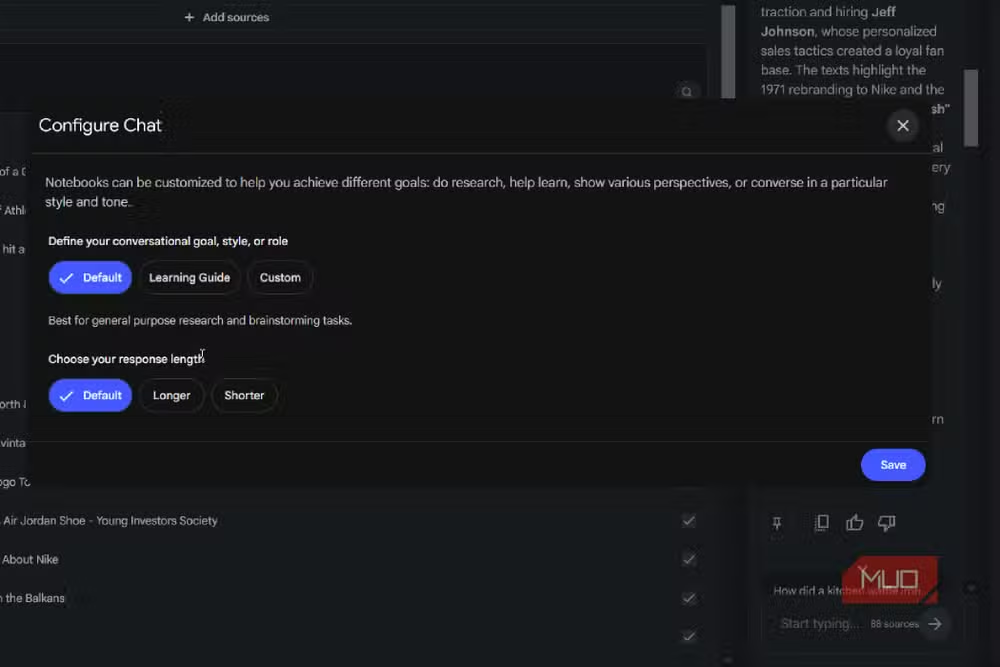
The fix is giving it a professional identity. Tell Deep Research to operate as a financial auditor, and it becomes more skeptical about unsupported claims. Assign it the role of an academic reviewer, and it sticks closer to what's actually in your sources rather than filling gaps with generalizations.
This isn't a gimmick. The persona shapes what the model considers important, how carefully it validates its own claims, and how cautious it becomes about speculation. A strict role creates implicit rules for decision-making that a blank prompt doesn't provide.
Aguilar recommends going further: spell out your expectations for length, tone, and style. He personally asks the AI to explain concepts as if he knows little about the subject and to define technical terms like a professor would. Detailed instructions produce detailed work.
How to force NotebookLM to show its work
Broad instructions make Deep Research worse, not just slower. When you ask it to "find sources about birds," it stitches together answers from disconnected documents without indicating where each claim originated. You get a coherent-sounding paragraph with no way to verify anything.
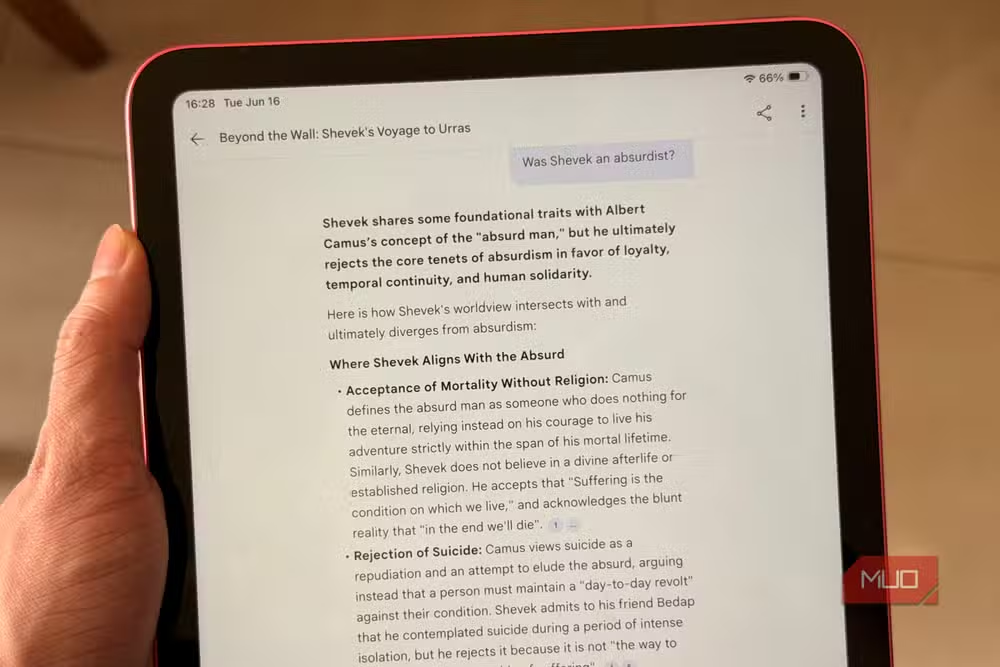
The solution: tell the AI to tie every claim back to a specific, checkable location in your source material. This forces it to show its work. You can then trace any statement to its origin and catch when the model invents citations or misattributes information.
Another technique that helps: explicitly ask Deep Research to surface disagreements between your documents. Without this instruction, the model smooths over contradictions and gives you one-sided summaries. You lose the nuance.
Before starting any research session, Aguilar suggests running a preliminary prompt: ask the AI to list all conflicting information across your sources in bullet points. Once you see where documents disagree, you can tell Deep Research which source to treat as authoritative on each topic. This prevents the model from splitting authority across multiple places or, worse, fabricating citations that don't actually support its claims.
Why vague prompts produce generic summaries
Type "summarize these documents" and you'll get back a shallow overview that could describe almost anything. This happens because vague prompts give the AI no context about what you actually care about. It falls back on patterns from its training data instead of engaging deeply with your specific sources.
The longer Deep Research generates without direction, the more it drifts from your documents. Extended outputs become generic text that sounds plausible but adds nothing you couldn't have guessed.
Specificity solves this. Instead of asking about "birds," ask about "bird mating behaviors, flight pattern variations by species, and family structure hierarchies." Name what you want. Define what good output looks like. The more precise your prompt, the harder the AI works to match it.
What this means for research workflows
NotebookLM reached over one million users within months of its public launch in 2023. Its two million token context window genuinely distinguishes it from tools that fragment documents. But the tool's value depends entirely on prompting discipline.
For teams doing document-heavy research, the implication is clear: standardize your prompting templates. A persona definition, citation requirements, and conflict-surfacing instructions should be default components of any Deep Research session. The upfront investment in prompt engineering pays back in output you can actually trust.
Logicity's Take
The deeper lesson here isn't about NotebookLM specifically. Every AI research tool exhibits this pattern: garbage prompts produce garbage outputs. As context windows expand, prompting skill matters more, not less. Teams investing in AI-assisted research should treat prompt libraries as operational assets worth maintaining and iterating.
Frequently Asked Questions
What is Deep Research in NotebookLM?
Deep Research is a feature in Google's NotebookLM that analyzes documents you upload and synthesizes information across them. It can process up to two million tokens at once, allowing it to work with entire document sets rather than fragments.
Why does NotebookLM give generic answers?
Vague prompts cause the AI to fall back on training data patterns instead of engaging with your specific documents. The fix is providing detailed instructions, assigning a professional persona, and demanding citations to specific source locations.
How do I get NotebookLM to cite sources accurately?
Explicitly tell Deep Research to tie every claim to a checkable location in your source material. Also name your preferred authoritative sources upfront to prevent the AI from splitting authority or inventing citations.
What's the maximum document size for NotebookLM?
NotebookLM supports up to 50 sources per notebook, with each source allowing up to 500,000 words. PDFs can be up to 300 pages.
Does assigning a persona to NotebookLM actually help?
Yes. Giving the AI a specific professional role changes what it prioritizes, how skeptically it evaluates claims, and how closely it sticks to source material instead of generalizing.
Need Help Implementing This?
Building effective AI research workflows requires systematic prompt engineering and testing. Contact Logicity's consulting team to develop customized prompting frameworks for your organization's document analysis needs.
Source: MakeUseOf
Manaal Khan
Tech & Innovation Writer
Produced with AI assistance and reviewed by the Logicity editorial team. Learn more in our Editorial Policy.






