Key Takeaways
- Entry-level Google TV devices have just 8GB of storage, making bloatware removal essential for performance
- TV browsers, news aggregators, unused streaming apps, and FAST services are prime candidates for deletion
- Some manufacturer apps require ADB tools to remove, but most can be uninstalled via long-press on the remote
Google TV now powers roughly 31% of smart TVs globally, with 300 million monthly active devices. But that market dominance comes with a familiar problem: manufacturers stuff these devices with apps most people never open. On entry-level streaming sticks with just 8GB of storage, this bloatware does real damage to both performance and usability.
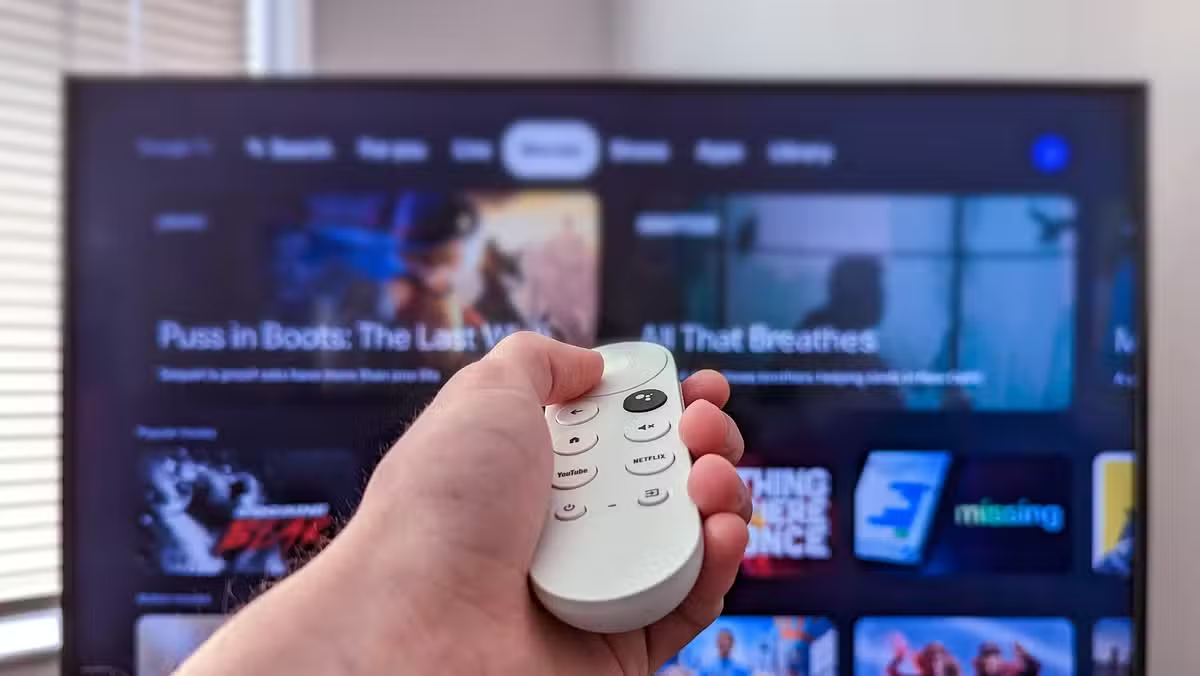
Cory Gunther, a senior author at How-To Geek who has reviewed countless TVs over the past decade, makes a straightforward case: strip the clutter. His argument is simple. Every pre-installed app consumes storage you will eventually need, and many run background processes that slow navigation. Here are the four categories he removes from every Google TV he touches.
Why remove the TV web browser first?
Most Google TVs ship with a manufacturer-branded browser like HiBrowser on Hisense sets or BrowseHere on TCL models. These browsers are technically functional. You can navigate with your remote, load pages, even scroll social media. But when was the last time you actually wanted to browse Twitter on a 75-inch screen with a directional pad?
The answer for most people is never. These browsers eat storage, occasionally run background processes, and solve a problem that your phone already handles better. Long-press the app, navigate to the Play Store option, and hit uninstall.
News and weather apps belong on your phone
Apps like Haystack and NewsON come bundled on many Google TV devices. The pitch is reasonable: launch a dedicated app, get local weather, see headlines. But if you subscribe to YouTube TV, Sling, or any other live TV service, you already have access to news channels. And your phone delivers weather notifications without requiring you to navigate a TV interface.
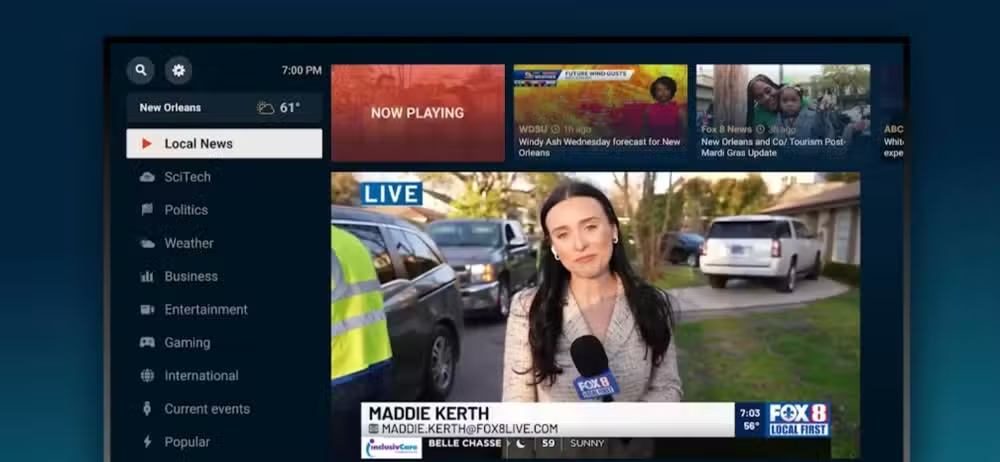
These apps occupy the weird middle ground between useful and redundant. For cord-cutters without a live TV subscription, they could fill a gap. For everyone else, they are just another tile cluttering the home screen. Delete them unless you have a specific reason not to.
Streaming apps you don't pay for waste space
Every Google TV ships with the big names pre-installed: Netflix, YouTube, Prime Video, Disney+. The initial setup process often downloads even more. But subscription fatigue is real, and few households pay for every major service.
Gunther's rule is direct: if you don't pay for it, don't leave it on your TV. Paramount+, Peacock, and whatever HBO calls itself this month take up storage and contribute to home screen clutter. Amazon Music rarely makes sense on a television. Audit your subscriptions, then audit your apps.
Free ad-supported apps: worth keeping or not?
This category is more nuanced. Services like Tubi, Pluto TV, and Amazon Freevee offer genuinely free content. Some of it is older films and shows. Some of it is exclusive content you cannot find on paid services. The tradeoff is ads, and plenty of them.
If you use these services regularly, keep them. If they sit untouched for months, remove them. The decision depends on your viewing habits, not a blanket rule. But be honest with yourself about what you actually watch versus what you might watch someday.
What about apps you cannot uninstall?
Some manufacturer apps resist deletion. TCL Channel, Hisense's built-in content apps, and other system-level bloatware often cannot be removed through normal means. The solution is ADB, or Android Debug Bridge, a command-line tool that can disable or remove protected apps.
On Reddit's r/AndroidTV community, the consensus points to an app called ADB TV as the most accessible option. It lets you run ADB commands directly on the TV without connecting a computer. Users report that removing manufacturer channels significantly reduces navigation stutter on budget devices.
This approach requires more effort and carries some risk. Disabling the wrong system app can cause problems. But for power users willing to research which packages are safe to remove, ADB offers a path to a genuinely clean interface.
Does debloating actually improve performance?
On devices with 8GB of storage, yes. Every app consumes space even when not in use. Some run background processes that compete for limited CPU and RAM resources. Removing a dozen unused apps will not transform a budget streaming stick into a flagship device, but it can reduce lag in the interface and prevent those frustrating "storage full" errors that block new app installations.
The gains are more modest on higher-end Google TVs with more storage and processing power. But even there, a cleaner home screen improves usability. Fewer tiles to scroll past means faster access to the content you actually want.
Frequently Asked Questions
How do I uninstall apps on Google TV?
Navigate to the app on your home screen, long-press the select button on your remote, and choose the uninstall option. Some apps will redirect you to the Play Store page where you can complete the removal.
Why can't I delete some Google TV apps?
Manufacturer-installed system apps are protected from normal uninstallation. You need ADB (Android Debug Bridge) tools to disable or remove these. The ADB TV app lets you do this directly on the device without a computer.
Will removing apps void my TV warranty?
Uninstalling user-installable apps through normal means will not affect your warranty. Using ADB to remove system apps is a gray area, so proceed with caution and research which packages are safe to remove.
How much storage do entry-level Google TV devices have?
Most budget streaming sticks ship with 8GB of total storage, and the operating system consumes a significant portion. This makes bloatware removal essential for users who want to install multiple apps.
Which free streaming apps are worth keeping on Google TV?
Tubi, Pluto TV, and Amazon Freevee offer legitimate free content with ads. Keep them if you actually use them. Remove them if they have sat untouched for months.
Logicity's Take
Google's market dominance in smart TV operating systems gives manufacturers little incentive to ship clean software. They earn revenue from pre-installed apps and promotional placements, which means bloatware is a feature of the business model, not a bug. Until Google enforces stricter limits on what OEMs can bundle, the burden falls on users to manually clean their devices. The 8GB storage constraint on budget devices makes this particularly absurd. Google should either mandate more storage or limit pre-installed apps on certified devices.
Another look at how users are fighting back against cluttered, algorithm-driven interfaces
Need Help Implementing This?
Want step-by-step guidance on debloating your Google TV or optimizing your smart home setup? Reach out to the Logicity team for personalized recommendations tailored to your devices and viewing habits.
Source: How-To Geek
Huma Shazia
Senior AI & Tech Writer
Produced with AI assistance and reviewed by the Logicity editorial team. Learn more in our Editorial Policy.






