Key Takeaways
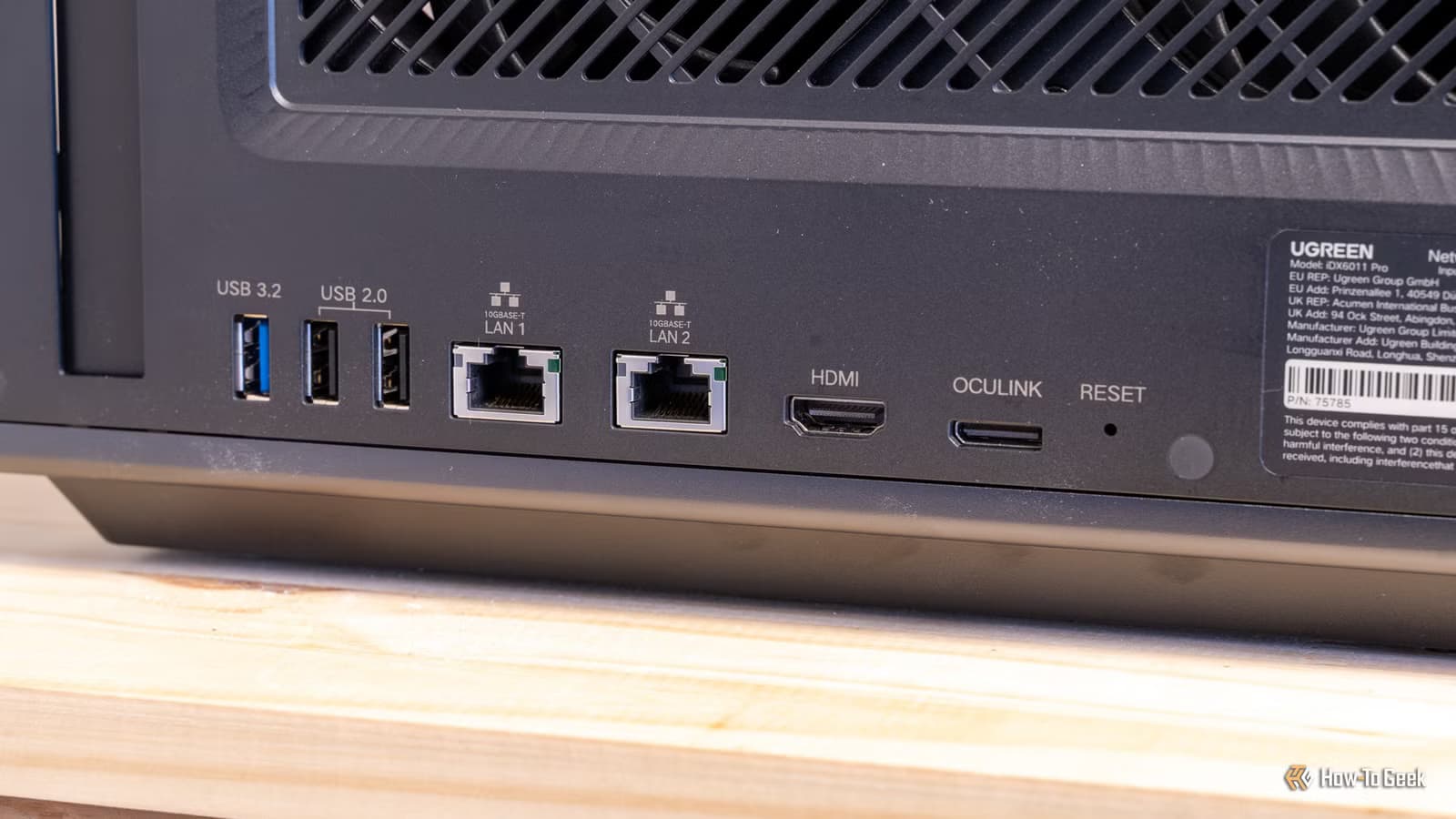
- The HDMI port provides direct access when network access fails
- Some NAS devices can run media apps directly through HDMI output
- Direct monitor connection bypasses network issues for troubleshooting
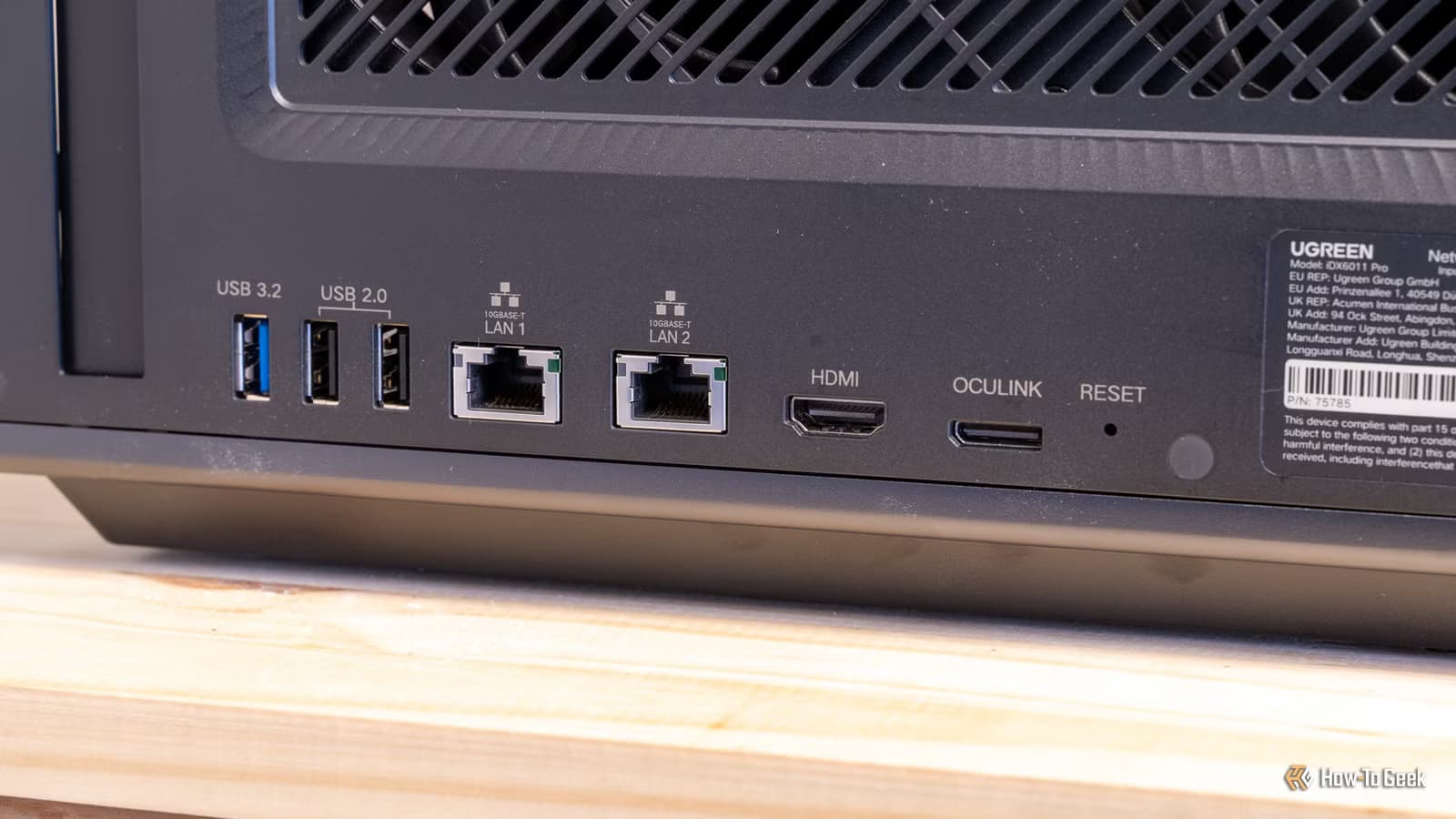
That HDMI port on the back of your NAS has probably been sitting unused since the day you set it up. Most NAS owners ignore it. Not because it's useless, but because nobody explains what it's for.
Here are three things you can actually do with it.
1. Troubleshoot When Network Access Fails
This is the most practical use case. When something breaks, the HDMI port becomes a lifeline.
Picture this: you can't access your NAS web interface. Maybe your IP address changed after switching networks. Maybe SSH is down. Maybe there's an internal issue with the NAS itself. In any of these cases, your normal access methods are dead.
But if your NAS has an HDMI port, you can connect it directly to a monitor. This gives you access to diagnostic information without needing the network at all. You can check the current IP address, view system status, and often access a basic interface to fix the problem.
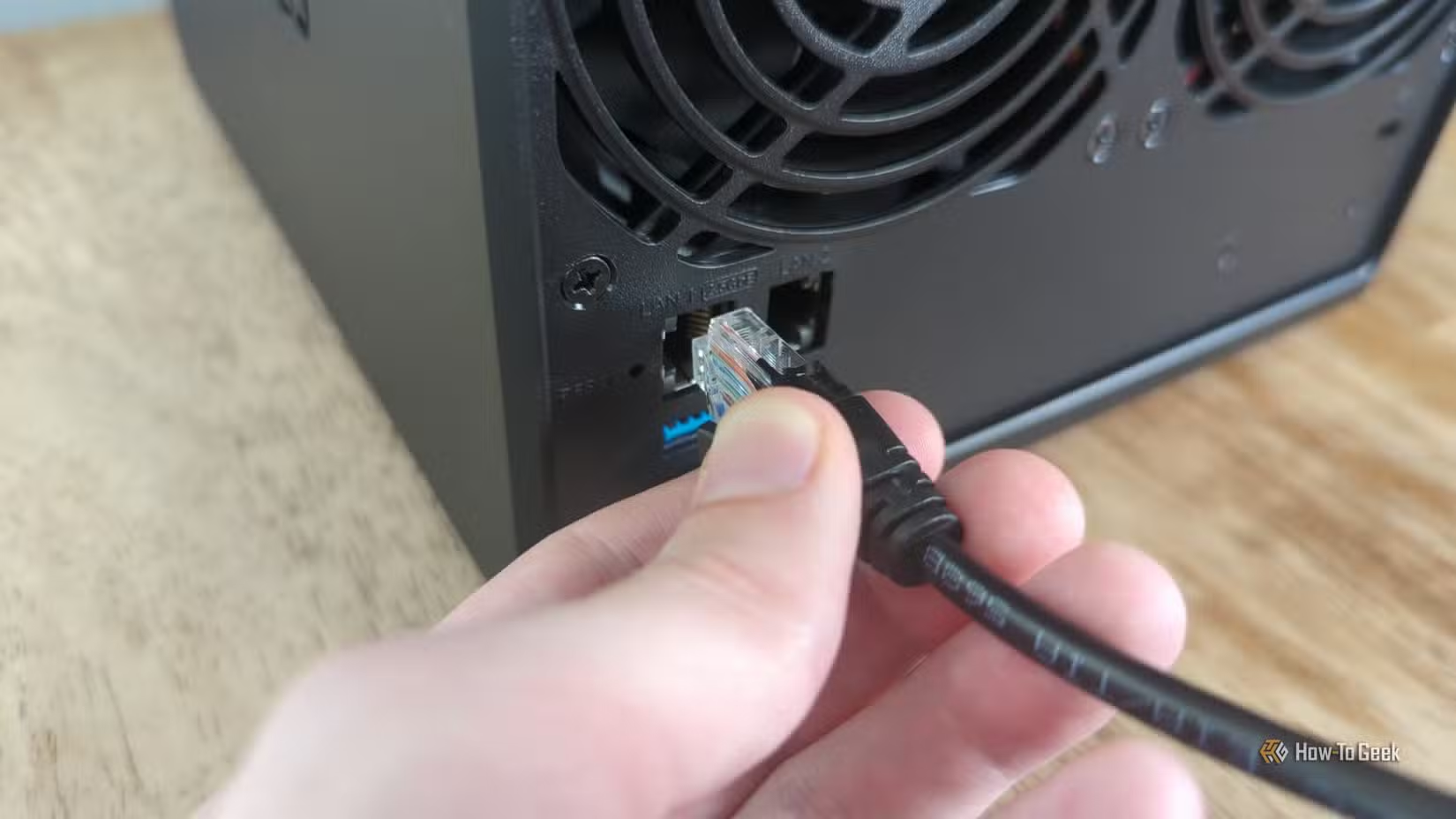
Think of it as the emergency console access you hope you never need. But when you do need it, you'll be glad it's there.
2. Run Media Apps Directly
Some NAS devices, particularly newer models from brands like UGREEN, support running media applications that output directly through HDMI. Instead of streaming from your NAS to another device, the NAS itself becomes the media player.
This cuts out the middleman. You connect the NAS to your TV, launch Plex or another media server app, and play content directly. No need for a separate streaming device. No transcoding delays from sending video across your network.
Not every NAS supports this. It depends on the operating system and the hardware. But if yours does, it's worth trying.
3. Access the Direct Interface
Beyond emergency troubleshooting, some NAS systems provide a full graphical interface through HDMI. You can connect a keyboard and mouse, plug in a monitor, and interact with the NAS like a desktop computer.
This is handy for initial setup, especially if you're configuring a NAS for the first time and don't want to hunt down its IP address. It's also useful for running applications that work better with direct input than through a web interface.
Which NAS Devices Have HDMI?
Not all NAS units include HDMI. Synology, for example, removed HDMI from most of its consumer models years ago. QNAP still includes it on many devices. Newer brands like UGREEN include HDMI on their NAS products.
Before buying a NAS specifically for HDMI features, check the spec sheet. And verify what the HDMI port actually supports. Some only output basic diagnostic screens. Others provide full desktop-style access.
Logicity's Take
More practical tech recommendations for streamlined workflows
Frequently Asked Questions
Do all NAS devices have HDMI ports?
No. HDMI ports are more common on QNAP and UGREEN devices. Synology removed HDMI from most consumer models. Check your NAS specifications before assuming it has one.
Can I use my NAS as a media player through HDMI?
Some NAS devices support running media apps like Plex directly through HDMI output. This depends on your NAS hardware and operating system. Not all models support this feature.
When would I need to use the HDMI port on my NAS?
The most common use is troubleshooting when you can't access the web interface. If your IP changes, SSH fails, or the NAS has internal issues, HDMI provides direct access without network connectivity.
Do I need a special HDMI cable for my NAS?
No. A standard HDMI cable works. Keep one accessible near your NAS for emergencies.
Need Help Implementing This?
Source: How-To Geek
Manaal Khan
Tech & Innovation Writer
Produced with AI assistance and reviewed by the Logicity editorial team. Learn more in our Editorial Policy.