Key Takeaways
- /e/OS offers a pre-installed degoogled Android experience on phones like the Murena Fairphone 6 for $750
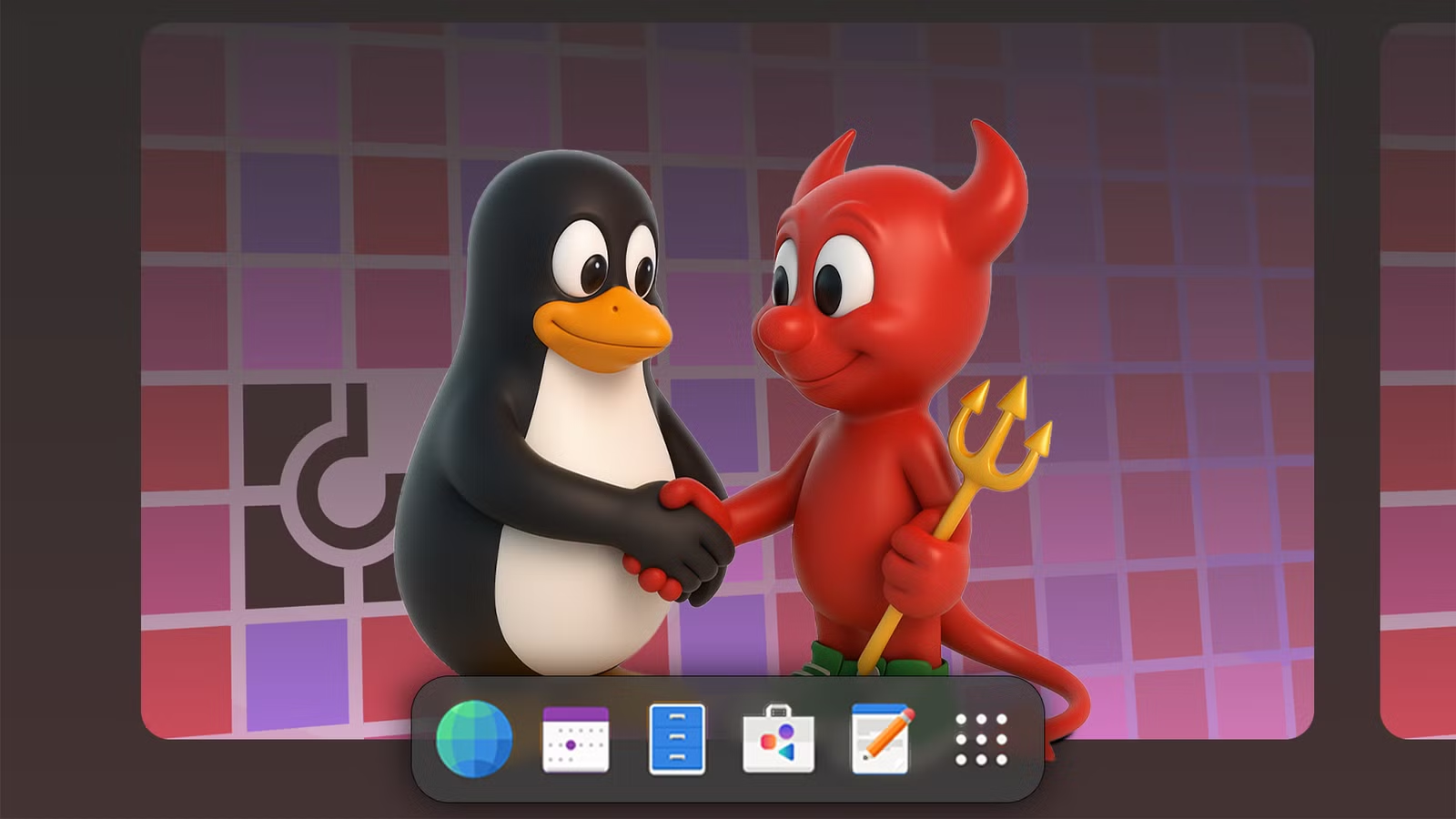
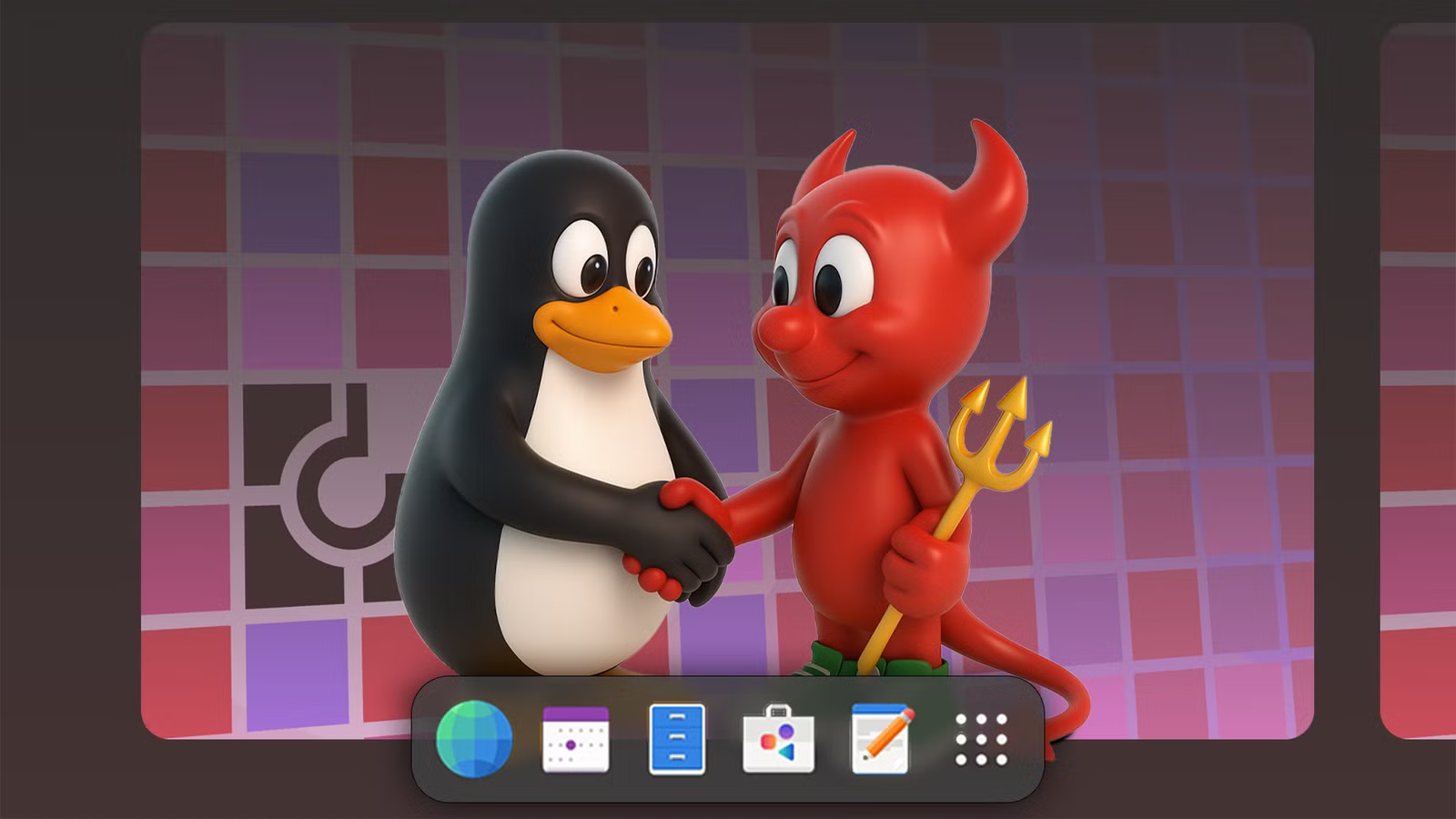
- FreeBSD provides a Unix alternative for users who want open-source without the Linux ecosystem
- These alternatives block trackers by default and let you spoof your location for enhanced privacy
Linux has become synonymous with open-source computing. But if you want software that's free as in freedom, you have more options than Ubuntu or Fedora. Tech journalist Bertel King, writing for How-To Geek, highlights three open-source operating systems that break from the Linux mold while delivering on the promise of user control.
Whether you're looking for a degoogled phone, a different flavor of Unix, or just want to explore what's possible outside the Linux ecosystem, these alternatives deserve attention.
/e/OS: Degoogled Android Without the Hassle
Yes, /e/OS is technically built on Android, which itself runs on the Linux kernel. But it occupies a different category entirely. This is a mobile operating system designed for people who want smartphone functionality without Google's surveillance infrastructure.
What sets /e/OS apart from other degoogled Android projects is accessibility. You don't need to learn ADB commands or risk bricking your device by flashing a custom ROM. You can simply buy a phone with /e/OS already installed.
King purchased the Murena Fairphone 6 for $750. It's a repairable device that ships with /e/OS out of the box. No tinkering required.
The operating system includes practical privacy features. App trackers are blocked by default. You can spoof your location if an app demands GPS access you'd rather not provide. The /e/OS App Lounge gives you access to Play Store apps without signing into a Google account.
There's a forward-looking angle here too. Android is evolving beyond phones with its new desktop mode. If that feature trickles down to /e/OS, a tablet running this system could serve as a viable computer replacement when paired with a keyboard and mouse.
FreeBSD: Unix for Linux Skeptics
FreeBSD occupies a unique position in the open-source world. It's Unix-like, but it's not Linux. For users who appreciate open-source principles but want something architecturally different, FreeBSD delivers.
The source article cuts off before providing full details on FreeBSD, but its reputation precedes it. Netflix runs its content delivery network on FreeBSD. Sony's PlayStation operating system is based on it. The permissive BSD license allows companies to build proprietary products on top of it without releasing their modifications.
For desktop users, FreeBSD offers a different philosophy. The base system is developed as a cohesive whole rather than assembled from separate projects. Some find this approach results in a more consistent, stable experience.
Why Look Beyond Linux?
Linux works well. It powers most of the internet's servers. It runs on everything from smartphones to supercomputers. So why bother with alternatives?
- Privacy by default: /e/OS blocks trackers without extra configuration
- Different licensing: BSD's permissive license suits different use cases than GPL
- Architectural variety: Different kernels and system designs solve problems differently
- Learning opportunity: Understanding multiple systems makes you a better technologist
King describes himself as an on-again, off-again open-source purist. That's a useful framing. You don't need to commit fully to any single ecosystem. These alternatives exist for specific needs, and mixing systems based on context makes practical sense.
The Practical Case for /e/OS
For most professionals, /e/OS is the most immediately relevant option here. Your phone is the device that tracks you most aggressively. It knows where you are, who you communicate with, and what apps you use.
A $750 investment in a Murena Fairphone 6 gets you a device that's both repairable and private. The repairability matters for sustainability and long-term cost. The privacy matters for obvious reasons.
The App Lounge feature solves the biggest pain point with degoogled phones. You can still access apps from the Play Store. You just don't need a Google account to do it.
Logicity's Take
Understand the hardware details that affect your device performance
Getting Started
If /e/OS interests you, the easiest path is buying a pre-installed device from Murena. The Fairphone 6 is their flagship option. Murena also sells refurbished Samsung devices with /e/OS for lower price points.
For FreeBSD, the project's documentation is comprehensive. Start with a virtual machine before committing hardware. The learning curve is steeper than mainstream Linux distributions, but the community is helpful.
Open-source computing isn't a monoculture. That's a feature, not a bug.
Frequently Asked Questions
Can I use regular Android apps on /e/OS?
Yes. The /e/OS App Lounge provides access to Play Store apps without requiring a Google account. Some apps that depend heavily on Google services may have limited functionality.
Is FreeBSD harder to use than Linux?
For desktop use, yes. FreeBSD has fewer plug-and-play drivers and a smaller selection of desktop-focused documentation. Server administrators often find the transition straightforward.
What's the advantage of a degoogled phone?
Privacy. Stock Android phones send extensive telemetry to Google. Degoogled alternatives like /e/OS block this tracking by default and let you control what data leaves your device.
Can I install /e/OS on my existing phone?
Possibly. /e/OS supports many Samsung, Google Pixel, and other devices. Check their compatibility list. Installation requires unlocking your bootloader and flashing a custom ROM, which carries some risk.
Why would a company choose FreeBSD over Linux?
The BSD license allows companies to modify the code without releasing their changes. Netflix and Sony use FreeBSD for this reason. Linux's GPL license requires sharing modifications.
Need Help Implementing This?
Source: How-To Geek
Huma Shazia
Senior AI & Tech Writer
Produced with AI assistance and reviewed by the Logicity editorial team. Learn more in our Editorial Policy.






