Key Takeaways
- Quick Panel customization now lets you resize, reorganize, and restyle every control without restrictions
- Quick Share now works with Apple AirDrop, solving the decade-old Android-to-iPhone file transfer problem
- 45 million Galaxy devices have already updated to One UI 8.5 in the first 90 days
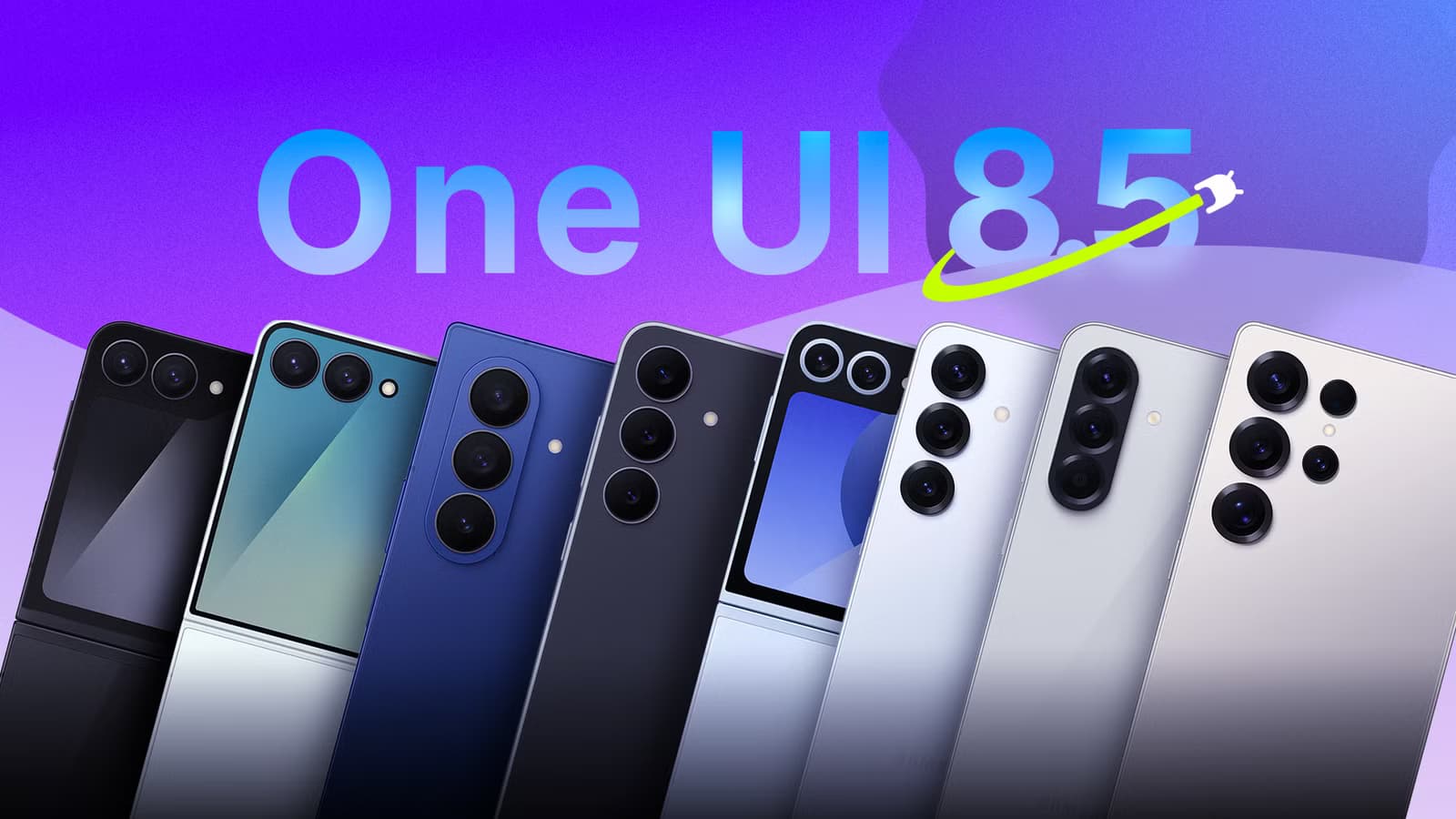
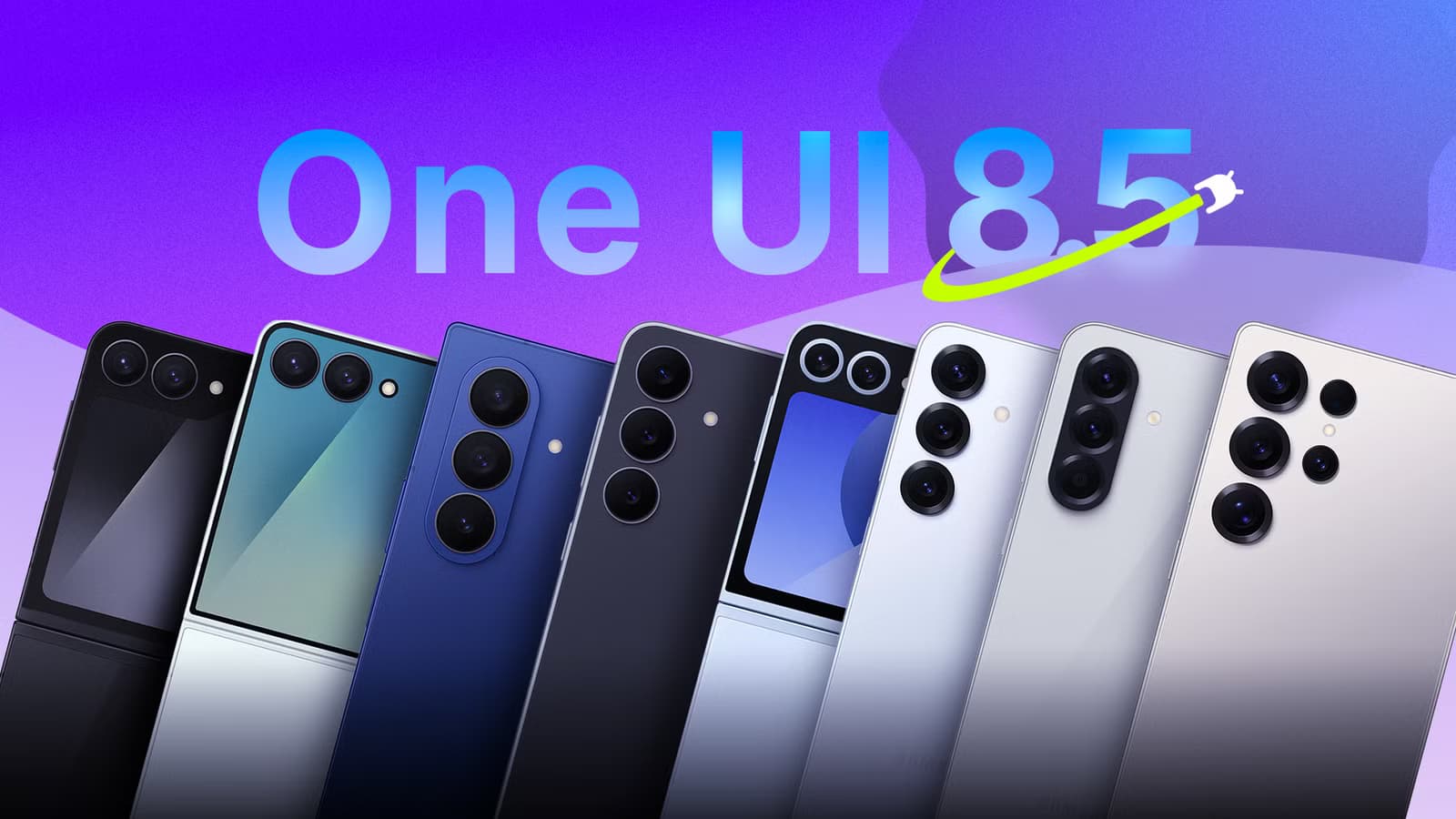
Samsung's One UI 8.5, built on Android 16, started rolling out to the Galaxy S26 series earlier this year. Now it's reaching older devices like the Galaxy S24. The update brings visual tweaks, new AI tools, and the "Liquid Glass" design language Samsung has been promoting. But some of the most useful changes aren't in the marketing materials.
After months of beta testing, 45 million Galaxy devices have updated to One UI 8.5 in the first 90 days. If you just got the notification or you're still waiting, here are three features worth hunting down once you install it.
Quick Panel Customization Finally Has No Limits
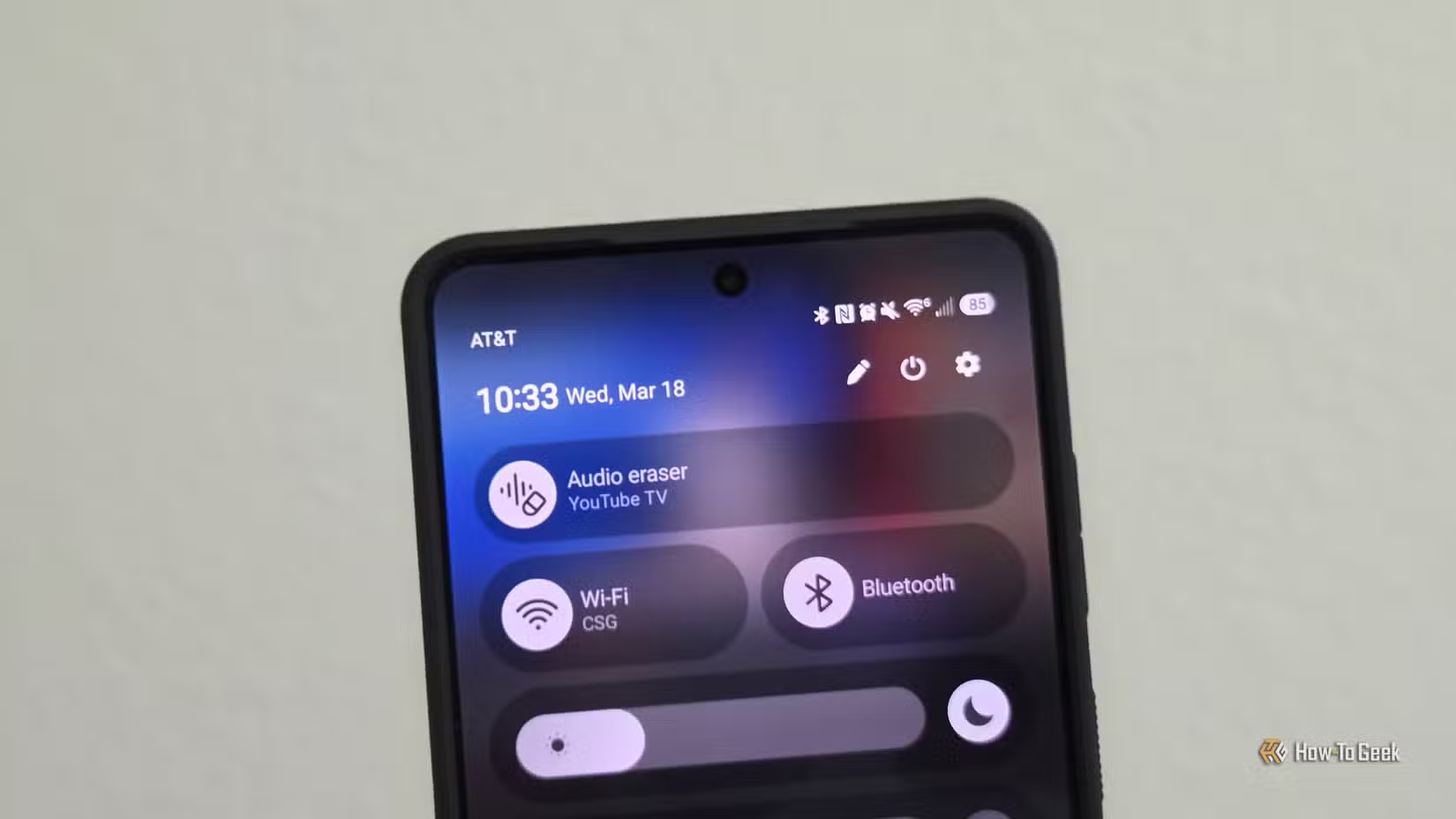
One UI 8 gave users basic control over the quick settings panel in the notification shade. It was a start. One UI 8.5 tears off the guardrails entirely.
You can now add, remove, resize, and reorganize individual toggles and controls however you want. The brightness slider, media widgets, and panel backgrounds are all customizable. Want a giant Wi-Fi toggle and a tiny Bluetooth button? Done. Want to hide the media player when nothing's playing? You can do that too.
Android has always been the customization platform. Samsung Galaxy phones doubled down on that reputation. But the quick panel stayed weirdly locked down for years. This change fixes a long-standing complaint.
Reddit users on r/Samsung have praised the new "Liquid Glass" Quick Panel design, though some are frustrated that the new 3D icon style overrides legacy themes. If you've built a careful aesthetic with older icons, check your settings after updating.
Quick Share Now Works With iPhone AirDrop
This one sounds minor until you actually use it. Google figured out a way to let certain Android phones share files directly with iPhones using Apple's AirDrop protocol. Samsung Galaxy devices with One UI 8.5 now support this through Quick Share.
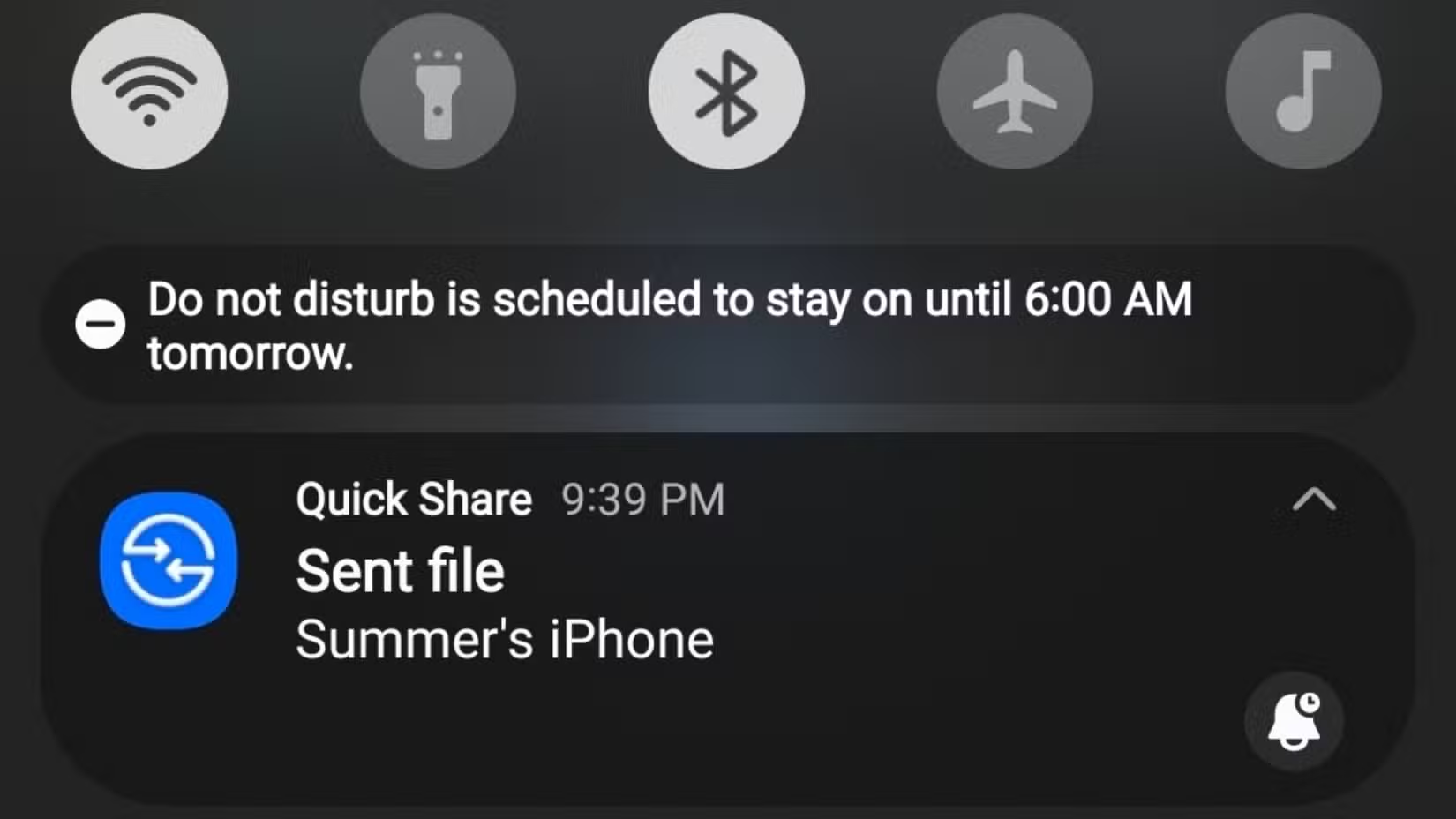
Sending photos from Android to iPhone has been awkward since 2008. You had options: email attachments, cloud links, third-party apps, or just accepting blurry compressed images through messaging apps. None of them felt native.
Now you can share files from your Galaxy phone to an iPhone the same way iPhone users share with each other. The new NFC-based Quick Share feature also cuts transfer latency by 12ms, making the whole process feel faster.
“One UI 8.5 represents our most significant shift from reactive settings to proactive intelligence, where the phone anticipates the user's next workflow step.”
— TM Roh, President and Head of Mobile eXperience Business at Samsung Electronics
This feature matters most if you work in mixed-device environments. Offices, families, and friend groups rarely standardize on one platform. Cross-platform file sharing just got a lot less painful.
Proactive AI That Runs Locally
One UI 8.5 introduces what Samsung calls "Now Nudges," proactive suggestions that anticipate your next action. The phone might suggest opening your calendar when you arrive at work, or prompt you to share a photo right after you take it.
Samsung emphasizes that much of this processing happens on-device. The update aims to blur the line between local and cloud AI capabilities while keeping personal data on your phone.
Not everyone is convinced. A Hacker News thread raised questions about how much data the Now Nudges feature actually processes locally versus sending to Samsung's servers. The company hasn't published detailed technical documentation on the split yet.
AI-assisted productivity tools in One UI 8.5 have seen 78% growth in daily active users compared to One UI 7. That's a significant jump, suggesting users are finding the features useful enough to keep using them.
When Will Your Phone Get One UI 8.5?
The Galaxy S26 series shipped with One UI 8.5. The S24 and S24+ are receiving the update now. Samsung's foldables and older S-series phones will follow over the coming months, though exact timing varies by region and carrier.
Check Settings > Software update to see if it's available for your device. If not, it's likely in the queue.
More ways to get hidden value from the tech you already own
Software tweaks that make existing devices feel new again
Logicity's Take
Frequently Asked Questions
Which Samsung phones are getting One UI 8.5?
The Galaxy S26 series shipped with it. The S24 series is receiving the update now. Older S-series phones and foldables will get it in the coming months.
Can I send files from Samsung to iPhone with One UI 8.5?
Yes. Quick Share now works with Apple AirDrop, letting you transfer files, photos, and videos directly to iPhones.
Is One UI 8.5 based on Android 16?
Yes. One UI 8.5 is Samsung's interface layer built on top of Android 16.
Does One UI 8.5 let you customize the notification shade?
Yes. You can now resize, reorganize, and restyle Quick Panel toggles, the brightness slider, media widgets, and backgrounds without restrictions.
Need Help Implementing This?
Source: How-To Geek
Manaal Khan
Tech & Innovation Writer
Produced with AI assistance and reviewed by the Logicity editorial team. Learn more in our Editorial Policy.