Key Takeaways
- Curtain openers can slide artwork to reveal hidden storage or cable management
- Smart light bulbs work as visual notification systems for silent alerts
- Contact sensors intended for doors can monitor mailboxes, pet doors, and more
Your Smart Devices Are Underperforming
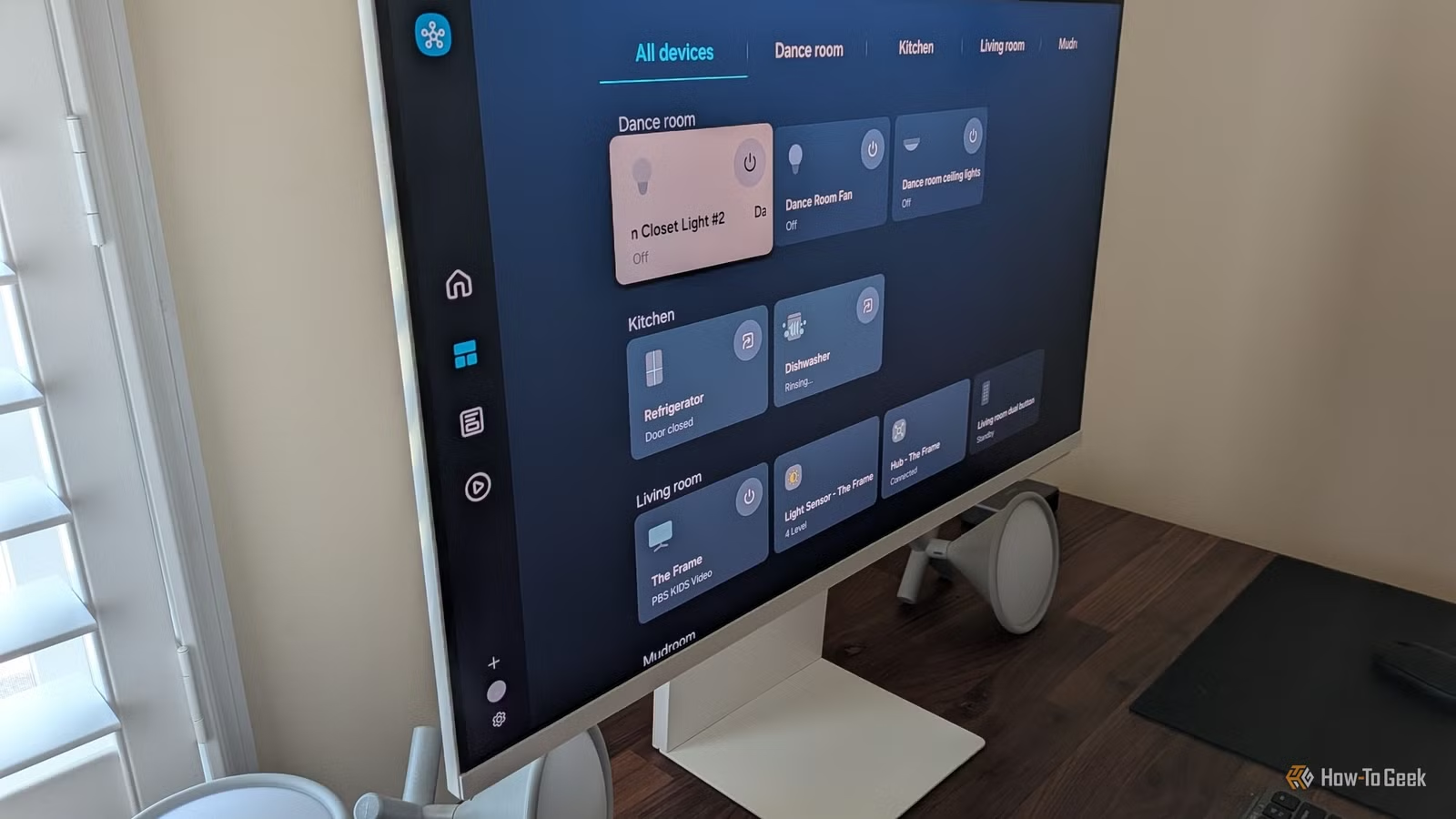
Most smart home accessories ship with one job. Toggle power. Light up a room. Open the curtains. Warn you about water leaks. But the sensors inside these devices don't care what the marketing team intended. A contact sensor that monitors your front door works just as well on a mailbox lid. A curtain opener doesn't know it's supposed to touch fabric.
This gap between intended use and actual capability is where creative home automation lives. Tim Brookes, Senior Editor at How-To Geek, recently catalogued six ways to push common smart home devices into unconventional territory. The hacks range from clever cable management to invisible automation systems that respond before you ask.
“The true power of a smart home isn't in voice control, but in 'invisible automation' where the house responds to your needs before you even ask.”
— Tim Brookes, Senior Editor at How-To Geek
Curtain Openers for Hidden Storage
This one comes from the What Retro Game Instagram page, where it's racked up over 300,000 likes. The setup uses a SwitchBot Curtain opener (around $90-100) attached to a piece of curtain rail mounted behind a canvas painting. The canvas sits on a sliding rail. The SwitchBot stays anchored in place.
When the motor activates, the painting slides to reveal whatever you've hidden behind it. Cables. Game consoles. Controllers. A wall safe, if you're feeling dramatic.
The project works best near outlets since you can permanently power the curtain opener and skip the charging hassle. But if you're willing to charge occasionally, the placement options open up significantly.
Smart Bulbs as Signal Lights
Here's a problem: you're in a meeting, wearing headphones, or simply not near your phone. How do you know when something important happens? Brookes recently added a "signal light" to his Home Assistant setup. A colored smart bulb changes hue based on different triggers.
Red might mean the front door opened. Blue could signal a package delivery. Green for a completed washer cycle. The visual notification works without sound, without vibration, without pulling you out of focus. Just a glance at the lamp.
This works especially well in home offices or workshops where you're often heads-down on a task. The peripheral vision catches the color change without demanding immediate attention.
Contact Sensors Beyond Doors and Windows
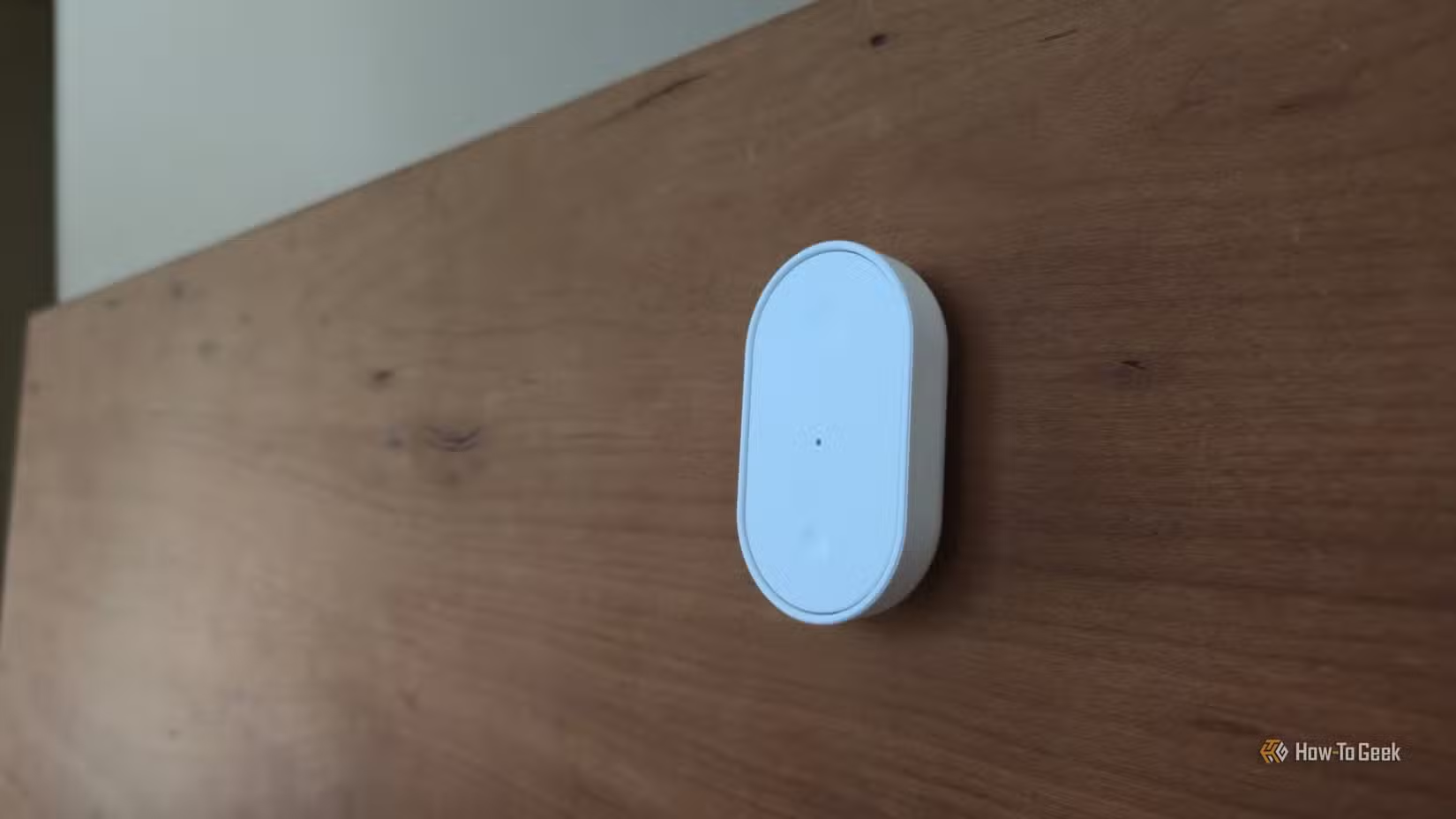
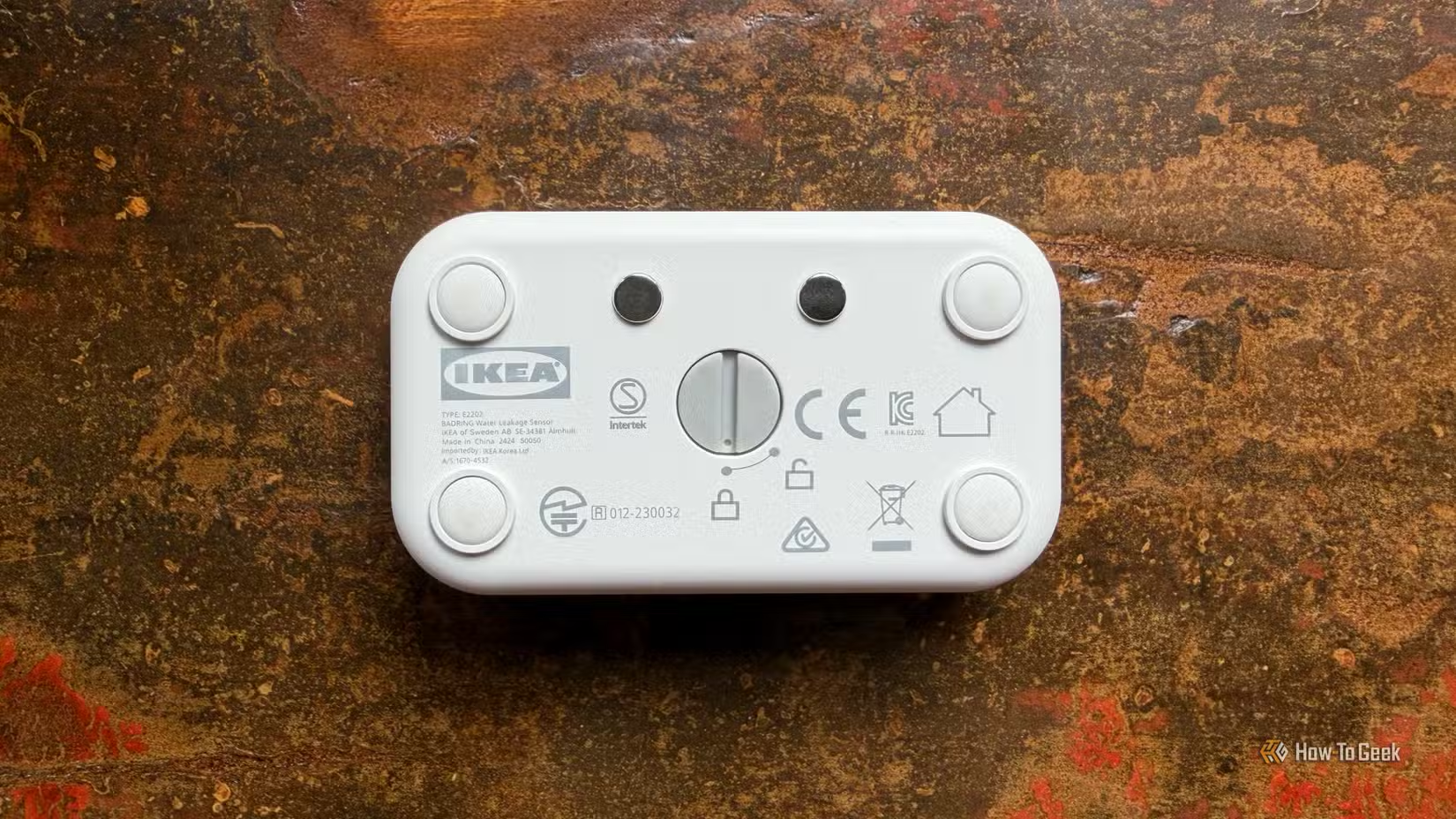
Contact sensors are the workhorses of home security. Two pieces: one with the sensor, one with a magnet. When they separate, the sensor triggers. Simple.
But that same mechanism works on anything that opens and closes. Mailbox lids. Medicine cabinets (useful for tracking whether elderly parents took their pills). Pet doors. Liquor cabinets, if you have teenagers. The refrigerator door, if you want alerts when it's been open too long.
Reddit's r/homeassistant community has gone deep on this. One user mentioned monitoring their cat's litter box activity with a contact sensor on the entrance flap. The data feeds into a dashboard that tracks how often the cat visits. Changes in frequency can signal health issues before they become obvious.
Smart Plugs for Energy Monitoring
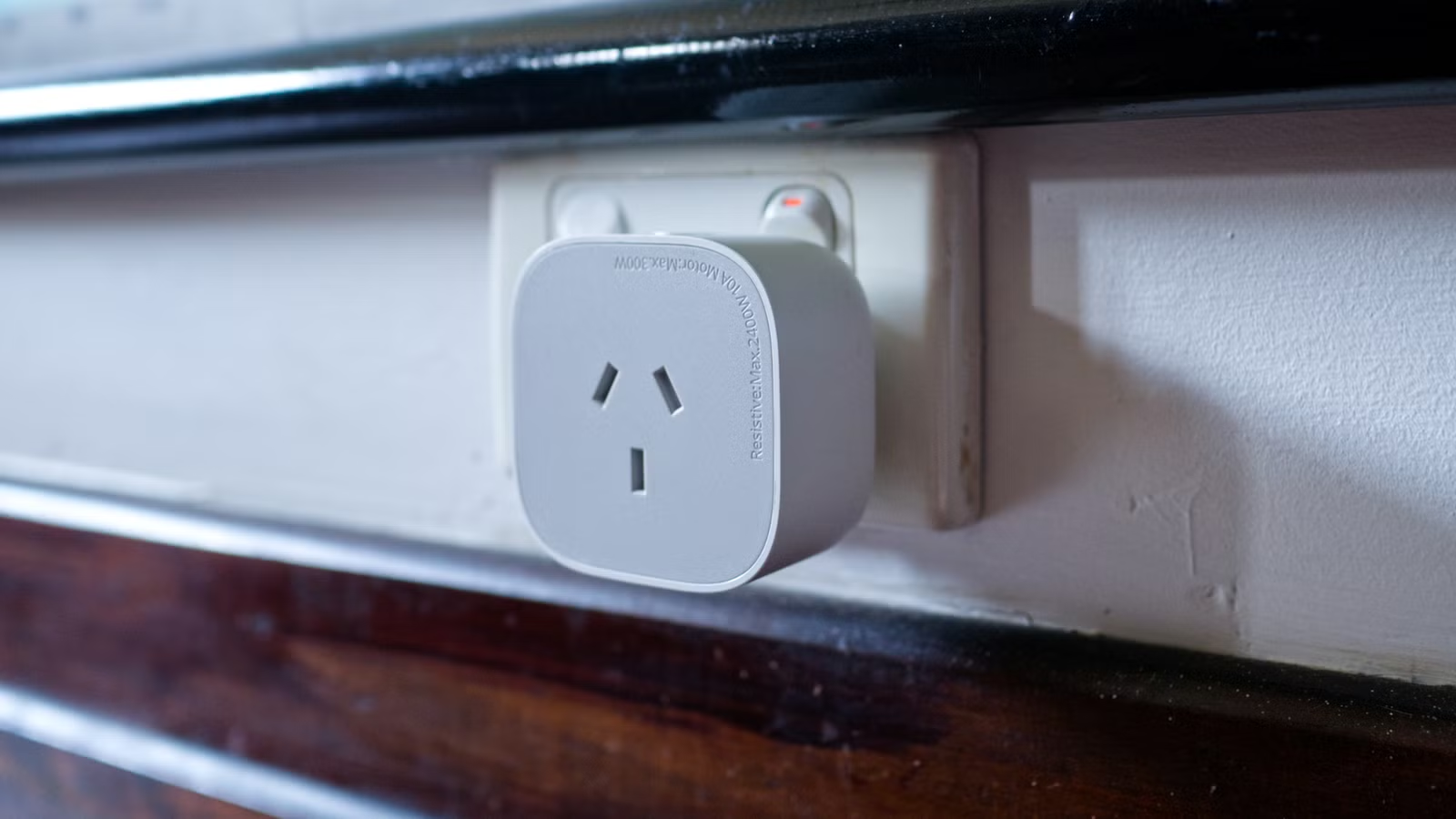
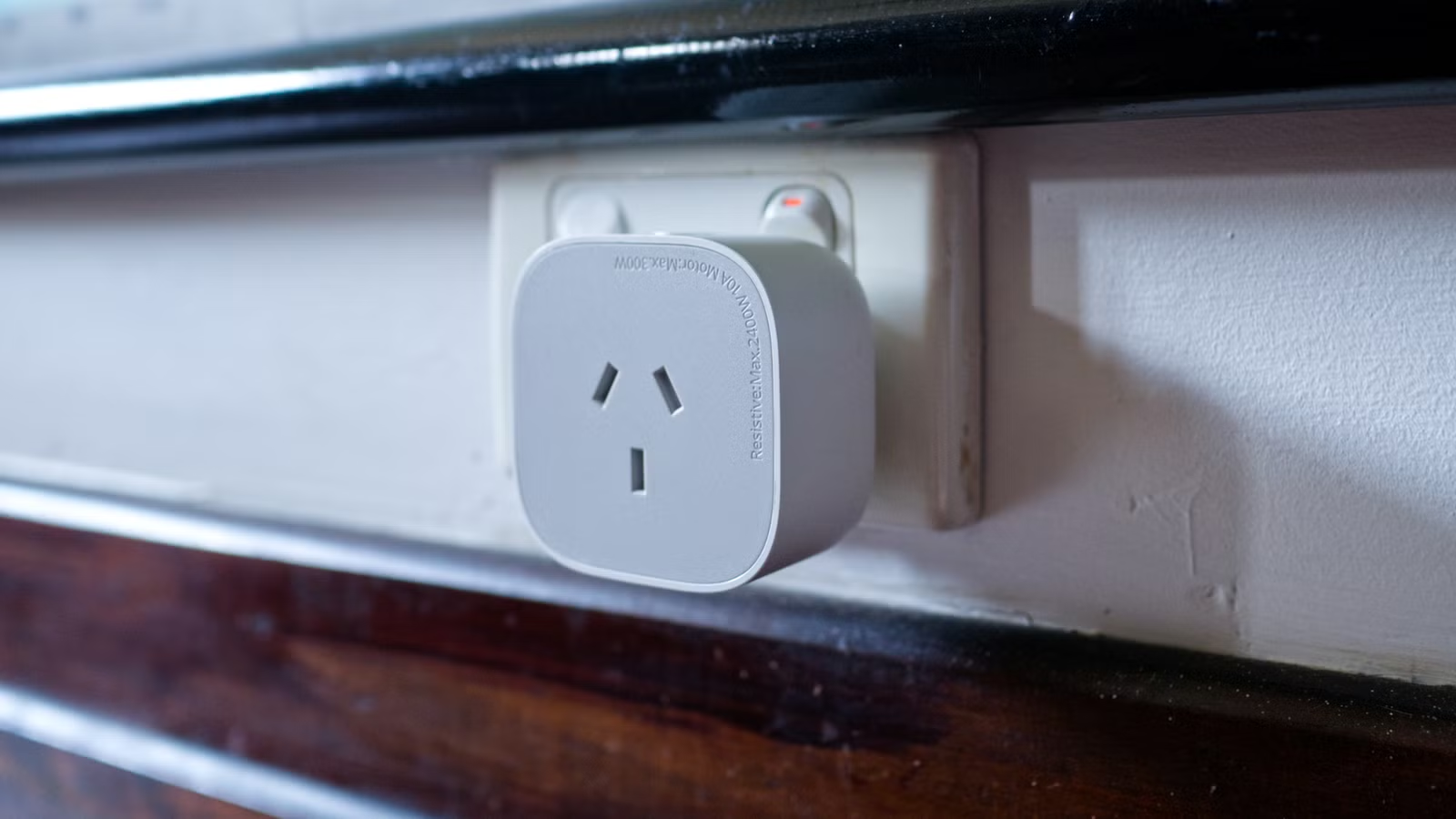
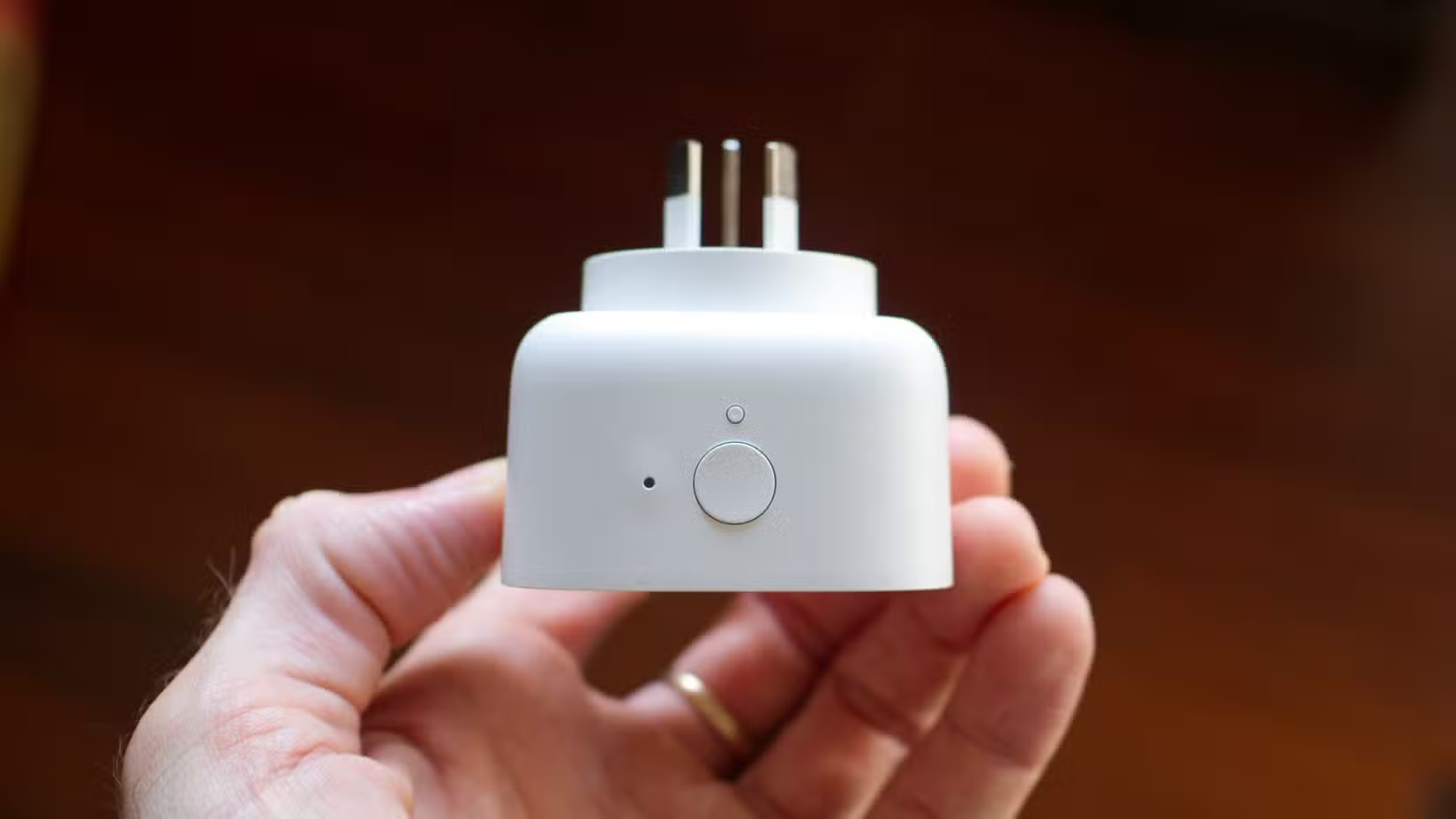
Many smart plugs include energy monitoring. They track watts consumed by whatever's plugged in. The obvious use: see how much that space heater costs to run. The less obvious use: detect when a device finishes a cycle.
A washing machine pulls significant power while running. When the cycle ends, power consumption drops to near zero. A smart plug can detect that drop and trigger a notification. Same logic applies to dishwashers, dryers, 3D printers, or any appliance with distinct on/off power states.
Users who implement sensor-based HVAC automations report 15-20% average energy savings. The plug isn't doing the saving directly. It's providing the data that lets you automate smarter decisions.
Vibration Sensors for Appliance Monitoring
Vibration sensors exist primarily for security. Attach one to a window; it alerts you if someone tries to break the glass. But vibration detection works on anything that shakes.
Stick a vibration sensor on your coffee maker. When it starts brewing, the vibration triggers a morning routine automation: turn on lights, start playing news, adjust the thermostat. No button presses. No voice commands. The house just responds to the sound of your caffeine addiction.
The same approach works on dryers (vibration while tumbling, silence when done), garage doors, or any motor-driven appliance.
The Local Control Advantage
These hacks work best with local-first control systems like Home Assistant. Why? Because unconventional uses often require custom automations that cloud-dependent apps don't support. You can't tell the SwitchBot app that your curtain opener is actually sliding a painting. The cloud doesn't know your contact sensor is on a cat flap.
Local control also means these setups keep working if a company shuts down its servers or changes its API. With 550 million smart home devices installed globally, that's not a hypothetical concern. It's an inevitability for some percentage of products.
Getting Started
You don't need to buy new hardware. Start with what you have. That motion sensor in the hallway? It could trigger different automations at different times of day. The smart plug on your desk lamp? It's probably monitoring energy data you've never looked at.
The creative part isn't the technology. It's noticing the gap between what a device does and what a sensor inside it could detect. Everything else is just configuration.
Logicity's Take
More unconventional ways to get more from tools you already use
Another guide to extracting hidden value from existing tech
Frequently Asked Questions
Do I need Home Assistant for these smart home hacks?
Not strictly, but local control systems like Home Assistant offer the most flexibility for unconventional automations. Cloud-based apps often limit what triggers and actions you can combine.
How much does a SwitchBot Curtain opener cost?
The SwitchBot Curtain Rod 3 runs around $89-100 depending on the retailer. You'll also need a piece of curtain rail if you're doing the hidden storage hack.
Can I use any smart bulb as a signal light?
Any RGB or RGBW smart bulb works. The key is having an automation platform that lets you change the bulb's color based on custom triggers like door sensors or appliance states.
Will these hacks work if my internet goes down?
Depends on your setup. Local control systems like Home Assistant keep working without internet. Cloud-dependent devices and apps typically won't function during outages.
What's the easiest unconventional sensor hack to try first?
Contact sensors on mailboxes or appliance doors are the simplest. They require no modification to the sensor itself, just creative placement.
Need Help Implementing This?
Source: How-To Geek
Huma Shazia
Senior AI & Tech Writer
Produced with AI assistance and reviewed by the Logicity editorial team. Learn more in our Editorial Policy.