Key Takeaways
- RSS feed dashboards let you aggregate news from multiple sources without algorithmic filtering
- Location timeline cards create Google Maps-style day views from Companion app data
- Guest dashboards with QR codes simplify smart home access for visitors
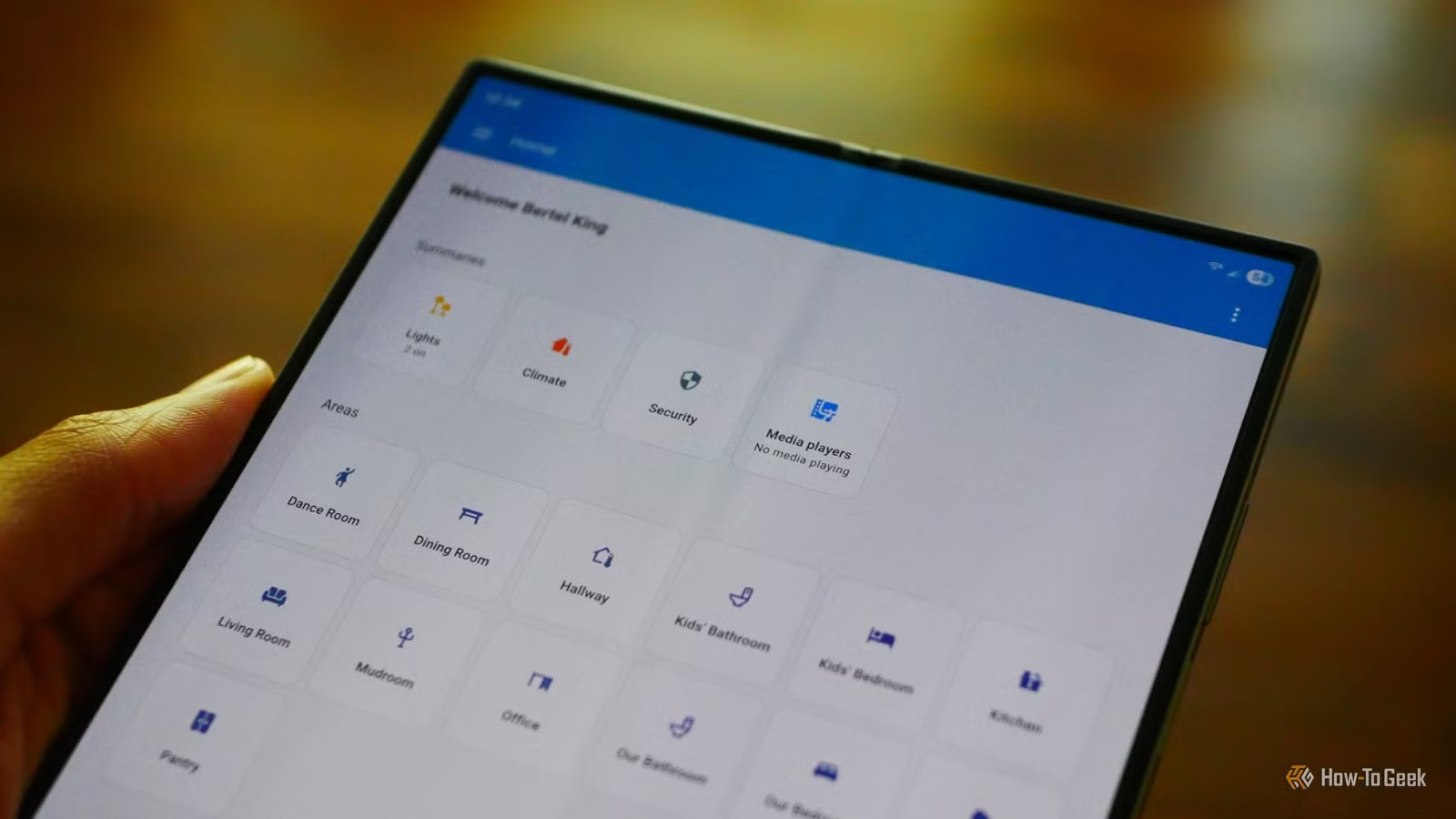
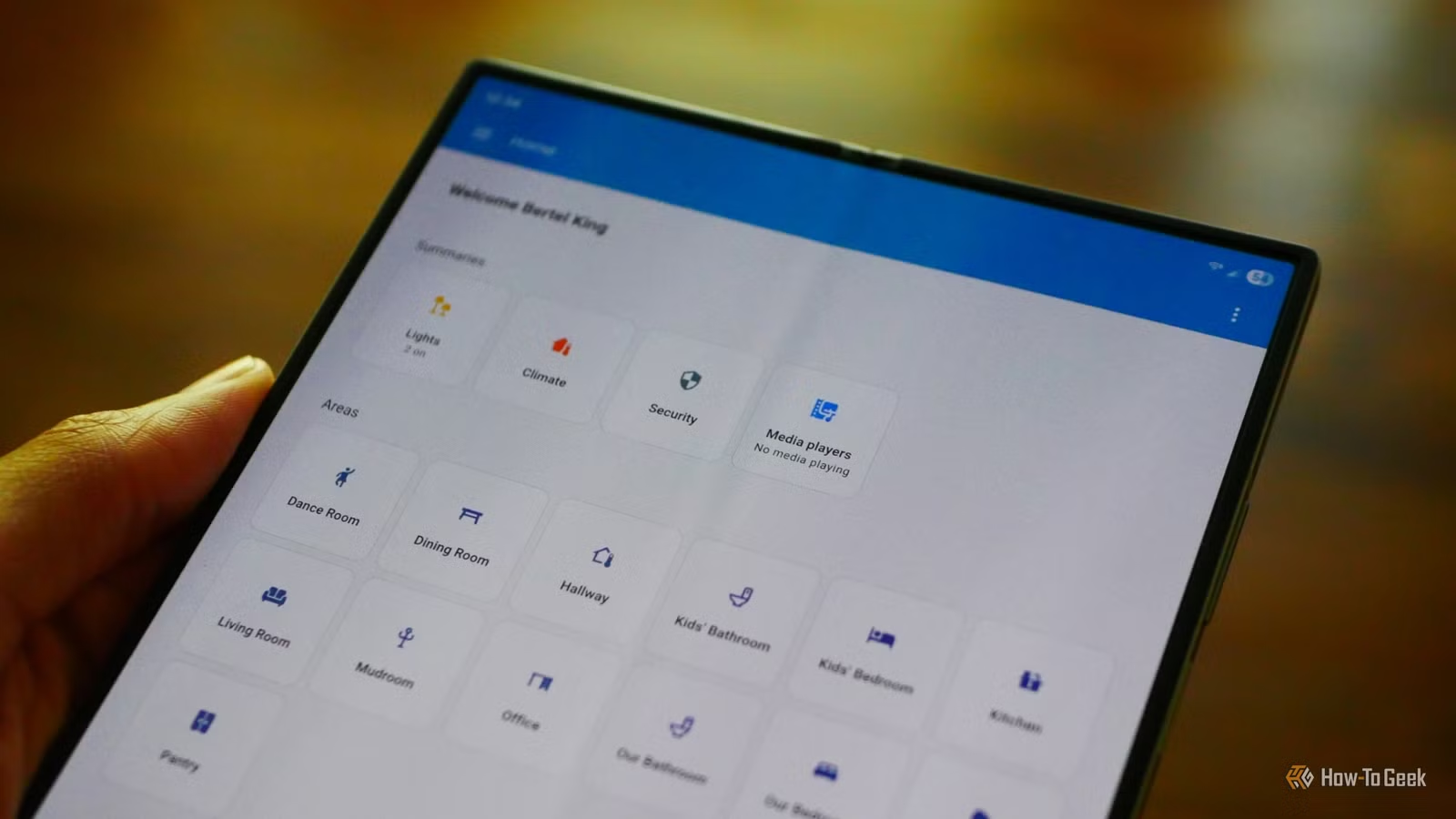
The standard Home Assistant dashboard is a control panel. You walk to a wall-mounted tablet, tap some buttons, and control your lights. It works, but it wastes the platform's potential.
Home Assistant can do far more interesting things with dashboards. Three weekend projects stand out: an RSS news aggregator, a location history timeline, and a guest-friendly control panel. Each takes a few hours and turns your smart home hub into something genuinely useful beyond automation.
The timing is good. Home Assistant's 2026.6 update introduced an entity-first card selection UI that cuts dashboard creation time significantly. Users testing the new interface report building dashboards about 40% faster than before.
Project 1: Build an RSS News Dashboard
Home Assistant can become your personal news reader. You create a dashboard that displays stories from RSS feeds you choose. No algorithmic recommendations. No ads. Just the sources you trust, in one place accessible from your phone, tablet, or computer.
The native Feedreader integration polls RSS feeds every hour and fires events into the event bus. This means automations can trigger when new articles appear. One limitation: Feedreader only exposes a single entry at a time. You can't create a card showing multiple stories from one feed.
For a better experience, install Feedparser from HACS (the Home Assistant Community Store). It exposes multiple entries simultaneously. Pair it with the RSS Accordion card to display scrollable story lists from each source.
Once configured, you scroll through headlines, find something interesting, and tap to read the full article. It's slower than a phone app but completely under your control.
Project 2: Create a Location History Timeline
If you use the Home Assistant Companion app, it already tracks your location. The default Map view shows where family members are right now. But you can do more.
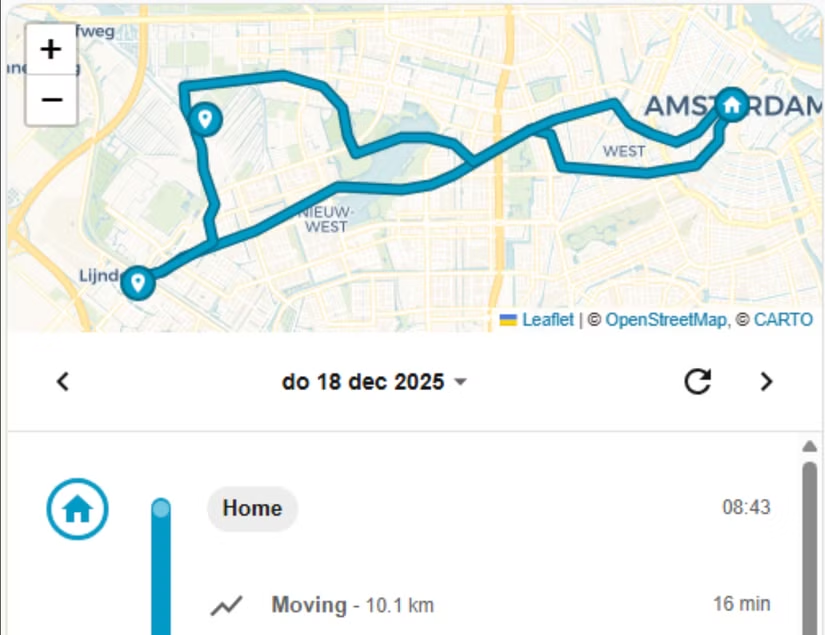
A location timeline card creates a Google Maps-style day view. Instead of seeing current positions, you see movement patterns throughout the day. When did someone leave home? When did they arrive at work? How long did they stay?
The privacy implications are obvious. This works best for families who've agreed to share location data, or for tracking your own patterns. The data stays on your server, not in Google's cloud.
Project 3: Design a Guest Dashboard
Your smart home makes sense to you. It confuses guests. A dedicated guest dashboard solves this by presenting only what visitors need.
A basic guest dashboard includes simple controls (lights, thermostat, TV) with clear labels. Add a QR code that connects devices to your guest Wi-Fi network. No passwords to remember or type.
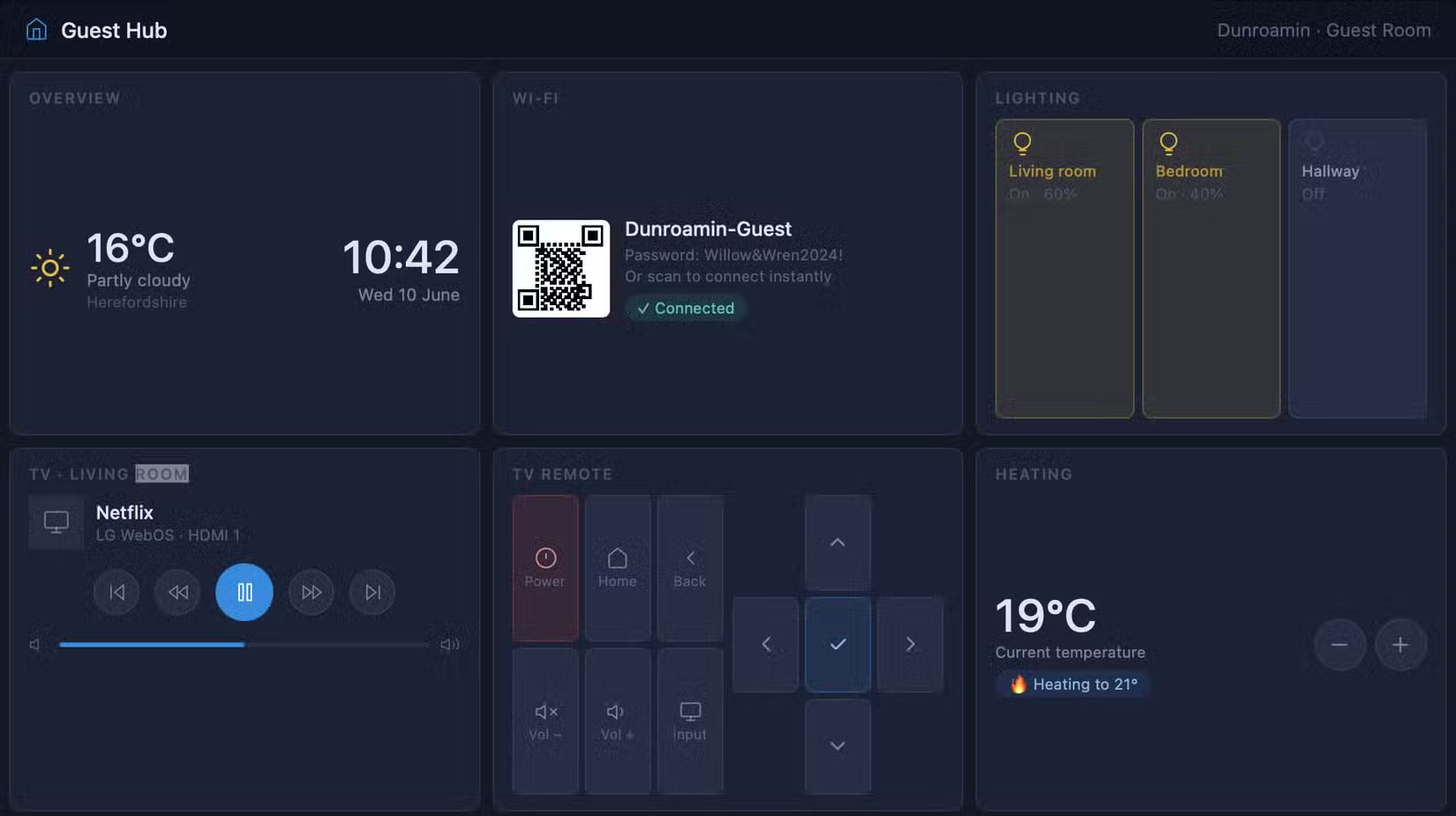
You can create a separate Home Assistant user account with limited permissions for guests. They get access to their dashboard only. Your automations, cameras, and security systems stay hidden.
The 2026.6 Update Makes This Easier
Home Assistant's recent update changed how dashboards are built. The old approach required knowing which cards supported which data types. You'd pick a card, then figure out what entities it could display.
“The goal of 2026.6 was simple: remove the friction between 'I want to see this data' and 'the card is on my dashboard.' By putting the entity first, we've effectively eliminated the need for users to memorize which cards support which data types.”
— Paulus Schoutsen, Founder of Home Assistant
The new entity-first approach flips that. You select the data you want to display, and Home Assistant suggests compatible cards with live previews. The Sections layout makes dashboards more responsive across devices.
Community reaction has been positive. Users on r/homeassistant have shared cleaner dashboard designs built in minutes rather than hours. Power users note that YAML customization remains available for complex setups.
Logicity's Take
Getting Started
You need a working Home Assistant installation. The Home Assistant Green hub costs $219 and provides a plug-and-play starting point. Alternatively, install the software on a Raspberry Pi, old PC, or virtual machine.
For the RSS project, install HACS first, then add Feedparser and the RSS Accordion card. For location tracking, ensure the Companion app has location permissions enabled. The guest dashboard requires only native Home Assistant features.
ESP32 devices integrate well with Home Assistant for custom sensors
Frequently Asked Questions
Do I need coding skills to build Home Assistant dashboards?
No. The 2026.6 update introduced a visual, entity-first card picker with live previews. Advanced customization still uses YAML, but basic dashboards can be built entirely through the UI.
How much does Home Assistant cost?
The software is free and open source. Hardware costs vary. The official Home Assistant Green hub is $219. You can also run it on a $35 Raspberry Pi or an old computer.
Is my location data safe with Home Assistant?
Yes. Home Assistant runs locally on your network. Location data stays on your server, not in a company's cloud. You control access and retention.
Can guests access my automations through the guest dashboard?
No. You create a separate user account with limited permissions. Guests see only the dashboard you configure for them. Security systems, cameras, and automations remain hidden.
Need Help Implementing This?
Source: How-To Geek
Huma Shazia
Senior AI & Tech Writer
Produced with AI assistance and reviewed by the Logicity editorial team. Learn more in our Editorial Policy.






