Key Takeaways
- Tactility offers a full GUI with installable apps and touchscreen support for ESP32 devices
- MicroPythonOS includes an app store for downloading applications directly to your ESP32
- Installation is straightforward using browser-based web installers in Chrome or Edge
A $10 Microcontroller That Runs Real Operating Systems
The ESP32 is a $10 microcontroller that most hobbyists use for home automation or IoT projects. But the chip has enough power to run actual operating systems with graphical interfaces, touchscreens, and installable applications.
How-To Geek compiled four operating systems worth trying on your ESP32 this weekend. Two offer full graphical user interfaces with app ecosystems. The others use command lines and emulation for retro computing projects.
Tactility: The Most Complete Option
Tactility is purpose-built for the ESP32 microcontroller family. It includes a graphical interface, apps that run from external SD cards, and touchscreen support. A PC simulator lets you build and test apps before deploying them to hardware.
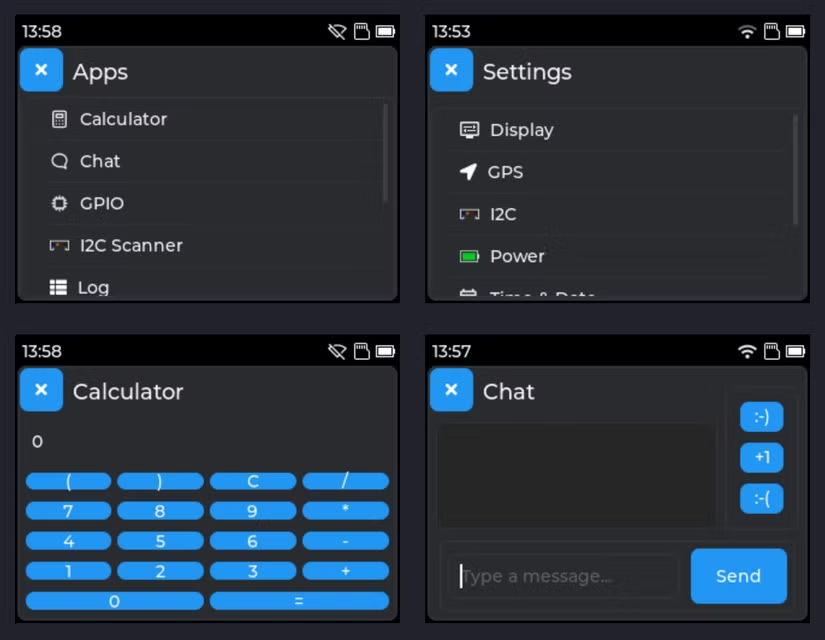
The operating system bundles drivers for I2C, SPI, and UART protocols. It supports graphics, touch interfaces, and keyboards. Built-in apps include a chat protocol, calculator, and GPIO and serial monitors. Wi-Fi configuration works through simple menus.
The developer says any ESP32 device should run Tactility, though an official list confirms compatibility. Supported hardware includes Cheap Yellow Display touchscreens, the M5Stack Tab5, and Heltec's LoRA 32 v3 with limited support.
For guaranteed out-of-box compatibility, the developer recommends LilyGO's T-Deck Plus or Elecrow's CrowPanel Advance 2.8 inch. Installation uses a web installer that works in Chrome or Edge. You can also flash manually with esptool.
MicroPythonOS: An App Store on a Microcontroller
MicroPythonOS takes a different approach. It includes an app store where you can download applications directly to your ESP32. This makes it closer to a smartphone experience than a typical embedded system.
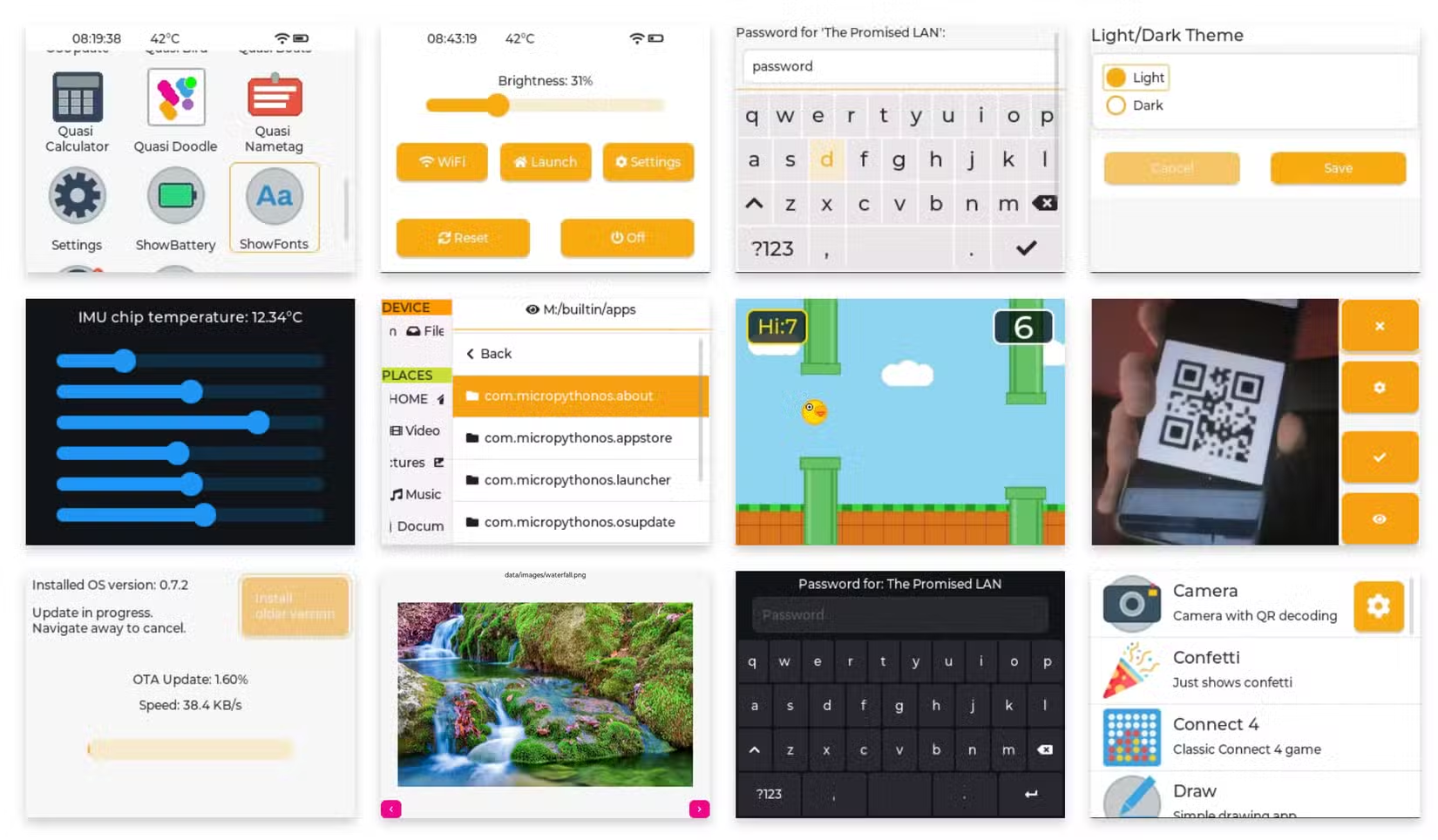
The Python-based environment makes app development accessible. If you can write basic Python scripts, you can build applications for this platform. The barrier to entry is lower than traditional embedded development.
Retro Options: Mac OS and More
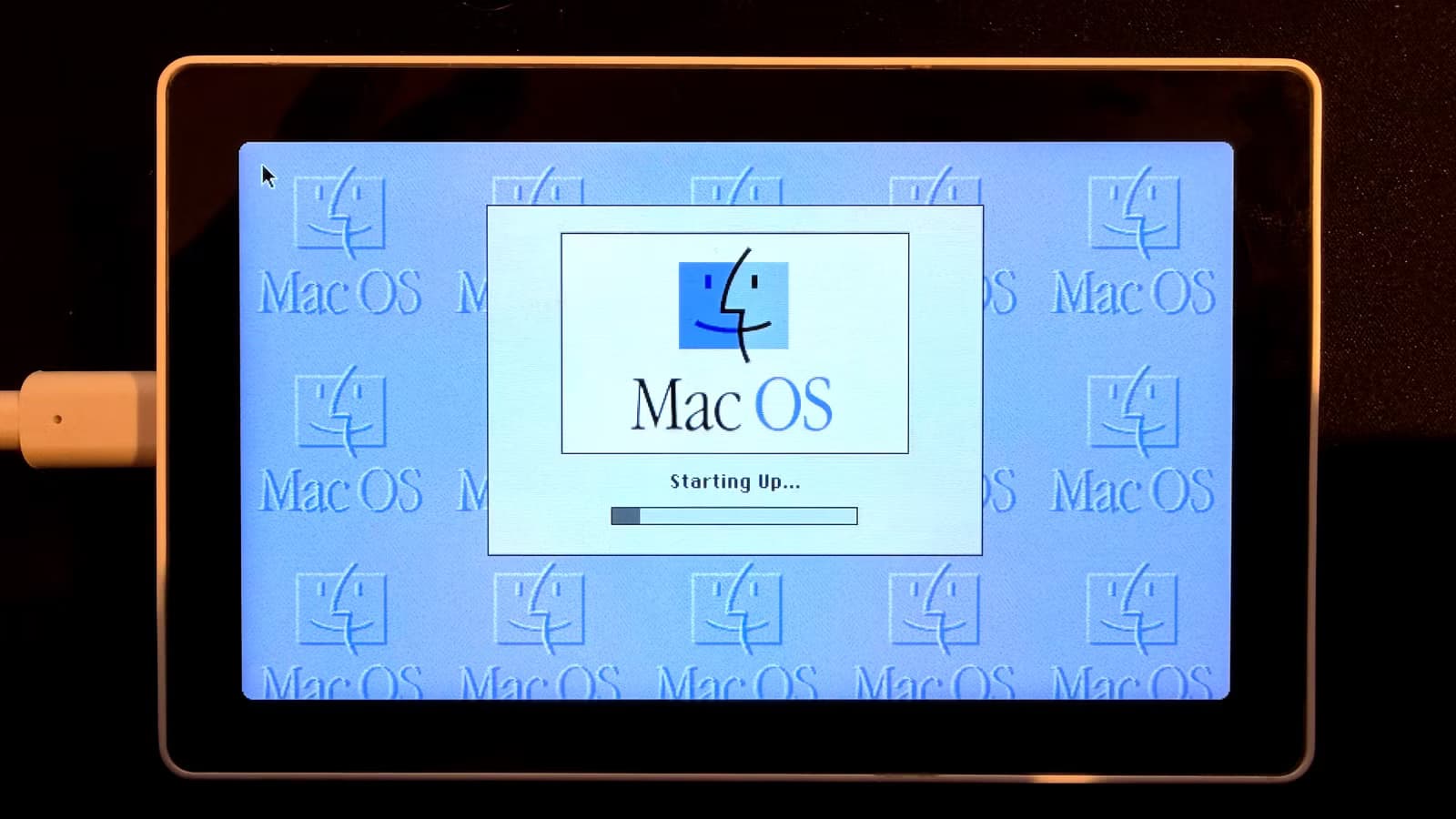
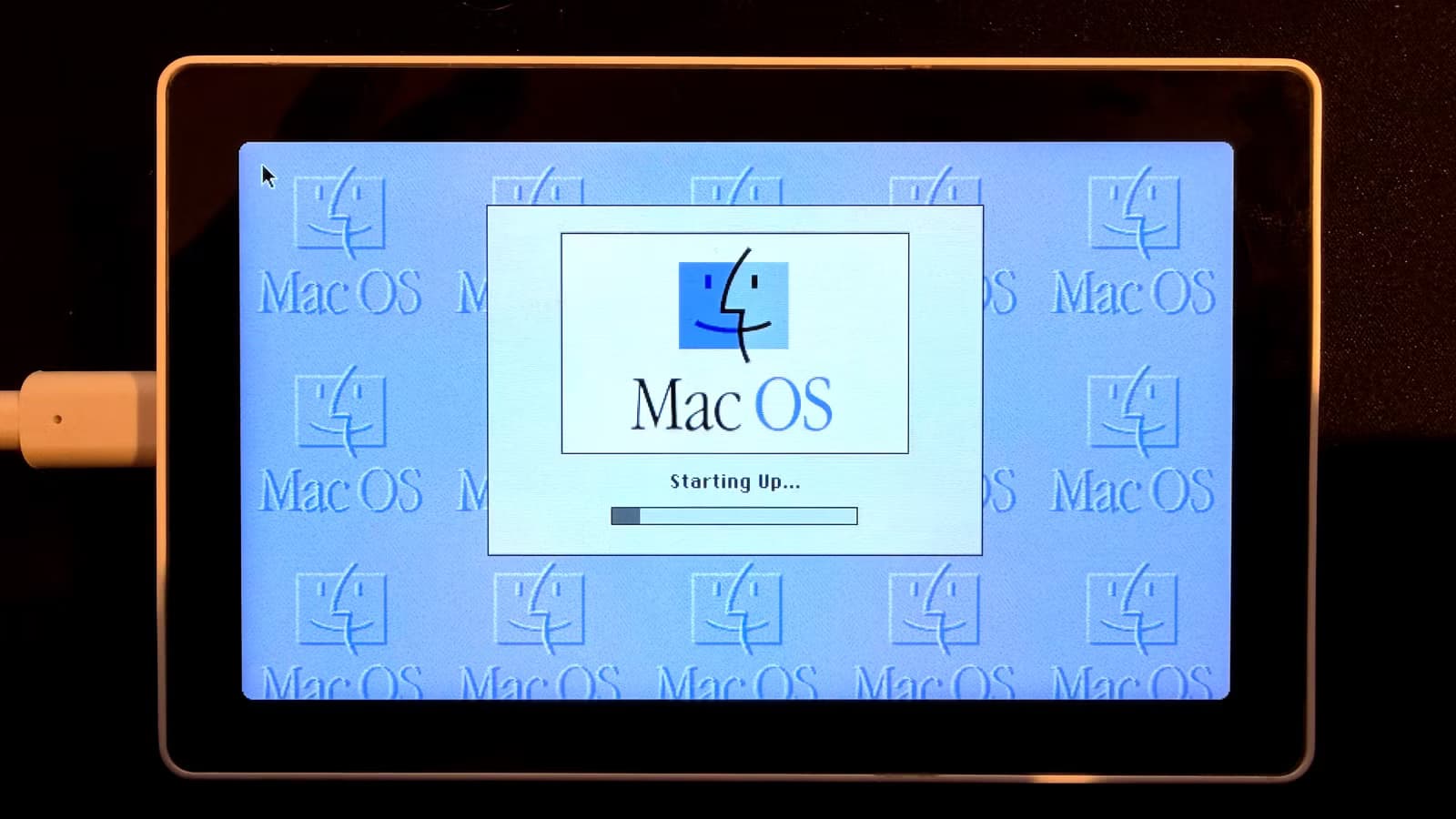
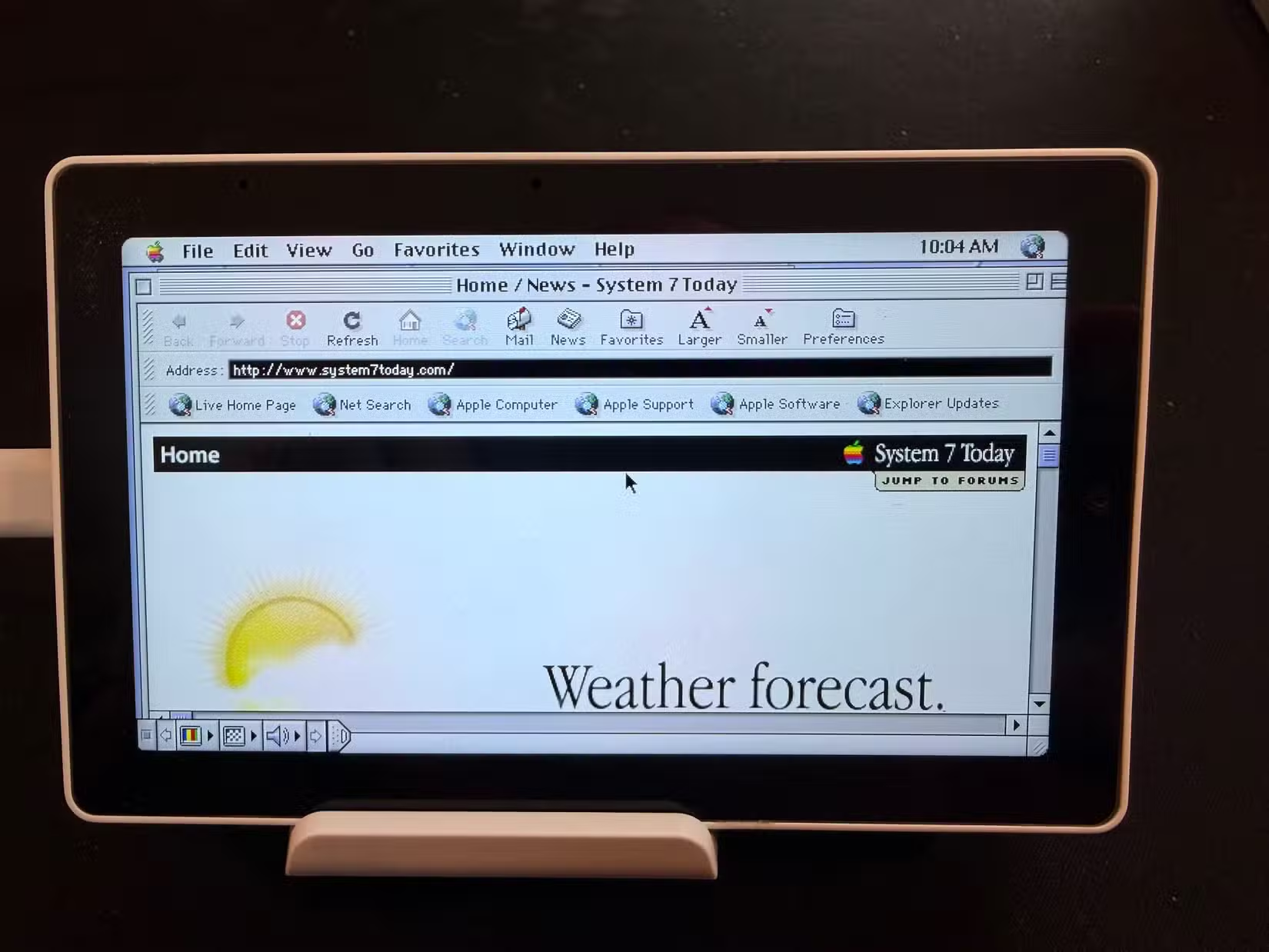
For retro computing enthusiasts, the ESP32 can emulate classic operating systems. Projects exist that boot Mac OS 8.1 on ESP32-based tablets. These use emulation rather than native ports, so performance varies.
Command-line options also exist for users who prefer terminal interfaces over graphical ones. These tend to be lighter weight and leave more resources available for your actual projects.
Hardware Recommendations
The M5Stack Tab5 IoT Development Kit represents the high end of ESP32 devices. It uses the ESP32-P4 SoC based on RISC-V architecture with 16MB Flash and 32MB PSRAM. At $60, it targets developers building portable IoT terminals.
Budget options work fine for experimentation. Cheap Yellow Display touchscreens cost under $15 and run Tactility. The key is matching your hardware to your goals. A basic display works for learning. A Tab5 works for shipping products.
Installation Process
Most of these operating systems use browser-based web installers. Connect your ESP32 via USB, open Chrome or Edge, and follow the prompts. The browser handles firmware flashing without requiring command-line tools.
Manual installation with esptool remains an option for users who prefer terminal workflows. This gives more control over the flashing process and works with any browser or operating system.
Logicity's Take
Why This Matters for Prototyping
Traditional embedded development requires specialized toolchains and deep hardware knowledge. Operating systems like Tactility and MicroPythonOS abstract that complexity. Teams can prototype IoT devices faster when they can write apps in Python instead of C.
The app-based model also simplifies updates. Ship a device with Tactility, then push new functionality as apps rather than reflashing firmware. This mirrors how smartphones work and reduces the risk of bricking devices in the field.
Another counterintuitive hardware discovery
Frequently Asked Questions
Can any ESP32 run these operating systems?
Most ESP32 devices can run Tactility, though performance and features vary. Check the official compatibility list for confirmed support. Devices with more RAM and flash storage perform better.
Do I need programming experience to install these?
No. Web installers handle firmware flashing through Chrome or Edge browsers. You connect your ESP32 via USB and follow prompts. Writing custom apps requires Python or C knowledge, but installation does not.
What is the cheapest hardware to try this on?
Cheap Yellow Display touchscreens cost under $15 and run Tactility. They include built-in screens and touch support. For a better experience, the Elecrow CrowPanel Advance 2.8 inch is recommended.
Can these run on battery power?
Yes. The ESP32 is designed for low-power IoT applications. Battery life depends on display size, Wi-Fi usage, and the specific application running. Devices like the M5Stack Tab5 include built-in battery support.
Is there commercial potential for ESP32-based products?
Yes. The M5Stack Tab5 and similar devices target developers building IoT terminals. The combination of low cost, app-based development, and proven hardware makes ESP32 viable for commercial IoT products.
Need Help Implementing This?
Source: How-To Geek
Huma Shazia
Senior AI & Tech Writer
Produced with AI assistance and reviewed by the Logicity editorial team. Learn more in our Editorial Policy.






