Key Takeaways
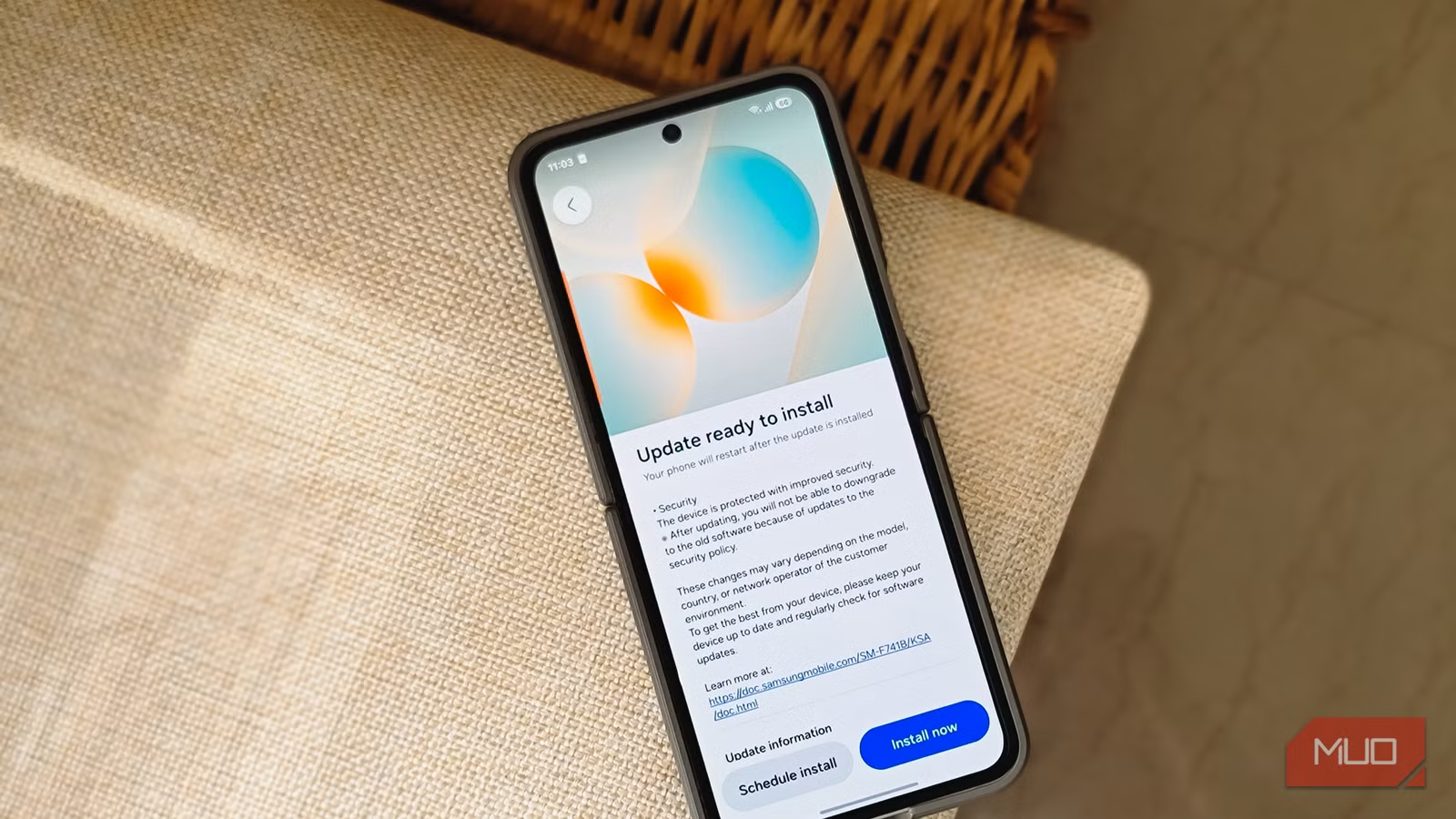
- Three Google system apps on Samsung phones don't update automatically: WebView, Play Services, and SafetyCore
- Failing to update these components can cause security vulnerabilities, app crashes, and performance issues
- Check for updates monthly or after major Android OS updates via Settings > Apps > App details in store
Your Samsung Galaxy phone has three Google system apps that skip automatic updates entirely. Even when the Play Store shows everything is current, Android System WebView, Google Play Services, and Android System SafetyCore may be running outdated code. These components power core phone functions, and leaving them stale opens the door to security flaws, app crashes, and sluggish performance.
The latest versions available are WebView 149.0.7827.91, Play Services 26.22.33, and SafetyCore 1.0.925574157. Google hasn't published a changelog for any of them, which makes manual checking the only way to confirm you're current.
Why do these Google apps need manual updates?
These three components aren't treated like standard apps by the Play Store's update system. They ship pre-installed as part of Android's core infrastructure, and updates roll out through a different pipeline than your typical app refresh. The result: they often sit outdated while everything else stays current.
Android System WebView is the one you use every day without realizing it. Tap a link inside any app and a webpage opens without launching Chrome? That's WebView. Shopping apps, news readers, social media clients, basically any app that displays web content relies on this invisible component. An outdated WebView can expose you to security vulnerabilities that have already been patched in Chrome itself.
Google Play Services runs deeper. It handles authentication, location services, push notifications, and dozens of APIs that apps depend on. When Play Services falls behind, apps can misbehave in subtle ways: notifications arriving late, location accuracy dropping, or features simply failing without clear error messages.
Android System SafetyCore is newer but equally important. Introduced for Android 9 and later, it provides the underlying technology for sensitive content protection, including on-device scanning that keeps certain material flagged before you encounter it.
How to manually update these system apps
Because these components hide from normal app lists, finding them takes a few extra steps. Here's the process:
- Open Settings on your Samsung Galaxy phone
- Tap Apps
- Search for one of the three: Android System WebView, Google Play Services, or Android System SafetyCore
- Open the app listing and scroll to the bottom
- Tap "App details in store"
- If an update is available, tap the Update button on the Play Store page
Repeat for all three apps. The process takes about two minutes total, and doing it once a month keeps you covered. Also check after any major Android or One UI update, since new OS versions sometimes reset these components to older bundled versions.
Which Samsung phones get these updates?
The current updates are confirmed available for Samsung Galaxy phones running One UI 8.5 or One UI 9 in India. If your device runs an older One UI version, these specific updates may not appear yet, and the steps above might not apply exactly the same way.
Google hasn't announced a timeline for other countries. This regional rollout isn't unusual for system-level components, but it means users outside India should still check periodically. The update buttons simply won't appear until the rollout reaches your region.
What happens if you skip these updates?
Nothing dramatic in the short term. Your phone won't brick, and most apps will keep working. The risks are cumulative: security patches you're missing, performance optimizations you're not getting, and compatibility fixes that prevent crashes in newer apps.
WebView vulnerabilities are particularly concerning because they affect every app that displays web content. A flaw in WebView is effectively a flaw in dozens of apps on your phone simultaneously. Google patches these regularly, but the patches only help if you actually install them.
More hidden features on your smartphone you're probably not using
Logicity's Take
This is a design flaw, not a feature. Google has the infrastructure to push silent updates to these components, and does exactly that for some system modules through Project Mainline. The fact that WebView, Play Services, and SafetyCore still require manual intervention on Samsung devices suggests either a technical limitation in Samsung's implementation or a deliberate choice about update authority. Either way, users pay the price in maintenance overhead.
Frequently Asked Questions
Why doesn't the Play Store update these apps automatically?
These system components use a different update pipeline than standard apps. They're bundled with the OS and require manual checks through the Settings app rather than the Play Store's main update flow.
How often should I check for updates to these Google system apps?
Once a month is sufficient for most users. Also check immediately after receiving a major Android or One UI update, as OS updates sometimes reset these components to older versions.
Will outdated WebView cause my apps to crash?
It can. Apps that display web content depend on WebView, and version mismatches can cause crashes, slow loading, or rendering errors. Keeping WebView current prevents most of these issues.
Are these updates available on all Samsung phones?
Currently confirmed for Samsung Galaxy phones running One UI 8.5 or One UI 9 in India. Older devices or other regions may not see these specific updates yet.
What is Android System SafetyCore?
SafetyCore provides on-device safety features for Android 9 and later, including sensitive content protection. It runs locally and helps filter certain content before you see it.
Need Help Implementing This?
Managing device security across a fleet of Android phones? Contact Logicity for guidance on enterprise mobile management strategies and automated update policies.
Source: MakeUseOf
Manaal Khan
Tech & Innovation Writer
Produced with AI assistance and reviewed by the Logicity editorial team. Learn more in our Editorial Policy.






