Key Takeaways
- Claude collects location metadata by default using your IP address for local recommendations
- The 'Help improve Claude' toggle shares your conversations with Anthropic for model training unless disabled
- Memory generation from chat history is useful but stores personal context that some users may want to control
If you use Claude regularly, you probably haven't looked at its Settings menu since you signed up. That's a problem. Several privacy options are enabled by default, including location tracking and sharing your conversations for AI model training.
Anthropic has recently moved toward more aggressive data collection to keep pace with competitors. Unless you navigate to Settings and opt out, your interactions are used to refine future Claude models. For professionals using Claude with sensitive or proprietary information, this default creates real risk.
Here are the three settings worth reviewing today.
1. Location Metadata: Enabled by Default
Claude tracks your approximate location using your IP address. This setting is turned on when you create your account. Anthropic says this helps with features like nearby recommendations or local weather queries.
The location data works at the city or regional level. When you ask Claude to find a coffee shop near you or check today's weather, it uses this information to give relevant answers.
If you never use Claude for local searches, disable this. Most users turn to Google Maps or search for location-based queries anyway. The setting lives in Claude's privacy menu under Location Metadata.
2. 'Help Improve Claude': The Training Toggle
This is the big one. When enabled, Anthropic uses your conversations to train future AI models. The toggle is buried in a sub-menu and switched on by default.
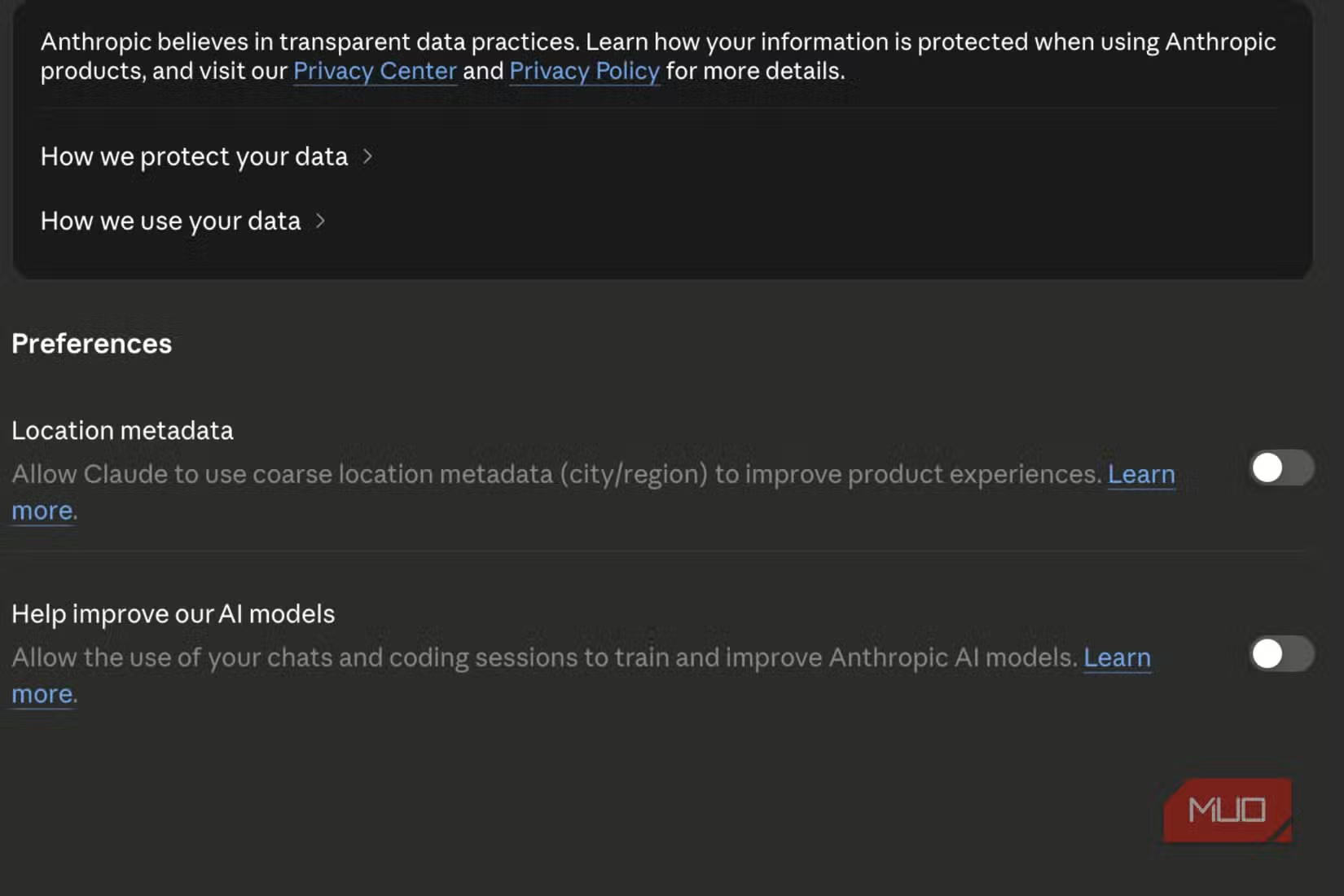
With this setting active, your chats become training data. Anthropic retains de-identified versions of your conversations for up to 5 years. Even if you delete a conversation, the company keeps it for 30 days when model training is disabled. For conversations flagged for safety policy violations, retention extends to 2 years.
Reddit's r/Claude and r/Privacy communities have criticized what they call a "dark pattern" design. The training toggle is not prominent during onboarding. You have to know it exists and dig through menus to find it.
To disable it: open Claude's Settings, find the Privacy section, and turn off "Help improve our AI models." This stops your conversations from being used for training. Your chats will still function normally.
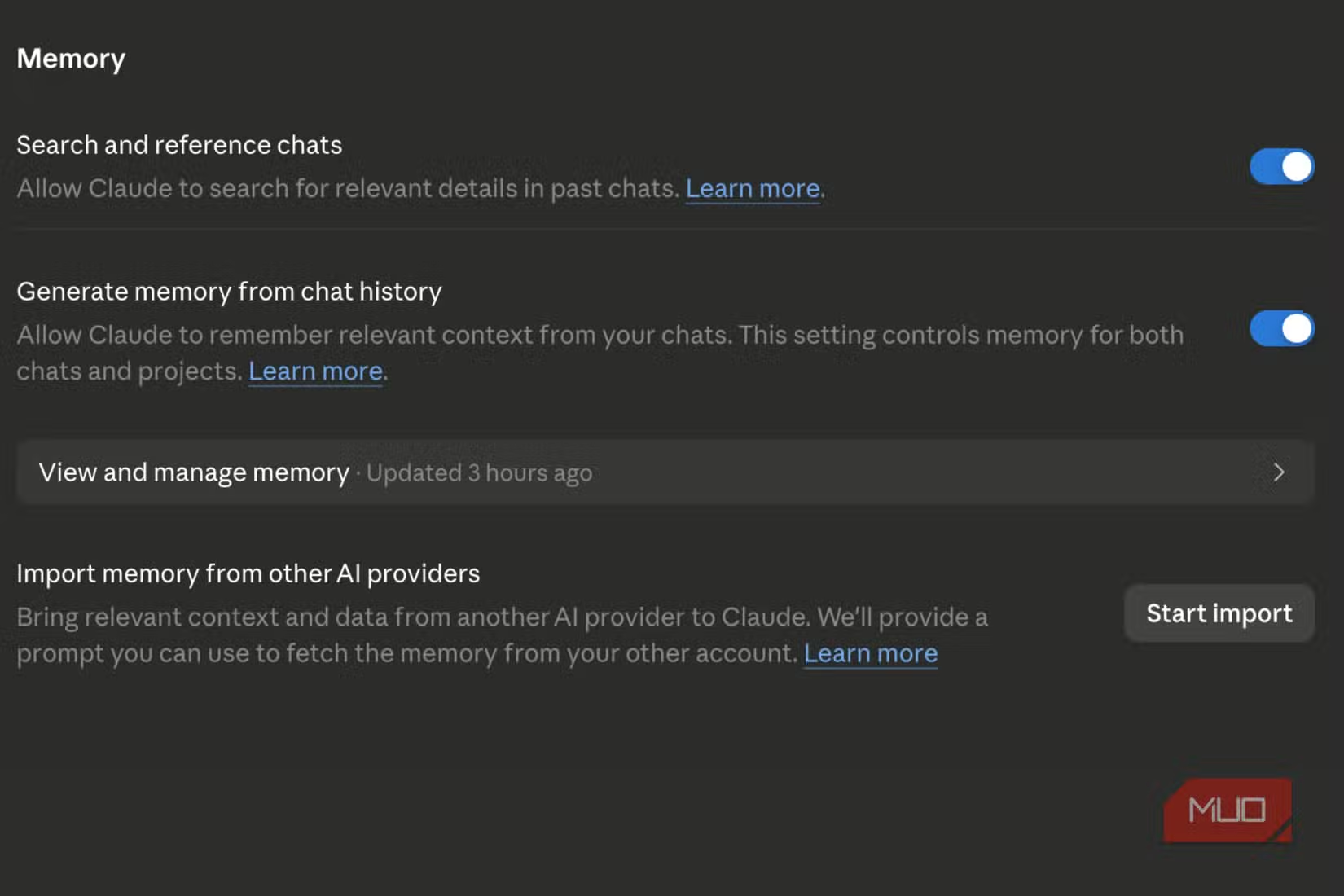
3. Memory Generation from Chat History
Claude can remember context from previous conversations. This makes the AI more useful over time. It learns your preferences, your writing style, and the projects you're working on.
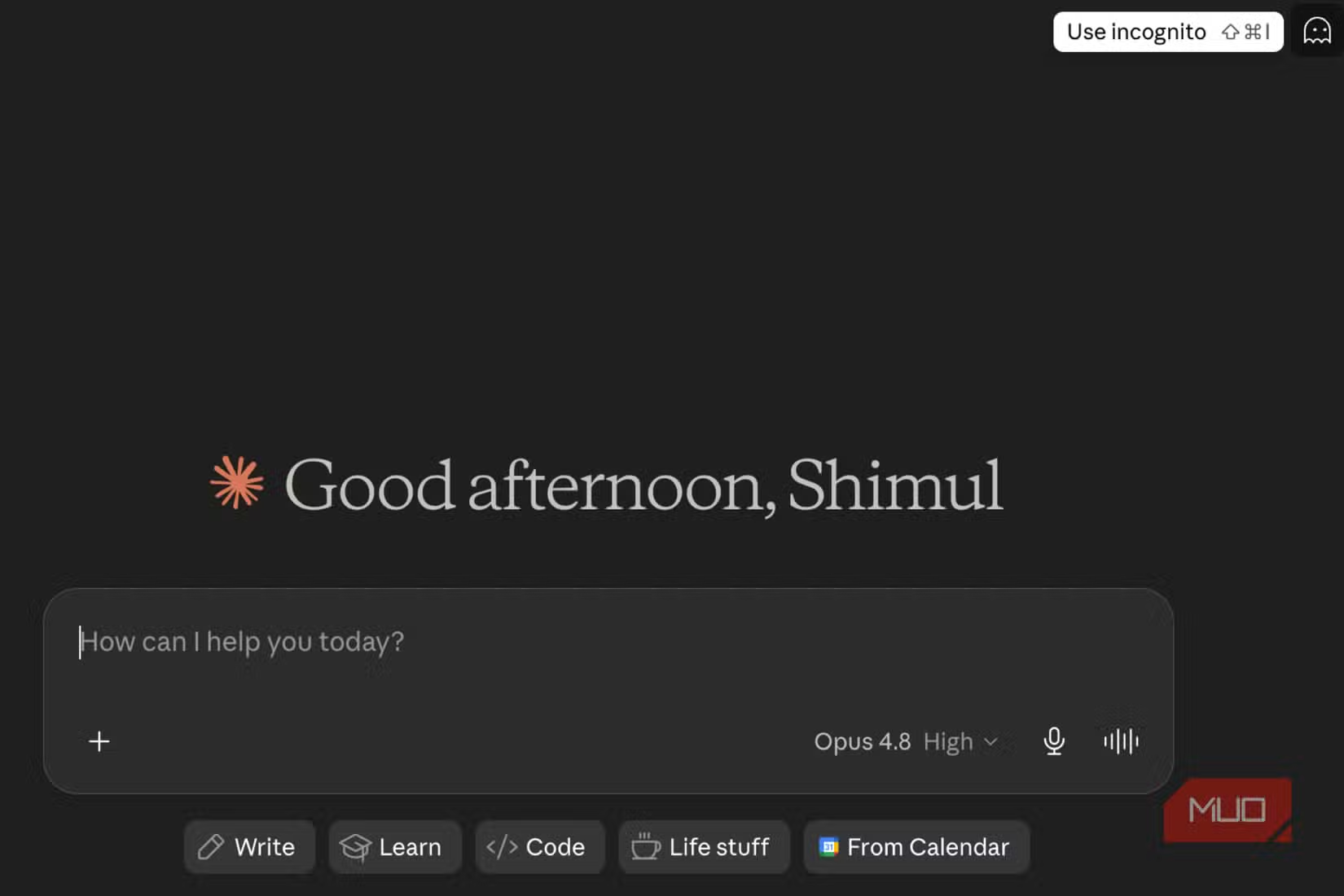
The trade-off is storage. Claude stores personal context that accumulates across sessions. For users who want continuity, this is valuable. For users who prefer each session to start fresh, it's worth disabling.
Unlike the other two settings, this one is a judgment call based on how you use Claude. If you discuss sensitive business information, consider keeping it off. If you use Claude for routine tasks and want it to remember your preferences, leave it on.
What About Incognito Mode?
Some users assume Incognito Mode solves everything. The community is split on whether it provides sufficient protection. The safest approach for sensitive tasks is to disable model training entirely and delete conversation history immediately after finishing.
The Bottom Line
Claude's privacy defaults favor Anthropic's model development over user privacy. That's not unusual for AI companies, but it does mean you need to review settings yourself. Spend two minutes in the Settings menu. Disable location tracking if you don't use local features. Turn off model training if you discuss anything proprietary. Decide whether memory generation helps or hurts your use case.
These settings are buried, but they're not hidden. Now you know where to look.

Logicity's Take
Anthropic ships Claude with privacy-compromising defaults because the company needs training data to compete with OpenAI and Google. That's understandable from a business perspective, but it puts the burden on users to protect themselves. The fix takes two minutes. Just do it.
Frequently Asked Questions
Does Claude use my conversations for AI training?
Yes, by default. The 'Help improve our AI models' setting is enabled when you create an account. You can disable it in Settings under Privacy.
How long does Anthropic keep my Claude conversations?
With model training enabled, de-identified data can be retained for up to 5 years. With training disabled, deleted conversations are kept for 30 days. Safety-flagged content is retained for 2 years.
Does Claude track my location?
Claude uses your IP address to determine your approximate location at the city or regional level. This is enabled by default but can be turned off in privacy settings.
Is Claude Incognito Mode enough for privacy?
Opinions vary. For maximum protection with sensitive data, disable model training entirely and delete conversation history after sensitive tasks.
Another look at default settings that work against users
Need Help Implementing This?
Setting up AI tools with proper privacy controls for your team? We cover enterprise AI deployment regularly. Reach out to the Logicity team for guidance on securing AI workflows across your organization.
Source: MakeUseOf
Huma Shazia
Senior AI & Tech Writer
Produced with AI assistance and reviewed by the Logicity editorial team. Learn more in our Editorial Policy.






