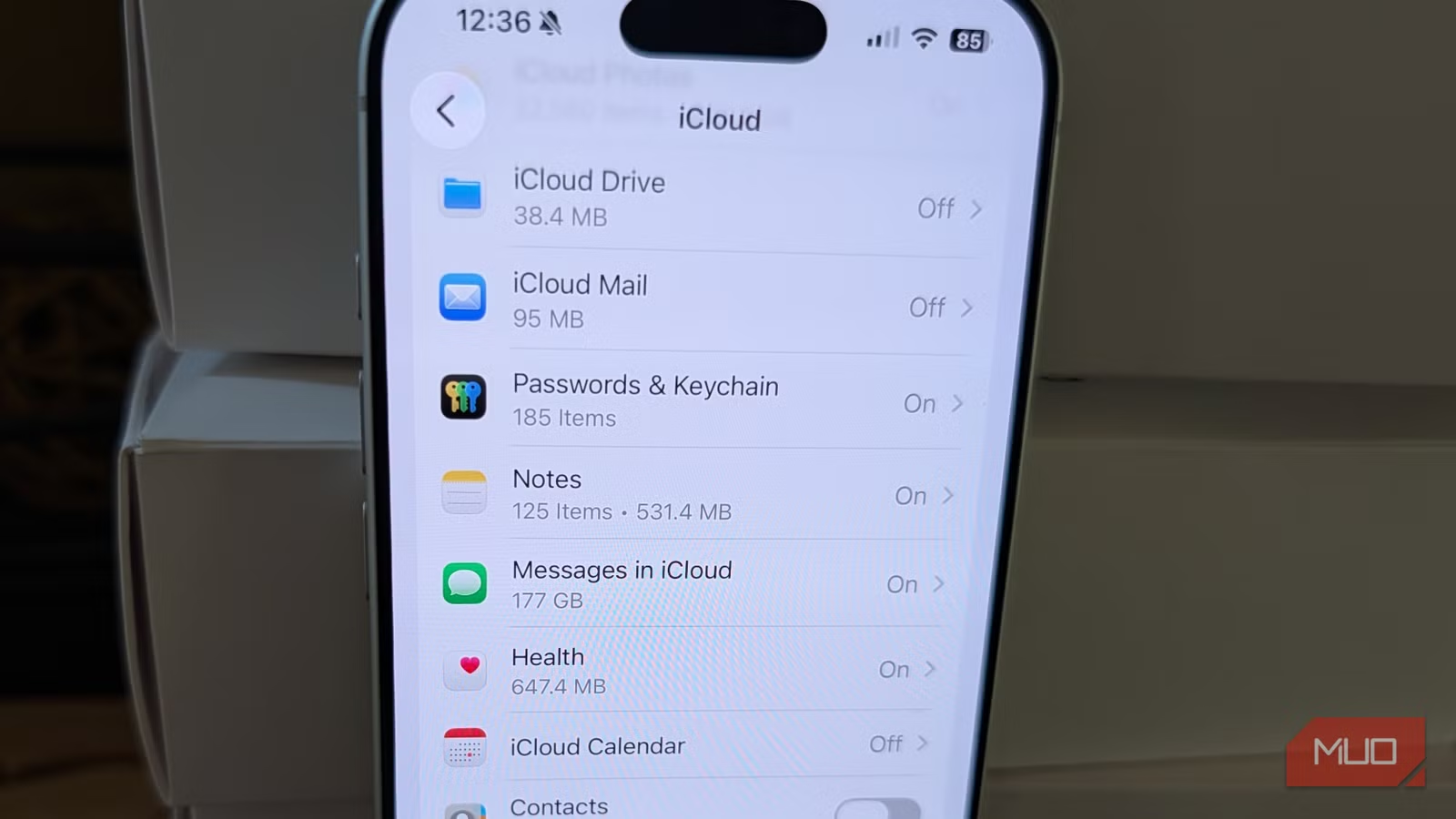
Key Takeaways
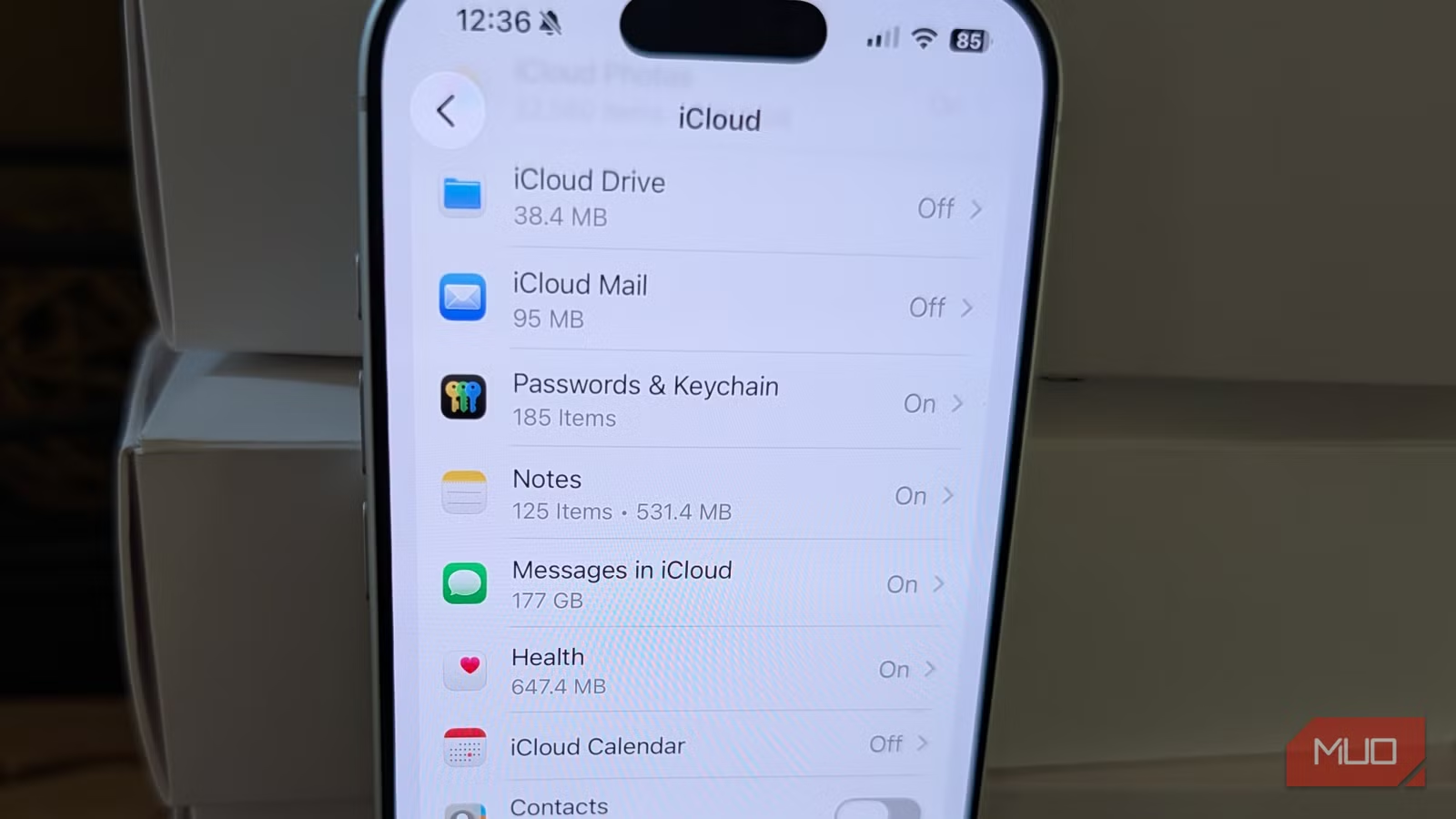
- Apple Passwords app now replaces most paid password manager subscriptions
- Files and Notes apps handle scan-to-PDF tasks that previously required paid apps
- Google Photos offers 15GB free backup as an alternative to paid iCloud+ storage
iPhone users tend to accumulate subscriptions. A password manager here. A document scanner there. Extra iCloud storage to back up photos. The monthly charges add up quietly.
What Apple hasn't loudly advertised: it has built free replacements for several of these tools directly into iOS. You might be paying for apps you no longer need.
Here are three common paid services that now have capable free alternatives baked into your iPhone.
1. Password Managers: Apple Passwords Is Now a Standalone App
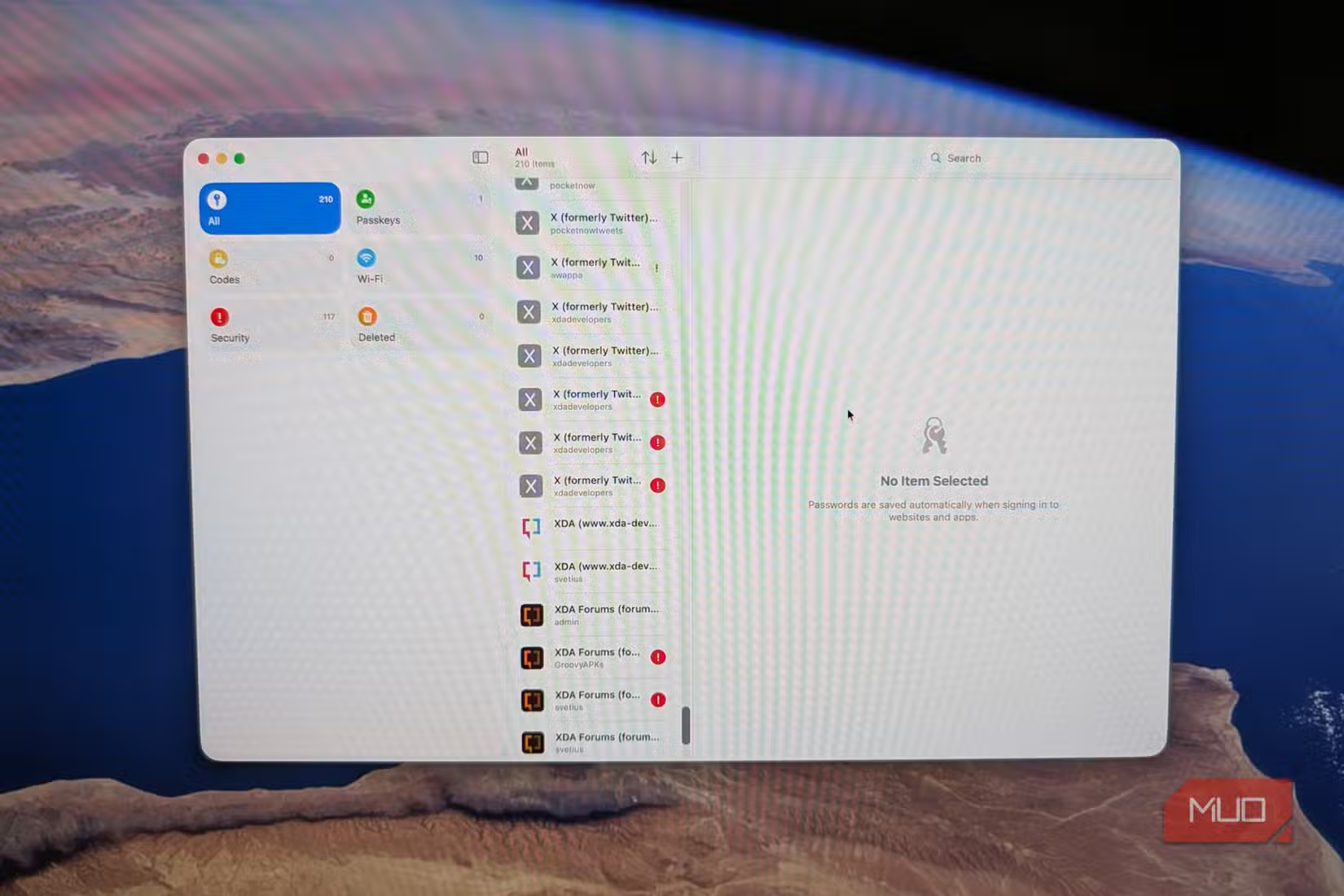
If you're paying for 1Password, Dashlane, or LastPass primarily to sync passwords across your Apple devices, you can likely cancel that subscription. Apple's Passwords app, introduced as a standalone app in iOS 18, handles the core job: generating strong passwords, storing them securely, and autofilling them across your iPhone, iPad, and Mac.
The app syncs via iCloud Keychain, which means it works seamlessly if you're in the Apple ecosystem. It also supports passkeys, verification codes for two-factor authentication, and Wi-Fi passwords.
The limitation: cross-platform support is weaker than dedicated password managers. If you regularly use Windows or Android devices alongside your iPhone, a paid service may still make sense. But if you're Apple-only, this free option covers most needs.
2. Document Scanners: Files and Notes Do It Free
Apps like Scanner Pro, Adobe Scan Premium, or Genius Scan charge monthly fees for scan-to-PDF features. But Apple's built-in Files and Notes apps now handle these tasks without cost.
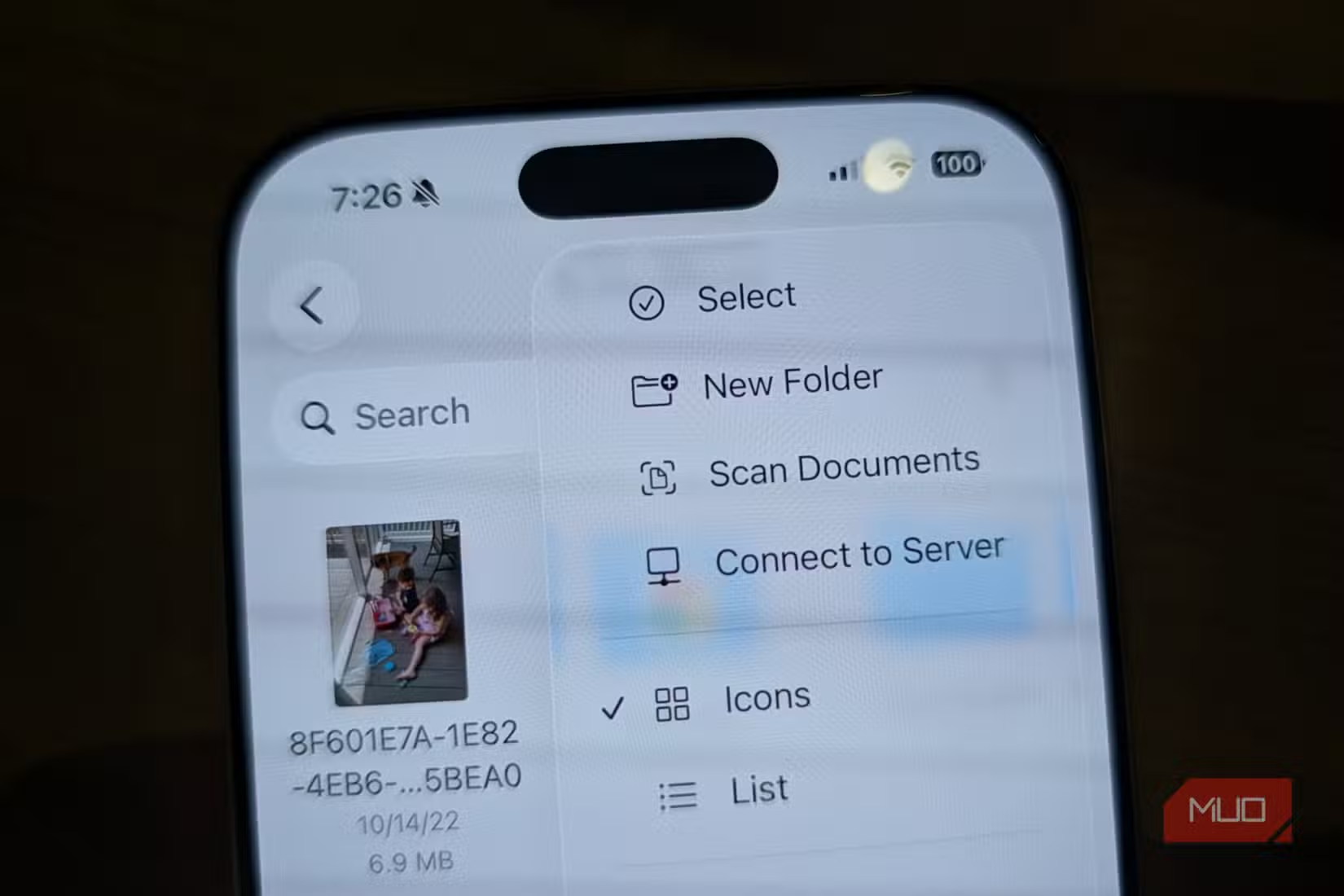
In the Notes app, tap the camera icon and select "Scan Documents." The app automatically detects document edges, corrects perspective, and saves scans as PDFs. You can scan multiple pages into a single document.
The Files app offers similar functionality. Open Files, tap the three-dot menu, and select "Scan Documents." The result saves directly to your iCloud Drive or local storage.
These built-in scanners lack some advanced features. OCR (optical character recognition) is basic compared to Adobe's offering. Batch processing and cloud integrations are limited. But for occasional receipt scanning or document digitization, they're more than adequate.
3. Photo Backup: Google Photos Beats Paid iCloud
Apple nudges you toward iCloud+ when your free 5GB fills up. The cheapest tier costs $0.99 per month for 50GB. Most users end up on the $2.99 per month plan for 200GB once photos accumulate.
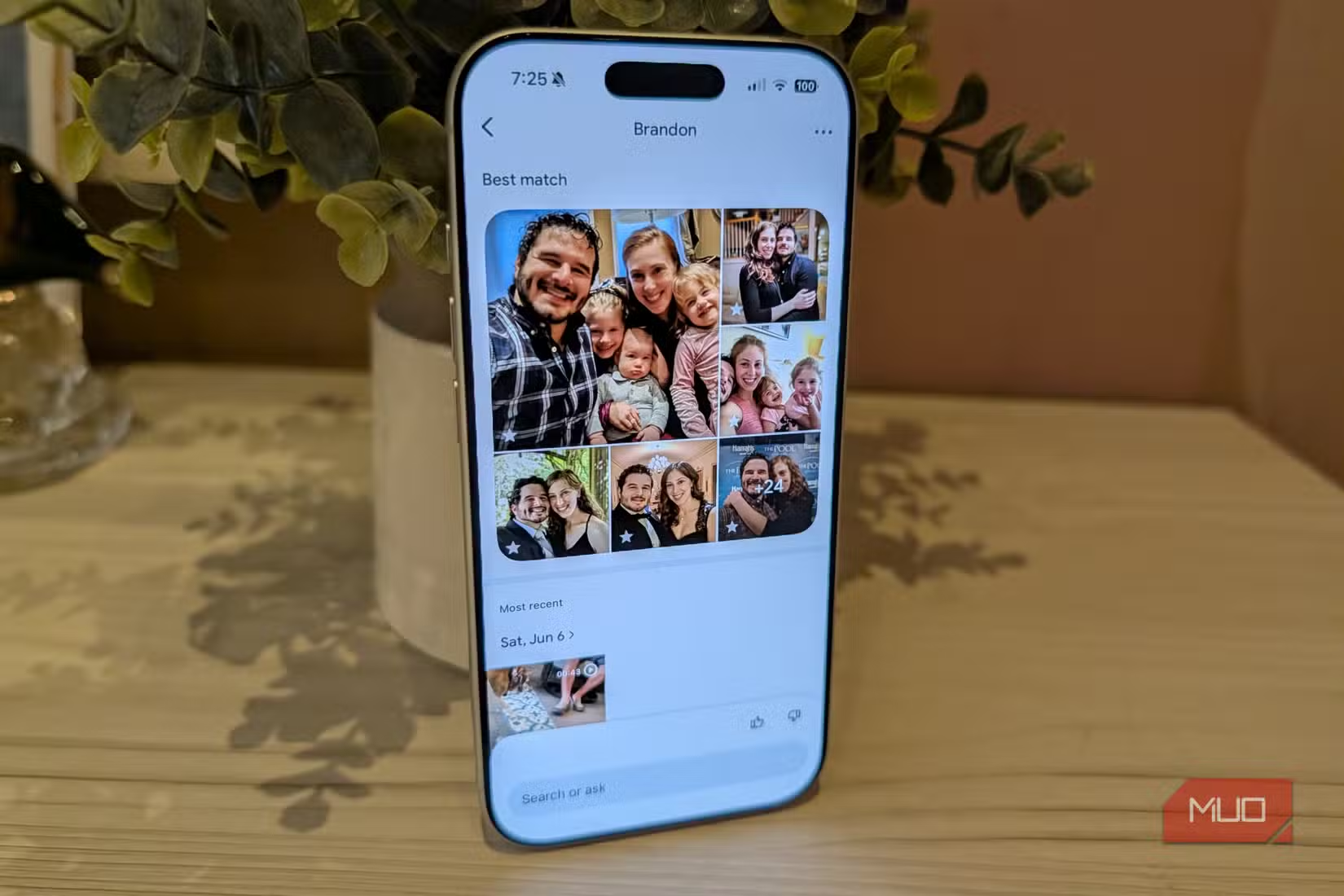
Google Photos offers a straightforward alternative: 15GB of free storage. That's three times Apple's free tier. The storage is shared across Google services, but for most users, 15GB handles years of photos.
To switch, download Google Photos from the App Store, sign in with your Google account, and enable backup in the app's settings. You can choose between original quality (uses more storage) or a slightly compressed option that stretches your free space further.
One consideration: a typical iPhone device backup takes 2 to 4GB. If you're using the free 5GB iCloud tier, backing up your phone plus photos won't fit. Moving photos to Google Photos frees up iCloud space for device backups, letting you avoid the paid upgrade.
Logicity's Take
How to Check What You're Paying For
Open Settings, tap your name at the top, then select Subscriptions. You'll see every recurring charge tied to your Apple ID. Look for password managers, scanner apps, and storage services you might no longer need.
Before canceling, test the free alternatives. Use Apple Passwords for a week. Scan a few documents with Notes. Set up Google Photos backup. If they handle your workflow, cancel the paid versions.
Apple's next major hardware shift
When Paid Apps Still Make Sense
Free alternatives have limits. If you use Windows, Android, and Apple devices together, a cross-platform password manager like 1Password offers better sync. If you scan hundreds of documents monthly, Adobe Scan's batch processing and advanced OCR justify the cost. If you shoot professional video, 15GB of Google Photos storage won't last.
The point isn't that paid apps are worthless. It's that many users pay for features they don't fully use when free options would suffice. Match your tools to your actual needs.
Frequently Asked Questions
Is Apple Passwords as secure as 1Password or LastPass?
Yes. Apple Passwords uses end-to-end encryption via iCloud Keychain. Your passwords are encrypted on your device before syncing. Apple cannot read them. The security model is comparable to dedicated password managers.
Does Google Photos compress my images?
You choose. Google Photos offers "Original quality" which keeps files unchanged, or "Storage saver" which slightly compresses images. Most users can't see the difference in Storage saver mode, and it stretches your 15GB further.
Can I use Apple's document scanner for multi-page PDFs?
Yes. Both Notes and Files apps support multi-page scanning. Scan the first page, then keep scanning additional pages before tapping Save. All pages combine into a single PDF document.
Will my iCloud backup still work if I move photos to Google?
Yes, but you need to disable iCloud Photos first to stop backing up photos to iCloud. Go to Settings, tap your name, select iCloud, then Photos, and turn off iCloud Photos. Your device backups will continue separately.
Need Help Implementing This?
Source: MakeUseOf
Apple's Upcoming 'Siri AI' Overhaul
The new article introduces information regarding the upcoming 'Siri AI' announced at WWDC 2026, focusing on changes to interface gestures and functionality on iPhone, iPad, and Mac. This is a distinct topic from the original article, which focused on built-in iOS alternatives to paid subscription apps.
Huma Shazia
Senior AI & Tech Writer
Produced with AI assistance and reviewed by the Logicity editorial team. Learn more in our Editorial Policy.






