Key Takeaways
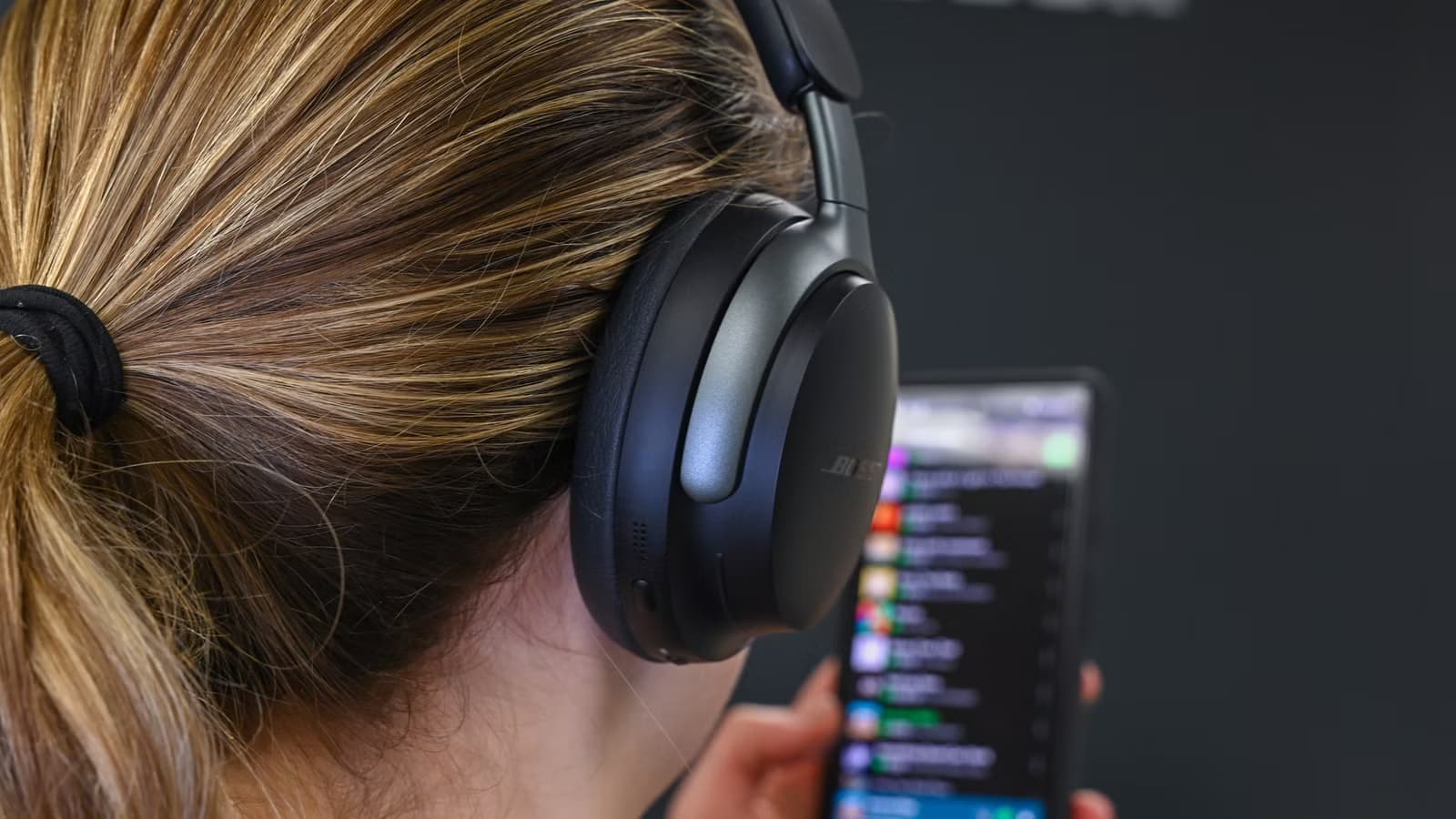
- Switching from the default SBC codec to LDAC or LHDC can dramatically improve wireless audio quality
- Many popular 'audio improvement' tips floating online don't help and may make things worse
- You'll need to access Android's hidden Developer Options to change codec settings
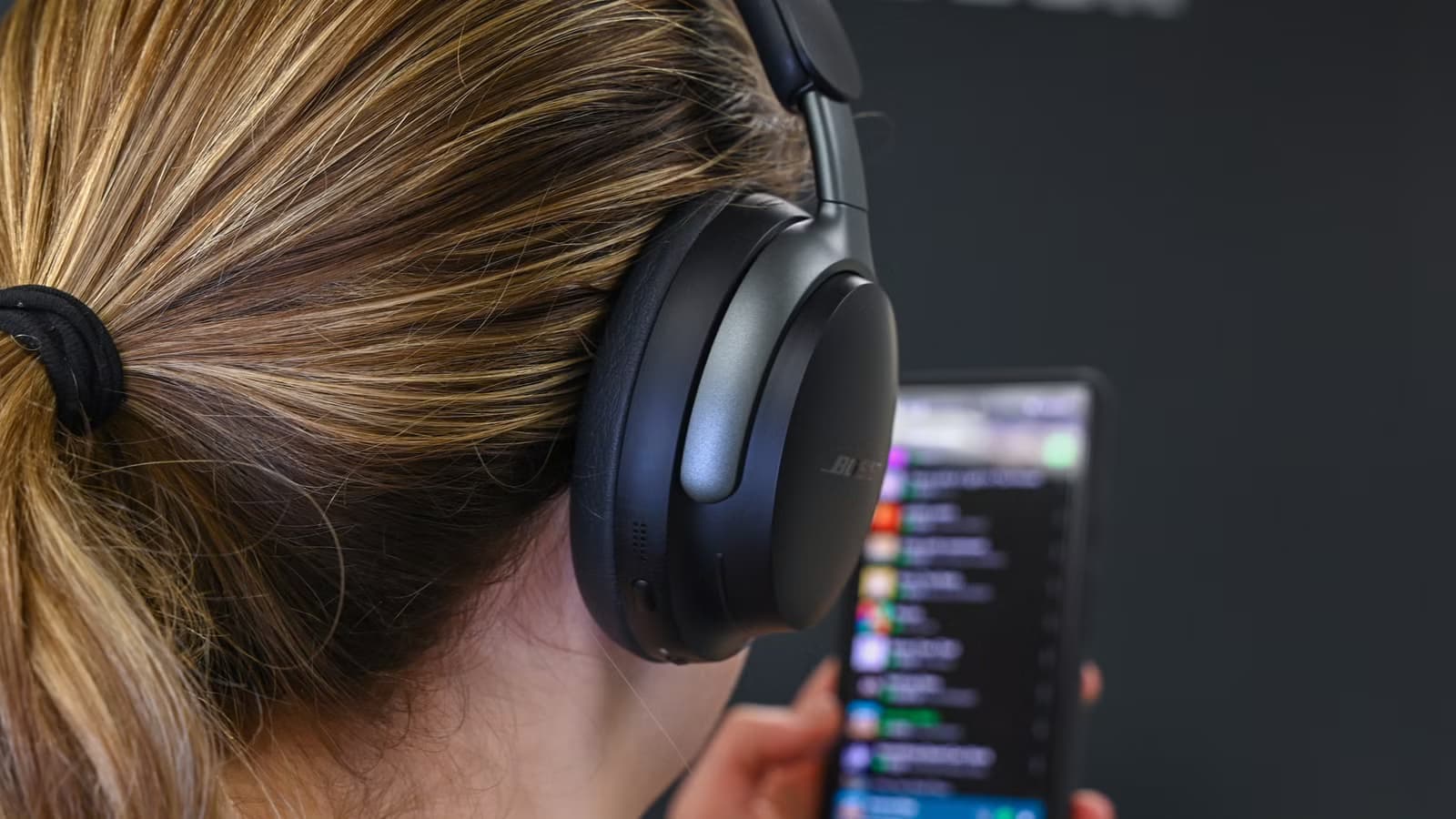
You bought expensive wireless headphones. The reviews promised studio-quality sound. But your music sounds compressed, flat, and barely better than your old earbuds. You're not imagining it.
Android often defaults to Bluetooth settings that prioritize connection stability over audio quality. Your phone and headphones negotiate the safest common ground during pairing, and that usually means the lowest-quality codec wins. The good news: you can fix this. The bad news: most 'fixes' you'll find online are useless.
How-To Geek's Ismar Hrnjicevic recently broke down which Android Bluetooth settings actually matter. Here's what works, what doesn't, and why.
The bottleneck isn't your headphones
Bluetooth audio works through codecs. These are compression algorithms that shrink audio data small enough to transmit wirelessly. Your phone encodes, your headphones decode. Simple enough.
The problem is which codec gets chosen. SBC (Sub-Band Coding) is the mandatory baseline. Every Bluetooth audio device supports it. It maxes out at 48kHz sample rate and 512kbit/s stereo bitrate. That's fine for MP3s or standard Spotify streaming.
But if you're paying for lossless audio through Spotify Lossless, Apple Music, or playing FLAC files, SBC becomes the ceiling that caps your sound quality. Your high-res audio files get compressed down to 'good enough' before they reach your ears.
“The biggest bottleneck in Bluetooth audio isn't the file itself, but the legacy codec negotiated during the initial handshake.”
— Ismar Hrnjicevic, Senior Author at How-To Geek
Settings that actually help
1. Switch to a high-quality Bluetooth codec
This is the single most effective change you can make. LDAC and LHDC support far higher sample rates and bitrates than SBC. LDAC, developed by Sony, can push up to 990 kbps. That's nearly double SBC's maximum.
To change your codec, you'll need to enable Developer Options on your Android phone. Go to Settings > About Phone, then tap 'Build Number' seven times. Once Developer Options appears in your settings menu, look for 'Bluetooth Audio Codec' and select LDAC or LHDC if your headphones support them.
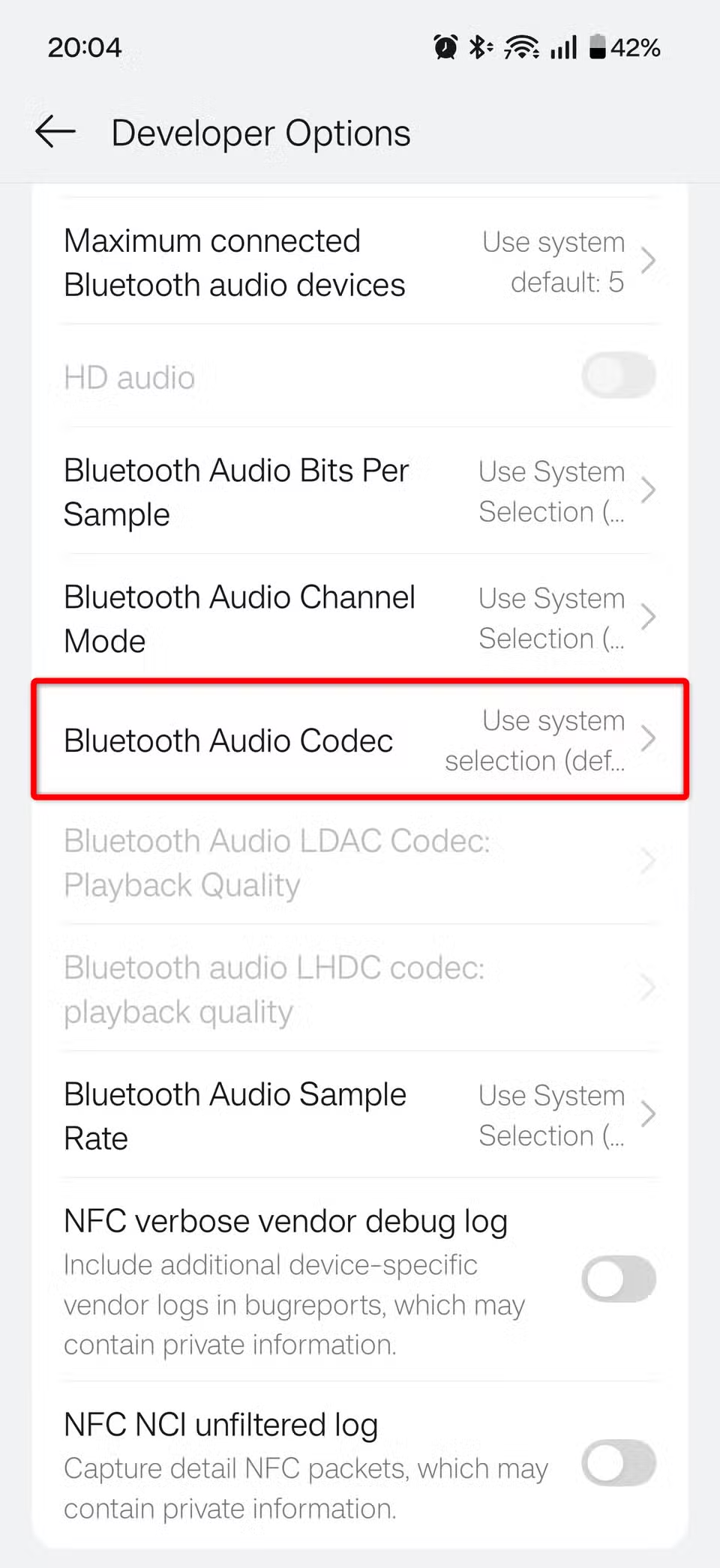
The catch: both your phone and headphones must support the codec. Check your headphone specs before assuming LDAC will work. aptX Adaptive is another solid option that balances quality and stability.
2. Adjust codec playback quality
Switching codecs is step one. But most high-quality codecs also have internal quality settings. While you're in Developer Options, look for playback quality or bitrate settings for your chosen codec. LDAC, for example, offers multiple quality tiers. Set it to the highest your connection can handle.
3. Enable HD Audio in Bluetooth device settings
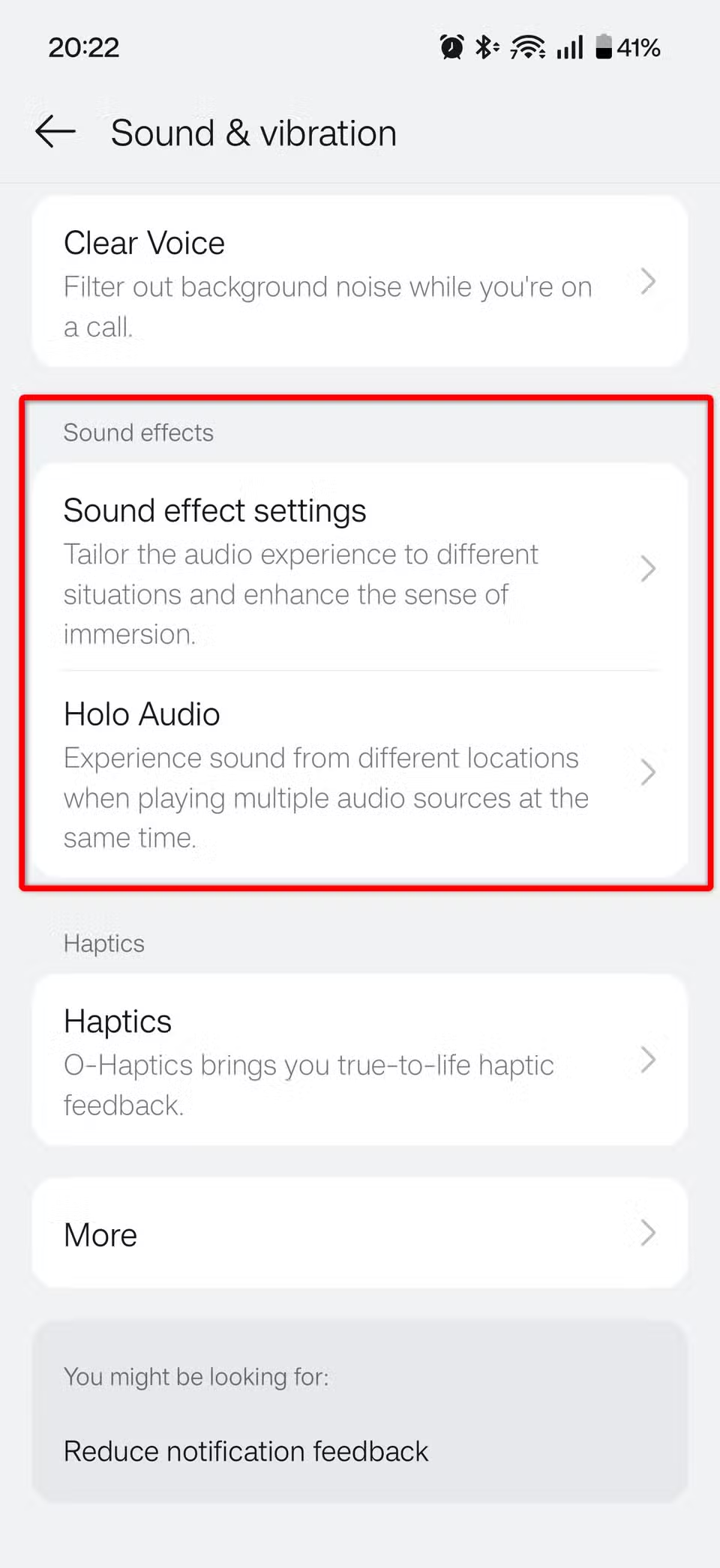
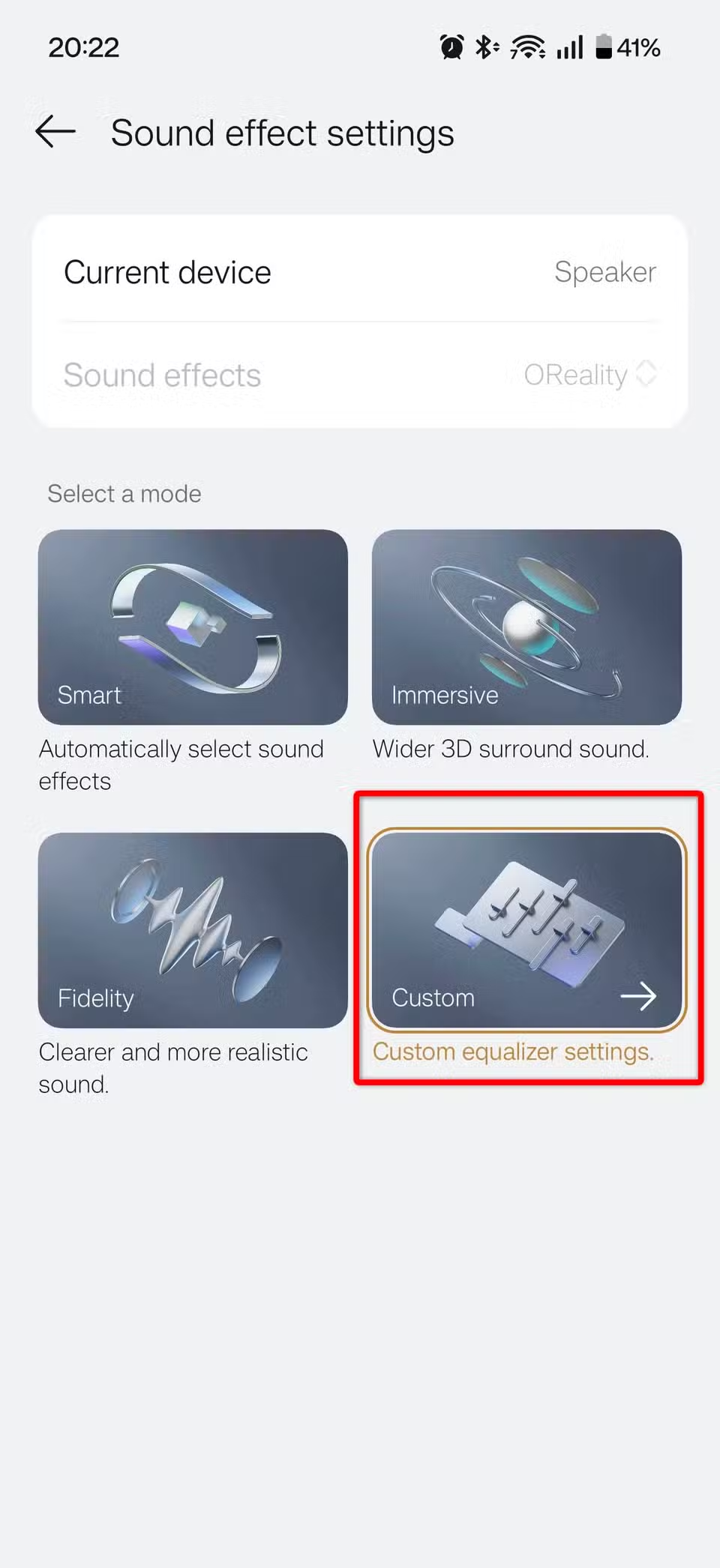
Some Android phones have an 'HD Audio' toggle in the Bluetooth device settings. This is separate from Developer Options. When you connect your headphones, go to Settings > Connected Devices > your headphones > and look for an HD Audio option. It's often buried but worth finding.
Logicity's Take
Settings that don't help (and might hurt)
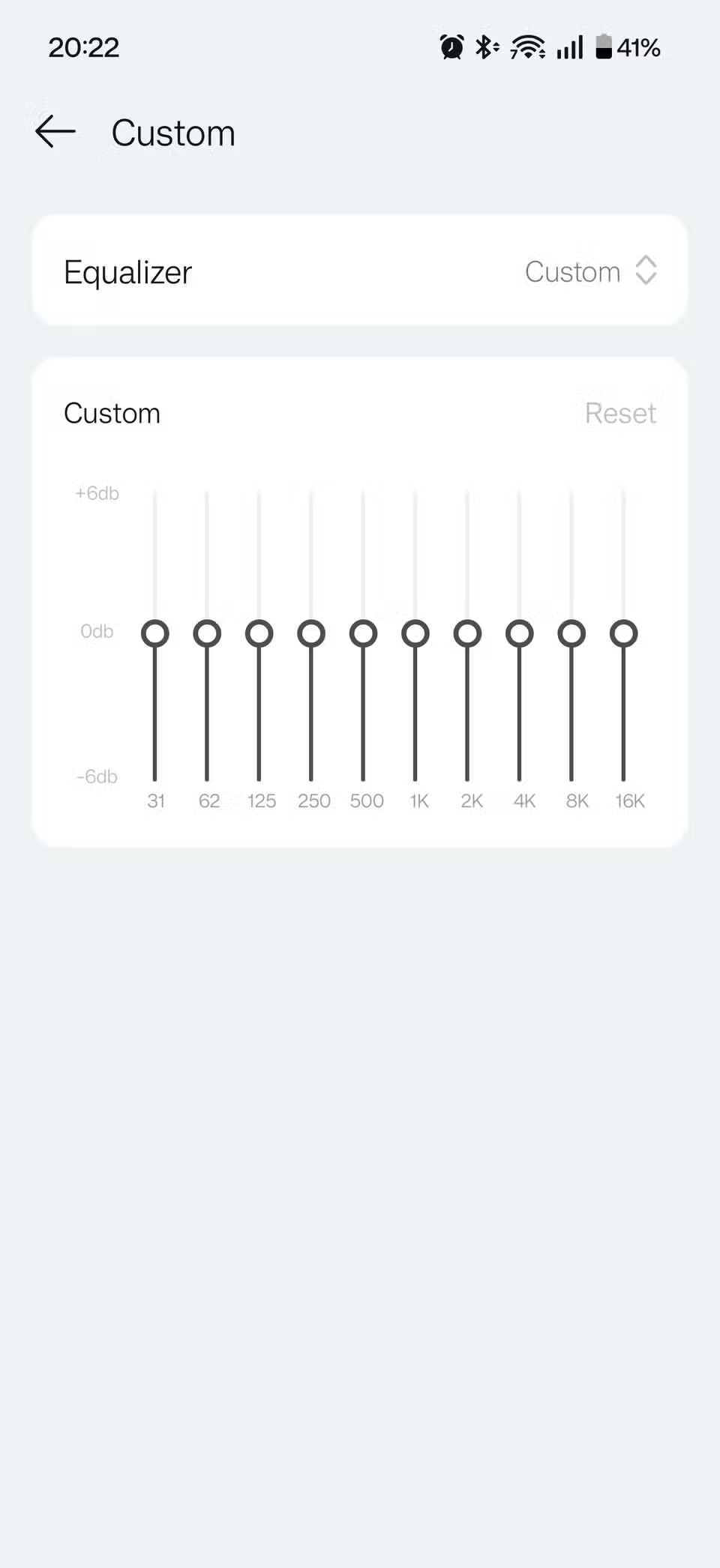
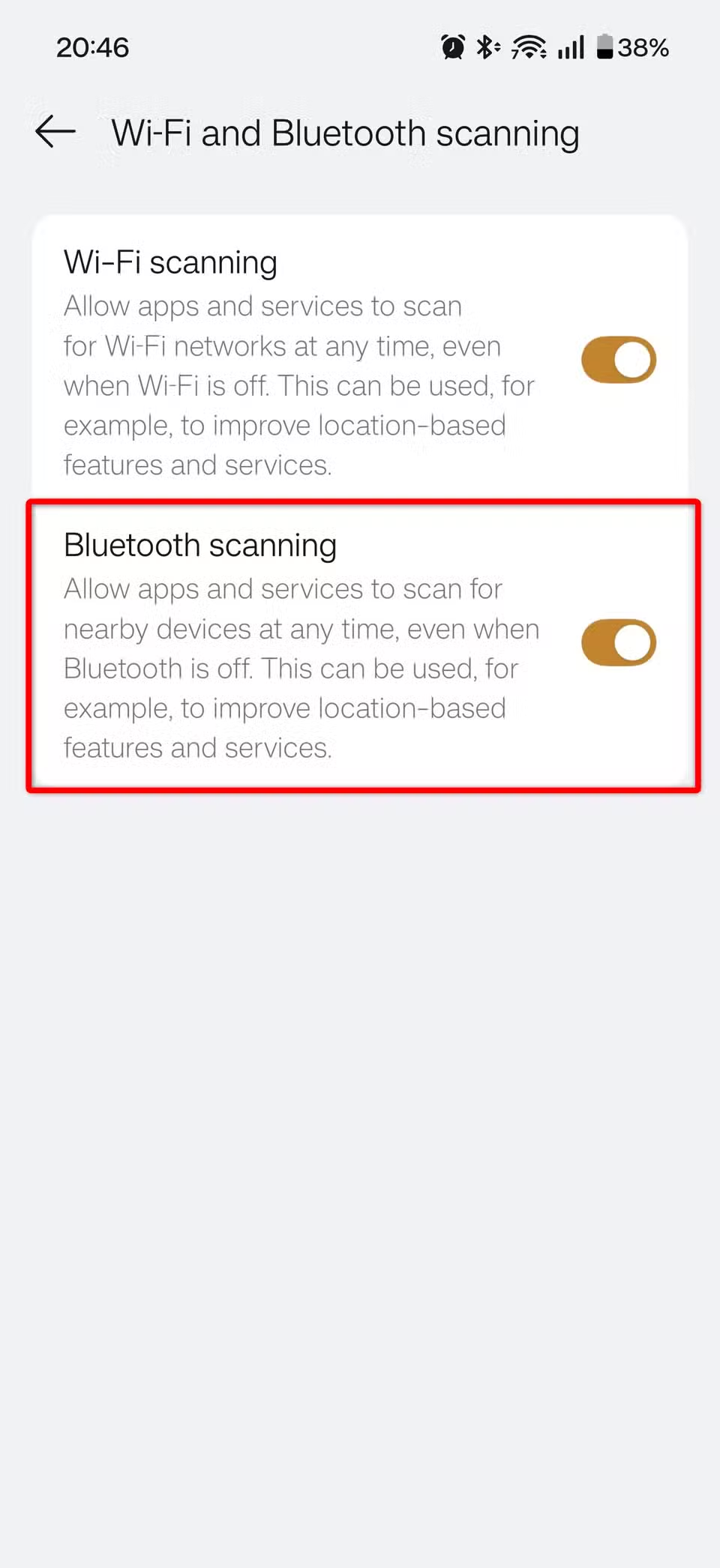
The internet is full of 'audio improvement' tips that sound logical but don't deliver. Some can even degrade your experience.
Hrnjicevic warns that several commonly recommended tweaks fall into this category. Before diving into obscure settings or downloading third-party 'audio enhancer' apps, verify whether they actually address the codec bottleneck. Most don't.
More on optimizing audio hardware setups
The stability tradeoff
Higher bitrates demand more from your wireless connection. Reddit users in r/Android have noted that forcing 990kbps LDAC in crowded Wi-Fi environments can cause frequent audio stuttering. If you're using your headphones on a busy commute or in a packed office, the 'best' codec setting might not be the most practical.
This is why Android defaults to conservative settings. The developers prioritized 'works everywhere' over 'sounds best in ideal conditions.' For most users, that's the right call. But if you have good headphones and listen in relatively interference-free environments, you're leaving quality on the table.
Another common hardware bottleneck hiding in plain sight
The codec fragmentation problem
HackerNews commenters have pointed out the deeper issue: there's no universal high-fidelity Bluetooth protocol. LDAC is Sony's. aptX is Qualcomm's. LHDC is Savitech's. Your phone might support one, your headphones another, and the common ground is still SBC.
With 1.6 billion active Android users worldwide, this fragmentation affects a massive audience. Until the industry standardizes, users who care about audio quality will need to check compatibility before buying headphones and manually configure settings afterward.
Frequently Asked Questions
How do I check which Bluetooth codec my headphones support?
Check your headphone manufacturer's specifications page. Most premium headphones list supported codecs like LDAC, aptX, or AAC. You can also connect your headphones and check Android's Developer Options to see which codecs are available for that device.
Will changing Bluetooth codecs drain my battery faster?
Yes, slightly. Higher bitrate codecs like LDAC at 990kbps require more processing power on both your phone and headphones. The difference is usually modest, but noticeable over long listening sessions.
Why doesn't Android automatically use the best available codec?
Android prioritizes connection stability over audio quality by default. The system negotiates the safest common codec during pairing to ensure reliable playback across all environments, even if higher-quality options are available.
Do I need lossless music files to benefit from LDAC?
You'll hear the biggest improvement with lossless formats like FLAC or services like Spotify Lossless. But even high-quality MP3s or standard streaming can sound better with a higher-bitrate codec, especially in bass response and clarity.
Need Help Implementing This?
Source: How-To Geek
Huma Shazia
Senior AI & Tech Writer
Produced with AI assistance and reviewed by the Logicity editorial team. Learn more in our Editorial Policy.