Key Takeaways
- Default ISP DNS servers log your browsing history and may sell or share that data
- Quad9 and Mullvad DNS both operate under Swiss privacy law, which prohibits mass surveillance
- Both services explicitly refuse to collect IP addresses or personally identifiable information
The DNS Privacy Problem Most People Ignore
Every time you type a website address into your browser, your computer asks a DNS server to translate that domain name into an IP address. If you have never changed your DNS settings, those requests go to your internet service provider. And your ISP keeps records.
This is not a technical vulnerability. It is a legal and business issue. ISPs in many jurisdictions can legally collect, store, and even sell your browsing data. The domain name system turns your entire web history into a tidy log that sits on someone else's server.
The fix is straightforward: switch to a DNS provider that does not log your queries. But not all "privacy-focused" DNS services are equal. Some make promises they cannot legally keep. Others collect data despite marketing claims. Two services stand out for their transparency, legal protections, and technical safeguards.
Why Switzerland Matters for DNS Privacy
Both recommended services operate under Swiss law. This is not a marketing gimmick. Switzerland has some of the strongest privacy protections in the world. Swiss companies are not subject to US National Security Letters or EU data retention directives. They cannot be forced to conduct mass surveillance on their users.
When a DNS provider says "we do not log," the jurisdiction matters. A US-based service making that claim could still be compelled to start logging through a secret court order. A Swiss-based service has meaningful legal protection against such demands.
Quad9: The Non-Profit Option
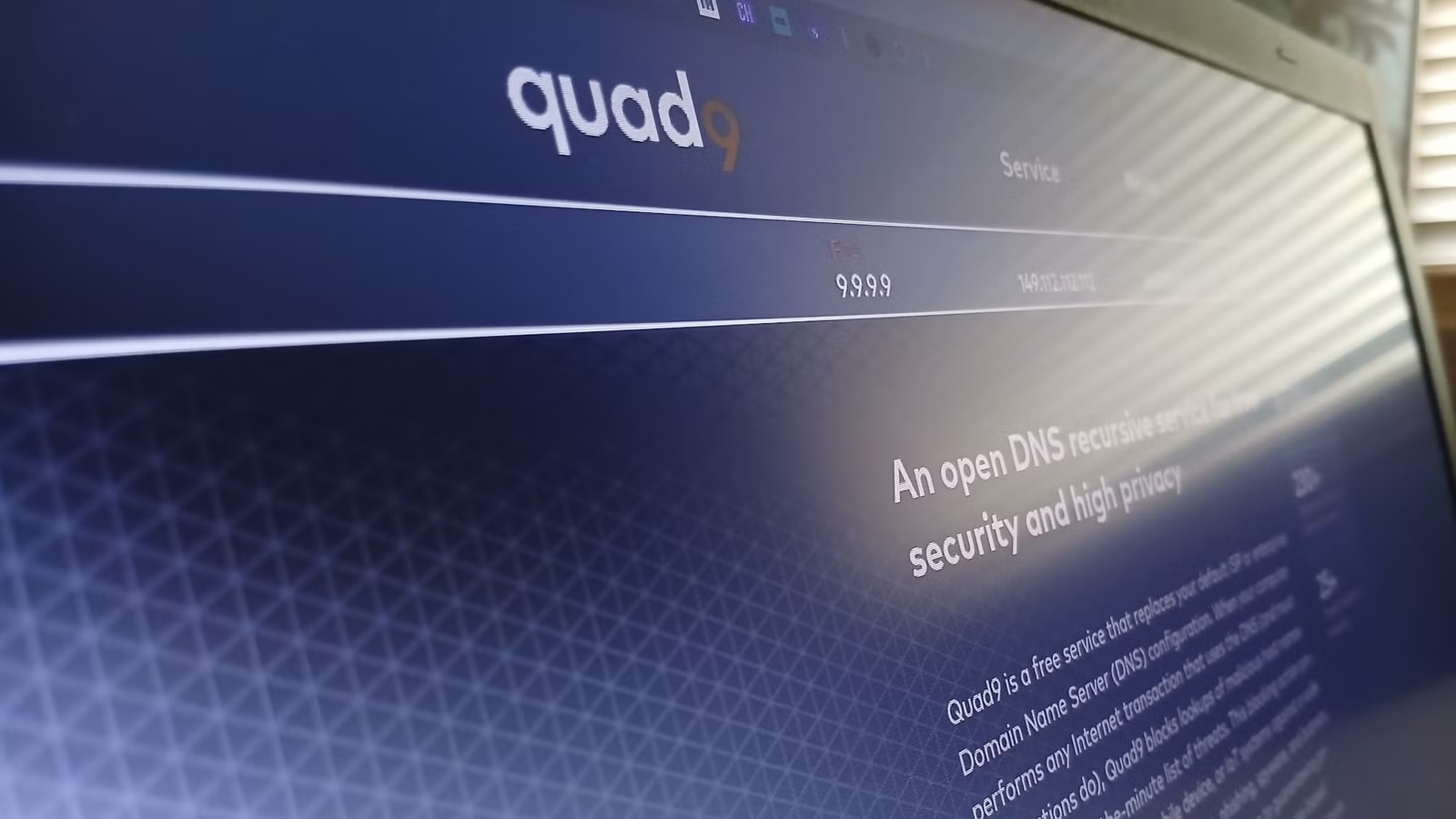
Quad9 is a public-benefit, non-profit foundation based in Switzerland. It exists solely to provide private, security-enhanced DNS services. There are no shareholders demanding revenue growth. No advertising business model that requires user data.
Their privacy policy states explicitly that Quad9 does not collect personally identifiable information as defined under US, EU, and Swiss law. They do not log IP addresses. They do not perform browser fingerprinting. They do not buy, sell, or correlate user data.
Quad9 does share threat intelligence, which means they report which malicious domains are being queried across their network. But this data is aggregated and anonymized. It tells security researchers that "someone queried malware-domain.com" without revealing who.
The service also blocks known malicious domains by default. When your computer tries to resolve a phishing site or malware distribution point, Quad9 returns a block response instead of the real IP address. This adds a layer of protection beyond privacy.
Mullvad DNS: From the VPN Experts
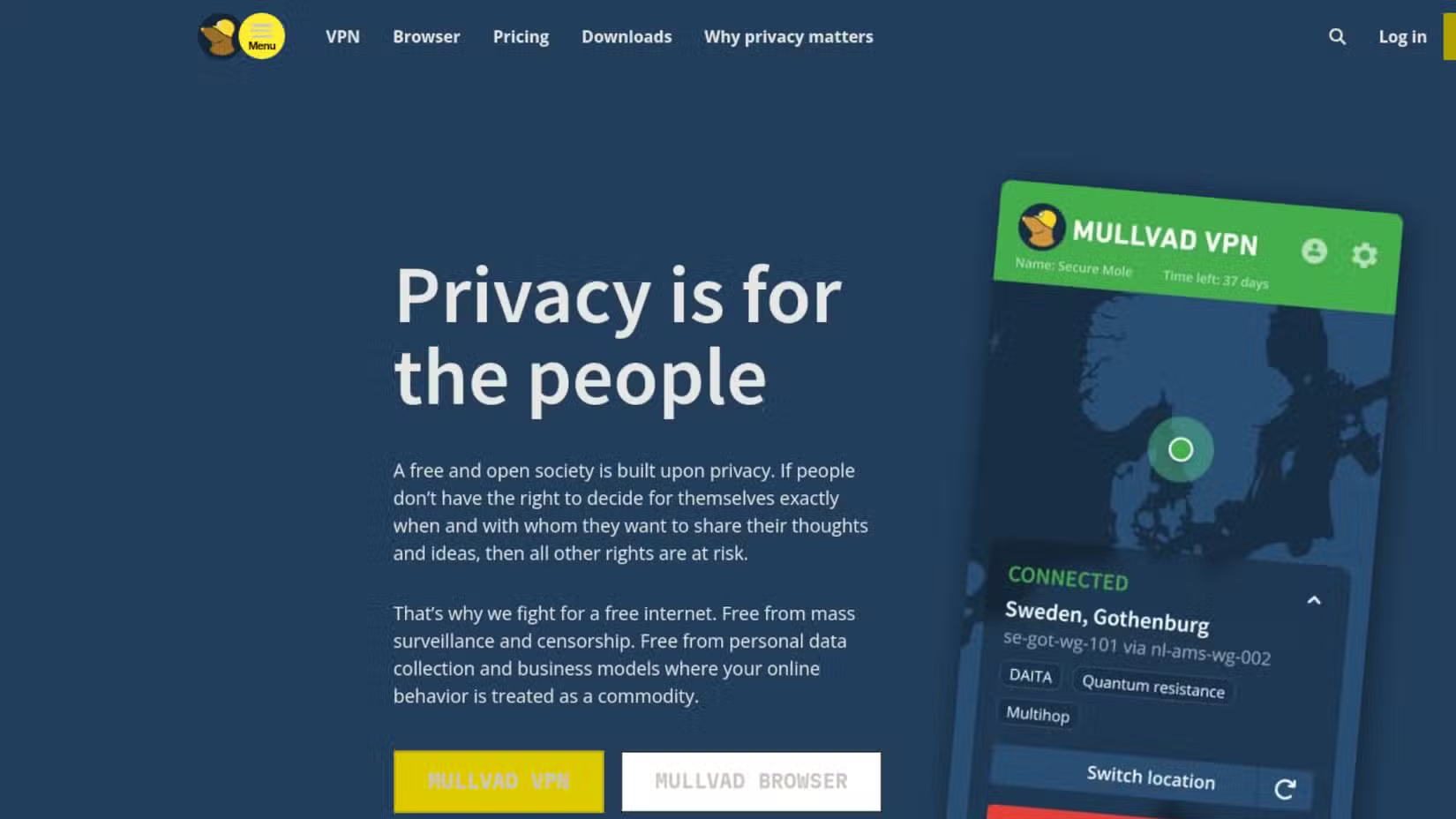
Mullvad is best known for its VPN service, which has built a strong reputation among privacy advocates. The company also offers a standalone DNS service that operates under the same strict principles.
Like Quad9, Mullvad is based in a jurisdiction with strong privacy protections (Sweden, with infrastructure in Switzerland). The company has a documented track record of refusing to comply with data requests it considers overreaching.
Mullvad DNS supports encrypted DNS protocols including DNS over HTTPS (DoH) and DNS over TLS (DoT). These prevent your ISP from seeing your DNS queries even if you are not using a VPN. The queries are encrypted between your device and Mullvad's servers.
How to Switch Your DNS Settings
Changing DNS providers takes about two minutes on most devices. You can configure it at the router level to cover your entire network, or set it on individual devices.
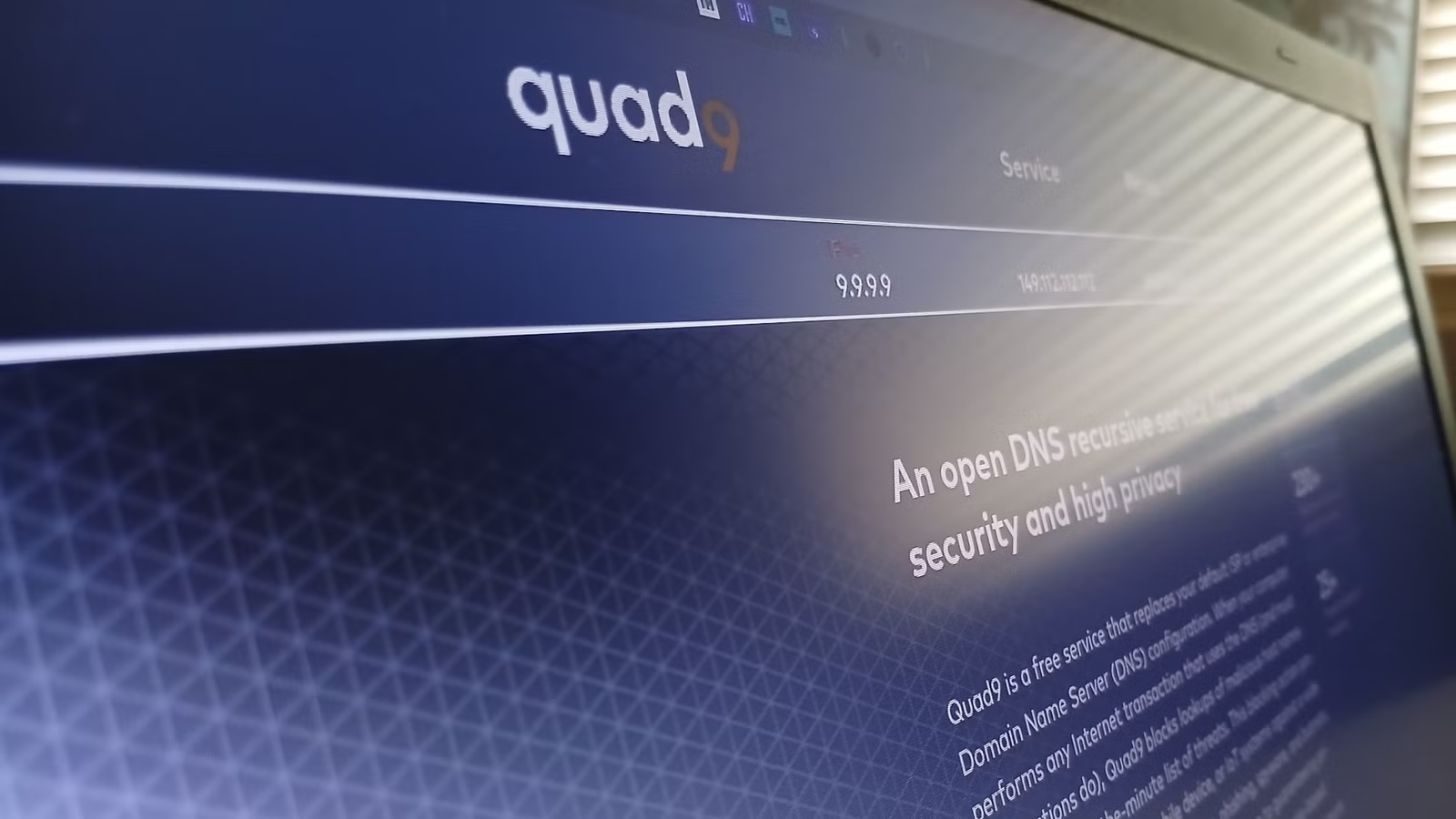
- Quad9 primary server: 9.9.9.9
- Quad9 secondary server: 149.112.112.112
- Mullvad DNS: 194.242.2.2 (or use their DNS over HTTPS endpoint)
On Windows, open Network Settings, find your connection, and edit the DNS server addresses. On macOS, go to System Preferences, Network, Advanced, then the DNS tab. Most routers have a DNS setting in their web interface under WAN or Internet settings.
For mobile devices, both iOS and Android now support encrypted DNS natively. You can configure DNS over HTTPS in your device settings without installing additional apps.
| Feature | Quad9 | Mullvad DNS |
|---|---|---|
| Organization type | Non-profit foundation | Commercial (privacy-focused) |
| Headquarters | Switzerland | Sweden |
| IP logging | No | No |
| Malware blocking | Yes (default) | Optional |
| Encrypted DNS support | DoH, DoT | DoH, DoT |
| Cost | Free | Free |
What DNS Privacy Does Not Cover
Switching DNS providers stops your ISP from seeing your DNS queries. It does not make you anonymous online. Your ISP can still see the IP addresses you connect to after DNS resolution. Websites can still track you through cookies, fingerprinting, and login sessions.
For more comprehensive privacy, you would need a VPN or Tor in addition to private DNS. But DNS privacy is a meaningful first step that closes a significant data collection point.
Logicity's Take
More on mobile device security vulnerabilities
Command line tools for power users
Frequently Asked Questions
Can my ISP still see what websites I visit if I change DNS?
Changing DNS prevents your ISP from logging your DNS queries, but they can still see the IP addresses you connect to. For complete privacy, you would need a VPN in addition to private DNS.
Is Quad9 DNS free to use?
Yes. Quad9 is a non-profit foundation that provides free DNS services. There are no paid tiers or premium features.
Will changing DNS slow down my internet connection?
In most cases, no. Quad9 and Mullvad operate fast global networks. Some users report faster resolution times compared to their ISP's DNS servers.
What is DNS over HTTPS and why does it matter?
DNS over HTTPS (DoH) encrypts your DNS queries so that your ISP cannot see them even in transit. Standard DNS queries are sent in plain text, making them visible to anyone monitoring your network traffic.
Should I change DNS on my router or individual devices?
Changing DNS at the router level covers all devices on your network automatically. Configuring individual devices gives you more control but requires setup on each device.
Need Help Implementing This?
Source: How-To Geek
Manaal Khan
Tech & Innovation Writer
Produced with AI assistance and reviewed by the Logicity editorial team. Learn more in our Editorial Policy.