Key Takeaways
- Deputy leads for labor forecasting and compliance automation
- Homebase offers the most comprehensive free plan for small teams
- Restaurant businesses get specialized features in 7shifts, while retail teams may prefer Zoomshift
The global employee scheduling software market is projected to hit $11.25 billion by the end of 2026. That growth reflects a fundamental shift: these tools no longer just fill time slots. They predict staffing needs, enforce labor laws automatically, and give workers control over their own schedules.
After testing dozens of scheduling apps and comparing real user experiences, one thing became clear. Most of these platforms look nearly identical on the surface. The differences that matter show up in specific use cases: restaurants need different features than retail stores, and a 10-person team has different priorities than a 500-person operation.
The Top 11 Scheduling Apps for 2026
Here's the full list, organized by what each tool does best:
- Deputy — labor forecasting and compliance
- Homebase — most robust free plan
- Planday — multiple departments or locations
- Sling — day-to-day employee management
- Findmyshift — minimalist and easy-to-use
- Agendrix — scales as you grow
- Workfeed — minimal, automated scheduling
- 7shifts — restaurant businesses
- Connecteam — deskless teams
- Zoomshift — retail and hourly shift planning
- When I Work — shift swapping and employee-driven scheduling
Deputy: Best for Labor Forecasting and Compliance
Deputy stands out for businesses where labor costs and regulatory compliance create real headaches. The platform uses predictive analytics to forecast staffing needs based on historical data, weather patterns, and local events. Its compliance automation handles break requirements, overtime rules, and labor law variations across jurisdictions.
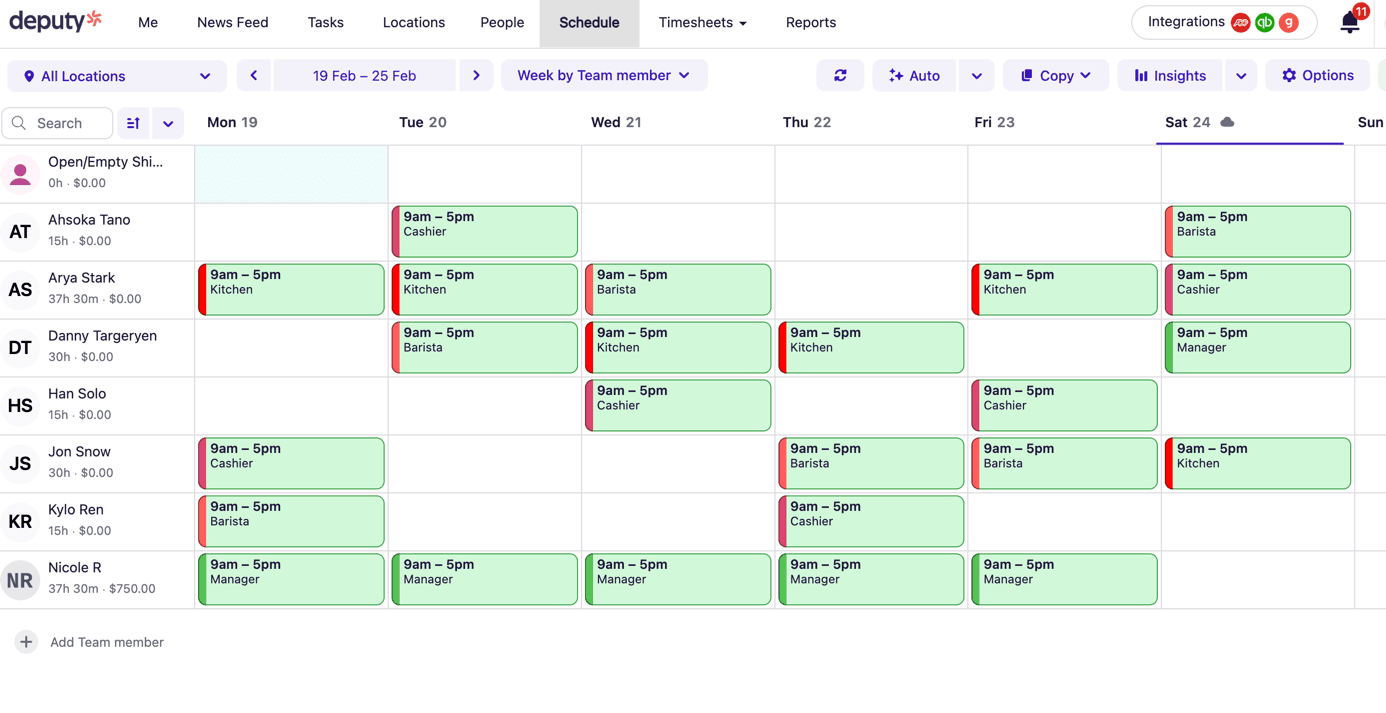
Deputy claims its AI-powered forecasting tool reduces admin time by 30%. For multi-location businesses dealing with different state or country labor laws, that compliance automation alone can justify the subscription cost.
Homebase: Best Free Plan
Small businesses watching every dollar should start with Homebase. Its free tier includes basic scheduling, time tracking, and team communication. Most competitors lock these features behind paid plans or impose strict user limits.
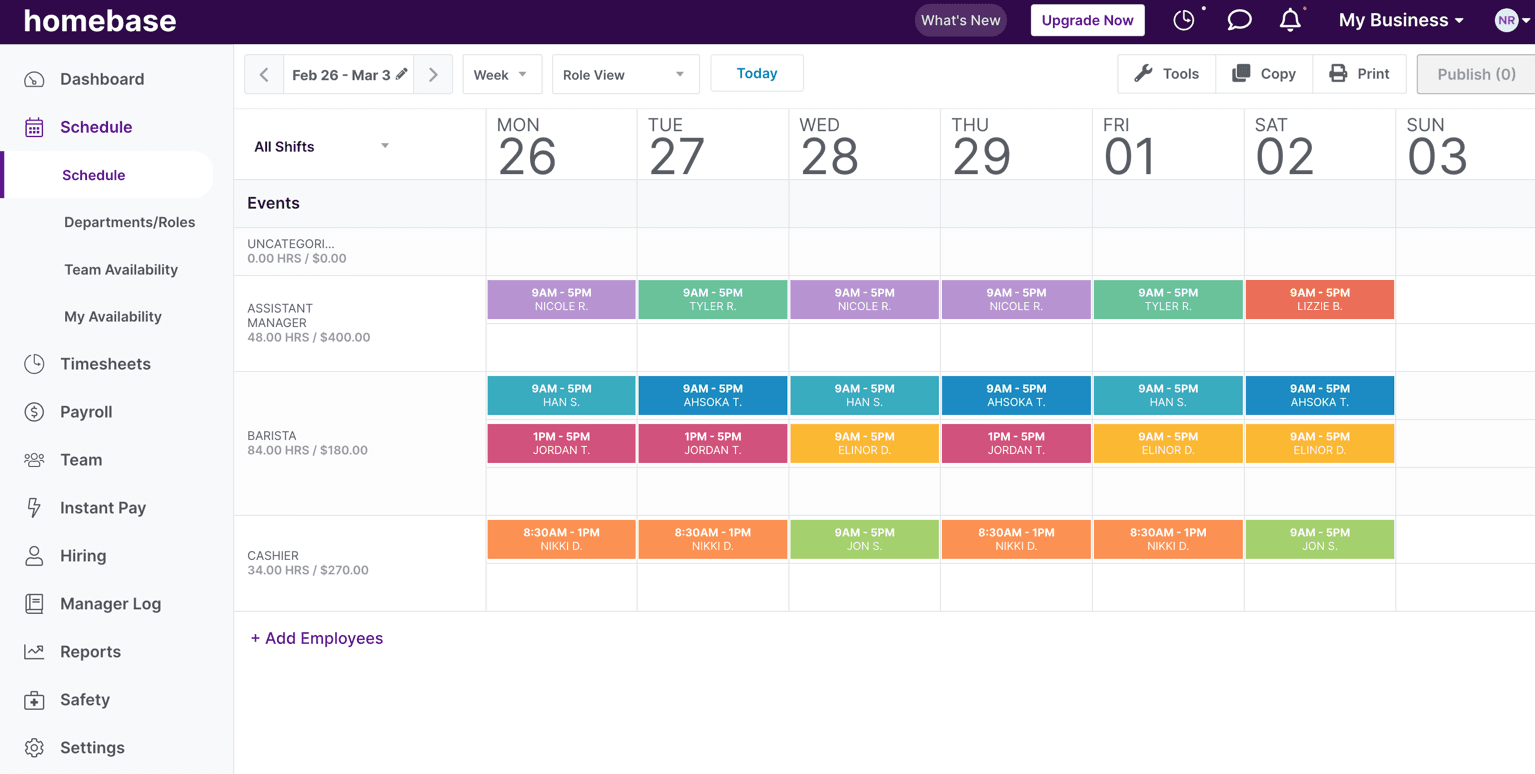
The catch: Homebase's advanced features like labor cost management and HR tools require paid upgrades. But for a coffee shop or small retail store that just needs to get schedules out and track hours, the free plan covers the basics well.
Planday: Best for Multi-Location Operations
Planday shines when you're juggling multiple departments or locations. The platform lets managers see staffing across all sites at a glance, identify coverage gaps, and move employees between locations when needed.
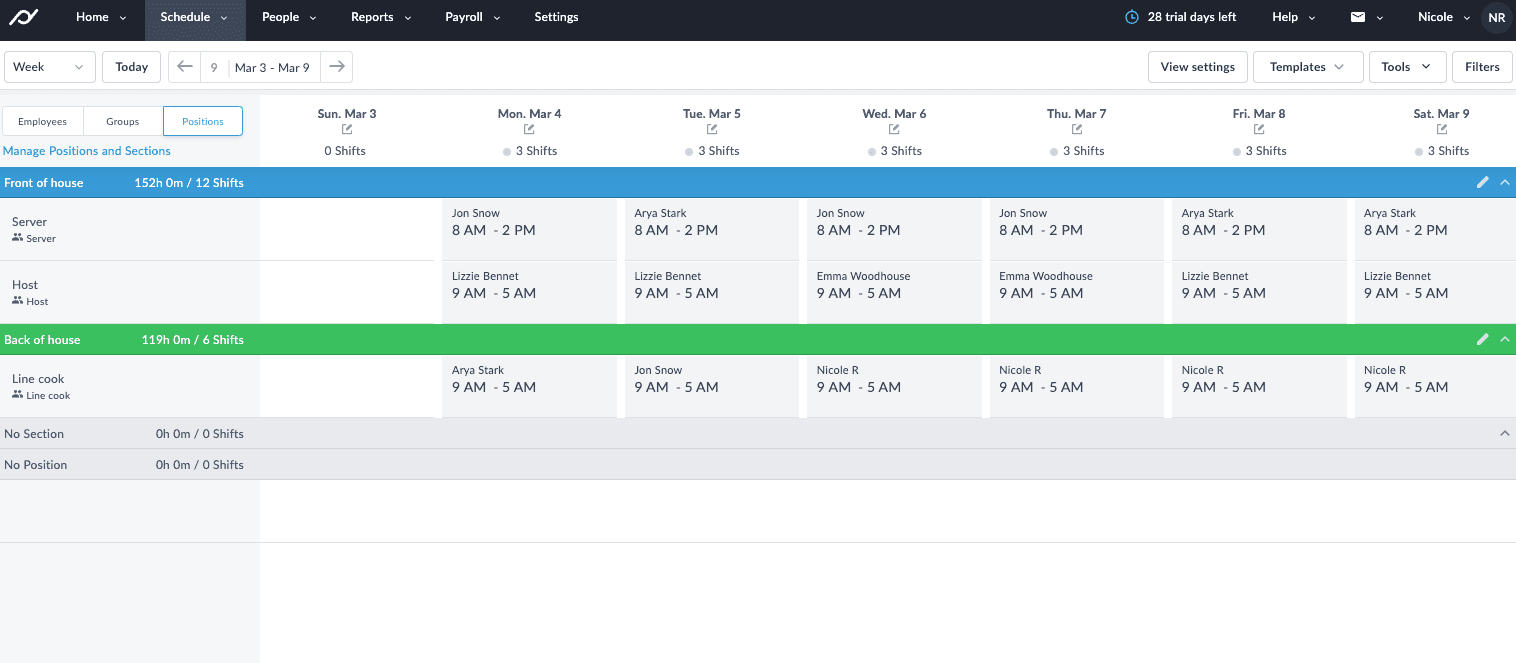
For franchise operators or regional managers overseeing several stores, this visibility saves hours of coordination. The interface handles complexity without becoming overwhelming.
Industry-Specific Options
Some businesses need specialized tools rather than general-purpose scheduling software.
7shifts: Built for Restaurants
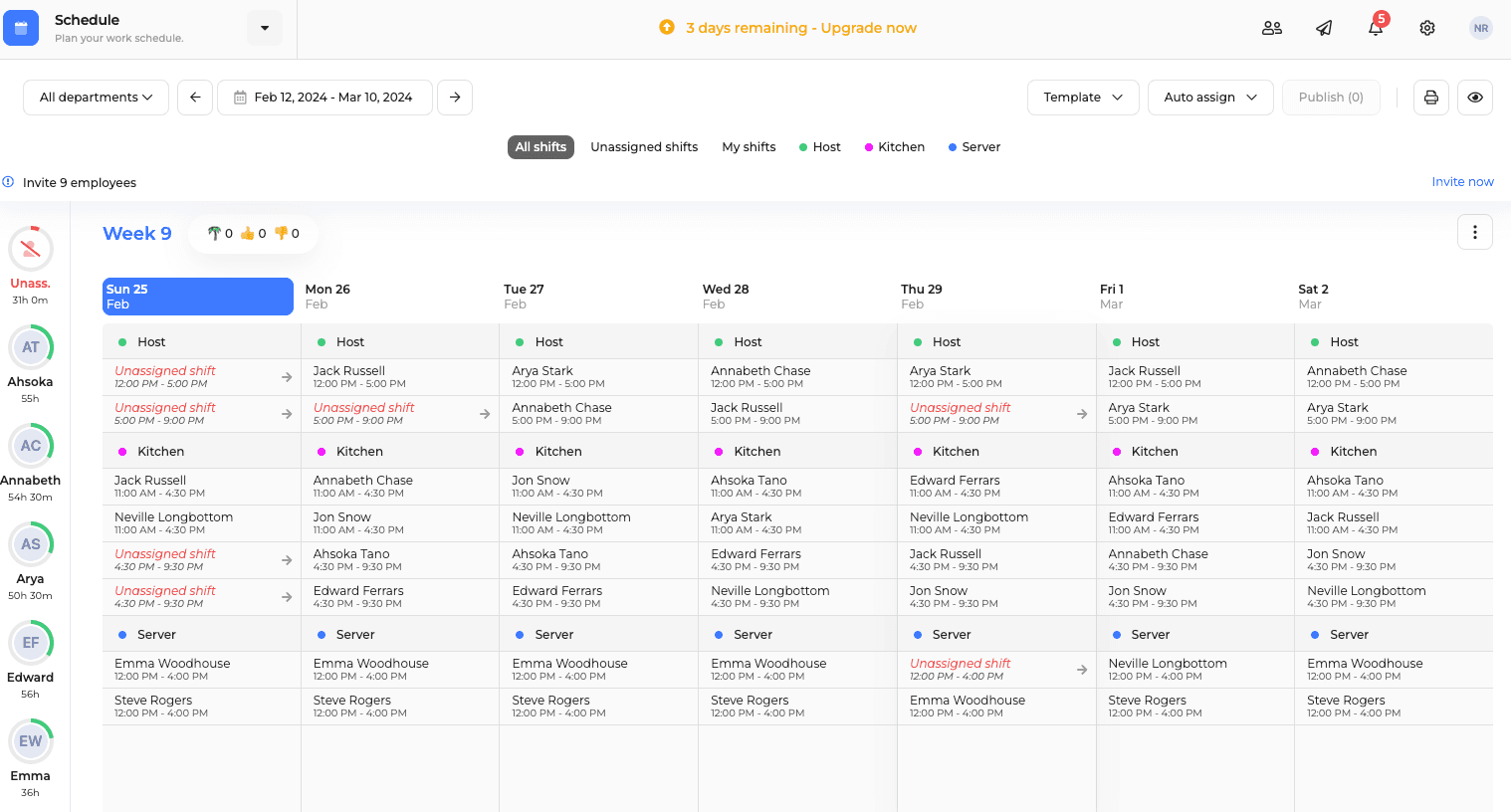
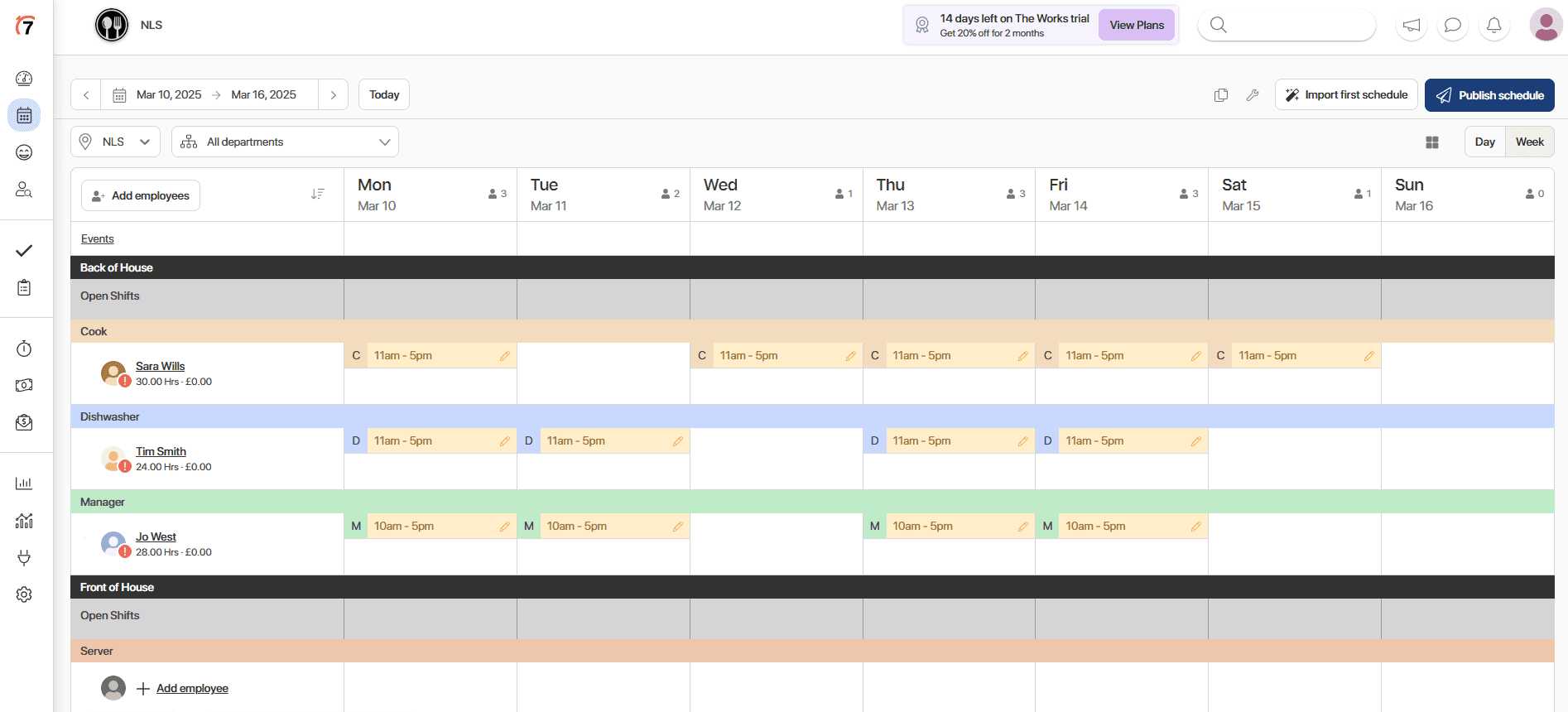
Restaurant scheduling has unique challenges: fluctuating covers, tip pooling, and high turnover. 7shifts was built specifically for this environment. It integrates with POS systems to forecast labor needs based on expected sales, handles tip distribution, and includes tools for managing the constant hiring that food service requires.
Zoomshift: Retail and Hourly Shift Planning
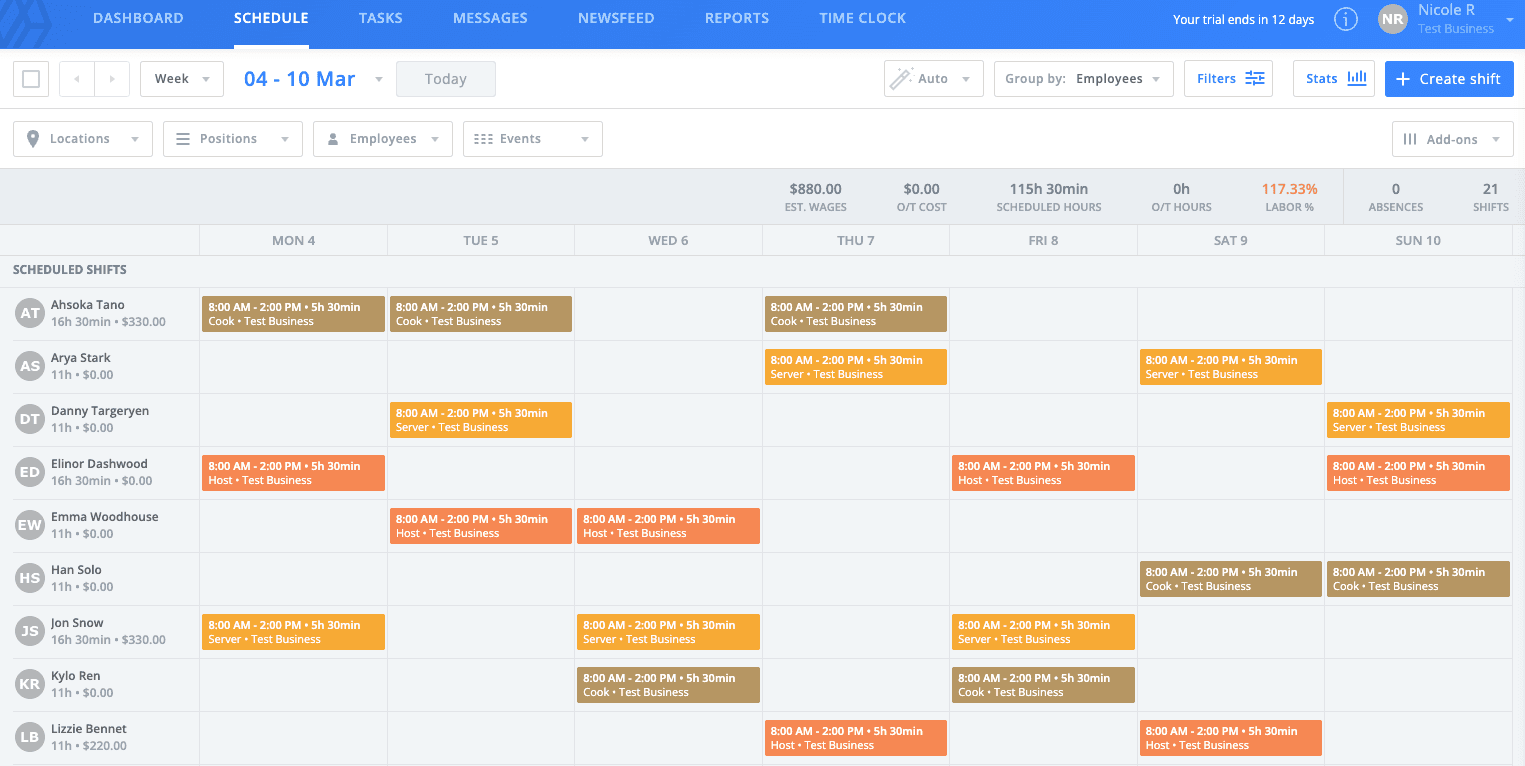
Retail managers dealing with part-time staff and variable hours will find Zoomshift's interface particularly clean. It focuses on the core scheduling workflow without the feature bloat that can slow down simpler operations.
Connecteam: Deskless Teams
Field service companies, cleaning crews, and construction teams need mobile-first tools. Connecteam prioritizes the smartphone experience, with features for GPS check-ins, job site communication, and task management alongside scheduling.
Employee-Focused Features
When I Work: Shift Swapping Done Right
When I Work emphasizes employee autonomy. Workers can swap shifts, pick up open slots, and manage their availability without manager approval for routine changes. This reduces the administrative burden on managers while giving staff more control over their schedules.
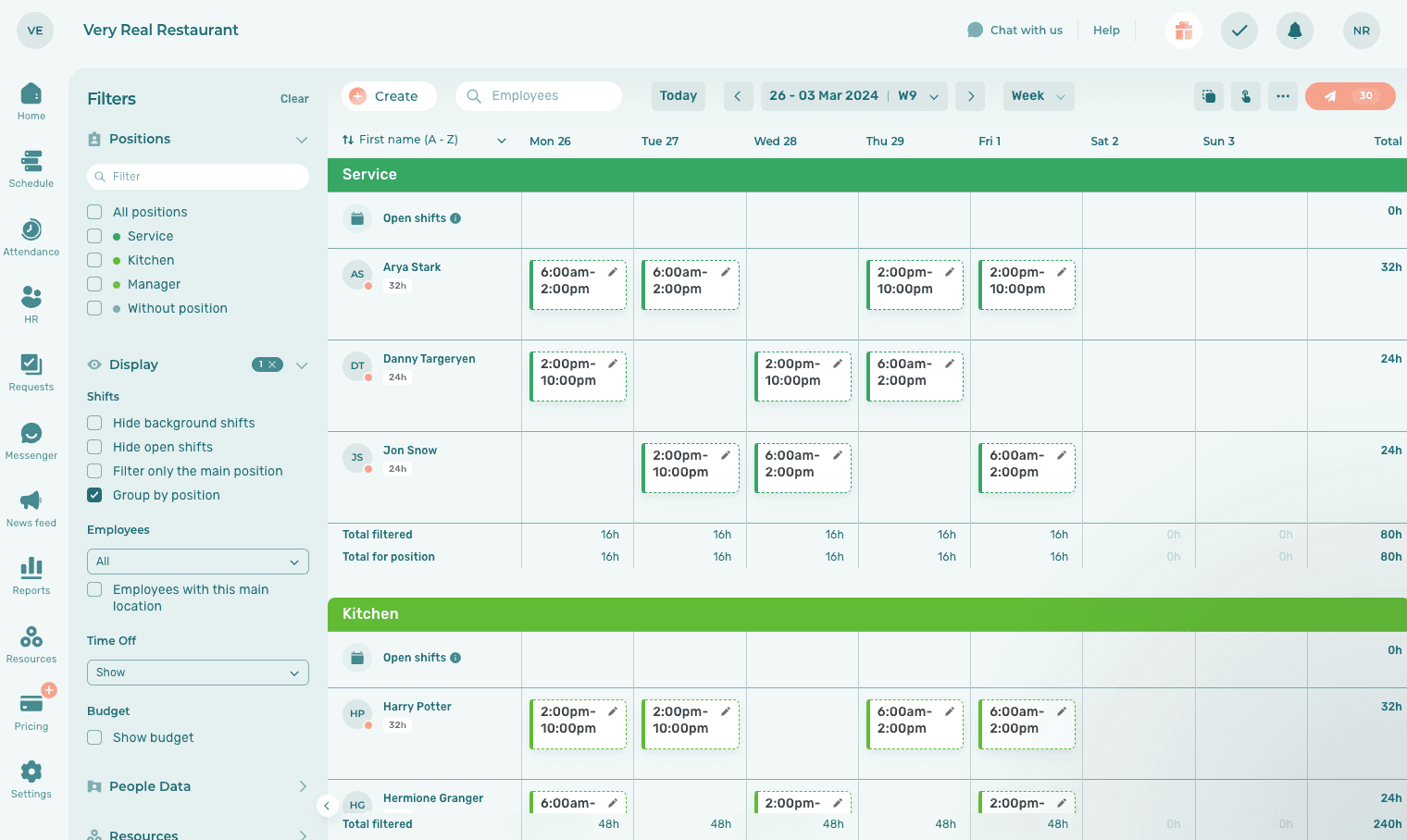
Reddit discussions in retail and healthcare communities highlight shift-swapping fairness as a major concern. Tools like When I Work that make the process transparent and employee-driven tend to generate less friction.
Simpler Options for Smaller Teams
Not every business needs predictive analytics and multi-location management. Sometimes a clean, straightforward tool works better.
Findmyshift: Minimalist Scheduling
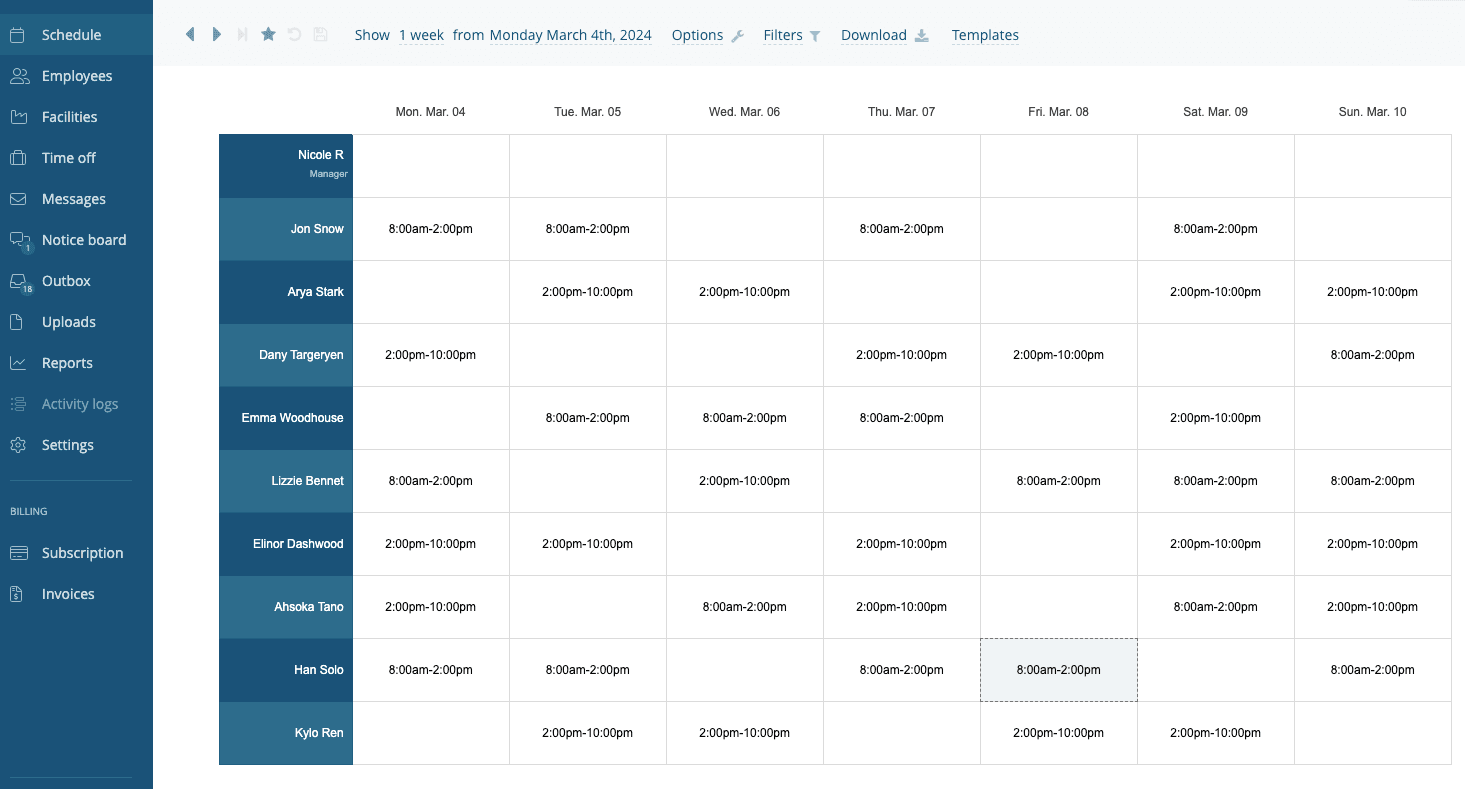
Findmyshift strips away complexity. If you want to create schedules, share them with your team, and track time without learning a complicated system, this is the tool. It won't forecast your labor needs or automate compliance, but it will get schedules published quickly.
Sling: Day-to-Day Management
Sling balances simplicity with useful features. It includes labor cost tracking, team messaging, and task management alongside core scheduling. For managers who want one app to handle daily operations without enterprise-level complexity, Sling hits a practical middle ground.
Agendrix: Grows With You
Agendrix positions itself as a tool that scales. Start with basic scheduling when you have five employees, then add HR features, onboarding tools, and payroll integrations as you grow. This prevents the painful migration to a new platform when your business outgrows a simpler tool.
Workfeed: Automated and Minimal
Workfeed emphasizes automation over manual control. The platform auto-generates schedules based on employee availability, skills, and labor rules. Managers review and approve rather than building schedules from scratch. For businesses with predictable scheduling patterns, this can cut scheduling time dramatically.
What Makes a Scheduling App Work
Across all these tools, certain features separate the useful from the frustrating:
- Drag-and-drop interfaces that make schedule changes fast
- Mobile apps that work well for both managers and employees
- Clear visibility into coverage gaps and overtime risks
- Integration with payroll and POS systems
- Automation that handles repetitive tasks without requiring constant oversight
Organizations using advanced AI-driven workforce management report up to 75% reduction in time spent on scheduling. Even a 5% reduction in payroll costs through optimized labor allocation adds up quickly for businesses with significant hourly workforces.
Technical Considerations
Hacker News discussions frequently criticize enterprise-grade workforce management solutions for technical bloat. Users favor lightweight, API-first tools that integrate easily with existing HR and payroll systems rather than platforms that try to replace everything.
If your organization already has established HR software, check integration capabilities before committing. The best scheduling tool is one that fits your existing stack, not one that forces you to rebuild workflows around it.
| App | Best For | Standout Feature | Free Plan |
|---|---|---|---|
| Deputy | Compliance-heavy businesses | Labor forecasting | No |
| Homebase | Budget-conscious small teams | Robust free tier | Yes |
| Planday | Multi-location operations | Cross-site visibility | No |
| 7shifts | Restaurants | POS integration | Limited |
| Zoomshift | Retail | Clean hourly planning | No |
| When I Work | Employee autonomy | Self-service shift swaps | Limited |
| Findmyshift | Simple scheduling needs | Minimalist interface | Yes |
| Connecteam | Field/deskless teams | Mobile-first design | Limited |
Logicity's Take
Frequently Asked Questions
What's the best free employee scheduling app?
Homebase offers the most comprehensive free plan, including basic scheduling, time tracking, and team communication. Findmyshift also provides a solid free option for teams that need straightforward scheduling without advanced features.
How much can scheduling software reduce labor costs?
Organizations report an average 5% reduction in payroll costs through optimized labor allocation and automated compliance tracking. Time spent on scheduling itself can drop by up to 75% with AI-driven tools.
What scheduling app works best for restaurants?
7shifts is built specifically for restaurants. It integrates with POS systems, handles tip distribution, and forecasts labor needs based on expected sales volume.
Do scheduling apps integrate with payroll software?
Most mid-tier and enterprise scheduling tools integrate with major payroll providers. Check specific integrations before committing, as connection quality varies significantly between platforms.
What features should I prioritize in scheduling software?
Focus on drag-and-drop scheduling, mobile access for employees, overtime tracking, and integration with your existing payroll system. Advanced features like labor forecasting matter most for businesses with variable demand.
For teams evaluating productivity tools alongside scheduling software
Need Help Implementing This?
Source: The Zapier Blog
Huma Shazia
Senior AI & Tech Writer
Produced with AI assistance and reviewed by the Logicity editorial team. Learn more in our Editorial Policy.