Key Takeaways
- KDE Connect syncs any Android phone with Windows, no Samsung required
- Okular handles PDFs, annotations, and ebooks without subscription nags
- Kate is a lightweight code editor that can replace Notepad++ or VS Code for quick edits
The Linux Desktop Team Building Windows Apps
KDE is best known for Plasma, one of the most polished Linux desktop environments. But the project has been quietly maintaining Windows ports of its core applications for years. Most are available on the Microsoft Store. They're free, ad-free, and subscription-free.
These aren't half-baked ports either. The same developers who build the Linux versions maintain the Windows ones. The apps look native, run well, and do their jobs without the bloat that comes with most free Windows software.
KDE Connect: Phone Link That Works With Any Phone
Microsoft's Phone Link is fine if you own a Samsung. For everyone else, KDE Connect fills the gap. It bridges your Android phone and Windows PC over Wi-Fi, regardless of phone brand.
The feature list is practical. A universal clipboard lets you copy a password on your phone and paste it on your PC instantly. No Microsoft account required. File transfers work both ways. Your phone shows up as a browsable storage device, so moving files feels natural.
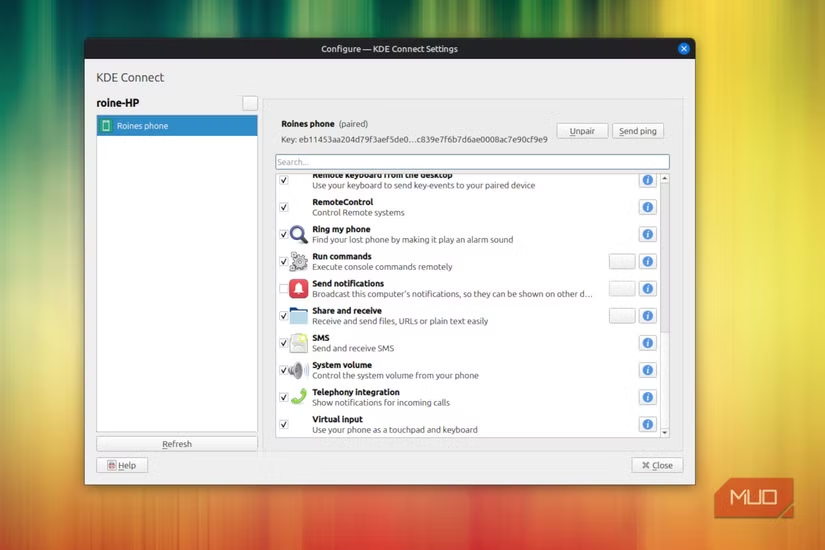
Setup can be rough on the first try. The most common problems: Windows Firewall blocking KDE Connect, or AP isolation enabled on your router. Fix those, and the connection stays reliable.
Okular: A PDF Reader Without the Subscription Pitch
Adobe Acrobat Reader is free until you try to do anything useful. Then it wants a subscription. Okular handles the same tasks without asking for money.
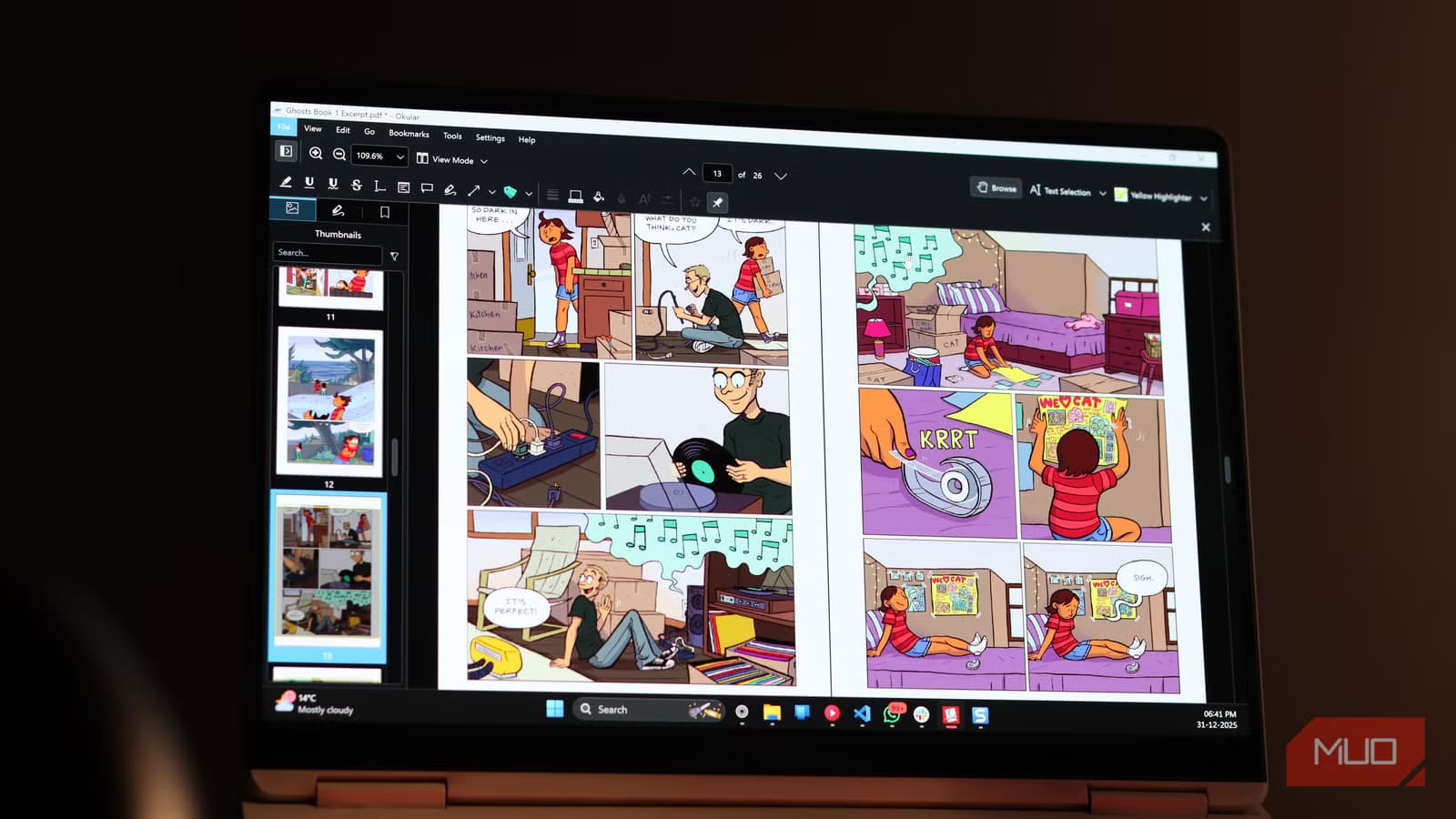
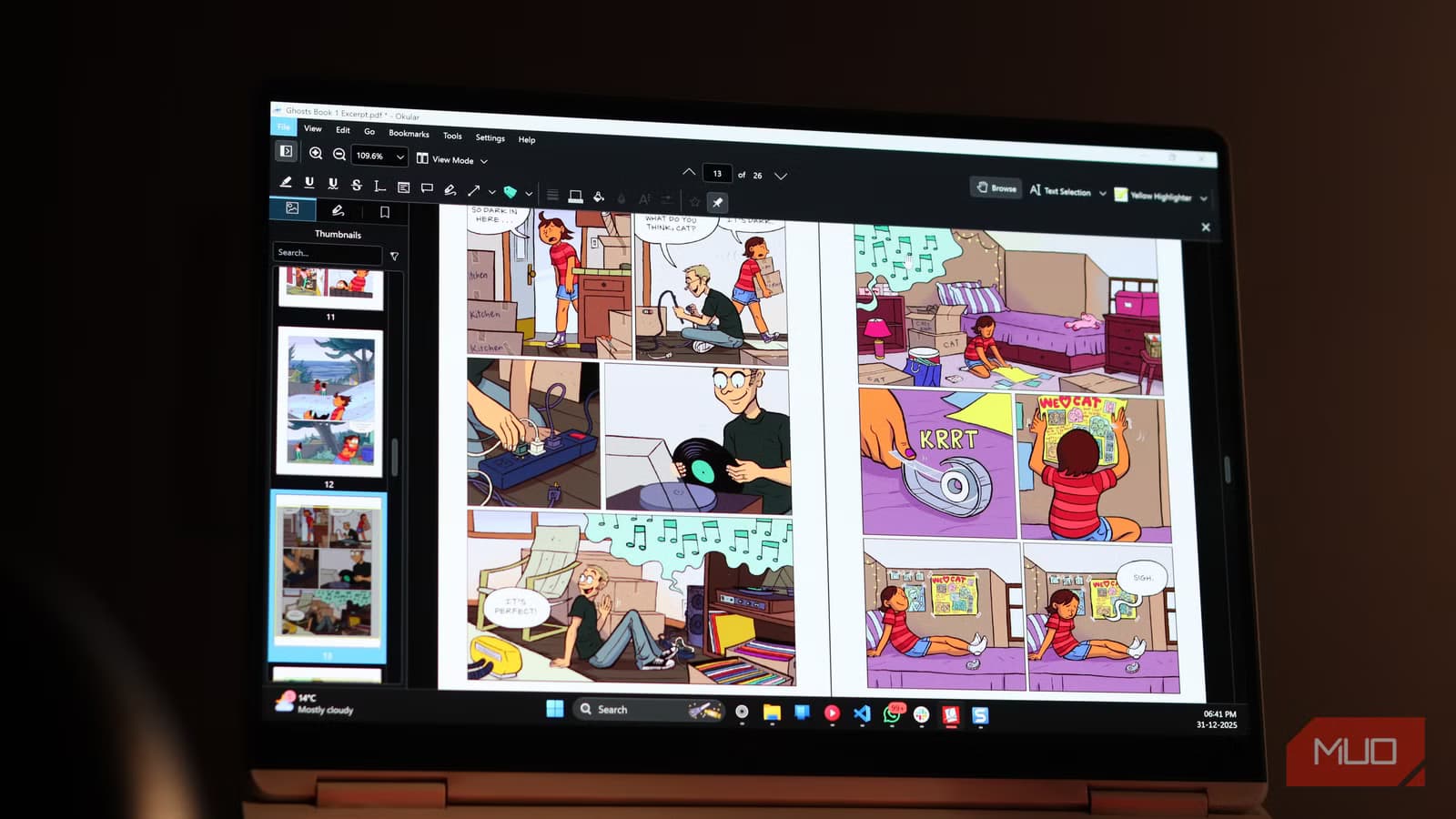
It reads PDFs, of course. But it also handles ePub files, comic book archives, and several other document formats. Annotations work out of the box. You can highlight, underline, add notes, and draw directly on documents.
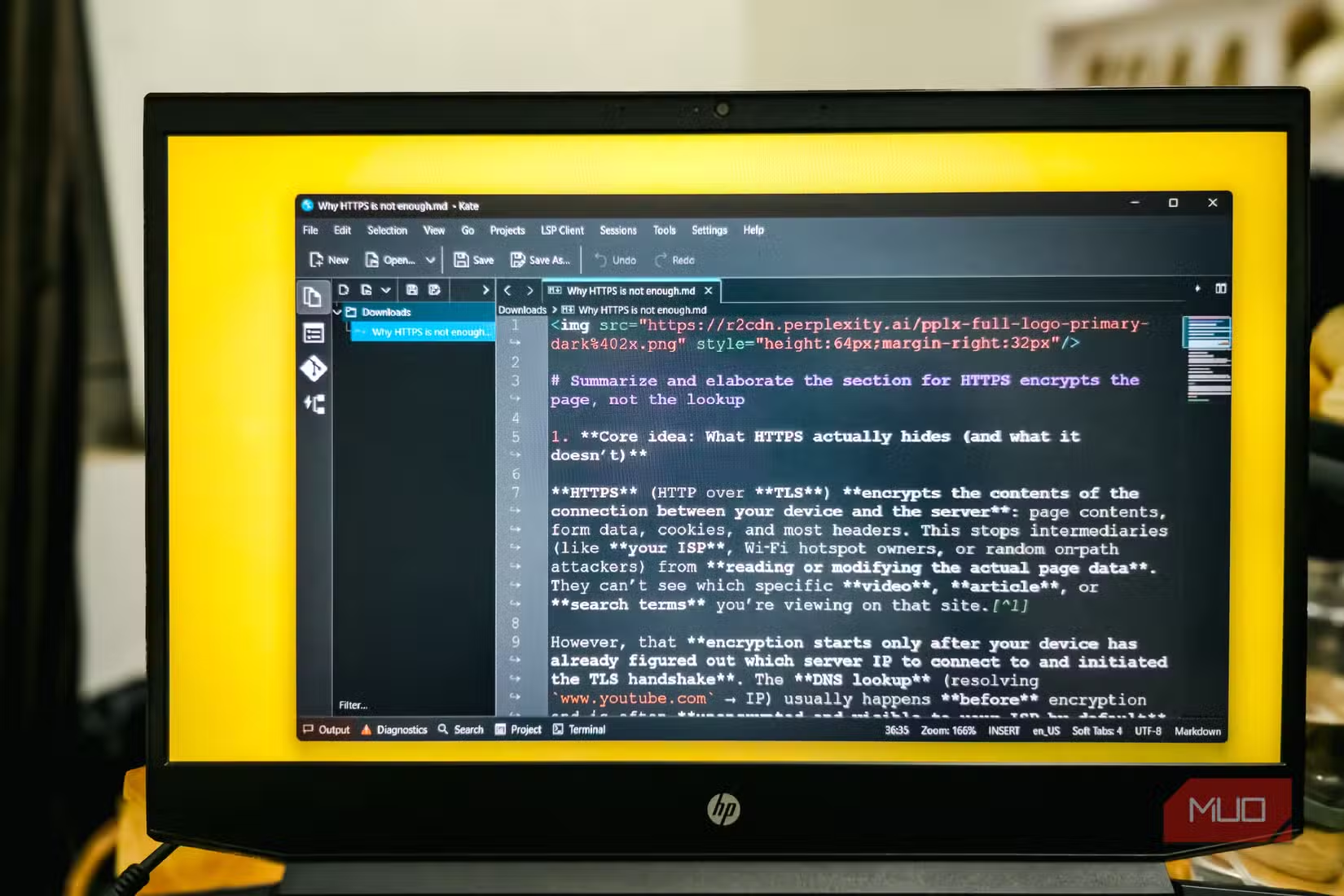
The interface is clean. No ads. No prompts to upgrade. Just a document viewer that does what you need.
Kate: Notepad++ Without the Baggage
For quick code edits, VS Code is overkill. Notepad++ works but looks dated and carries years of accumulated cruft. Kate sits in between.
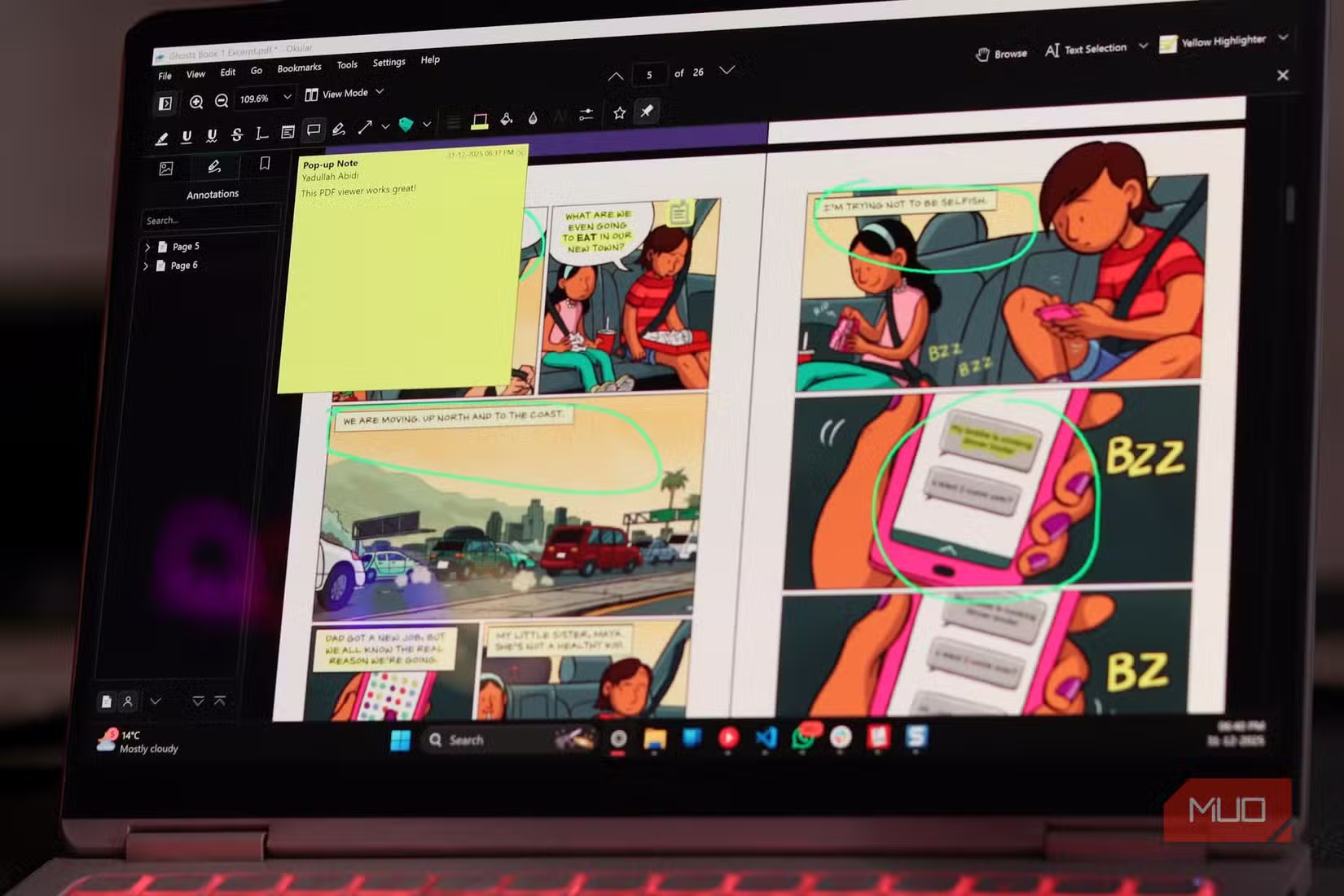
It's a lightweight text editor with syntax highlighting, split views, and a built-in terminal. It handles large files without choking. For developers who need to edit a config file or review a log, Kate opens fast and gets out of the way.
If you're using KDE Connect to sync with a Galaxy phone, here's what's new in the latest Samsung update
Kid3: Batch Music Tagging Without the Junkware
Most free music taggers bundle toolbars, install crapware, or nag you constantly. Kid3 does none of that. It edits ID3 tags, album art, and metadata across multiple files at once.
If you still manage a local music library, Kid3 handles batch edits that would take hours in iTunes or Windows Media Player. Select a folder, fix the tags, save. Done.
Filelight: See Where Your Disk Space Went
Windows can tell you a drive is full. It won't tell you why. Filelight scans your drives and shows disk usage as a visual sunburst chart. Large files and folders stand out immediately.
It's faster than WinDirStat and cleaner than TreeSize. For clearing out a full SSD, Filelight shows you exactly what's taking space so you can delete with confidence.
How to Install KDE Apps on Windows
Most KDE apps are on the Microsoft Store. Search for the app name, click install. That's it. You can also download installers from kde.org/applications, but the Store versions update automatically.
- KDE Connect: Microsoft Store or kde.org
- Okular: Microsoft Store
- Kate: Microsoft Store
- Kid3: Microsoft Store
- Filelight: Microsoft Store
Logicity's Take
Frequently Asked Questions
Are KDE apps really free?
Yes. KDE is an open-source project. The apps are free to download, use, and modify. No subscriptions, no ads, no premium tiers.
Does KDE Connect work with iPhone?
Not officially. KDE Connect is designed for Android. iPhone users are limited to Apple's ecosystem for similar features.
Can Kate replace VS Code?
For simple editing, yes. Kate handles syntax highlighting and basic projects well. For debugging, extensions, and heavy IDE features, VS Code is still the better choice.
Are KDE Windows apps safe to install?
Yes. KDE is a reputable open-source project with decades of history. The Microsoft Store versions go through Microsoft's review process.
Need Help Implementing This?
Source: MakeUseOf
Manaal Khan
Tech & Innovation Writer
Produced with AI assistance and reviewed by the Logicity editorial team. Learn more in our Editorial Policy.