Key Takeaways
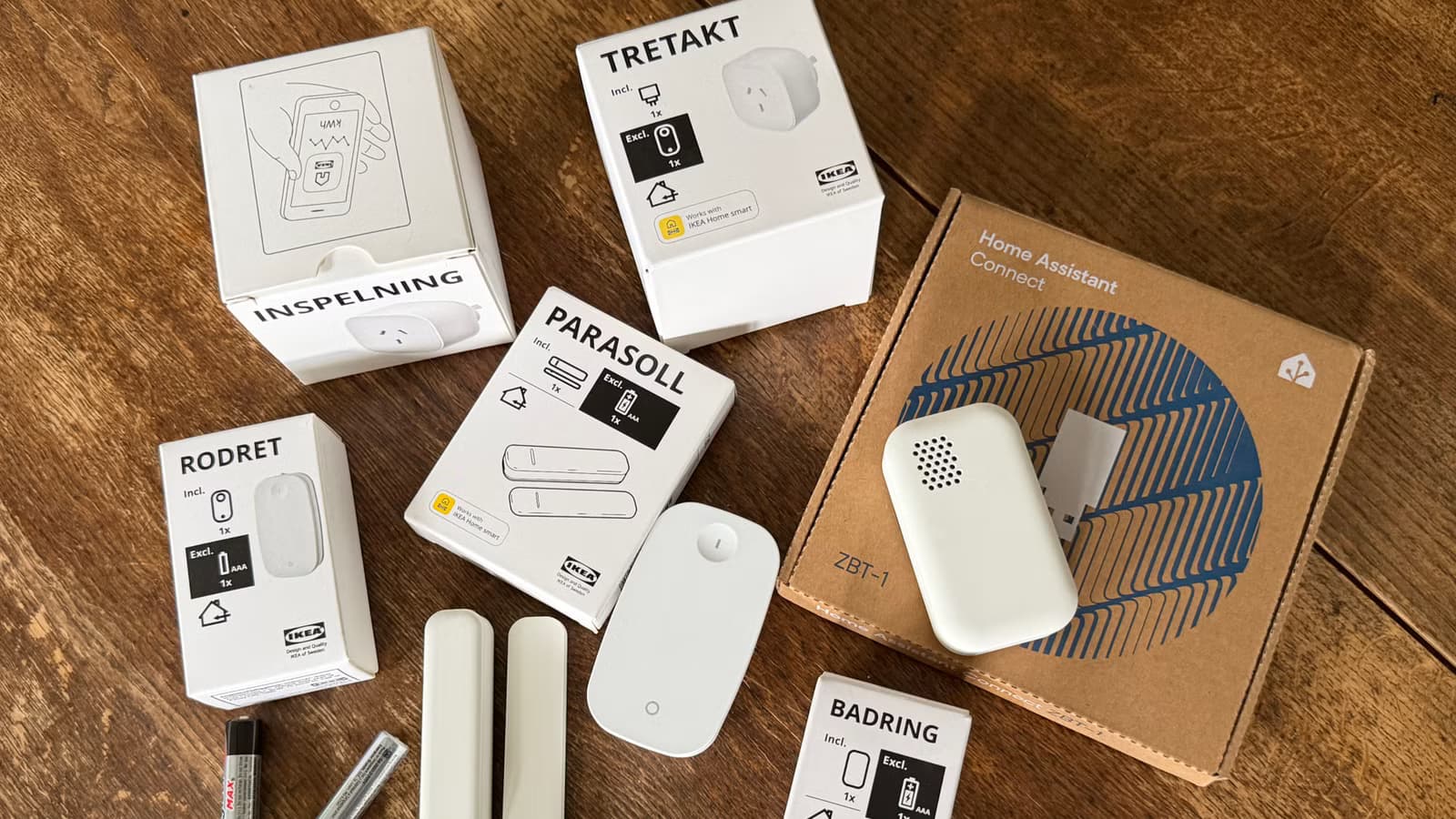
- Zigbee devices that plug into power (bulbs, smart plugs) act as routers, extending network range
- Zigbee networks self-heal by automatically finding new signal pathways when devices go offline
- Wi-Fi smart home devices share bandwidth and can congest your network, while Zigbee operates on separate radio frequencies
Adding more devices to your smart home usually means more congestion and worse performance. Zigbee flips that logic. The mesh protocol actually strengthens when you plug in additional bulbs and smart plugs, because each powered device can act as a signal repeater for the entire network.
This counterintuitive behavior comes down to architecture. Wi-Fi networks funnel every device through a single router, creating bottlenecks as you scale. Zigbee runs on a mesh topology where messages hop from device to device until they reach the central coordinator. More hops mean more pathways, and more pathways mean a more resilient network.
Why Wi-Fi smart home devices make things worse
Your laptop, phone, streaming box, and Wi-Fi smart plugs all compete for the same limited bandwidth. Every new device you add carves out another slice. At some point, congestion hits, latency spikes, and your smart light responds two seconds after you tap the app.
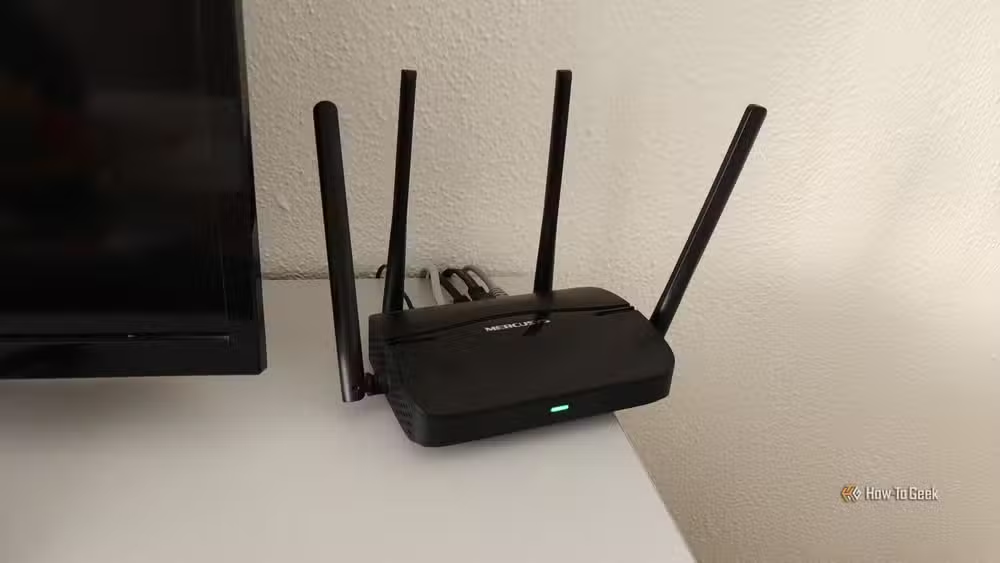
Matter devices don't automatically solve this. If they communicate over Wi-Fi rather than Thread, they're still eating into your bandwidth pool. Bluetooth devices face similar interference problems as the 2.4GHz band gets crowded.
How Zigbee mesh routing actually works
Zigbee coordinators, usually your hub, sit at the center of the network. But they don't need direct line-of-sight to every sensor and switch. Certain devices, called routers, can relay messages on behalf of others.
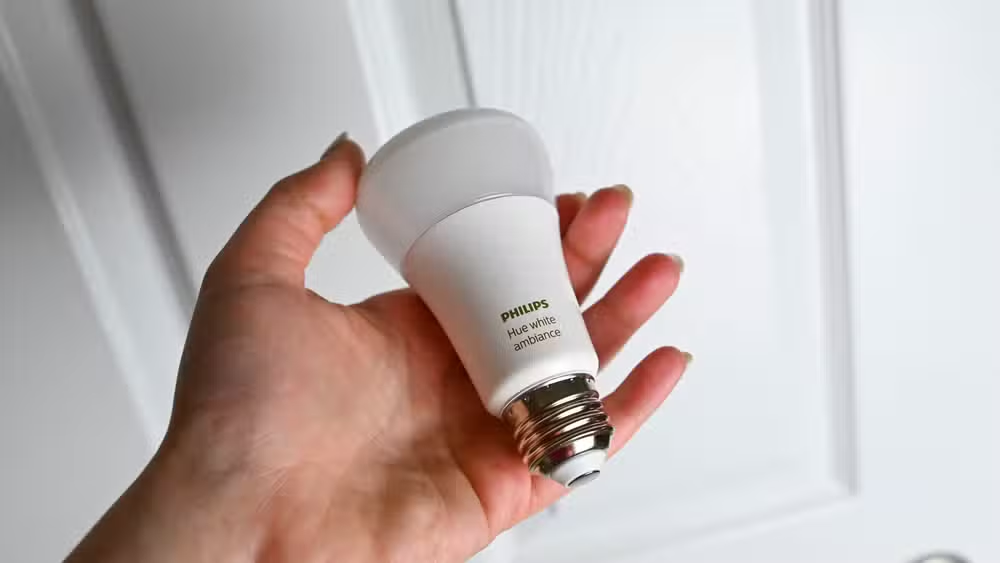
Not every Zigbee device qualifies. Battery-powered sensors like door contacts and motion detectors stay silent to conserve power. They're endpoints, not routers. Plug-in devices like smart bulbs and wall outlets have constant power, so they can listen for signals and forward them around the clock.
Place a smart plug halfway between your coordinator and a distant sensor, and that plug becomes a relay station. The sensor no longer needs to shout across your entire house. It sends its data to the plug, and the plug forwards it to the hub.
Self-healing: the real advantage of mesh
Zigbee networks don't lock in a single route and stick with it. They continuously evaluate signal quality and shift traffic to stronger paths. If you turn off a lamp that was acting as a router, the network reroutes through another device automatically.
This self-healing behavior explains why well-designed Zigbee networks rarely drop devices. A Wi-Fi sensor on the edge of range either connects or it doesn't. A Zigbee sensor on the edge of range finds the nearest router and hops its way home.
Channel conflicts between Zigbee and Wi-Fi
Zigbee operates on the 2.4GHz band, same as Wi-Fi. The two protocols can interfere with each other if their channels overlap. Zigbee channel 11 sits near Wi-Fi channel 1. Zigbee channel 25 sits near Wi-Fi channel 11. Zigbee channels 15, 20, and 25 typically have the least Wi-Fi overlap.
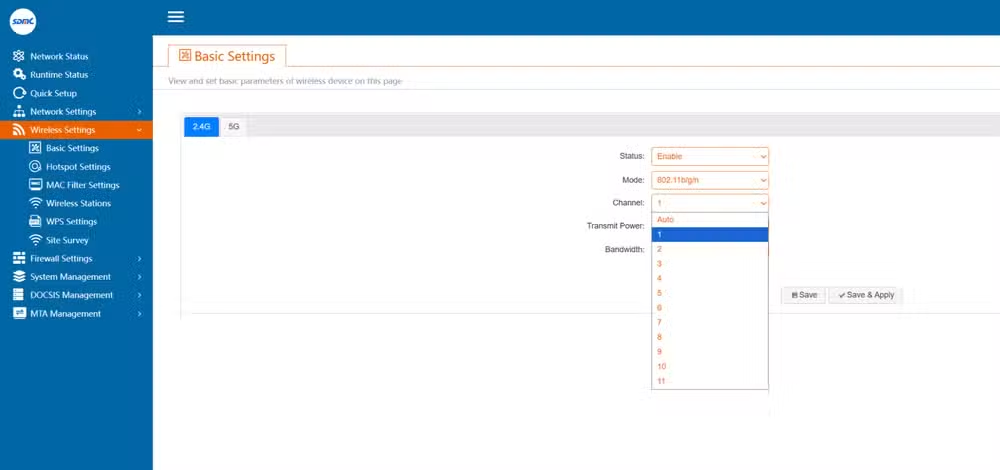
Most Zigbee coordinators let you pick your channel. If you're running a busy Wi-Fi network on channel 6, avoid Zigbee channels 15-20. A little planning prevents the two networks from stepping on each other.
What this means for your smart home setup
If you're running a Zigbee-based smart home and experiencing dropped devices or slow responses, the fix might be adding more hardware rather than troubleshooting firmware. A few strategically placed smart plugs can turn dead zones into well-connected segments.
The math favors density. A house with ten powered Zigbee devices has ten potential routers. A house with thirty has thirty. Each addition doesn't just bring new functionality. It improves the infrastructure for everything already installed.
Logicity's Take
Zigbee's mesh architecture makes it a better fit for large homes and commercial spaces than Wi-Fi-based alternatives. But the protocol is showing its age. Thread, which also uses mesh routing, adds IPv6 support and tighter Matter integration. For new installations, Thread devices offer the same self-healing benefits with better forward compatibility. Zigbee remains the practical choice if you're expanding an existing ecosystem.
Frequently Asked Questions
Do all Zigbee devices act as routers?
No. Only mains-powered devices like smart plugs, bulbs, and in-wall switches act as routers. Battery-powered sensors like motion detectors and door contacts are endpoints and don't relay signals.
How many Zigbee routers do I need?
There's no fixed number. In general, place a router-capable device every 10-15 meters and ensure no endpoint is more than one or two hops from a router. Larger homes benefit from more routers.
Can Zigbee and Wi-Fi interfere with each other?
Yes. Both use the 2.4GHz band. Choose Zigbee channels that don't overlap with your Wi-Fi channel. Zigbee channels 15, 20, and 25 typically have the least interference with common Wi-Fi configurations.
Is Zigbee better than Thread for smart homes?
Thread offers similar mesh benefits plus IPv6 and native Matter support. For new setups, Thread has better long-term compatibility. Zigbee is still solid for existing installations and has a larger device ecosystem today.
Need Help Implementing This?
Planning a mesh-based smart home network or troubleshooting Zigbee connectivity issues? Logicity's technical team can help you design a topology that scales. Contact us for a consultation.
Source: How-To Geek
Manaal Khan
Tech & Innovation Writer
Produced with AI assistance and reviewed by the Logicity editorial team. Learn more in our Editorial Policy.






