Key Takeaways
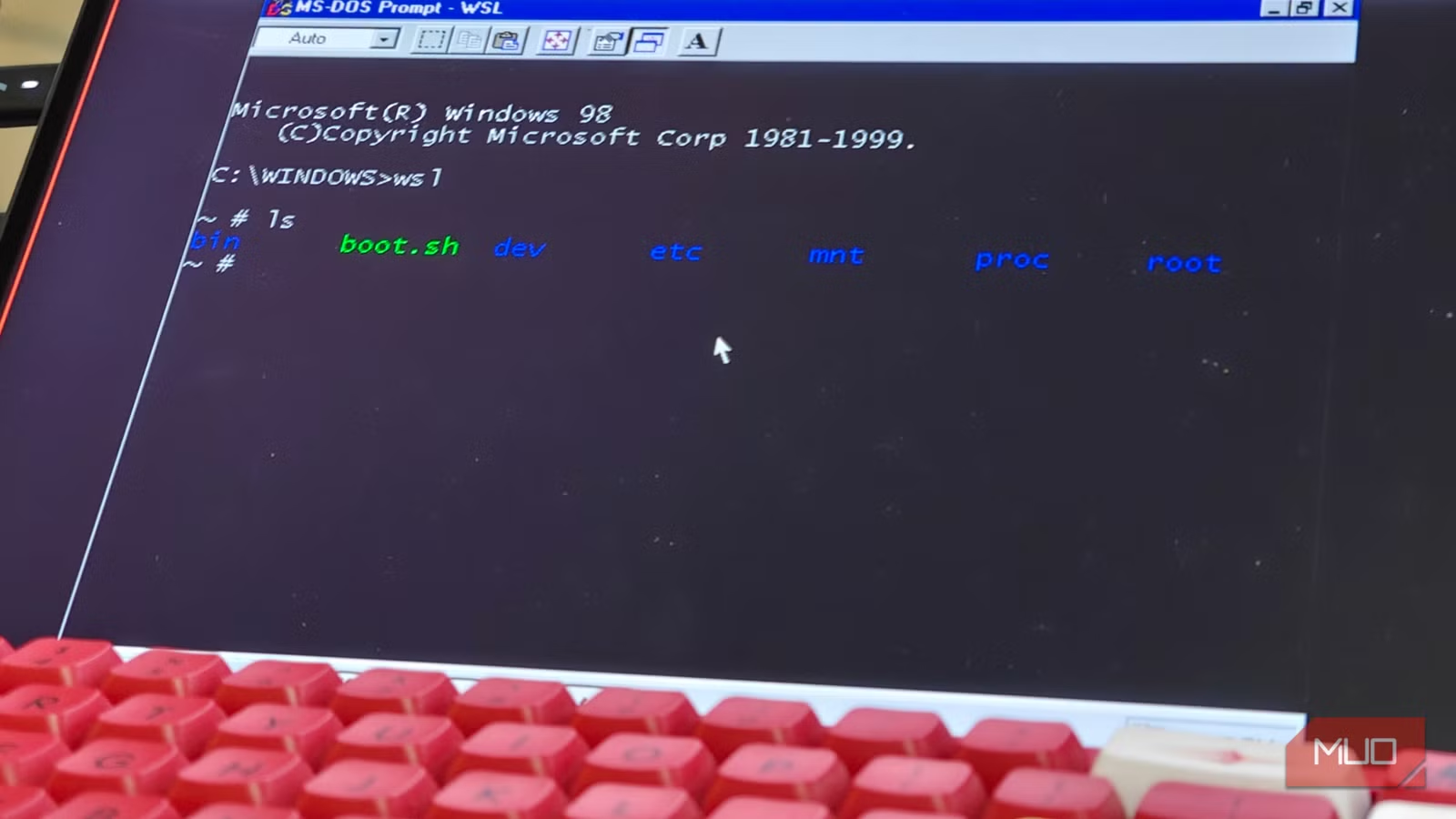
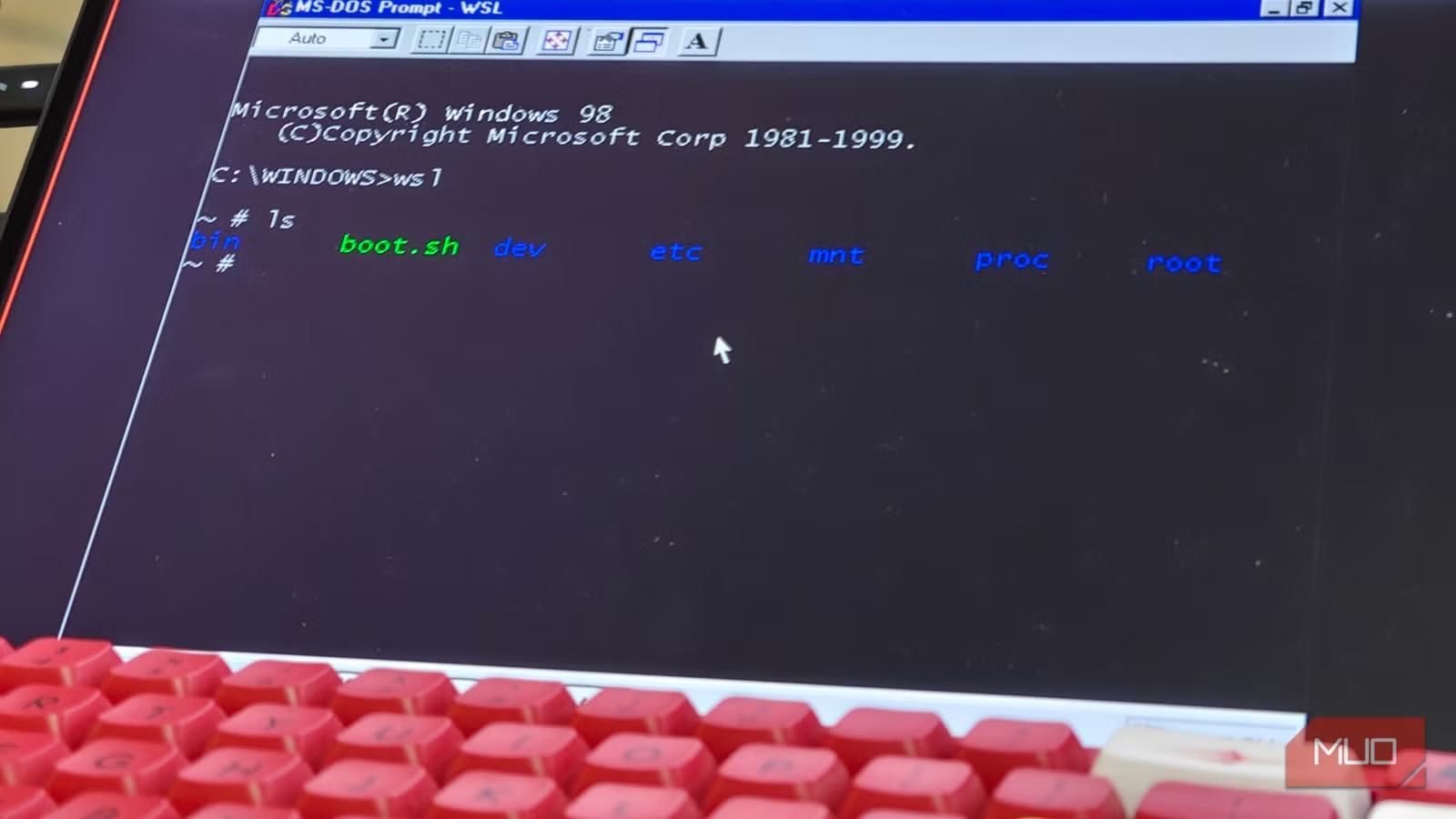
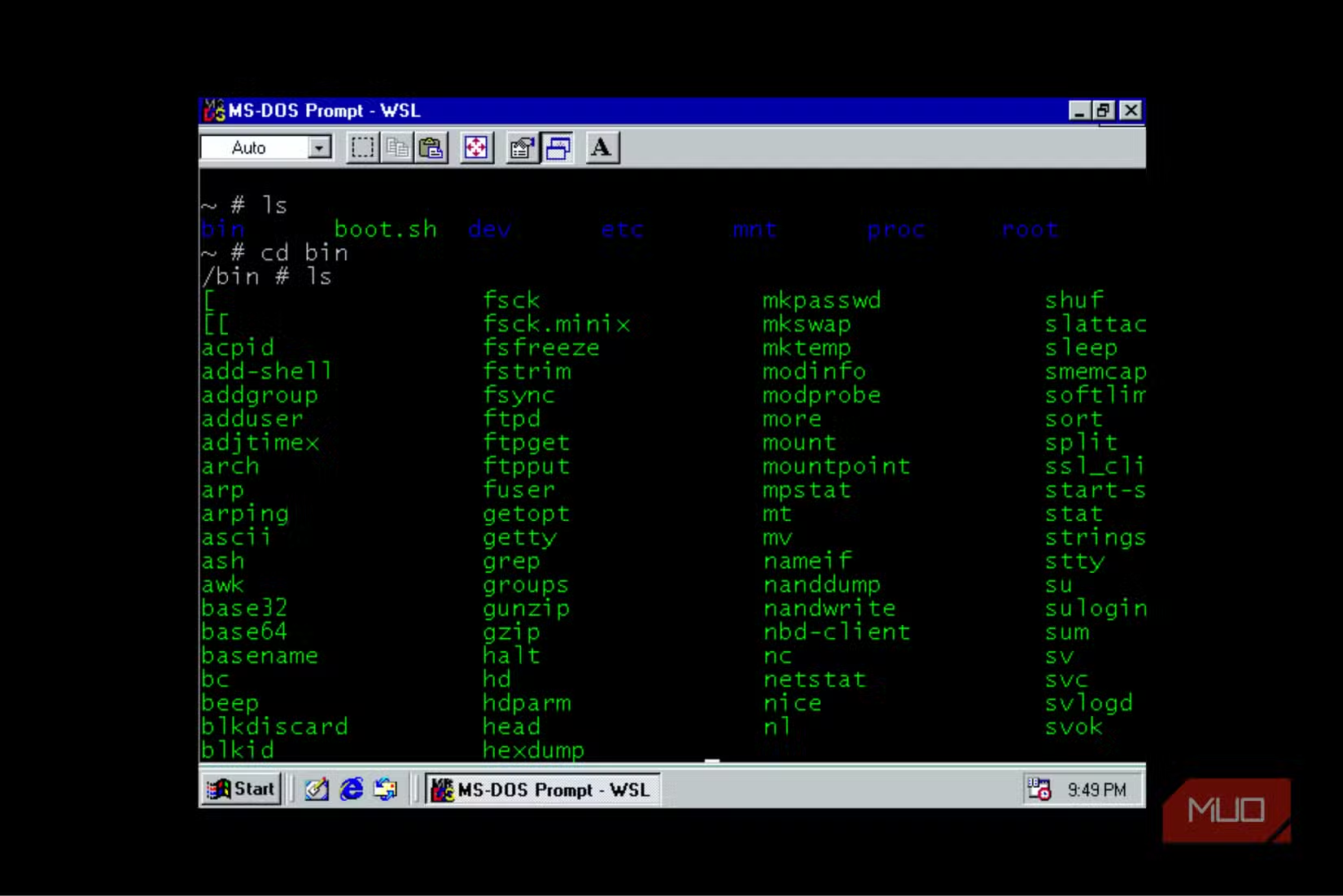
- WSL9x reverses the typical WSL concept by running Windows 9x inside Linux rather than Linux inside Windows
- The project requires multiple dependencies including a patched Linux kernel, VxD driver, and Busybox binary
- Setup involves significant manual work including kernel compilation and proper PATH configuration
Reversing the WSL Formula
Windows and Linux have a complicated relationship. Projects like Wine let Linux users run Windows applications. Microsoft's Windows Subsystem for Linux (WSL) does the opposite, bringing Linux environments to Windows machines. Both use compatibility layers to bridge the gap between the two operating systems.
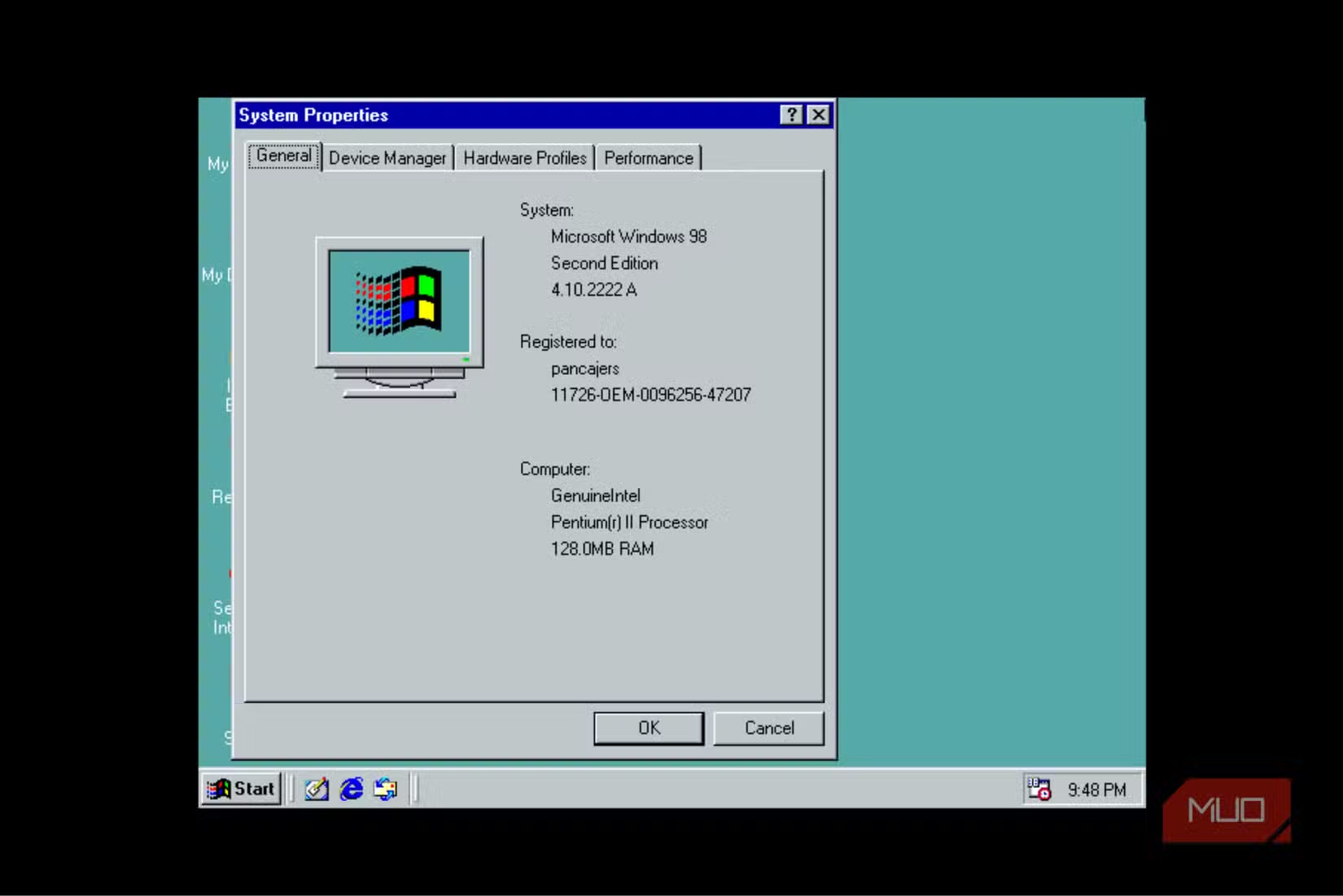
Developer Hailey took a different approach. WSL9x brings Windows 9x, the operating system family that includes Windows 95, 98, and ME, inside Linux. Think of it as WSL in reverse, but for vintage Microsoft software.
The project lives on Codeberg and consists of three main components: a VxD driver for initialization, a patched Linux kernel, and a wsl.com client file. Getting all three pieces working together takes real effort.
The Setup Process Is Not Simple
WSL9x requires several dependencies before you can even start. You'll need standard kernel development tools and linux-headers. The first step is cloning the repo to a local directory.
Before moving forward, you must clone and install i386-linux-musl from the musl-cross-make GitHub repository. After building it, export the PATH to that location. This step is mandatory. Without it, the project won't compile.
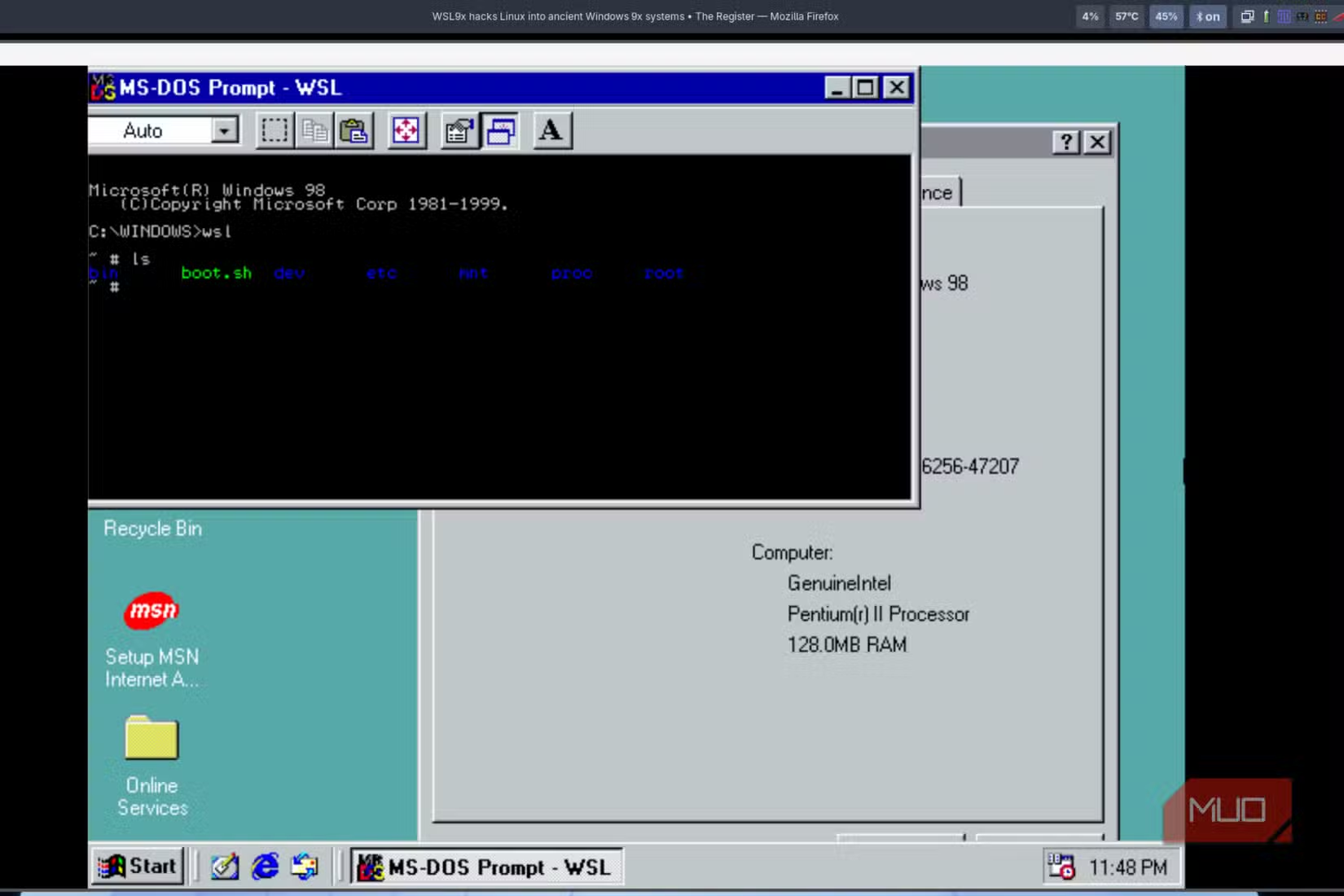
You'll also need Open Watcom V2 and a Busybox 1.36.1 binary in the bin folder. The project documentation doesn't make this obvious, but it's essential. Copy the Busybox source, build it, and move it to /wsl9x/bin/. Without these binaries, nothing works.
Fastfetch appears in the dependency list, but you can skip it. Comment out the relevant line in the win9x_cpio_list file under /wsl9x/linux/ if you want to avoid this requirement. Just remember to update the same file when tweaking other dependencies.
Building the Patched Kernel
The next phase involves building a patched Linux kernel. Set the WATCOM environment variable and run the second command from the repo instructions.
Cloning the Linux repository sometimes fails. If you hit this problem, download the repo as a .zip file from GitHub instead. Extract the contents into the Linux folder and continue from there.
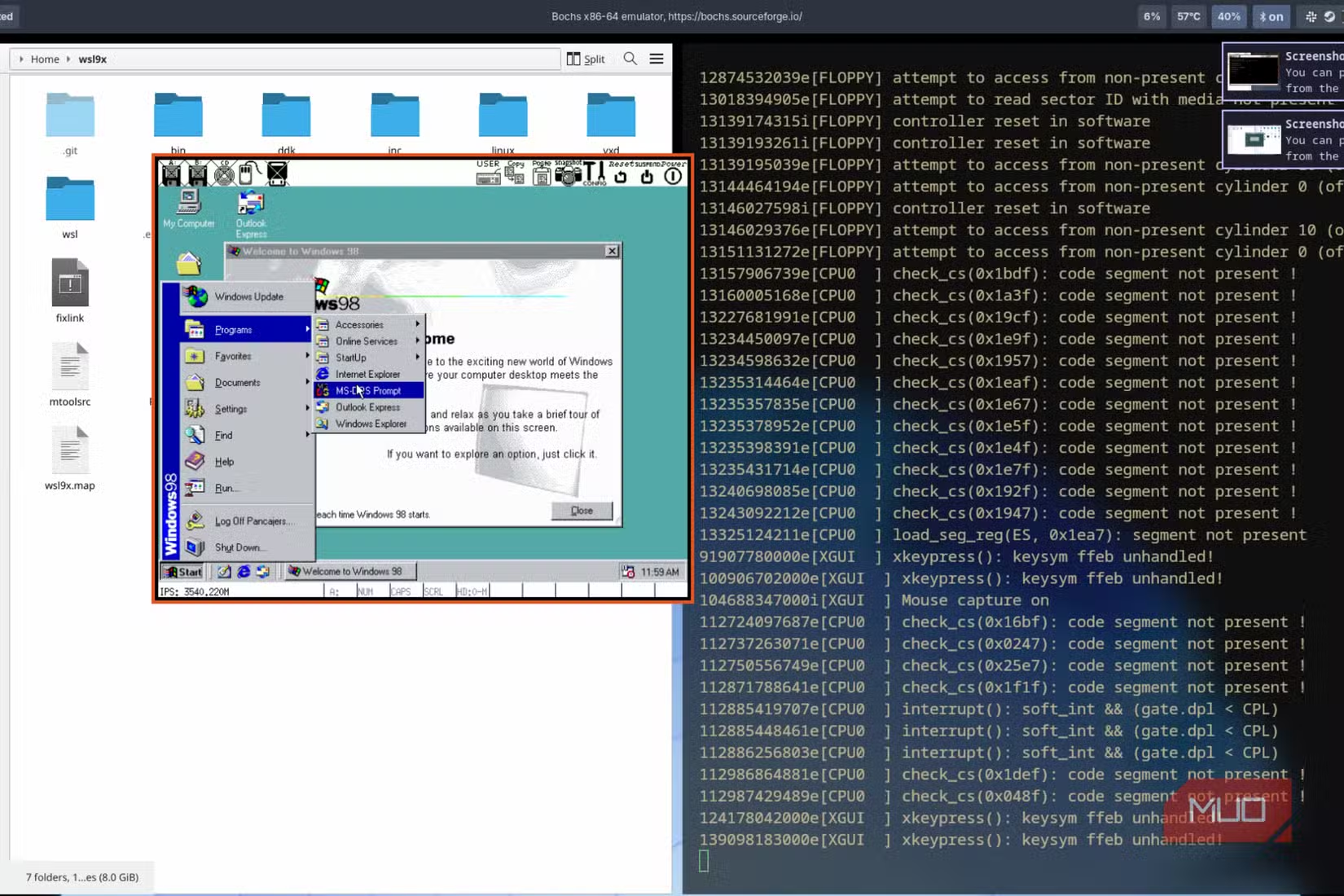
You may need to generate a config file before compiling. This step takes time, so be patient. Once compilation finishes, import a Windows 9x image file. The file must be named exactly hdd.base.img. Grab a Windows 98 ISO and prepare it according to the project's specifications.
Why Run Ancient Windows on Linux?
The obvious question: why bother? Legacy software is one answer. Some older applications and games only run on Windows 9x. Researchers, historians, and hobbyists sometimes need access to these systems.
The project also demonstrates what's technically possible when developers push platform boundaries. Running a 25-year-old operating system inside a modern Linux environment requires solving interesting compatibility problems.
Logicity's Take
Another guide for technical users wanting more control over their systems
Frequently Asked Questions
What is WSL9x?
WSL9x is a project that runs Windows 9x operating systems (Windows 95, 98, ME) inside Linux, reversing the typical Windows Subsystem for Linux approach.
Who created WSL9x?
A developer named Hailey built WSL9x. The project is hosted on Codeberg.
What dependencies does WSL9x require?
WSL9x needs kernel development tools, linux-headers, i386-linux-musl, Open Watcom V2, and a Busybox 1.36.1 binary. Optional dependencies include Fastfetch.
Is WSL9x easy to set up?
No. The setup involves multiple compilation steps, PATH configuration, and building a patched Linux kernel. It requires significant technical knowledge.
Why would someone want to run Windows 98 on Linux?
Use cases include running legacy software that only works on Windows 9x, historical research, and hobbyist experimentation with vintage operating systems.
Need Help Implementing This?
Source: MakeUseOf
Huma Shazia
Senior AI & Tech Writer
Produced with AI assistance and reviewed by the Logicity editorial team. Learn more in our Editorial Policy.






