Key Takeaways
- Windows 11 removed several taskbar customization features, including vertical taskbar positioning and icon size controls
- Windhawk uses memory injection to apply changes safely without modifying system files permanently
- The tool offers 500+ community-created mods that can be toggled on or off at will
The Problem: Windows 11 Took Away Your Choices
Windows 11 is not a bad operating system. It runs well, looks decent, and handles daily tasks without drama. That's what makes its rough edges so frustrating. The issue isn't that Windows 11 feels broken. It's that Microsoft removed small but useful customization options that many users depended on.
The taskbar is the clearest example. Windows 11 eliminated the ability to move the taskbar to the side of the screen or orient it vertically. On an ultrawide monitor or a portrait-oriented secondary display, a vertical taskbar isn't a cosmetic preference. It's a practical layout decision that frees up meaningful vertical space. Yet there's no toggle for it anywhere in Settings.
Windows 11 also scales taskbar icons down to 24x24 pixels instead of the standard 32x32. On high-resolution monitors, these smaller icons appear blurry and are harder to click. There's no built-in setting to change this either.
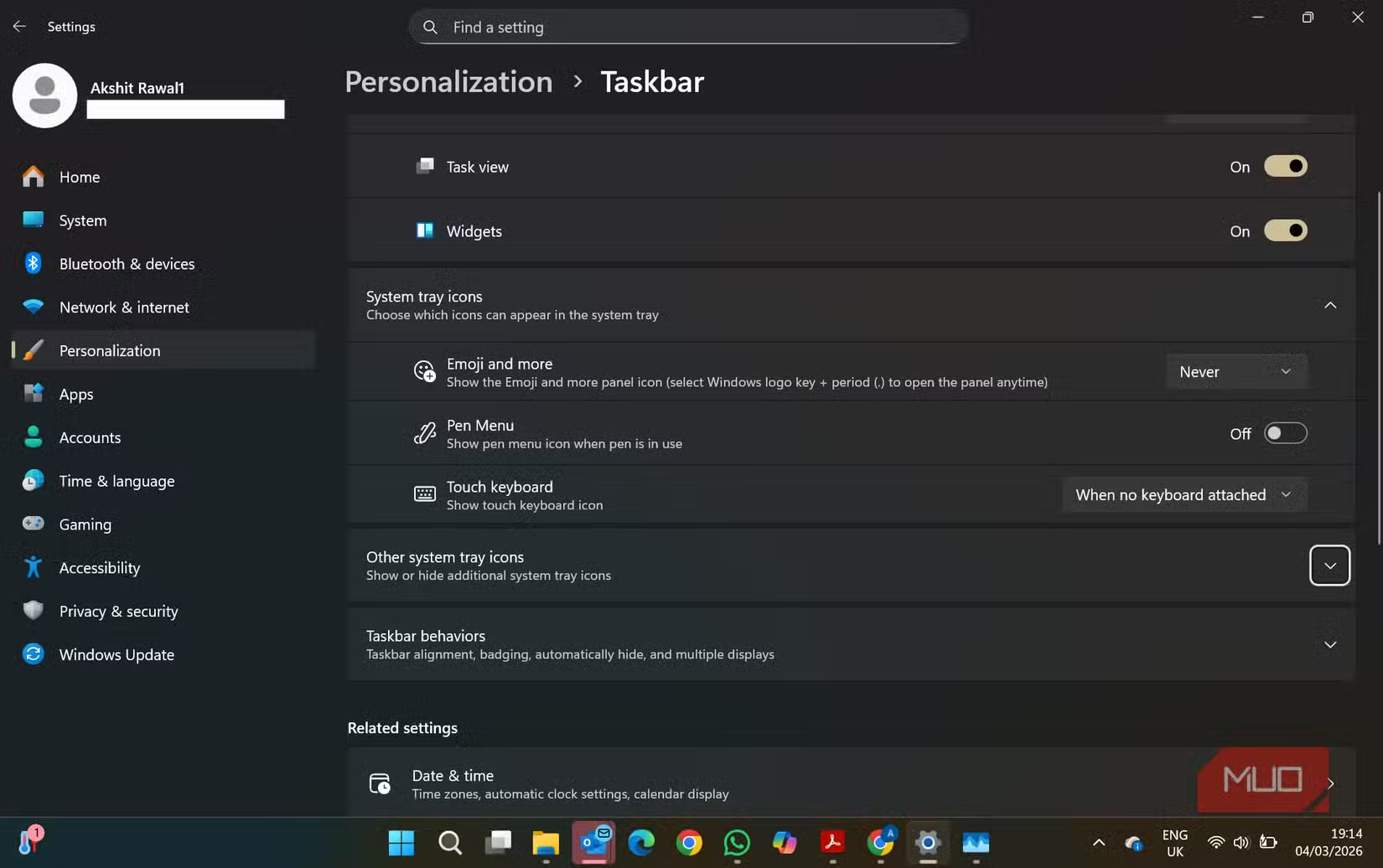
These aren't catastrophic flaws. But they represent a pattern: Microsoft simplified the interface by removing options that power users actually relied on. The Settings app exists, but it doesn't contain your settings.
Windhawk: The Tool That Fills the Gap
Windhawk is a free, open-source application designed to restore these missing controls. Instead of permanently patching system files, it uses memory injection to apply changes while Windows is running. When you disable a mod or close Windhawk, the system reverts to its default behavior.
“Windhawk changes the paradigm of Windows customization by moving from destructive patching to modular, safe-to-revert injections.”
— Michael (m417z), Developer of Windhawk and 7+ Taskbar Tweaker
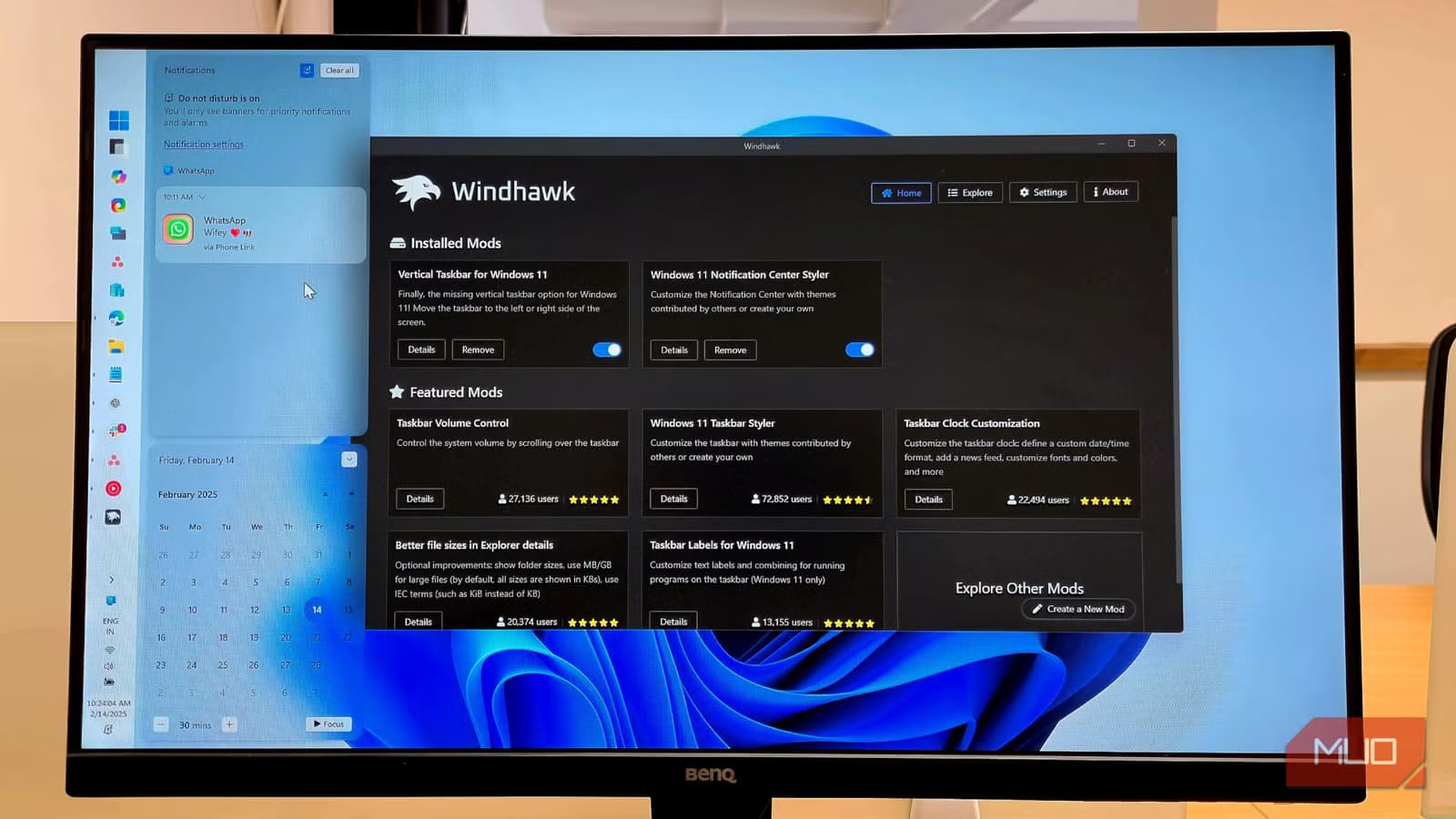
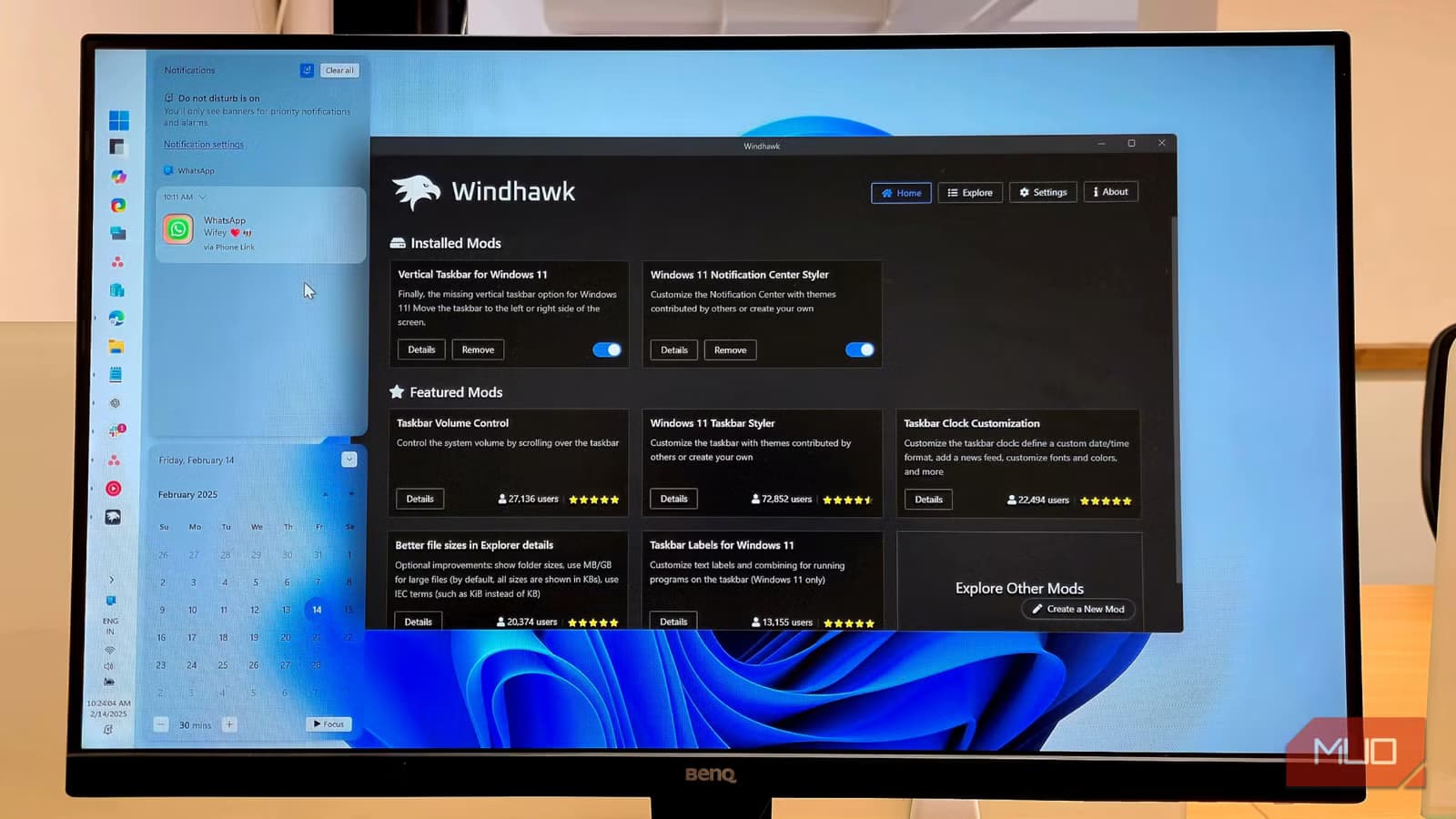
The tool offers a centralized repository of over 500 community-created mods. These range from simple UI tweaks to deep system behavior modifications. Want a vertical taskbar? There's a mod for that. Need larger icons? That's available too. Each mod can be toggled independently, so you can experiment without risking system stability.
Why This Approach Works
Older Windows customization tools often worked by replacing system files directly. This approach was risky. A bad patch could break Windows Update, cause crashes, or create security vulnerabilities. Rolling back changes was difficult and sometimes required a clean Windows reinstall.
Windhawk avoids these problems entirely. Because it modifies running processes in memory rather than changing files on disk, zero permanent system file modifications are required. Uninstalling the tool or disabling a mod returns everything to normal immediately.
The open-source nature adds another layer of trust. On Hacker News, developers have praised the ability to review the source code of every mod. This transparency makes Windhawk vastly superior to older closed-source system tweakers where users had to trust the developer blindly.
What You Can Actually Customize
The mod repository covers most of the features Microsoft removed or never implemented. Some of the most popular mods restore functionality that existed in Windows 10:
- Vertical taskbar positioning for ultrawide and portrait monitors
- Custom taskbar icon sizes beyond the locked 24x24 pixels
- Alt+Tab behavior that shows windows only from the current monitor
- Start menu modifications to restore classic layouts
- File Explorer tweaks for ribbon interface and navigation panes
Reddit's r/Windows11 community has embraced Windhawk enthusiastically. Users frequently share custom mod configurations designed to restore Windows 10 functionality wholesale. The consensus is that it's become a must-have utility for anyone frustrated by Windows 11's rigid UI vision.
The Broader Context
Microsoft's design philosophy with Windows 11 prioritized simplicity and visual consistency. The company removed legacy features to create a cleaner interface. For casual users, this works fine. For power users who built workflows around specific taskbar configurations or window management behaviors, it created friction.
This tension has driven sustained interest in third-party customization tools. Estimates suggest 1.5 million users globally now use Windows customization utilities. Windhawk has emerged as the leading solution because it addresses the core complaint. Users want the flexibility of legacy versions without sacrificing the performance and security improvements of Windows 11.
Logicity's Take
Getting Started
Windhawk is available as a free download from its official website. Installation takes under a minute. The interface displays available mods with descriptions, version history, and user ratings. Enable a mod with one click. Disable it just as easily if something doesn't work as expected.
For users who want to see the tool in action before installing, The PC Security Channel published a walkthrough demonstrating key features and the installation process.
The developer, known as m417z, previously created 7+ Taskbar Tweaker, a popular utility for Windows 7, 8, and 10. Windhawk represents the evolution of that work for the Windows 11 era.
Another guide on reclaiming hidden system settings from a major platform
Frequently Asked Questions
Is Windhawk safe to use?
Yes. Windhawk uses memory injection rather than modifying system files. All mods are reversible, and the open-source codebase allows anyone to audit the code for security issues.
Will Windhawk break Windows Update?
No. Because Windhawk doesn't permanently alter system files, Windows Update functions normally. After major Windows updates, some mods may need updates from their creators.
Can I restore the vertical taskbar in Windows 11 with Windhawk?
Yes. The Vertical Taskbar mod is one of the most popular options in the repository and restores the ability to position the taskbar on the side of the screen.
Does Windhawk work with Windows 10?
Windhawk primarily targets Windows 11, though some mods may work on Windows 10. The developer's earlier tool, 7+ Taskbar Tweaker, remains the better option for Windows 10 users.
Is Windhawk free?
Yes. Windhawk is completely free and open-source. There are no premium tiers or paid mods.
Need Help Implementing This?
Source: MakeUseOf
Huma Shazia
Senior AI & Tech Writer
Produced with AI assistance and reviewed by the Logicity editorial team. Learn more in our Editorial Policy.