Key Takeaways
- The Command Palette executes commands in under 1 second versus 3-5 seconds for traditional menu navigation
- Replacing mouse-heavy workflows can save 10-15 minutes of focus time per week
- Prefix symbols like @ and # let you jump to symbols or search workspaces without leaving the keyboard
The Math Behind Mouse Fatigue
Every time you reach for the mouse to click through a menu, you break your coding momentum. Your hand leaves the keyboard. You find the cursor. You click. You navigate back. You mentally pick up where you left off. That sequence takes about three seconds, according to Jorge A. Aguilar at How-To Geek.
Doing the same action with VS Code's Command Palette takes under one second. Multiply that gap across an entire workday, and the mouse becomes a measurable drag on your speed. Studies on the Keystroke-Level Model, which quantifies the time cost of individual user actions, confirm this pattern.
“The Command Palette isn't just a menu; it's the brain of the editor. By bypassing the GUI, you maintain 'flow state' and keep your hands on the home row where they belong.”
— Jorge A. Aguilar, Tech Editor and App Developer
Cascading submenus are even worse. You steer your cursor through a narrow path, and if you accidentally drift outside the menu boundary, the whole thing collapses. You start over. If you're not sure where the option lives, you might repeat this dance multiple times before finding what you need.
How the Command Palette Works
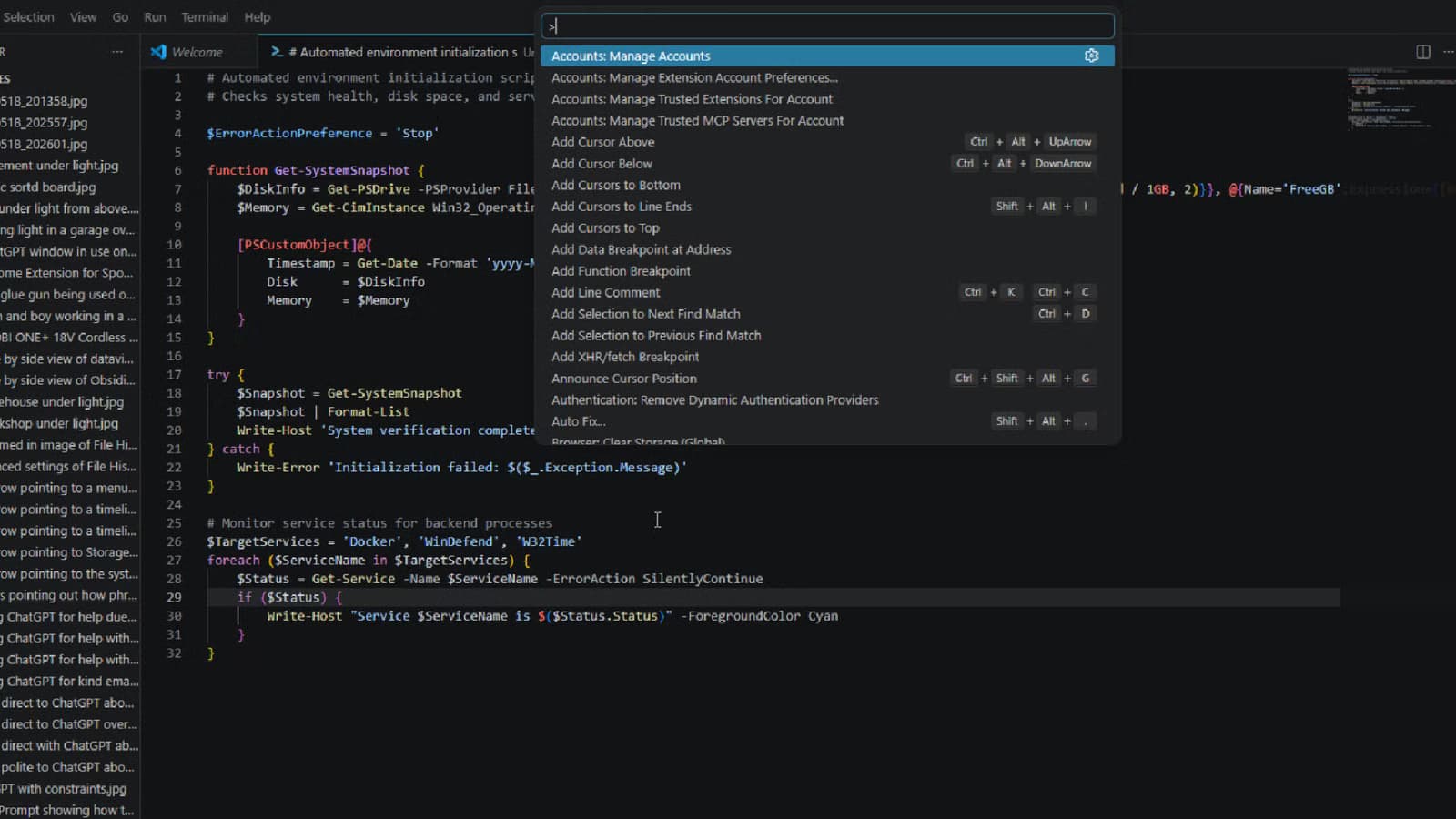
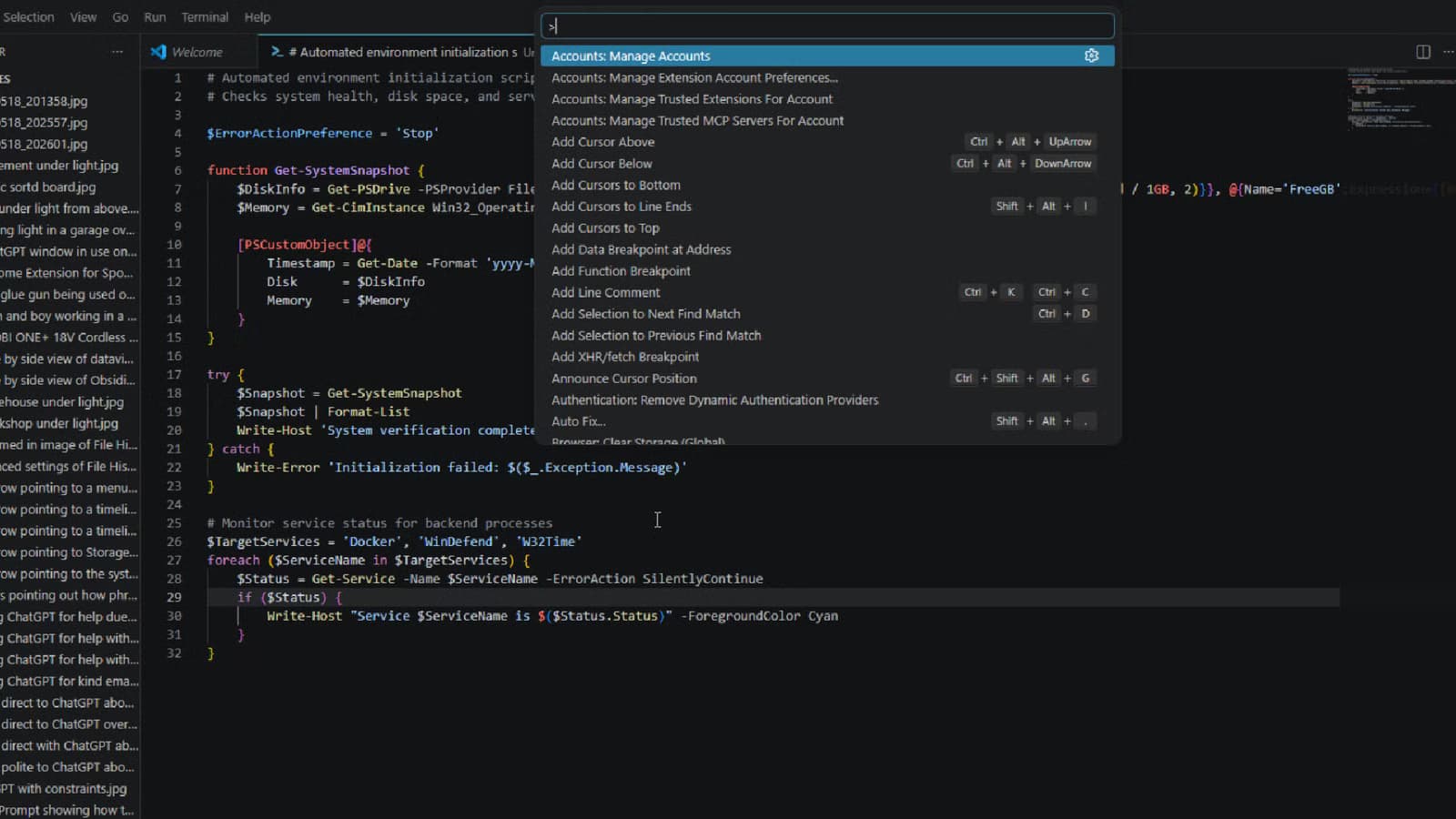
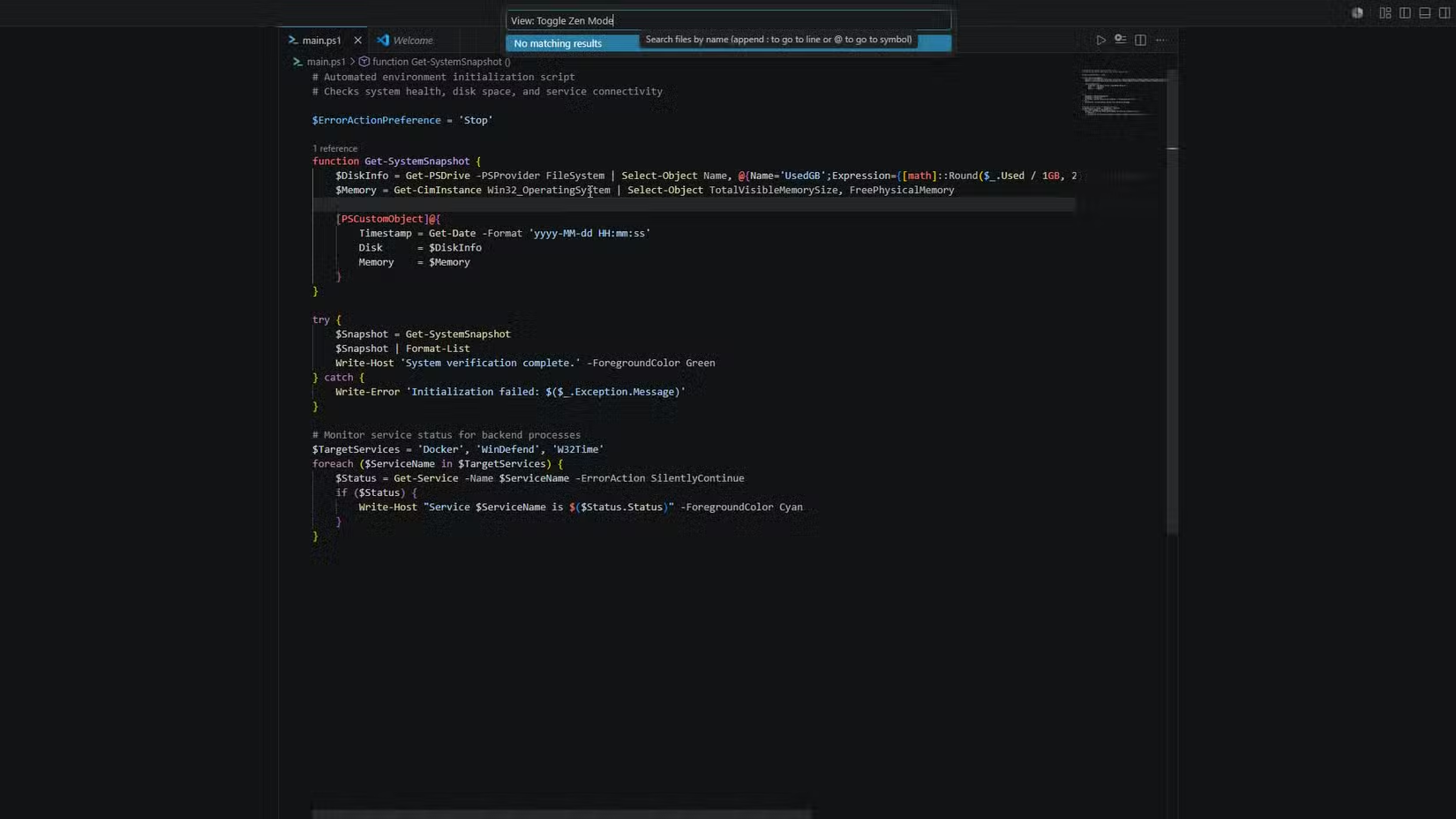
Press Ctrl+Shift+P on Windows and Linux, or Cmd+Shift+P on macOS. A text box appears at the top of your editor. Type what you want. The palette uses fuzzy matching, so you don't need exact command names. Type 'zen' and it finds 'Toggle Zen Mode.' Type 'format' and it shows formatting options.
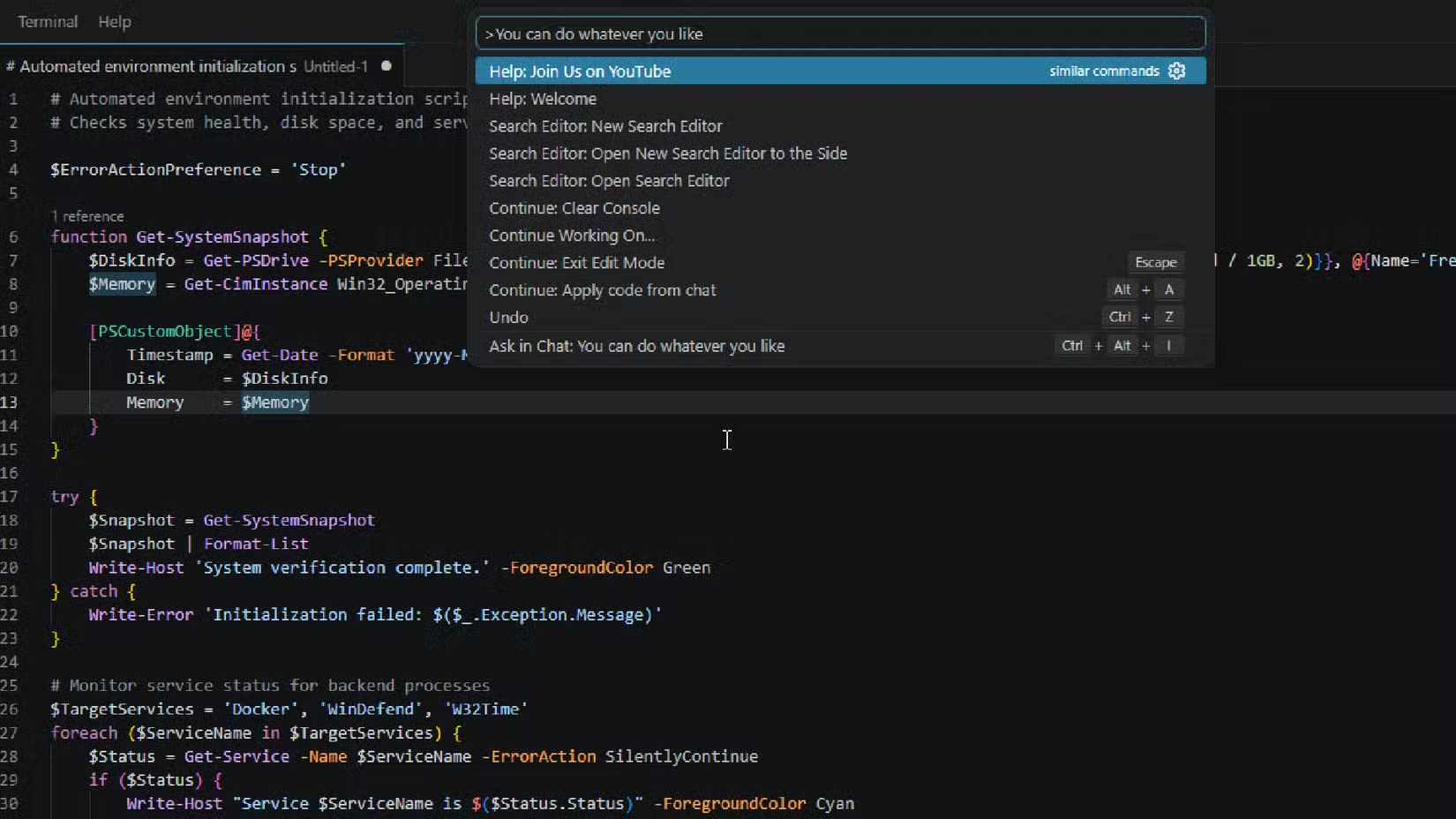
Every action in the editor lives inside this single searchable interface. You don't need to memorize a long list of shortcuts. You just type what you want and pick from a filtered list. Finding the right option this way is faster than recalling the exact keybinding from memory.
Prefix Symbols for Faster Navigation
The palette supports prefix symbols that change its behavior. These aren't widely advertised, but they're useful once you know them.
- @ — Jump to a symbol in the current file (functions, classes, variables)
- # — Search symbols across the entire workspace
- > — Execute a command (default behavior with Ctrl+Shift+P)
- : — Go to a specific line number
These prefixes let you navigate your entire codebase without touching the file tree or sidebar. Combined with Quick Open (Ctrl+P or Cmd+P), which opens files by name, you can work for hours without using the mouse.
Real Numbers on Time Saved
Developers who replace mouse-heavy navigation with Command Palette usage save an estimated 10-15 minutes of focus time per week. That's not just clock time. It's uninterrupted deep work, which is harder to quantify but more valuable.
Power users trigger 50 or more editor commands daily through the palette's fuzzy-match search. Each one takes under a second versus 3-5 seconds for traditional menu clicking. The cumulative effect compounds over months and years.
Why This Became the Industry Standard
VS Code's reliance on the Command Palette set a new UX standard for IDEs. Hacker News users frequently credit it with preventing the 'menu-diving' common in older editors. Other tools have since modernized their discoverability features to match.
Reddit's r/vscode community debates its utility compared to JetBrains' context-aware menus. The consensus among power users: once you customize the palette with extensions, it becomes indispensable. The fuzzy search alone justifies the learning curve.
This isn't about being picky. It's simple math applied to how you spend your working hours.
Logicity's Take
Frequently Asked Questions
What is the keyboard shortcut for VS Code Command Palette?
Ctrl+Shift+P on Windows and Linux, or Cmd+Shift+P on macOS. This opens the palette where you can type any command.
How is the Command Palette different from Quick Open?
Quick Open (Ctrl+P or Cmd+P) searches files by name. The Command Palette (Ctrl+Shift+P or Cmd+Shift+P) searches and executes editor commands. Both use fuzzy matching.
What do the @ and # symbols do in VS Code?
The @ symbol jumps to symbols in the current file, like functions or classes. The # symbol searches symbols across your entire workspace.
How much time can the Command Palette save?
Estimates suggest 10-15 minutes of focus time per week by replacing mouse navigation with keyboard commands. Each palette action takes under 1 second versus 3-5 seconds for menu clicking.
Does the Command Palette work with VS Code extensions?
Yes. Extensions can add their own commands to the palette, making it a central interface for your entire development environment.
Need Help Implementing This?
Source: How-To Geek
Manaal Khan
Tech & Innovation Writer
Produced with AI assistance and reviewed by the Logicity editorial team. Learn more in our Editorial Policy.