Key Takeaways
- Most vibe-coded apps share identical visual patterns: blue-purple gradients, centered cards, excessive padding
- AI coding tools prioritize functionality over aesthetics, leaving spacing and visual hierarchy broken
- Good UI design requires understanding user psychology, not just passing functional tests
The Vibe Coding Trade-Off
Vibe coding has changed how developers build software. Describe what you want in plain text, and an AI assembles a working prototype in minutes. It's fast. It works. But there's a catch: what you get often looks terrible.
Yadullah Abidi, a full-stack developer and tech journalist at MakeUseOf, spent enough hours fixing what he calls "ugly, soulless interfaces" that he now trusts only a handful of AI models with UI design work.
The Tell-Tale Signs of Vibe-Coded UI
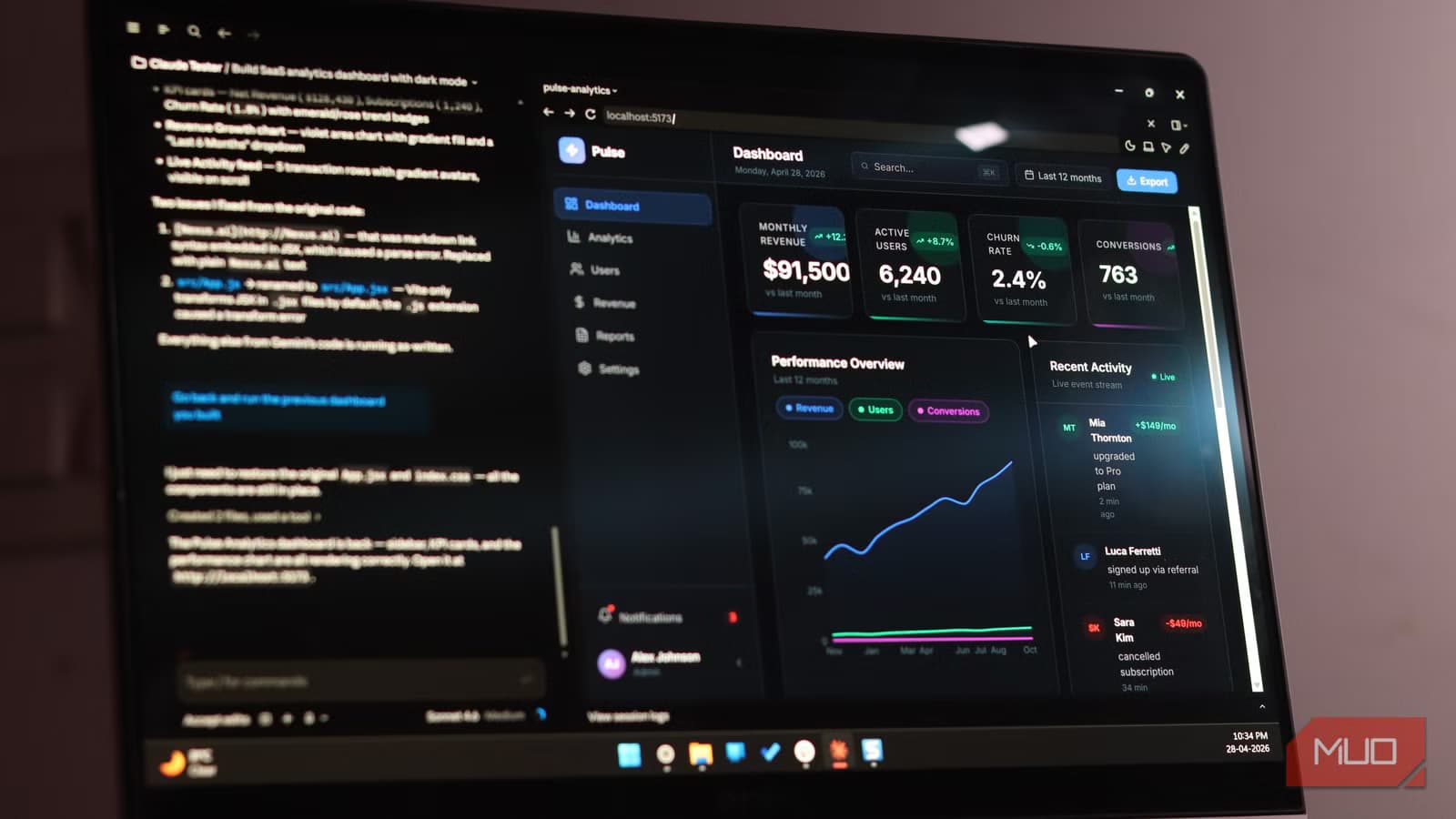
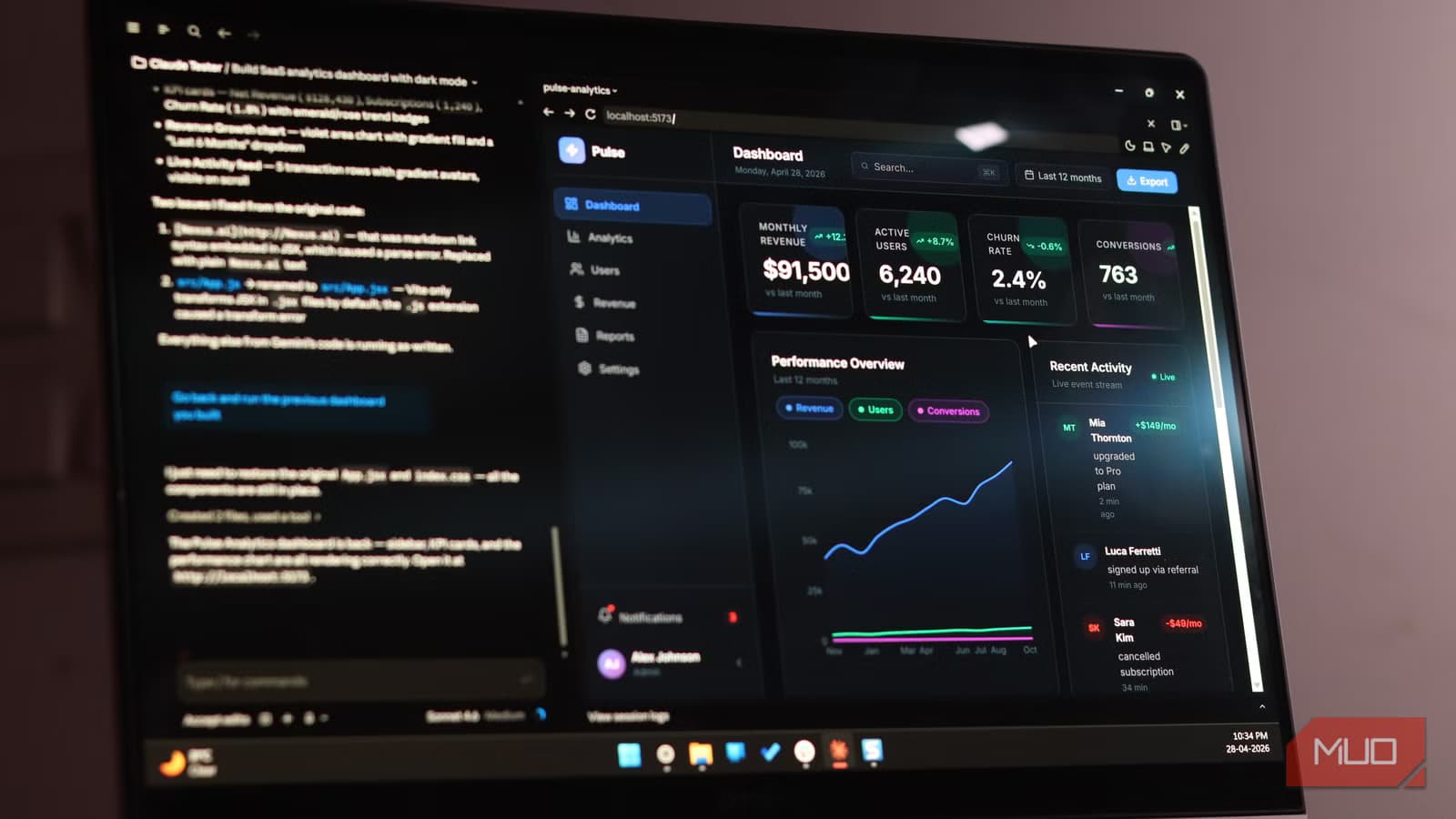
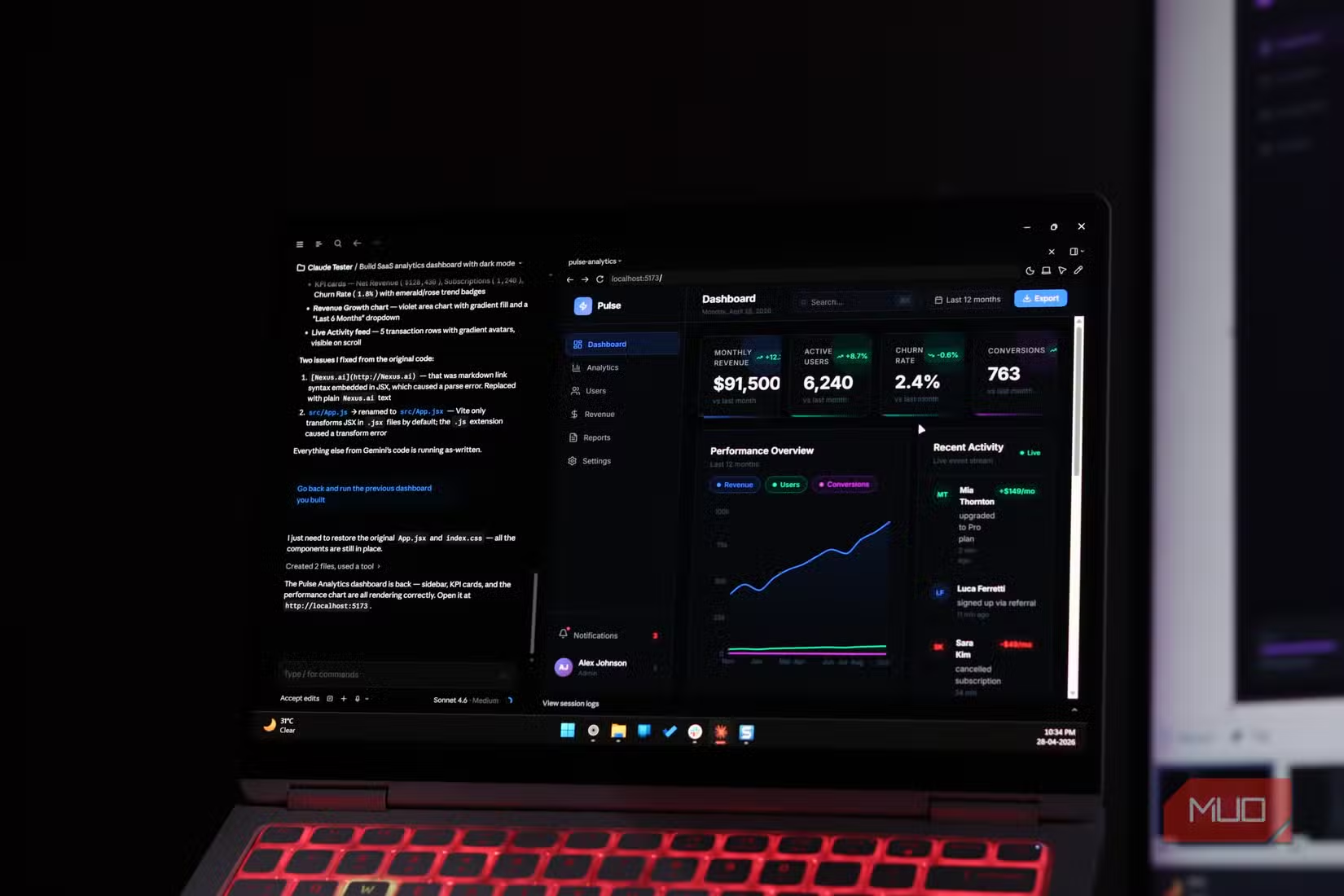
You've seen these interfaces before. Same fonts. Same icons. A blue-to-purple gradient background. Centered cards with way too much padding. These patterns show up so consistently across vibe-coded projects that they've become a visual fingerprint.
The AI hasn't done anything technically wrong. The UI is functional. It just defaulted to every popular pattern baked into its training data. The result is an interface that looks like it was built by an exhausted developer working well past midnight.
Functional Doesn't Mean Good
Here's the core problem: vibe coding tools focus on whether something works, not whether it looks right. A button can be fully functional while feeling like it floats slightly above the rest of the page. Spacing can be technically valid while looking completely wrong to human eyes.
None of these issues will fail automated tests. But users feel them instantly. That slight disconnect between visual elements creates friction. The interface works, but it doesn't feel like it does.
UI Design Isn't Just Code Generation
Good interface design requires understanding how humans perceive visual hierarchy, spacing relationships, and interactive feedback. It's about creating an experience that feels intuitive before the user consciously thinks about it.
Most AI models treat UI as a code generation problem. They produce valid CSS and functional components. But they don't understand why certain spacing ratios feel right or why a particular animation timing makes an interaction feel responsive rather than sluggish.
Another example of tools that work technically but miss important human factors
Which Models Actually Handle UI?
The answer comes down to training data and fine-tuning priorities. Models trained heavily on design system documentation and production UI code tend to produce better results than those optimized purely for code completion.
Abidi's approach: treat vibe coding as scaffolding, not finished work. Use it to generate the functional skeleton fast, then manually refine the interface. The models that require the least cleanup are the ones worth trusting with UI tasks.
The Practical Workflow
For developers using vibe coding in production, the lesson is clear: speed on functionality, slow down on interface. Let the AI handle the logic and data flow. Then either hand off the UI to a designer or budget time for manual refinement.
The alternative is shipping something that works but feels off. Users might not articulate why your app seems cheap or unpolished. They'll just use something else.
Speed matters in development, but so does getting the details right

Logicity's Take
Frequently Asked Questions
What is vibe coding?
Vibe coding is the practice of describing software features in plain text and letting an AI model generate the corresponding code. It speeds up prototyping but often produces generic or poorly designed interfaces.
Why do vibe-coded apps look the same?
AI models default to common patterns from their training data. This creates interfaces with identical fonts, gradient backgrounds, and spacing choices across different projects.
Can AI models design good UI?
Some models produce better UI than others, but none consistently match human designers. The best approach is using AI for functional scaffolding and manually refining the interface.
Which AI models are best for UI design?
Models trained on design system documentation and production UI code tend to perform better. The specific models vary, but those requiring less manual cleanup after generation are generally more reliable.
Need Help Implementing This?
Source: MakeUseOf
Manaal Khan
Tech & Innovation Writer
Produced with AI assistance and reviewed by the Logicity editorial team. Learn more in our Editorial Policy.






