
Key Takeaways
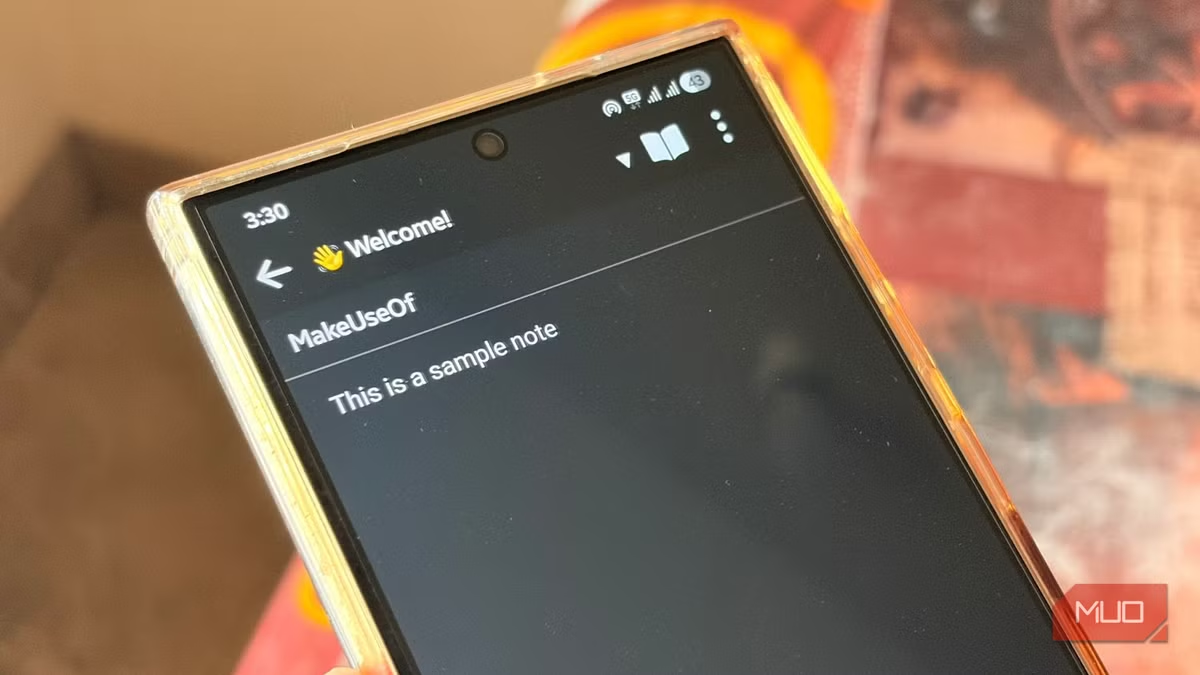
- Evernote's free tier now caps users at 50 notes, making it essentially a trial account
- Joplin stores notes as local Markdown files with optional cloud sync, giving users full data ownership
- The open-source app has crossed 12.2 million downloads and 55,000 GitHub stars in 2026
Evernote's free plan now limits you to 50 notes and a single notebook. That's not a free tier. It's a demo. For heavy note-takers, the choice is stark: pay up to $249.99 per year, or find something else. Joplin, the open-source alternative that stores notes locally as Markdown files, has become the obvious destination for the exodus.
The migration isn't theoretical. Joplin has crossed 12.2 million cumulative desktop downloads as of June 2026, with over 55,200 stars on GitHub. That's not hobbyist interest. It's a full-scale platform shift driven by users who got tired of pop-ups, banners, and subscription nagging interrupting their actual work.
What pushed Evernote users over the edge?
The breaking point for Sagar Naresh, a tech writer who recently made the switch, came when Evernote served him two pop-ups before he could even reach his notes. He's not alone. Reddit communities like r/Evernote are now dominated by "exit guides" and migration testimonials.
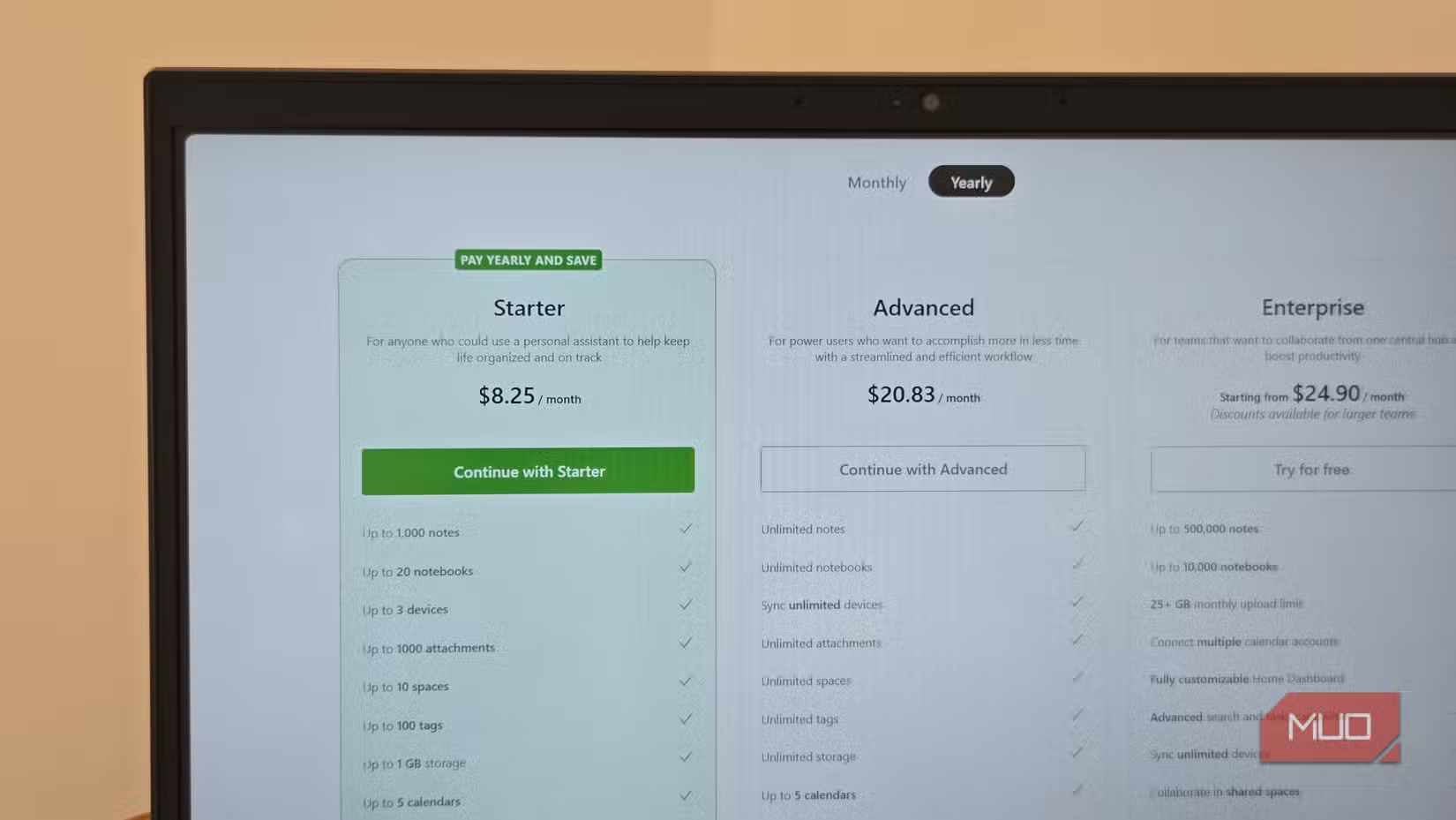
The problems stack up. Evernote's paid plans range from $129.99 to $249.99 annually. The app itself has grown sluggish over the years, with a UI that prioritizes upselling over usability. And since Bending Spoons acquired the company, the aggressive monetization has only accelerated.
How does Joplin handle notes differently?
Joplin stores your notes as plain Markdown files on your device. That's the core difference. You own your data. There's no server somewhere holding your notes hostage behind a paywall.
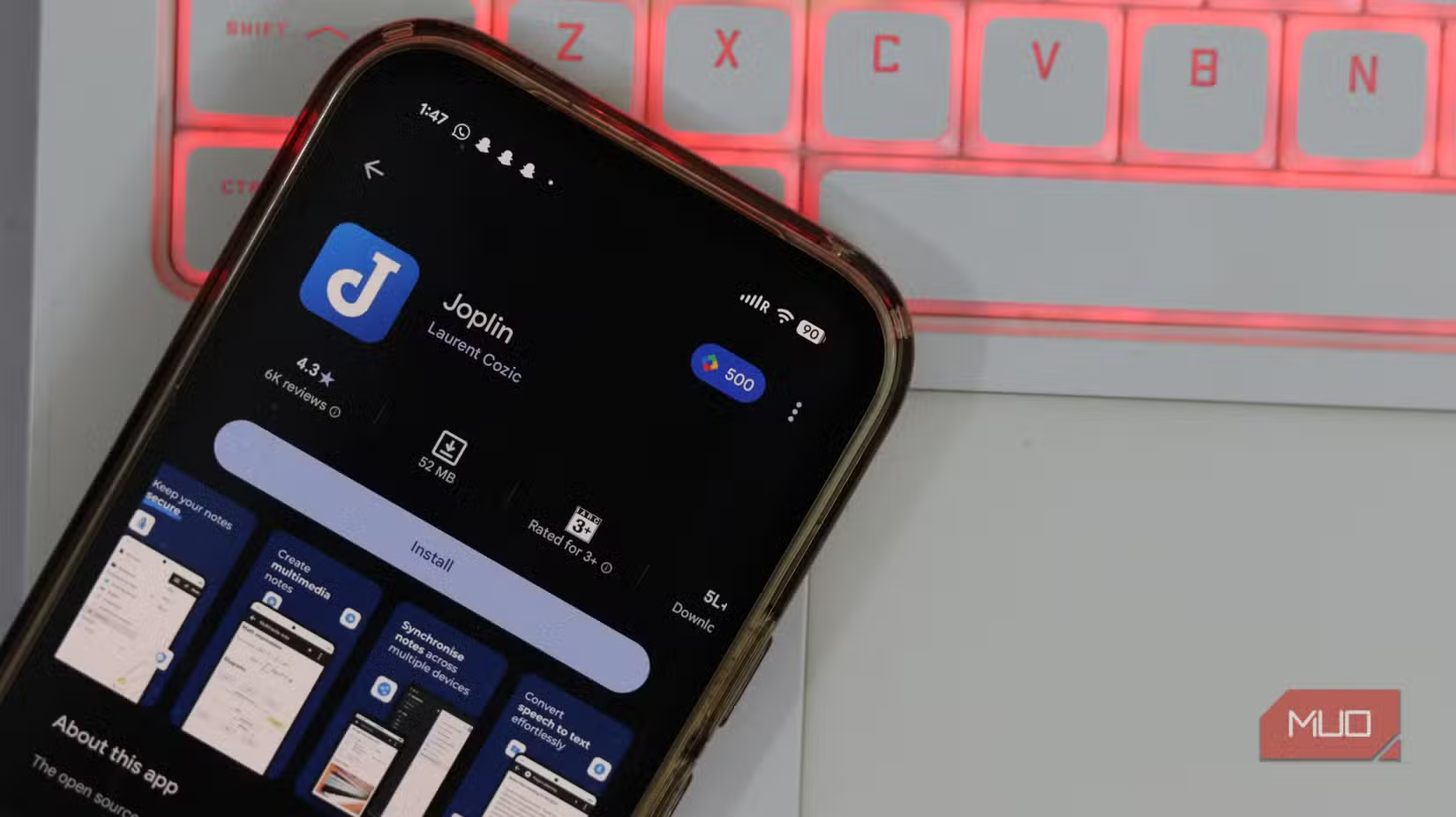
The interface is a clean three-pane layout: notebooks on the left, note list in the middle, editor on the right. No homepage cluttered with suggested content. No upgrade banners. The experience stays consistent across Windows, macOS, Linux, Android, and iOS.
For syncing across devices, Joplin offers several options: Dropbox, OneDrive, WebDAV, Nextcloud, or the company's own Joplin Cloud service. None of these require a subscription to use the core app. There's no account creation to start taking notes.
| Feature | Evernote (Free) | Joplin |
|---|---|---|
| Note limit | 50 notes | Unlimited |
| Storage location | Evernote servers | Local device |
| Sync options | Evernote cloud only | Dropbox, OneDrive, WebDAV, self-hosted |
| Account required | Yes | No |
| Price for full features | $129.99-$249.99/year | Free |
| End-to-end encryption | Paid tiers only | Built-in |
Is Joplin actually ready for professional use?
That was the question two years ago. It's less relevant now. The app has matured significantly, adding features like a Visual Markdown editor that lets you write without staring at raw syntax. Native importers make pulling your Evernote archive straightforward.
The web clipper works across major browsers. Tags and notebooks organize content the same way Evernote users expect. End-to-end encryption comes built-in, not locked behind a paywall.
What's the actual migration process?
Evernote lets you export notebooks as ENEX files. Joplin imports these directly. The process takes minutes for most users, though large archives with thousands of notes will take longer. Attachments, formatting, and tags transfer over.
Some users go further and set up self-hosted sync using Nextcloud on a home server or a cheap VPS. This eliminates any third-party dependency entirely. Your notes live on hardware you control, synced on your terms.
Does this matter beyond personal preference?
For individual users, it's a question of cost and control. For teams and businesses, the implications run deeper. Notes often contain sensitive information: client details, strategy documents, legal notes. Storing these on a third-party server that could change terms, raise prices, or get acquired introduces ongoing risk.
Joplin's architecture sidesteps this. Your data stays yours. The app is open-source, so even if the lead developer stopped working on it tomorrow, the community could fork and maintain it. That's not theoretical reassurance. The GitHub activity shows active development and responsive maintenance.
Another open-source tool replacing bloated defaults
What are the tradeoffs?
Joplin isn't perfect. The mobile apps, while functional, feel less polished than Evernote's. OCR for handwritten notes and PDFs isn't as sophisticated. If you rely heavily on Evernote's AI features or collaborative sharing, you'll find Joplin's options limited.
And Markdown, while powerful, has a learning curve for users who've never touched it. The Visual Markdown editor helps, but it's still not quite the WYSIWYG experience some people expect.
For most note-takers, though, these tradeoffs pale against the core proposition: unlimited notes, local storage, zero subscription fees, and complete data ownership.
Logicity's Take
The Evernote-to-Joplin migration reflects a broader pattern in productivity software. Users increasingly reject the SaaS model when open-source alternatives reach feature parity. Joplin hit that threshold sometime in late 2025. The 50-note limit on Evernote's free tier might generate short-term conversion revenue, but it's accelerating a permanent exodus. For Bending Spoons, the math may still work if enough users pay. For everyone else, the question is why they stayed this long.
Frequently Asked Questions
Can I import all my Evernote notes into Joplin?
Yes. Export your Evernote notebooks as ENEX files, then use Joplin's built-in importer. Attachments, formatting, and tags transfer over.
Is Joplin really free or are there hidden costs?
The app is completely free and open-source. Joplin Cloud is an optional paid service for syncing, but you can use free alternatives like Dropbox or OneDrive instead.
Does Joplin work offline?
Yes. Notes are stored locally on your device, so you can access and edit them without an internet connection. Sync happens when you reconnect.
Is Joplin secure for sensitive notes?
Joplin offers built-in end-to-end encryption for synced notes. Since notes are stored locally by default, your data never touches a server unless you choose to sync.
What platforms does Joplin support?
Windows, macOS, Linux, Android, iOS, and FreeBSD. There's also a terminal version for command-line users.
Need Help Implementing This?
Setting up Joplin with self-hosted sync or migrating a large Evernote archive? Drop us a line at hello@logicity.in. We can point you to the right resources or connect you with consultants who specialize in productivity stack migrations.
Source: MakeUseOf
Manaal Khan
Tech & Innovation Writer
Produced with AI assistance and reviewed by the Logicity editorial team. Learn more in our Editorial Policy.






