Key Takeaways
- External GPU hot-plugging and display scaling remain broken on most tiling window managers, including Niri
- KDE Plasma 6 delivers a cleaner interface with better Wayland support than its predecessor
- Built-in tiling on Plasma is still weak, but integrated apps like Dolphin and KDE Connect outweigh the tradeoffs
Tiling window managers promise a lean, keyboard-driven Linux experience. They deliver on that promise until something breaks, and you spend hours debugging instead of working. One user's experience with Niri shows where the tiling WM dream falls apart: eGPU hot-plugging doesn't work, display scaling has a mind of its own, and cohesiveness depends entirely on your willingness to configure every detail.
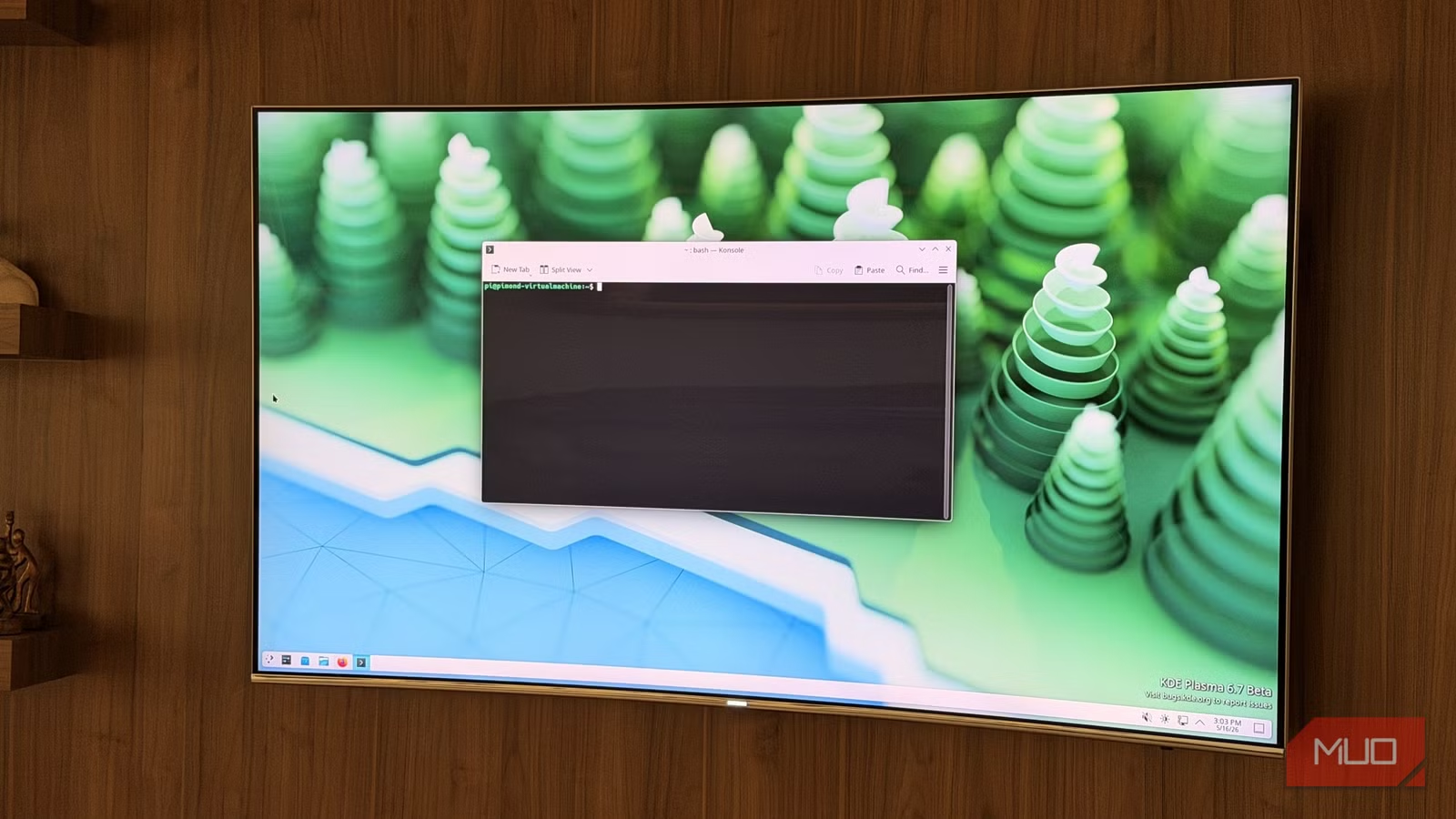
The solution? Returning to KDE Plasma. After months on a tiling setup, Dipan Saha switched back to Plasma 6 and found a desktop that actually handles his hardware without fighting him.
What breaks on tiling window managers?
Two specific failures forced the switch. First, external GPU hot-plugging. Connecting an eGPU while running a tiling WM like Niri doesn't trigger proper display handling. The system fails to recognize the new GPU or route output correctly. This is a known limitation across most tiling window managers, not a Niri-specific bug.
Second, display scaling. Niri apparently ignores or misapplies scaling settings, making high-DPI displays unusable without manual workarounds. These are niche problems. Most users won't plug in an external GPU or run mixed-DPI monitors. But they reveal a deeper truth: tiling WMs assume you'll fix whatever doesn't work out of the box.
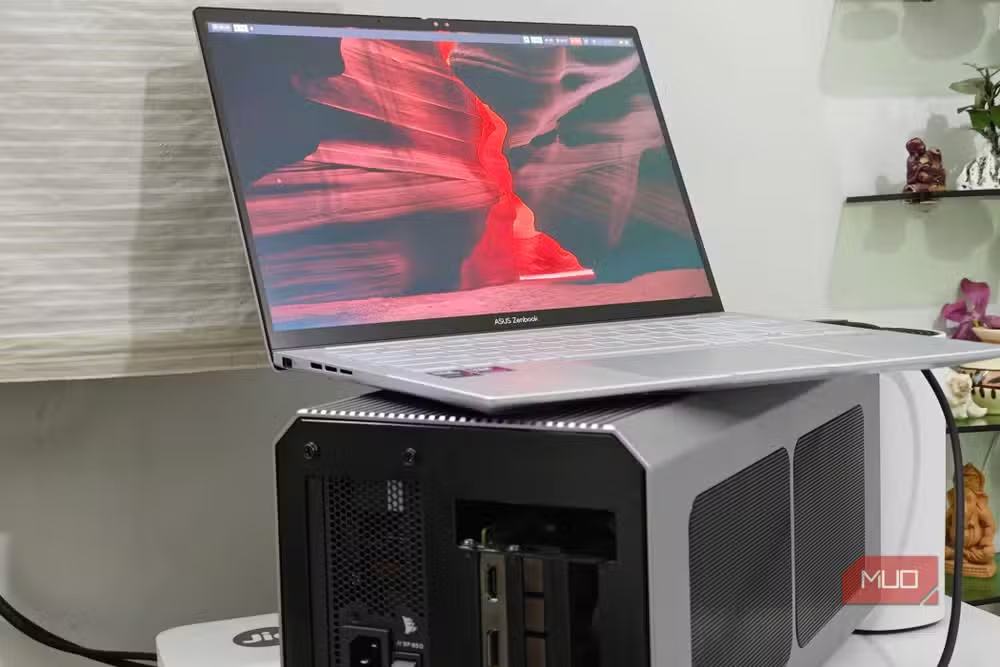
The minimalism that attracts users to i3, Sway, Hyprland, or Niri comes with hidden costs. You get low RAM usage, around 200MB idle versus 500-800MB for a full desktop environment. You also get full responsibility for integrating file managers, notification daemons, screen lockers, network managers, and remote desktop support.
Why KDE Plasma handles these edge cases better
A traditional desktop environment bundles these integrations. KDE ships with Dolphin, one of the most capable file managers on Linux. Remote desktop and input sharing work through KRfb and tools like Deskflow. KDE Connect lets you control your phone from your desktop or share clipboards across devices. None of this requires manual setup.
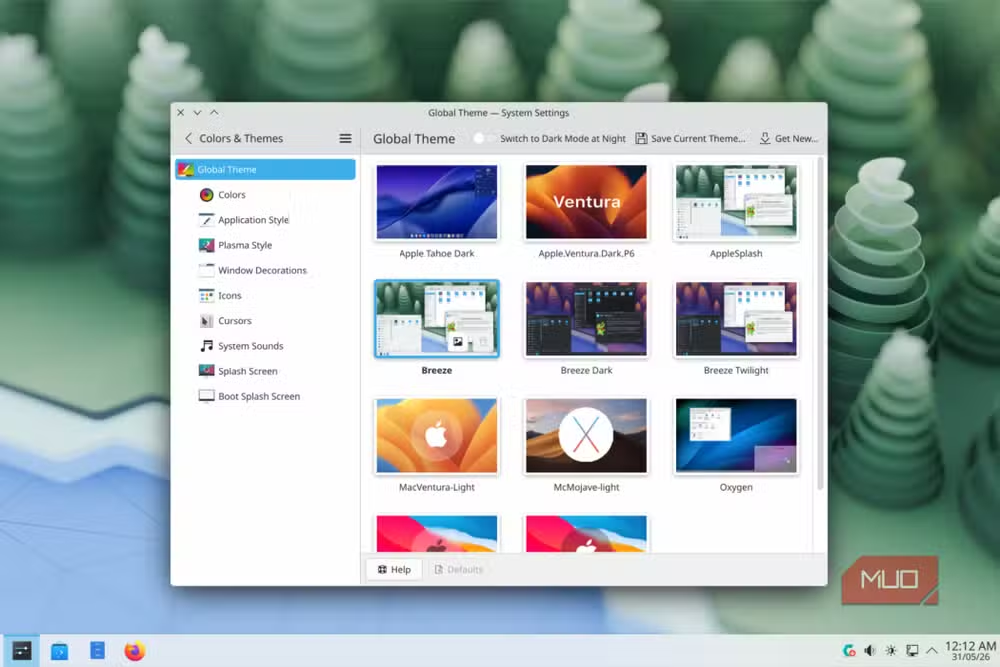
Niri and other tiling WMs technically support some of these features through third-party tools. The difference is reliability. Saha notes that workarounds exist for remote input on tiling managers, but none are "real fixes." When something works in a DE because the developers designed it to work, you spend less time troubleshooting.
Installing KDE Plasma 6 on Arch Linux
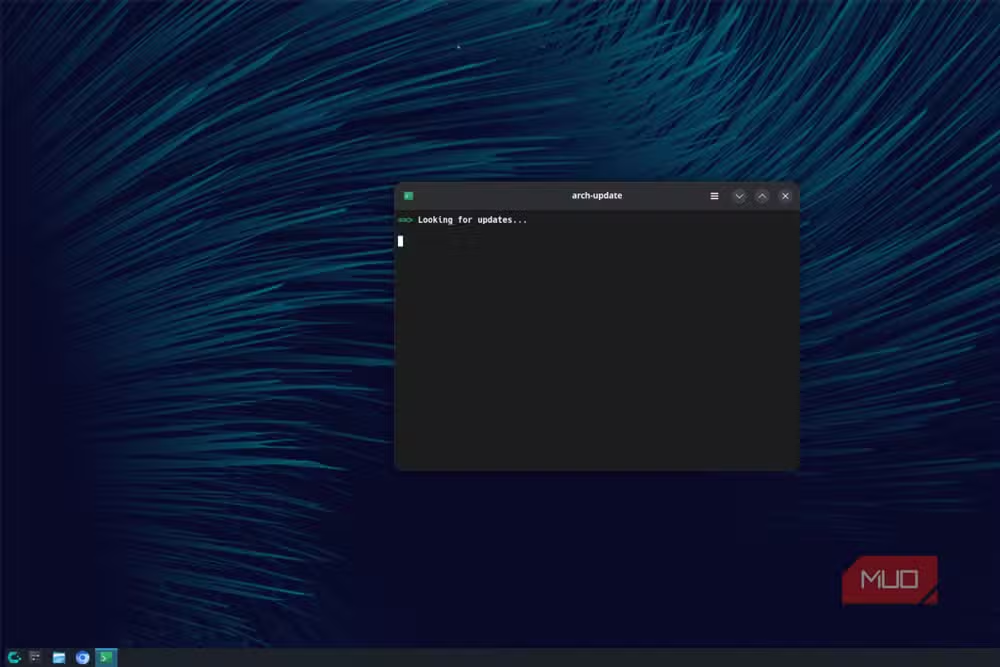
The transition took one command. On Arch, you install the plasma package plus whatever applications you actually need. No meta-package bloat required.
sudo pacman -S plasma spectacle dolphin ark gwenview okular kdeconnectAfter enabling SDDM, the Plasma login manager, and rebooting, KDE Plasma 6 greeted him with a cleaner interface than Plasma 5. The Wayland transition has matured. Crashes happen less frequently. The new mascot, Konqi, looks sharper.
Some regressions exist. Accessibility features took a step back in the Wayland port. But for users who don't depend on screen readers or other assistive tools, Plasma 6 represents a solid upgrade.
KDE's tiling options remain weak
Here's where Plasma disappoints. The built-in manual tiler forgets window layouts after a reboot. Bismuth, the best auto-tiler for Plasma 5, broke with the Plasma 6 transition and hasn't been replaced. Kronhkite offers a partial substitute but requires extensive manual configuration.
GNOME users have Pop-Shell, which works reliably. KDE users have hopes for Karousel or Quickshell-based solutions that could transform a tiling WM into a full desktop environment. For now, those remain experimental.
This gap explains why someone would use Sway or Niri in the first place. If tiling is your priority, standalone tiling WMs do it better. KDE just does everything else better.
The tradeoff: completeness vs control
Tiling window managers attract users who want total control over their desktop. Every keybinding, every status bar segment, every pixel is yours to configure. That control costs time. Hours of tweaking config files, hunting for compatible tools, fixing breakages after updates.
KDE Plasma attracts users who want a complete desktop that works immediately. You sacrifice some customization ceiling for a much lower configuration floor. The 27-year-old KDE project has had time to polish rough edges that newer tiling WMs haven't addressed.
Neither approach is wrong. But if your hardware has quirks, if you rely on integrations like remote desktop, or if you'd rather spend time using your computer than configuring it, KDE wins.
Logicity's Take
This experience reflects a broader pattern in Linux tooling. Minimalist solutions trade completeness for simplicity. That tradeoff works until you hit an edge case the developers never tested. KDE's advantage isn't features, it's years of accumulated bug fixes for scenarios most users never imagine. The real question isn't whether tiling WMs are better. It's whether your workflow fits their constraints.
Frequently Asked Questions
Can you use tiling workflows on KDE Plasma?
Yes, but the options are limited. The built-in manual tiler doesn't persist layouts across reboots. Kronhkite is the best third-party auto-tiler for Plasma 6, though it requires manual configuration. Pop-Shell on GNOME offers a more polished tiling experience.
Why do eGPUs fail on tiling window managers?
Most tiling WMs lack proper hot-plug handling for displays and GPUs. They expect static hardware configurations at login. Full desktop environments like KDE handle display changes dynamically through their compositors.
Is KDE Plasma heavier than tiling window managers?
Yes. KDE typically uses 500-800MB RAM at idle versus under 200MB for minimal tiling WMs like i3 or dwm. On modern hardware with 16GB or more, this difference rarely matters in practice.
What happened to Bismuth on KDE Plasma 6?
Bismuth broke during the Plasma 5 to Plasma 6 transition and hasn't been updated. Kronhkite is the closest replacement, but it's less polished and harder to configure.
Need Help Implementing This?
Setting up KDE Plasma or migrating from a tiling window manager? Logicity covers Linux desktop environments, developer workflows, and system configuration. Follow our hacks and workarounds category for more practical guides.
Source: MakeUseOf
Huma Shazia
Senior AI & Tech Writer
Produced with AI assistance and reviewed by the Logicity editorial team. Learn more in our Editorial Policy.






