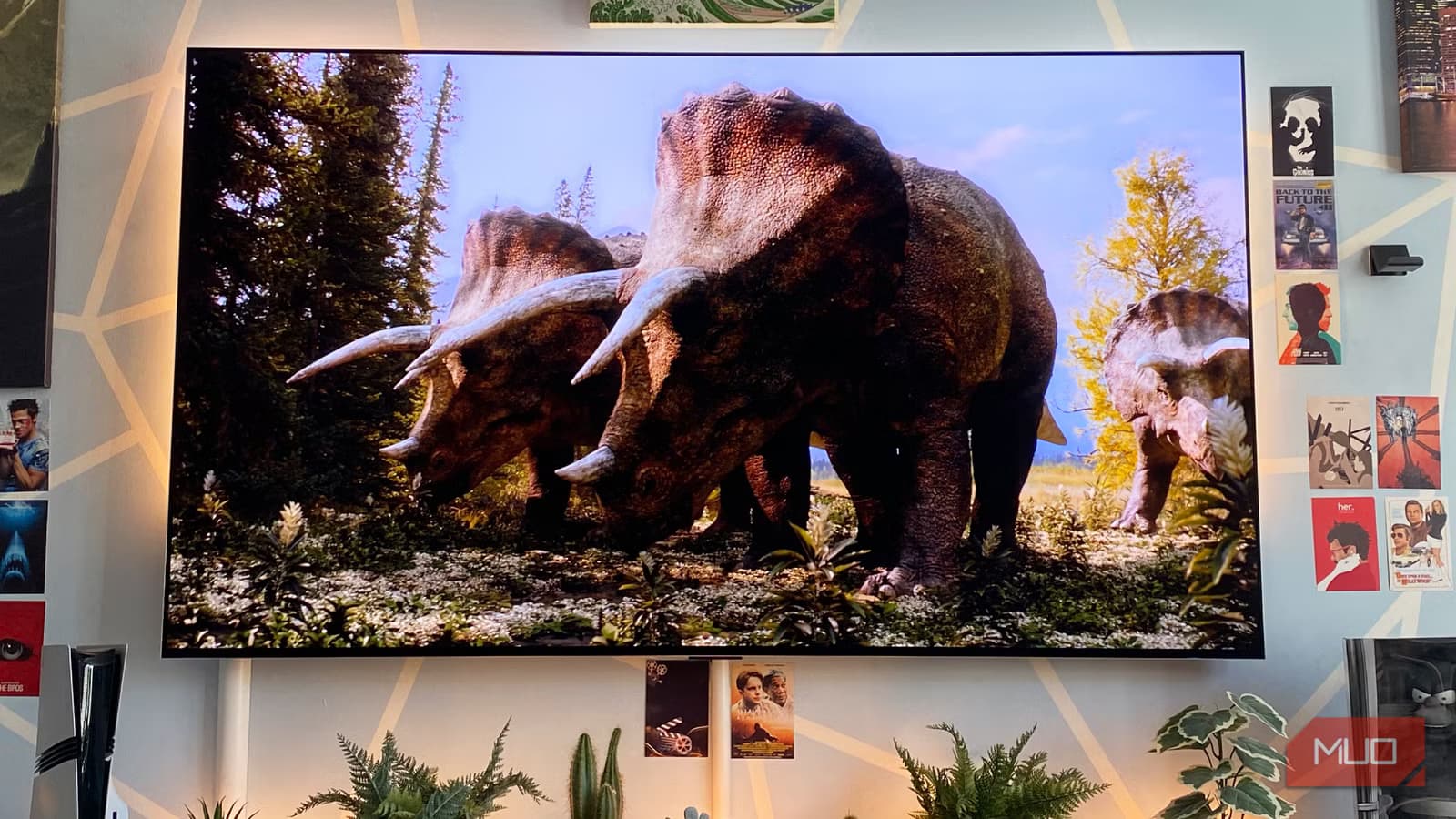
Key Takeaways
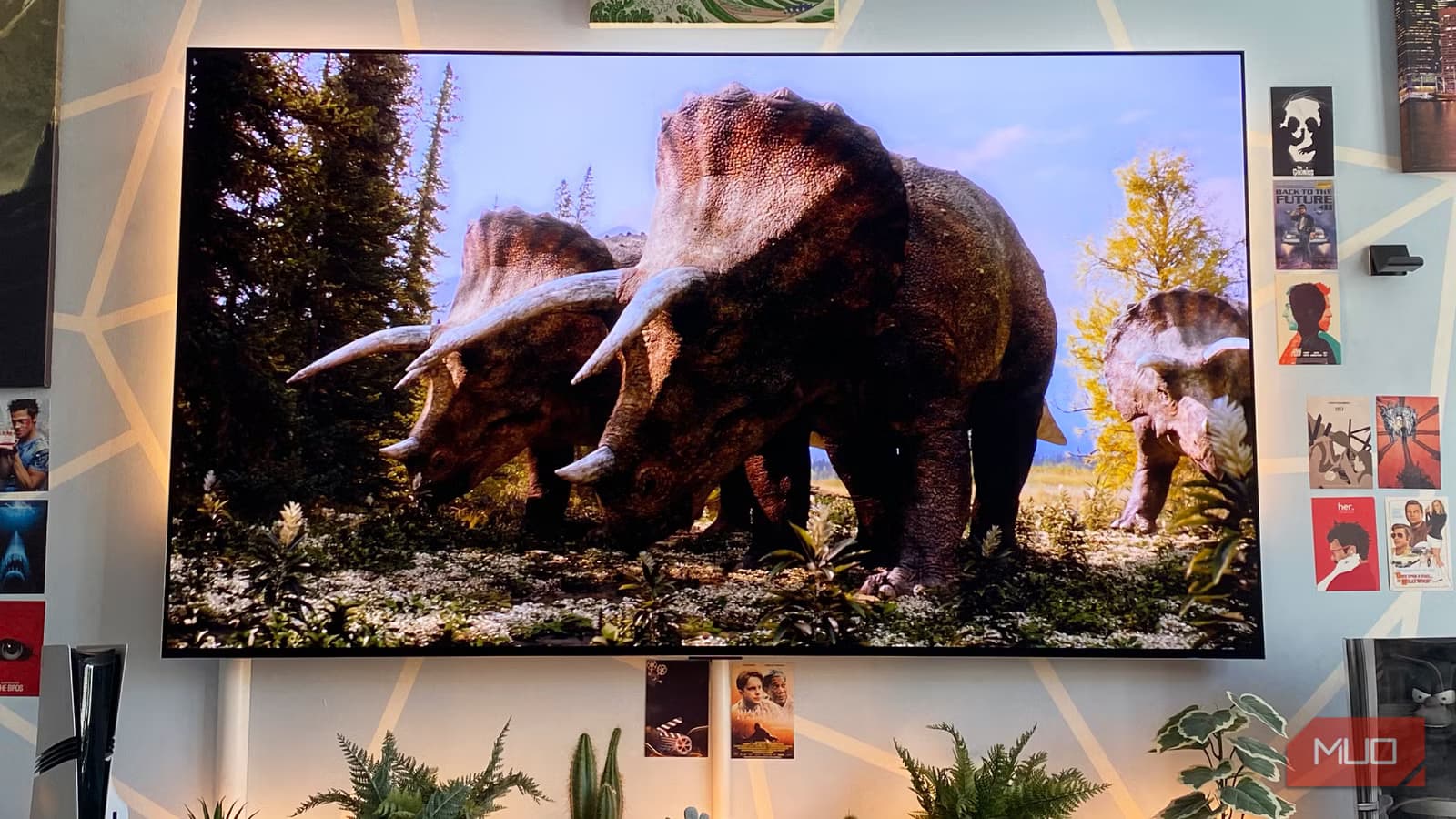
- OLED pixels are self-emissive, producing perfect infinite blacks that LCD backlights cannot match
- Modern OLED panels have built-in pixel cleaning cycles that reduce burn-in risk significantly
- Top OLED models like the LG G5 now hit 2500 nits peak brightness, closing the gap with LED
I bought my first OLED TV back in 2015. I've never looked back. What started as an expensive experiment became a permanent shift in how I watch movies, play games, and consume any visual content. The technology spoils you in ways that make returning to traditional LED screens feel like a downgrade.
The common objection to OLED has always been burn-in. Fair enough. Early panels had real retention issues. But modern OLED displays include built-in pixel cleaning cycles that make permanent image retention far less likely than before. The fear is mostly outdated.
Yes, OLEDs cost more than LCDs. That's because the technology is superior in almost every metric that matters for picture quality. Here's why going back isn't an option.
Perfect Black Levels Change Everything
This is the real differentiator. OLED TVs have perfect, infinite black levels. The secret is that OLED pixels are self-emissive. They can completely turn off during dark scenes. No backlight bleeding through. No approximation. Actual black.
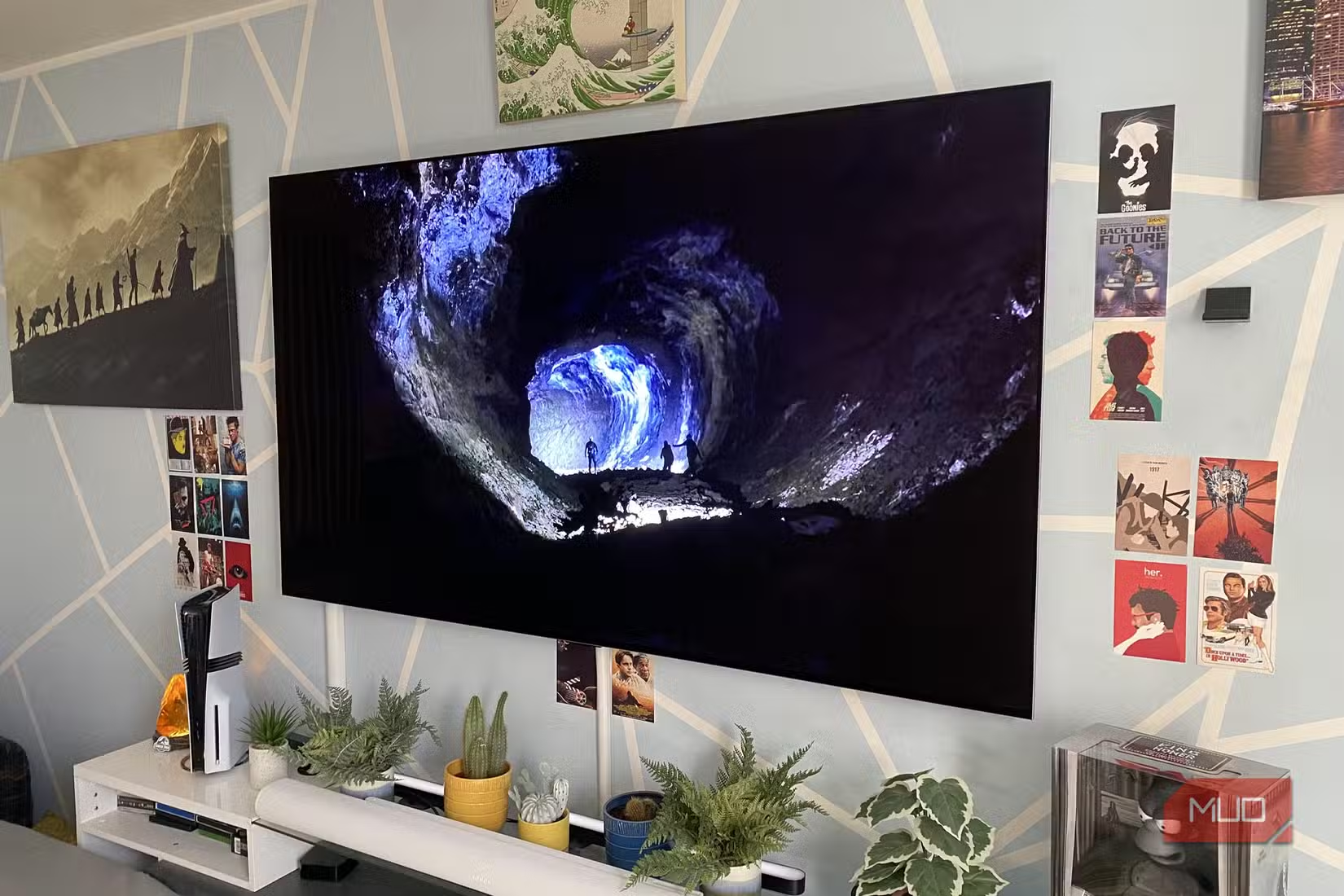
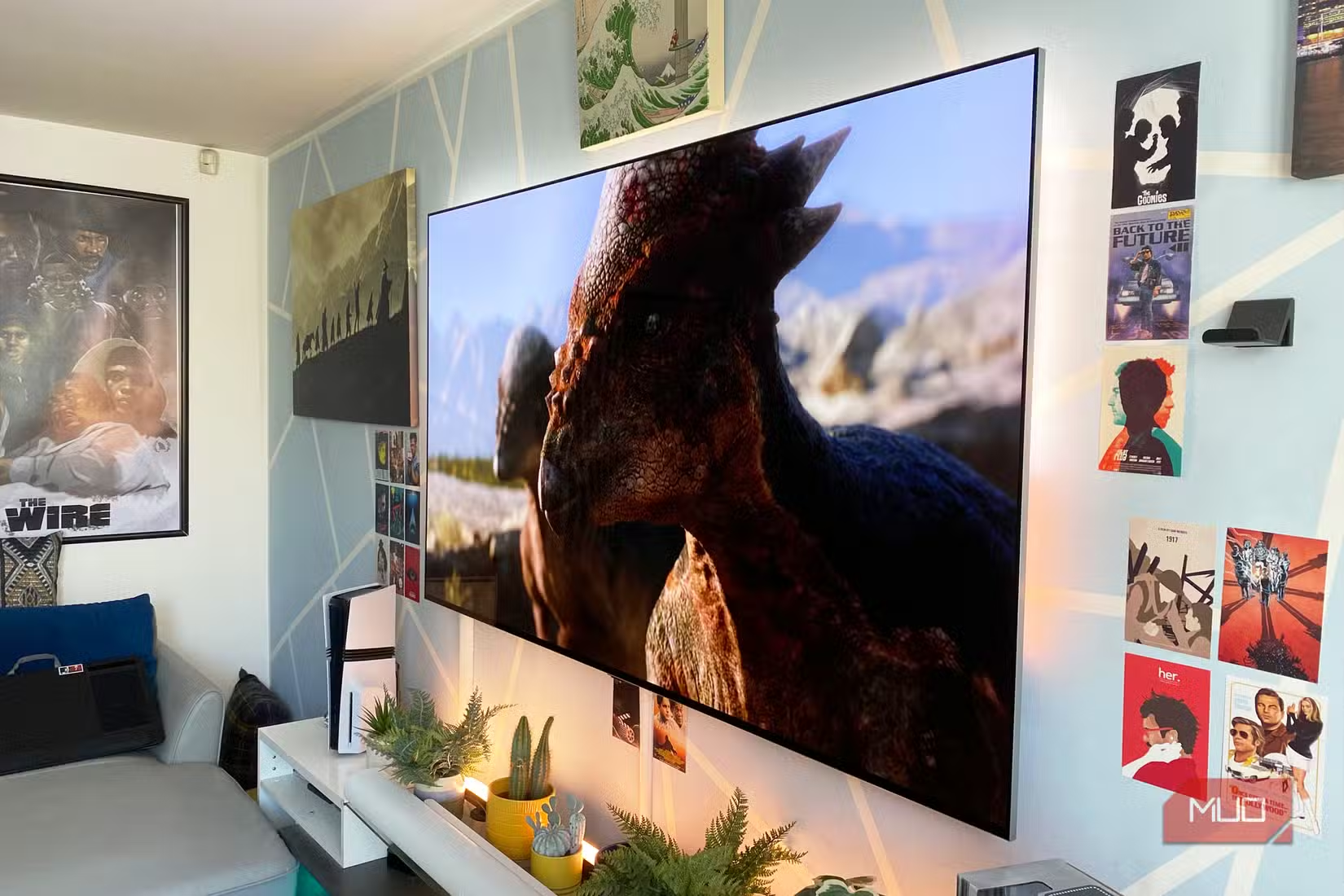
Watch a movie at night on an OLED and the experience is immersive in a way LCD cannot replicate. The blacks on screen match the darkness of your room. Scenes in space, horror movies, noir films. They all benefit.
LCD TVs, even the best ones, produce what I'd call soupy grays in dark scenes. The backlight illuminates the liquid crystal layer, and because LCDs have a limited number of dimming zones, light doesn't distribute evenly. You get haloing around bright objects and light bleed in screen corners.
Superior Screen Uniformity
LCD panels suffer from something called Dirty Screen Effect. It shows up most clearly on solid color backgrounds. Sports broadcasts, video games with large UI elements, presentation slides. You'll see uneven patches where the backlight isn't consistent.
OLED eliminates this problem. Each pixel controls its own light output. There's no backlight layer creating inconsistencies. The result is clean, uniform images across the entire panel.
The Brightness Gap Is Closing
The one area where LCD traditionally won was peak brightness. That advantage is shrinking fast. Top OLED models like the LG G5 now hit 2500 nits of peak brightness in HDR mode. That's bright enough for any normal viewing environment, including rooms with significant ambient light.
For HDR content, what matters more than raw brightness is contrast. A 2500-nit highlight next to a perfect black creates far more impact than a 3000-nit highlight next to a dark gray. OLED wins this contrast battle decisively.
Gaming on OLED Is a Different Experience
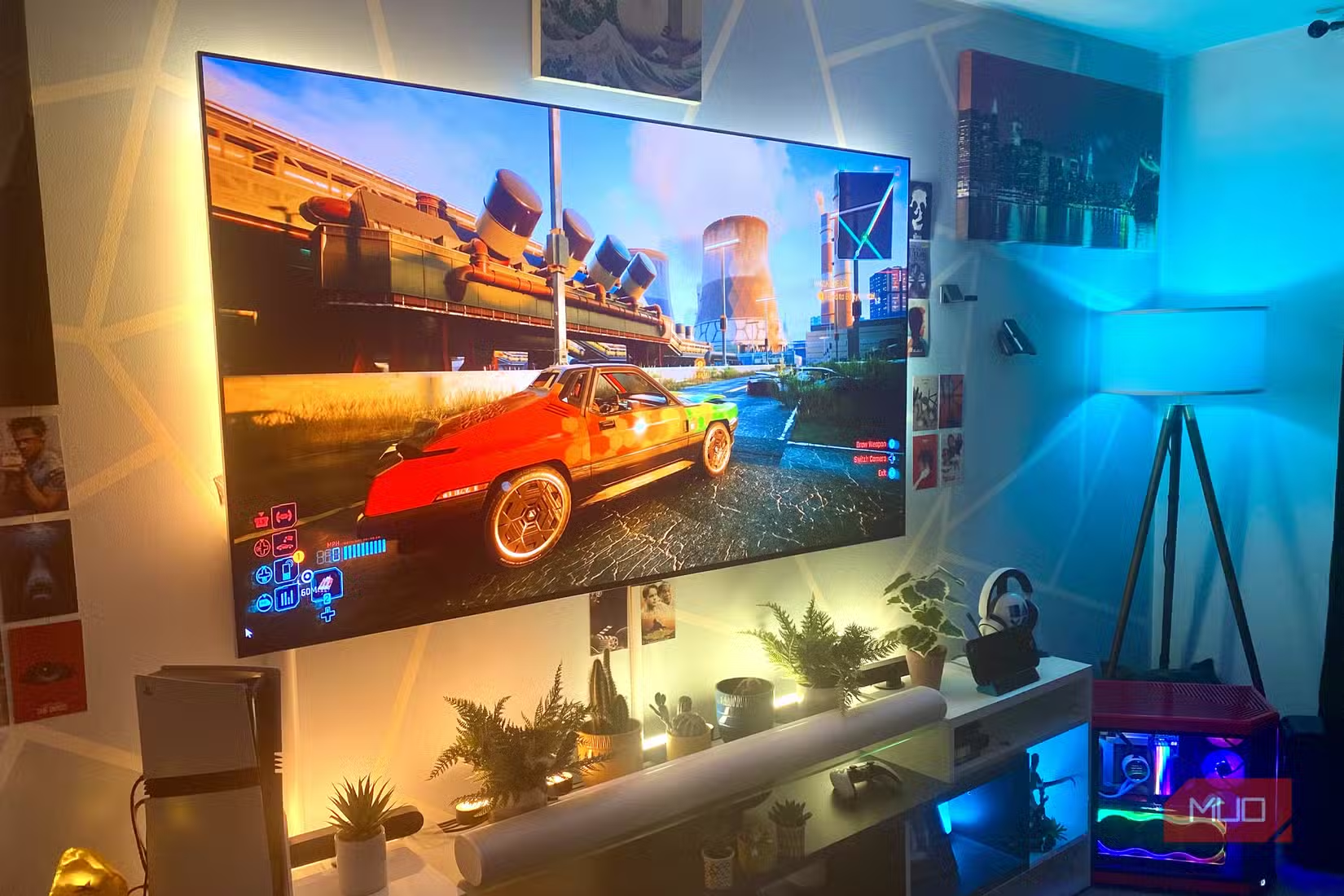
Games with strong art direction shine on OLED in ways that justify the premium alone. Titles like Red Dead Redemption 2 and Cyberpunk 2077 use lighting and shadow to create atmosphere. On LCD, you lose detail in dark areas. On OLED, you see everything the developers intended.
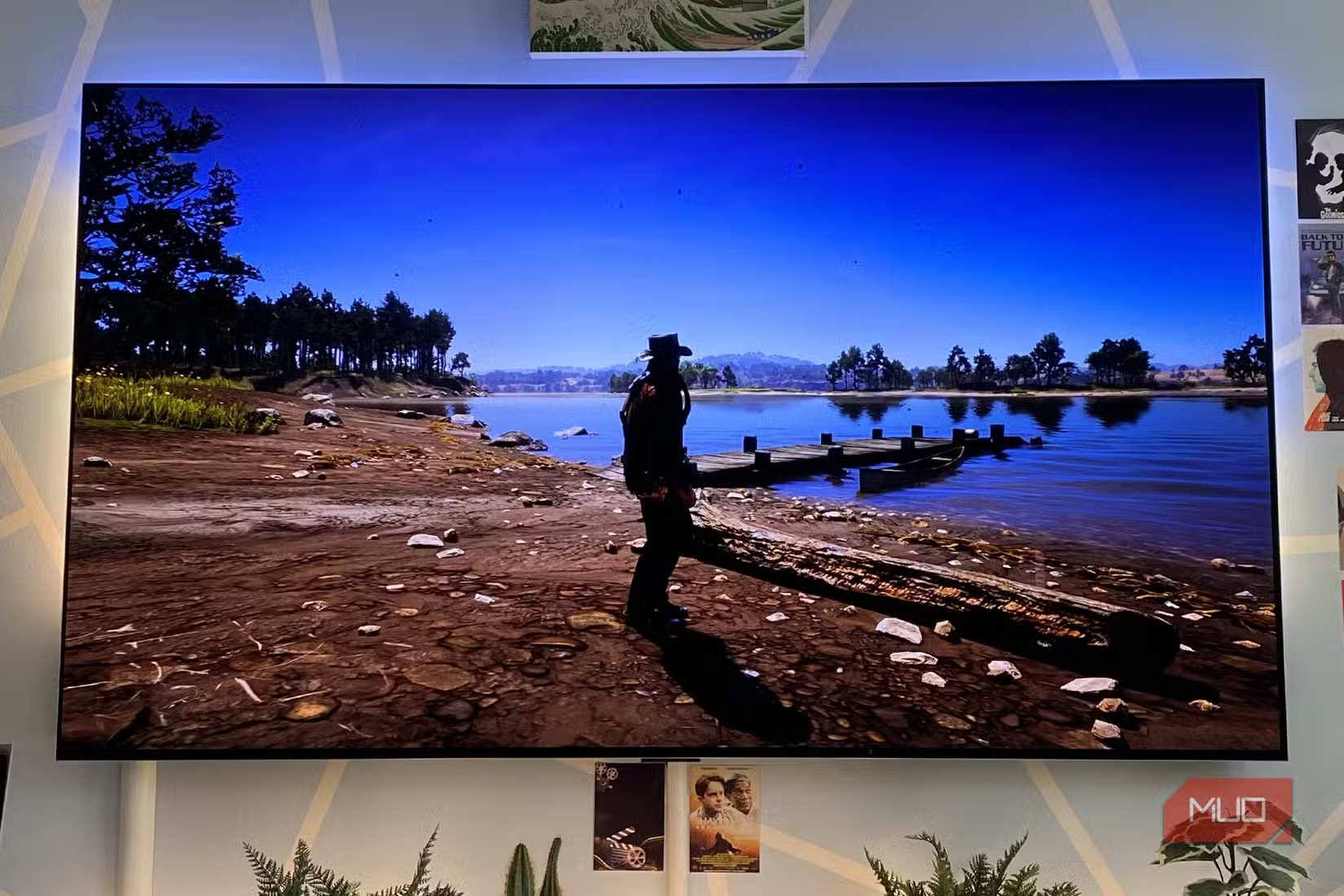
Response times on OLED panels are also excellent. The self-emissive pixels can switch states nearly instantaneously. No ghosting, no motion blur from slow pixel transitions. For fast-paced games, this matters.
Several top gaming laptops now feature OLED panels
The Cost Calculation
OLED TVs cost more upfront. That's the tradeoff. But prices have dropped significantly since 2015. A 55-inch OLED that once cost $3000 or more now sells for under $1500 during sales. The premium over equivalent-size LCDs has shrunk from 3x to roughly 1.5x.
For anyone who watches a lot of movies, plays games regularly, or simply cares about picture quality, the premium pays for itself in daily enjoyment. It's not a spec sheet upgrade. It's a visible, tangible improvement every time you turn on the TV.
Pair your OLED display with capable gaming hardware
✅ Pros
- • Perfect infinite black levels from self-emissive pixels
- • Superior screen uniformity without Dirty Screen Effect
- • Excellent response times with no ghosting
- • Modern panels have effective burn-in prevention
❌ Cons
- • Higher upfront cost than equivalent LCD TVs
- • Peak brightness still slightly lower than best LEDs
- • Burn-in risk exists for static content over long periods
Logicity's Take
Frequently Asked Questions
Is OLED burn-in still a problem in 2026?
Modern OLED panels include pixel cleaning cycles and screen savers that significantly reduce burn-in risk. For typical viewing habits with varied content, burn-in is unlikely to occur within the TV's useful lifespan.
How bright are OLED TVs compared to LED?
Top OLED models now reach 2500 nits peak brightness in HDR mode. While some LED TVs can exceed 3000 nits, OLED's perfect blacks create superior perceived contrast in most viewing conditions.
Are OLED TVs worth the extra cost over LED?
For viewers who prioritize picture quality, yes. The perfect blacks, superior uniformity, and excellent response times provide visible improvements in movies, gaming, and HDR content that justify the roughly 1.5x price premium.
Which is better for gaming, OLED or LED?
OLED is generally better for gaming due to near-instant pixel response times, perfect blacks that enhance atmosphere, and superior contrast. The main consideration is avoiding static HUD elements displayed for extended periods.
Need Help Implementing This?
Source: MakeUseOf
Manaal Khan
Tech & Innovation Writer
Produced with AI assistance and reviewed by the Logicity editorial team. Learn more in our Editorial Policy.






