Key Takeaways
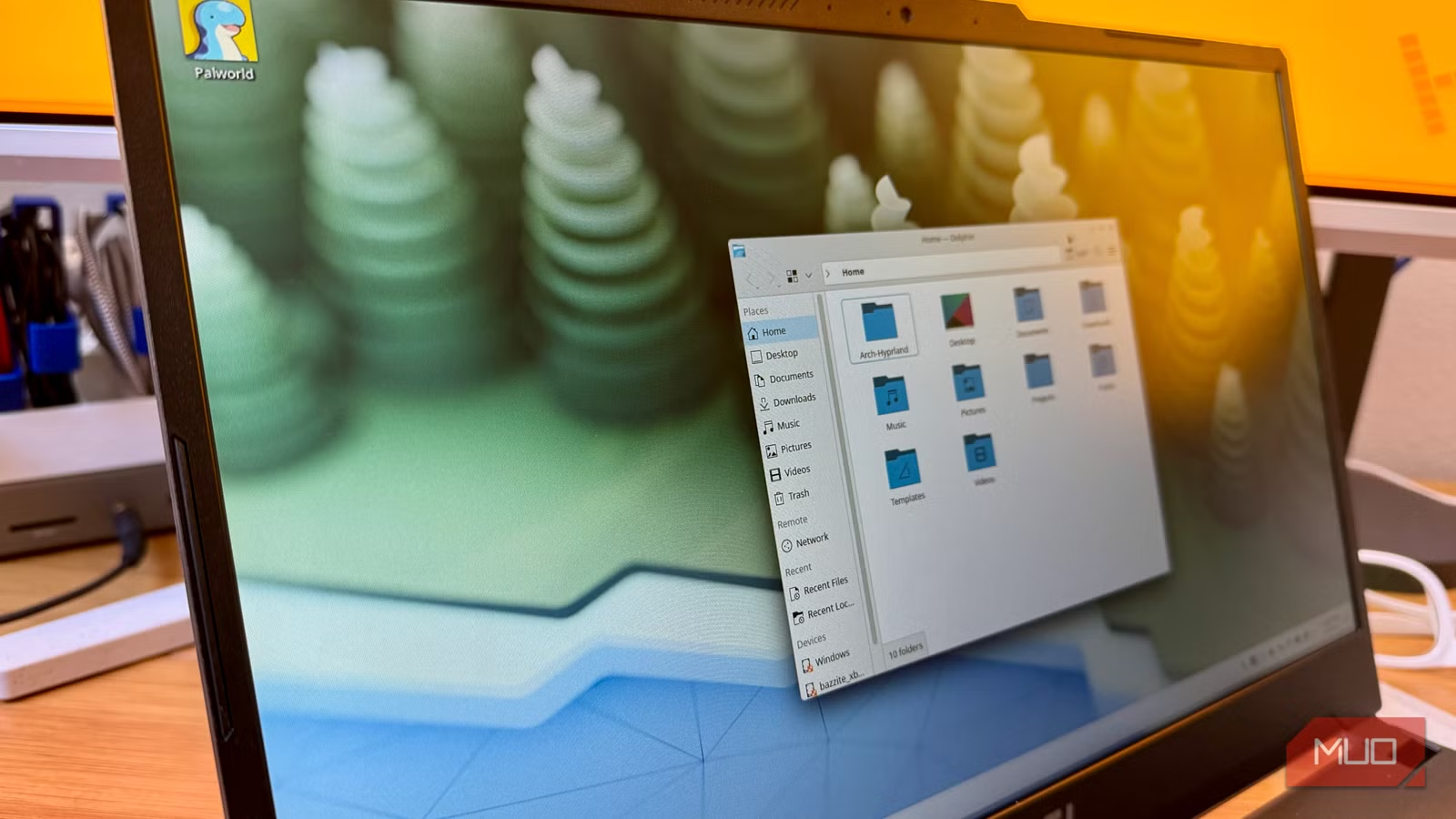
- Proton now runs close to 90% of Windows Steam games on Linux without configuration
- EndeavourOS idles at 700MB RAM versus Windows 11's heavier baseline
- Rolling releases mean GPU drivers update with one command, no manual downloads
Rob LeFebvre set up a dual-boot system on his gaming laptop with Windows on one partition and EndeavourOS on the other. The idea was simple: Windows for edge cases, Linux for everything else. What happened surprised him. He almost never boots Windows anymore, and when he does, the experience reminds him why he left.
LeFebvre, a technology journalist who has covered PCs and gaming for over 15 years, documented his experience in a MakeUseOf piece that resonated strongly with the Linux community. His argument is not that Windows is bad. It's that EndeavourOS has eliminated most reasons to use it.
How does Steam gaming work on EndeavourOS?
The short answer: it just works. EndeavourOS ships with pacman and yay, so installing Steam takes one terminal command. Once installed, Valve's Proton compatibility layer handles Windows games automatically.
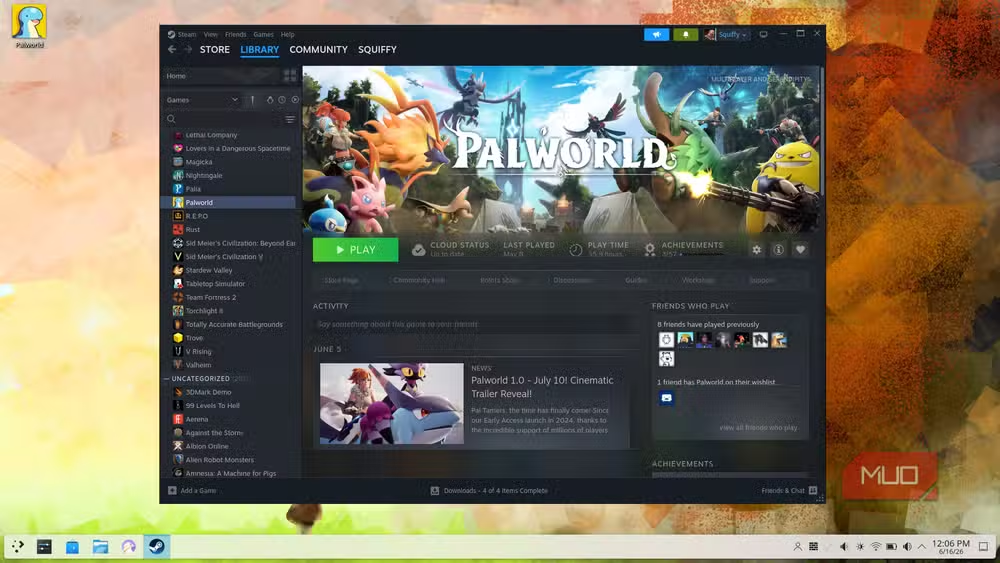
LeFebvre tested Palworld, a Windows-only title with no native Linux build. It launched without extra configuration. Proton handled everything in the background. According to current Steam data, close to 90% of Windows games on the platform now run on Linux in some form. The holdouts are mostly multiplayer titles with kernel-level anti-cheat systems.
Games with native Linux builds, like Baldur's Gate 3, run at the same frame rates as their Windows counterparts. For anything questionable, ProtonDB lets users check compatibility before buying.
Why is EndeavourOS lighter than Windows 11?
Windows 11 ships with a taskbar news widget that activates on hover, Copilot integrated throughout the OS and context menus, and a settings panel that buries useful options under layers of rarely-used features. EndeavourOS ships with nothing you didn't choose.
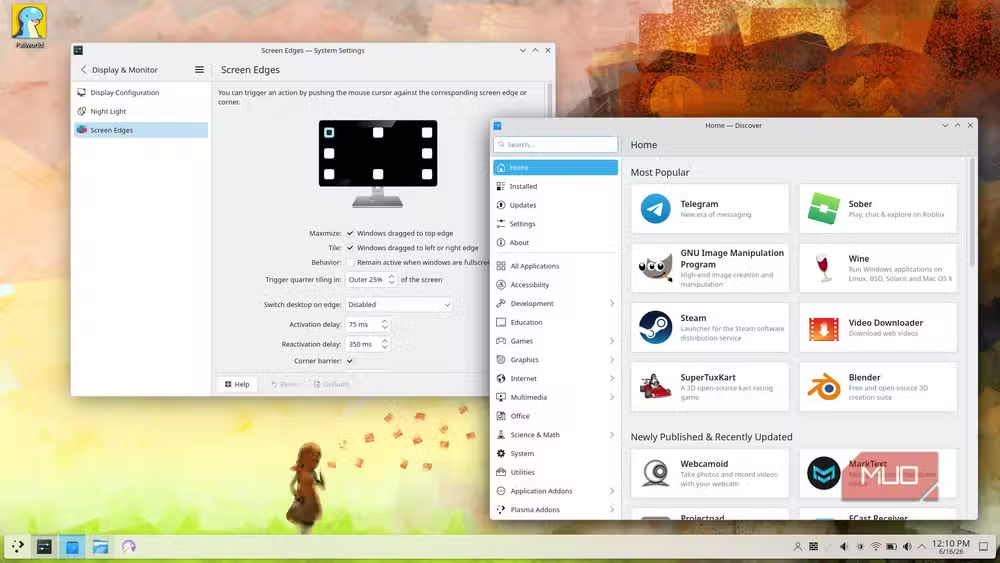
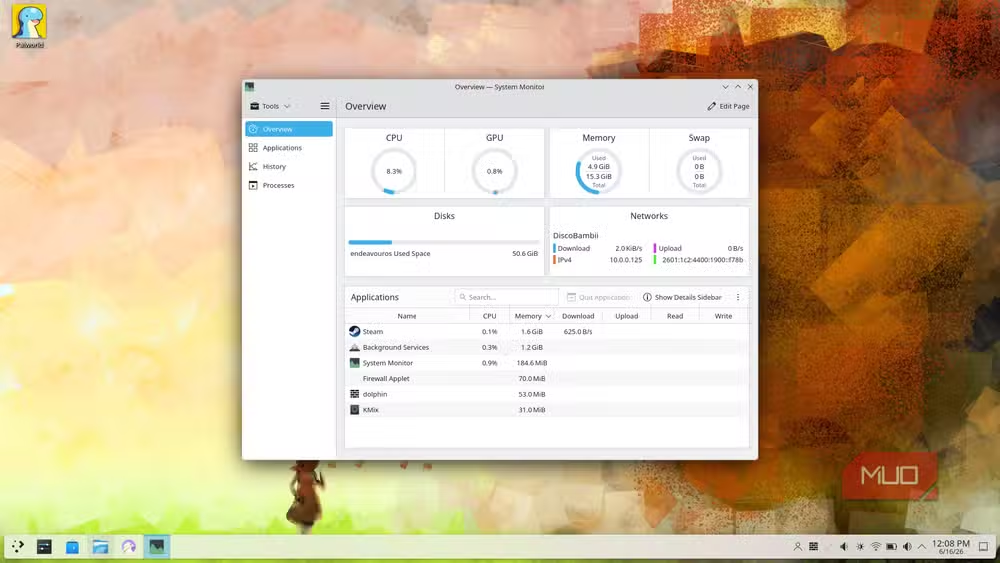
The Calamares installer lets users pick their desktop environment and software. What gets installed is what you selected. Nothing more. A base EndeavourOS installation idles at around 700MB of RAM. Boot times are fast. The desktop responds instantly. There's no background churn from services or scheduled tasks you never asked for.
For gaming, those reclaimed resources go to the game, not the operating system. EndeavourOS stays close to upstream Arch without the heavy customization layers other Arch-based distributions add. That means simpler defaults and official Arch repositories.
How do driver updates work on a rolling release?
EndeavourOS follows a rolling release model. There's no version number to upgrade to, no annual release cycle, and no specific upgrade process like macOS or Windows force on users. Run sudo pacman -Syu and everything on the system, including the kernel and GPU drivers, updates to the latest versions immediately.
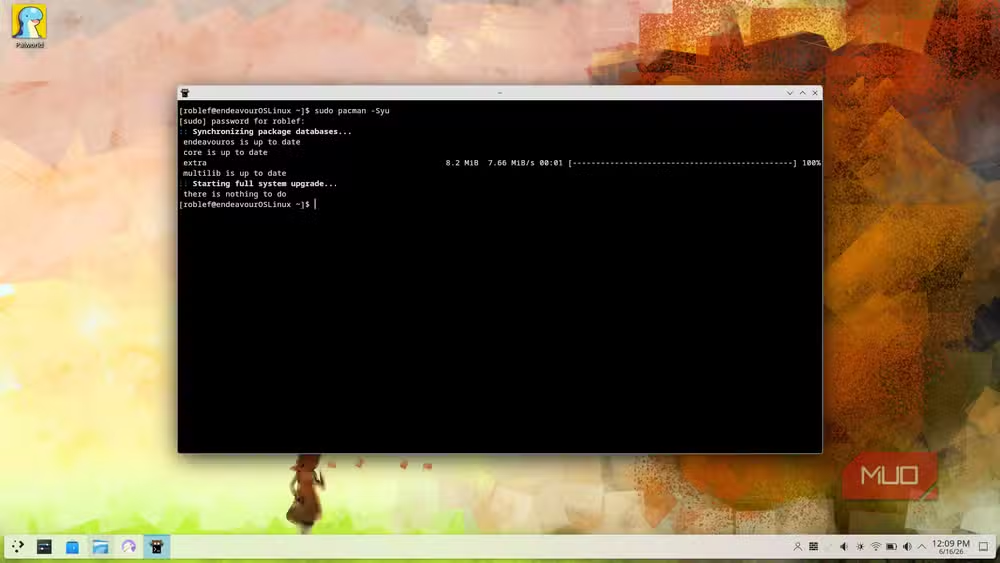
For Nvidia hardware, this matters. Driver updates on Windows require catching them manually or trusting GeForce Experience. Major Windows updates can occasionally break GPU driver installs. On EndeavourOS, the latest Nvidia driver lands in Arch repositories as soon as it's packaged. LeFebvre's RTX 4050 has been running current drivers since installation day without manual intervention.
The Arch User Repository extends this further. If a package exists, it's almost certainly in the AUR, and it's likely up to date. As LeFebvre put it: "Once you experience the AUR, going back to the Windows package management model feels like trying to run in quicksand."
What about privacy and telemetry?
Windows 11 forces telemetry collection with no way to fully disable it. Some diagnostic data reaches Microsoft servers regardless of what users toggle off in Settings. Microsoft uses that data for reliability improvements and ad targeting, and some of it can be sold to data brokers.
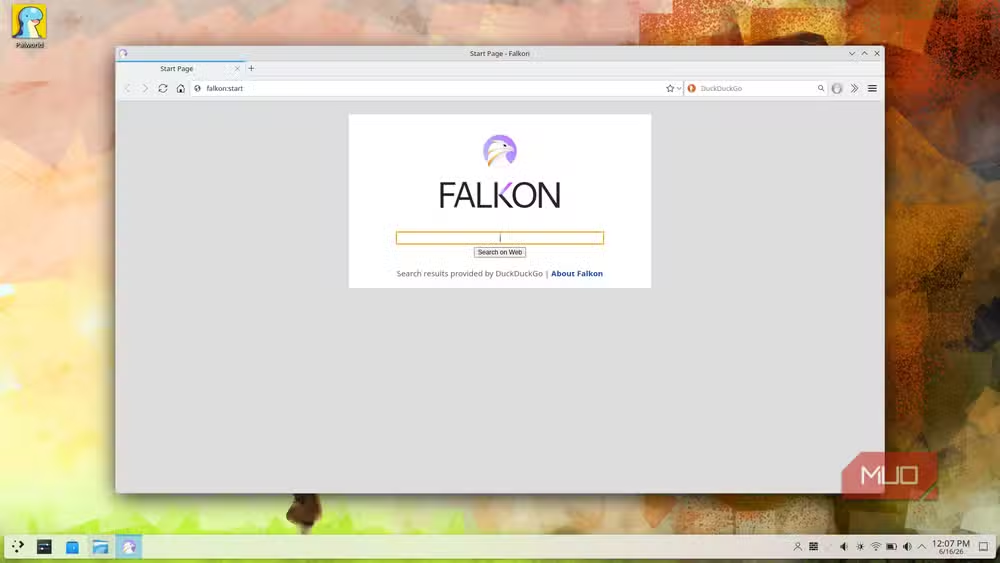
EndeavourOS, like most Linux distributions, sends nothing by default. No opt-out gymnastics required.
Where does EndeavourOS stand in 2026?
The distribution holds a 1.86% market share among Linux users on Steam as of May 2026. It averages 1,115 daily page hits on DistroWatch, placing it consistently in the top 10 distributions. User ratings on DistroWatch sit at 8.6 out of 10.
The community response to LeFebvre's article has been strong on r/EndeavourOS and r/linuxgaming. A recurring theme in these discussions is what users call the "EndeavourOS effect": the realization that nearly every Windows gaming edge case can now be handled by Proton or Wine. The Windows partition becomes increasingly unnecessary.
Recent security event affecting the Arch User Repository that EndeavourOS relies on
Logicity's Take
The real story here isn't that Linux gaming has arrived. It's that the remaining friction points, anti-cheat and occasional Proton glitches, are now small enough that a tech journalist with 15 years of Windows experience finds his Windows partition collecting dust. For enterprise IT teams watching their developers dual-boot, this is a signal: the toolchain gap between Windows and Linux workstations has narrowed to nearly nothing. The question isn't whether Linux can handle the workload. It's whether maintaining Windows licenses and update headaches is still worth it.
Frequently Asked Questions
Can I play Windows games on EndeavourOS?
Yes. Steam's Proton compatibility layer runs close to 90% of Windows games on Linux. Check ProtonDB for specific titles before purchasing.
Is EndeavourOS good for gaming beginners?
It depends. EndeavourOS is more accessible than vanilla Arch but still expects users to be comfortable with the terminal. Ubuntu or Linux Mint offer gentler learning curves.
How do I update Nvidia drivers on EndeavourOS?
Run sudo pacman -Syu in the terminal. The latest packaged drivers install automatically as part of system updates.
Does EndeavourOS collect telemetry?
No. Like most Linux distributions, EndeavourOS sends no data by default.
What games don't work on Linux?
Multiplayer games with kernel-level anti-cheat systems, like Rust, often don't work. The list keeps shrinking as developers add Linux support.
Need Help Implementing This?
Considering migrating your development workstations or gaming rigs to EndeavourOS? Logicity's team can help you evaluate hardware compatibility, plan your migration, and train your staff on Linux workflows. Contact us for a consultation.
Source: MakeUseOf
Huma Shazia
Senior AI & Tech Writer
Produced with AI assistance and reviewed by the Logicity editorial team. Learn more in our Editorial Policy.






