Key Takeaways
- 1TB SSDs now cost $160-$300, up from $50 just a year ago
- Mixing SSDs with HDDs for bulk storage is the practical choice again
- SSDs remain essential for your OS and frequently-used applications
The $50 SSD is Gone
A year ago, you could grab a 1TB SSD for $50. That price point made all-SSD builds a no-brainer. Why bother with spinning drives when flash storage was cheap, fast, and reliable?
Those days are over. Today, 1TB SSDs on Amazon range from $160 to well over $300. That's a 3x to 6x price increase in roughly 12 months.
The shift is forcing PC builders to reconsider a strategy that worked for years before the SSD price crash: mixing storage types based on what you actually need.
SSDs Still Win Where Speed Matters
Let's be clear. SSDs remain the best storage device you can put inside your PC for performance-critical tasks. Your operating system, primary applications, and games you're actively playing belong on an SSD. The speed difference is not subtle.
But that doesn't mean every file on your computer needs sub-millisecond access times. Your movie collection, music library, project archives, and backups don't benefit meaningfully from SSD speeds. They sit there, waiting to be accessed occasionally.
The Hybrid Approach Makes Financial Sense
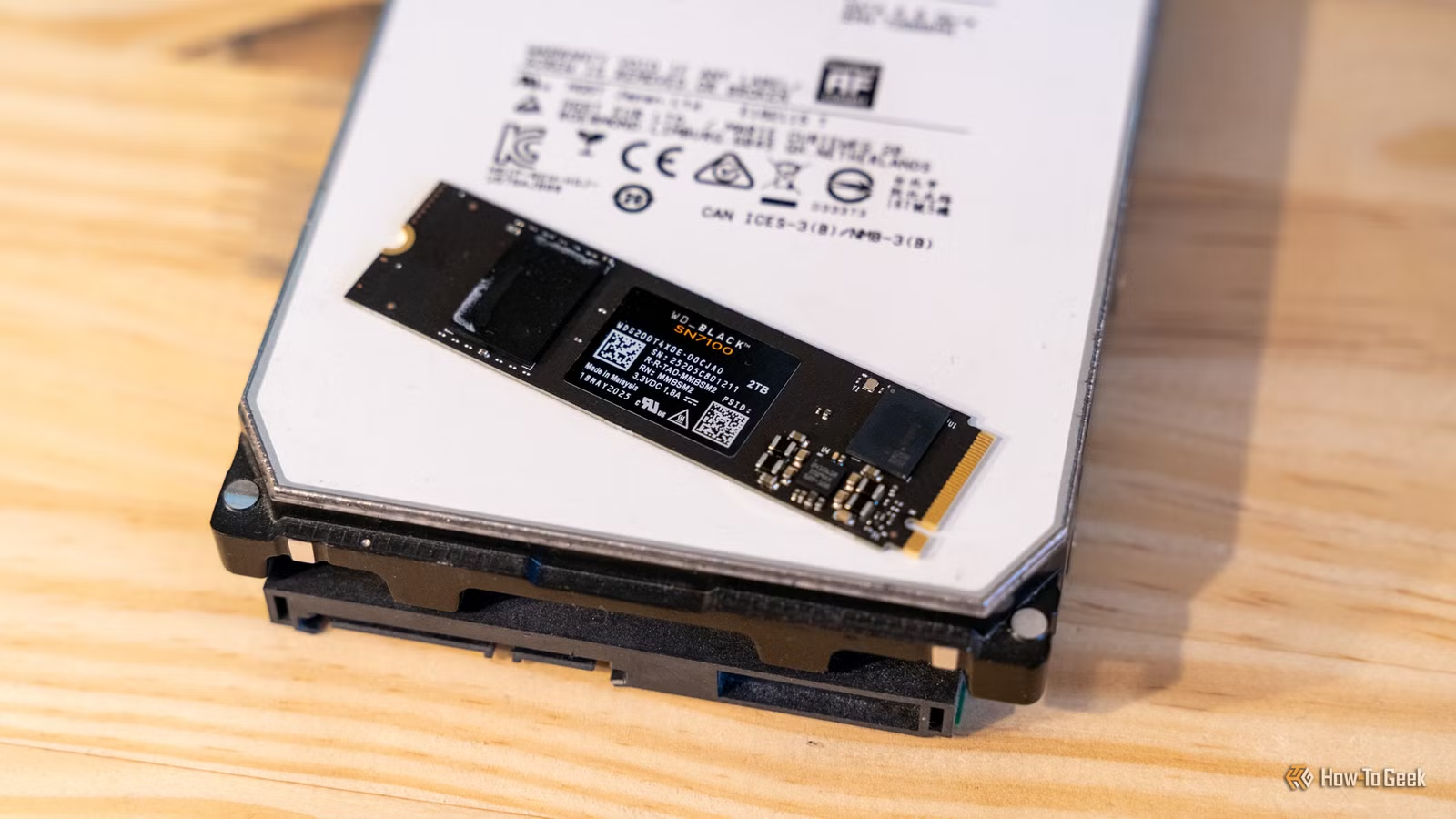
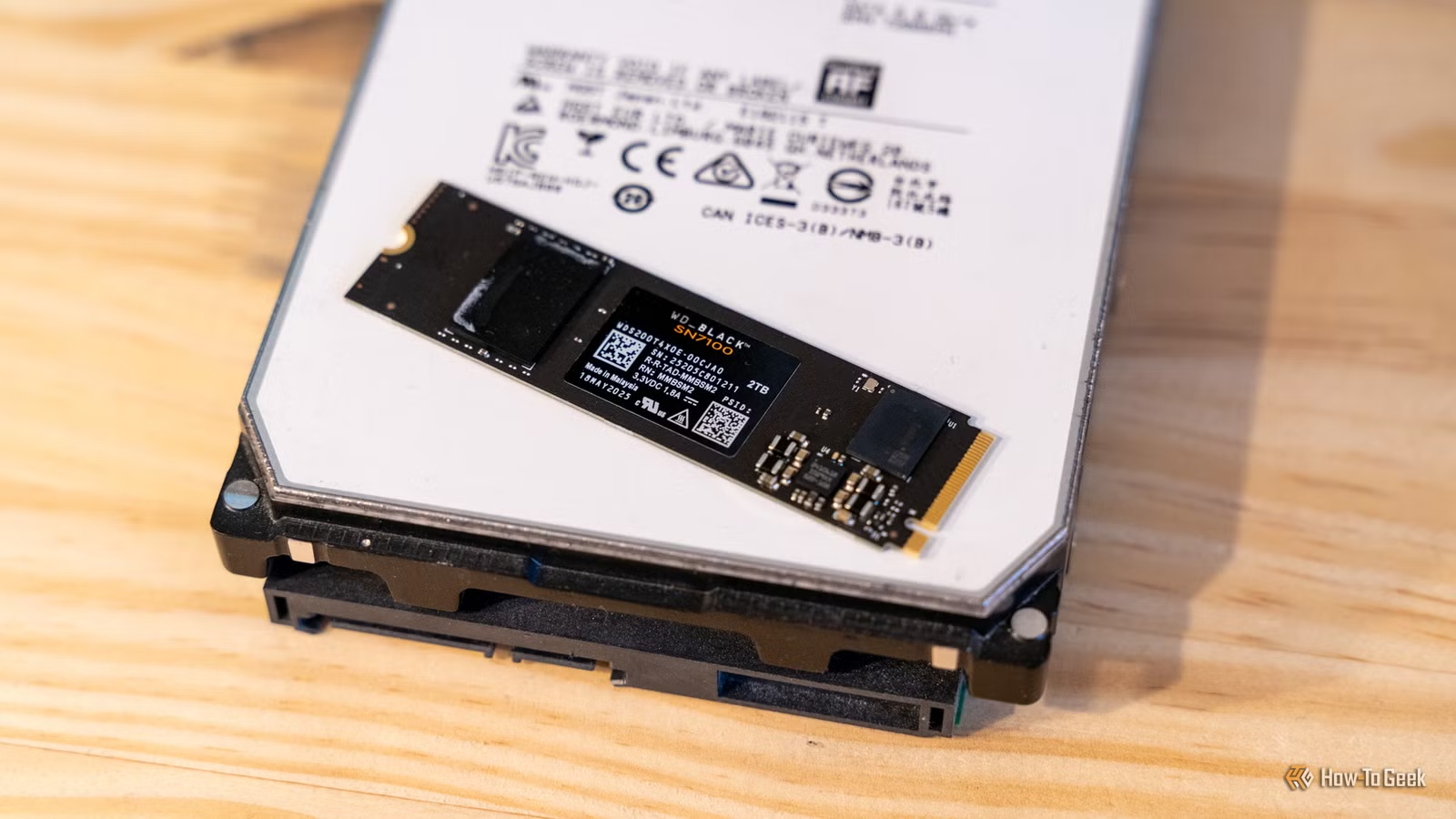
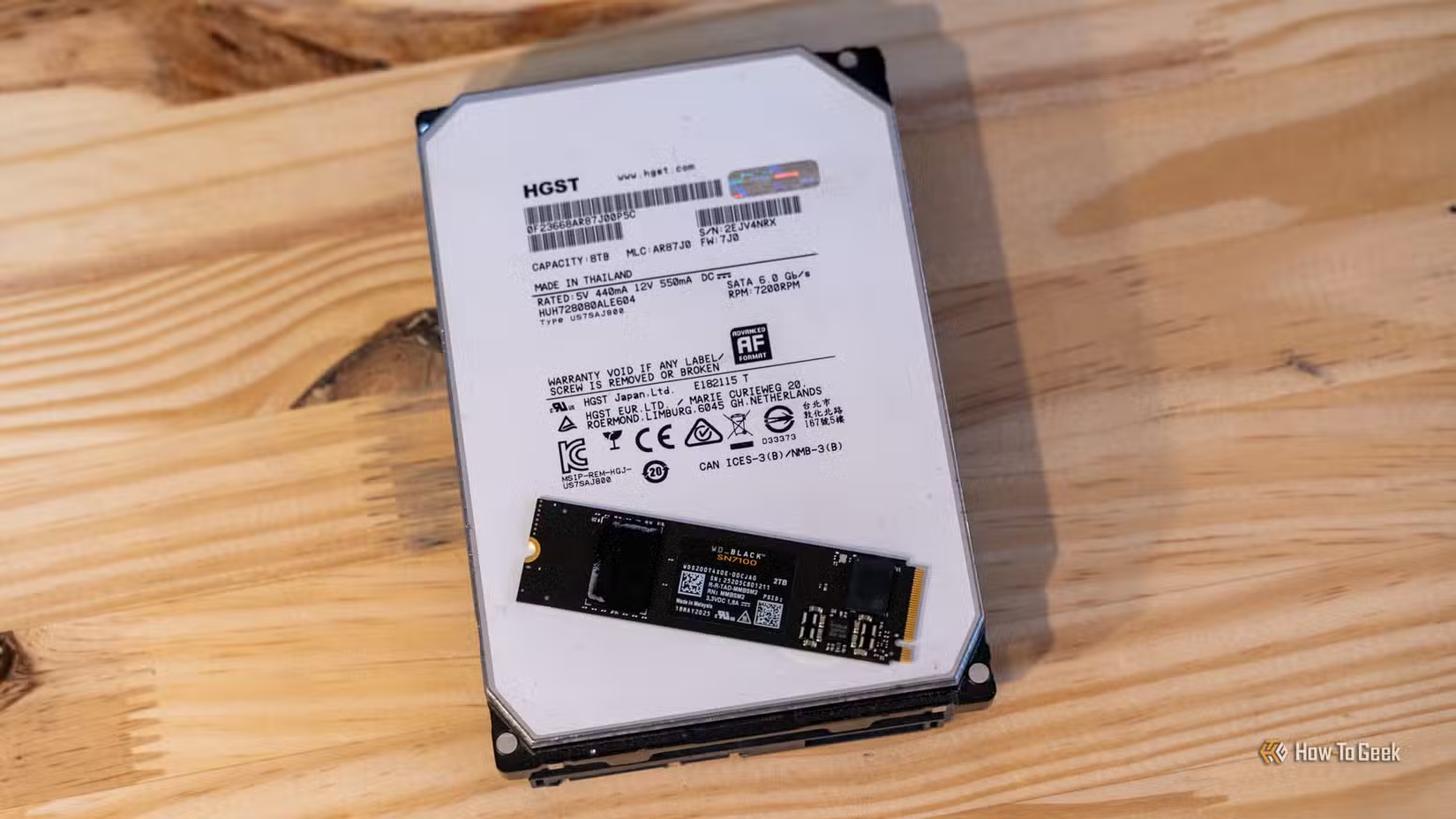
Here's the math. A 4TB HDD costs around $80-$100. A 4TB SSD runs $500 or more. For bulk storage where speed isn't critical, you're paying a 5x premium for benefits you won't notice.
The practical setup for most users looks like this:
- 500GB to 1TB NVMe SSD for your OS and active applications
- A second SSD for games you're currently playing (if gaming is your focus)
- A large HDD (4TB+) for media, archives, downloads, and backups
This setup gives you fast boot times, snappy application launches, and plenty of space for everything else. You're not sacrificing performance where it counts. You're just being realistic about where SSD speeds actually matter.
Why SSD Prices Spiked
NAND flash memory, the foundation of all SSDs, follows supply and demand cycles. Manufacturers cut production when prices dropped too low. Demand stayed steady. The result was predictable: prices climbed back up.
Whether this is temporary or the new normal remains unclear. But planning your storage strategy around $50 SSDs that no longer exist is a mistake.
When All-SSD Still Makes Sense
Some users genuinely benefit from all-SSD builds. If you're working with large video files that need fast random access, compiling massive codebases, or running databases locally, the speed advantage compounds into real time savings.
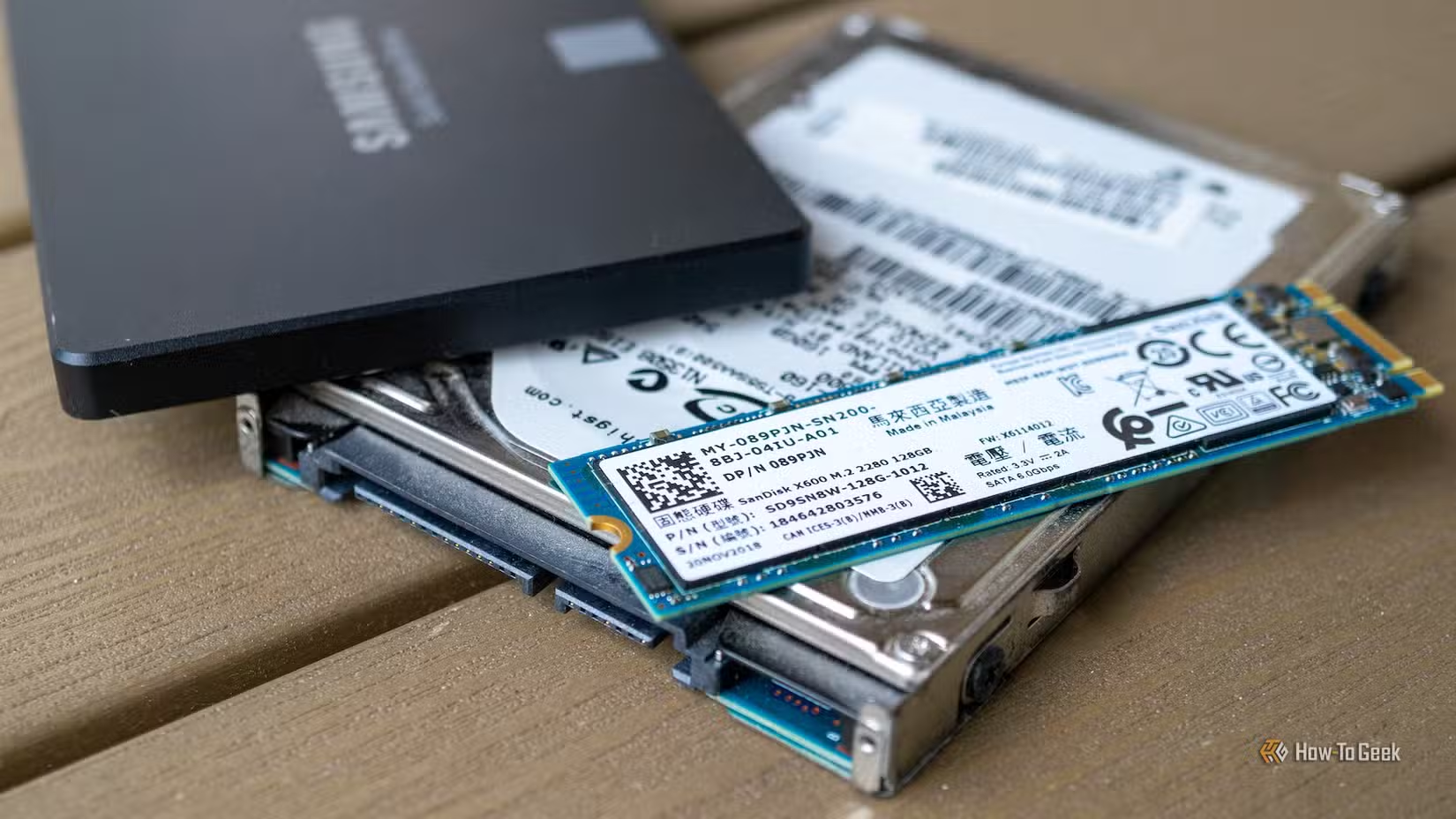
Laptops and small form factor PCs also favor SSDs due to space, power, and noise constraints. You can't easily add a 3.5-inch HDD to a mini-ITX case or ultrabook.
For everyone else, the hybrid approach delivers 90% of the experience at 50% of the cost.
Building Your Storage Strategy
Start with your actual usage. How much data do you generate or store? What percentage of that data do you access daily versus monthly? Be honest about where you need speed and where capacity matters more.
- Calculate your active data footprint (OS, apps, current projects, active games)
- Add 50% headroom for growth and temporary files
- That's your SSD target. Everything else can go on cheaper storage.
- Consider your backup strategy. HDDs make excellent backup destinations.
Most users find that 1TB to 2TB of SSD space covers their active needs comfortably. The rest can sit on a high-capacity HDD that costs a fraction per gigabyte.
Logicity's Take
Another practical approach to getting more value from hardware you already own
Frequently Asked Questions
Why did SSD prices increase so much in 2026?
NAND flash memory manufacturers reduced production when prices dropped too low. With steady demand and reduced supply, prices climbed from $50 per terabyte to $160-$300.
Should I still use an SSD for my operating system?
Yes. SSDs remain essential for your OS, frequently used applications, and any work requiring fast random access. The hybrid approach uses SSDs where they matter and HDDs for bulk storage.
How much SSD storage do I actually need?
Most users need 1TB to 2TB of SSD space for their OS, applications, and active projects. Calculate your active data footprint and add 50% headroom. Everything else can go on cheaper HDD storage.
Are HDDs reliable enough for important data?
Modern HDDs are reliable for data you access occasionally. They work well for media libraries, archives, and backups. For critical data, use multiple drives regardless of type.
Will SSD prices come back down?
Possibly. NAND pricing is cyclical. But building your storage strategy around $50 SSDs that don't currently exist is impractical. Plan for current prices and adjust if costs drop.
Need Help Implementing This?
Source: How-To Geek
Manaal Khan
Tech & Innovation Writer
Produced with AI assistance and reviewed by the Logicity editorial team. Learn more in our Editorial Policy.






