Key Takeaways
- Local LLMs avoid the double-payment trap: AI subscriptions don't cover API calls for automation tasks
- Privacy-sensitive data like family schedules and home security never leaves your network with local models
- Slower inference speeds don't matter for scheduled automations that run overnight
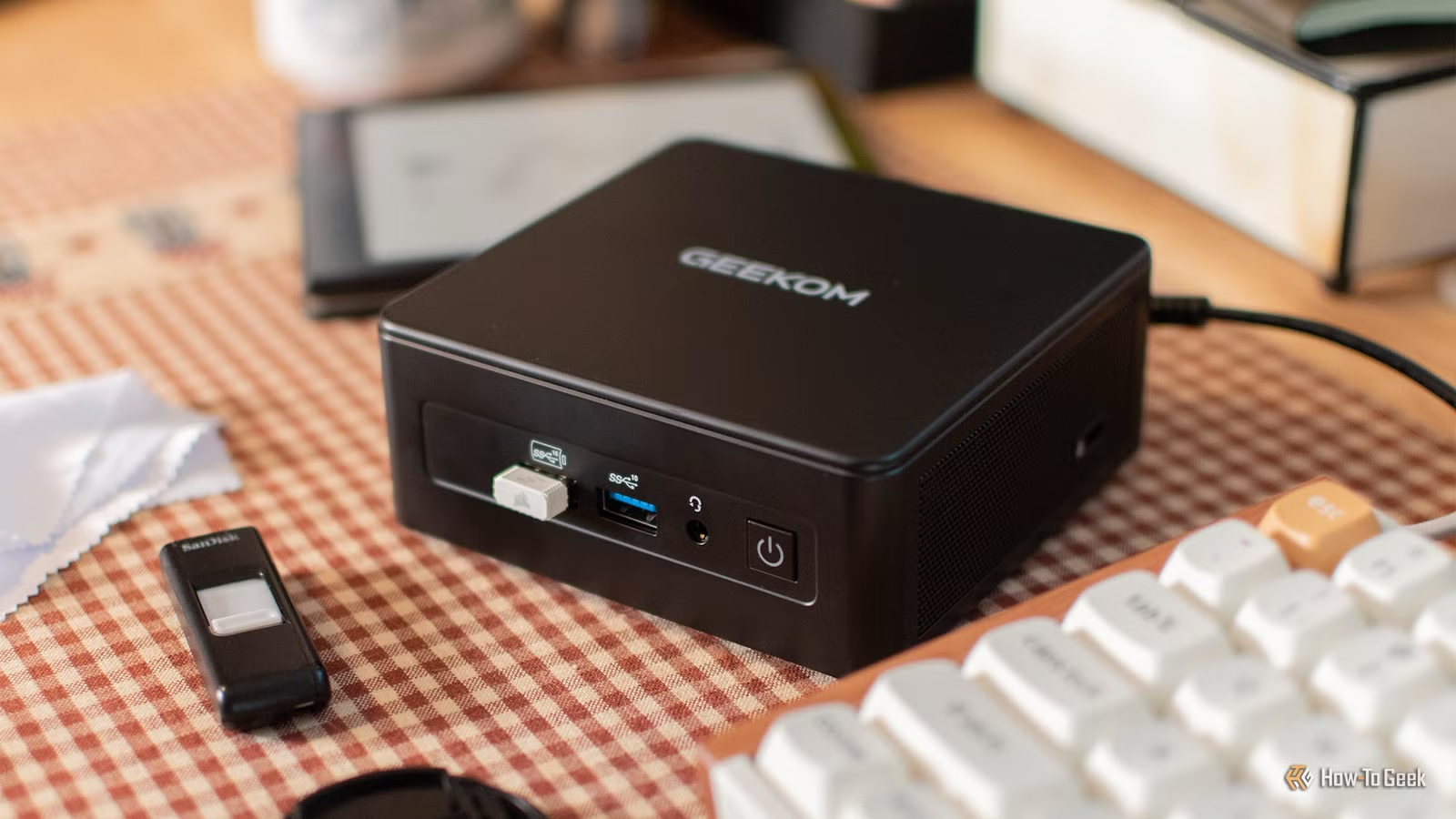
A local AI model running on a $400 mini PC with no dedicated GPU gets more daily use than Claude Pro or Gemini, according to How-To Geek writer Adam Davidson. The reason isn't raw capability. It's that cloud AI services have structural gaps that make them impractical for home automation, privacy-sensitive tasks, and scenarios where you can't justify per-request API fees.
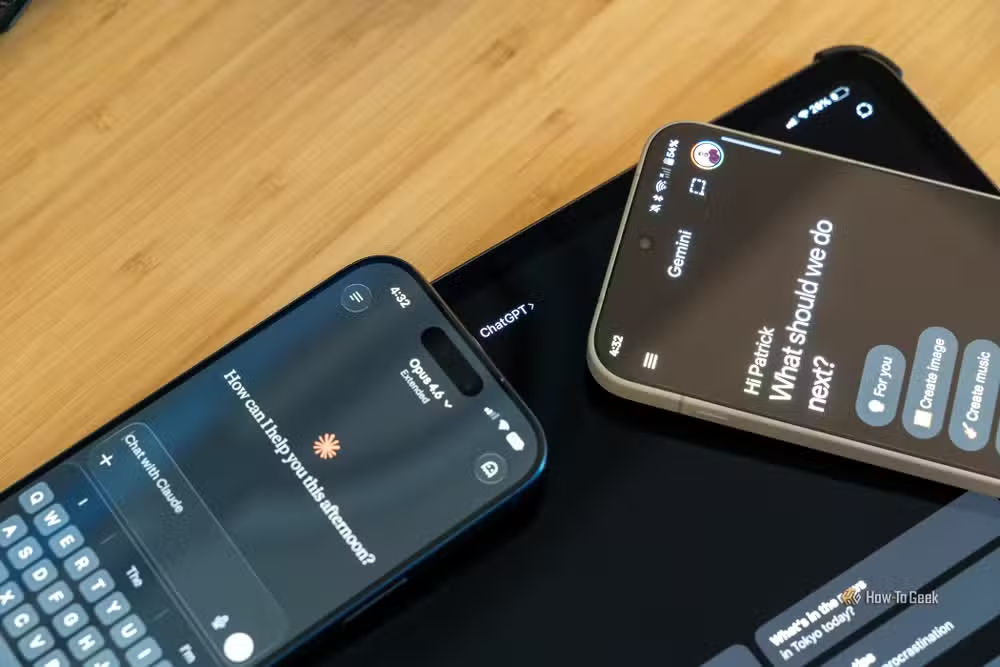
Davidson pays $20 monthly for Claude Pro and uses Gemini's free tier. Both are powerful tools for interactive work. But when he wanted to integrate AI into Home Assistant for tasks like describing visitors at his front door or powering a voice assistant, he hit a wall: subscriptions don't cover API access.
The double-payment problem with cloud AI
This is the trap most AI subscribers don't anticipate. You pay $20 a month for Claude or ChatGPT Plus, assuming you're covered. Then you try to automate something. You need the API. The API costs extra. Anthropic, OpenAI, and Google all separate their consumer chat products from their developer APIs.
For Davidson, the solution was Ollama, an open-source tool that runs language models locally. No subscription. No API fees. Once you've paid for the hardware, every inference is free. That changes the economics of AI completely for use cases involving frequent, automated requests.
What stays on your network, stays private
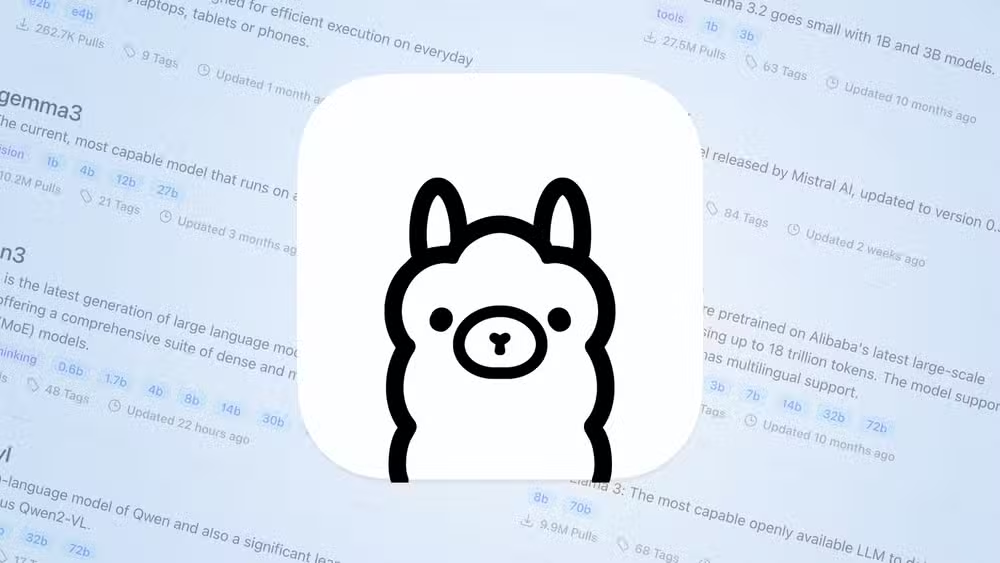
Privacy is Davidson's biggest reason for preferring local inference. Every prompt you send to Claude, Gemini, or ChatGPT travels to third-party servers. Even messages typed but never submitted can end up logged. That includes API keys accidentally pasted, credit card numbers, family photos, and anything else you've discussed.
Davidson's morning briefing automation pulls calendar data about his children's schedules and family travel plans. A data breach at any cloud AI provider could expose that information. With a local model, the data never leaves his home network.
Slow inference isn't always a problem
Davidson runs his local LLM on a mini PC with just 16GB of RAM and no dedicated GPU. He also uses his M2 MacBook Air. These machines can't match cloud inference speeds. The models are small, and responses take time to generate.
That doesn't matter for scheduled tasks. His morning briefing takes 15 minutes to complete. It pulls weather data, calendar events, and other information, then uses the local LLM to write a summary. A text-to-speech engine converts it to audio. The automation runs at 5 AM. By the time anyone walks into the kitchen, it's ready to play.
This is the insight cloud AI companies don't advertise: not every AI request needs an answer in two seconds. Batch processing overnight, scheduled automations, and background tasks can all tolerate slower inference. You only need speed for interactive conversations.
Control means no surprises
Cloud AI services change. Pricing shifts. Models get deprecated. Features disappear. Last year's integration might not work with next month's API update. When you run your own model, you control the versioning. Nothing breaks because a vendor pushed an update.
Davidson found the best models for his hardware using open-source benchmarking tools. The models are "fairly small" by cloud standards, but they handle his use cases. He's not at the mercy of quarterly earnings pressures or strategic pivots at Anthropic or Google.
Who should consider running AI locally?
Local models aren't for everyone. If you need GPT-4 class reasoning or Claude's long-context capabilities, cloud services still win. But three groups should look seriously at local inference: home automation enthusiasts who want AI in their smart home stack, privacy-conscious users handling sensitive data, and anyone running enough automated prompts that API fees would add up.
The hardware bar is lower than most people assume. An 8GB model like Llama 3 8B or Mistral 7B runs on machines without dedicated GPUs. A mini PC or recent MacBook can handle it. You won't match cloud speeds, but you might not need to.
Logicity's Take
Davidson's piece highlights something the AI industry undersells: the subscription model is designed for chat, not automation. The moment you want AI to do work in the background, integrated with other tools, you're pushed to APIs with usage-based pricing. Local models flip that script. They're worse at everything except the specific things that matter for automation: cost predictability, privacy, and reliability. For founders building AI into products, this same logic applies at scale. Cloud APIs make sense for user-facing features. Background processing might not need them.
Frequently Asked Questions
What hardware do I need to run a local AI model?
A mini PC or laptop with 16GB RAM can run smaller models like Mistral 7B or Llama 3 8B through Ollama. A dedicated GPU speeds things up but isn't required for basic inference.
Is a local LLM as smart as Claude or ChatGPT?
No. Cloud models have more parameters, better training data, and faster inference. Local models work well for specific, repeatable tasks but struggle with complex reasoning or long context windows.
How much money can I save running AI locally?
Cloud API costs vary, but a local model eliminates all per-request fees after the initial hardware investment. For heavy automation use, that can mean hundreds of dollars saved annually.
What is Ollama and how does it work?
Ollama is an open-source tool that downloads and runs language models on your local machine. It handles model management, provides a local API endpoint, and works with popular models like Llama and Mistral.
Can I use local AI with Home Assistant?
Yes. Ollama provides a local API that Home Assistant can call for tasks like generating descriptions, powering voice assistants, or creating automated summaries.
Need Help Implementing This?
If you're exploring local AI deployment for your business or smart home setup, our team can help you evaluate the right hardware and model combinations for your specific use case. Contact us for a consultation on building AI workflows that balance cost, privacy, and capability.
Source: How-To Geek
Huma Shazia
Senior AI & Tech Writer
Produced with AI assistance and reviewed by the Logicity editorial team. Learn more in our Editorial Policy.






