Key Takeaways
- Only 1% of disclosed vulnerabilities in 2024 were confirmed exploited in the wild
- CISA's KEV catalog lists vulnerabilities actively used in real attacks
- Vendor language like 'actively exploited' signals genuine urgency
Every week brings new CVE alerts. Your inbox fills with urgent security bulletins. Vendors push notifications about critical patches. The instinct is to drop everything and update immediately.
That instinct is often wrong.
VulnCheck's analysis shows that of the more than 40,000 vulnerabilities disclosed in 2024, only 1% were confirmed exploited in the wild. The rest were theoretical risks. Some were severe. Some were easily exploitable. But attackers weren't using them.
This doesn't mean you should ignore security updates. It means you need a system for deciding which ones demand immediate action and which can wait for your regular maintenance window.
The Two Signals That Actually Matter
You don't need expensive vulnerability management tools or complex scoring systems. Two free signals tell you whether an update is urgent.
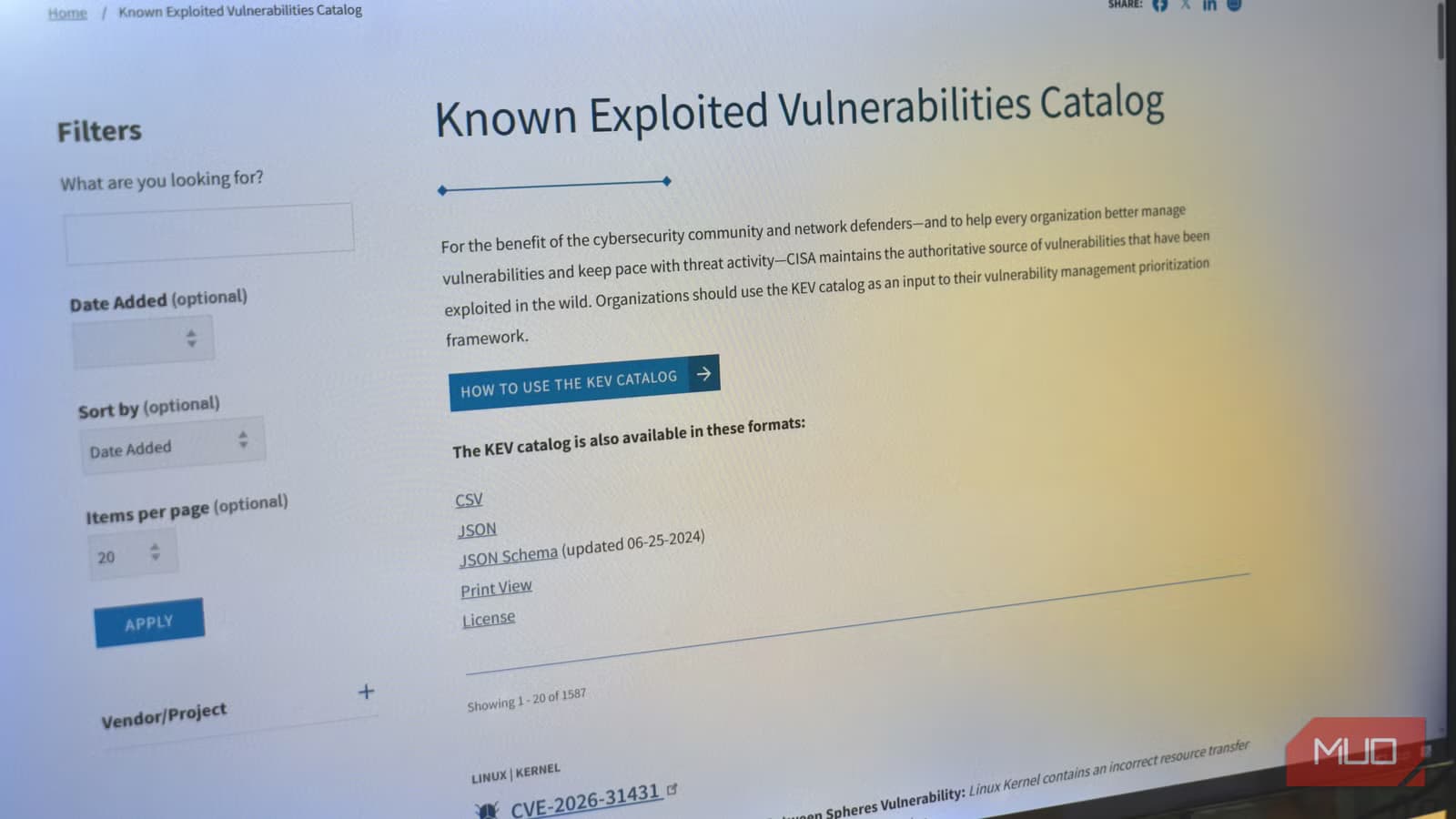
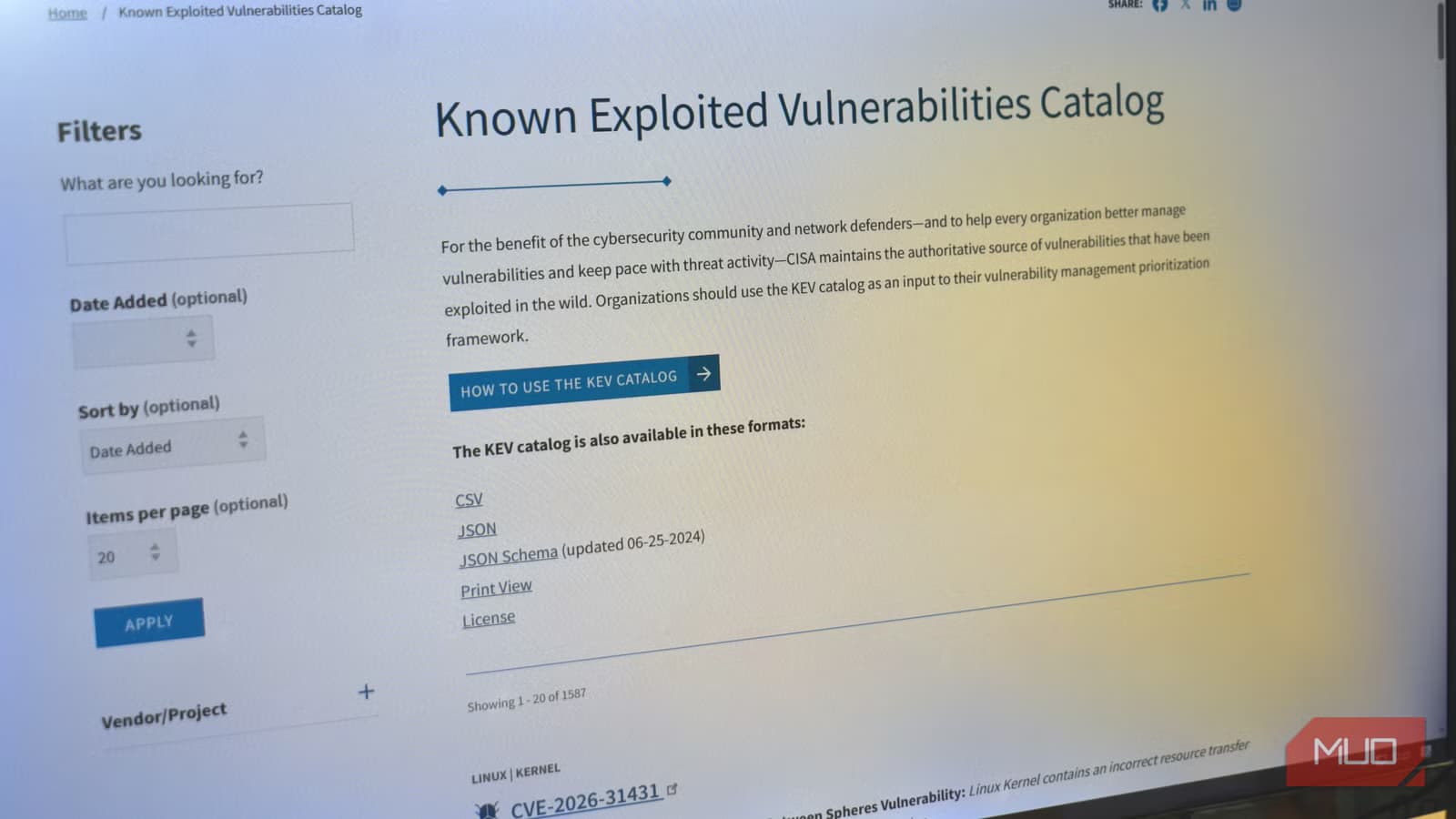
Signal 1: The CISA KEV Catalog
The Cybersecurity and Infrastructure Security Agency maintains a public catalog called the Known Exploited Vulnerabilities (KEV) list. This isn't a theoretical risk assessment. It's a confirmed list of vulnerabilities actively used in real-world attacks.
The distinction matters. A vulnerability might score 9.8 out of 10 on the CVSS severity scale, suggesting catastrophic potential impact. But if no attacker has figured out how to weaponize it, the immediate risk is lower than a 6.5-rated vulnerability that's already being exploited by ransomware gangs.
Searching the KEV catalog takes about 30 seconds. Go to the site, search by vendor name, and check if any results match software you use. If your tool appears on this list, update immediately. No exceptions.
Signal 2: Vendor Advisory Language
The people who built the software know when attacks are happening. Pay attention to the specific language in security advisories.
Phrases like "actively exploited" or "exploitation detected in the wild" are direct signals that real attacks are occurring. When a vendor uses this language alongside severity labels like "Critical" or "Important," they're telling you this isn't a theoretical exercise.
Compare that to advisories that describe a vulnerability's potential impact without mentioning real-world exploitation. Those can usually wait for your next scheduled maintenance.
A Simple Decision Framework
| Signal Present | What It Means | Action |
|---|---|---|
| On CISA KEV catalog | Confirmed real-world exploitation | Update immediately |
| Vendor says 'actively exploited' | Developer-confirmed attacks | Update immediately |
| High severity score only | Theoretical worst-case risk | Update at next regular prompt |
This framework separates signal from noise. A high CVSS score without exploitation evidence means you have time to test the patch, schedule downtime properly, and update during your normal cycle. A KEV listing or vendor confirmation of active exploitation means you need to act now.
Why Blind Urgency Backfires
Updating everything immediately sounds prudent. In practice, it creates problems.
- Rushed patches skip testing and break production systems
- Constant emergency updates create fatigue, making teams ignore the alerts that matter
- Update-related outages can cause more business disruption than the vulnerability itself
- Security teams burn out chasing every CVE instead of focusing on real threats
The irony is that treating every vulnerability as equally urgent makes you less secure. When everything is critical, nothing is. Your team stops being able to distinguish between a genuine emergency and routine maintenance.
What This Looks Like in Practice
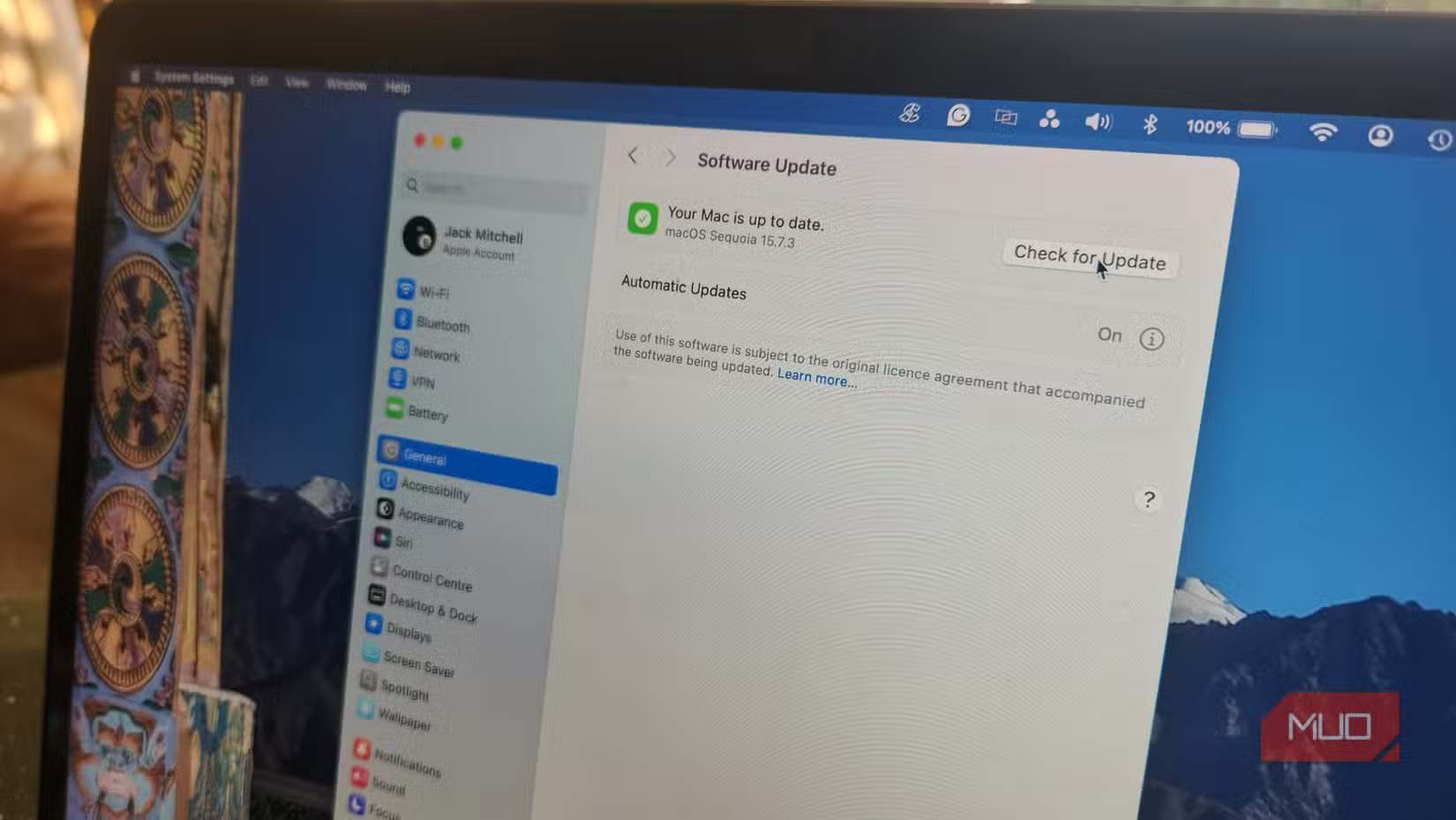
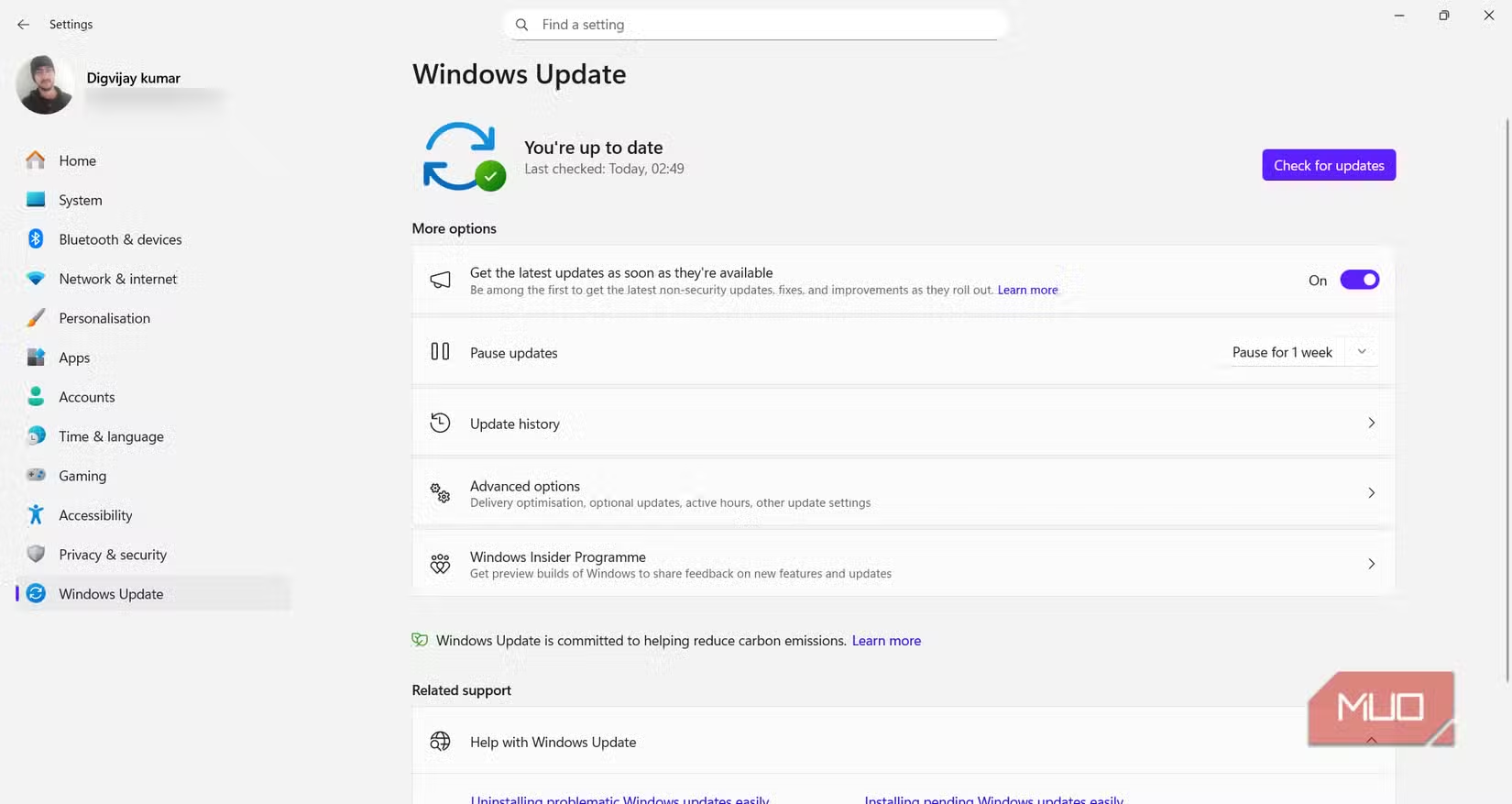
For browsers and operating systems, automatic updates usually make sense. These systems are constantly targeted, patches are well-tested before release, and the update process is designed to minimize disruption.
For business-critical applications, server software, and custom deployments, the two-signal approach works better. Check the KEV catalog when you see an advisory. Read the vendor language carefully. If neither signal indicates active exploitation, schedule the update for your next maintenance window and test it in staging first.
This doesn't mean delaying for weeks. Most organizations can schedule updates within 24 to 72 hours for non-emergency patches. That window lets you verify the patch doesn't break anything while still maintaining a strong security posture.
Recent example of why real exploited vulnerabilities matter more than theoretical ones
Logicity's Take
Frequently Asked Questions
How often should I check the CISA KEV catalog?
Check when you receive a security advisory for software you use. You can also subscribe to CISA's alerts for automatic notifications when new vulnerabilities are added.
What if a vulnerability has a high CVSS score but isn't on the KEV list?
High CVSS scores indicate potential severity, not active exploitation. Schedule these updates for your next regular maintenance window rather than treating them as emergencies.
Does this apply to consumer devices like phones and laptops?
Consumer devices with automatic updates enabled should generally apply patches automatically. This framework is most useful for business environments where testing and scheduling updates reduces disruption.
What's the difference between KEV and CVSS?
CVSS is a scoring system that estimates potential impact. KEV is a list of confirmed real-world exploitation. A vulnerability can have a moderate CVSS score but appear on KEV because attackers are actively using it.
Should I disable automatic updates entirely?
No. Automatic updates work well for most consumer software and well-tested patches. The two-signal approach helps prioritize manual updates for business-critical systems where testing matters.
Need Help Implementing This?
Source: MakeUseOf
Manaal Khan
Tech & Innovation Writer
Produced with AI assistance and reviewed by the Logicity editorial team. Learn more in our Editorial Policy.






