Key Takeaways
- TPM is a dedicated security chip that handles cryptographic operations separately from your CPU and OS
- Microsoft reports 50% fewer firmware malware attacks on devices using TPM 2.0-backed security
- 1.3 billion Windows 10 devices may become obsolete when support ends in October 2025
Remember the collective outrage when Microsoft announced Windows 11 required TPM 2.0? Most people weren't angry about Trusted Platform Modules specifically. They were angry that Microsoft suddenly demanded hardware nobody had heard of, with an explanation that amounted to: "You need this."
That explanation was terrible. It still is. Because TPM does far more than serve as an arbitrary gatekeeping mechanism. It's doing real security work on your system right now, and it's more interesting than Microsoft ever bothered to tell you.
TPM Is a Separate Security Chip, Not Software
A Trusted Platform Module is a dedicated security chip. It's either baked into your motherboard firmware (called fTPM) or exists as a physical module. Its job is handling cryptographic operations separately from your CPU and operating system.
This separation matters. The TPM stores encryption keys, authentication credentials, and platform integrity data in hardware, not in memory where malware can grab it. When you use Windows Hello to log in with your face or fingerprint, that biometric data gets secured by the TPM. When BitLocker encrypts your drive, the TPM holds the keys.
Think of it as a vault bolted to your motherboard. Software can request the vault to perform operations, like "verify this fingerprint" or "decrypt this file." But the vault never hands over the actual keys. An attacker who compromises your operating system still can't extract what's inside the TPM.
“The TPM is not a checkbox; it is the cornerstone of a modern security architecture that shifts the trust from vulnerable software layers down to tamper-resistant hardware.”
— Microsoft Security Team, Official Blog
Why Microsoft Wanted TPM 2.0, Not 1.2
Here's where Microsoft's communication failed most spectacularly. Many "incompatible" machines did have TPM. They just had the older version: TPM 1.2. Microsoft wanted Windows 11 to use TPM 2.0.
TPM 2.0 supports newer cryptographic algorithms. It allows more flexibility in how authentication works. It integrates better with modern security features like Credential Guard and Windows Hello. TPM 1.2, released in 2011, uses older crypto standards that security researchers have spent a decade poking holes in.
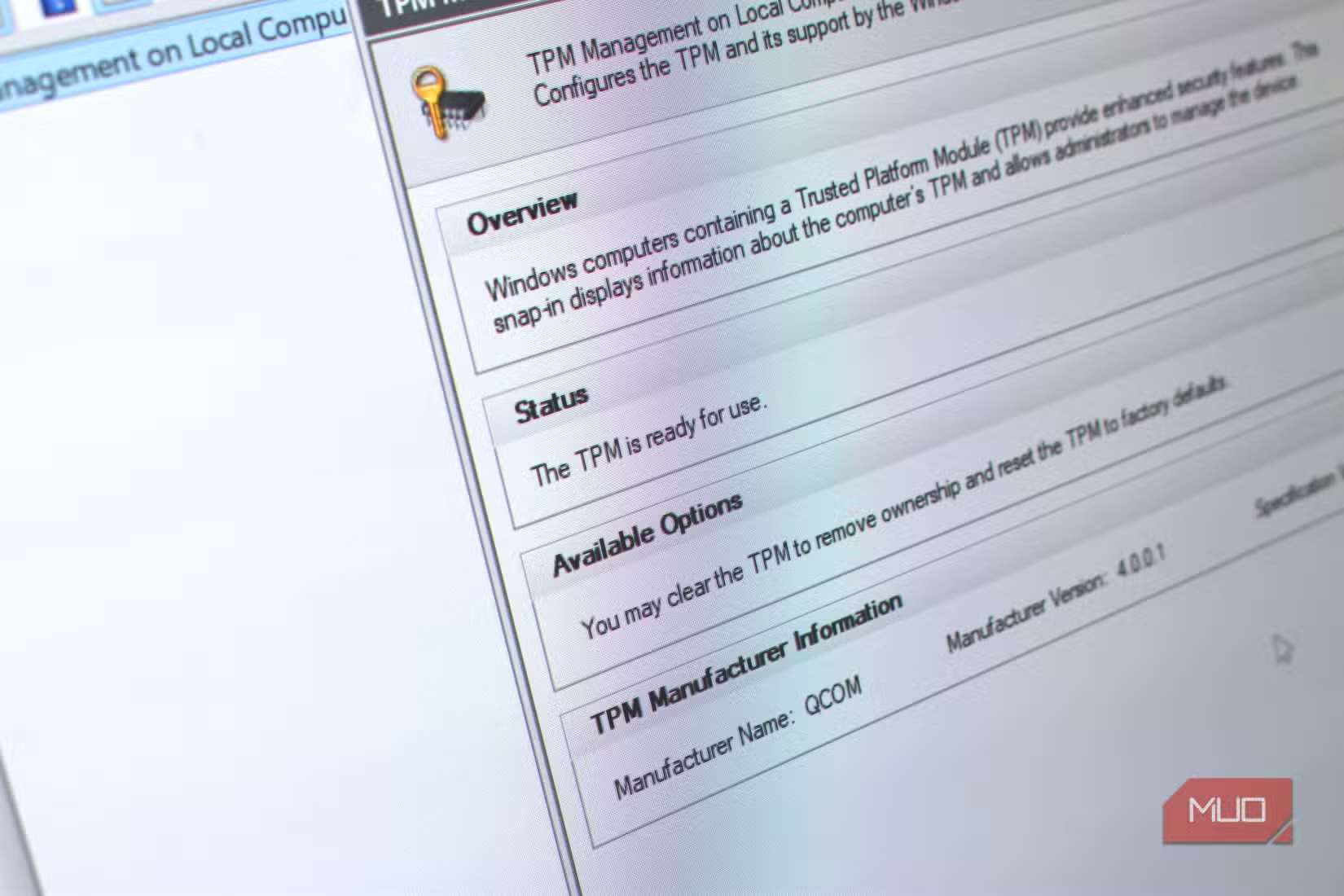
The problem is Microsoft never explained this clearly. Instead of saying "TPM 2.0 uses modern encryption that's harder to crack," they said "TPM 2.0 required" and moved on. Users saw a checkbox, not a security upgrade.
What TPM Actually Protects
TPM handles several security functions that most users never think about:
- BitLocker encryption keys: Your drive encryption depends on the TPM storing keys that never leave the chip
- Windows Hello credentials: Facial recognition and fingerprint data are secured in hardware, not software
- Measured Boot: TPM verifies your system hasn't been tampered with before Windows loads
- Credential Guard: Enterprise login credentials stay isolated from the main operating system
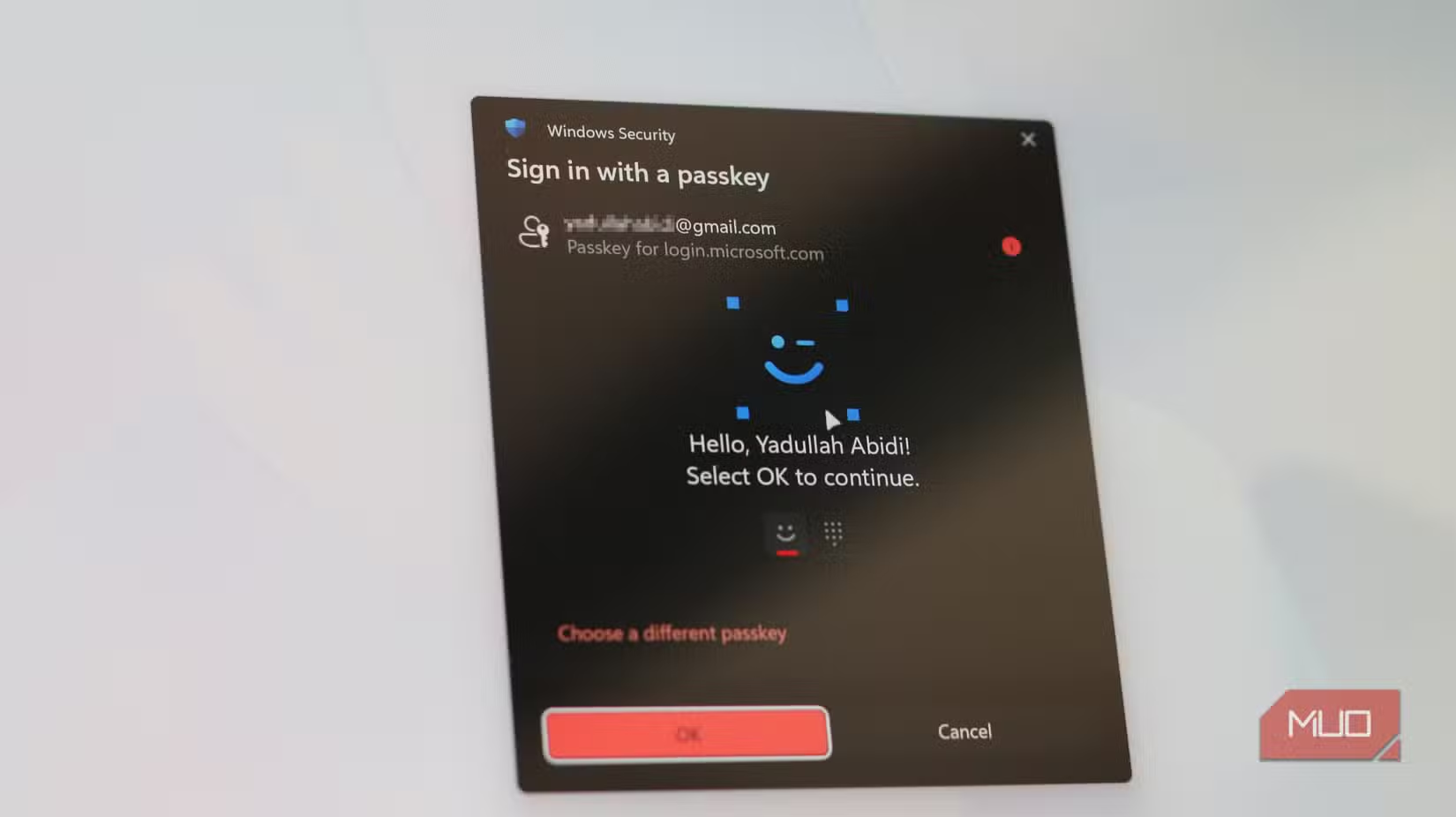
- Passkeys: The passwordless login standard uses TPM to prove you're on a trusted device
Microsoft claims devices with TPM 2.0-backed security features see 50% fewer firmware malware attacks. That's a significant reduction for a chip most users didn't know existed until Windows 11 demanded it.
The E-Waste Problem Microsoft Created
The security benefits are real. So is the collateral damage. An estimated 1.3 billion active Windows 10 devices lack TPM 2.0 or meet other Windows 11 requirements. When Windows 10 support ends in October 2025, these machines officially become unsupported.
Many of these PCs work fine. They run Office, browse the web, handle email. They just have TPM 1.2 or lack certain CPU features Microsoft decided were necessary. The result is functional hardware heading for landfills because Microsoft's arbitrary cutoff made them "obsolete."
Reddit and HackerNews communities remain divided. Security professionals generally defend the requirement as overdue. Regular users see a cash grab designed to sell new PCs. Both perspectives have merit.
Microsoft Is Patching Workarounds
Users have found ways to bypass TPM and CPU checks when installing Windows 11. Microsoft isn't happy about it. In Windows 11 Canary builds, the company has been patching popular workarounds, making installation on "unsupported" hardware increasingly difficult.
This creates an awkward situation. Microsoft wants everyone on Windows 11 for security reasons. But they're also blocking users from installing Windows 11 on hardware that's "insecure" by their standards. Those users either stay on unsupported Windows 10, switch to Linux, or buy new PCs.
How to Check Your TPM Status
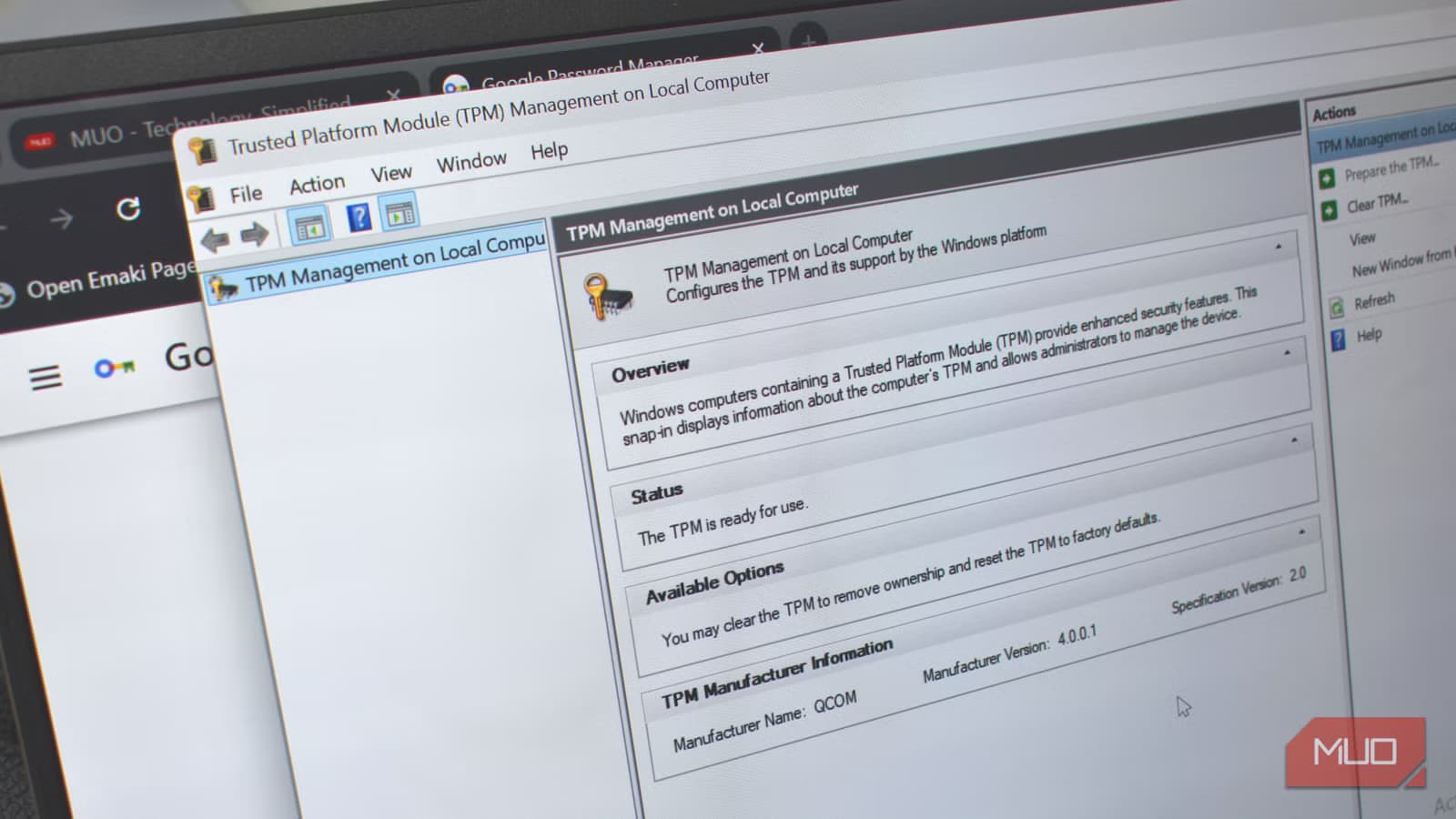
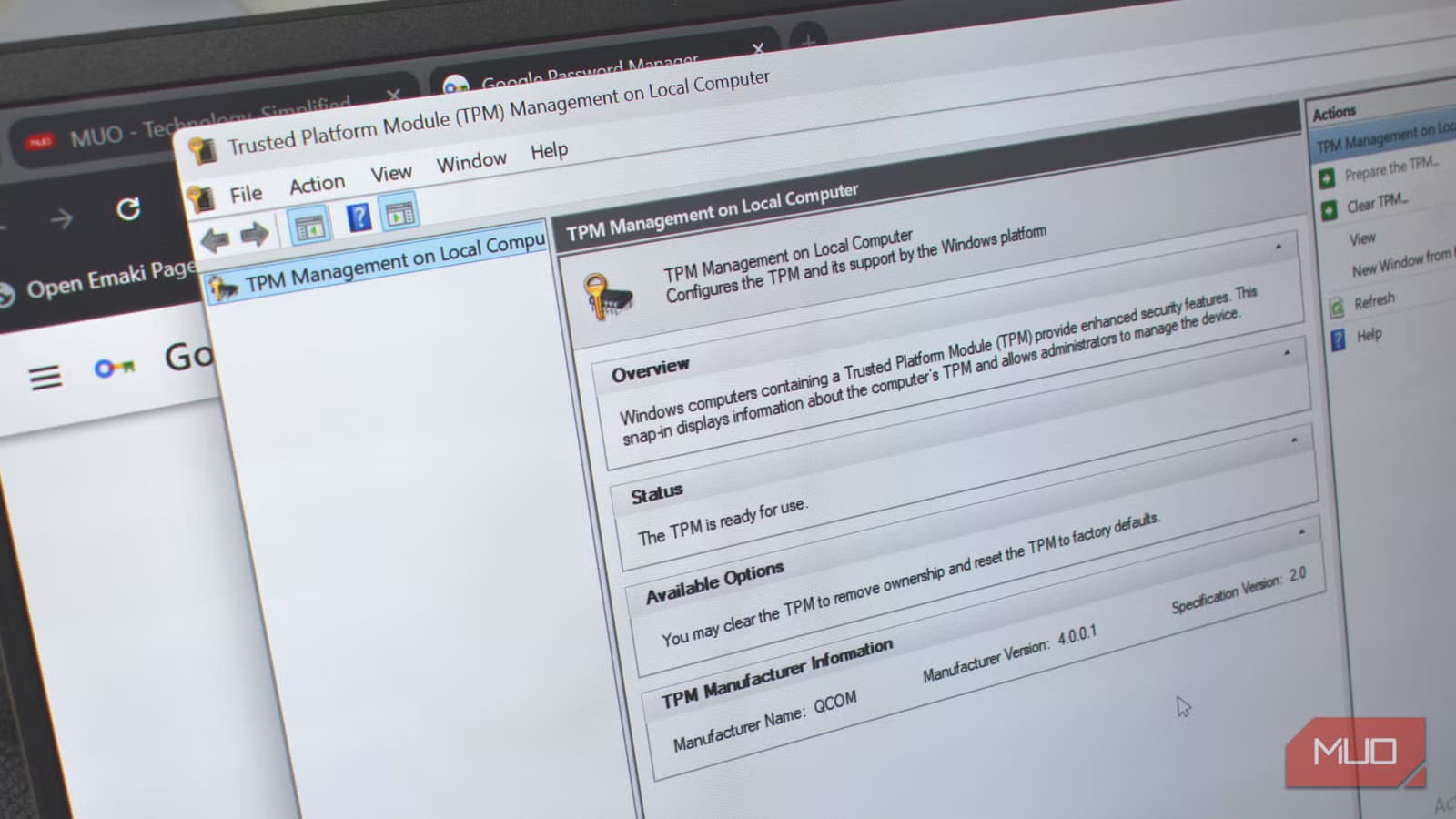
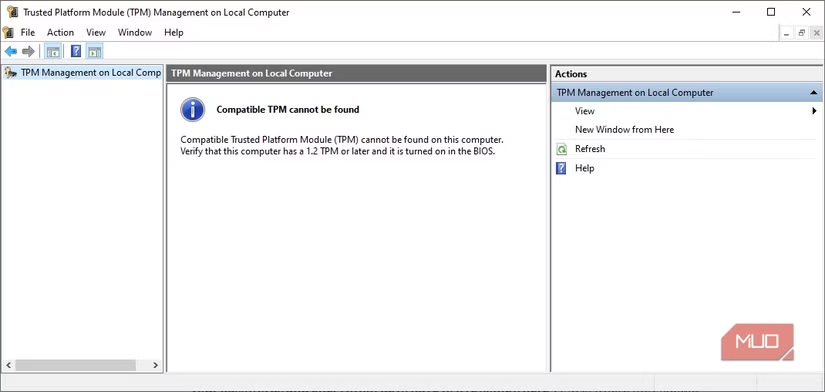
Want to see what your TPM is doing? Press Windows + R, type tpm.msc, and hit Enter. This opens the TPM Management console. You'll see whether TPM is available, what version you have, and its current status.
If you have TPM 2.0 and Windows 11, the chip is already working behind the scenes. BitLocker uses it. Windows Hello uses it. Every time you log in, the TPM is verifying your system's integrity and protecting your credentials.
More ways to improve your Windows 11 security setup
The Real Story Microsoft Should Have Told
TPM 2.0 isn't arbitrary gatekeeping. It's a hardware security foundation that makes several Windows features meaningfully safer. The problem was never the technology. It was Microsoft's refusal to explain why it matters.
A company that spent billions on security research couldn't produce a clear explanation for consumers. "Your passwords and encryption keys live in a secure chip that malware can't access" would have helped. "TPM required" did not.
Now, with Windows 10 end-of-life approaching, millions of users face a choice Microsoft made confusing: upgrade hardware, switch operating systems, or run unsupported software. The security chip doing real work on modern PCs became the symbol of planned obsolescence. That's a communication failure, not a technology failure.
Logicity's Take
Frequently Asked Questions
Can I install Windows 11 without TPM 2.0?
Workarounds exist, but Microsoft actively patches them. Installing on unsupported hardware means no guarantee of future updates or support.
Does TPM 2.0 slow down my computer?
No. TPM handles cryptographic operations in dedicated hardware, offloading work from your CPU. If anything, it makes certain operations faster.
How do I know if my PC has TPM 2.0?
Press Windows + R, type tpm.msc, and press Enter. The TPM Management console shows your TPM version and status.
What happens to Windows 10 after October 2025?
Microsoft stops providing security updates. Your PC still works, but new vulnerabilities won't be patched unless you pay for Extended Security Updates.
Can I add TPM 2.0 to an older PC?
Some motherboards have TPM headers for add-on modules. Check your motherboard manual. However, CPU requirements may still block Windows 11 installation.
Need Help Implementing This?
Source: MakeUseOf
Huma Shazia
Senior AI & Tech Writer
Produced with AI assistance and reviewed by the Logicity editorial team. Learn more in our Editorial Policy.