Key Takeaways
Web Scraping Made EASY With Power Automate Desktop - For FREE & ZERO Coding
- Web scraping automates data extraction from websites into structured formats like spreadsheets or CRMs
- AI-powered scrapers now read pages like humans, eliminating breakage when sites change layouts
- The 2022 hiQ Labs v. LinkedIn ruling clarified that scraping public data isn't automatically illegal under the CFAA
Web scraping is automated data extraction from websites. A program visits a page, reads the underlying code, pulls out the specific information you need, and saves it in a format you can actually use. For operations and RevOps teams, that means competitor pricing, lead enrichment data, job postings, or any other public information that would take hours to gather manually.
Disclosure
Some links in this post are affiliate links — Logicity earns a commission if you sign up, at no extra cost to you. We only link products we have used or actively recommend.
The technology isn't new. The World Wide Web Wanderer, widely considered the first web scraper, launched in 1993. But modern scrapers have evolved far beyond basic HTML parsing. They execute JavaScript, fill out forms, click buttons, and increasingly use AI to understand page content the way a human would.
How does web scraping actually work?
At its core, a scraper mimics what you do when browsing, just at machine speed. The basic process: the scraper visits a web page, reads the HTML code (the underlying structure), locates the specific data you're looking for, and extracts it into a usable format. That could be a spreadsheet, a database, or a direct feed into your CRM like HubSpot or Salesforce.
Modern tools go further. Instead of relying on basic HTML, they render JavaScript to load dynamic content, take screenshots, and even solve simple CAPTCHAs. The sophistication depends on what you're scraping and how well the target site protects itself.
AI has changed the extraction step itself. Traditional scrapers require you to specify exactly where data lives on a page. When the site redesigns, your scraper breaks. AI-powered scrapers read pages more like humans do: you describe what you want in plain language ('get me the product name and price'), and the model figures out where that data is, even if the page structure changes.
Static vs. dynamic scraping: which do you need?
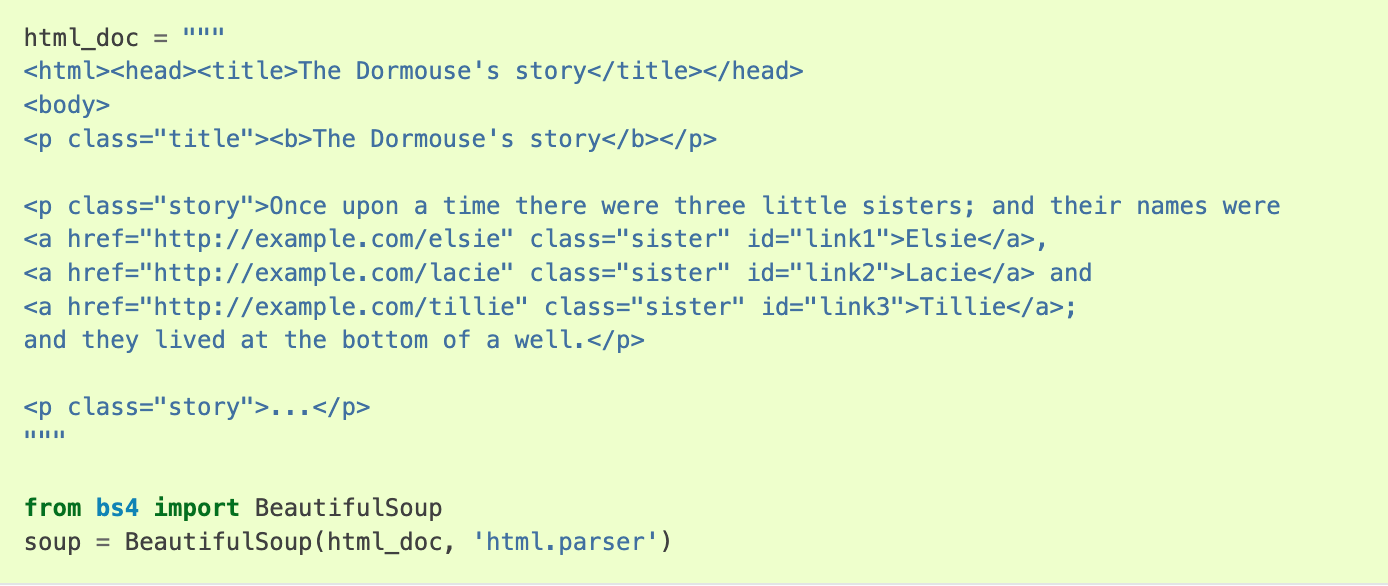
Static scraping (HTML parsing) downloads a page's raw HTML and parses it directly. It's the fastest and simplest approach, working well when content lives right in the source code. News articles, public data tables, government records. The tradeoff: it can't see content that loads dynamically via JavaScript.
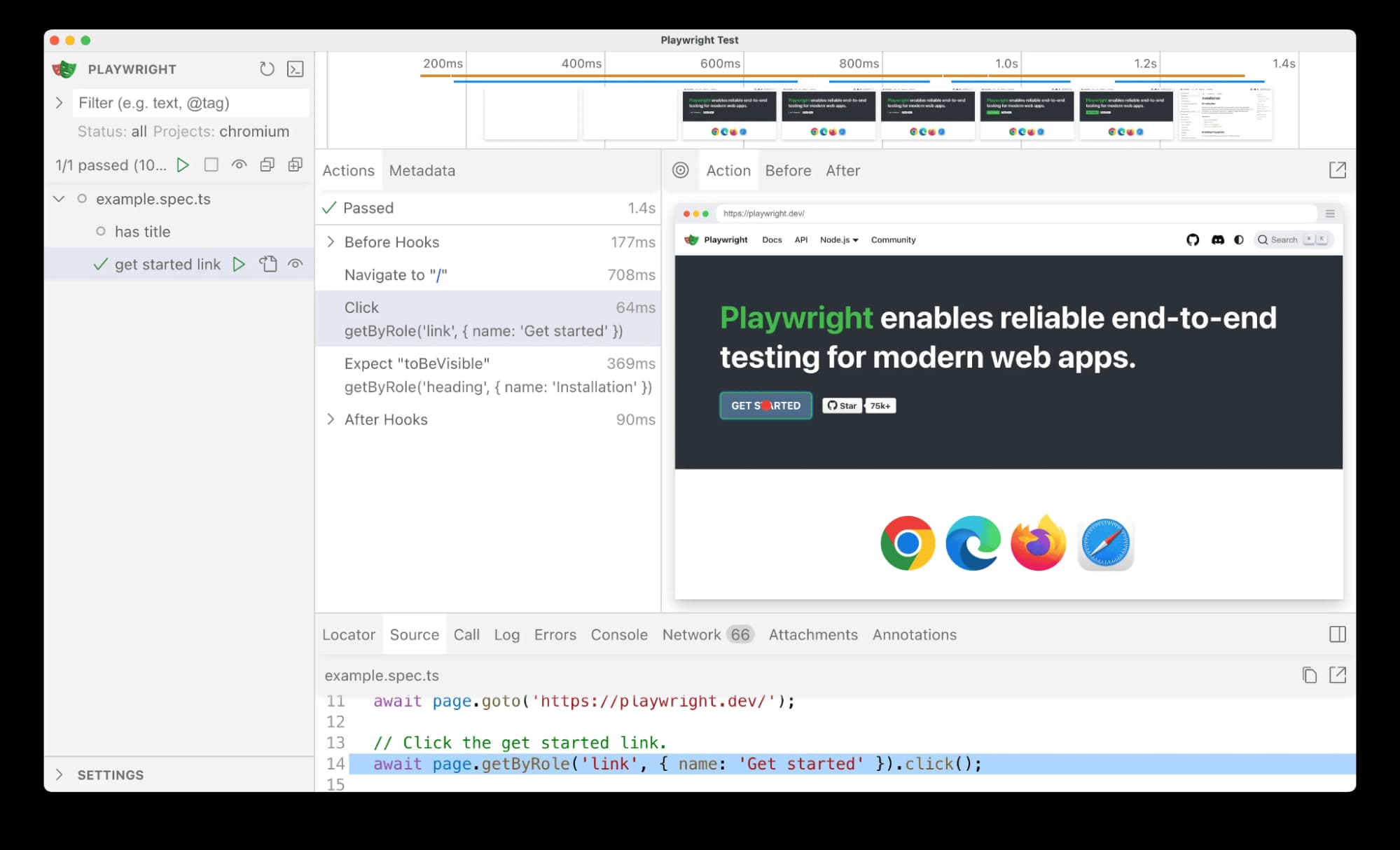
Dynamic scraping (browser automation) controls a real browser. It renders JavaScript, clicks buttons, scrolls, and fills out forms like a person would. It's slower and more resource-intensive, but it handles modern, app-like websites that static scrapers can't read. Most e-commerce sites, social platforms, and SaaS dashboards require this approach.
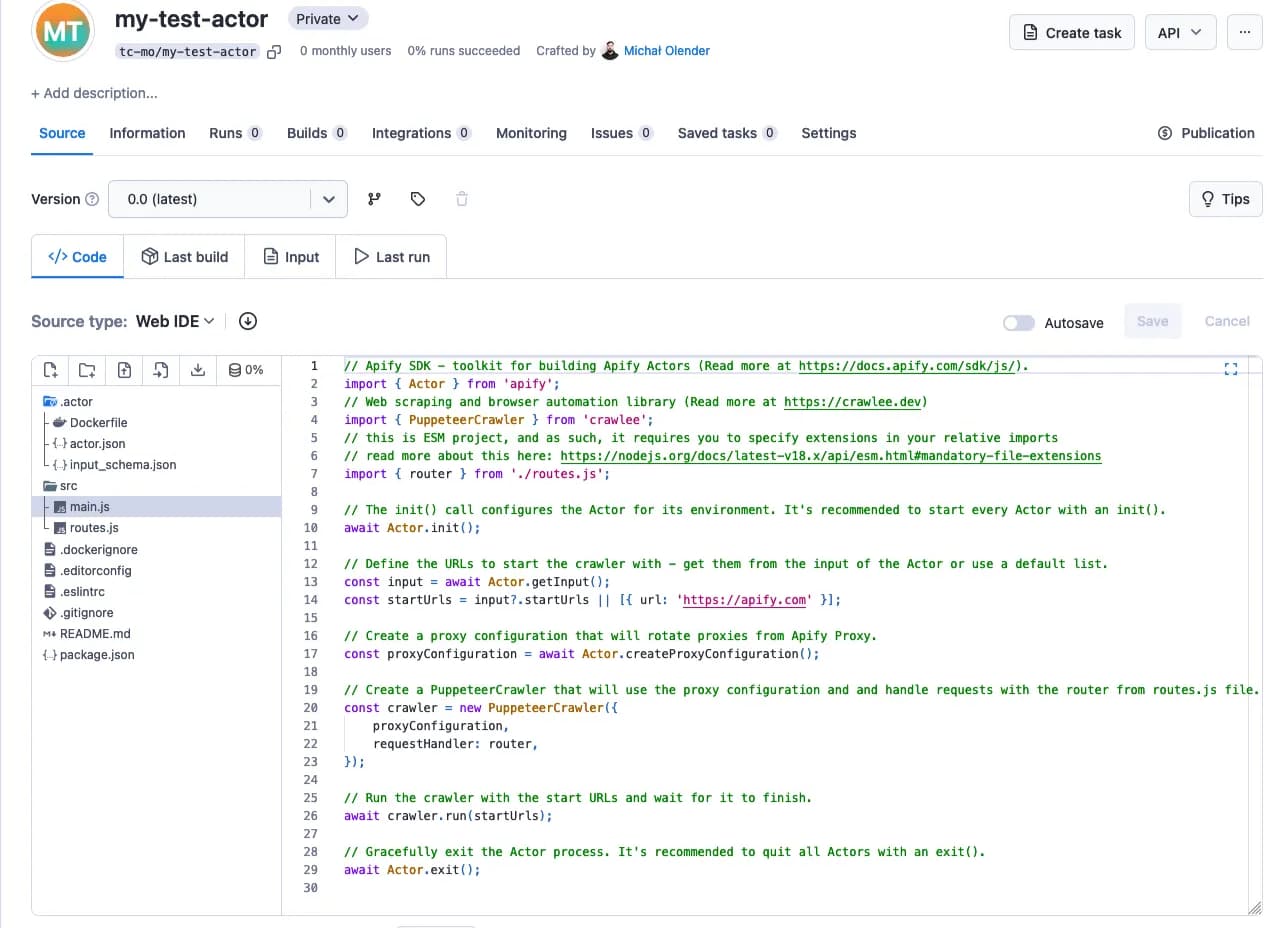
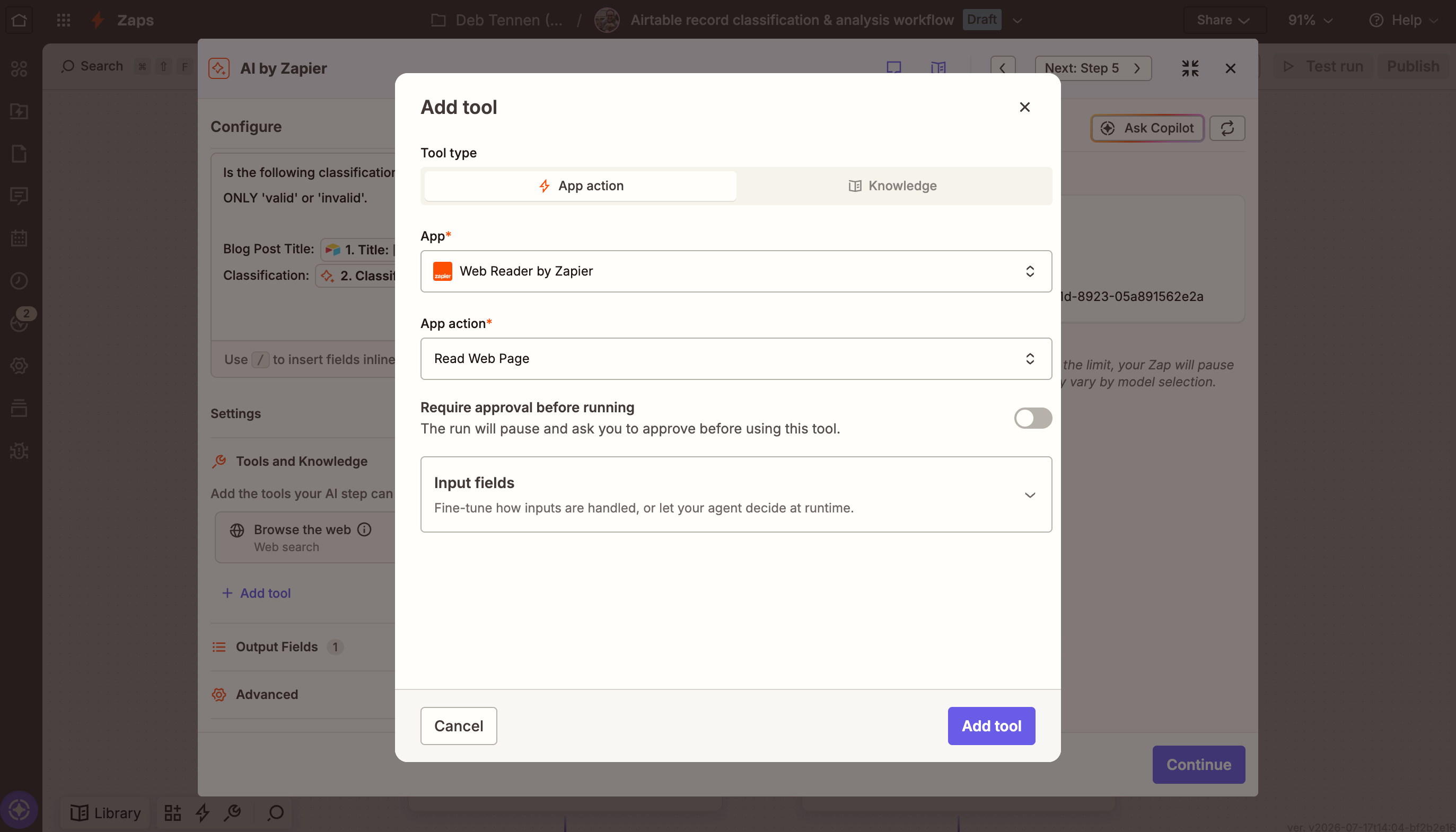
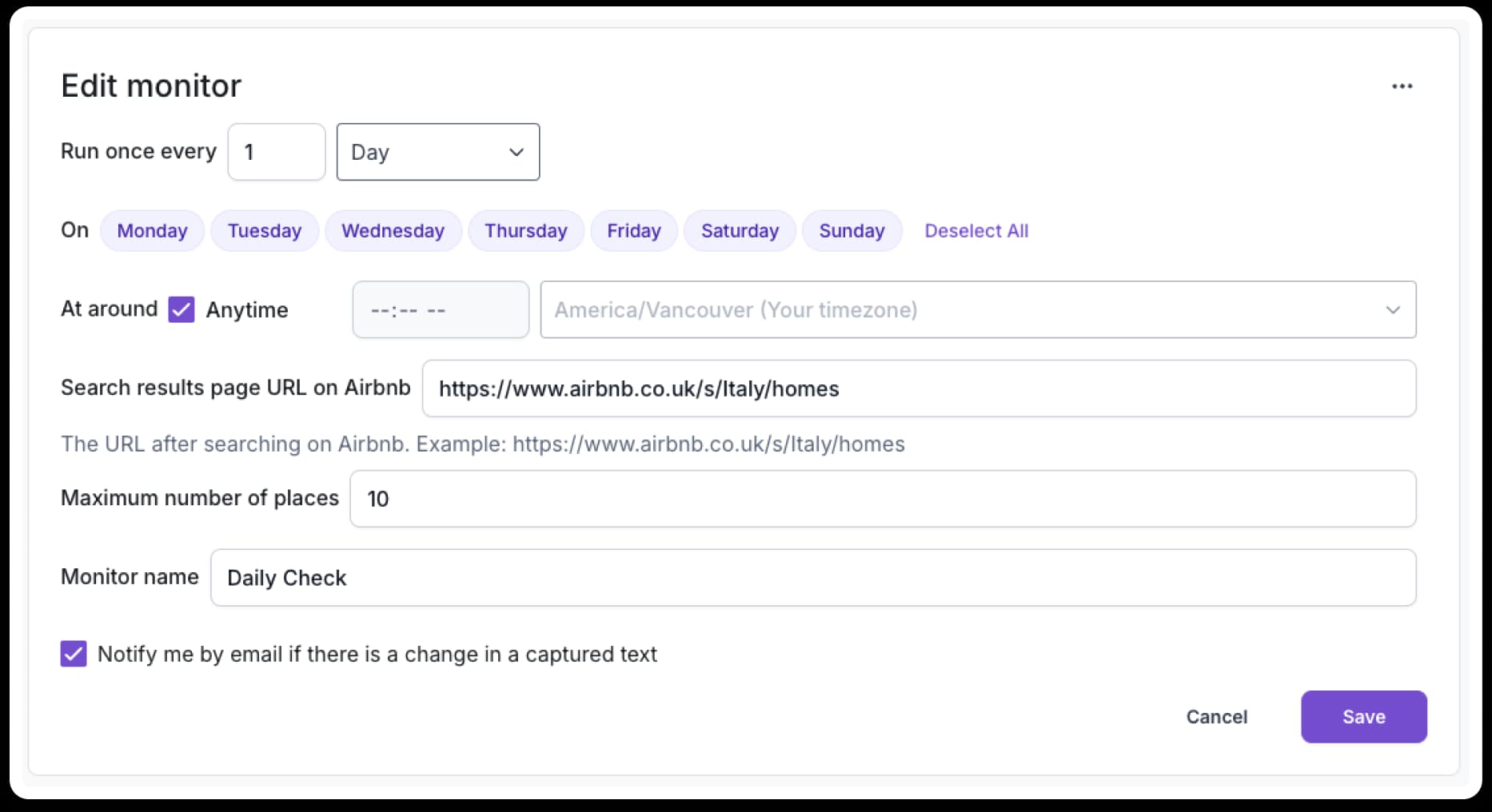
No-code scraping tools let you train a scraper by selecting data directly on the page. The tool handles the technical work. For ops teams without dedicated developers, this is often the practical choice. Zapier offers web scraping integrations, as does Make and n8n for more technical users who want self-hosted options.
What can RevOps teams actually scrape?
The practical applications depend on your workflows, but common use cases for operations teams include:
- Competitor pricing: monitor product pages and capture price changes automatically
- Lead enrichment: pull company size, funding, and tech stack data from public sources
- Job board aggregation: track hiring patterns across industries for market intelligence
- Review monitoring: aggregate customer reviews from multiple platforms into one dashboard
- Content monitoring: track when competitors publish new case studies, blog posts, or pricing pages
Scraped data typically feeds into Airtable bases, CRM records, or directly into automation workflows. The goal is eliminating the manual refresh-and-copy loop that eats hours every week.
Is web scraping legal?
The short answer: it depends. The 2022 Ninth Circuit ruling in hiQ Labs v. LinkedIn established that scraping publicly available data doesn't automatically violate the Computer Fraud and Abuse Act. That was a significant win for open data advocates. But it's not a blanket permission slip.
Sites can still block scrapers through technical measures. Violating a site's Terms of Service may expose you to civil liability even if it's not criminal. Scraping personal data triggers GDPR and CCPA concerns. And copyrighted content remains copyrighted regardless of how you access it.
The safest approach: scrape only public data, respect robots.txt files, don't overload servers with requests, and never scrape behind a login without explicit permission.
Anti-bot measures and how scrapers handle them
Not all websites welcome scrapers. Many deploy rate limiting to throttle request frequency, IP blocking to ban suspicious traffic, and CAPTCHAs to verify human visitors. Some use JavaScript challenges that basic scrapers can't execute.
Professional scraping tools counter with rotating IP addresses, headless browsers that mimic real user behavior, and CAPTCHA-solving services. This creates an ongoing arms race between site operators and scrapers. For legitimate business use, the best strategy is scraping at respectful speeds and avoiding any data the site clearly doesn't want accessed.
Logicity's Take
For RevOps teams, the real question isn't whether to scrape, but how to integrate scraped data into existing workflows without creating maintenance headaches. AI-powered scrapers like Browse AI, Bardeen, and Apify's AI actors are worth evaluating because they reduce breakage when sites change. Expect to pay $30-150/month for serious no-code scraping tools, versus $200+ for enterprise solutions with anti-detection features. The hidden cost is maintenance: someone has to monitor when scrapers fail and fix them. Build that into your ROI calculation before committing.
Frequently Asked Questions
Can I scrape data from any website?
Technically, you can attempt to scrape most sites. Legally and ethically, you should only scrape publicly accessible data, respect robots.txt files, avoid overloading servers, and never scrape behind login walls without permission.
What's the difference between web scraping and web crawling?
Web crawlers find pages and catalog what's on them, like search engine bots do. Web scrapers extract specific data from those pages. Many modern tools combine both functions.
Do I need to code to use web scraping?
No. No-code tools let you point and click to select data on a page. The tool generates the scraping logic automatically. Coding gives you more control, but isn't required for most business use cases.
How do AI-powered scrapers differ from traditional ones?
Traditional scrapers need exact specifications for where data lives on a page, breaking when sites redesign. AI scrapers understand page content semantically, extracting data based on plain language descriptions regardless of layout changes.
What should I do if my scraper gets blocked?
First, reduce request frequency. Most blocks result from hitting servers too fast. If that doesn't help, consider rotating IP addresses, using headless browsers, or switching to a managed scraping service that handles anti-bot measures.
Need Help Implementing This?
If you're evaluating web scraping for your ops stack, reach out to the Logicity team for tool recommendations matched to your specific use case and budget.
Source: The Zapier Blog
Huma Shazia
Senior AI & Tech Writer
Produced with AI assistance and reviewed by the Logicity editorial team. Learn more in our Editorial Policy.