Key Takeaways
- Zapier leads for AI-safe building with 7,000+ integrations, while n8n wins for self-hosted control
- Enterprise tools like Workato and MuleSoft cost 10x more but handle compliance-heavy industries
- RPA tools like UiPath remain essential for legacy systems without APIs
The best automation software in 2026 splits into two camps: no-code tools like Zapier and Make that non-technical teams can deploy in hours, and enterprise platforms like Workato and MuleSoft that require dedicated implementation teams but handle regulated industries. The Zapier Blog just published their annual rankings after testing all ten, and the takeaway is clear: pick based on your tech stack and who's doing the building, not feature lists.
Disclosure
Some links in this post are affiliate links — Logicity earns a commission if you sign up, at no extra cost to you. We only link products we have used or actively recommend.
Automation software connects your existing tools and handles repetitive tasks without manual work. That can mean something simple, like sending a confirmation email when a form is submitted. Or it can mean an AI-powered workflow that routes support tickets, cross-references your knowledge base, provisions access, and pages the right engineer. No human touches it.
The shift over the past two years: automation used to mean rigid if/then rules. The best platforms now handle judgment calls using AI. That raises questions about oversight, governance, and who's actually building these workflows. A solo founder connecting their CRM to their inbox has completely different needs than an enterprise IT team managing service requests across 10,000 employees.
Which automation tool fits which use case?
The Zapier Blog's testing breaks the market into four categories. Most tools span multiple categories, so treat these as starting points rather than strict boxes.
- Workflow and app integration (Zapier, Make, n8n): connects existing tools, moves data between them without manual handoffs
- AI automation: handles steps requiring reasoning, like drafting replies or deciding which path a workflow should take
- Business process automation and ITSM: structured organizational processes like IT service requests, compliance workflows, HR approvals
- Robotic process automation (UiPath, Automation Anywhere): software bots that simulate human clicks for legacy systems without APIs
The 10 tools ranked by category
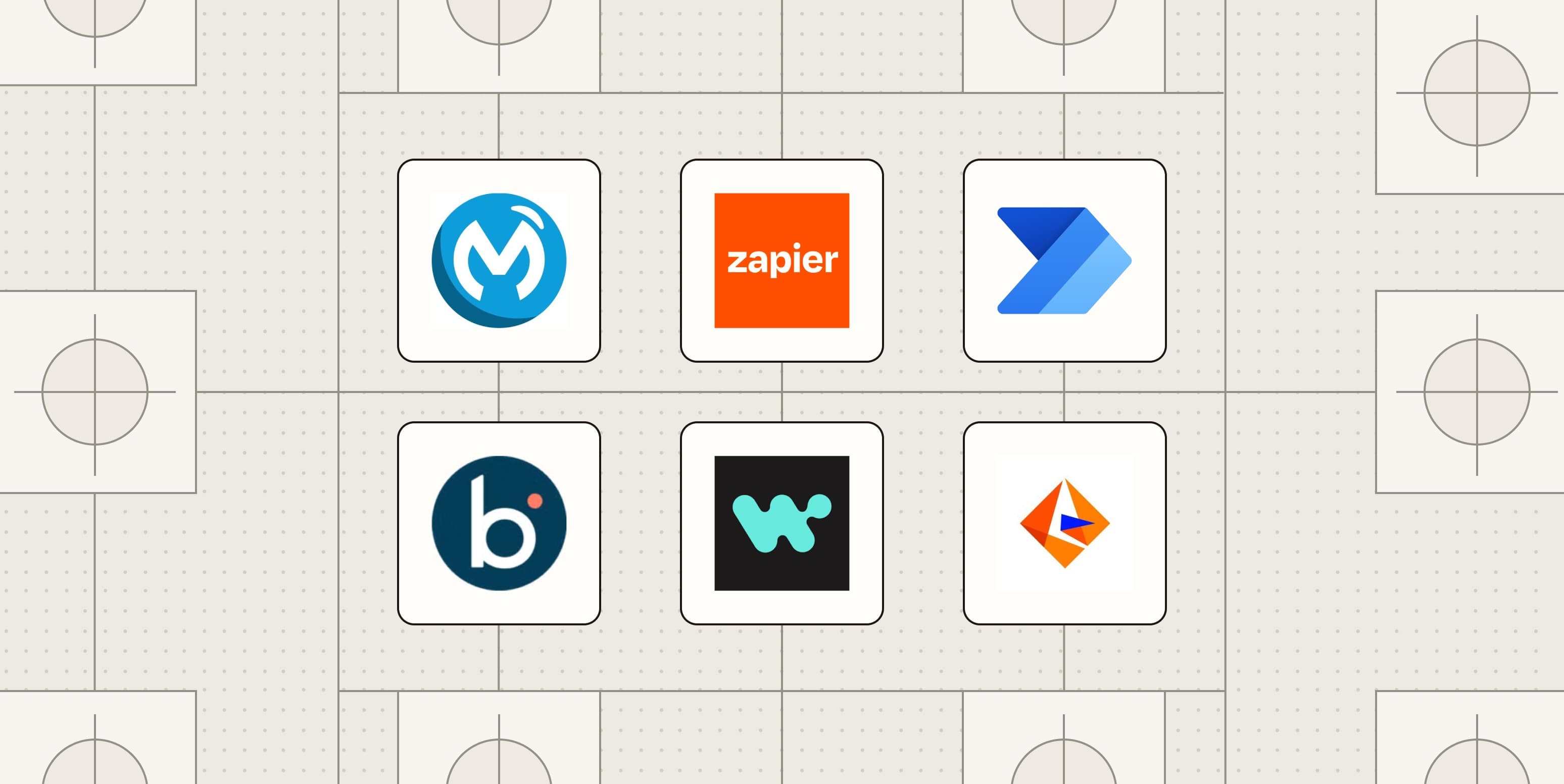
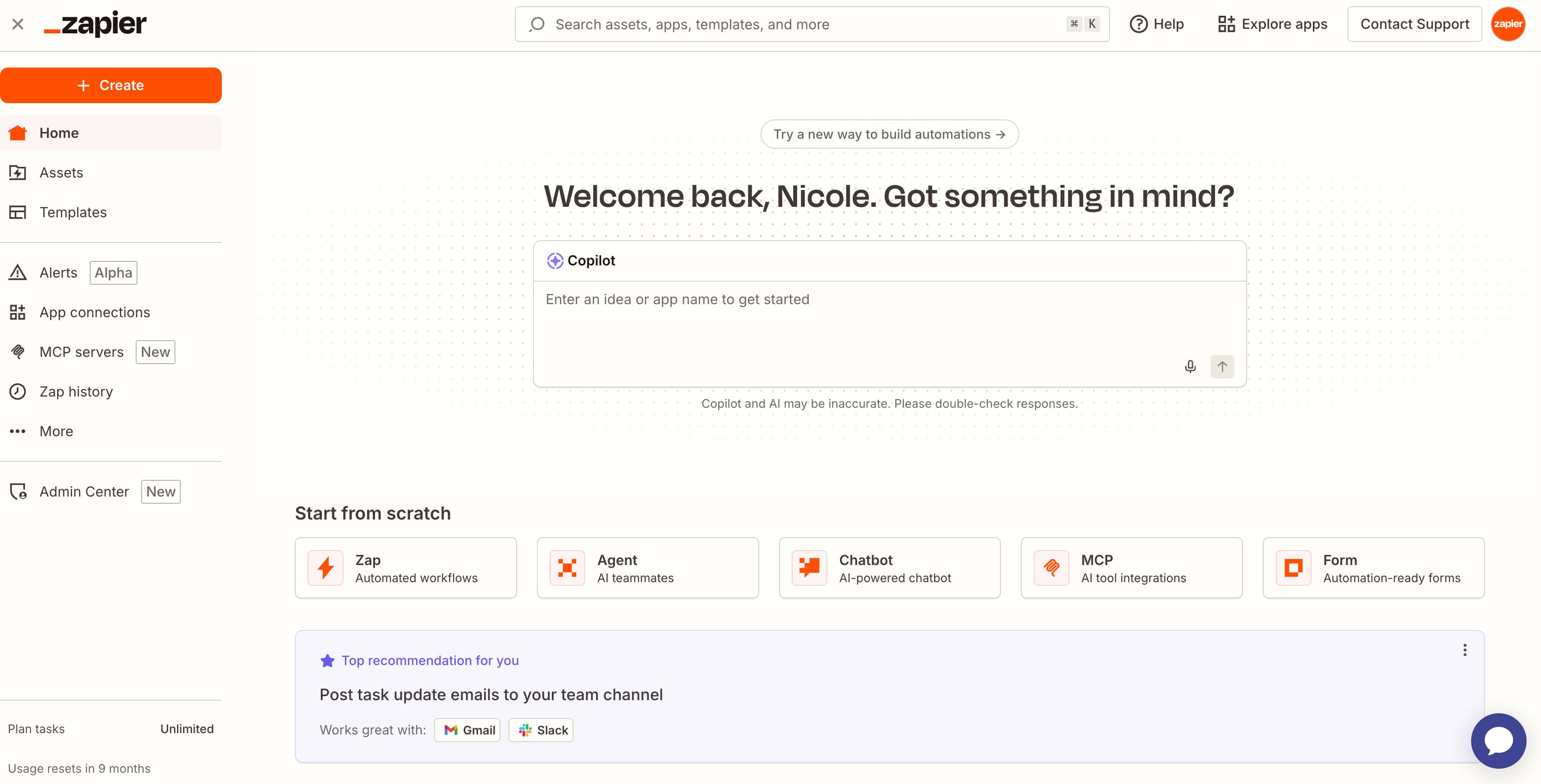
Zapier takes the top spot for building safely with AI. With 7,000+ app integrations and a no-code builder that non-developers can actually use, it remains the default choice for ops teams that need to move fast. The AI features include guardrails that give you control over what the AI can and cannot do autonomously.
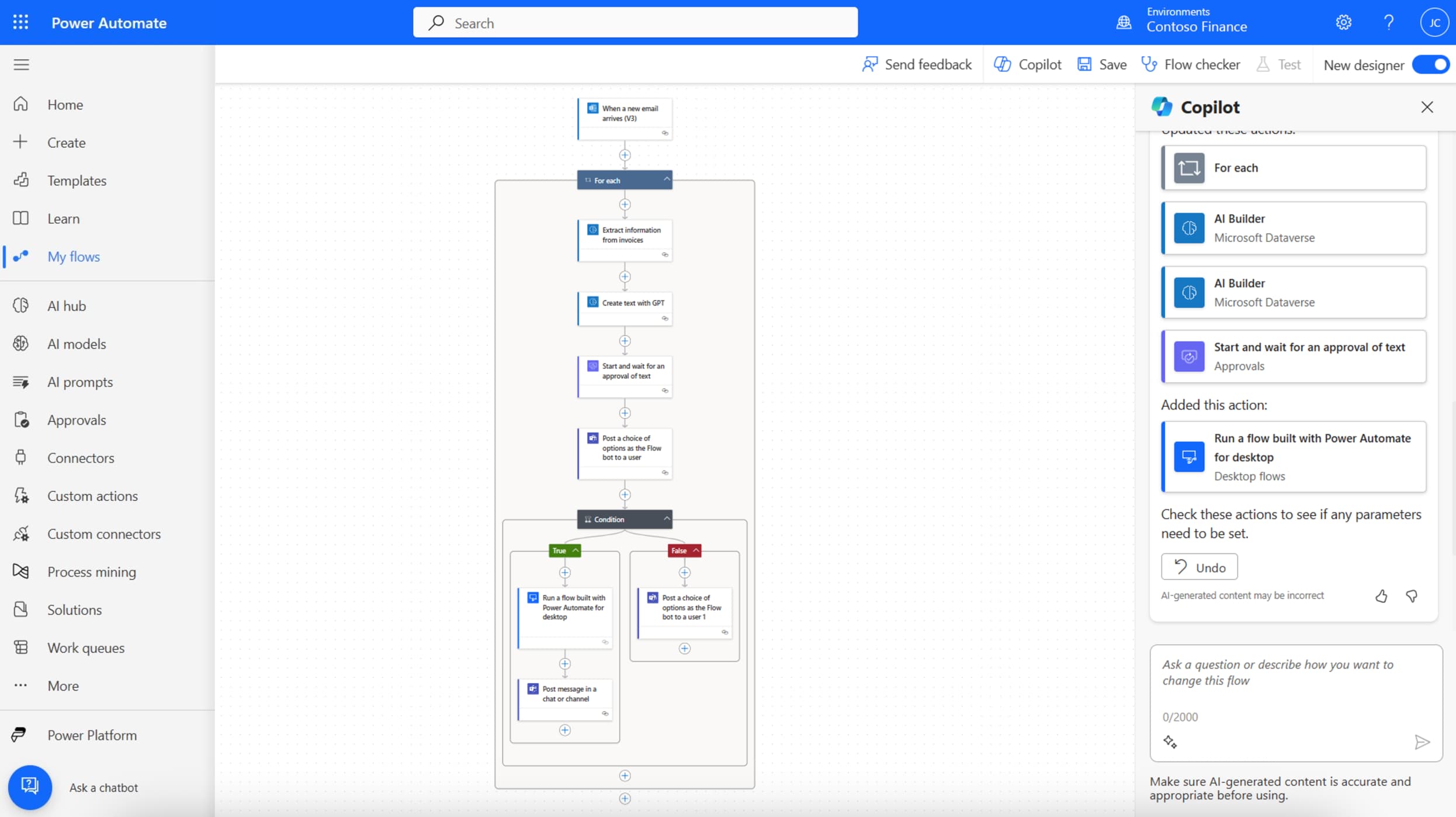
Microsoft Power Automate wins for teams already inside the Microsoft ecosystem. If you're running Microsoft 365, Dynamics, and Azure, the native integrations are tighter than anything a third-party tool can offer. The tradeoff: it's clunky for connecting to non-Microsoft apps.
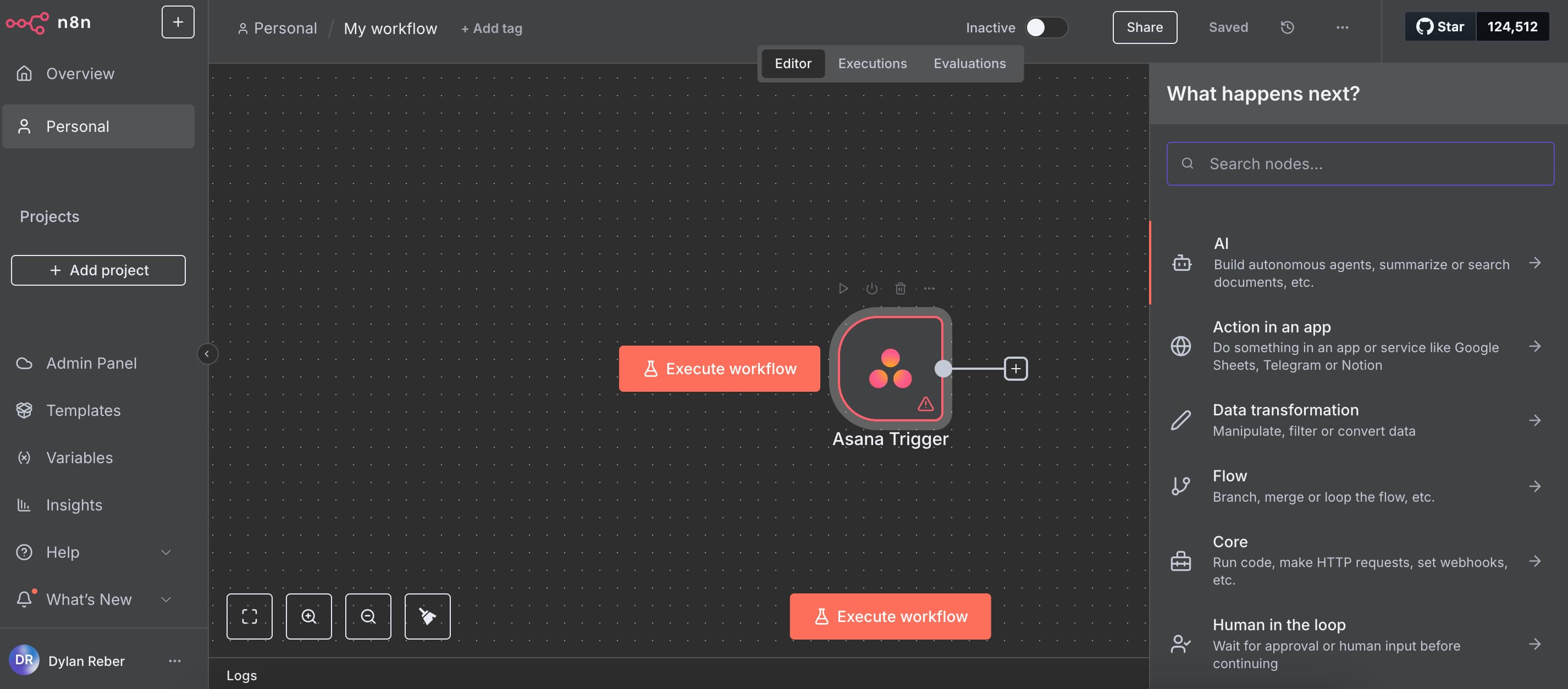
n8n is the choice for self-hosted automation. It's open-source, so you can run it on your own infrastructure and keep data entirely in-house. Engineering teams love it. Marketing teams tend to struggle with the interface.
What about enterprise and legacy systems?
Boomi handles legacy and on-prem systems that can't be touched with modern API-based tools. If you're running SAP, Oracle databases, or mainframes from the 1990s, Boomi's integration platform connects them to modern SaaS apps without ripping out existing infrastructure.
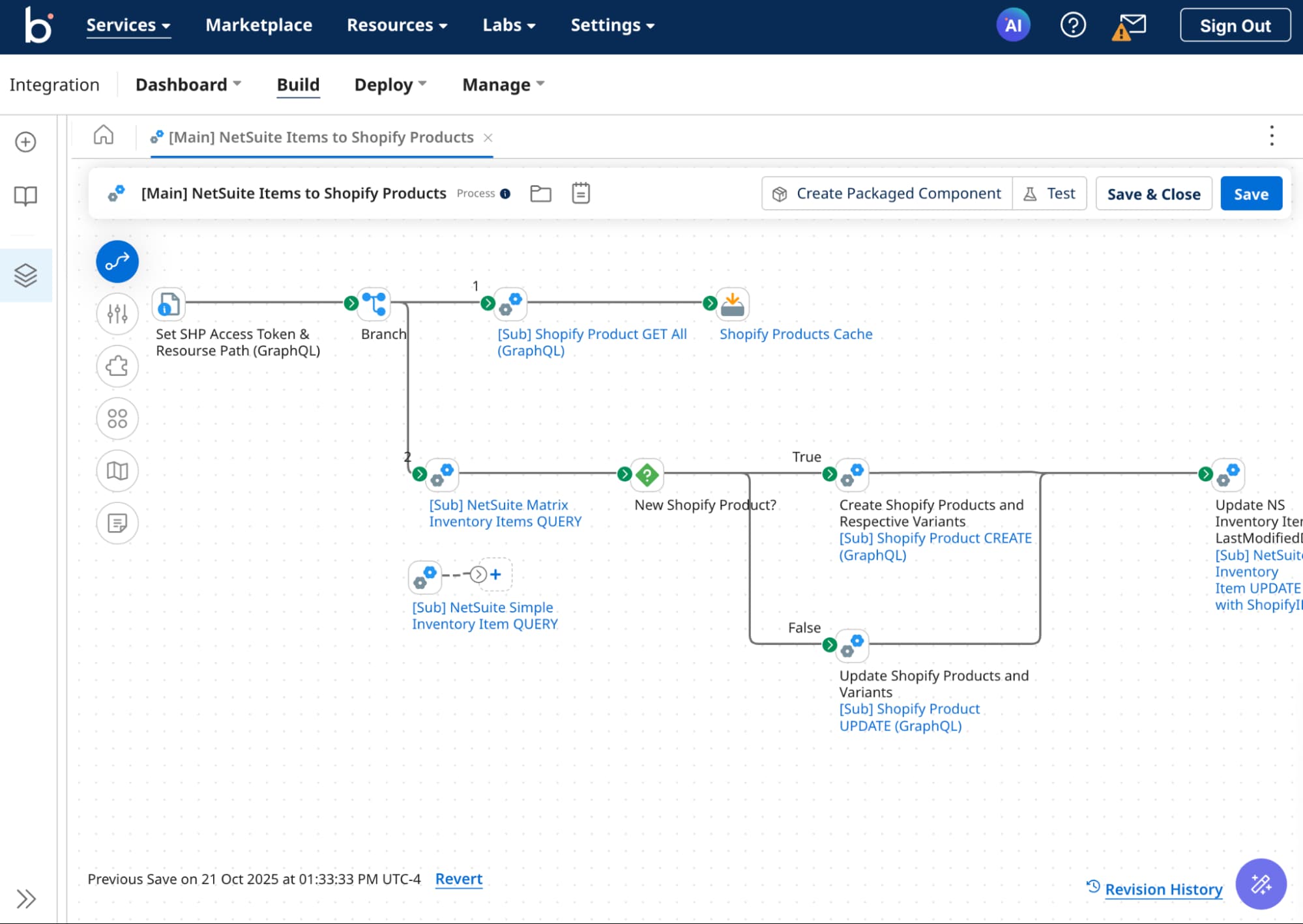
MuleSoft is purpose-built for handling sensitive data in banking, healthcare, and other regulated industries. The compliance features and audit trails justify the price tag for organizations that face real regulatory risk. Expect six-figure annual contracts.
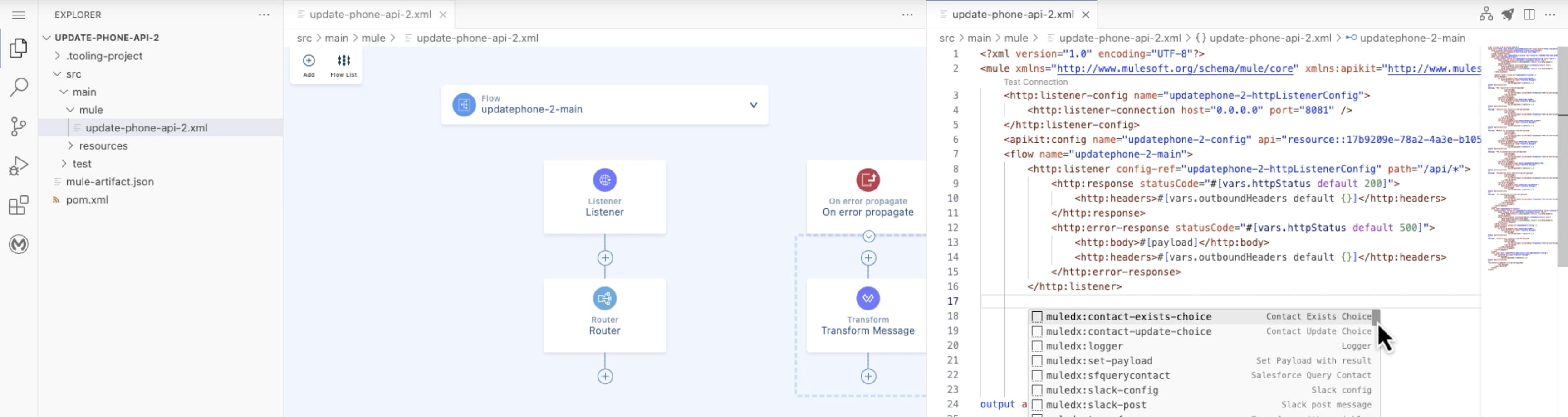
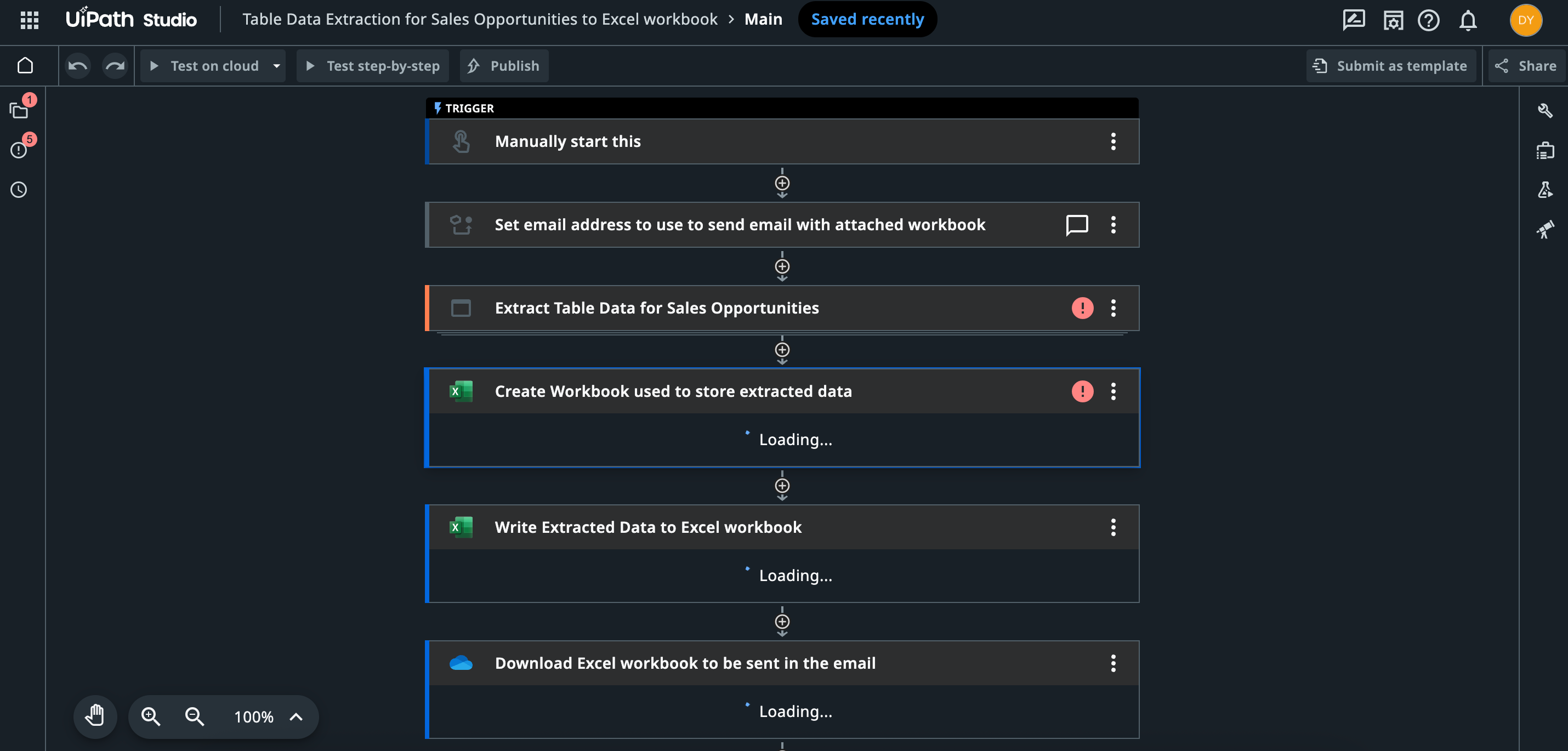
UiPath leads the RPA category for UI automation. When an app doesn't have an API, UiPath bots simulate human clicks and keystrokes to interact with the interface directly. It's the oldest approach to automation, but it remains essential for legacy software that wasn't built for integration.
AI-native and enterprise workflow tools
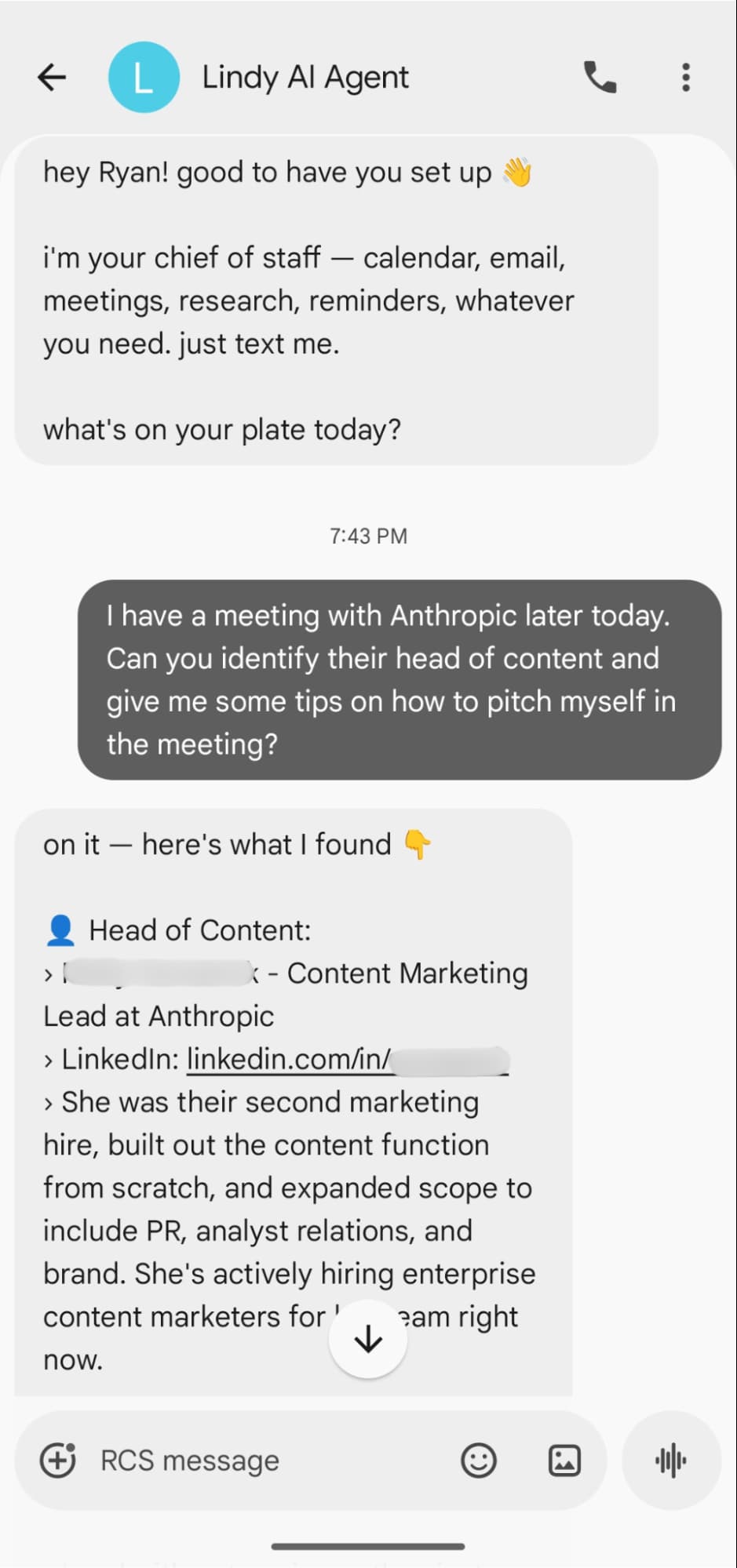
Lindy is positioned as a personal AI assistant that handles complex multi-step tasks. Unlike traditional automation that follows predefined rules, Lindy uses AI reasoning to figure out the steps. Early adopters report mixed results: impressive when it works, frustrating when it doesn't.
Automation Anywhere competes directly with UiPath in the RPA space. The differentiator is their cloud-native architecture, which makes deployment faster than UiPath's traditional on-prem approach. Large enterprises often run both.
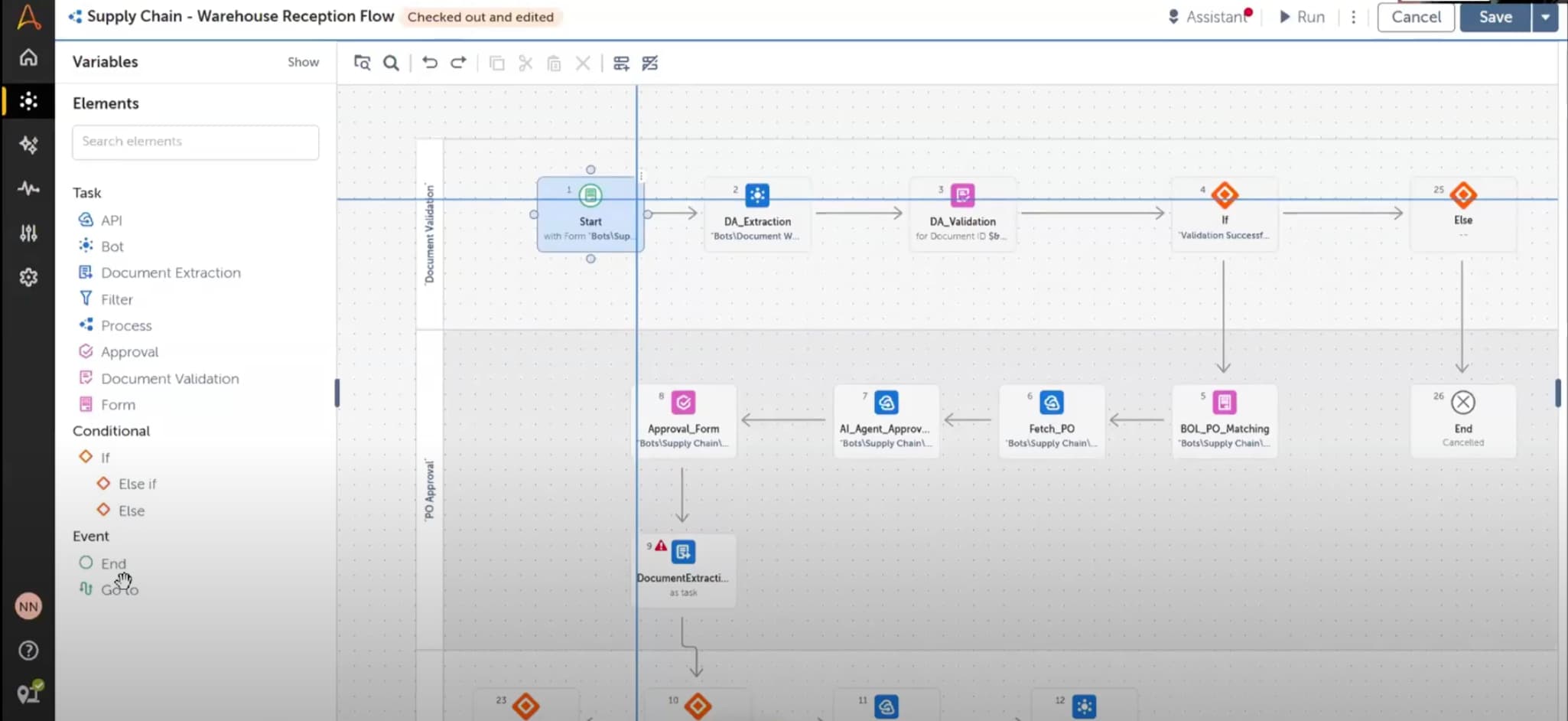
Workato handles enterprise workflow orchestration, connecting hundreds of apps while meeting IT security requirements. The pricing reflects the enterprise positioning: expect $50,000+ annually for meaningful usage.
ServiceNow rounds out the list for ITSM automation. If your IT team manages service requests, incident response, and change management, ServiceNow's automation features integrate directly with those workflows. It's overkill for anything else.
How should ops teams choose?
Start with three questions. First, who's building? If it's ops people rather than engineers, eliminate anything that requires code or a six-week implementation. Second, what's your existing stack? Tools work best when they have deep integrations with what you already run. Third, what's your data sensitivity? Regulated industries need enterprise tools with proper compliance features.
The global workflow automation market is projected to hit $19.6 billion in 2026, up from roughly $13 billion in 2023. That growth is driven by AI capabilities that make automation accessible to non-technical users. Zapier reports over 8 million users, making it the largest no-code automation platform by a wide margin.
| Tool | Best For | Technical Skill Required | Starting Price |
|---|---|---|---|
| Zapier | AI-safe no-code automation | Low | Free tier, $19.99/mo |
| Make | Complex multi-step workflows | Low-Medium | Free tier, $9/mo |
| n8n | Self-hosted data control | Medium-High | Free (self-hosted) |
| Power Automate | Microsoft ecosystem | Low | Included in M365 |
| Workato | Enterprise orchestration | Medium | $50,000+/year |
| MuleSoft | Regulated industries | High | Six figures/year |
| UiPath | Legacy UI automation | Medium | Free tier, custom |
| Automation Anywhere | Cloud-native RPA | Medium | Custom pricing |
Logicity's Take
For most RevOps teams connecting CRMs like [HubSpot](https://logicity.in/r/hubspot) or [Salesforce](https://logicity.in/r/salesforce) to marketing and support tools, Zapier or Make will cover 90% of use cases at a fraction of enterprise pricing. n8n makes sense if you have engineering resources and need to keep data in-house. The enterprise tools (Workato, MuleSoft, ServiceNow) only justify their cost when you're dealing with compliance requirements that no-code platforms can't satisfy. Don't overbuy.
Frequently Asked Questions
What's the difference between Zapier and Make?
Zapier has more integrations (7,000+ vs 1,500+) and a simpler interface. Make offers more complex branching logic and is often cheaper for high-volume automations. Most teams start with Zapier and consider Make if they need more sophisticated workflows.
Is n8n really free?
The self-hosted version is free and open-source. n8n also offers a cloud-hosted version with paid tiers starting around $20/month. Self-hosting requires technical resources to maintain.
When does RPA make sense over API-based automation?
RPA (UiPath, Automation Anywhere) is necessary when the software you're automating doesn't have an API. This typically means legacy systems, desktop applications, or older enterprise software. If APIs exist, API-based tools are faster and more reliable.
Can non-technical teams use enterprise automation platforms?
Generally no. Platforms like MuleSoft and Boomi require implementation specialists and ongoing technical maintenance. They're designed for IT teams, not business users.
What's the average ROI on workflow automation?
Companies implementing workflow automation report an average 300% ROI within the first year, primarily from reduced manual data entry errors and time savings on repetitive tasks.
Need Help Implementing This?
If you're evaluating automation tools for your ops stack or need help building workflows that actually work, reach out to Logicity's consulting team at consulting@logicity.in.
Source: The Zapier Blog
Manaal Khan
Tech & Innovation Writer
Produced with AI assistance and reviewed by the Logicity editorial team. Learn more in our Editorial Policy.