Key Takeaways
- VirusTotal aggregates 70 antivirus engines into one free scan, giving businesses enterprise-level file verification without subscription costs
- With vibe-coding and independent software on the rise, file verification is now a business-critical process for any company downloading third-party tools
- False positives happen frequently. Knowing which engines to trust (Bitdefender, ESET, Microsoft, Kaspersky) saves your team hours of unnecessary security escalations
According to [MakeUseOf](https://www.makeuseof.com/using-virustotal-in-2026/), VirusTotal has become an essential free tool for verifying file safety before installation, scanning downloads against 70 different antivirus engines to catch malware that single security solutions might miss.


Read in Short
VirusTotal is a free web app that scans any file or URL against 70 antivirus engines simultaneously. For businesses vetting software from vendors, contractors, or open-source projects, it provides enterprise-grade malware detection without adding a line item to your security budget. The catch? Knowing how to interpret results and which engines to trust when they disagree.
Why Should Business Leaders Care About VirusTotal?
Here's the uncomfortable truth: your company downloads more unvetted software than you realize. That accounting tool your finance team found. The productivity extension your marketing manager installed. The utility your IT contractor recommended. Each one is a potential entry point for malware, ransomware, or data exfiltration.
The average enterprise security stack relies on one, maybe two antivirus solutions. VirusTotal gives you 70. And it costs nothing. For a startup or mid-size business without a dedicated security team, this is the difference between flying blind and having actual visibility into file safety.
How VirusTotal Protects Your Business From Bad Downloads
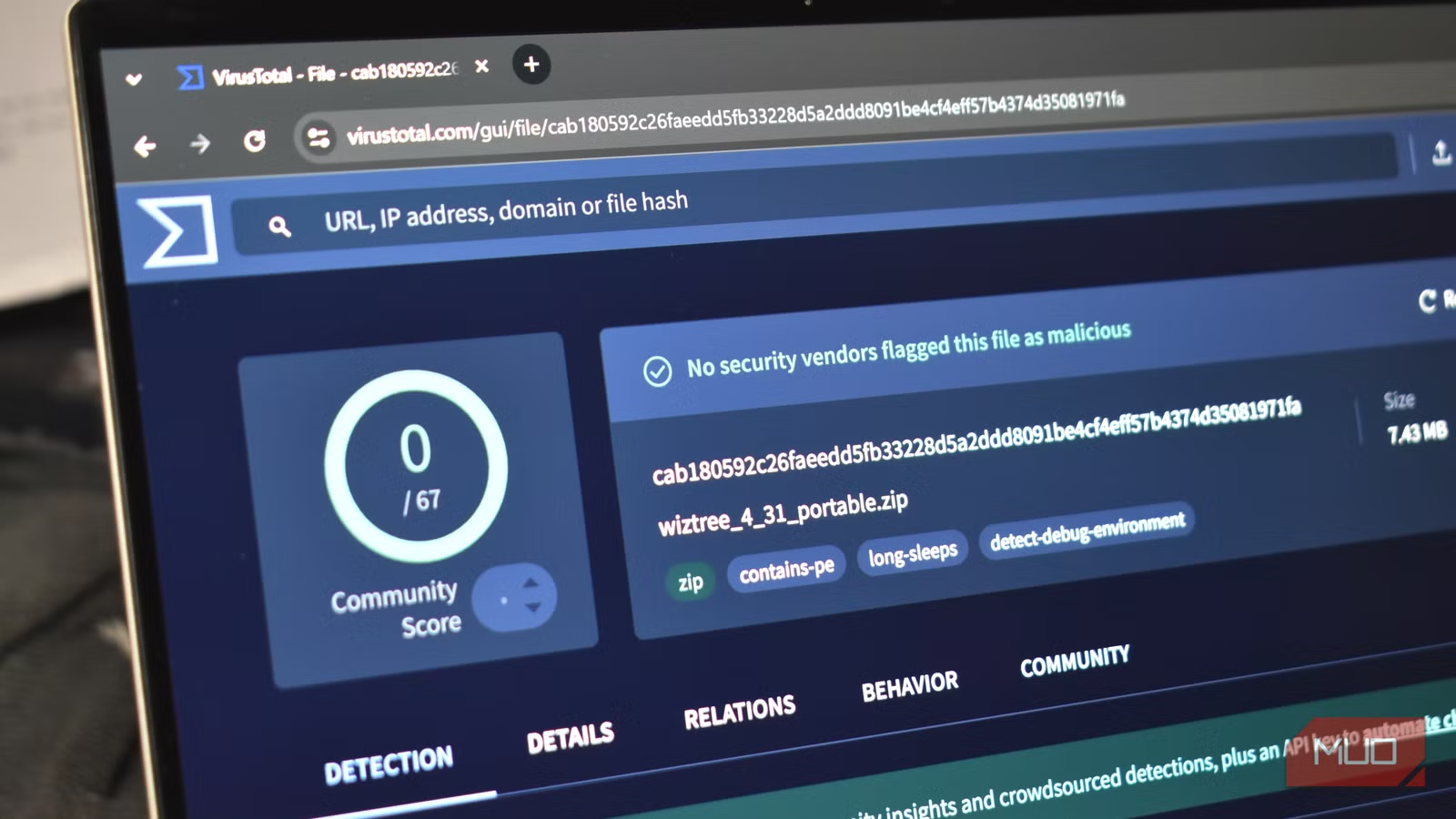
The process is dead simple. Upload a file, paste a URL, or submit a hash. Within seconds, VirusTotal returns results from 70 different antivirus and malware detection engines. You get a verdict: clean, suspicious, or malicious.
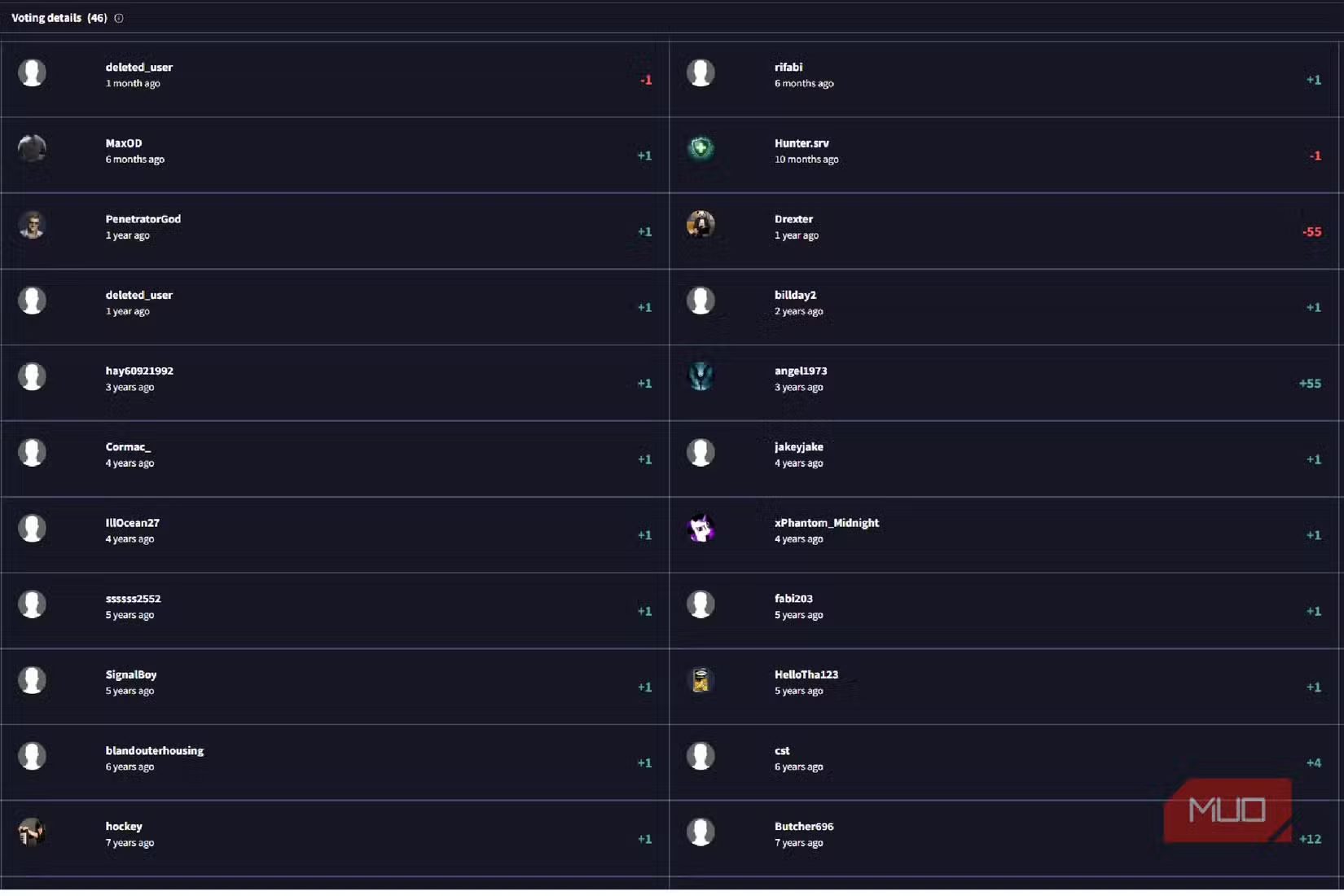
But here's where business judgment comes in. Not all engines are created equal. The original source notes that false positives are common, especially with newer software from independent developers. When BkavPro flags a file but Bitdefender, ESET, Microsoft, and Kaspersky all clear it, you're probably safe. The major engines have better detection algorithms and fewer false positives.
Executive Decision Framework
When VirusTotal results conflict, trust the tier-one engines: Bitdefender, ESET, Microsoft Defender, and Kaspersky. If all four clear the file and only obscure engines flag it, the file is likely safe. If even one major engine flags it, investigate before installing.
The tool also checks security signatures. If software has been digitally signed by a trusted publisher, it adds another layer of verification. Unsigned software isn't automatically dangerous, but it does warrant extra scrutiny, especially if it's requesting system-level permissions.
The Rise of Vibe-Coding Makes File Verification Essential
Something fundamental has shifted in how software gets made. Independent developers using AI-assisted coding (what some call vibe-coding) are releasing tools at unprecedented rates. Many of these tools are legitimate and useful. Some are not. Your team can't tell the difference just by looking.
The original source highlights this explicitly: new programs are being released daily by vibe-coding independent creators. This isn't inherently bad. It means more innovation, more niche tools, more solutions to specific business problems. But it also means more opportunities for malicious actors to slip harmful code into the ecosystem.
For businesses that value automation and efficiency, tools like those covered in our piece on [Claude Cowork automation](claude-cowork-automation-cut-repetitive-tasks-90) represent the future. But every new tool you integrate is a potential attack vector. VirusTotal is your verification layer.
What Does VirusTotal Cost? Zero, With Caveats
The basic VirusTotal service is completely free. Upload files, scan URLs, check hashes. For most small and mid-size businesses, this is sufficient. But there are limitations you should understand before building it into your security workflow.
| Feature | Free Tier | VirusTotal Enterprise |
|---|---|---|
| File scanning | Unlimited | Unlimited |
| URL scanning | Unlimited | Unlimited |
| API access | Limited (4 requests/minute) | High-volume |
| Private scanning | No (files visible to researchers) | Yes |
| Advanced analytics | Basic | Full threat intelligence |
| YARA rules | Limited | Custom rules |
| Cost | $0 | Custom pricing (typically $10K+/year) |
The critical caveat: files uploaded to the free tier become visible to the security research community. This is how VirusTotal improves its detection. But it means you should never upload sensitive business documents, proprietary code, or anything containing customer data. For those use cases, you need the enterprise tier or a different solution entirely.
Building VirusTotal Into Your Security Workflow
For maximum effectiveness, VirusTotal shouldn't be an afterthought. It should be a mandatory step before any software installation. Here's how smart organizations integrate it:
- Create a policy: No software installation without VirusTotal verification. Make it part of your IT onboarding.
- Train your team: Show them how to interpret results. Not every red flag means danger. Context matters.
- Document decisions: When you approve software that had minor flags, note why. This creates institutional knowledge.
- Check URLs too: Websites can deliver malware through drive-by downloads. Verify sketchy links before clicking.
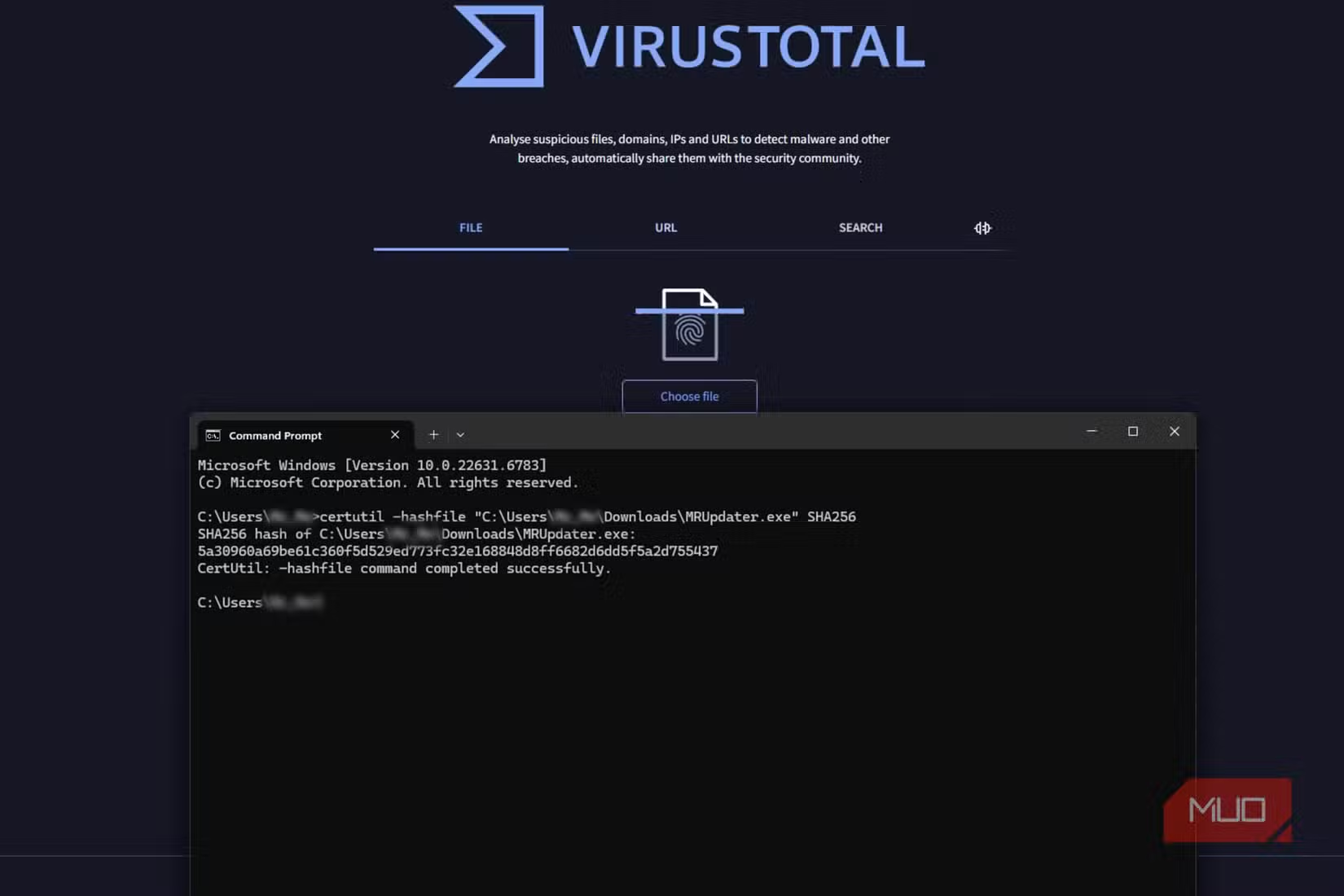
- Use hash checking: For popular software, you don't need to upload files. Just check the SHA256 hash against VirusTotal's database.
This process adds maybe 30 seconds to a software installation. The alternative is a ransomware attack that costs you days of downtime and potentially millions in recovery costs. The math is obvious.
When VirusTotal Isn't Enough
Let's be clear about limitations. VirusTotal is a detection tool, not a prevention system. It tells you if a file is known to be malicious. It can't protect against zero-day threats that haven't been catalogued yet. It can't stop an employee from ignoring a warning and installing malware anyway.
✅ Pros
- • Free access to 70 antivirus engines
- • URL and hash checking beyond just files
- • Historical data shows if a file's reputation changed over time
- • API access for automation (even on free tier)
- • No software installation required, it's entirely web-based
❌ Cons
- • Uploaded files become visible to researchers (privacy concern)
- • Can't detect brand-new, unreported malware
- • False positives require human judgment to interpret
- • No real-time protection, only point-in-time scanning
- • Enterprise features require significant investment
For businesses building on Linux infrastructure, basic security hygiene is just as important as tool verification. Our guide on [Linux skills for business](linux-skills-for-business-stop-tutorials-build-projects) covers the foundational knowledge your team needs.
Real-World Use Cases for Business Teams
Here's how different teams within your organization can use VirusTotal effectively:
- IT/Operations: Verify all software before deployment to employee machines. Check updates from vendors, especially smaller ones.
- Procurement: When evaluating new software vendors, scan their installers. A clean VirusTotal report adds confidence to vendor assessments.
- HR/Recruiting: Job application attachments are a common malware vector. Scan resume PDFs and portfolio files before opening.
- Finance: Verify any software touching financial data or banking credentials. Extra scrutiny here pays dividends.
- Marketing: Those free design tools and browser extensions? Check them. Adware often hides in marketing utilities.
The Business Case Is Simple
Ransomware attacks cost businesses an average of $1.85 million per incident in 2025, according to Sophos research. The median downtime is 21 days. For a mid-size company, that's potentially fatal.
VirusTotal costs nothing and takes seconds. It won't catch everything, but it catches the known threats, which represent the vast majority of attacks. Most malware isn't sophisticated. It's recycled, modified, and redistributed. The 70 engines in VirusTotal's database have seen most of it before.
For business leaders attending events like the [Griffin Retreat](griffin-retreat-2026-200bn-founder-network-lessons), security is always a conversation topic. The founders who've been burned by preventable attacks have one thing in common: they didn't have basic verification processes in place.
Frequently Asked Questions
Is VirusTotal safe to use for business files?
Yes, but with an important caveat. Files uploaded to the free tier become visible to security researchers. Never upload sensitive documents, proprietary code, or files containing customer data. For those, use the enterprise tier or scan only the file hash.
How accurate is VirusTotal's malware detection?
Very accurate for known threats. With 70 engines, false negatives are rare. False positives happen occasionally, especially with new software. Trust major engines (Bitdefender, ESET, Microsoft, Kaspersky) over obscure ones when results conflict.
Can VirusTotal replace our antivirus software?
No. VirusTotal is a point-in-time scanner, not real-time protection. You still need endpoint protection on all machines. Think of VirusTotal as a second opinion before installing new software, not a replacement for continuous protection.
How long does a VirusTotal scan take?
Small files scan in seconds. Larger files (hundreds of megabytes) may take a minute or two. Results are essentially instant for files that have been scanned before, as VirusTotal checks against its existing database first.
Does VirusTotal work for website safety checks?
Yes. You can paste any URL and VirusTotal will check it against multiple web reputation engines. This is useful for verifying links in suspicious emails or checking websites before entering credentials.
Logicity's Take
At Logicity, we build AI agents and automation workflows for clients across the Middle East and India. Security isn't optional in our work. It's foundational. When we integrate third-party APIs or recommend tools to clients, VirusTotal is part of our vetting process. We've caught suspicious packages twice in the past year alone. Both times, an obscure npm dependency had been compromised. VirusTotal flagged the downloaded package before we deployed it. For startups without dedicated security teams, free tools like VirusTotal represent an outsized return on minimal effort. The 30 seconds you spend scanning a file could save you from explaining a data breach to your investors. We recommend every business, regardless of size, build file verification into their standard operating procedures. It's not paranoia. It's basic operational hygiene in 2026.
Need Help Implementing This?
Logicity helps businesses build secure automation workflows and integrate security best practices into their operations. If you're looking to strengthen your team's security posture without enterprise-level budgets, we can help design processes that work. Reach out at logicity.in.
Learn how AI automation tools can streamline business operations while maintaining security standards
Essential Linux knowledge for teams managing their own infrastructure and security
Source: MakeUseOf
Huma Shazia
Senior AI & Tech Writer
Produced with AI assistance and reviewed by the Logicity editorial team. Learn more in our Editorial Policy.