Key Takeaways
Vercel Employee #6: Why I Bet on Node.js Early
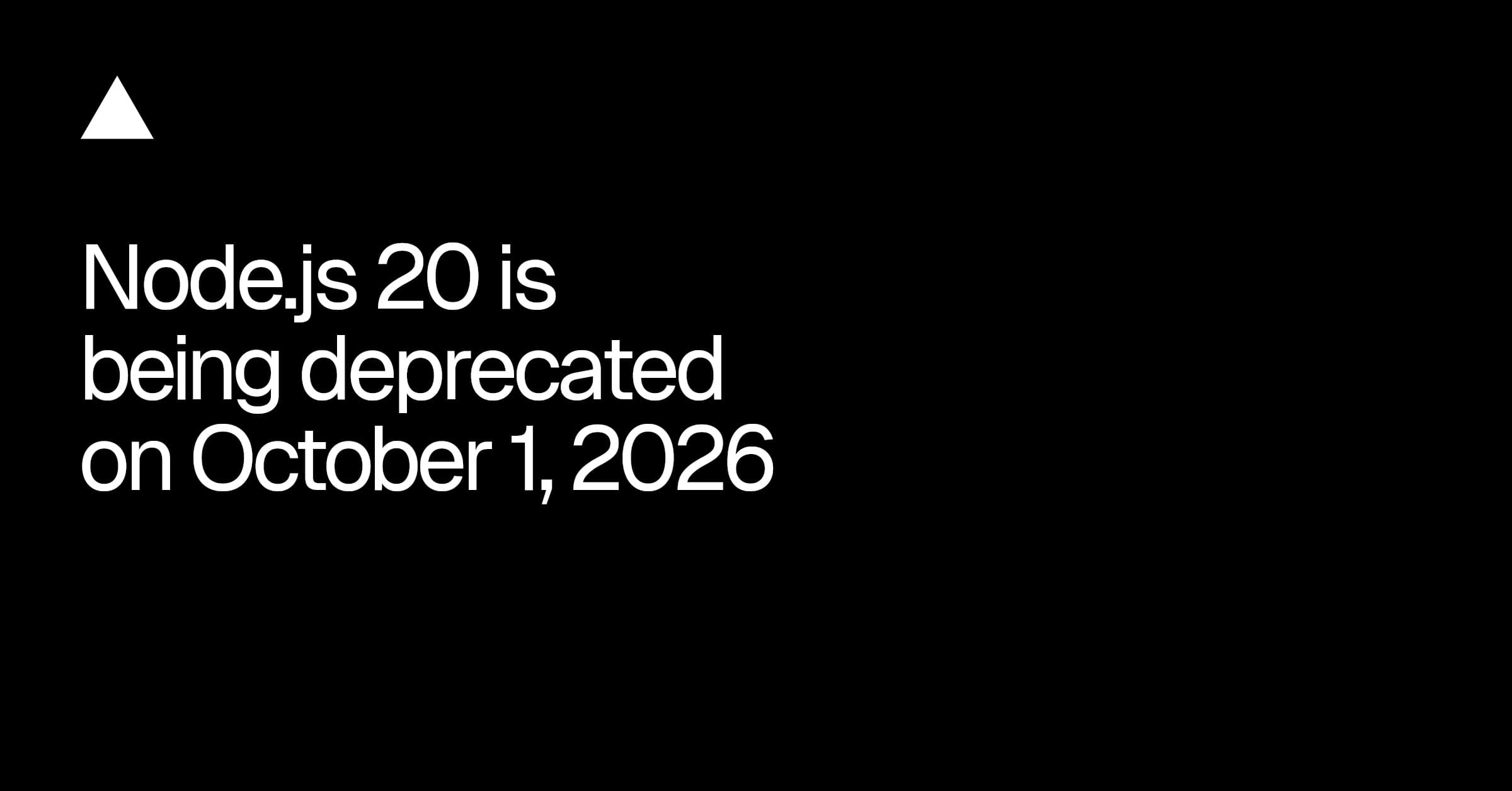
- Vercel will disable Node.js 20 on October 1, 2026, five months after Node.js's official EOL
- Existing deployments remain unaffected; only new deployments will fail after the deadline
- Teams that can't upgrade in time can deploy as container images to bypass the restriction
Vercel announced it will deprecate Node.js 20 for builds and serverless functions on October 1, 2026. The deadline arrives five months after Node.js 20 reaches official end-of-life on April 30, 2026, giving engineering teams a buffer to migrate production workloads to Node.js 22 or 24.
Disclosure
Some links in this post are affiliate links — Logicity earns a commission if you sign up, at no extra cost to you. We only link products we have used or actively recommend.
The deprecation affects new deployments only. Any serverless function already running on Node.js 20 will continue to serve requests normally. But once October 1 hits, attempts to deploy new builds targeting Node.js 20 will throw an error in project settings.
Which projects are affected?
Vercel ships a CLI command to surface vulnerable projects. Running `vercel project ls --update-required` after updating to the latest CLI version lists every project still targeting a deprecated Node.js version. For teams managing dozens of repos, this beats manual audits.
npm i -g vercel@latest
vercel project ls --update-required
The output flags any project where the configured Node.js version will stop working after the deadline. Engineering leads should run this now, not in September 2026.
How to upgrade to Node.js 22 or 24
Two paths exist. The simpler option: update the `engines` field in `package.json` to `{"node": "24.x"}` or `{"node": "22.x"}`. This overrides whatever version is set in Vercel's project settings on the next deployment. Alternatively, change the version directly in the Vercel dashboard under Project Settings.
Beyond the config change, you'll need to update any version pins in `.nvmrc`, `.node-version`, or CI pipeline configs. Then switch the local runtime, reinstall dependencies, run the build, and verify tests pass. Node.js major version bumps sometimes introduce breaking changes in native modules or deprecated APIs.
Vercel suggests handing the migration to a coding agent with the prompt: "Upgrade this Vercel project from Node.js 20 to 24." That works for simpler projects. Complex monorepos with native bindings probably need human oversight.
What if you can't upgrade in time?
For teams stuck on Node.js 20, Vercel offers an escape hatch: deploy as a container image. Add a `Dockerfile.vercel` at the project root specifying `node:20-alpine` as the base image. Vercel builds and deploys the container on every commit.
FROM node:20-alpine
WORKDIR /app
COPY . .
RUN npm ci
CMD ["node", "server.js"]
The catch: you now own the Node.js version and its security patches. Vercel's deprecation policy doesn't apply to containers, but neither does its managed runtime. That's a tradeoff. For legacy applications that simply cannot migrate, it buys time. For greenfield projects, it's the wrong call.
Why the five-month grace period matters
Node.js follows a predictable LTS schedule. Even-numbered releases get 36 months of support. Node.js 20 "Iron" shipped in April 2023, entered Active LTS in October 2023, and ends support on April 30, 2026. Vercel's October deadline gives teams five months after EOL to complete migrations.
That's generous compared to some platforms. But it assumes teams actually start the work. In practice, runtime upgrades sit in backlogs until the deadline looms. Teams running DigitalOcean App Platform or Cloudflare Workers face similar upgrade cycles, though the exact timelines differ.
The real risk isn't the October 1 deadline itself. It's the April 30 EOL, after which Node.js 20 stops receiving security patches. Any vulnerability discovered post-EOL goes unpatched. Running unsupported runtimes in production is a liability decision, not a technical one.
Logicity's Take
Five months sounds like plenty of time until you remember how enterprise backlogs work. Start now. Run Vercel's CLI audit, create tickets for affected projects, and test upgrades in staging before Q2 2026. Teams on other hosting platforms like Render, Railway, or Fly.io should check their deprecation timelines too. The Node.js EOL date applies everywhere, not just Vercel.
Timeline at a glance
Frequently Asked Questions
Will my existing Vercel deployments break after October 1, 2026?
No. Existing serverless functions on Node.js 20 continue to run. Only new deployments targeting Node.js 20 will fail after the deadline.
What Node.js version should I upgrade to?
Node.js 22 is the current Active LTS with support until April 2027. Node.js 24 will enter LTS in October 2025 if you want a longer support runway.
Can I stay on Node.js 20 using containers?
Yes. Deploying via Dockerfile.vercel bypasses Vercel's version restrictions. But you're responsible for security patches since Node.js won't provide them after April 2026.
How do I check which projects need updates?
Run `vercel project ls --update-required` after installing the latest Vercel CLI. It lists all projects targeting deprecated Node.js versions.
Does this affect other serverless platforms?
The Node.js 20 EOL date affects every platform, but deprecation timelines vary. Check AWS Lambda, Google Cloud Functions, and Azure Functions documentation for their schedules.
Cloud cost management is increasingly tied to infrastructure decisions like runtime upgrades
Need Help Implementing This?
If your team needs guidance on Node.js migration planning or Vercel deployments, reach out to the Logicity community for recommendations on DevOps consultants and tooling.
Manaal Khan
Tech & Innovation Writer
Produced with AI assistance and reviewed by the Logicity editorial team. Learn more in our Editorial Policy.