Key Takeaways
- New GPU prices have increased 40%+ due to AI data center demand, making used cards financially attractive
- A failed GPU can cost $2,000-5,000 in downtime and replacement for small teams
- Five physical indicators reveal whether a used GPU has been crypto-mined or otherwise stressed
According to [MakeUseOf](https://www.makeuseof.com/5-signs-that-you-should-walk-away-from-that-used-gpu/), there are five critical warning signs that should make any buyer walk away from a used GPU, ranging from excessive fan noise to physical damage that indicates previous misuse.
Read in Short
AI data centers are hoovering up GPU supply, pushing new card prices up 40%+. Used GPUs offer real savings, but a bad buy can cost your business more in downtime than you saved. Look for five red flags: jet-engine fan noise, physical damage, missing documentation, suspicious pricing, and seller evasiveness. Treat GPU procurement like any business asset purchase, with proper due diligence.
Why GPU Prices Are Crushing IT Budgets in 2026
If you've tried to spec out workstations or upgrade rendering rigs lately, you've felt the pain. GPU prices aren't just high. They're historically disconnected from what small and mid-sized businesses can reasonably afford.
The culprit? AI data centers. Companies building large language models and machine learning infrastructure are buying GPUs by the thousands. NVIDIA's H100 chips are backordered for months. This demand trickles down to consumer and prosumer cards, which many businesses use for video editing, 3D rendering, CAD work, and local AI inference.
For a 10-person creative agency or engineering team, this creates a real procurement problem. Do you pay inflated prices for new hardware, delay upgrades and lose productivity, or explore the secondhand market?
Is Buying a Used GPU Worth the Risk for Your Business?
The math can work. A used RTX 4080 might run $600-800, compared to $1,200+ new. Multiply that across five workstations and you're looking at $2,000-3,000 in savings. That's real money for a startup's runway.
But here's what the savings math doesn't account for: downtime costs. When a GPU fails mid-project, you're not just replacing hardware. You're dealing with lost billable hours, missed deadlines, and emergency procurement at premium prices.
This is why treating used GPU purchases like any other business asset acquisition matters. You need due diligence. You need red flags. And you need to know when the deal isn't actually a deal.
5 Warning Signs in a Used GPU Buying Guide
Whether you're buying from eBay, refurbished Amazon sellers, or local tech liquidators, these five indicators separate cards worth buying from expensive paperweights.
1. Fan Noise That Sounds Like a Jet Engine
This is the most obvious tell, and the one most buyers ignore because they're focused on benchmarks. Excessive fan noise isn't just annoying. It's diagnostic.
GPUs used for cryptocurrency mining or running AI workloads 24/7 put tremendous stress on fan bearings. These components wear out. A buzzing, rattling, or grinding sound means the cooling system is failing. And cooling failure leads to thermal throttling, reduced performance, and eventual card death.
What to Listen For
Request a video of the card running under load before purchase. If the seller can't or won't provide this, that's a red flag in itself. Normal GPU fans produce a consistent whir. Problem cards buzz, rattle, or cycle erratically.
Some noise issues are fixable. Dust buildup can be cleared with compressed air. Fan curves can be adjusted in BIOS. But worn bearings require fan replacement, which costs $50-150 and requires technical skill your IT team may not have.
2. Physical Damage or Cosmetic Red Flags
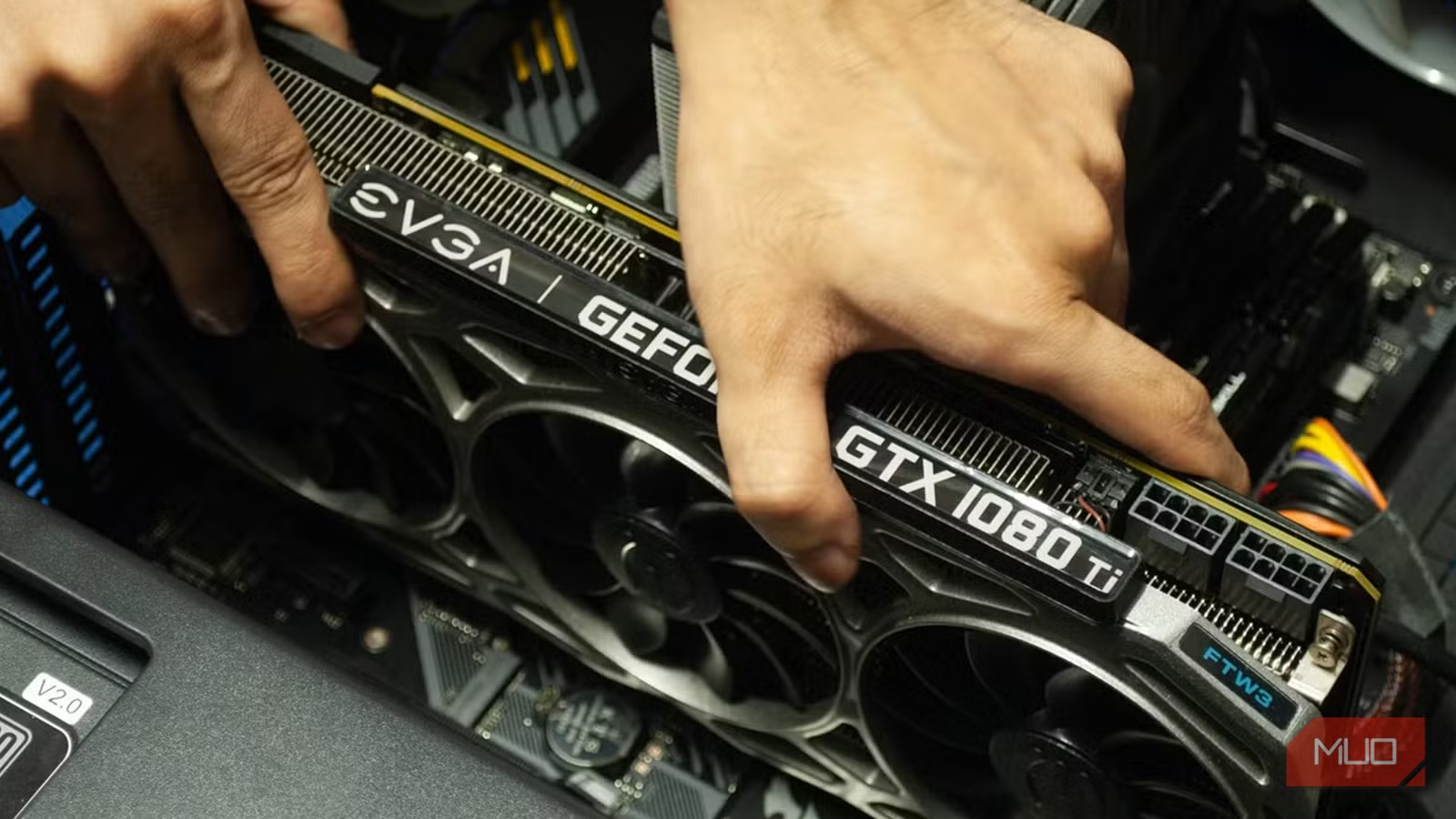
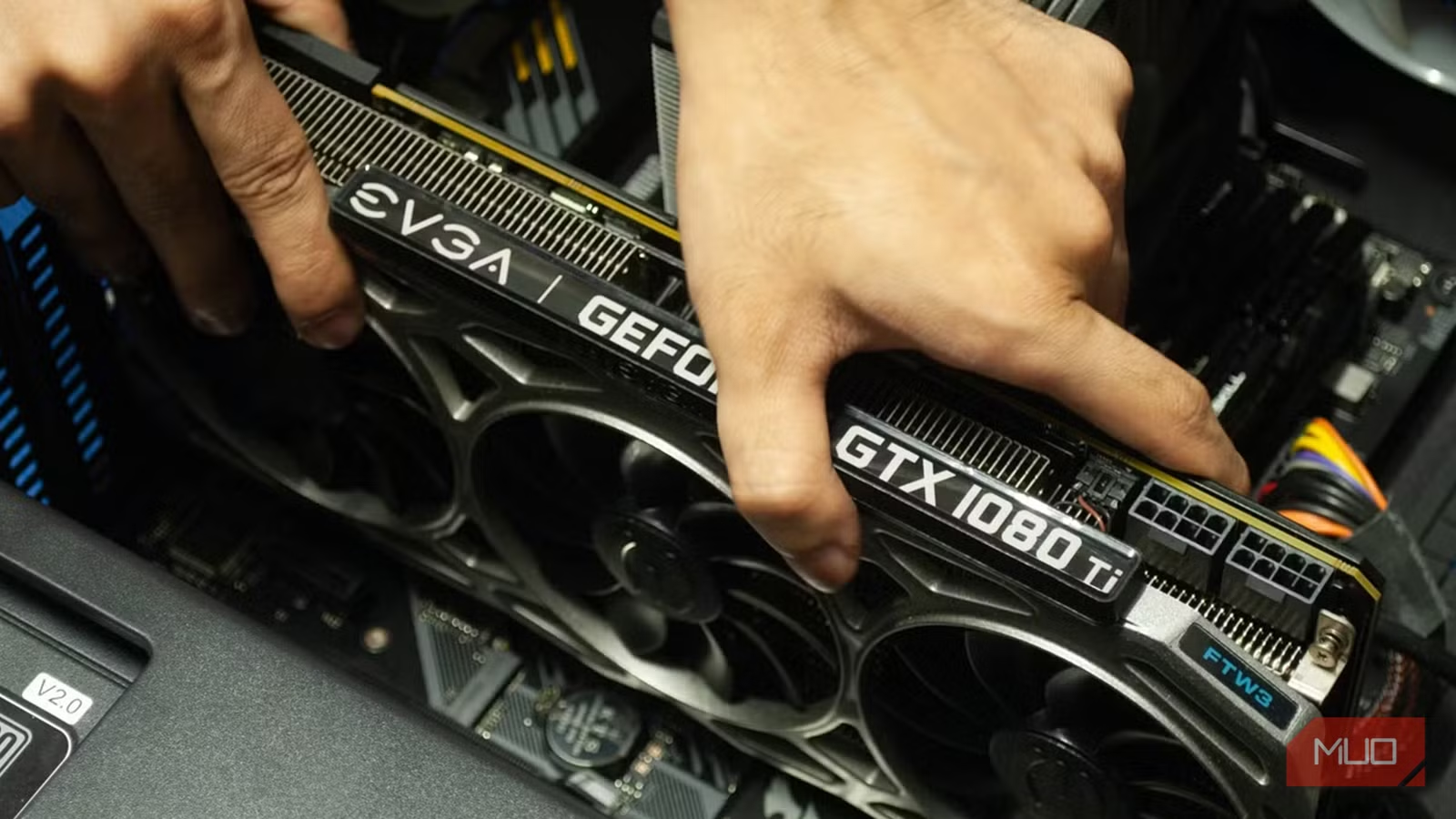
Examine every photo carefully. Better yet, request additional photos of specific areas: the PCB, power connectors, and heatsink contact points.
- Bent or discolored PCB indicates heat damage or physical stress
- Scratched or corroded power connectors suggest rough handling
- Missing or replaced thermal pads point to amateur repair attempts
- Yellowed or bubbled stickers indicate prolonged heat exposure
These cosmetic signs correlate with internal damage. A card that's been dropped, overheated repeatedly, or poorly maintained will fail sooner. The original owner's carelessness becomes your business risk.
3. Missing or Suspicious Documentation
Legitimate sellers provide purchase receipts, warranty transfer information (if applicable), and clear purchase dates. Missing documentation raises questions you can't afford to leave unanswered.
Cards without provenance might be stolen, salvaged from damaged systems, or crypto-mining casualties the seller is trying to unload. Some refurbished sellers purchase bulk lots from mining operations and resell without disclosure. Ask directly: where did this card come from?
4. Pricing That Seems Too Good
You know the saying. If an RTX 4090 is listed at 40% below market rate with a vague description and stock photos, something's wrong. Scammers count on buyers' desire for a deal overriding their judgment.
| Card Model | New Price (2026) | Fair Used Price | Suspicious Price |
|---|---|---|---|
| RTX 4070 | $650 | $400-500 | Under $300 |
| RTX 4080 | $1,200 | $700-850 | Under $500 |
| RTX 4090 | $1,800 | $1,100-1,400 | Under $800 |
Use price as a filter, not a target. Cards priced significantly below market either have undisclosed problems or don't exist at all.
5. Seller Won't Answer Direct Questions
This is the soft skill of procurement. Good sellers respond quickly, answer technical questions competently, and provide additional documentation when asked. Evasive or defensive responses indicate either dishonesty or ignorance. Neither is acceptable when you're buying business hardware.
Ask specific questions: What workloads was this card used for? How many hours of operation? Was it ever used for mining? Can you provide GPU-Z screenshots? Legitimate sellers have nothing to hide.
When hardware or infrastructure fails, security gaps often follow. Know the risks.
How to Evaluate Used GPUs Like a Procurement Pro
Beyond avoiding red flags, smart buyers run a structured evaluation process. Here's what separates successful used GPU purchases from expensive mistakes.
- Research fair market value using sold listings, not asking prices
- Request video proof of the card running stress tests (FurMark, 3DMark)
- Ask for GPU-Z screenshots showing VRAM, temperatures, and driver versions
- Verify seller reputation through platform reviews and transaction history
- Use buyer protection platforms; avoid direct PayPal or wire transfers
- Document everything in writing before payment
For larger purchases (multiple cards or enterprise-grade hardware), consider working with certified refurbished vendors who provide warranties and testing documentation. The premium is worth the risk reduction.
When Does Buying Used GPUs Make Business Sense?
Not every situation calls for new hardware. Used GPUs make financial sense in specific scenarios.
✅ Pros
- • Temporary projects with defined end dates
- • Testing environments that don't require reliability guarantees
- • Budget-constrained startups with technical staff who can evaluate and repair
- • Non-critical workstations where downtime is acceptable
❌ Cons
- • Production rendering or client-facing work with deadlines
- • Teams without technical hardware expertise
- • Situations where any downtime creates revenue loss
- • Long-term deployments where total cost of ownership matters
The decision framework is simple: can your business absorb a GPU failure without significant impact? If yes, used cards offer real savings. If no, pay the premium for new hardware and warranty coverage.
Similar procurement principles apply to vehicle fleets. Understand total cost of ownership.
Frequently Asked Questions About Used GPU Buying
Frequently Asked Questions
How much can businesses save buying used GPUs?
Typical savings range from 30-50% off new prices for cards 1-2 years old. For a team of five workstations, this can mean $2,000-4,000 in hardware savings. However, factor in the risk of failure and potential downtime costs before committing.
Are ex-mining GPUs safe to buy?
It depends. Mining puts consistent stress on GPUs but doesn't always cause damage. Cards run at stable temperatures with good cooling may still have years of life. The problem is you rarely know the mining conditions. Ask directly and verify with stress tests if possible.
What warranty options exist for used GPUs?
Some manufacturers (EVGA historically, some ASUS cards) offer transferable warranties. Many don't. Certified refurbished sellers often provide 90-day to 1-year warranties. eBay and Amazon buyer protection covers some failures. Factor warranty status into your total cost calculation.
How long should a used GPU last?
A well-maintained GPU can run 5-7 years. A stressed or damaged card might fail within months. Without knowing the card's history, assume 2-3 years of remaining life for planning purposes. Budget for replacement accordingly.
Should startups buy new or used GPUs?
It depends on your runway and risk tolerance. Early-stage startups with technical founders who can evaluate and replace hardware may benefit from used cards. Funded startups focused on shipping product should minimize hardware risk with new equipment and warranties.
Logicity's Take
We've built AI agents and compute-intensive applications for clients across India and the Middle East. GPU procurement comes up constantly in conversations about infrastructure costs. Here's our honest perspective: for production AI inference, we always recommend new hardware or cloud instances. The cost of debugging a failed GPU in a client's workflow isn't worth the savings. But for development and testing? We've bought used cards successfully by following these exact principles. The key insight for Indian tech businesses specifically: the secondhand GPU market in India is less mature than Western markets. Verification is harder, returns are more complicated, and seller reputation systems are weaker. If you're buying locally, prioritize sellers you can visit in person or certified refurbished channels with clear return policies. The 20% premium over eBay prices is worth the reduced hassle. For enterprise deployments, we typically advise clients to use cloud GPU instances (AWS, GCP, Azure) for variable workloads and buy new for predictable, always-on requirements. The hybrid approach optimizes both cost and reliability.
Need Help With Your Tech Infrastructure?
Logicity helps startups and growing businesses make smart technology decisions. Whether you're evaluating hardware procurement, building AI-powered applications, or optimizing your tech stack for growth, we bring practical experience from real deployments. Let's talk about what makes sense for your situation.
Source: MakeUseOf
Manaal Khan
Tech & Innovation Writer
Produced with AI assistance and reviewed by the Logicity editorial team. Learn more in our Editorial Policy.