
Key Takeaways

- Bed presence sensors and phone-charging triggers fail because they can't confirm both partners are ready for sleep
- Two NFC tags, one per nightstand, require both people to tap before the bedtime automation runs
- NFC tags cost around $0.15 each and work with Home Assistant and most smartphone automation apps
The Problem With Automating Bedtime
Smart home enthusiasts hit a wall when trying to automate their bedtime routines. The issue isn't technical. It's human. There's no single signal that reliably indicates everyone in the household is ready to sleep.
Bed presence sensors seem like an obvious fix. But if one partner wants to read in bed while the other sleeps, the automation plunges the room into darkness the moment both bodies hit the mattress. Phone-charging triggers have the same flaw. Plug in your phone at 10 PM, and your partner still watching TV in the living room suddenly loses the picture.
Voice commands don't work either. Nobody wants to bark "Hey Google, goodnight" while their partner is already drifting off.
“Physical triggers create an 'invisible interface' that respects the sanctity of the bedroom, unlike screens that dominate your attention at 2 AM.”
— Smart Home Integrator
The Fix: One NFC Tag Per Nightstand
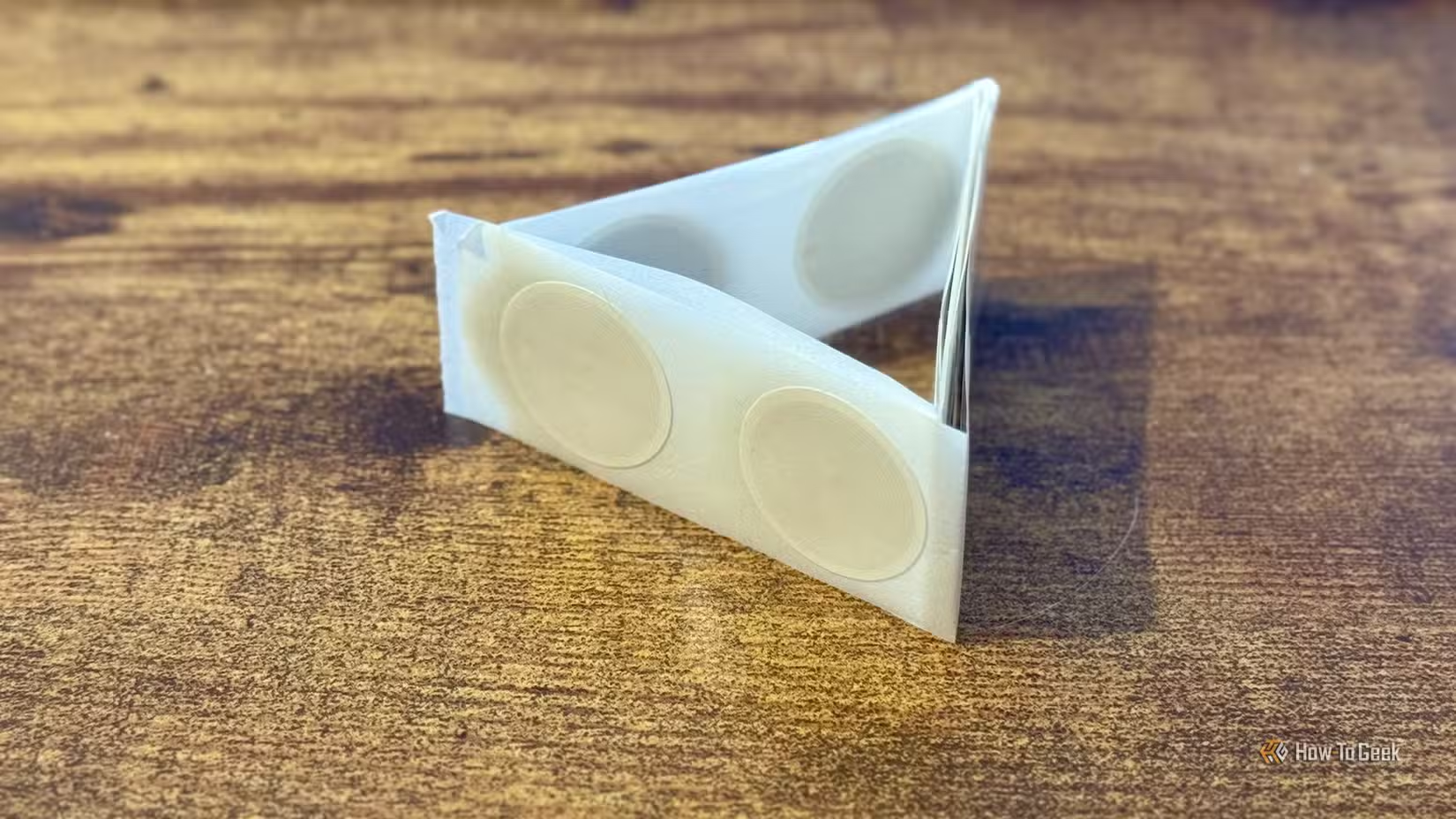
Adam Davidson, a tech writer at How-To Geek who runs a Home Assistant server at home, solved this with two NFC tags. He stuck one under each nightstand. The bedtime routine only triggers when both tags have been scanned.
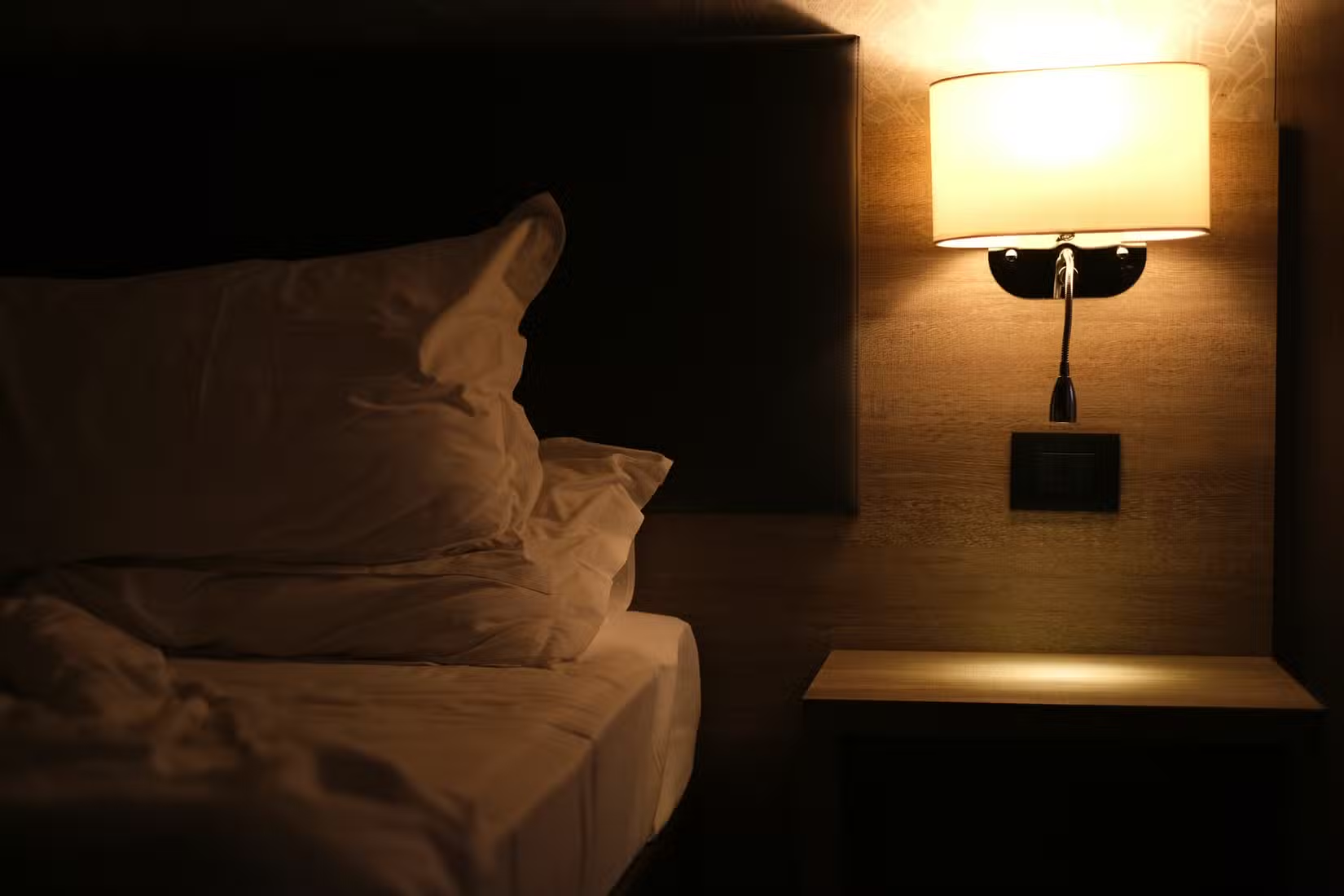
The workflow is simple. When you're ready to sleep, you tap your phone against the underside of your nightstand. Your phone vibrates to confirm the scan. Your partner does the same when they're ready. Only after both tags register does the automation run.
This accommodates different sleep schedules. One partner can read for another hour. The other can stay up gaming. The house doesn't shut down until both people explicitly signal they're done for the night.
Why NFC Beats Other Triggers
NFC tags require physical proximity. Your phone must be within a few centimeters of the tag to register it. This isn't a bug. It's the feature. Unlike Bluetooth beacons that can trigger from across a room, NFC demands intentional action.
- No voice required. Silent operation while your partner sleeps.
- No screen interaction. No blue light at 11 PM.
- No false positives. The tag won't scan itself.
- No batteries. NFC tags are passive and last indefinitely.
Hacker News commenters noted one caveat: don't use NFC for exterior door locks. The required proximity is a security feature for bedroom automations but a weakness for access control where someone could clone a tag.
What You Need
The hardware is cheap. NFC tags cost around $0.15 each when bought in bulk sheets. Any NTAG215 or NTAG216 tag works with both iPhone and Android.

On the software side, you need an automation platform that can read NFC triggers. Home Assistant is the most flexible option. The Home Assistant Green hub sells for $219 and runs the software out of the box. But you can also run Home Assistant on a Raspberry Pi or old laptop for free.
iPhone users can use the Shortcuts app to trigger automations when an NFC tag is scanned. Android users have even more options, including Tasker and the built-in NFC tools in Samsung's SmartThings.
Other Places NFC Tags Shine
Reddit's r/homeassistant community considers NFC tags a "classic" solution that's underused. Beyond bedtime routines, users deploy them for:
- Guest Wi-Fi sharing. Tap to auto-fill the password.
- Do Not Disturb modes. Tap when entering a meeting.
- Leaving-home routines. Tap by the door to arm security and turn off lights.
- Car mode. Tap your phone mount to launch navigation and enable driving settings.
“The ideal smart home should work with minimal interaction from the user, with automations running as if by magic rather than requiring you to push buttons on a control panel.”
— Adam Davidson, How-To Geek
Logicity's Take
Frequently Asked Questions
Frequently Asked Questions
Do NFC tags need batteries?
No. NFC tags are passive devices that draw power from the phone's NFC reader during the scan. They last indefinitely with no maintenance.
Will NFC tags work through wood or plastic?
Yes. NFC signals pass through non-metallic materials like wood, plastic, and fabric. You can hide tags under furniture, inside drawers, or behind artwork.
Do I need Home Assistant to use NFC tags?
No. iPhone users can use the Shortcuts app, and Android users can use Tasker or Samsung SmartThings. Home Assistant offers the most flexibility for complex automations but isn't required.
Are NFC tags secure for home automation?
For indoor routines like bedtime or DND modes, yes. For exterior door locks or security systems, no. NFC tags can be cloned, so avoid using them for access control where an attacker could copy your tag.
More ways to build smart, budget-friendly tech setups
Need Help Implementing This?
Source: How-To Geek
Huma Shazia
Senior AI & Tech Writer
Produced with AI assistance and reviewed by the Logicity editorial team. Learn more in our Editorial Policy.






