Key Takeaways
- Physical timers eliminate the 15-30 seconds of screen unlocking friction per use, adding up to hours saved annually
- Modern flashlights output 500+ lumens vs smartphone LEDs at 40-70 lumens, making physical tools 7x more effective
- Dedicated calculators and note-taking tools keep phones away from meetings, reducing distraction and improving focus
According to [How-To Geek](https://www.howtogeek.com/cheap-accessories-that-are-better-than-a-phone-app/), physical accessories like timers, flashlights, and calculators often outperform their smartphone app equivalents by eliminating the friction of screen timeouts, lock screens, and app switching that plague mobile workflows.
Here's a counterintuitive truth that most tech-forward leaders overlook: the best productivity tool isn't always digital. While we've spent the last decade consolidating everything into our smartphones, a growing number of professionals are rediscovering that cheap, single-purpose physical tools often beat apps for daily tasks. The reason? Zero friction.
Why Do Physical Tools Beat Apps for Business Productivity?
Every time you reach for your phone to set a timer, check a calculation, or use the flashlight, you're introducing what behavioral economists call "friction costs." You unlock the screen. You navigate to the app. You get distracted by a notification. The task that should take 2 seconds takes 30. Multiply that by dozens of daily interactions, and you're losing real productivity.
Physical tools eliminate this friction entirely. A timer button is always ready. A flashlight switch doesn't require Face ID. A calculator doesn't show you emails while you're crunching numbers. For business leaders managing their attention as their most scarce resource, this matters more than most realize.
The Attention Cost of App Switching
Research from the University of California Irvine found it takes an average of 23 minutes to fully refocus after a distraction. Every phone pickup, even for a "quick" timer or flashlight, risks triggering this attention penalty when notifications appear.
Which Tech Accessories Actually Beat Smartphone Apps?
Not every physical tool makes sense. Your phone's calendar app beats a paper planner for most professionals. But certain categories of tools consistently outperform their digital counterparts for specific use cases. Here's where the business case is strongest:
Timers and Stopwatches
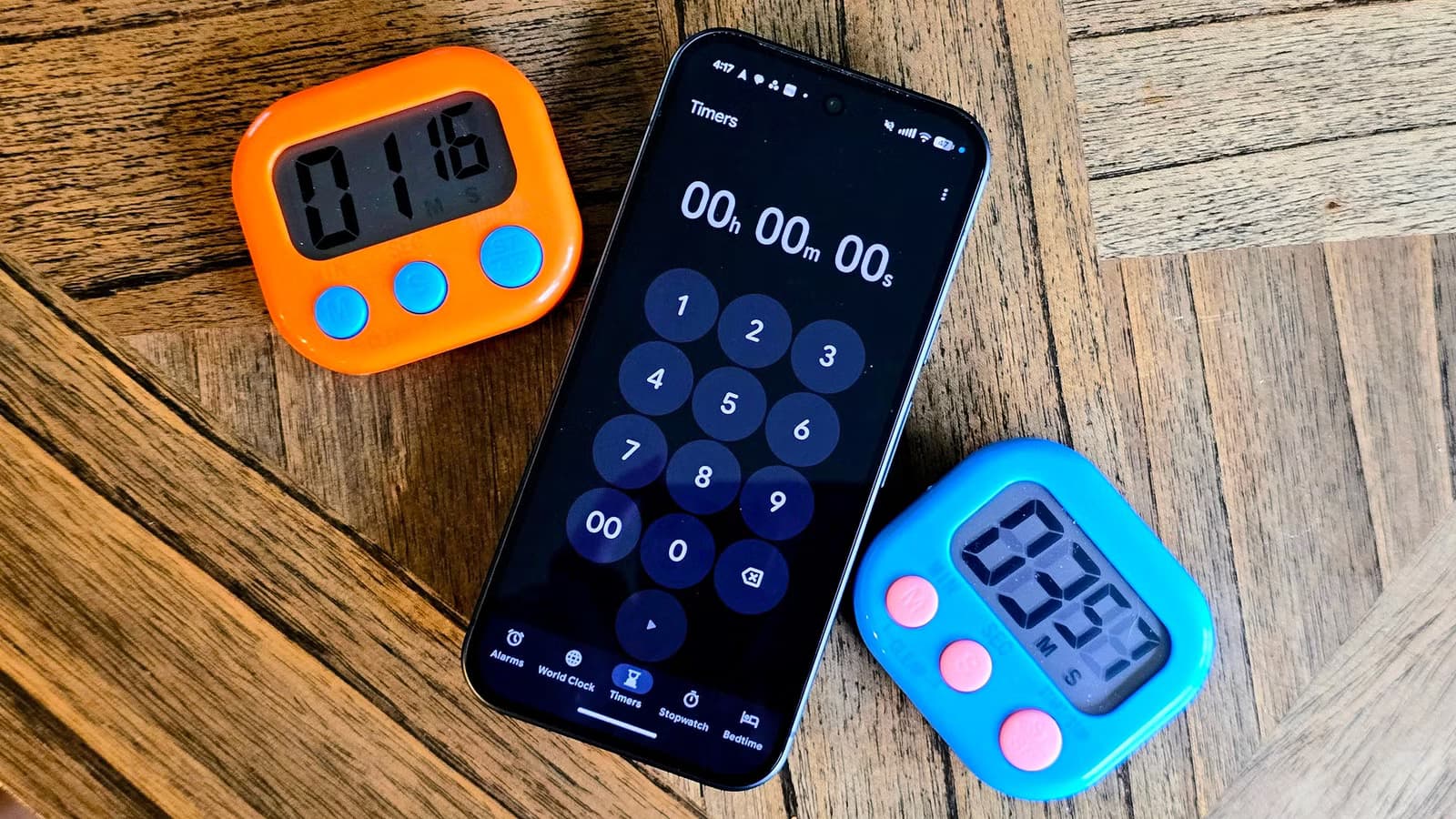
The inspiration for this analysis came from a simple observation: professionals who use timers frequently (for Pomodoro technique, meeting time-boxing, or workout routines) consistently report frustration with phone-based solutions. The screen turns off. The lock screen requires authentication. The always-on display drains battery.
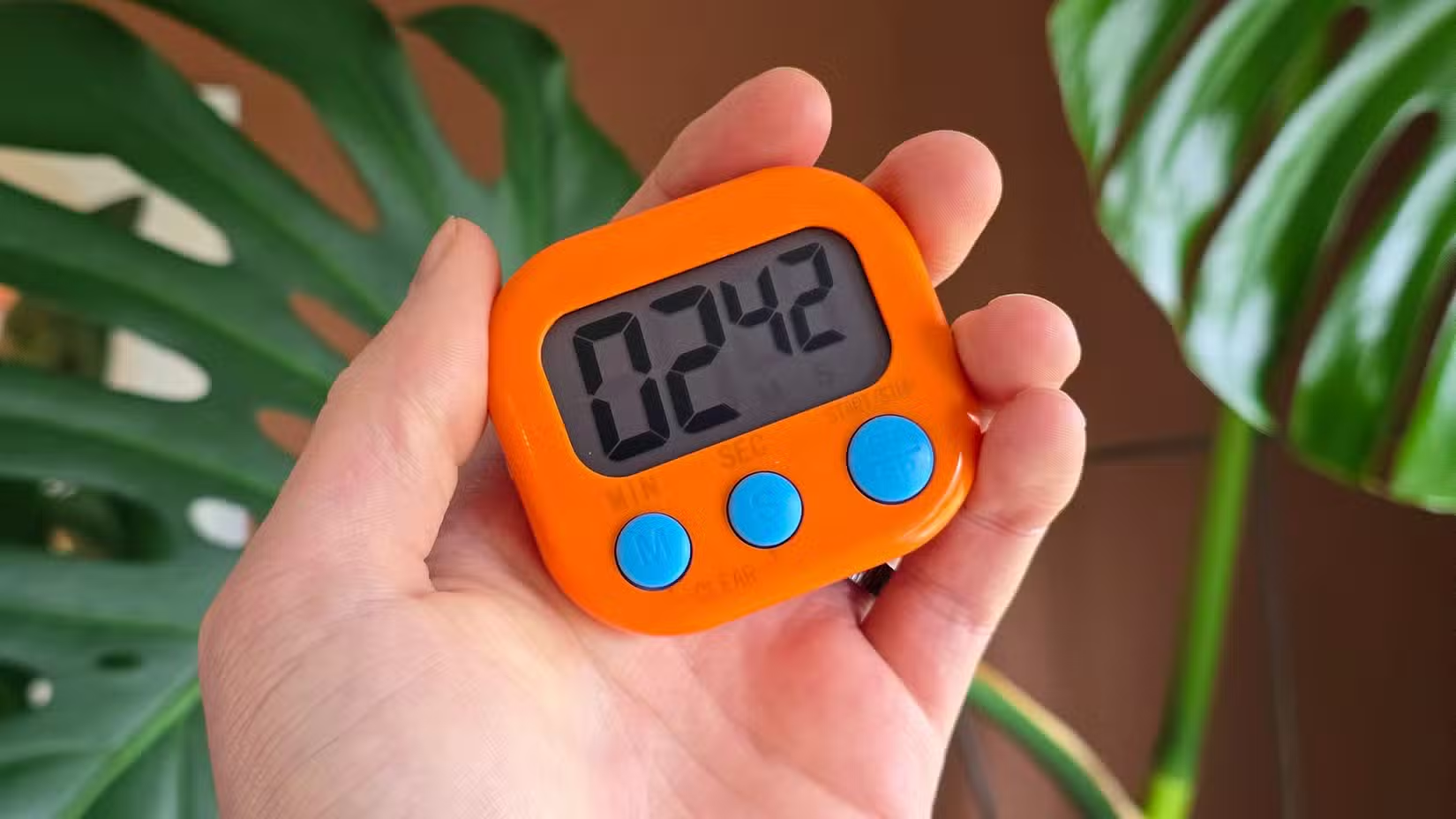
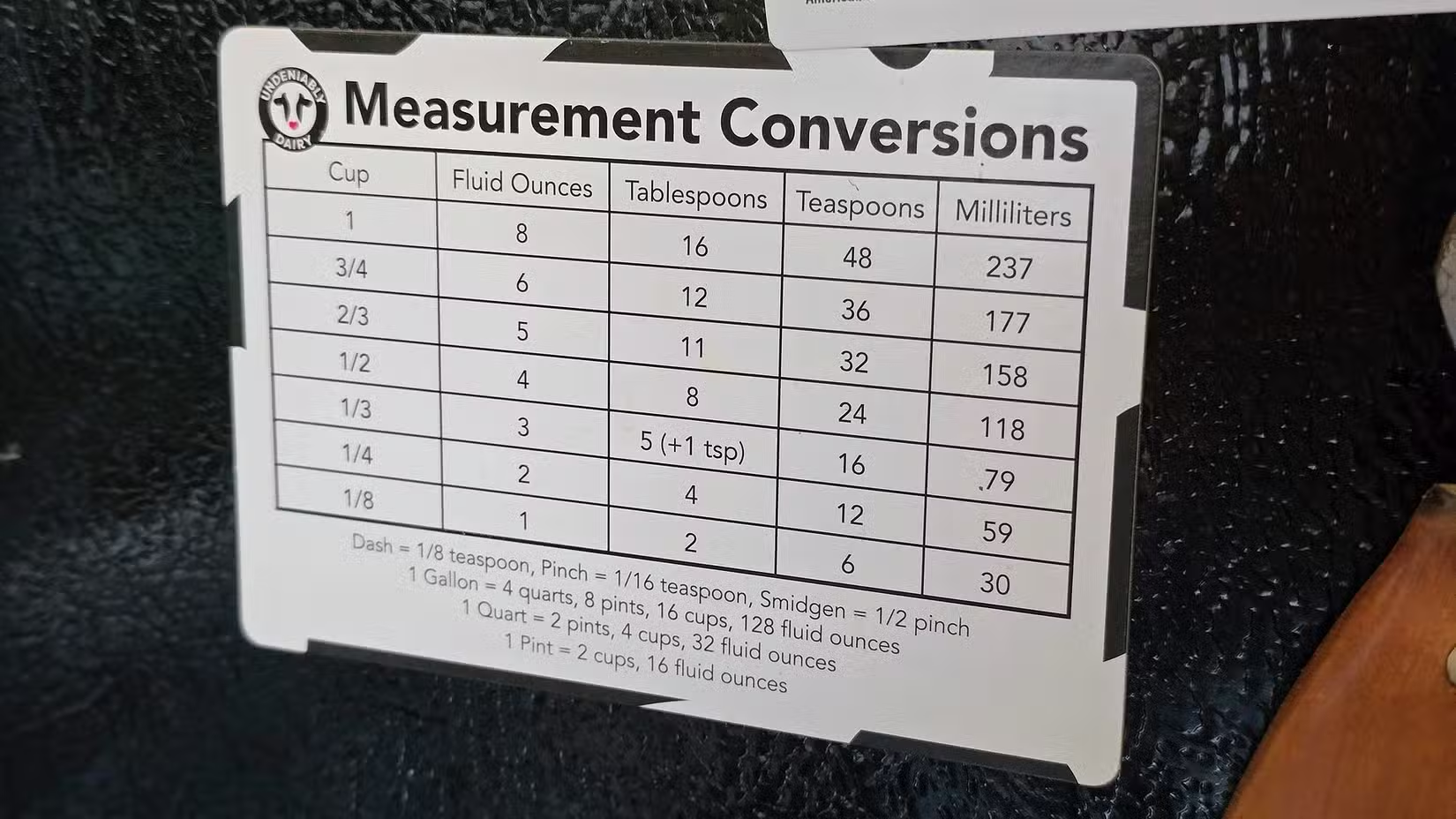
A $12 six-pack of digital timers solves all of this. The time is always visible. Buttons are immediately accessible. Multiple timers can run simultaneously across different tasks. For operations managers tracking production cycles or consultants billing by time blocks, dedicated timers pay for themselves within days.
Modern Flashlights
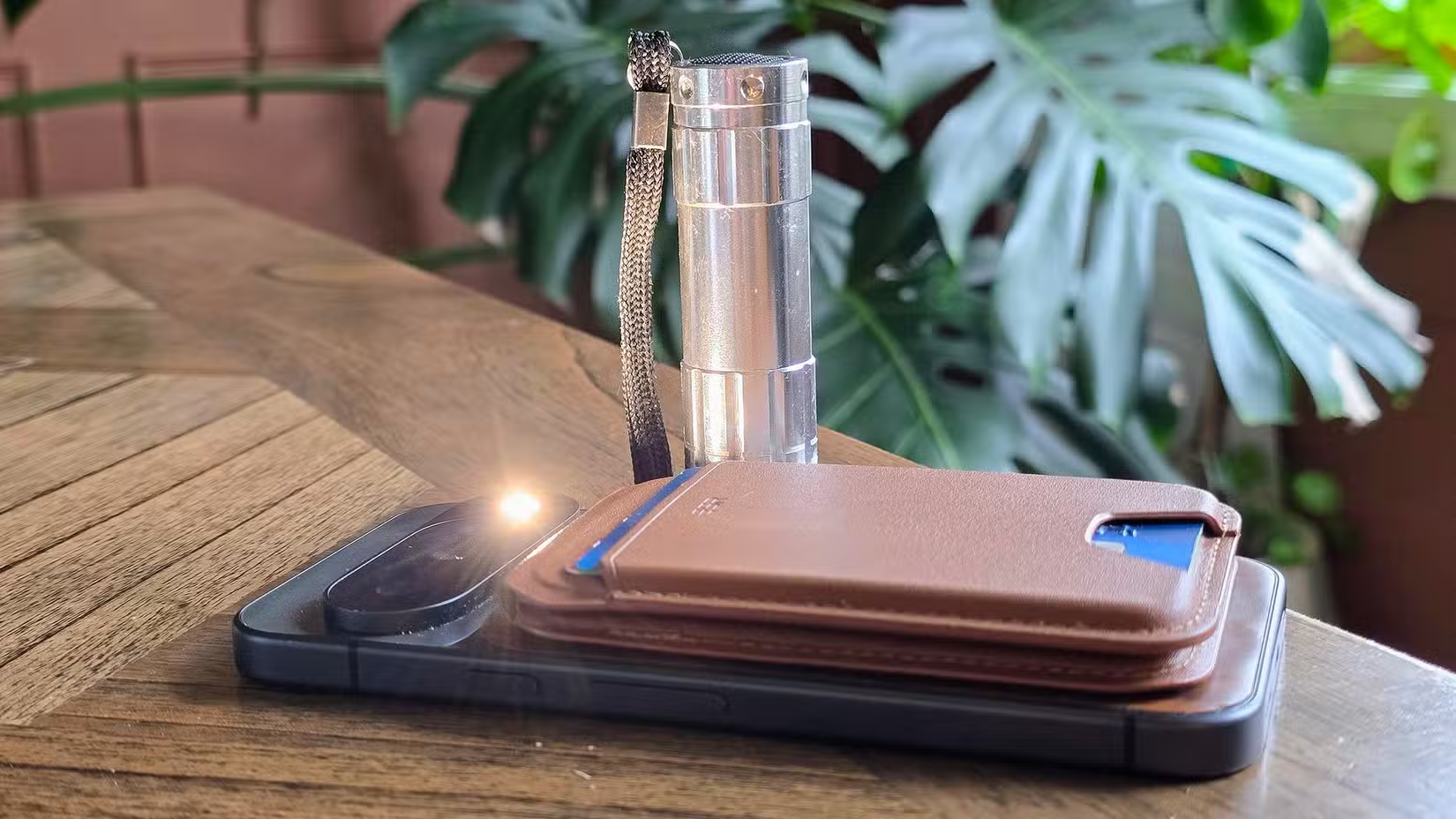
Your smartphone's LED flash puts out roughly 40-70 lumens. A modern compact flashlight delivers 500+ lumens. That's not a marginal improvement; it's a 7x performance advantage. For facilities managers, field technicians, or anyone who regularly needs to inspect equipment, server rooms, or construction sites, the difference is stark.
| Feature | Smartphone Flash | Dedicated Flashlight |
|---|---|---|
| Light Output | 40-70 lumens | 500-1000+ lumens |
| Battery Impact | Drains phone battery | Separate batteries |
| Beam Focus | Wide, unfocused | Adjustable beam patterns |
| Durability | Phone-dependent | Drop-resistant, waterproof options |
| Cost | $0 (included) | $5-30 |
Modern flashlights have also become remarkably affordable. USB-rechargeable models with 500+ lumen output cost under $15. For any professional who occasionally needs serious illumination, keeping a dedicated light in a desk drawer or vehicle makes obvious sense.
Physical Calculators
This one surprises people, but ask any CFO or accountant who processes numbers all day: dedicated calculators beat phone apps for sustained calculation work. The tactile feedback of physical keys reduces errors. The device stays on without battery anxiety. Most importantly, the calculator doesn't tempt you with notifications, texts, or that email you've been avoiding.
For meeting contexts, physical calculators also signal professionalism. Pulling out your phone to run numbers can appear distracted or unprofessional to clients. A calculator on the table signals preparation and focus.
Another area where understanding your hardware saves real business time
Analog Note-Taking
The research here is compelling. Studies consistently show that handwriting notes improves retention compared to typing. For business leaders in strategy sessions, investor meetings, or client consultations, capturing ideas on paper creates better memory encoding than tapping a screen.
High-quality notebooks like Moleskine or Leuchtturm cost $15-25 and last months. The investment is minimal, but the signaling is significant: a leader taking handwritten notes appears more attentive and thoughtful than one typing on a phone or tablet.
How Much Can Physical Tools Save Your Team Annually?
Let's run the numbers. Assume a knowledge worker uses phone-based timers, flashlights, or calculators 10 times daily, adding 20 seconds of friction per use. That's 200 seconds, or 3.3 minutes, lost daily to screen unlocking and app navigation.
- 3.3 minutes daily = 16.5 minutes weekly
- 16.5 minutes weekly = 14.3 hours annually
- At $50/hour loaded cost = $715 annual productivity loss per employee
- Team of 20 = $14,300 in friction costs
Now, this isn't pure productivity loss since not all that time would convert to productive work. But it does represent attention fragmentation, which research shows has compounding negative effects on deep work capacity. The ROI on a $50 physical tool kit per employee is essentially infinite when compared to doing nothing.
What's the Best Physical Productivity Toolkit Under $50?
Based on the friction-elimination principle, here's a recommended starter kit for professionals looking to reduce phone dependency for common tasks:
- Digital timer multi-pack (6 timers): $12. Use for time-boxing, meeting management, and focus sessions.
- USB-rechargeable flashlight (500+ lumens): $12-15. Keep in desk drawer and vehicle.
- Desktop calculator with large display: $8-12. For meeting rooms and financial discussions.
- Quality notebook and pen: $15-20. For client meetings and strategy sessions.
Total investment: $47-59. Estimated annual productivity recovery: 14+ hours per person. The math works at any salary level.
Should Your Company Provide Physical Tools to Employees?
For operations-heavy roles like manufacturing supervisors, field technicians, or facilities managers, the answer is clearly yes. These professionals use timers and flashlights constantly, and the productivity gains are immediate.
For knowledge workers, the case is more nuanced. Consider providing these tools as optional perks rather than mandates. Employees who already manage phone distractions effectively may not need them. But those struggling with focus or phone dependency may find physical tools genuinely transformative.
✅ Pros
- • Immediate productivity improvement for high-frequency tool users
- • Reduces phone pickup habits that fragment attention
- • Signals company investment in employee effectiveness
- • Minimal cost per employee ($50 or less)
❌ Cons
- • Some employees won't use them
- • Adds physical clutter to workspace
- • Requires some change management to encourage adoption
Top founders optimize for attention management as a core leadership skill
The Strategic Point: Optimize for Attention, Not Features
The deeper lesson here isn't about timers or flashlights. It's about recognizing that attention, not technology, is your team's scarcest resource. Every workflow decision should be evaluated through the lens of attention preservation.
Smartphones are incredible general-purpose tools. But their very versatility makes them attention hazards. When a simple task like setting a timer requires navigating past notifications, messages, and app icons, the tool is working against your goals. Sometimes the best technology decision is choosing less technology for specific tasks.
“The most productive leaders treat their attention like a CFO treats cash flow: something to be protected, allocated deliberately, and never wasted on unnecessary transactions.”
— Adapted from productivity research
Logicity's Take
At Logicity, we build AI-powered automation systems for businesses across India and the Middle East. Our work focuses on eliminating friction from complex workflows using tools like n8n, Claude API integrations, and custom Next.js applications. But here's something we've learned from shipping dozens of automation projects: sometimes the best solution isn't more software. When clients come to us wanting to automate everything, we often start by asking what can be simplified with physical changes. Can a whiteboard replace a complex project tracking app for a small team? Can printed checklists outperform tablet-based inspection forms in dusty factory environments? The answer is often yes. The accessories discussed here reflect the same principle we apply to enterprise automation: match the tool to the task complexity. Simple tasks deserve simple solutions. Save the sophisticated technology for genuinely complex problems. For Indian startups especially, this mindset matters because resources are precious and attention is even more precious.
Frequently Asked Questions
Frequently Asked Questions
How much do physical productivity tools cost compared to apps?
A complete toolkit (timers, flashlight, calculator, notebook) costs $50 or less as a one-time purchase. Most productivity apps cost $5-15 monthly, meaning physical tools break even within 3-10 months while lasting years.
Is it worth providing physical tools to remote employees?
Yes, especially for roles involving frequent timing or calculation tasks. A $50 home office kit shipped to employees costs less than one hour of most professionals' time and can recover 14+ hours annually in reduced friction.
What's the biggest productivity gain from physical tools?
Attention preservation. Physical tools eliminate the notification exposure that occurs every time you pick up your phone. Research shows attention recovery from distractions takes 23 minutes on average, making avoided phone pickups the highest-value benefit.
Should executives use physical tools in client meetings?
Strongly recommended. Using a physical calculator or notebook in client meetings signals professionalism and focus. Phone usage, even for legitimate purposes, can appear inattentive and unprofessional to clients and investors.
How do I encourage my team to adopt physical tools?
Start by providing the tools without mandating use. Share the attention-preservation research with your team. Lead by example with visible use in meetings. Track whether early adopters report productivity improvements and share those results.
Another example of simple, free tools that outperform complex alternatives
Need Help Optimizing Your Team's Workflows?
At Logicity, we help businesses across India and the MENA region identify where technology adds value and where simpler solutions work better. Whether you need AI-powered automation for complex processes or strategic consulting on productivity optimization, our team can help you build workflows that respect your team's most valuable resource: their attention. Get in touch to discuss your specific challenges.
Source: How-To Geek
Manaal Khan
Tech & Innovation Writer
Produced with AI assistance and reviewed by the Logicity editorial team. Learn more in our Editorial Policy.