Key Takeaways
- SteamOS 3.9 can run on Intel Arc B580 hardware, but requires installing via a Radeon card first
- Resizable BAR must be enabled or performance drops to unplayable levels on Intel Arc GPUs
- This proof of concept shows Valve's OS could theoretically support non-AMD hardware, though it remains firmly in enthusiast territory
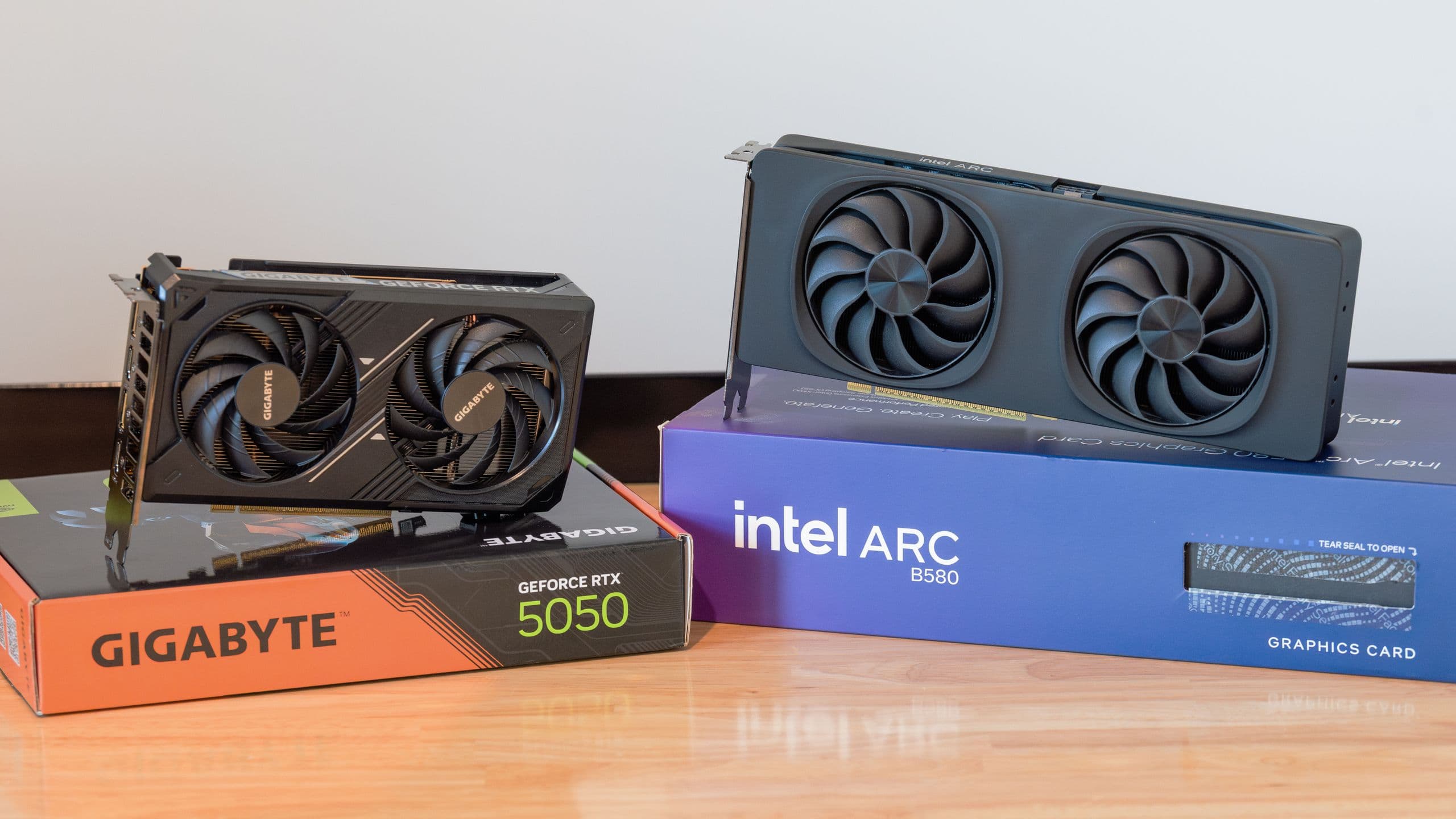
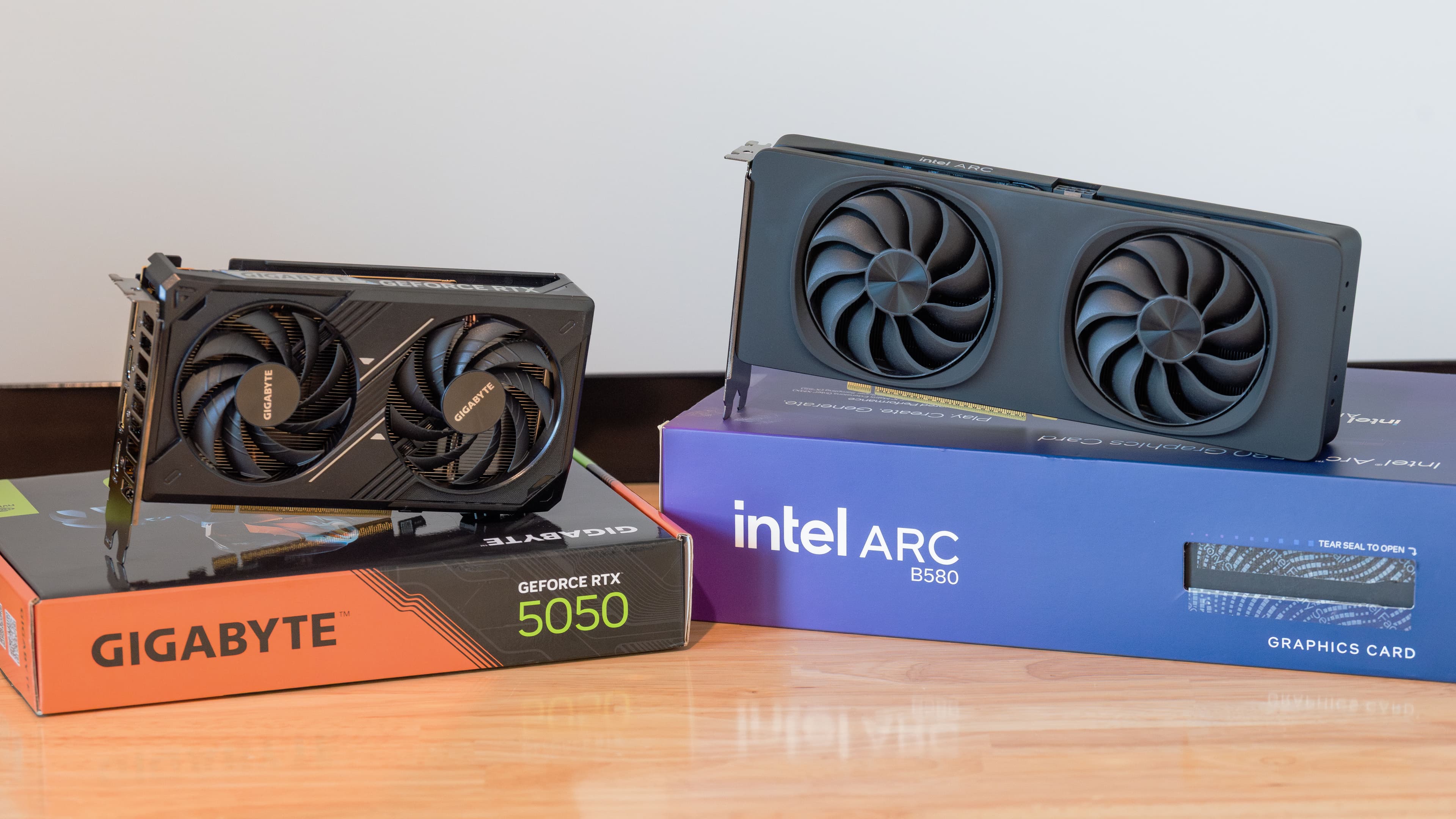
A Reddit user running the handle SaperPL has successfully booted Valve's SteamOS on an Intel Arc B580 desktop GPU, proving the AMD-centric operating system can run on rival silicon. The catch: getting there required a spare Radeon card, an older installer image, and a BIOS setting that nearly tanked the whole experiment.
SteamOS powers the Steam Deck and is built around AMD's architecture. Valve has shown little interest in officially supporting other GPUs. But recent beta builds quietly expanded hardware compatibility, primarily targeting Intel-powered handhelds. Because the underlying Mesa graphics driver is shared between Intel's handheld chips and desktop Arc cards, the same code that enables those handhelds also recognizes desktop Battlemage GPUs.
Why did the installer fail on Intel hardware?
Newer SteamOS images that supposedly include Intel Arc support failed during setup on SaperPL's system. Instead of booting into the older live desktop installer with install, update, and recovery options, the newer images attempted to install directly to the drive. They then failed when trying to connect to the network and pull the first update.
“The installer just hangs at the update check... swapping the card for a spare Radeon was the only way to get through the initial setup.”
— SaperPL, Reddit user and SteamOS enthusiast
The same problem occurred when testing with a Radeon RX 9060 XT, suggesting the bug is not specific to Intel hardware. The workaround was messy but effective: install an older "repair-main" SteamOS build using a Radeon card, pull the required updates, then physically swap in the Intel Arc B580. After that, SteamOS booted on the Intel GPU and ran from the Main channel.
How does Intel Arc perform under SteamOS?
Initial results were rough. SaperPL tested 14 games including Cyberpunk 2077, Helldivers 2, Marvel's Spider-Man: Miles Morales, Indiana Jones and the Great Circle, and Hades. The Steam library and store navigation worked smoothly. Gamescope, Valve's compositor, behaved similarly to Radeon, aside from a VRR bug on FreeSync displays with HDR that caused occasional flickering.
Frame rates told a different story. Indiana Jones and Toxic Commando were initially barely above 20 FPS at 1080p on the lowest settings. Helldivers 2, Cyberpunk 2077, and Spider-Man fell far below comparable Windows benchmarks. Monitoring showed the Ryzen 5 5600 CPU hovering between 30% and 50% usage while the GPU sat at 80% to 90%, ruling out a CPU bottleneck.
Resizable BAR: the hidden performance killer
The culprit turned out to be Resizable BAR, a familiar pain point for Intel Arc owners. SaperPL discovered that ReBAR had been disabled on the Asus B450 Strix motherboard after a previous CPU change. Intel Arc GPUs are unusually sensitive to this setting. Without it, the CPU cannot efficiently access the GPU's full memory space, leading to severe performance drops.
Once enabled, Cyberpunk 2077 and Spider-Man performed as expected. Indiana Jones and Toxic Commando improved significantly, though still not fully matching Windows reference results. The difference was stark: from "SteamOS on Arc is broken" to "SteamOS on Arc is early, but actually running."
What's holding back full performance parity?
Commenters pointed to kernel support as a likely limitation. Intel's Arc drivers on Linux have improved considerably, but the newest performance optimizations often depend on recent kernel and Mesa versions. If SteamOS's Main channel lags behind the latest Linux graphics stack, Arc performance will remain below what the same card achieves under Windows or faster-moving Linux distributions like Arch or Fedora.
SaperPL's system reported the card as Mesa Intel Arc B580 Graphics (BMG G21) on Mesa 26.1.2, running SteamOS 3.9. That's current, but Intel Arc benefits from bleeding-edge driver work that may not land in SteamOS for months.
What does this mean for SteamOS on non-AMD hardware?
This is a proof of concept, not a consumer-ready feature. Valve has not positioned SteamOS as a general desktop gaming OS, and the company's roadmap suggests no imminent plans to change that. But the experiment confirms that the technical barriers are lower than many assumed. The Mesa driver stack already supports Intel Arc. The main obstacles are installer bugs and optimization gaps, not fundamental incompatibilities.
For enthusiasts with a spare Radeon card and tolerance for troubleshooting, this opens a door. For everyone else, it's a signal that Valve could, if it chose, offer a more hardware-agnostic SteamOS. Whether that aligns with the company's business interests is another question.


Logicity's Take
This hack reveals more about Valve's priorities than its technical limitations. The company clearly can support Intel and potentially Nvidia GPUs under SteamOS. It simply hasn't prioritized that work. If third-party handhelds with Intel chips gain traction, Valve may face pressure to formalize what SaperPL achieved with duct tape and a spare Radeon. Until then, expect SteamOS to remain an AMD-first experience with accidental compatibility for anyone willing to get their hands dirty.
Frequently Asked Questions
Can SteamOS run on Intel Arc GPUs officially?
No. Valve has not officially supported Intel Arc GPUs. This proof of concept required workarounds including installing via a Radeon card first.
Why does SteamOS perform poorly on Intel Arc without Resizable BAR?
Intel Arc GPUs depend heavily on Resizable BAR for the CPU to efficiently access GPU memory. Without it, performance can drop to unplayable levels.
What version of SteamOS supports Intel Arc?
SteamOS 3.9 with Mesa 26.1.2 includes the driver support needed for Intel Arc Battlemage GPUs, though official compatibility is not guaranteed.
Do I need a Radeon card to install SteamOS on Intel Arc?
Currently, yes. The installer fails on Intel Arc due to a network update bug. A Steam Community workaround may bypass this, but it's not straightforward.
Will Valve officially support non-AMD GPUs in SteamOS?
Valve has not announced plans for this. Recent beta builds improved Intel compatibility for handhelds, but desktop Intel or Nvidia support remains unofficial.
Another enthusiast project pushing operating system boundaries for gaming
Need Help Implementing This?
Looking to optimize your gaming hardware setup or explore Linux-based gaming solutions? Logicity connects you with experts who can help navigate complex configurations. Contact us for guidance on hardware compatibility and performance tuning.
Source: Latest from Tom's Hardware
Huma Shazia
Senior AI & Tech Writer
Produced with AI assistance and reviewed by the Logicity editorial team. Learn more in our Editorial Policy.